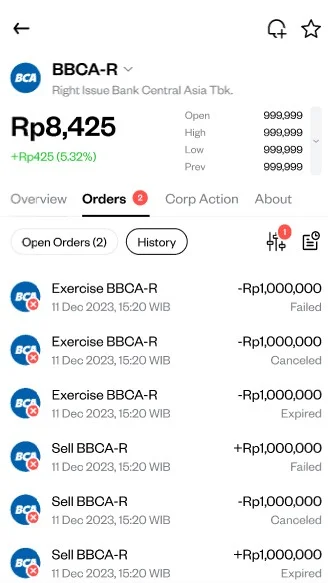
How do I check my rights and warrant transaction history on Pluang?
You can check your rights and warrant transaction history on Pluang in under a minute via the Transaction History page, using the dedicated "Exercise Rights and Warrants" filter to isolate exercise events specifically.
Before you start, make sure:
-
You have at least one rights or warrant transaction (buy, sell, or exercise) on your account to display
4 Steps
Open the Transaction History page
Navigate via Home → Portfolio → Transaction History.
Tap the filter icon
This opens the list of available transaction type filters.
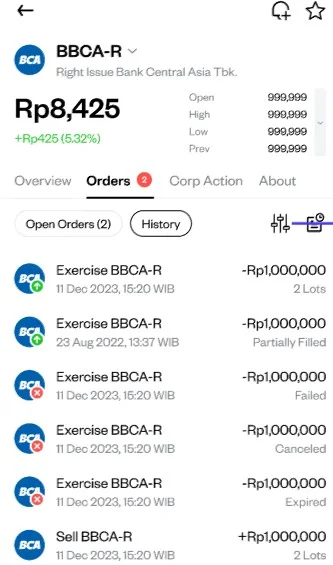
Select "Exercise Rights and Warrants"
This isolates exercise events only — it does not include regular market buys or sells of -R/-W tickers.
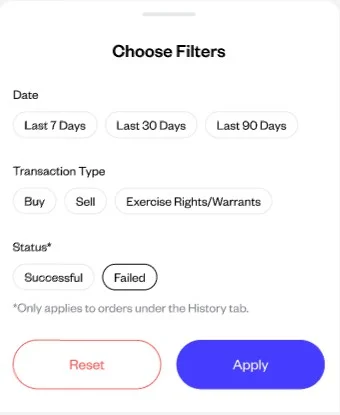
Review your exercise history
Each entry shows the ticker, lots exercised, exercise price, and date.