How to Sell US Stocks on Pluang Web
12 Steps
Navigate to https://trade.pluang.com/en
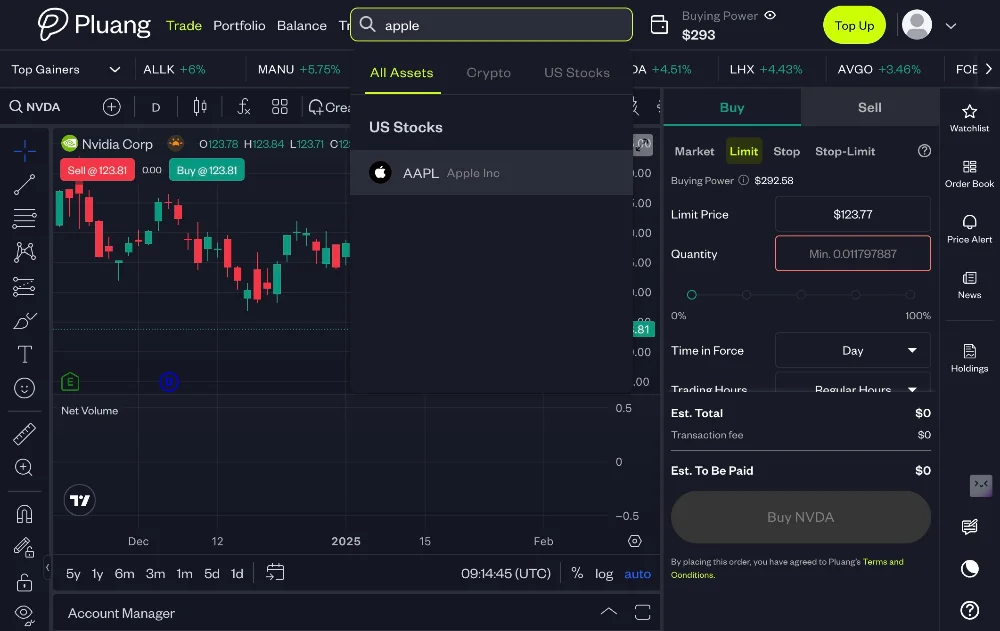
Click here and search for your underlying stock in the "Search stock or crypto" field"
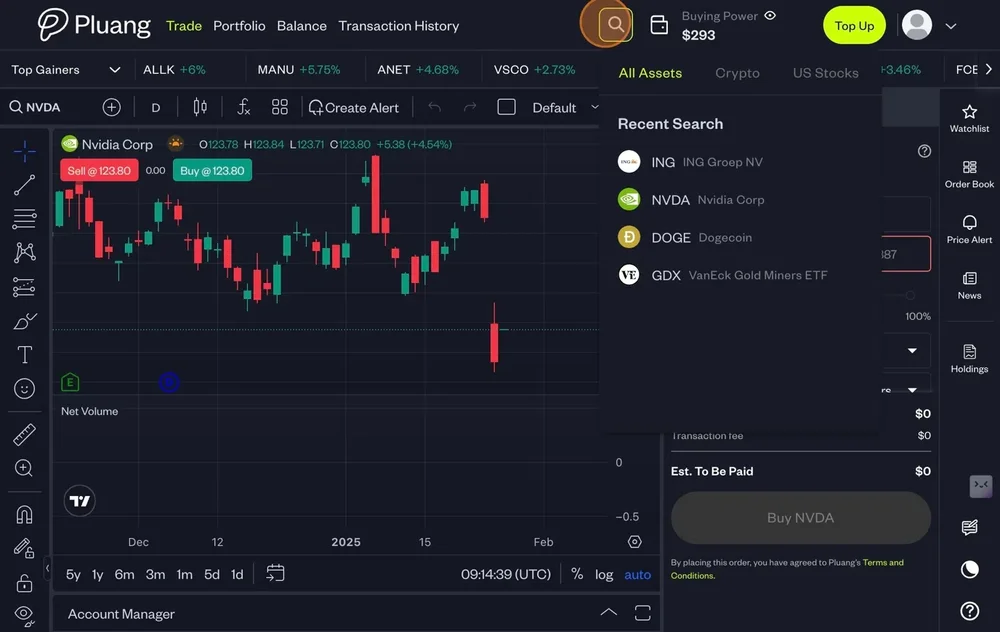
Select the underlying stock to sell
Click "Sell"
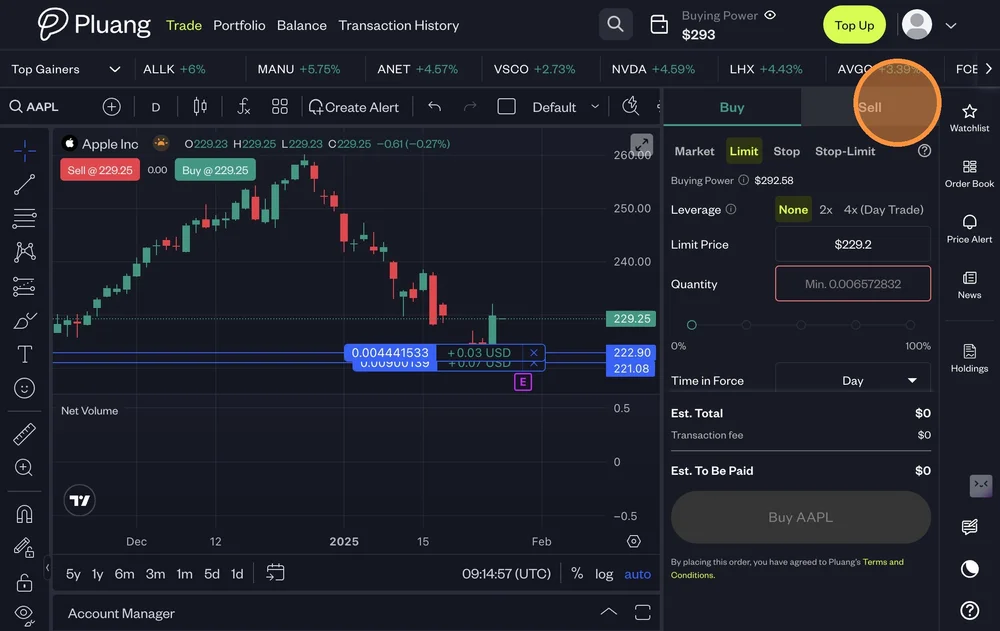
There are 4 types of Sell Orders
Sell Market - Sell shares at the best available price
Sell Limit - Trigger a sell order when the price raises to a specified price or higher
Sell Stop Order - Trigger a market sell order when the price drops to a specified price or lower.
Sell Stop-Limit Order - Trigger a limit sell order when the price drops to a specified price or lower.
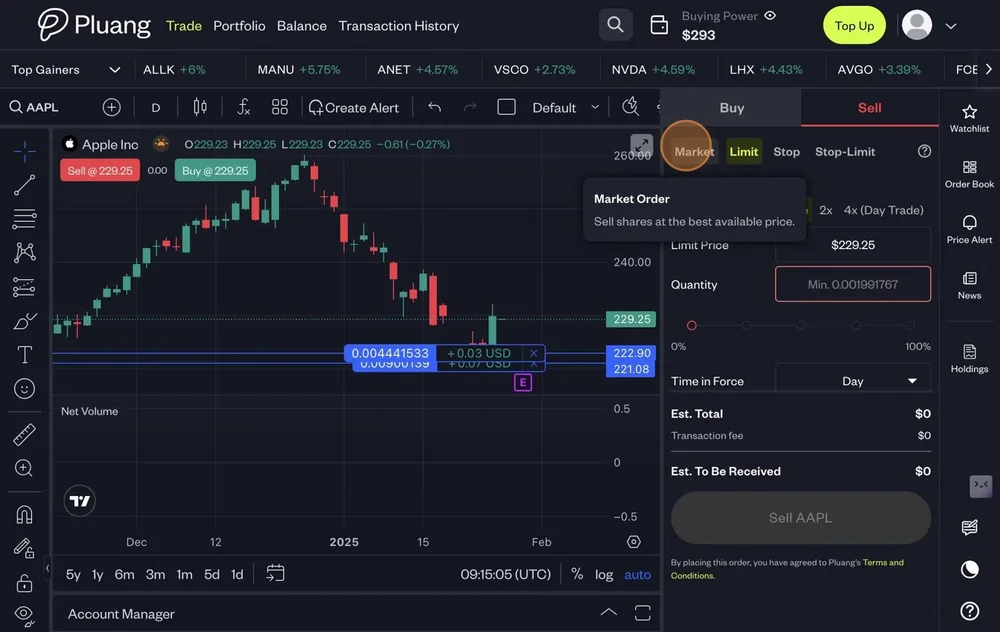
To execute a Sell order populate:
Market - Quantity
Limit - Limit Price & Quantity
Stop - Stop Price & Quantity
Stop-Limit - Limit Price , Stop Price & Quantity
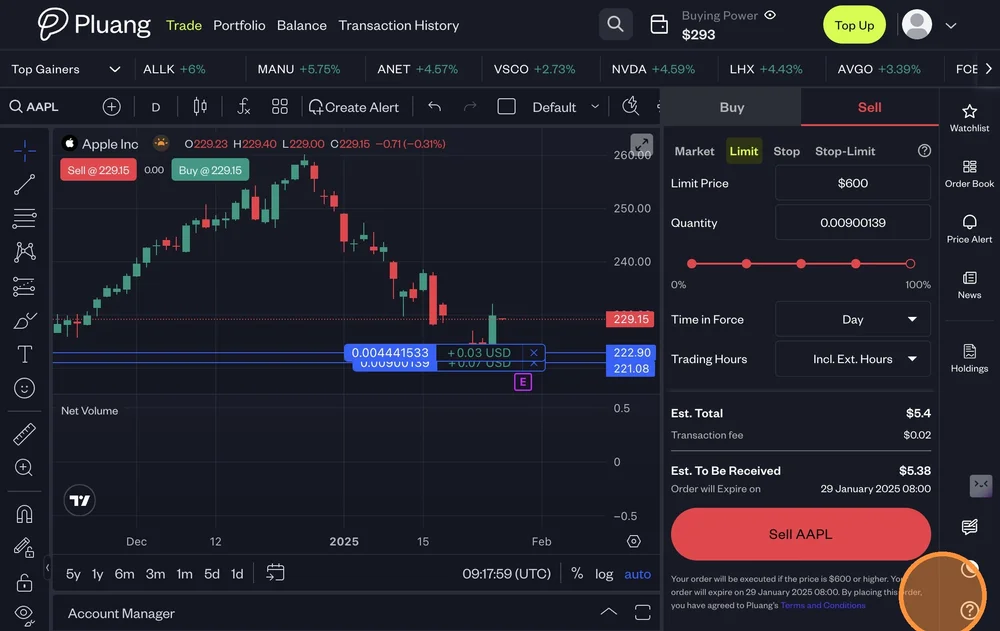
Select the "Time in Force"
Day - Good till Market Close
GTC - Good till Cancelled
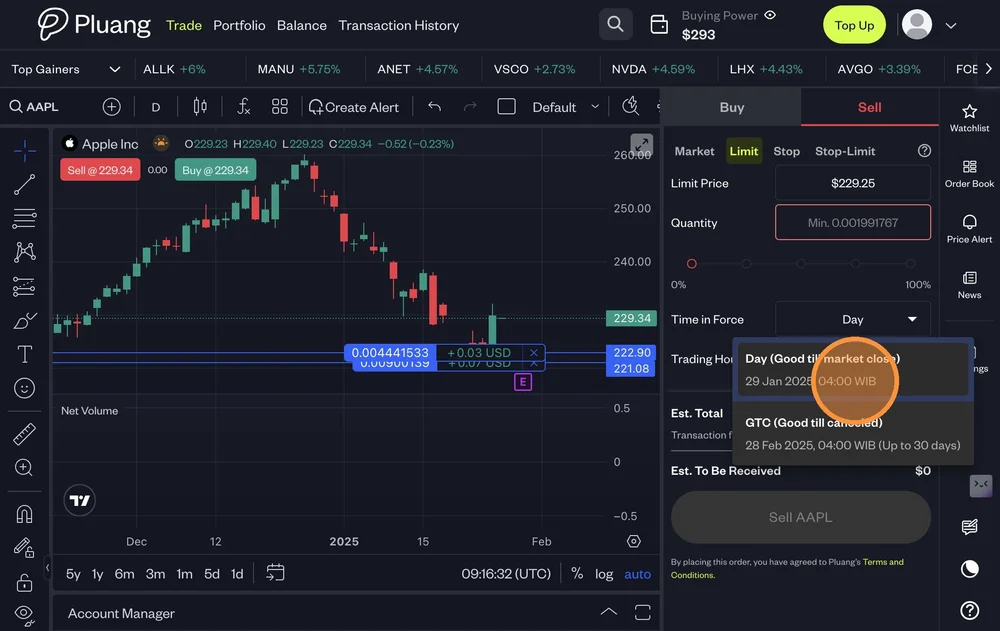
Select "Trading Hours"
Only Regular Hours
Include Extended Hours
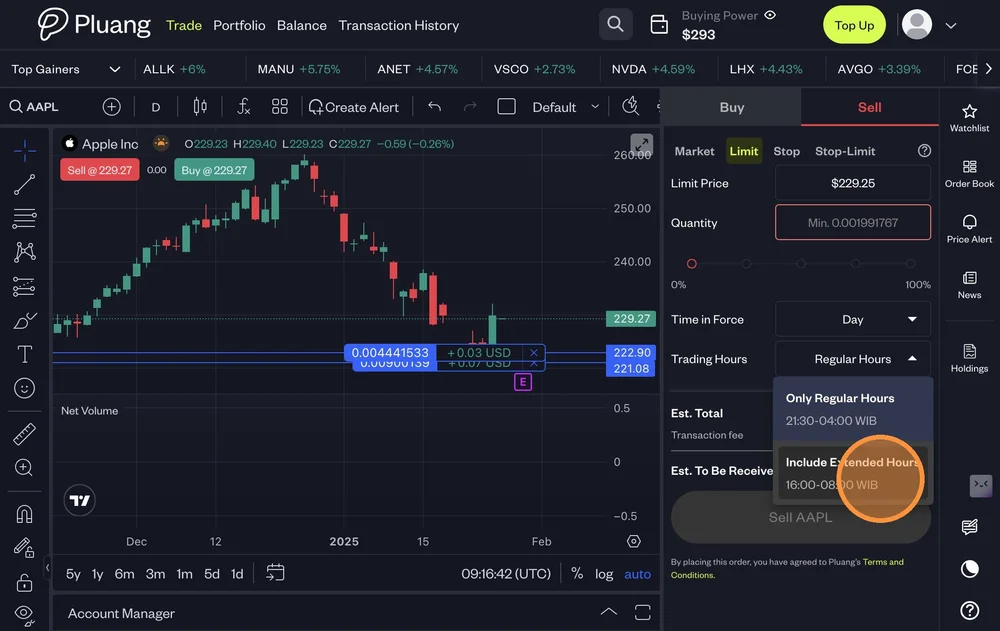
Click "Sell "
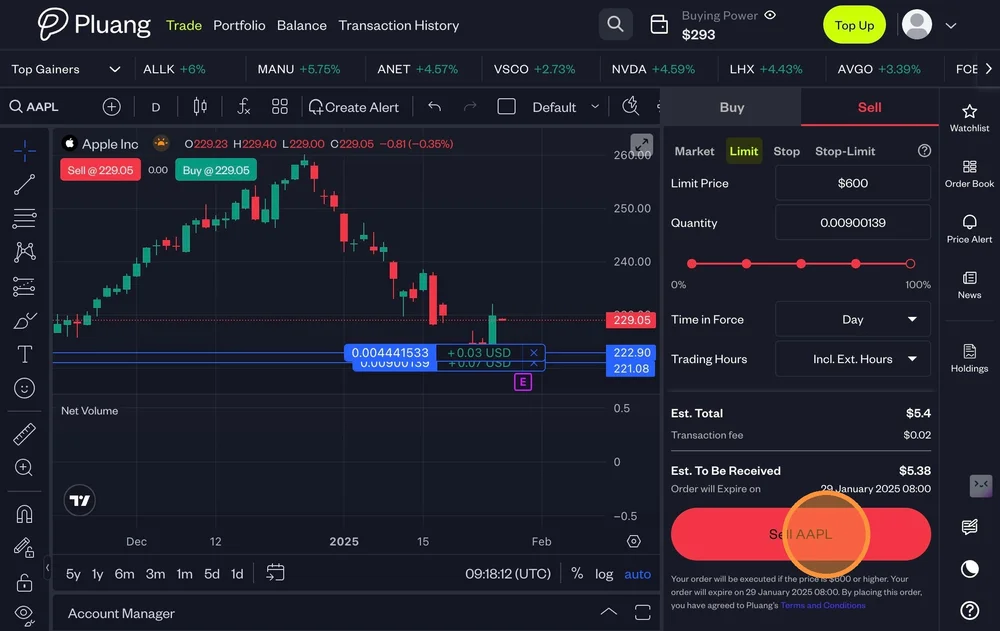
The below confirmation will pop up on your screen
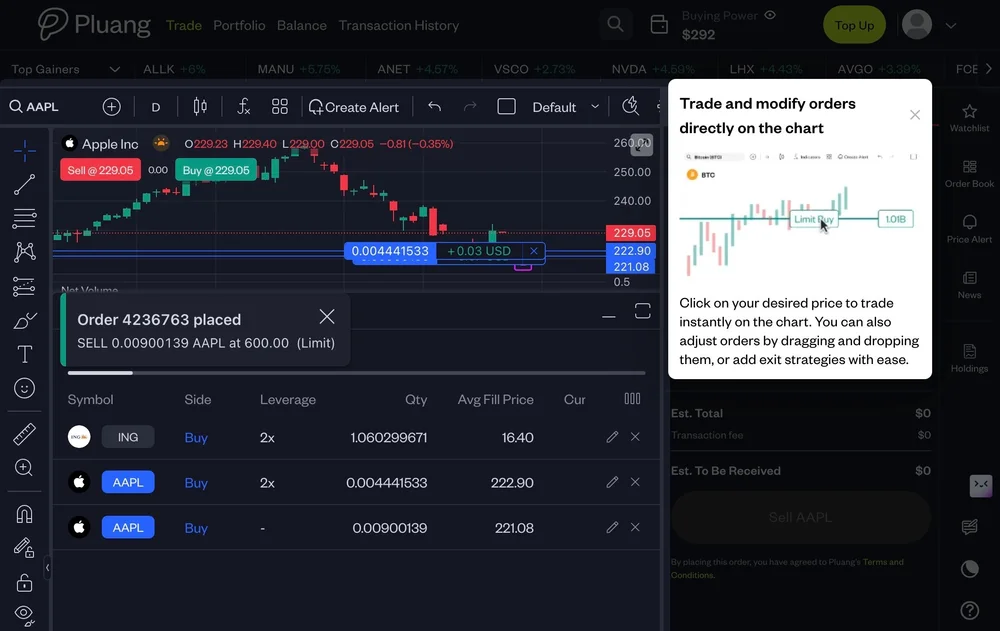
Click "Orders"
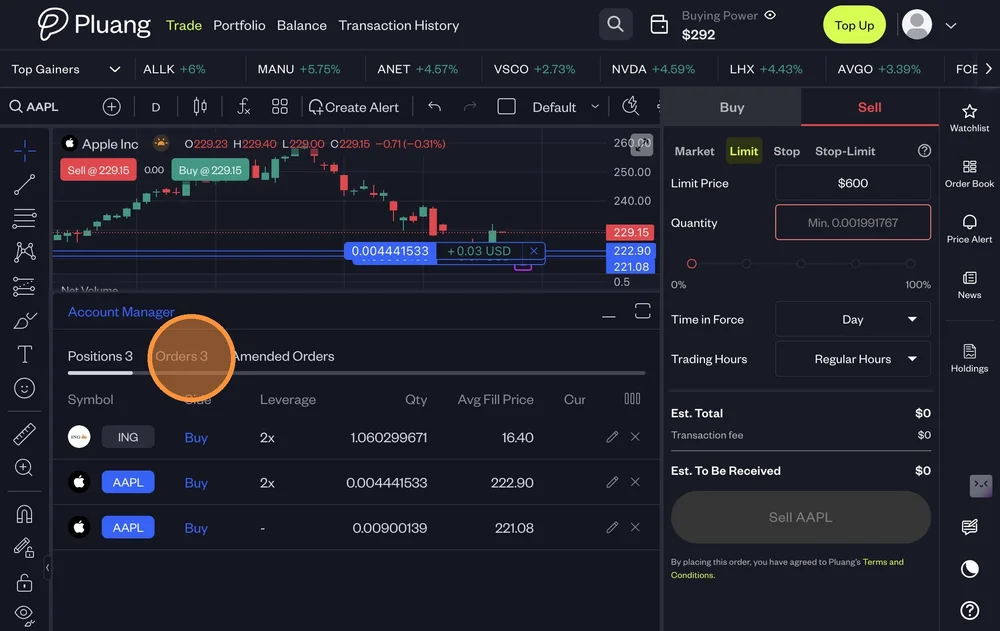
Your Sell order is placed in the Account manager section
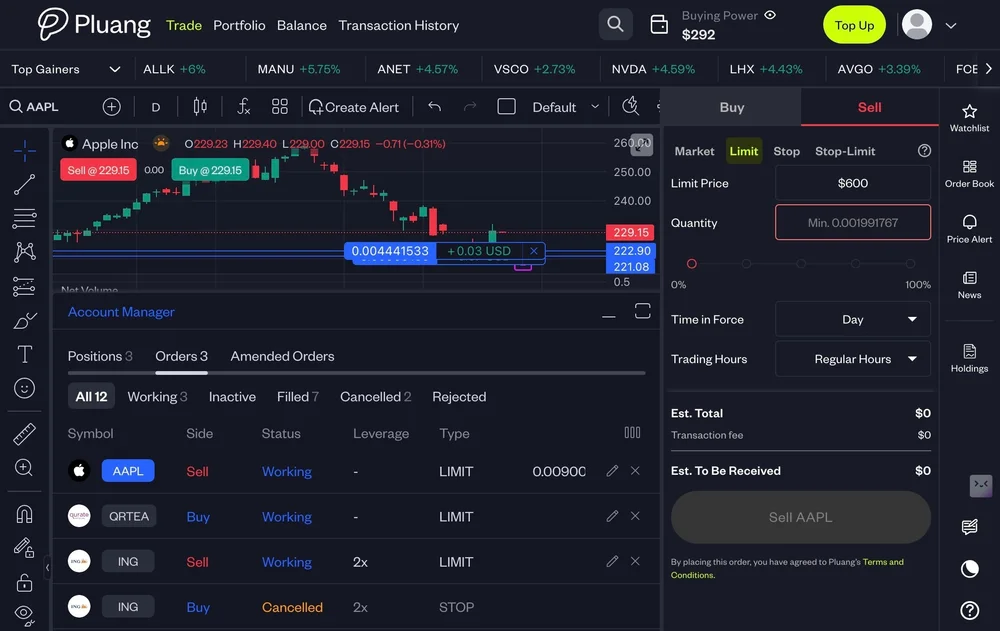
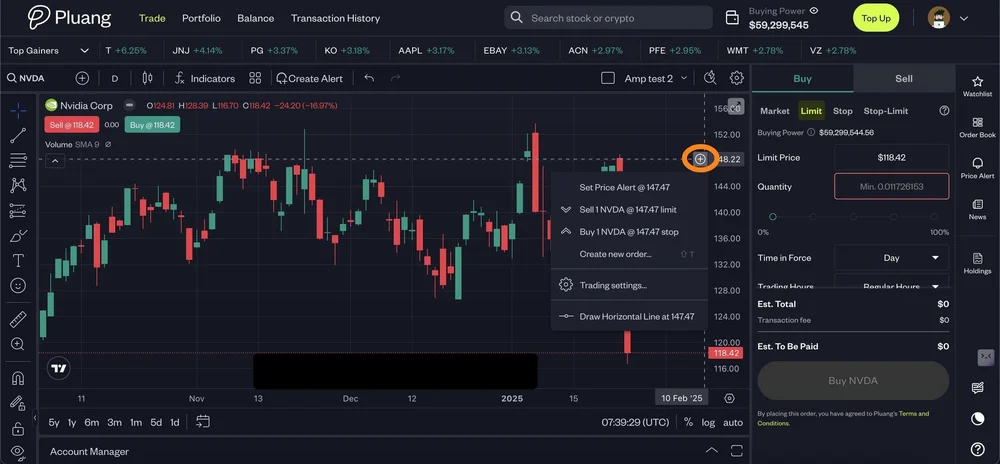
Tip! you can also use the feature Trade on charts
Click the "+" sign on the price axis of the chat as shown below
Select the action you would like to take
The action will take you to the Pane on the right