How To Buy GSS On Pluang Web
16 Steps
Navigate to https://trade.pluang.comand login
Click the search icon
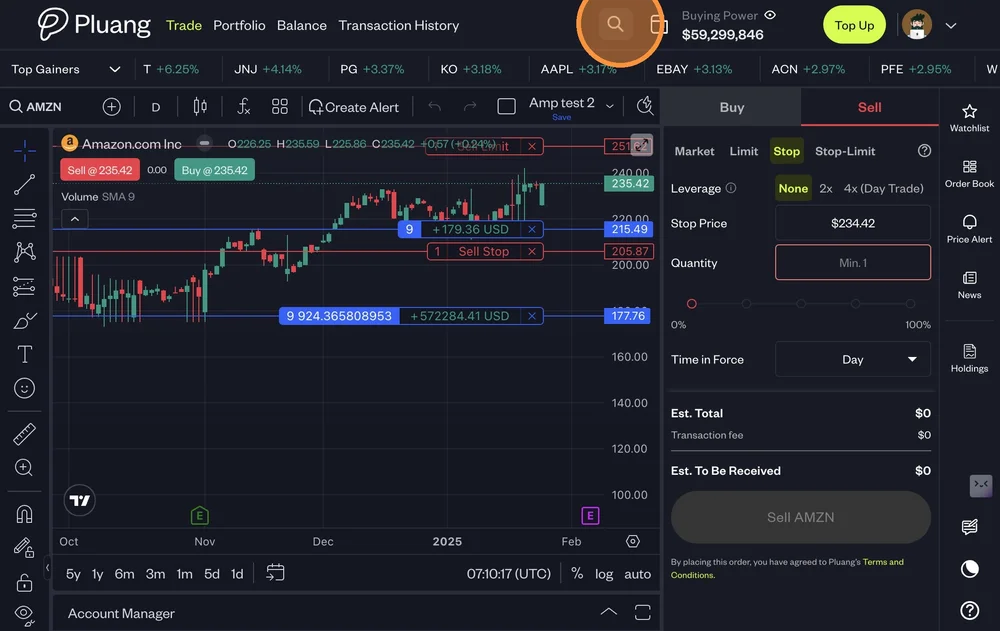
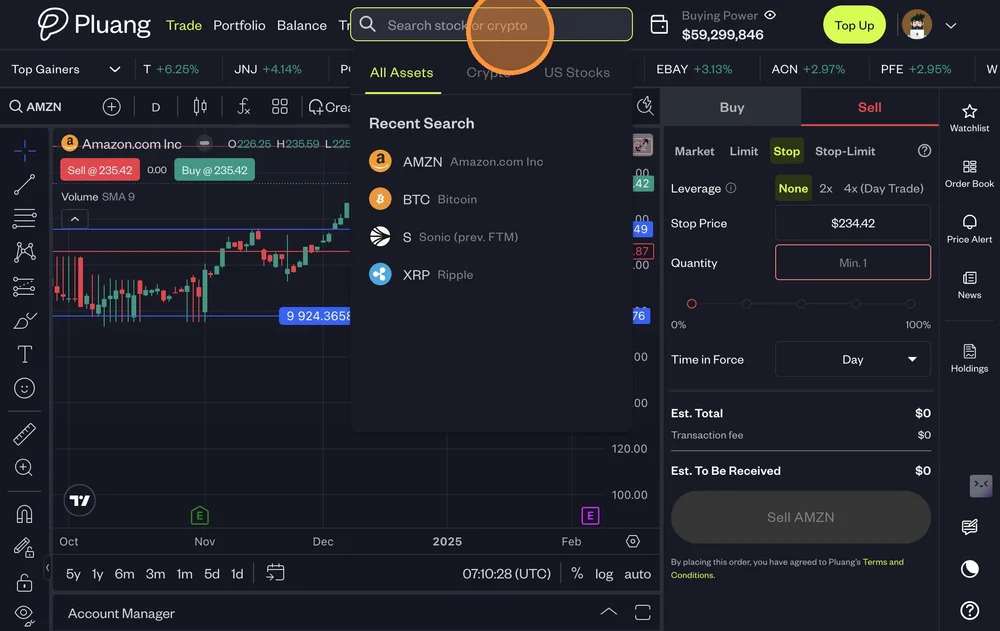
Click the "Search stock or crypto" field.
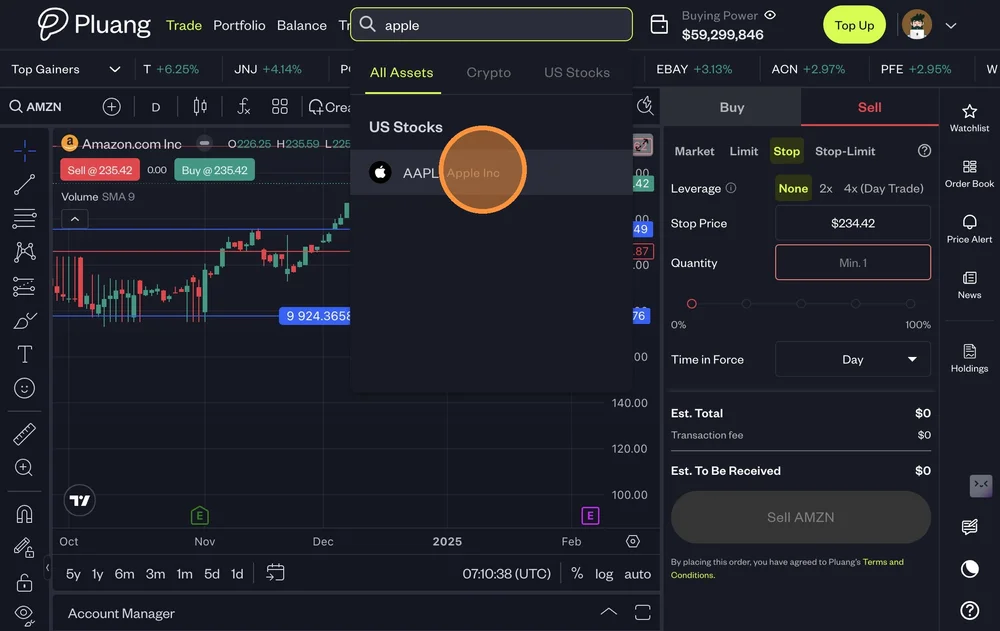
Type "Name of the stock"
Select the stock your were searching for
Click "Buy"
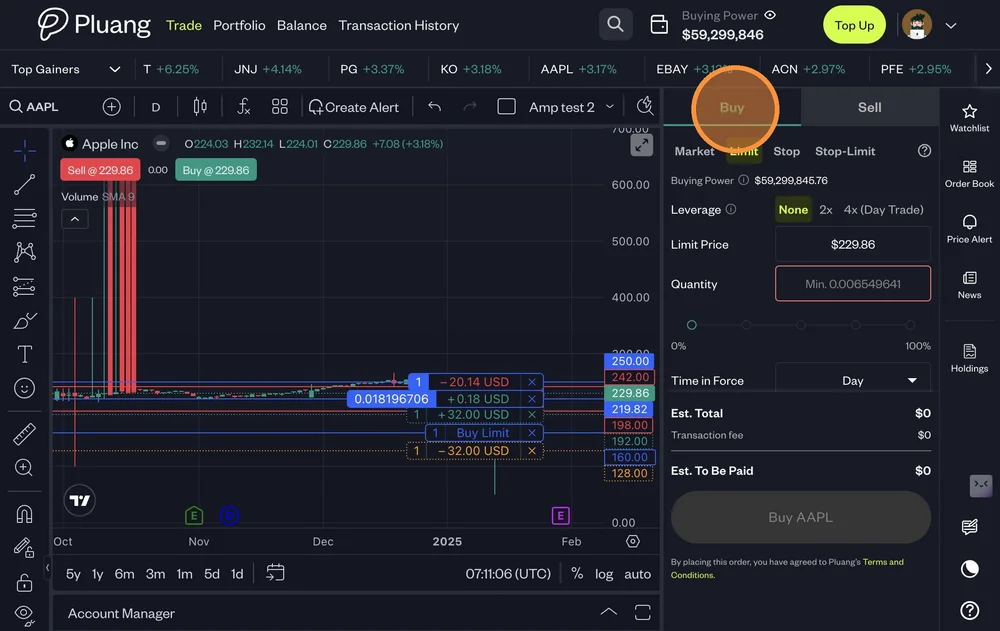
There are 4 types of Buy Orders
Buy Market - Buy shares at the best available price
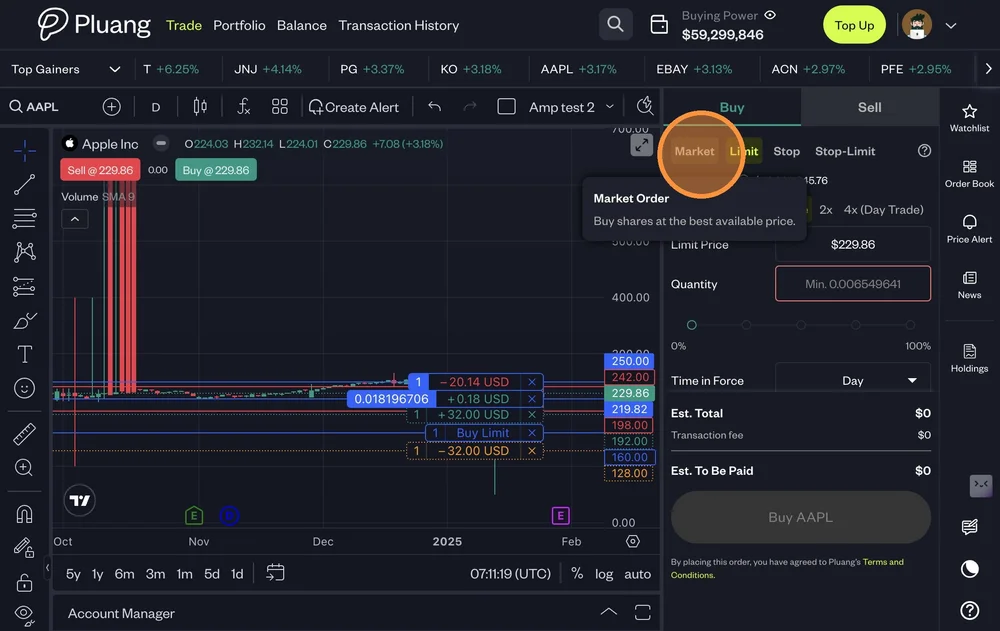
Buy Limit - Trigger a buy order when the price falls to a specified price or lower.
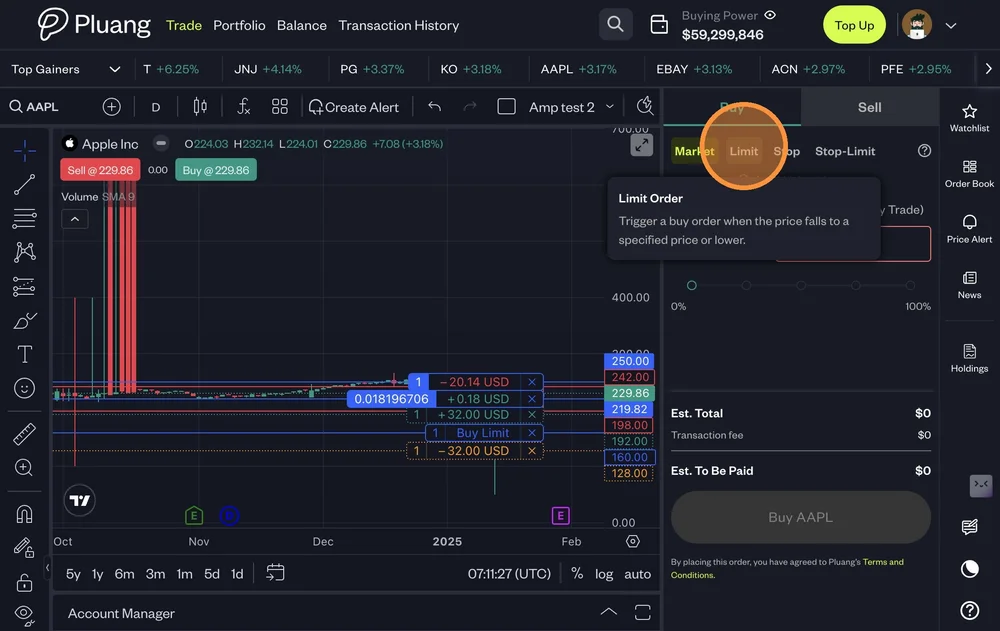
Buy Stop Order - Trigger a market buy order when the price rises to a specified price or higher.
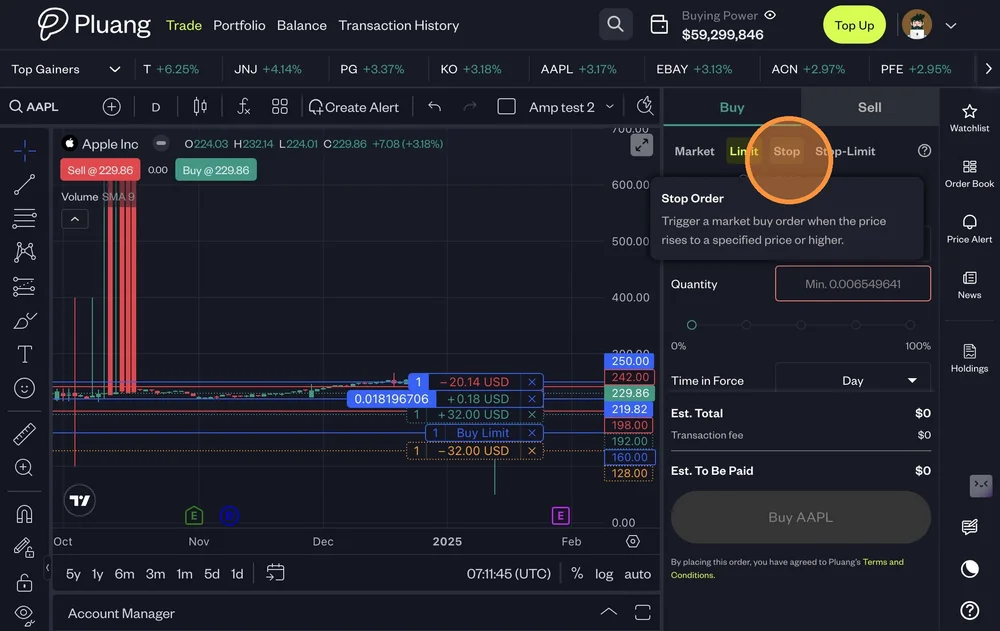
Buy Stop-Limit Order - Trigger a limit buy order when the price rises to a specified price or higher.
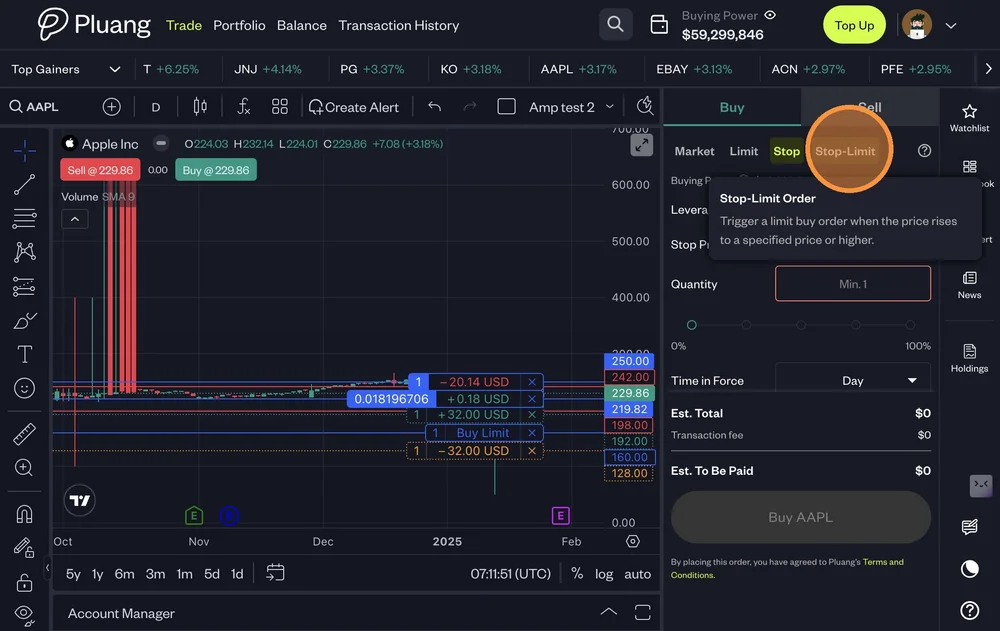
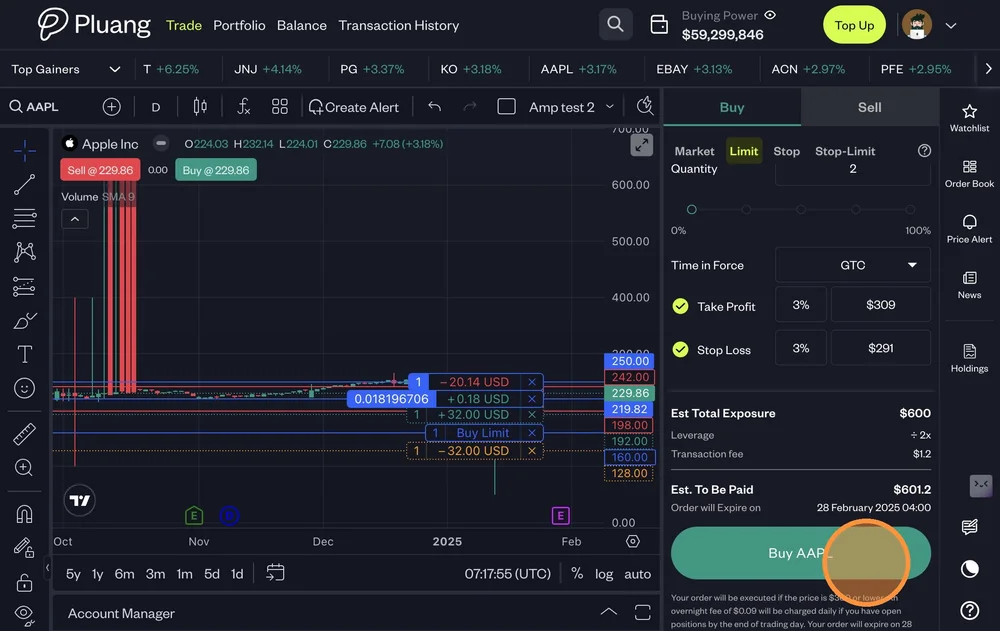
To place a buy order:
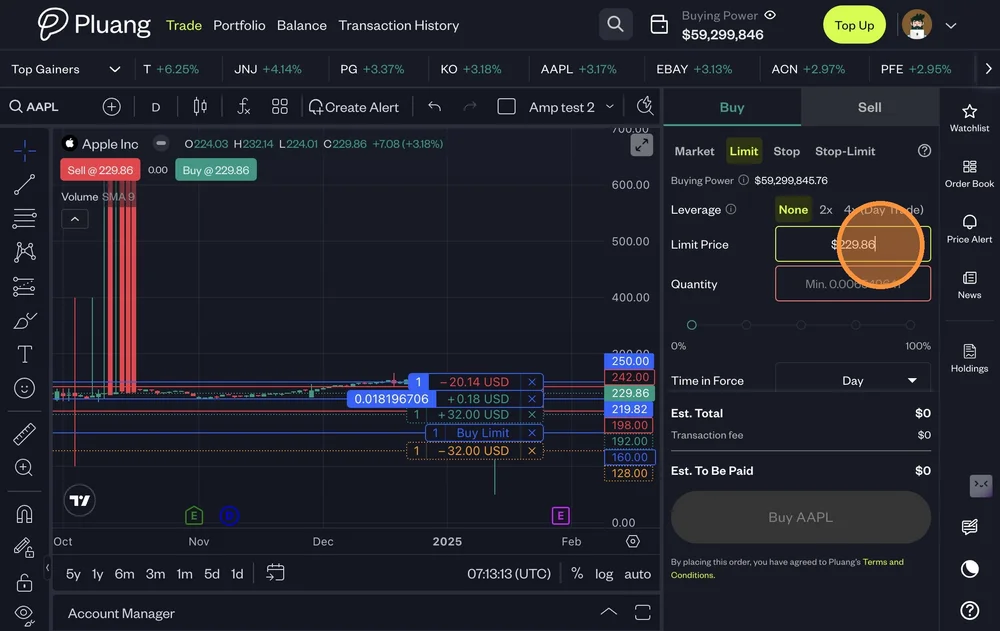
Market - Quantity
Limit - Limit Price & Quantity
Stop - Stop Price & Quantity
Stop-Limit - Limit Price , Stop Price & Quantity
Leverage (2x/4x) (If required)
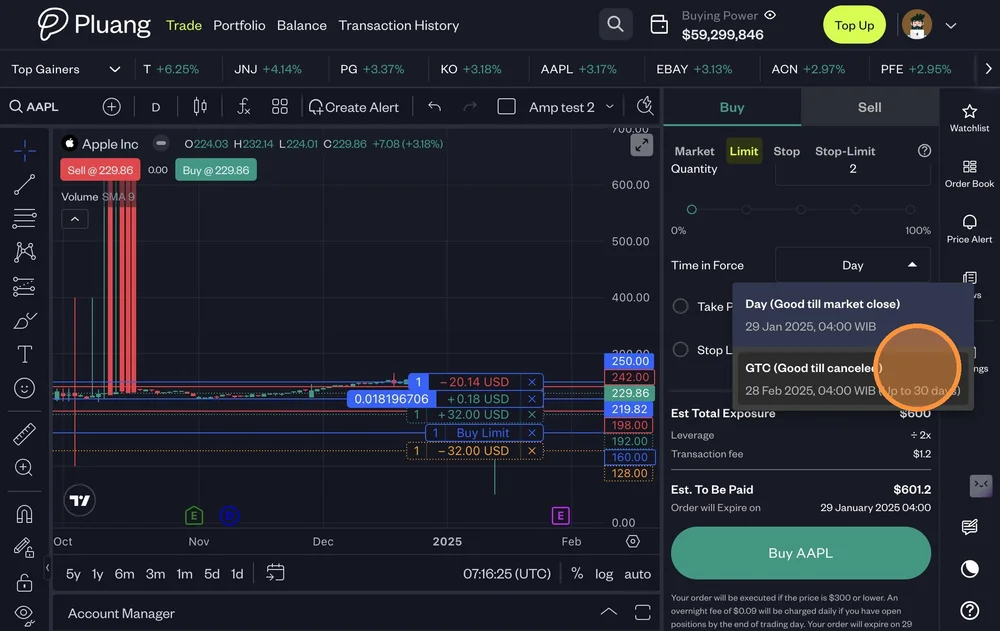
Select the Time in Force
Day - Good till Market Close
GTC - Good till Cancelled
Utilise Take Profit and/or Stop Loss
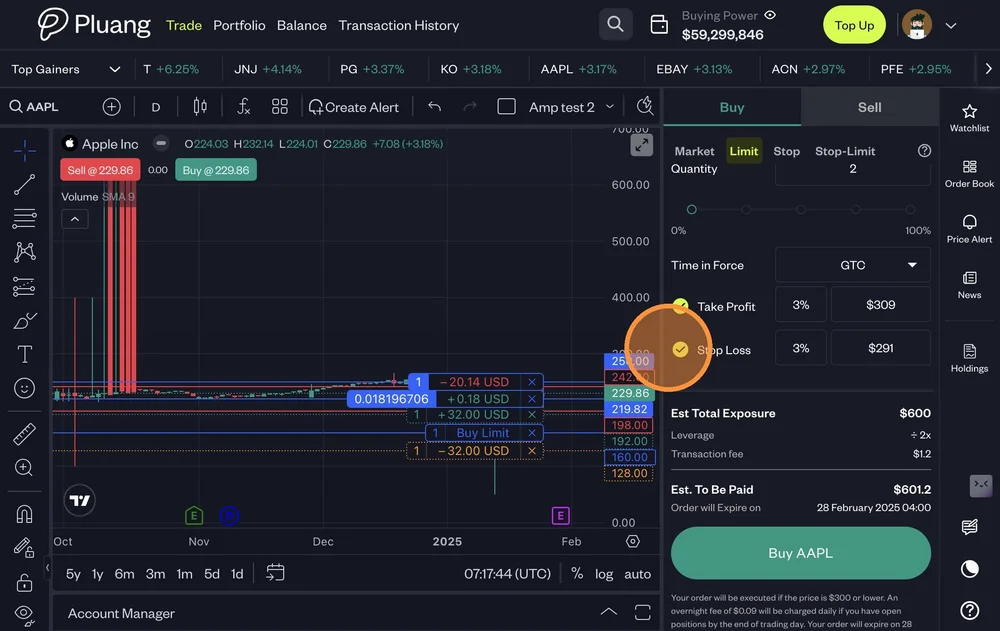
Click "Buy "
Your stock has been placed to Buy as per the details entered
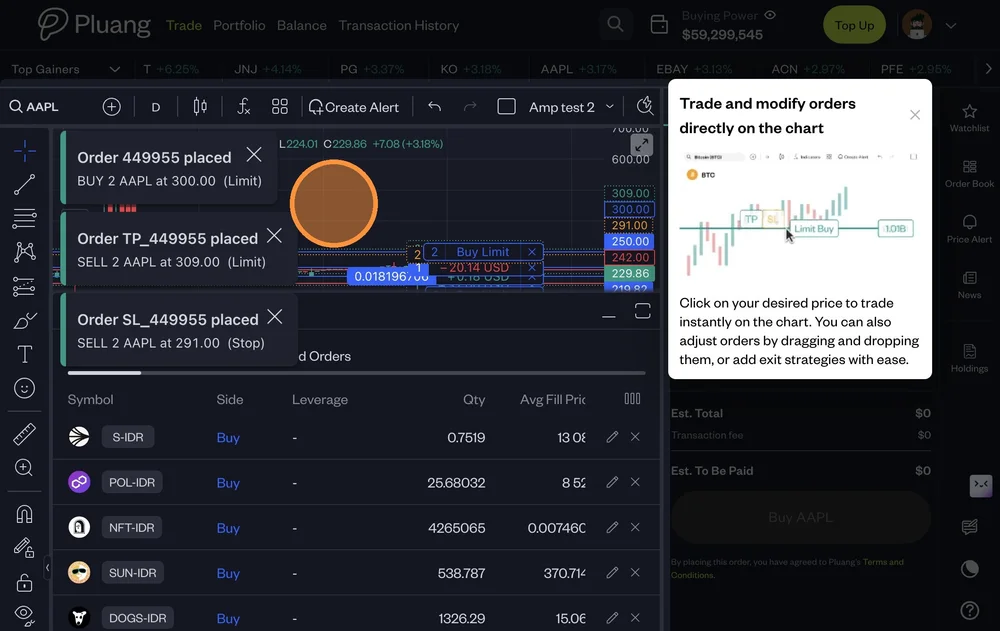
Tip! you can also you the feature Trade on charts
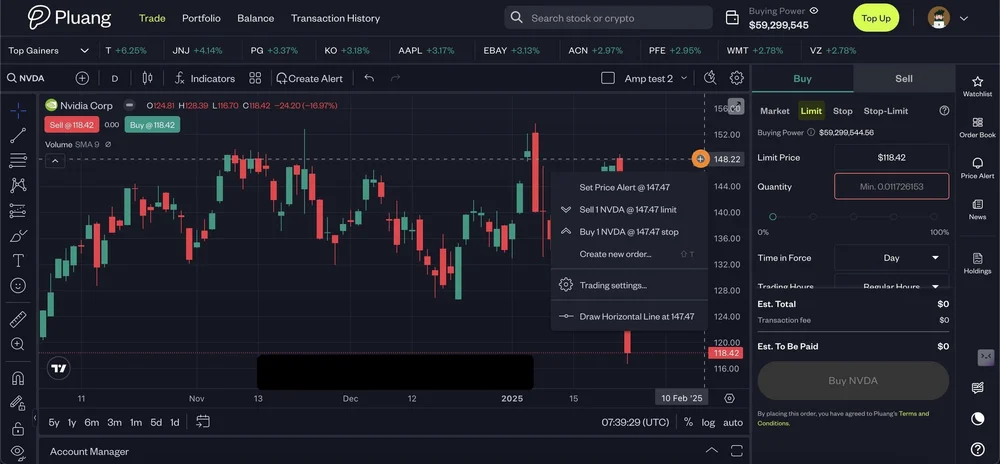
Click the "+" sign on the price axis of the chat as shown below
Select the action you would like to take
The action will take you to the Pane on the right