Convert USD - IDR balance in Pluang App
7 Steps
You can click on the cash balance menu from the Pluang app.
Then click the “Move” menu
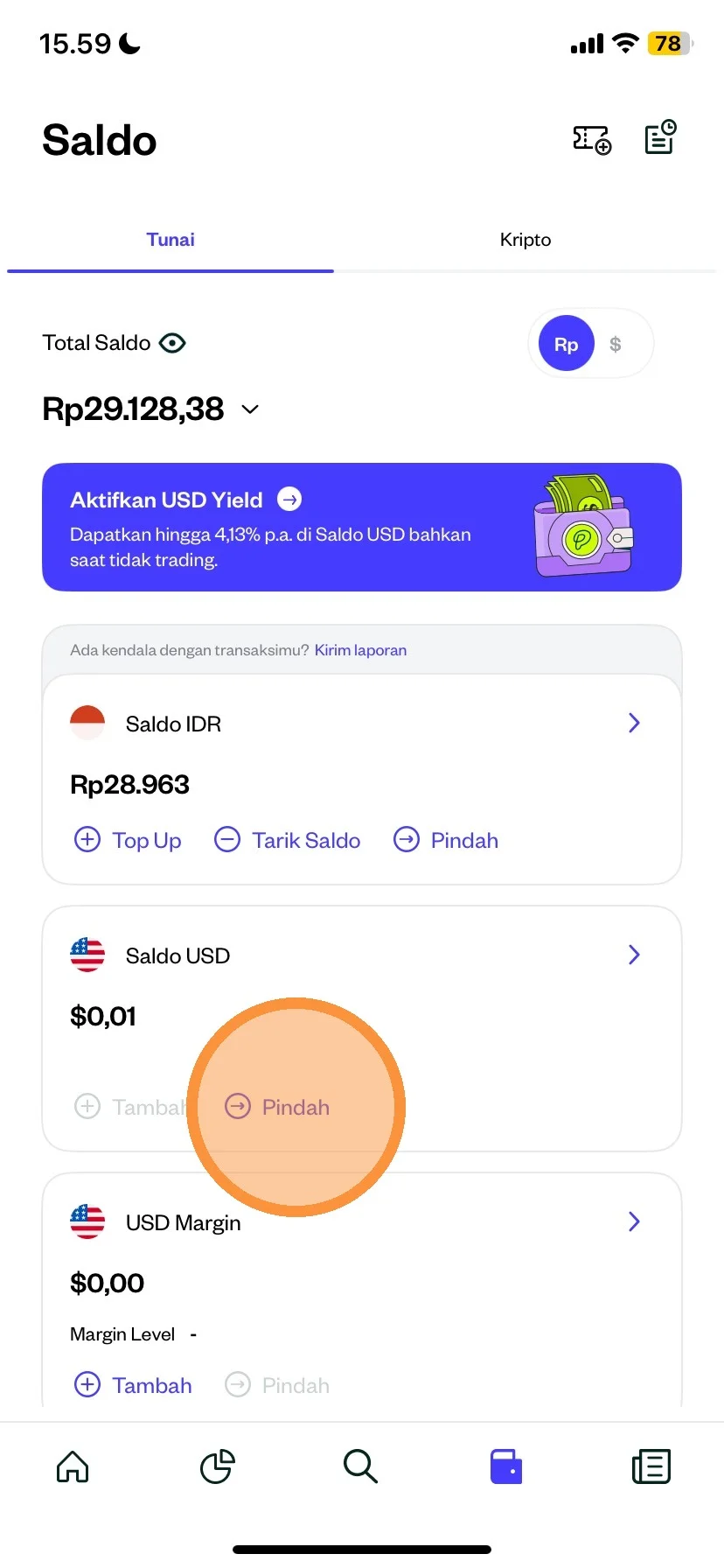
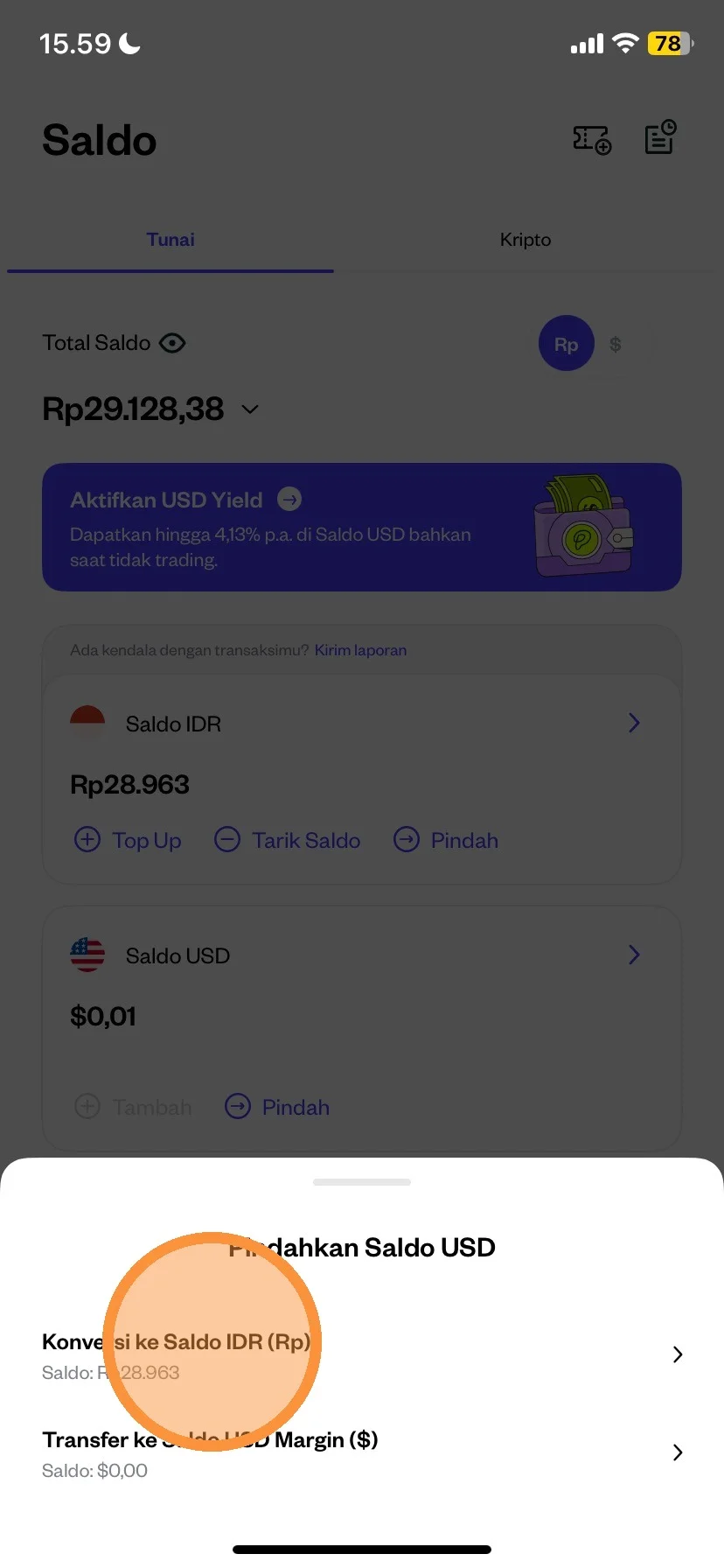
After clicking the move menu, there will be 2 information:
- Convert to IDR
- Convert to USD Margin
For example you can click “Convert to IDR”
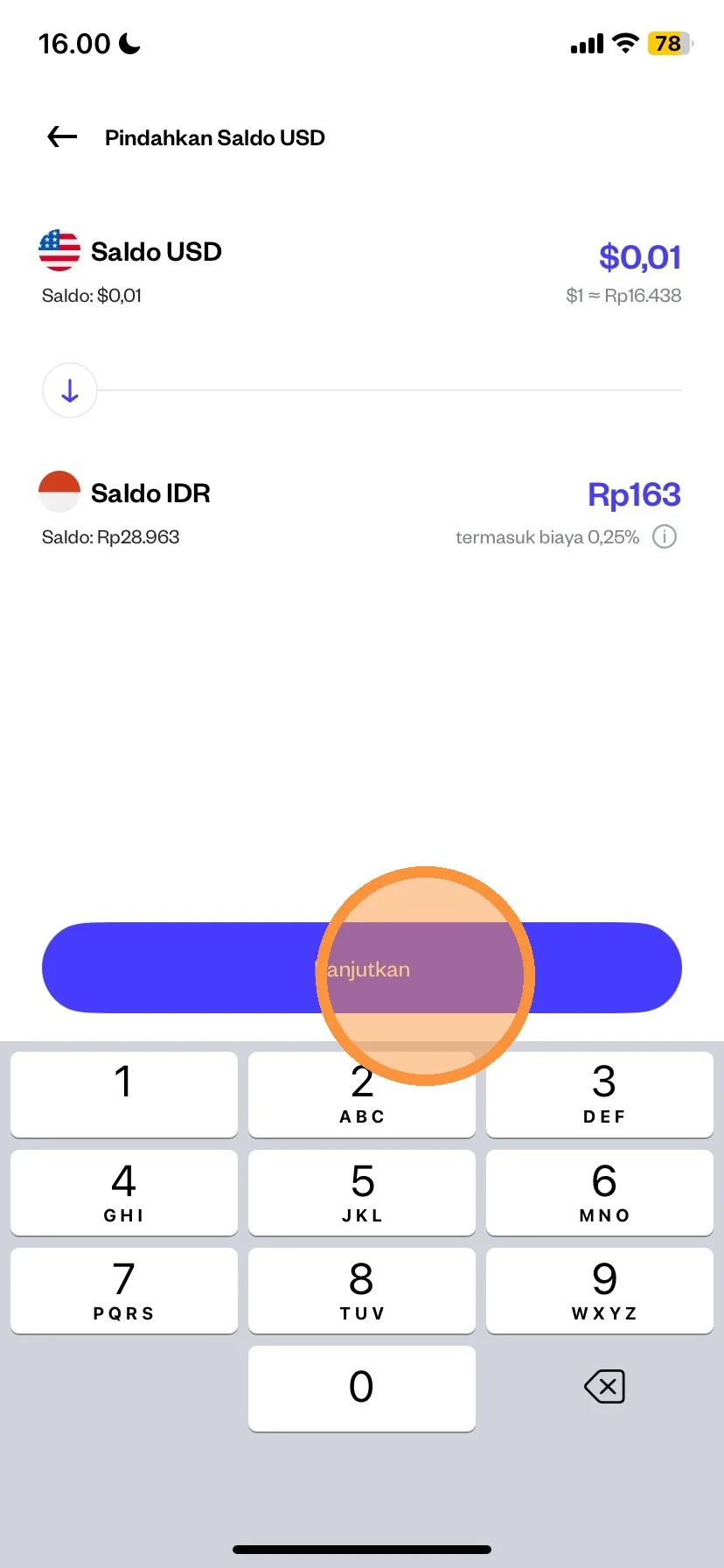
Please check the minimum USD-IDR balance conversion amount of $0.01.
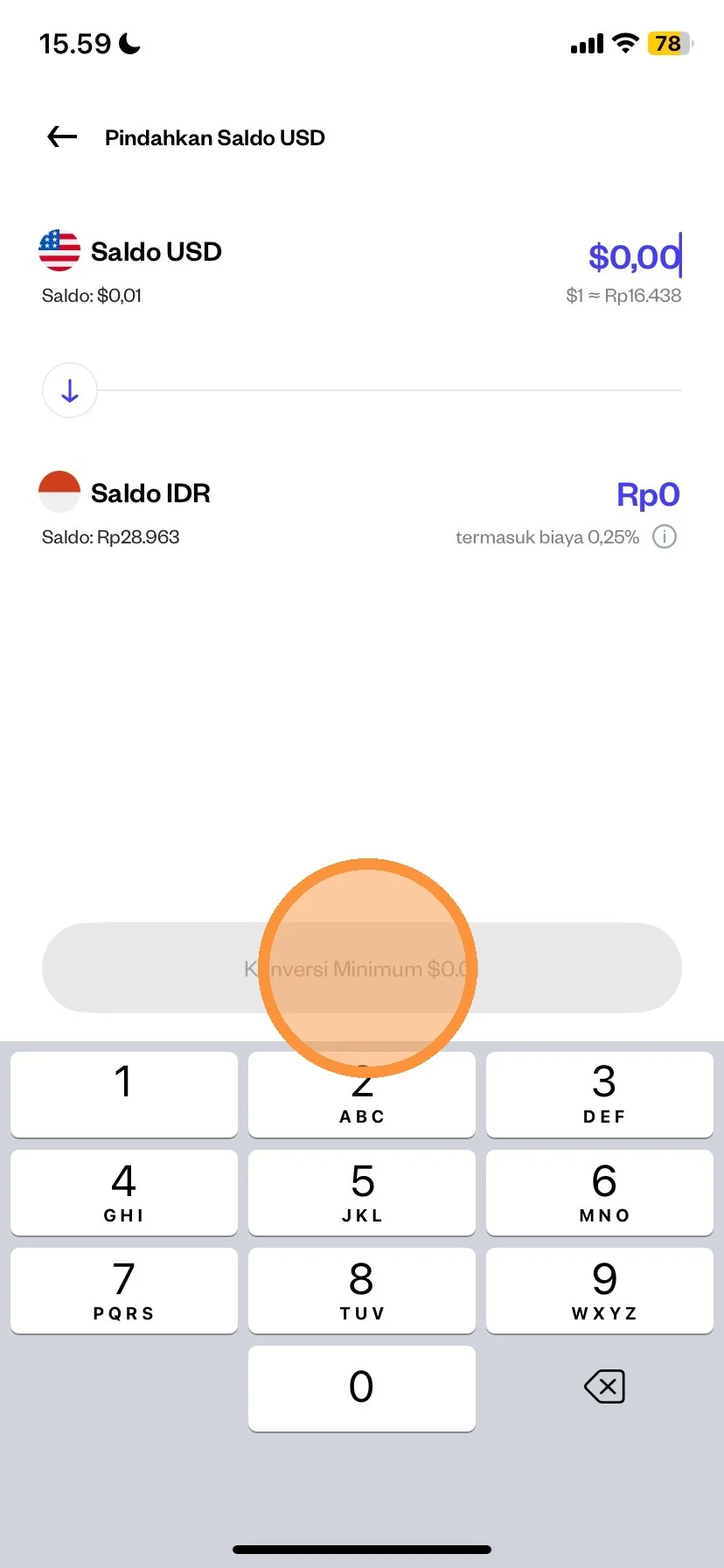
After you enter the nominla according to your needs, then you can click “Continue”
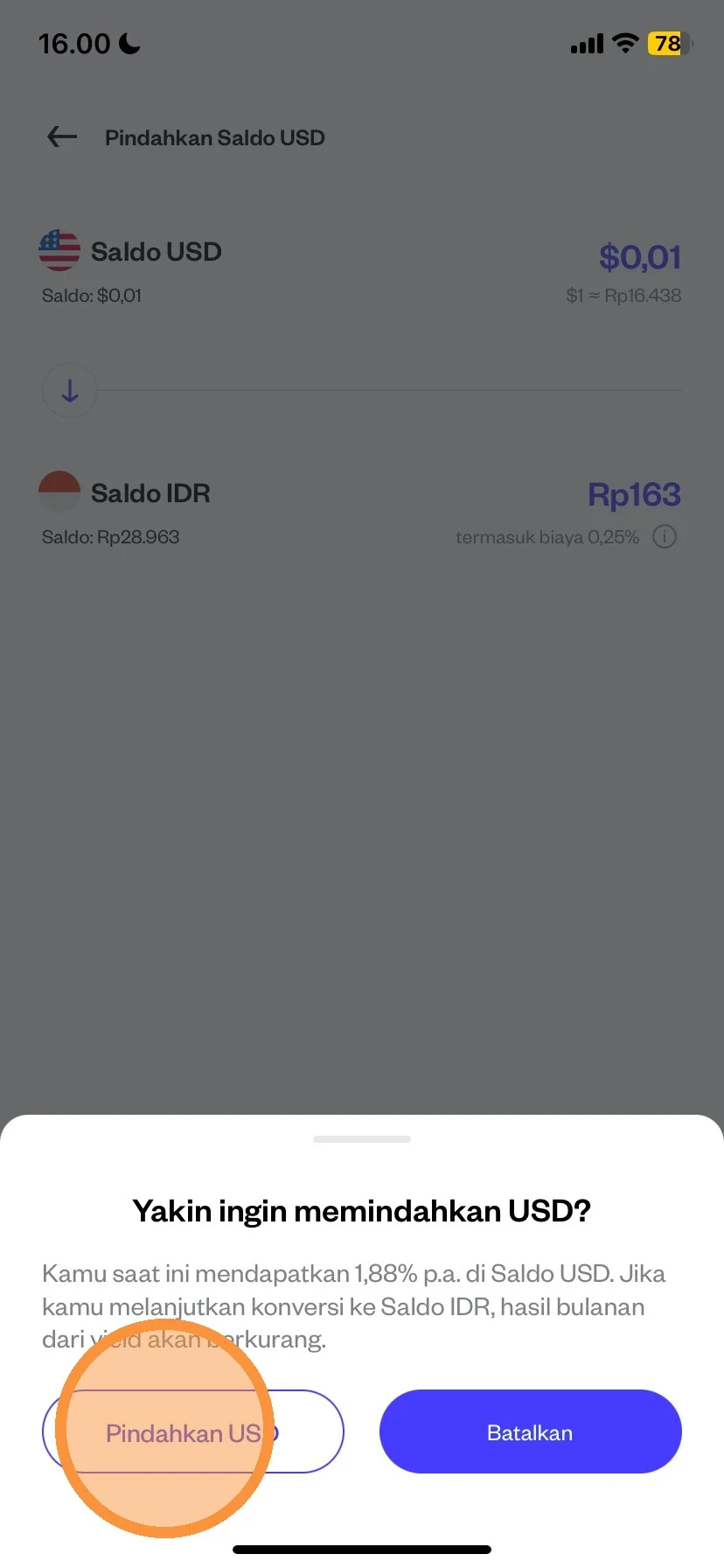
After you have read the information provided, you can click the “Move USD” menu.
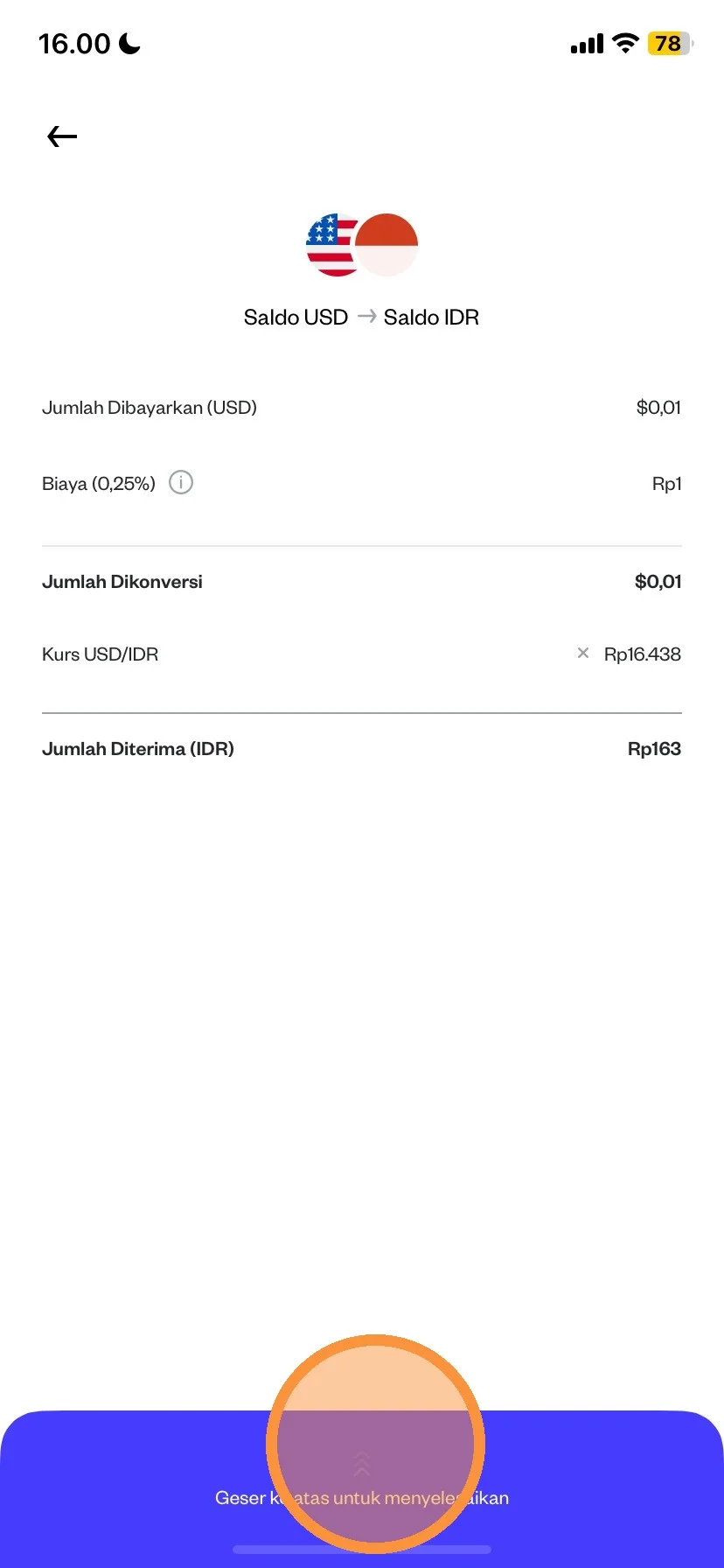
Please double check the IDR-USD balance conversion details
After that, you can "Swipe Up" to continue the balance conversion.
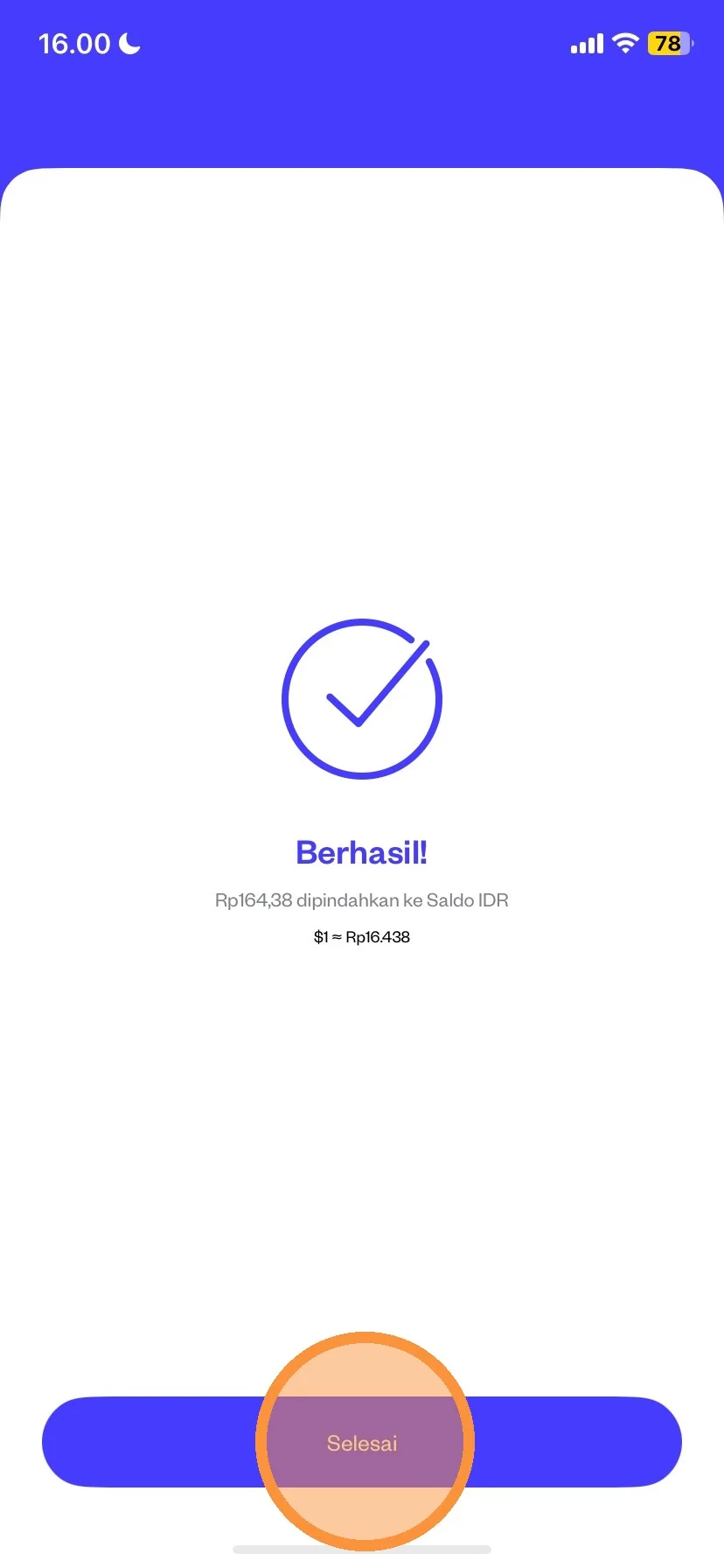
After swiping up, your transaction has been successfully made. Next you can click “Finish”