Convert IDR - USD balance in Pluang App
6 Steps
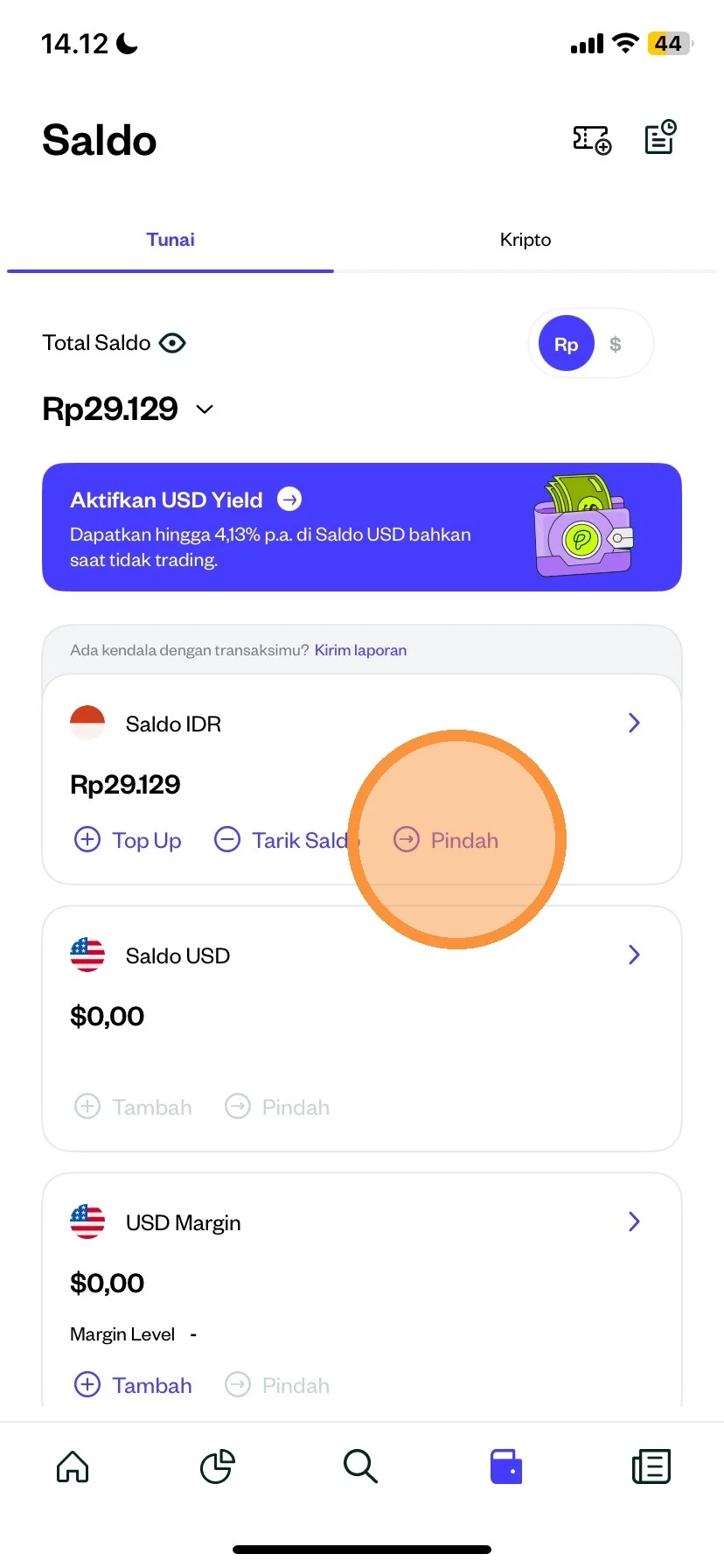
You can click on the cash balance menu from the Pluang app.
Then click the “Move” menu
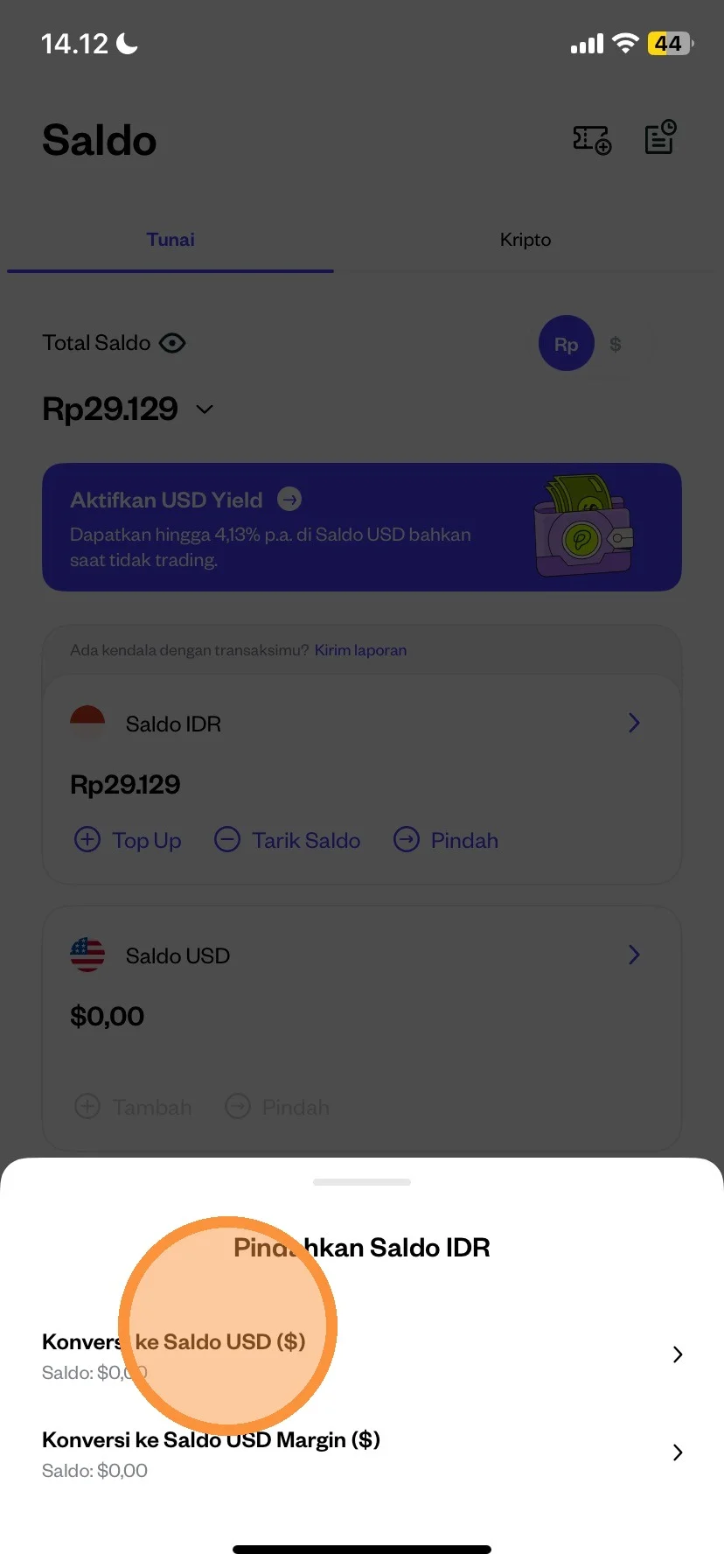
After clicking the move menu, there will be 2 information:
- Convert to USD
- Convert to USD Margin
For example you can click “Convert to USD”
Please check the minimum IDR-USD balance conversion amount of $0.01.
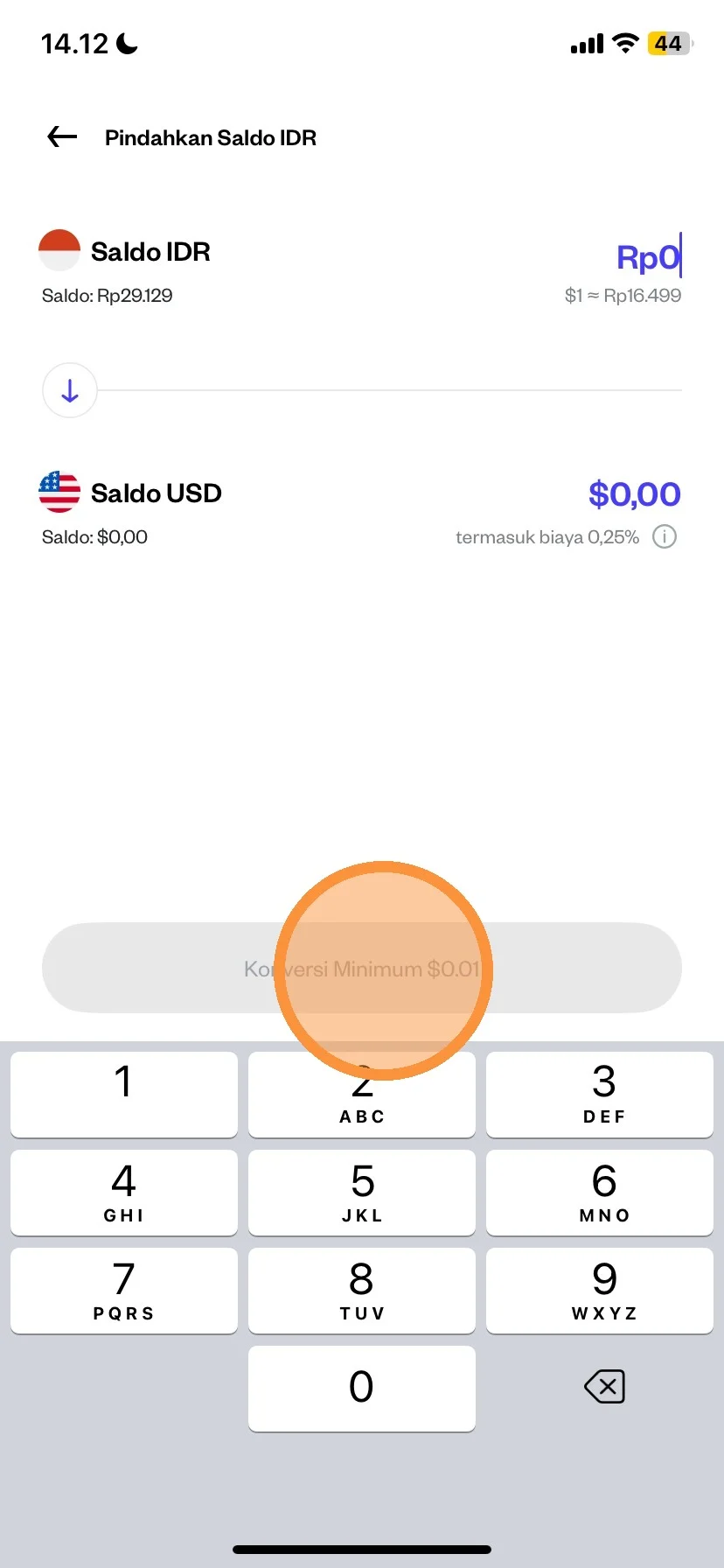
After you enter the nominla according to your needs, then you can click “Continue”
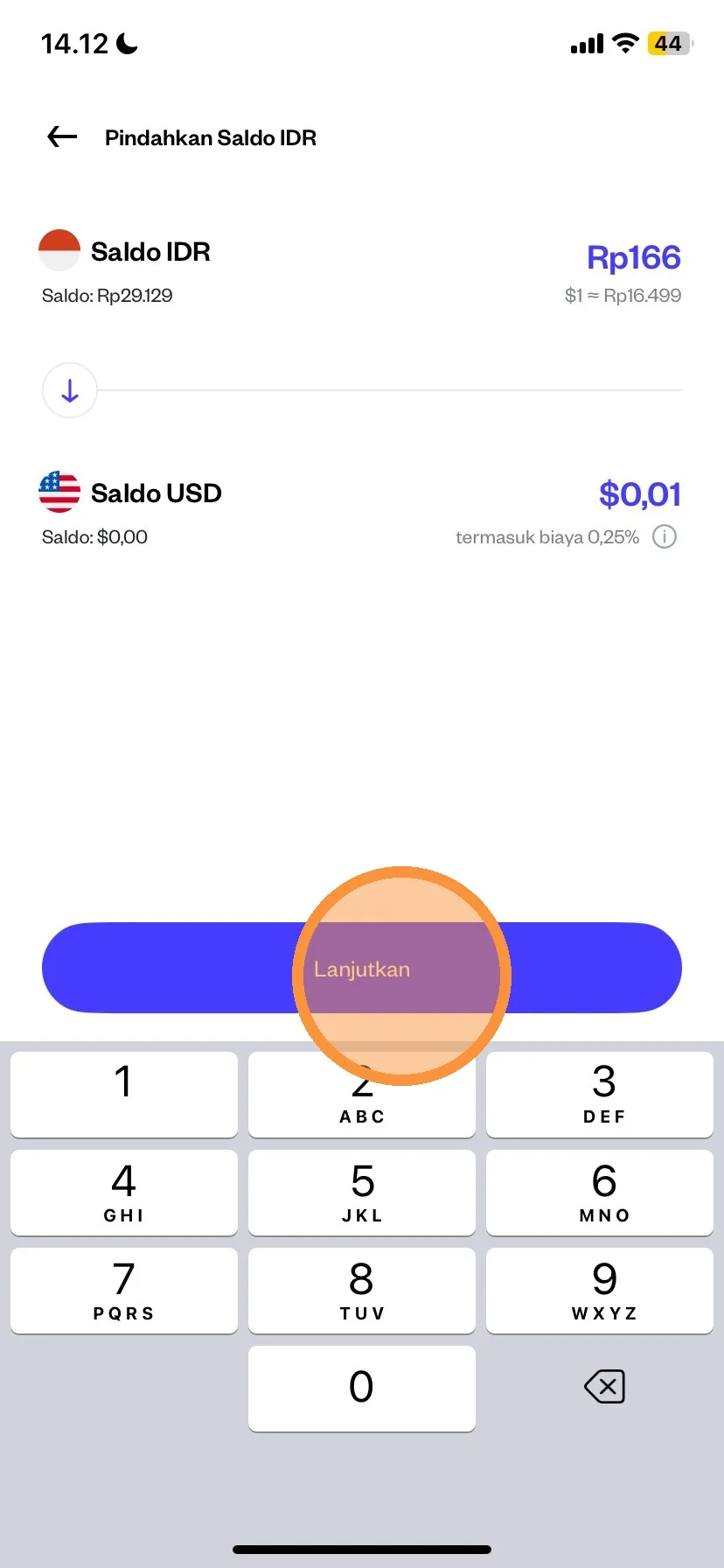
Please double check the IDR-USD balance conversion details
After that, you can "Swipe Up" to continue the balance conversion.
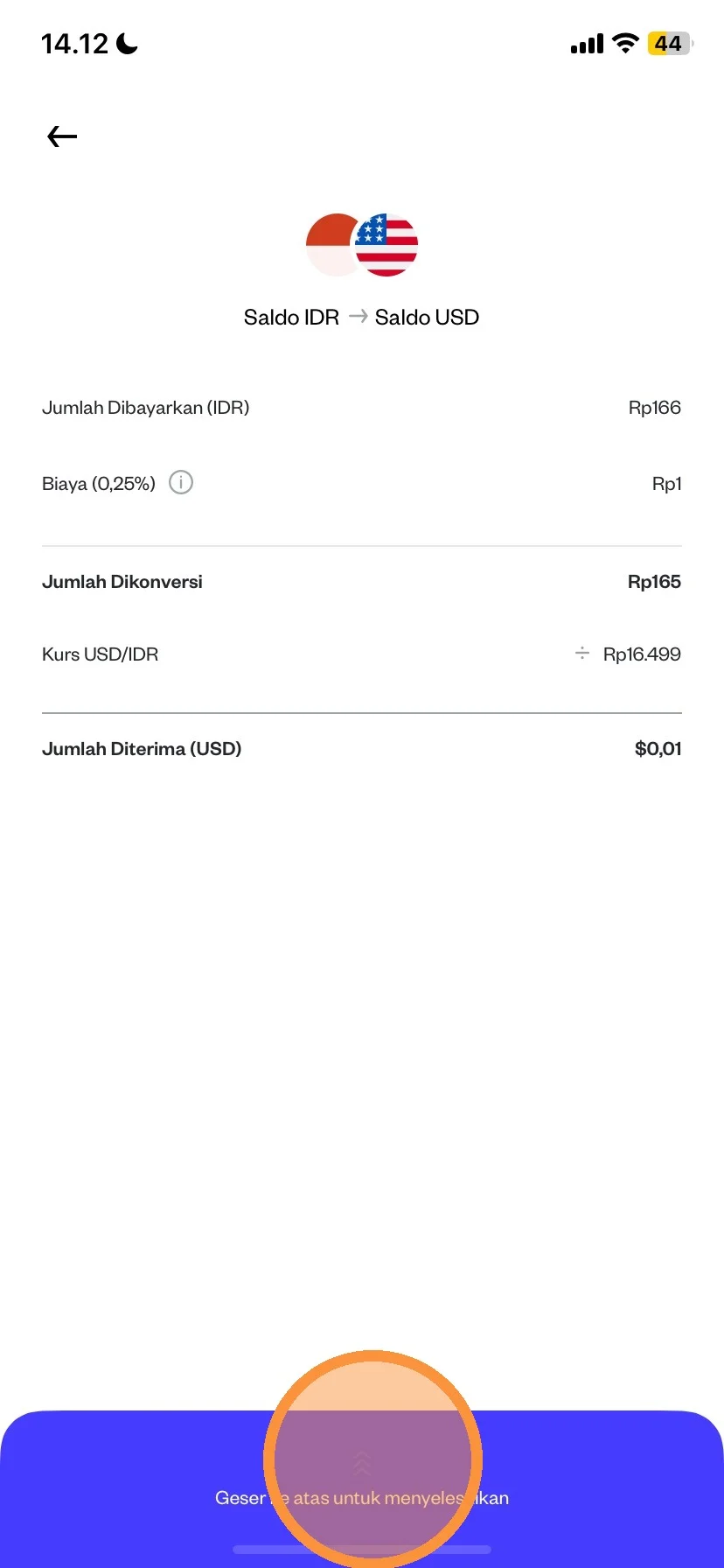
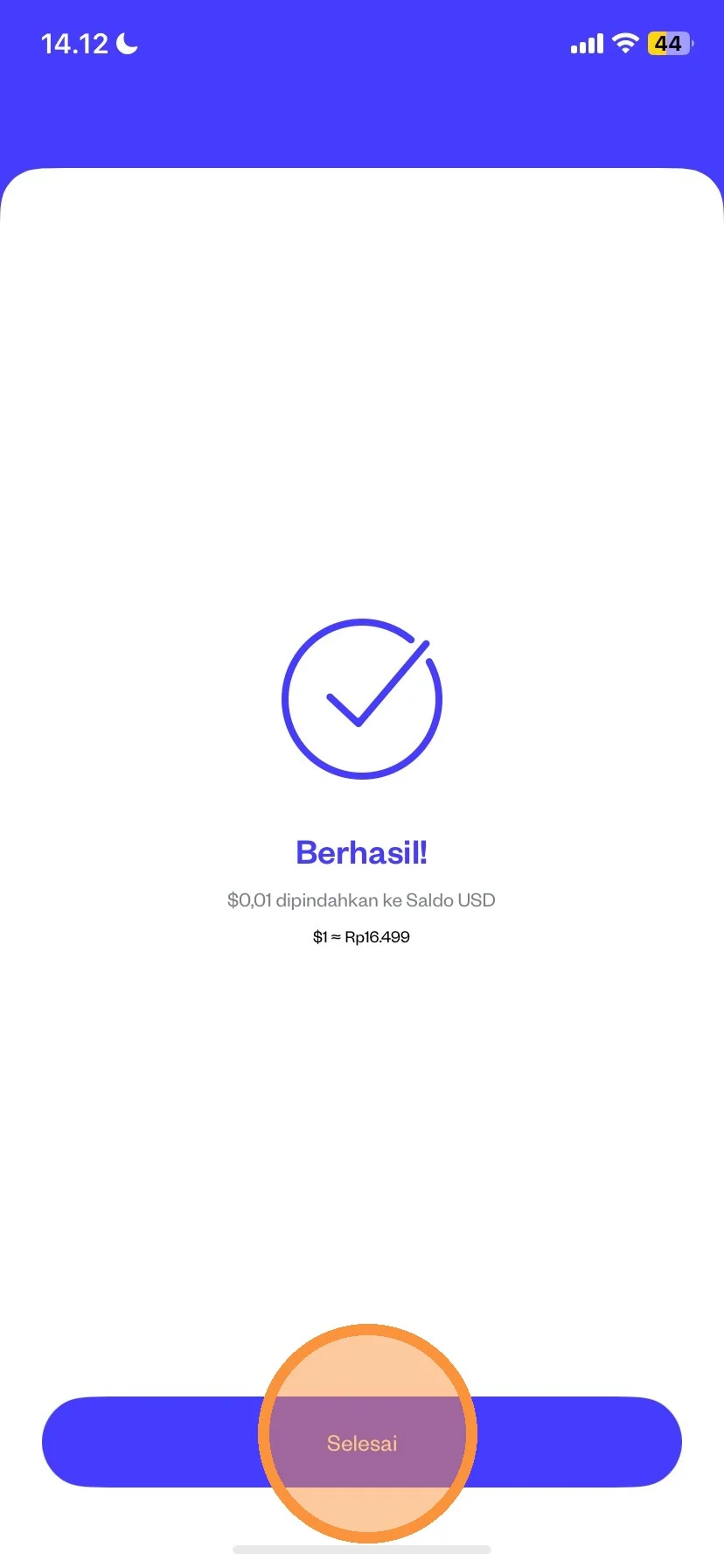
After swiping up, your transaction has been successfully made. Next you can click “Finish”