Register and KYC for Foreigners
18 Steps
Open the App
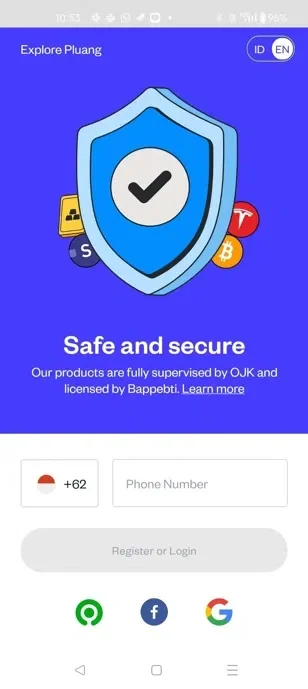
Launch the Pluang App on your mobile device.
Enter your mobile number that you want to register.
Click "Register or Login" to proceed.
To Verify Your Mobile Number
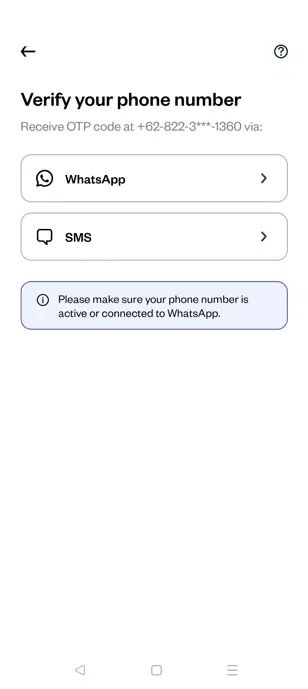
Select "WhatsApp" or "SMS" to receive your verification code.
Enter the OTP (One-Time Password) received on your mobile number
Proceed with Registration
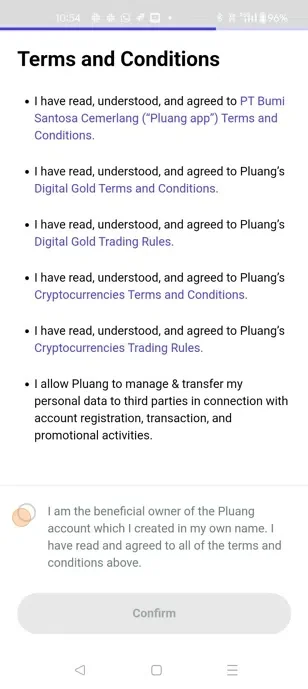
Tap the required options on the app to navigate through the process.
Tap here.
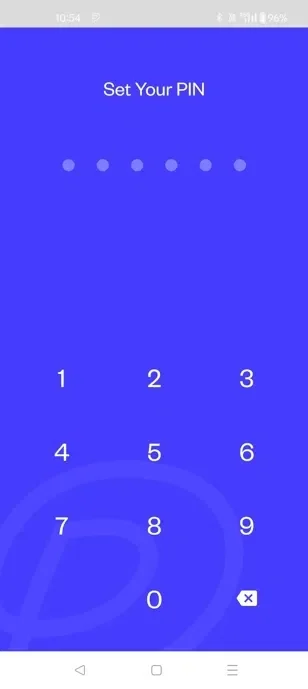
Setup and Confirm you PIN
Enter your email ID for verification and Click confirm
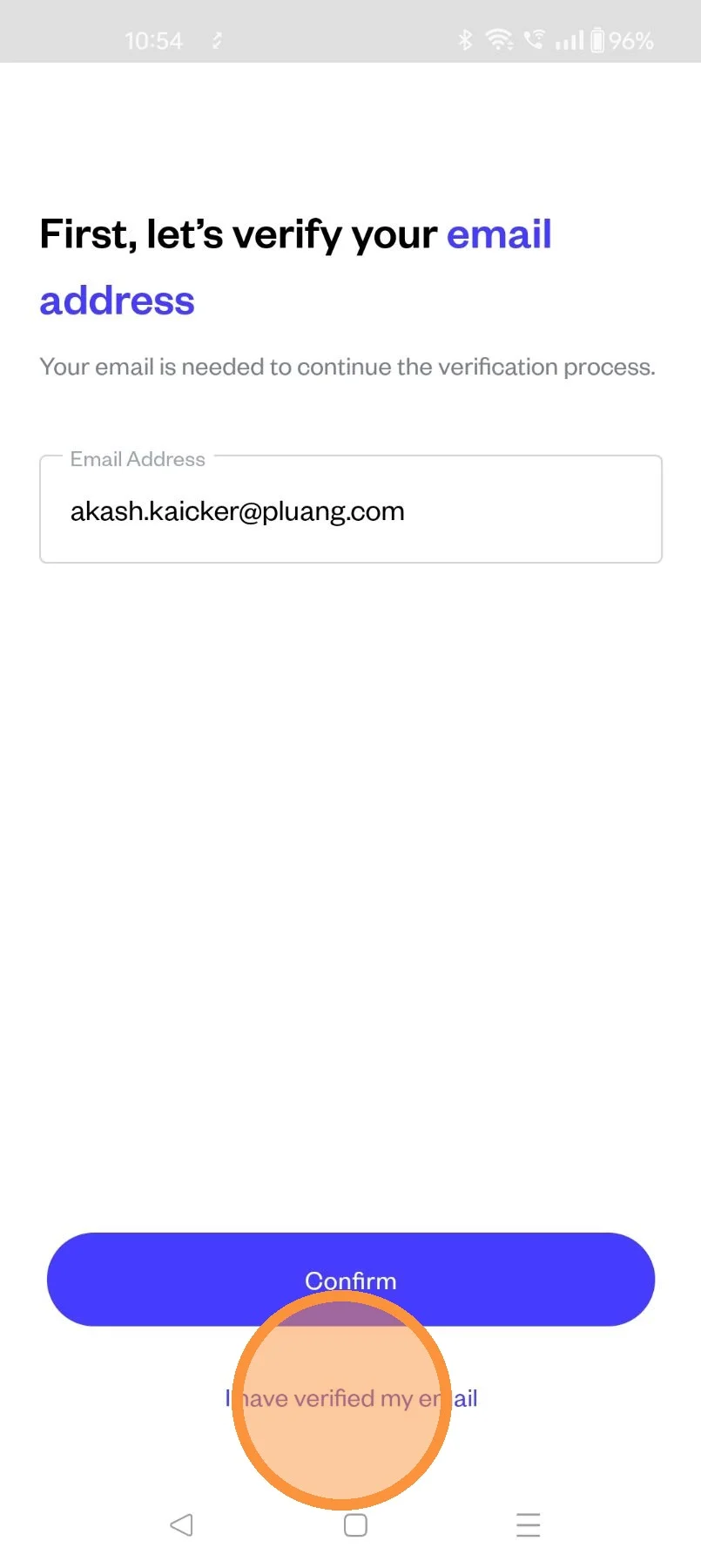
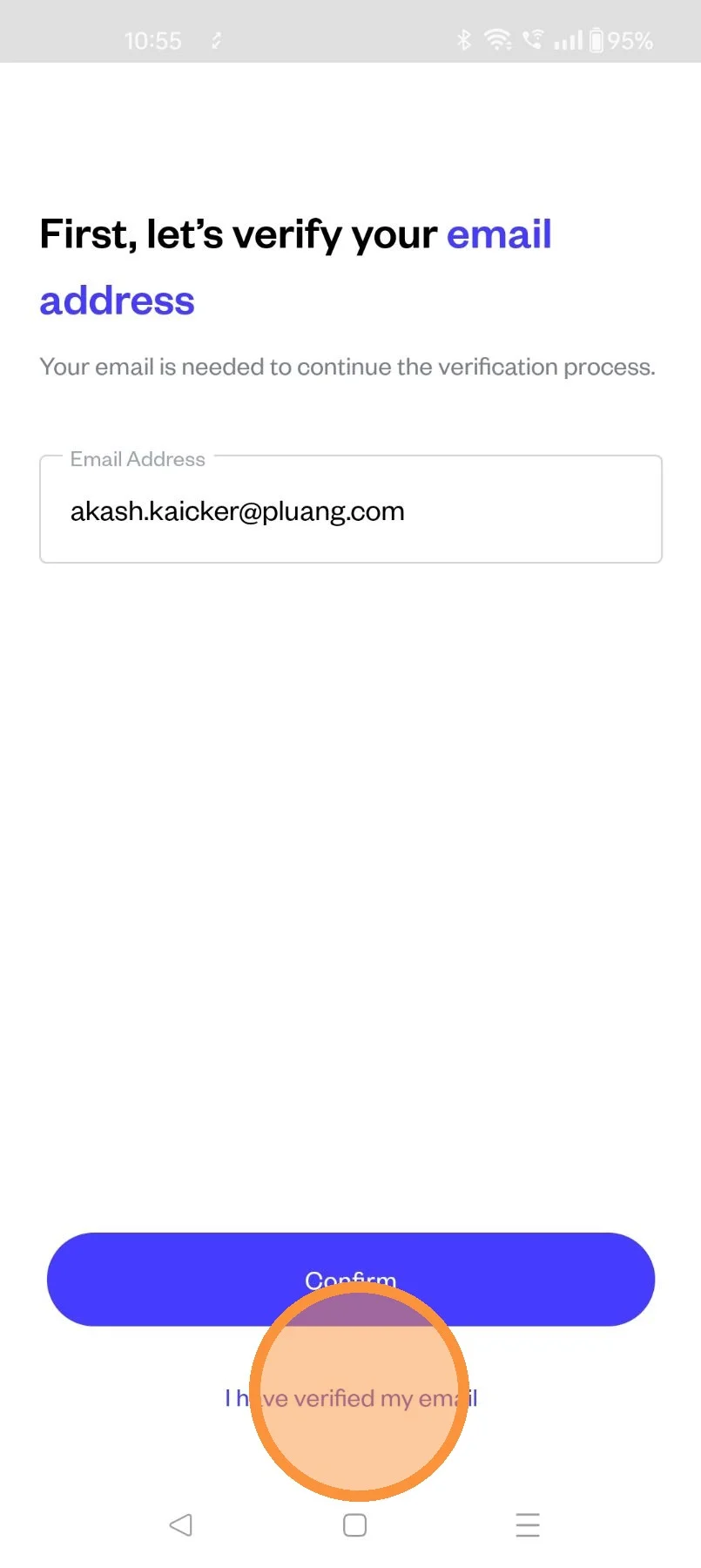
Once you have verified your email ID (Verification done by clicking on the link in the email received )
Click on "I have verified my email"
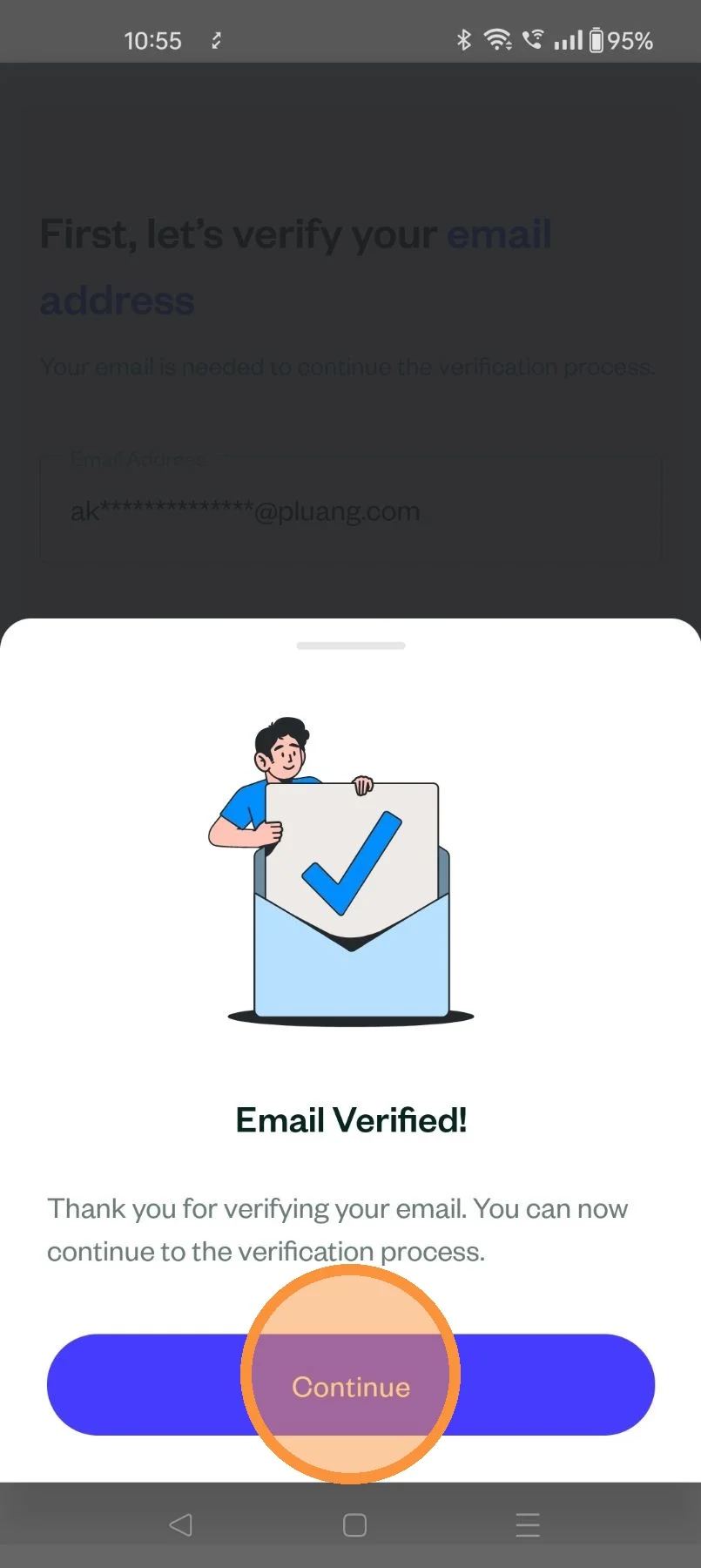
Email Verified
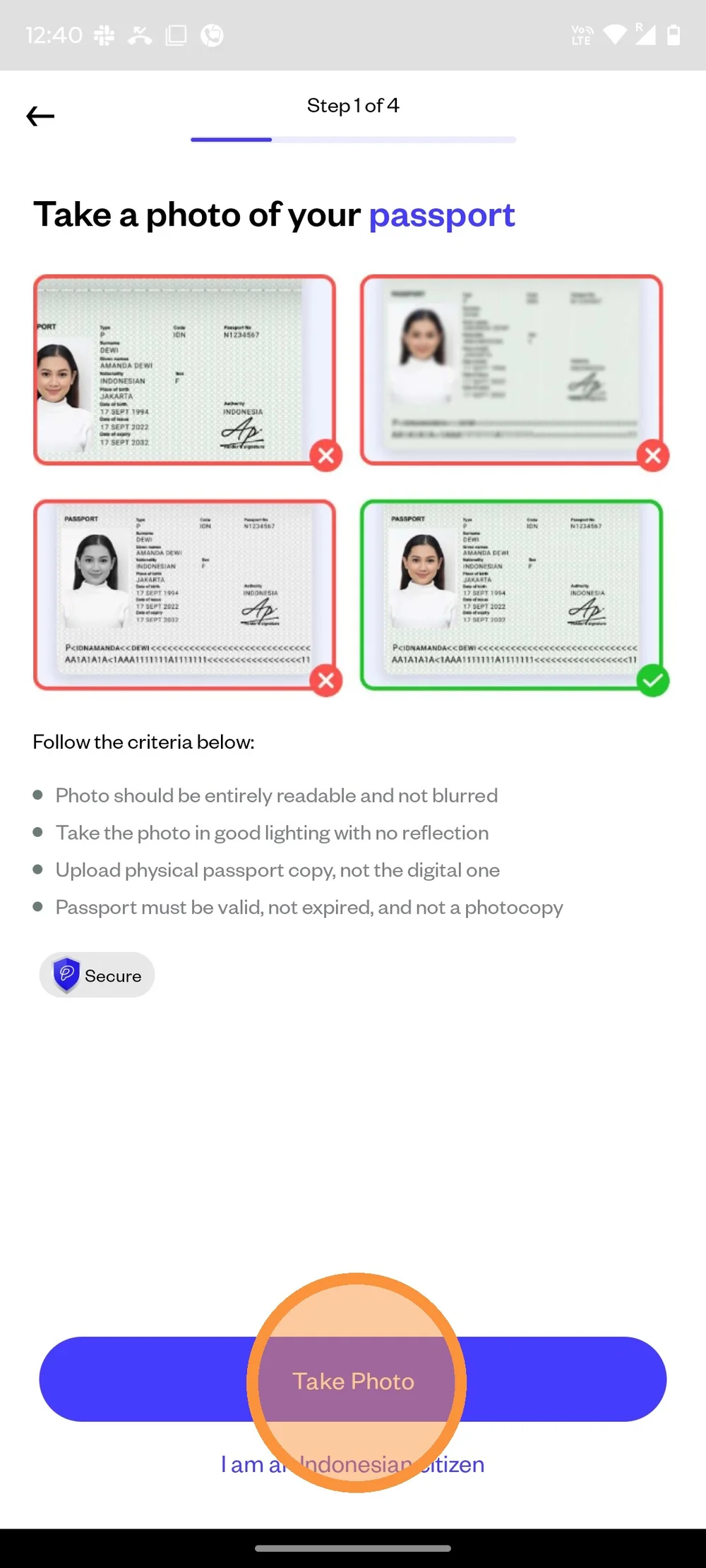
To begin verification process, click "I am a foreigner" button. Then, click "Take Photo" to upload passport picture.
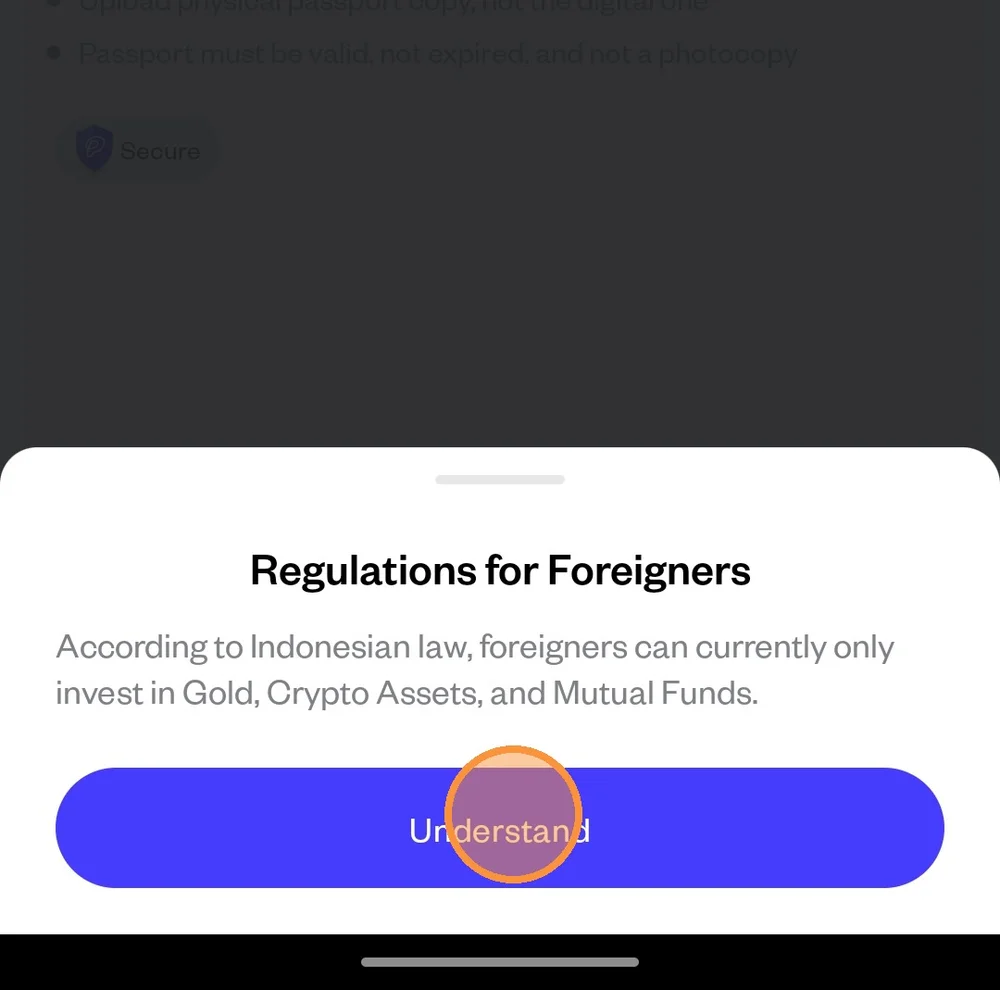
There will be pop up notification to inform you that foreigners can only invest in gold, crypto assets, and mutual funds. Click "Understand" to continue.
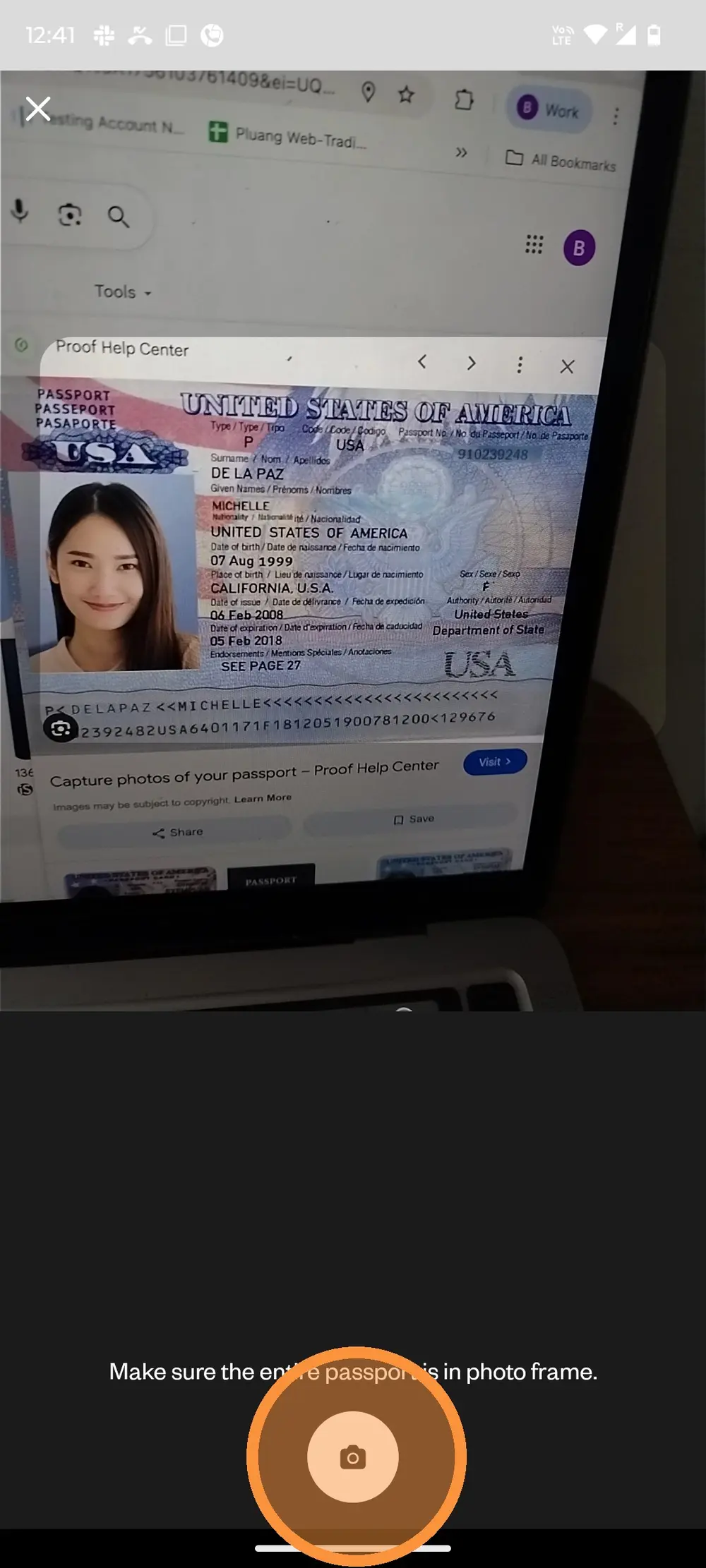
Take your passport picture. Make sure the entire passport page fits within the frame.
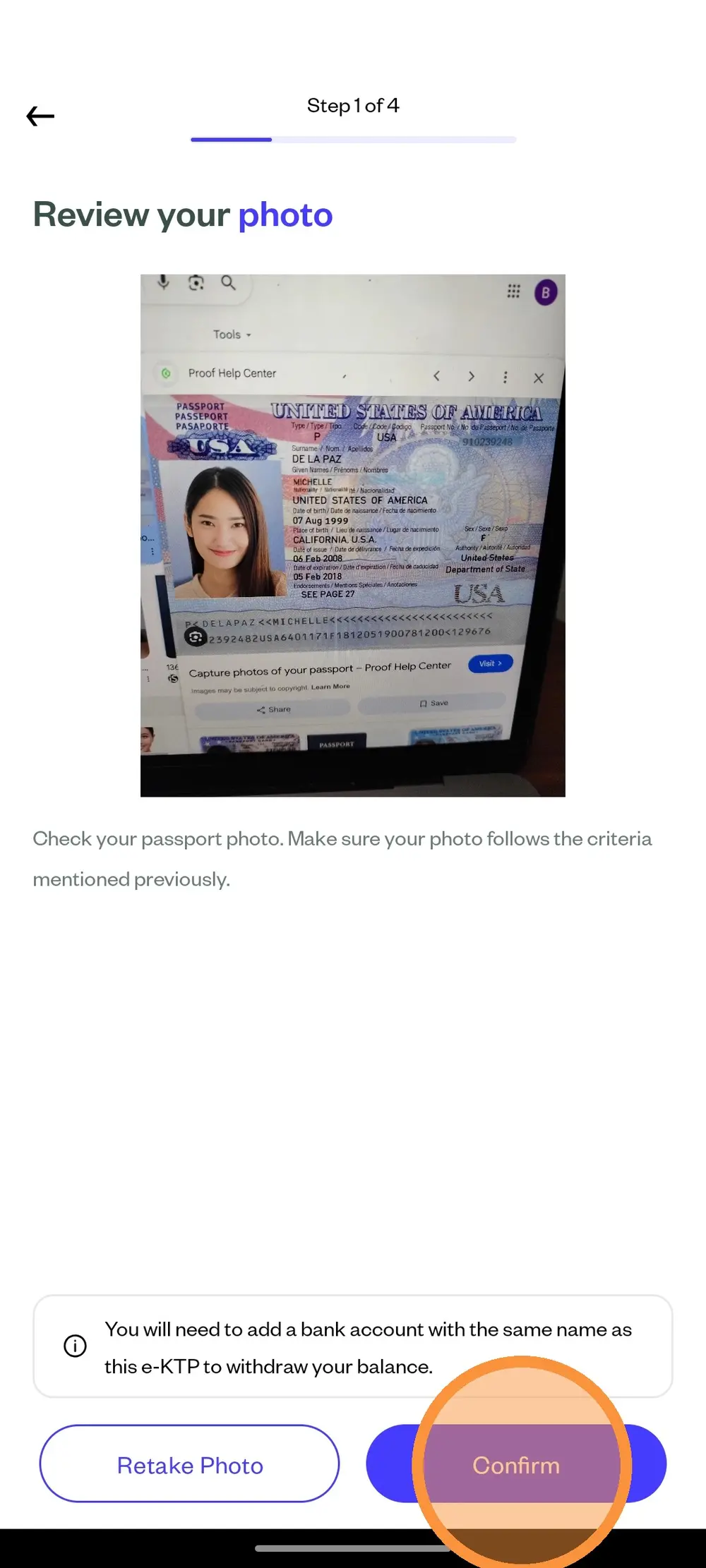
Review your passport picture. You can click "Confirm" to continue or click "Retake" to retake the picture.
After submitting your passport picture, the system will check it. Wait until the page is done loading.
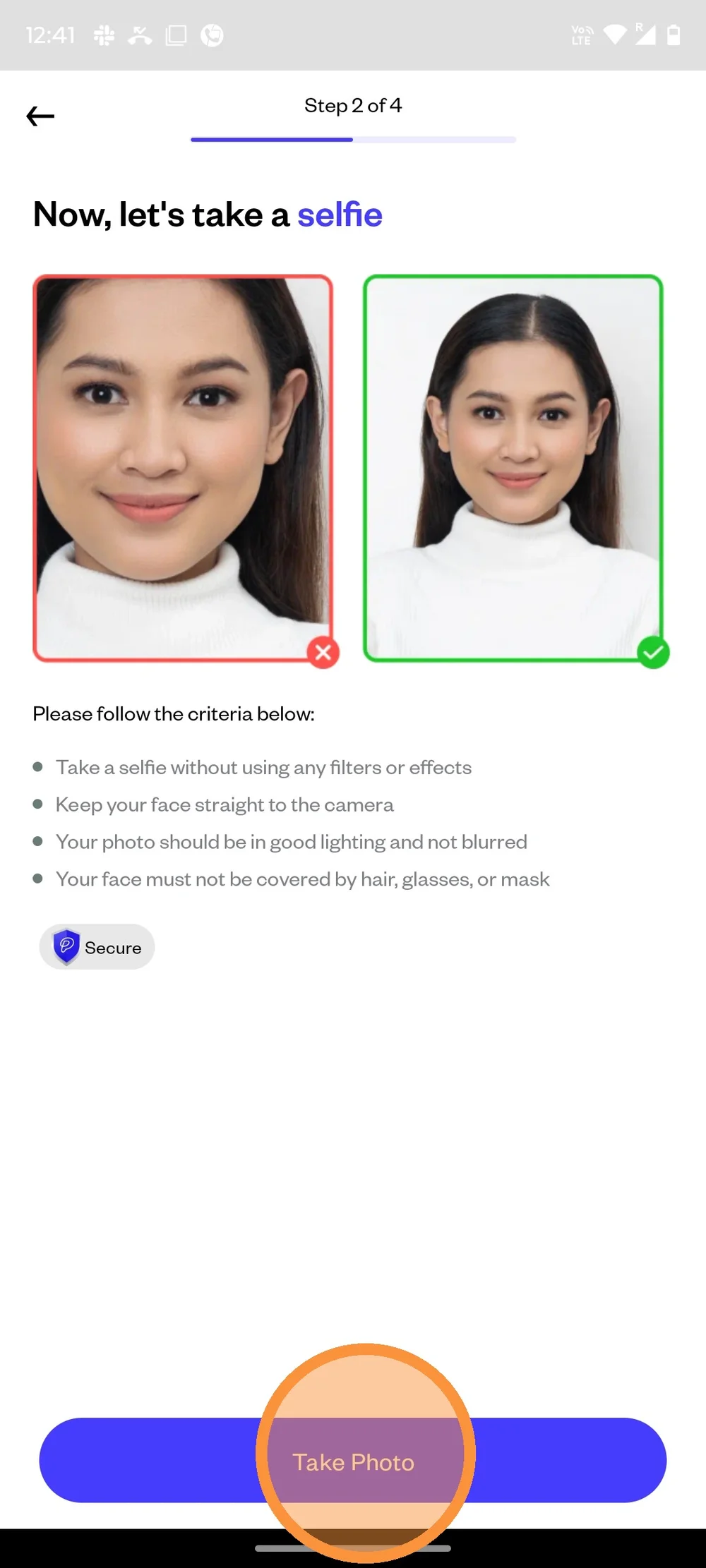
Next step is to take your self portrait picture. Make sure to take following the instructions provided. When you're ready to start, click "Take Photo".
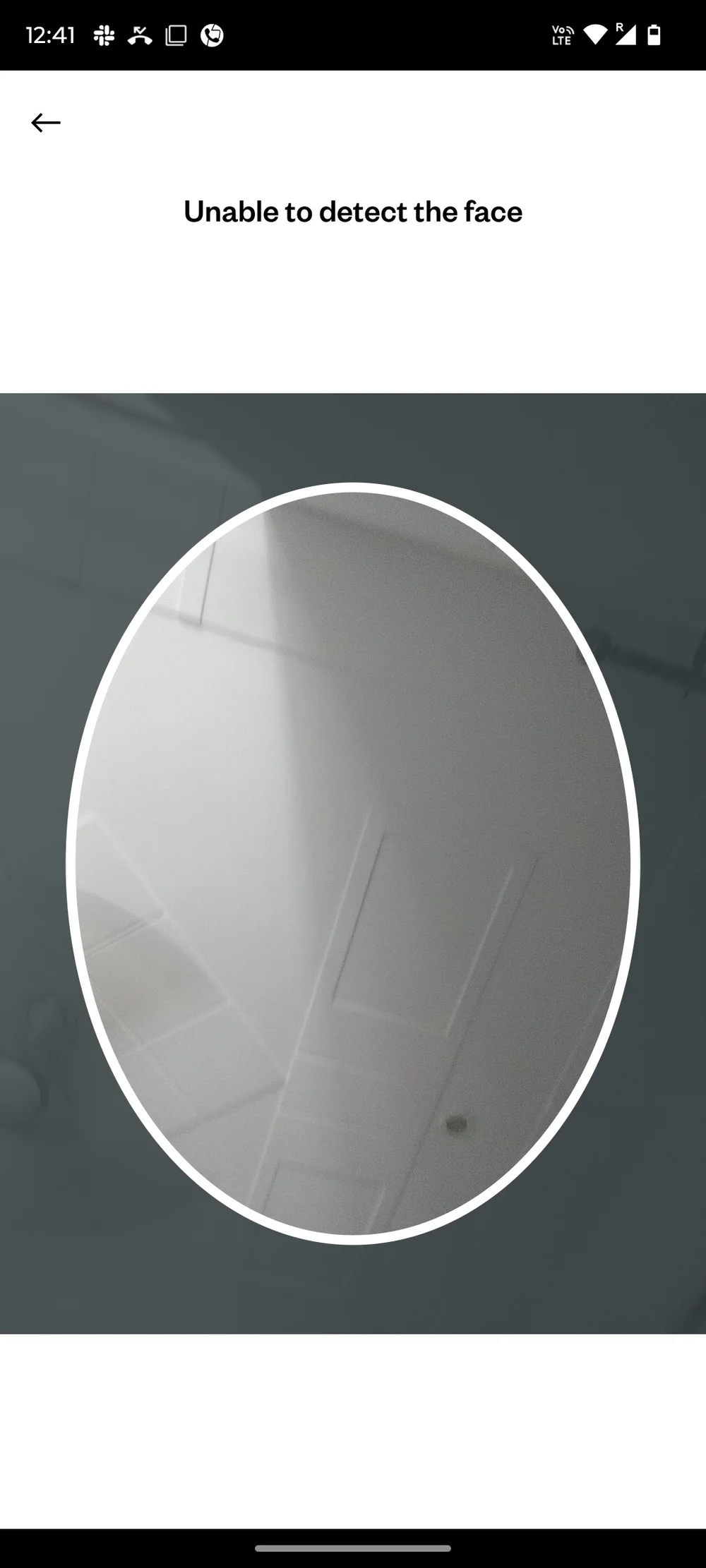
Make sure your face is within the frame.
The system will then process your selfie. Please wait until the page is done loading.
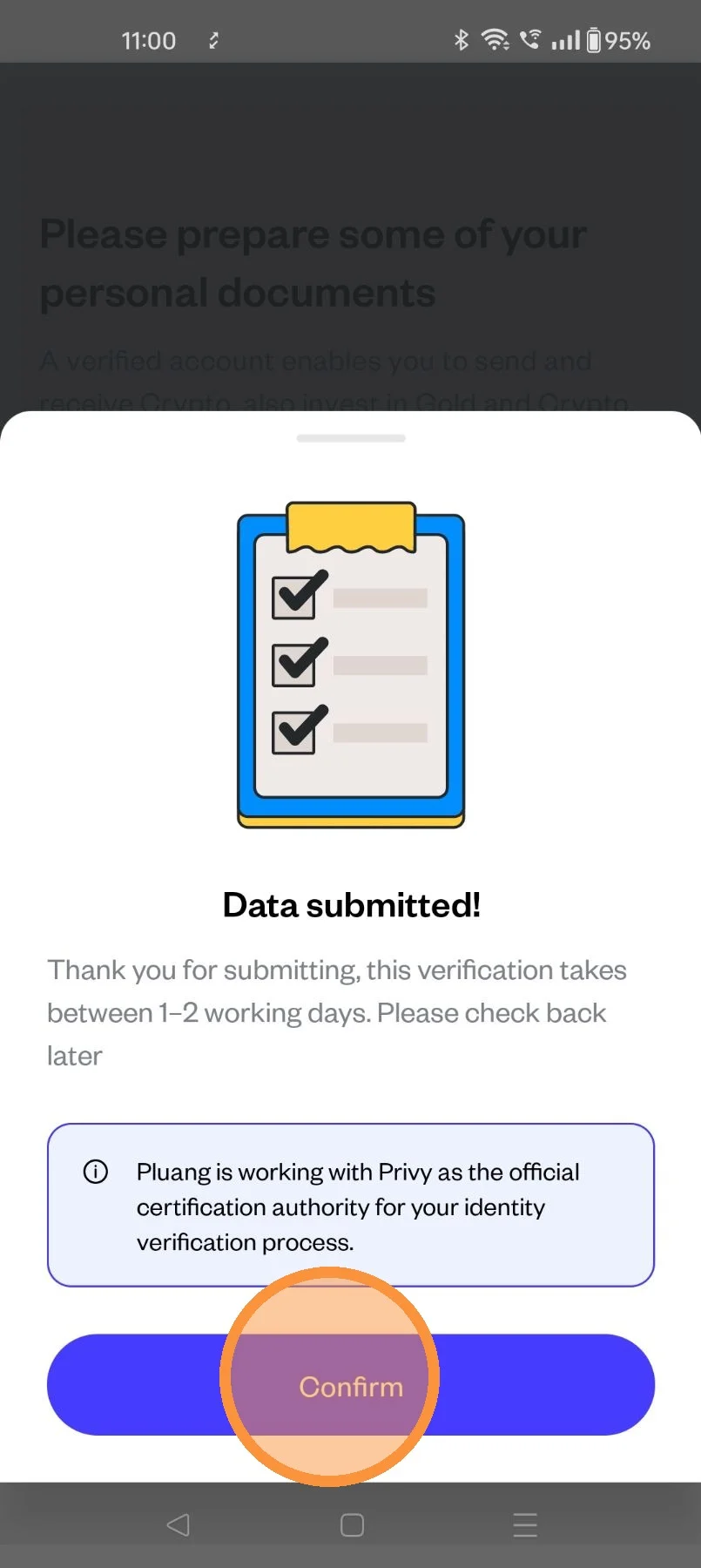
Next step is to fill in your personal data based on your passport. When you're done, click "Confirm" to submit it.
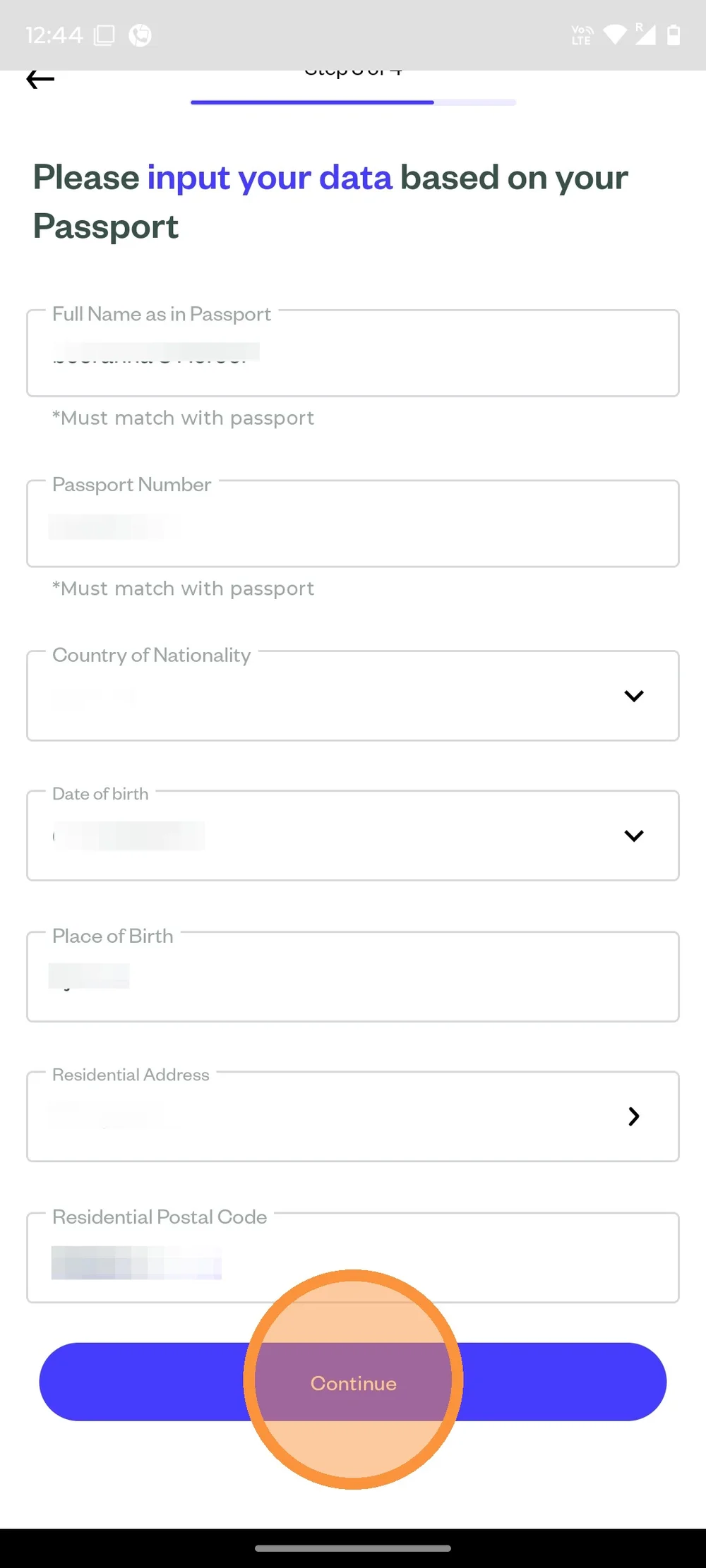
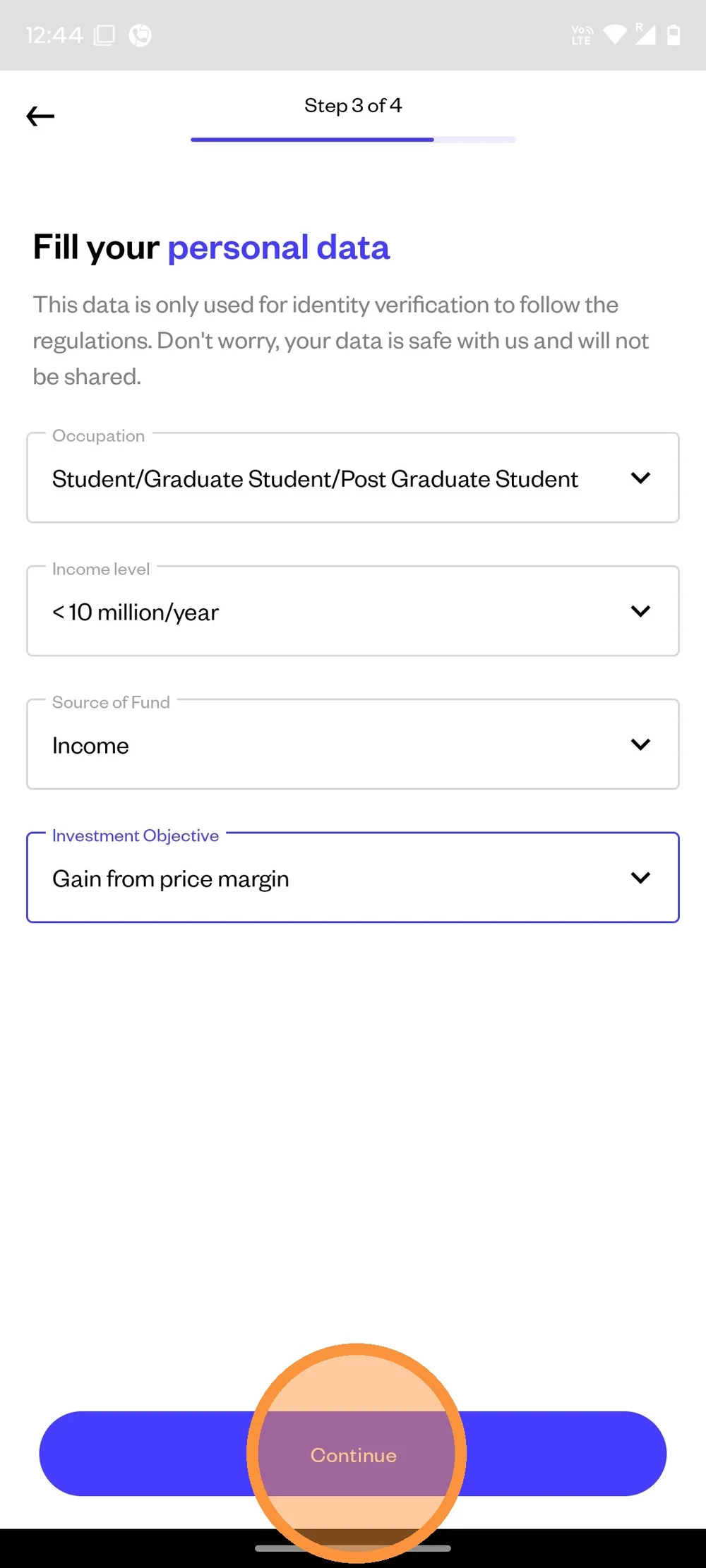
Next is to fill your occupation and income level data. Click "Continue" when you're done.
KYC submission will be reviewed, trading functionality will be enabled once approved