Pluang App: Register and KYC
12 Steps
Open the App
Launch the Pluang App on your mobile device.
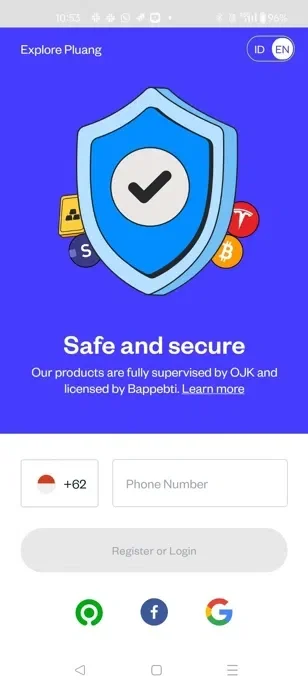
Enter your mobile number that you want to register.
Click "Register or Login" to proceed.
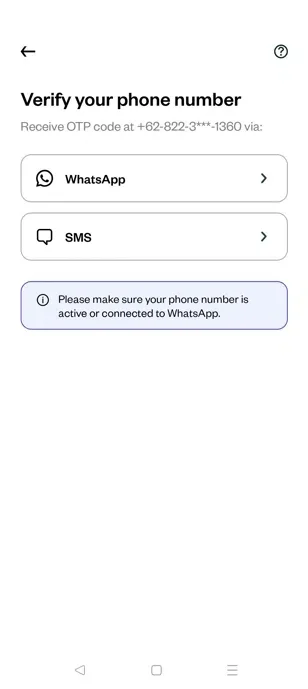
To Verify Your Mobile Number
Select "WhatsApp" or "SMS" to receive your verification code.
Enter the OTP (One-Time Password) received on your mobile number
Proceed with Registration
Tap the required options on the app to navigate through the process.
Tap here.
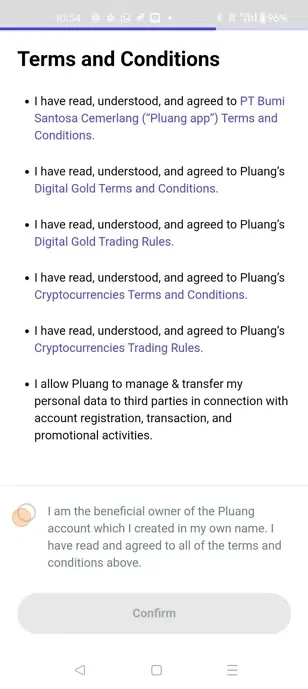
Setup and Confirm you PIN

Enter your email ID for verification and Click confirm
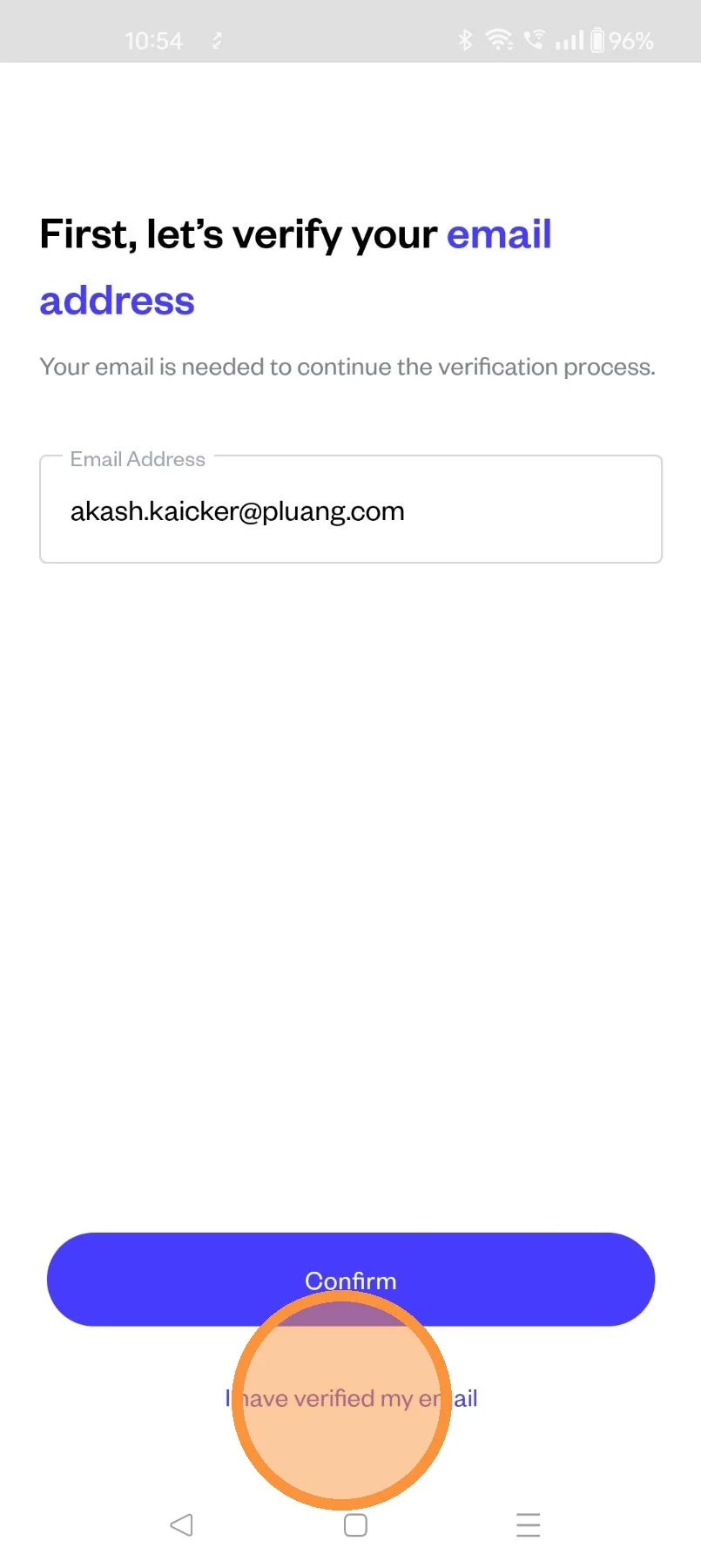
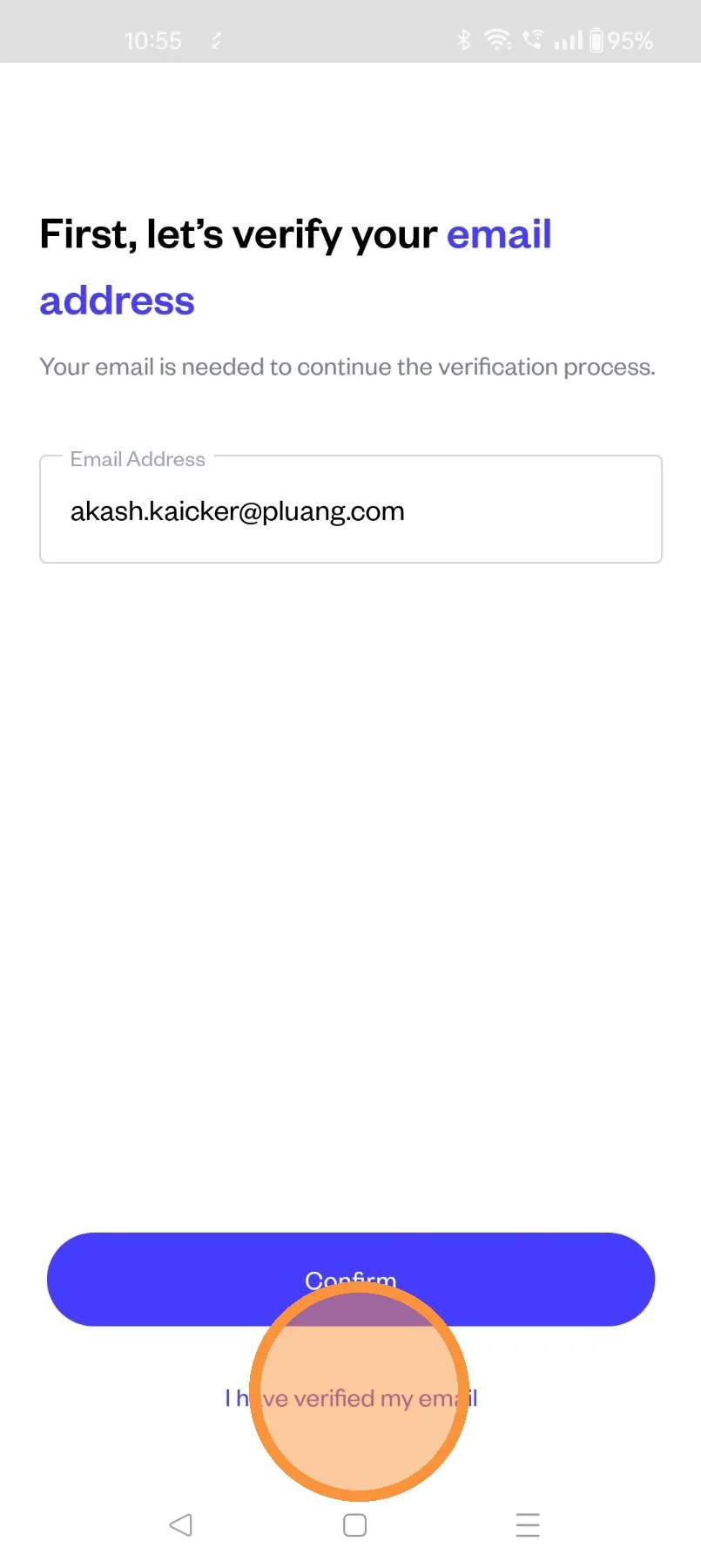
Once you have verified your email ID (Verification done by clicking on the link in the email received )
Click on "I have verified my email"
Email Verified
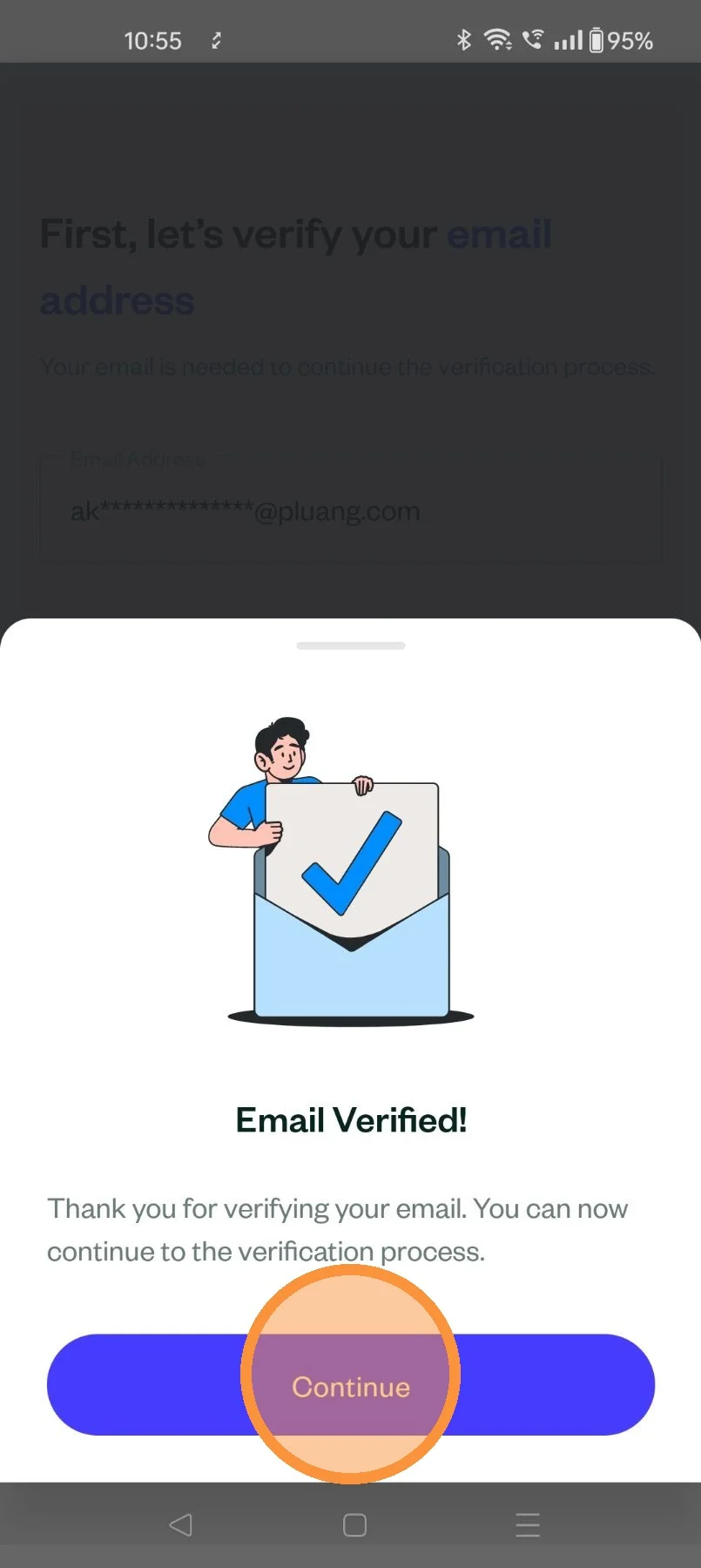
Identity Verification (KYC Process)
Upload the required identity document, e-KTP(ID card)
Take a selfie for facial verification scan
and Click "Confirm"
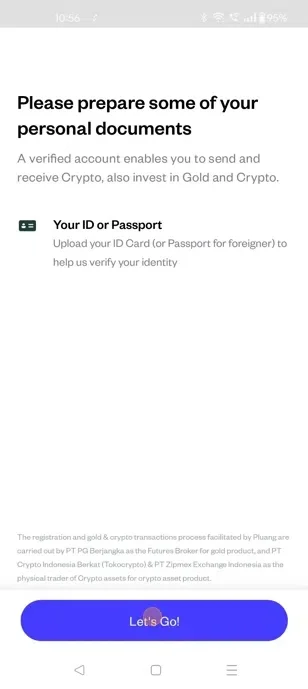
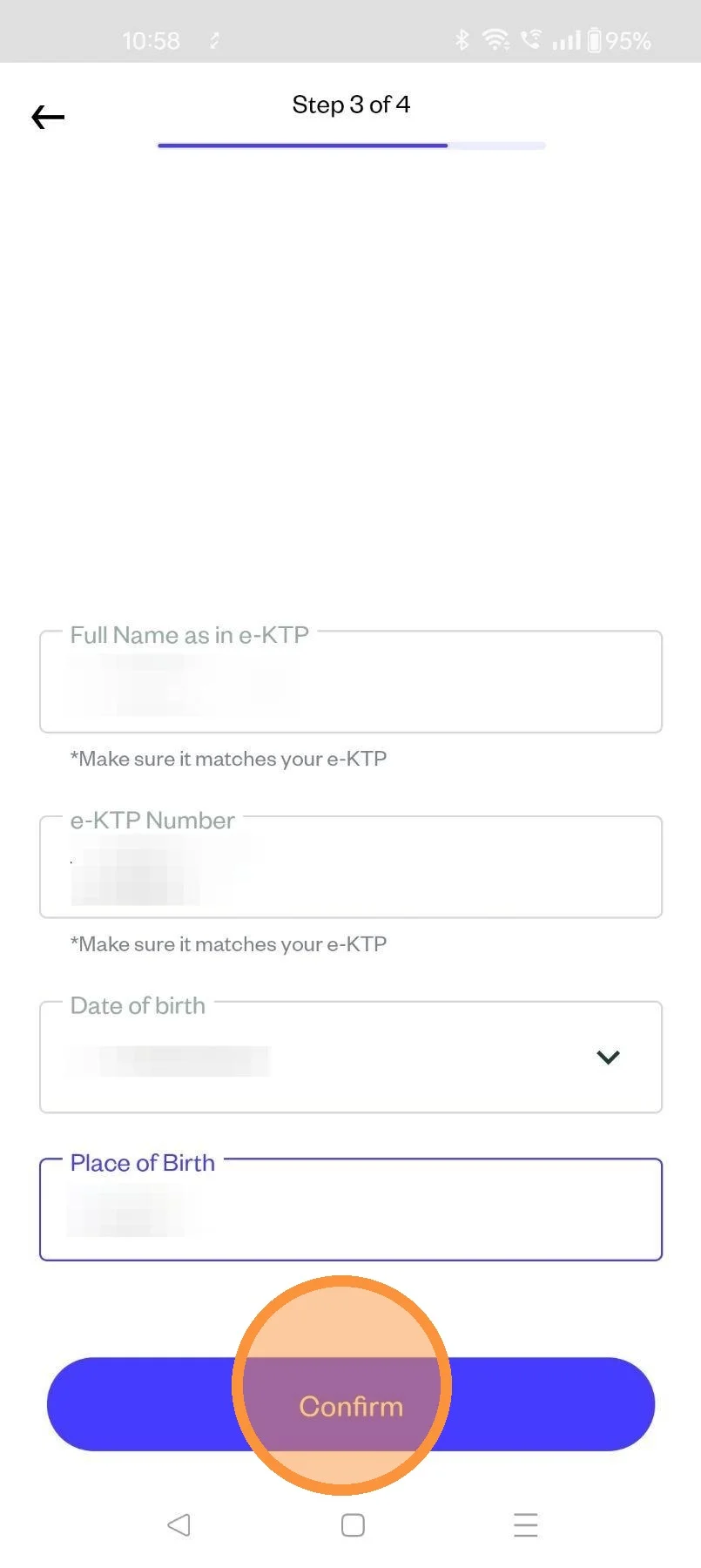
Provide Personal Details
Enter your full name, date of birth, e-KTP number and place of birth
Confirm your details before proceeding.
Enter your occupation, income level, source of funds and Investment Objective
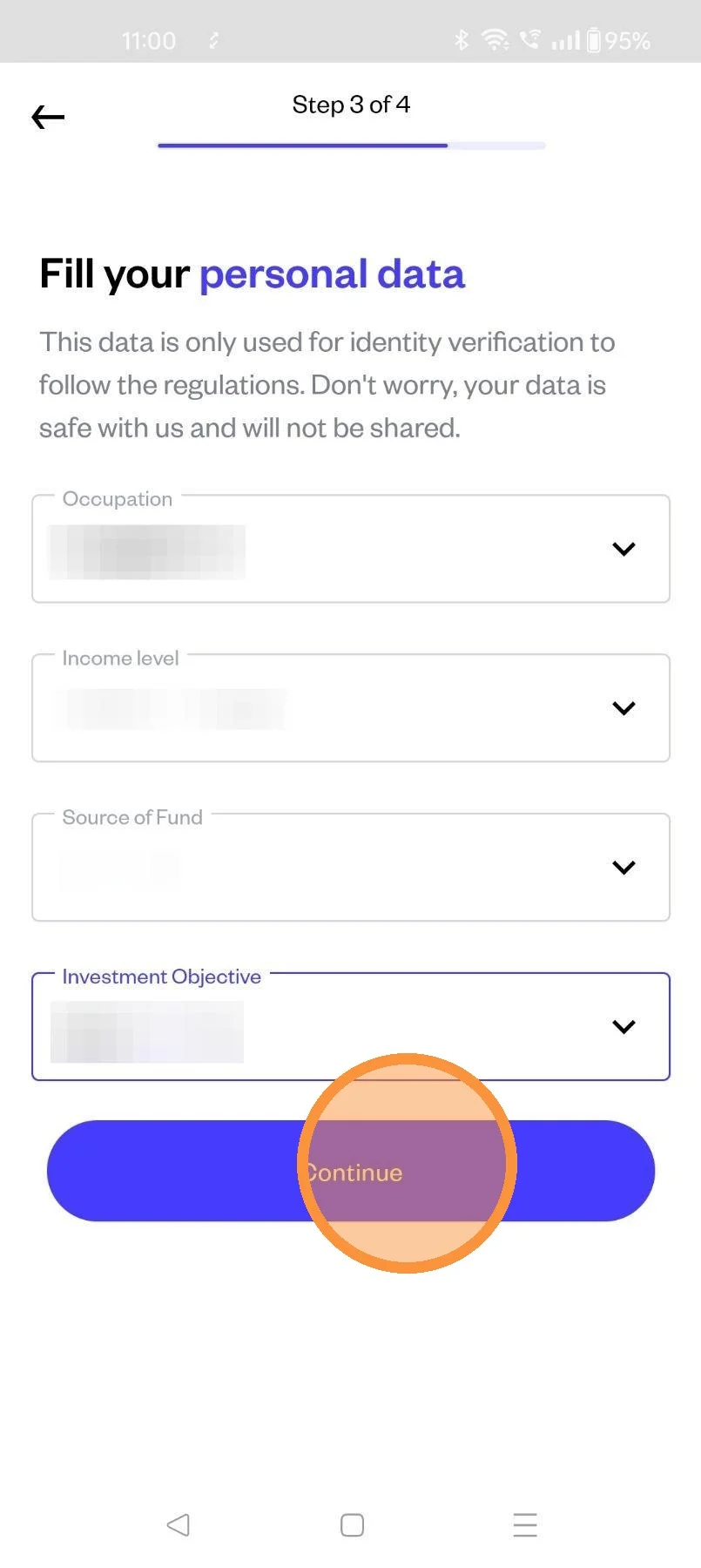
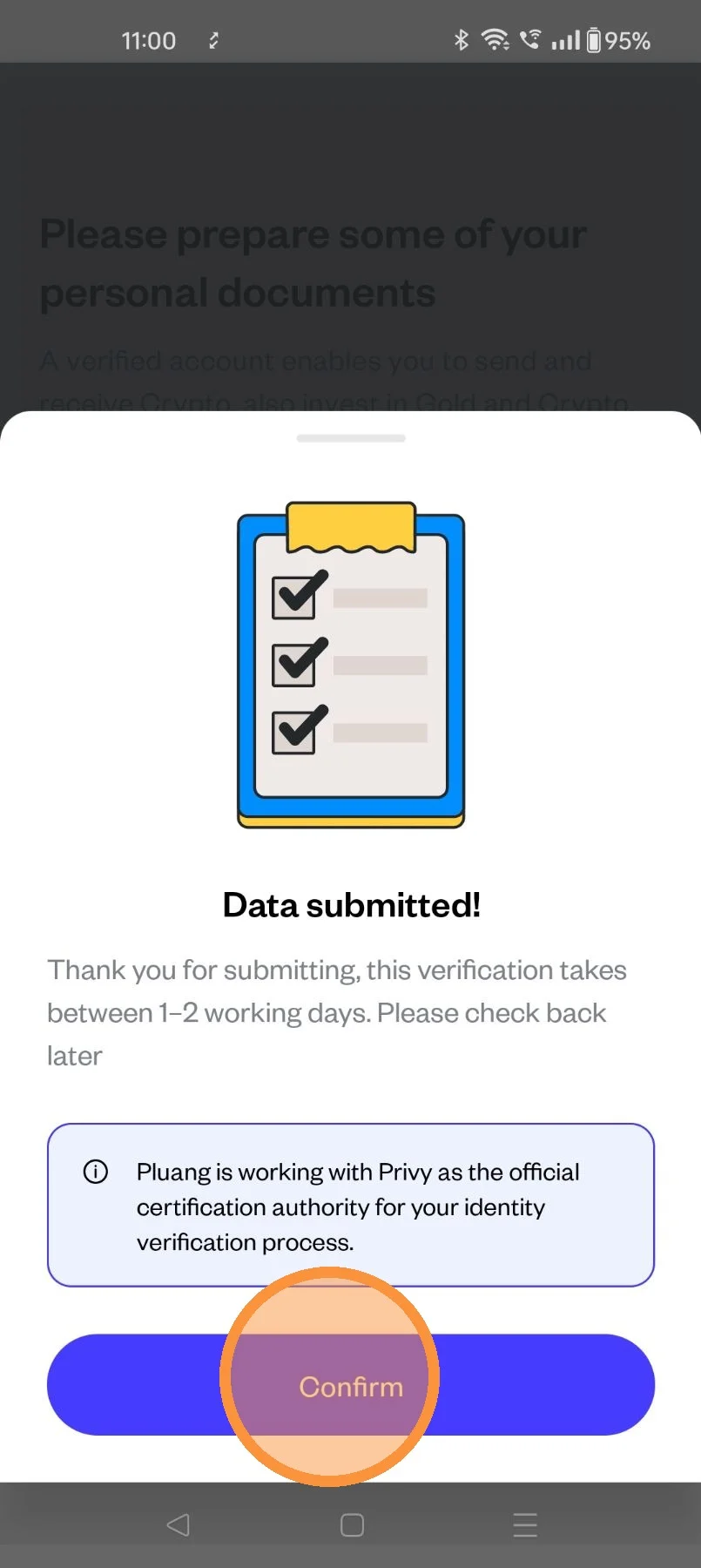
KYC submission will be reviewed, trading functionality will be enabled once approved