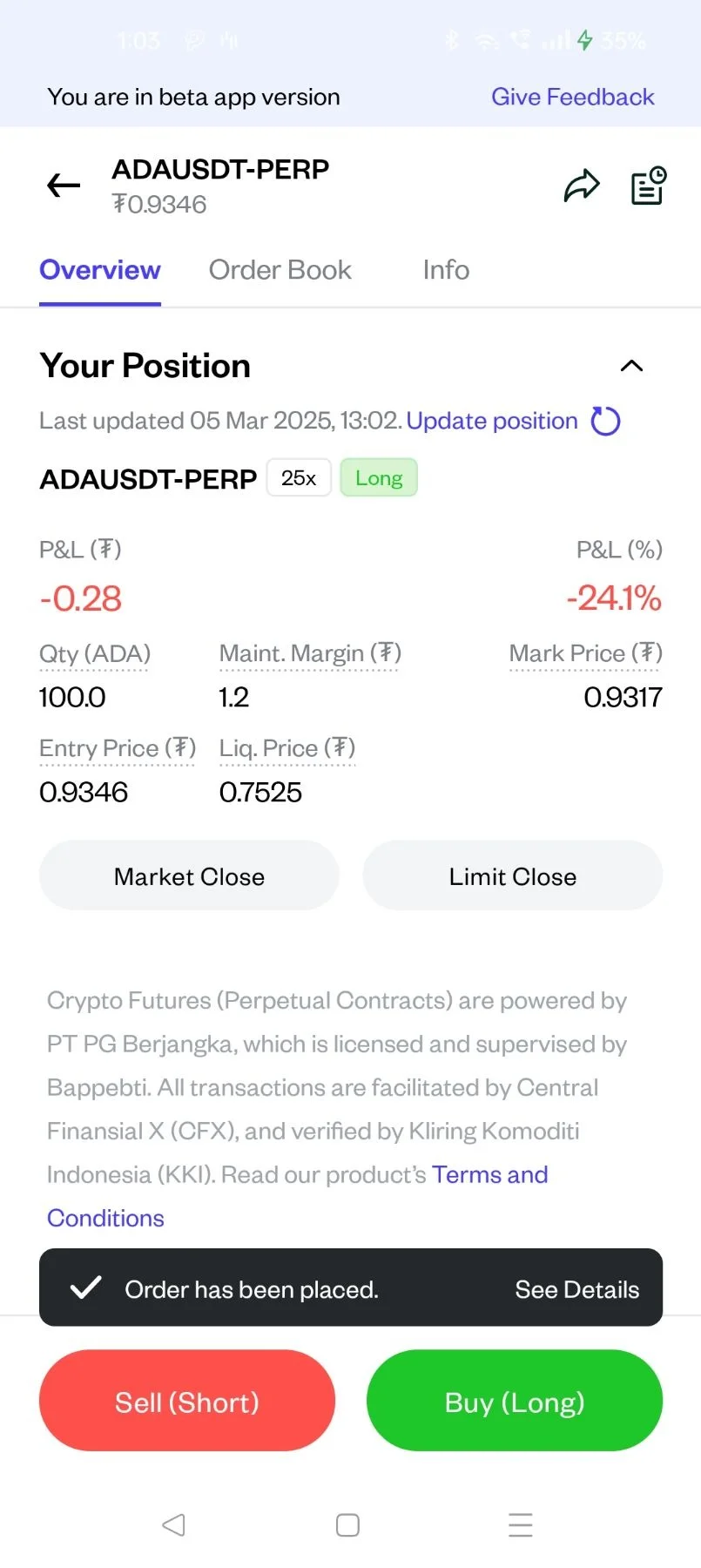
Pluang App: Close Crypto Futures Position
12 Steps
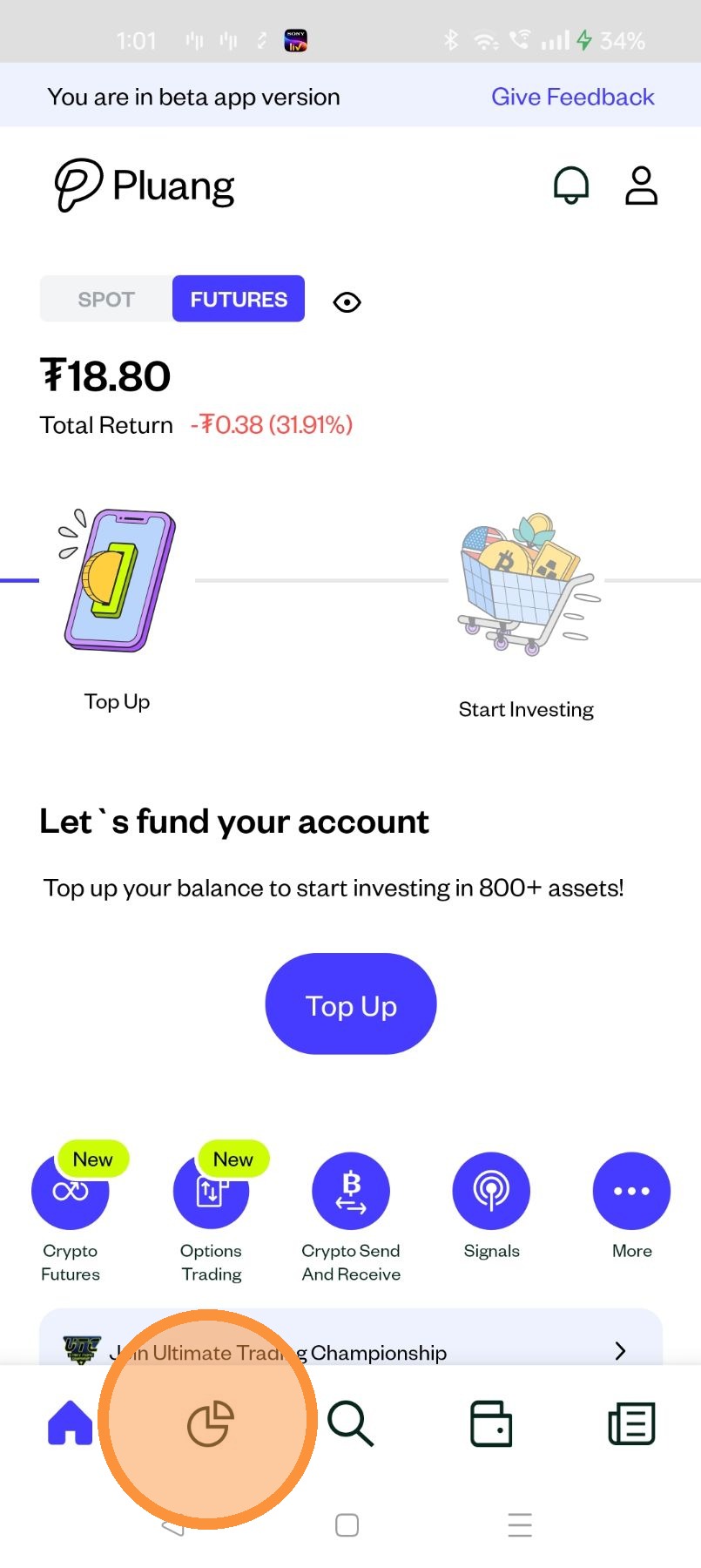
Open the Pluang App and login, Navigate to crypto asset ADP via
- Portfolio page
Global Search
- Portfolio page
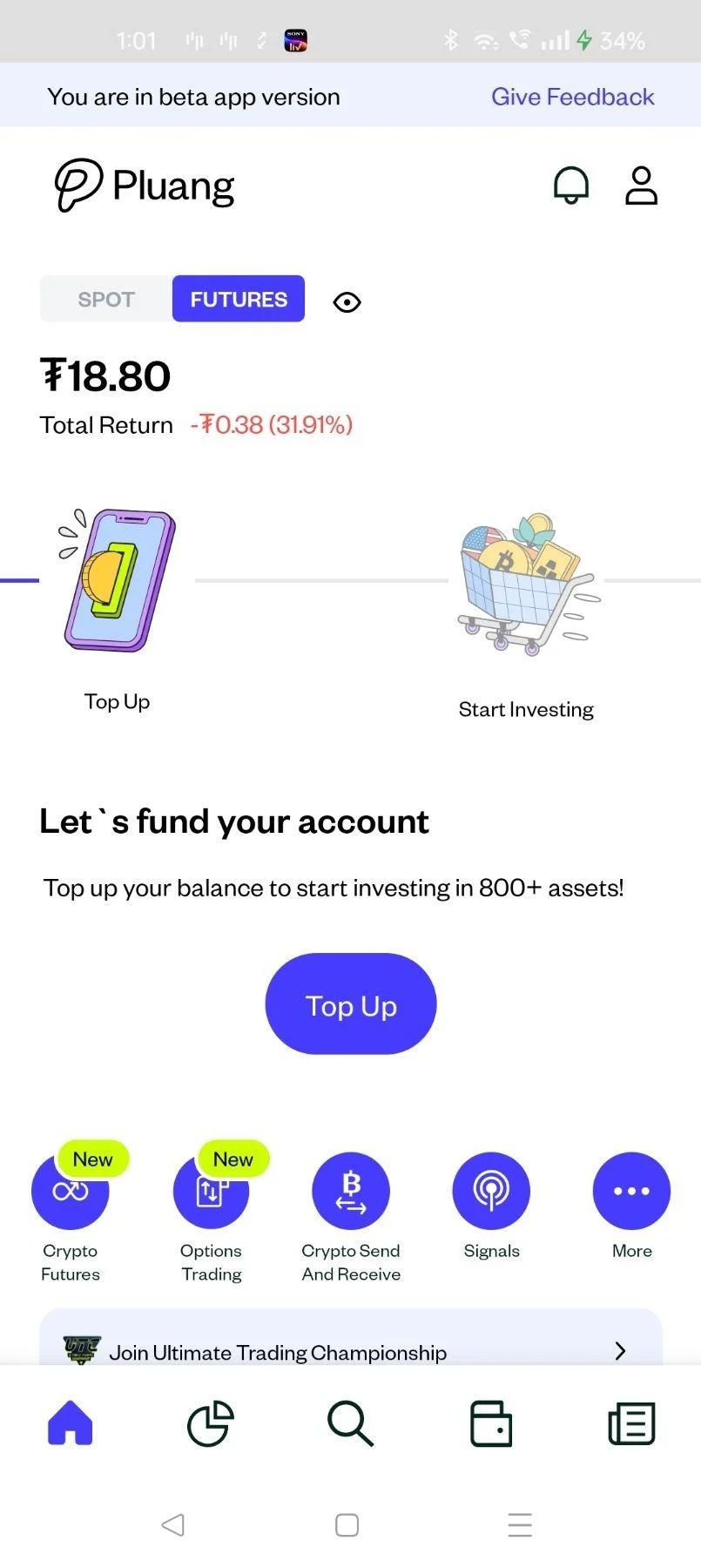
Tap "Futures"
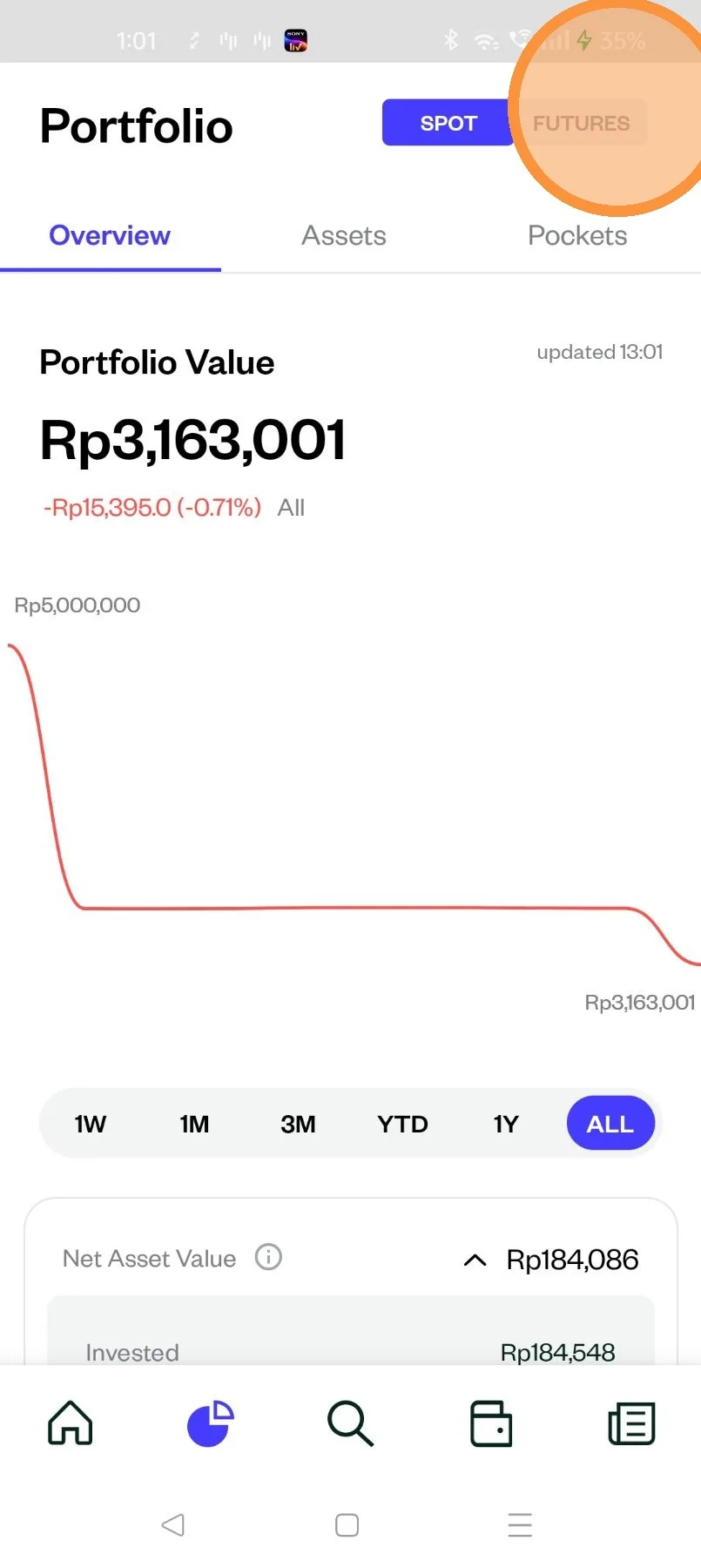
Tap on the crypto asset
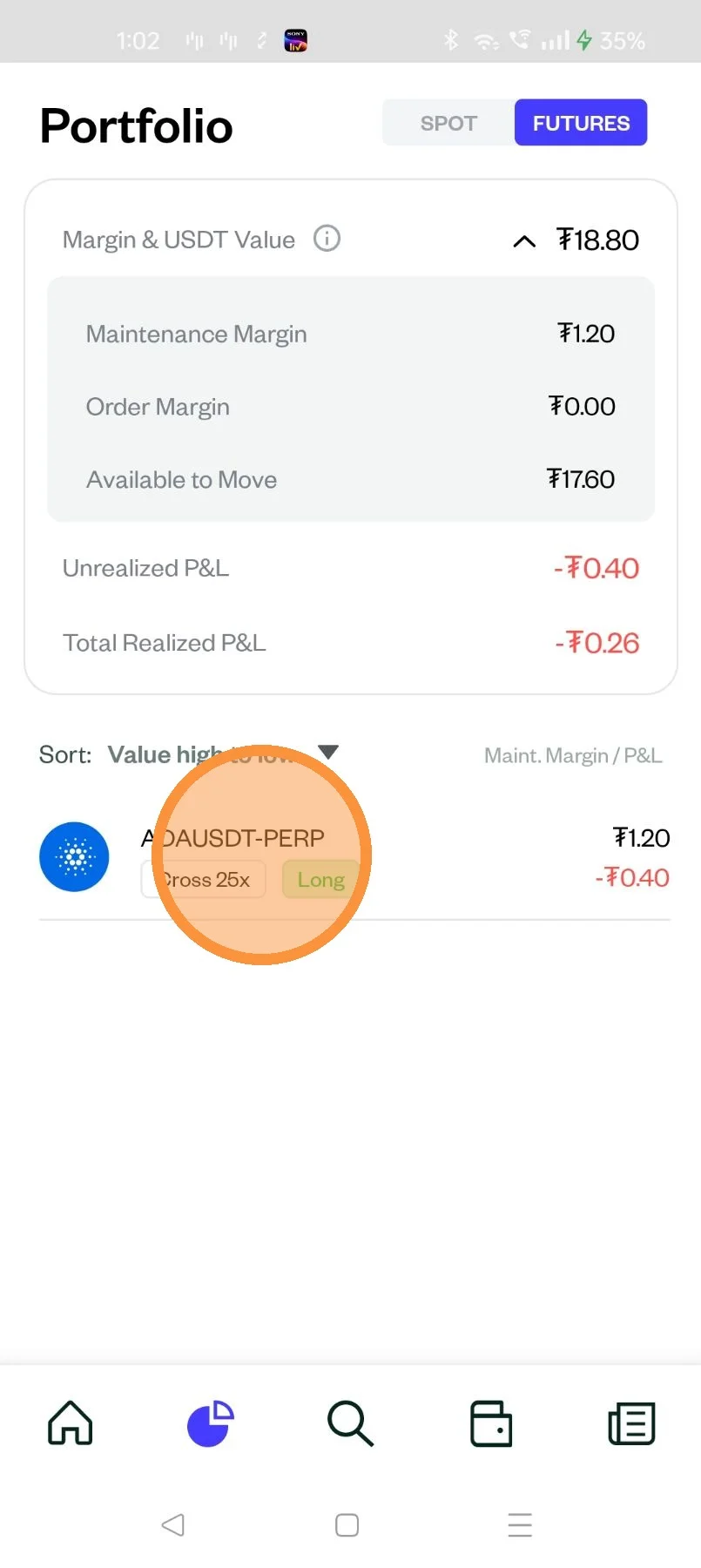
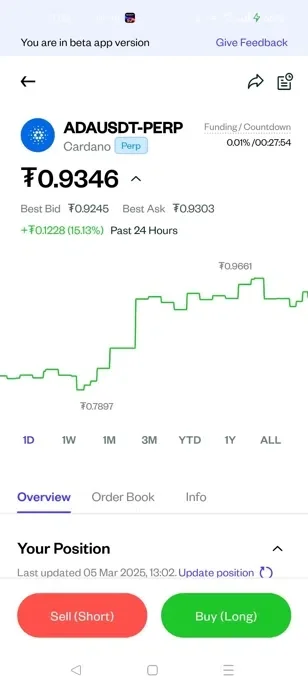
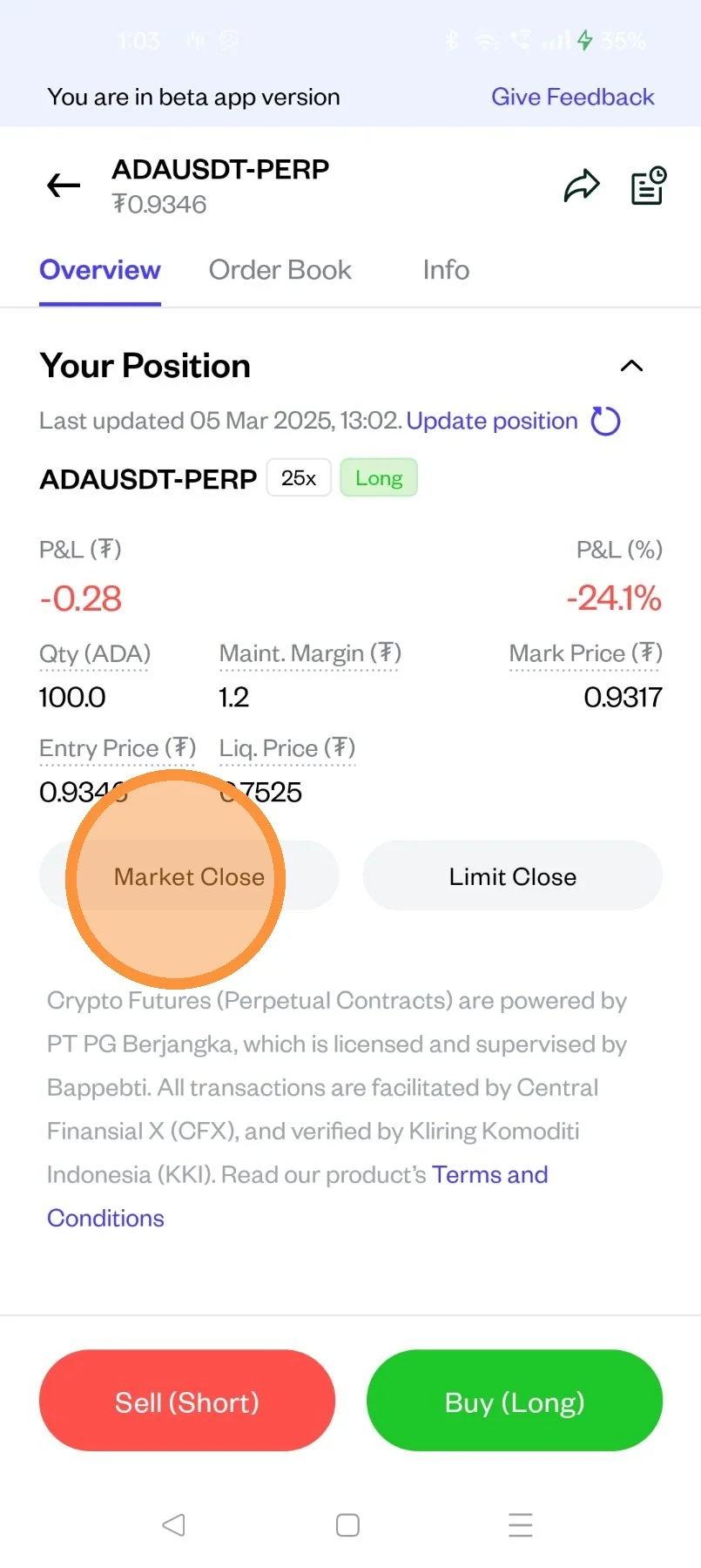
Scroll to locate "Market Close" and "Limit Close"
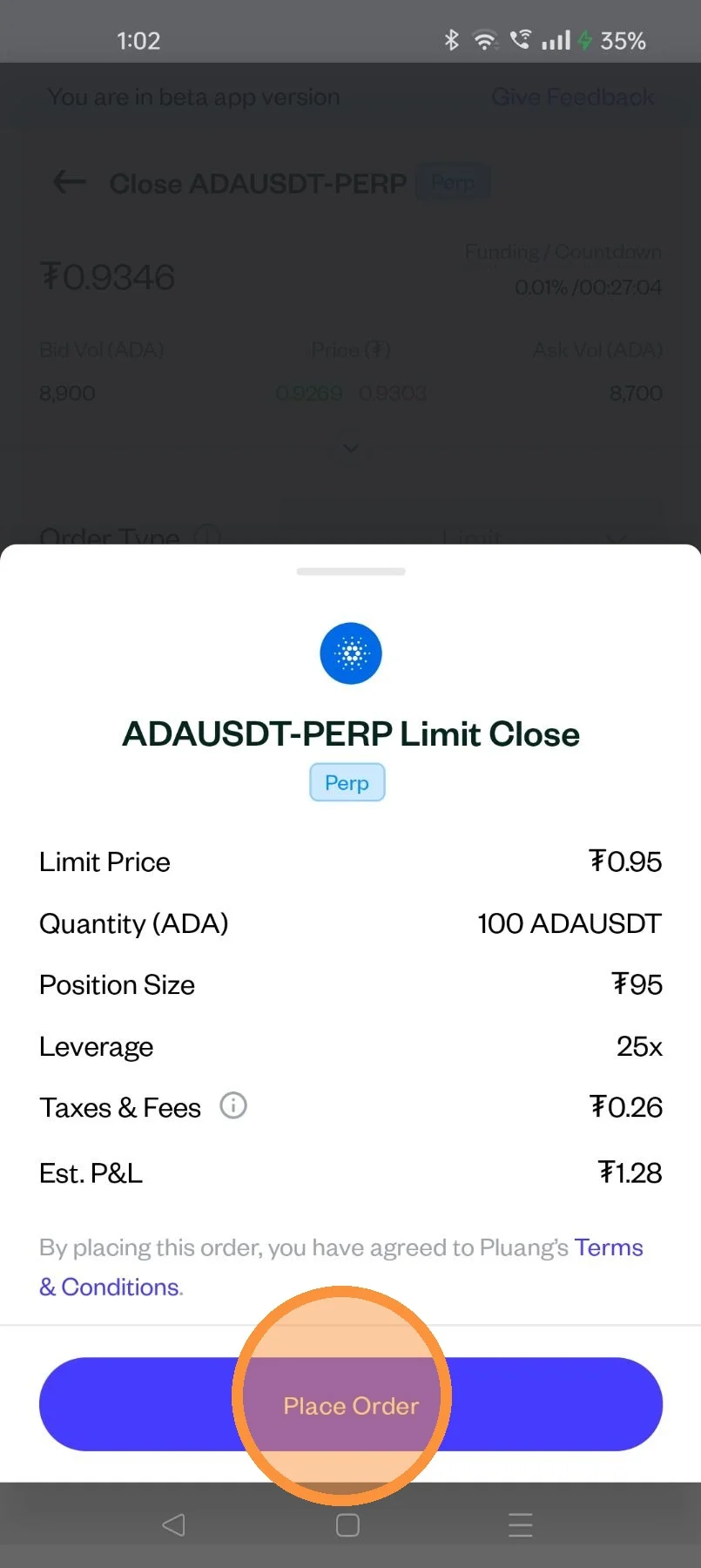
a. Limit Close
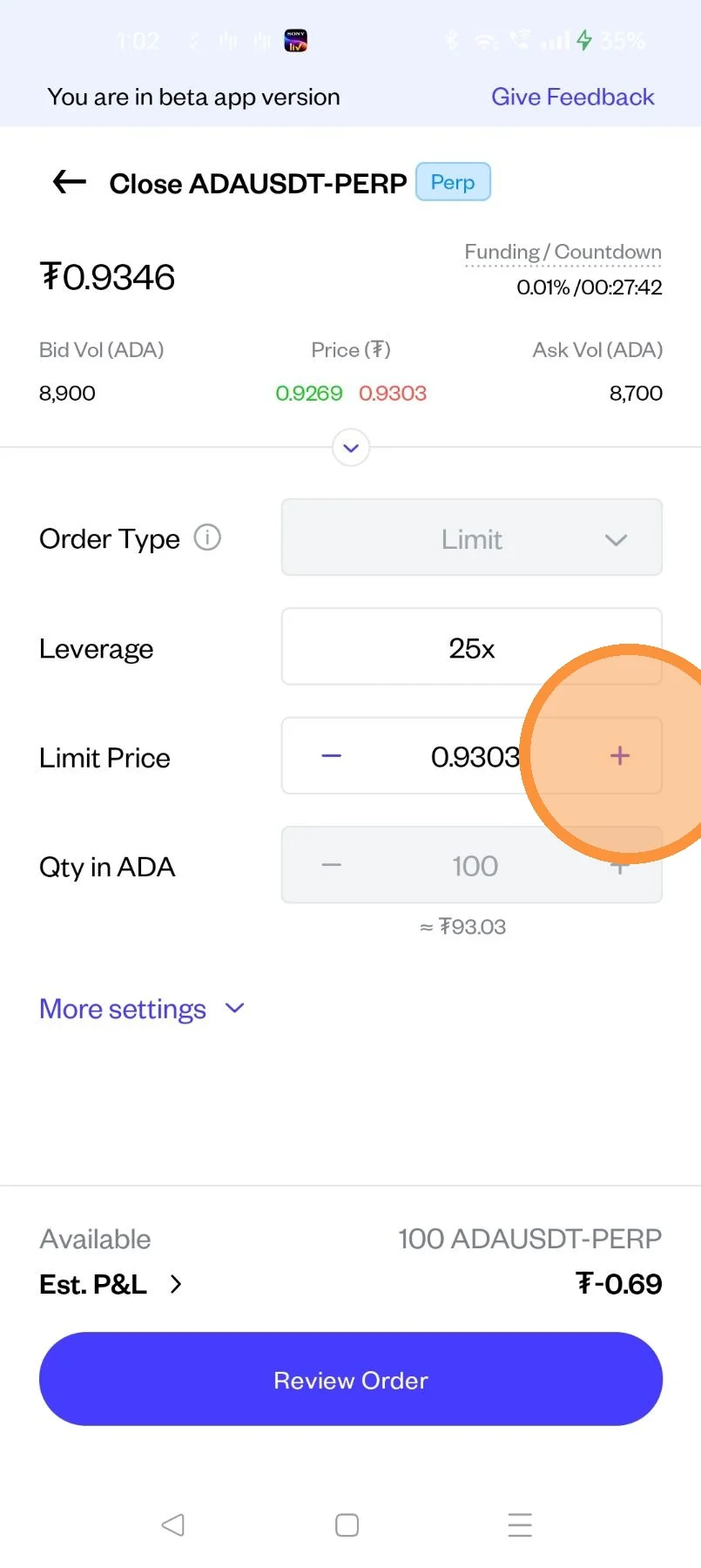
Input the limit price you want to close the position on
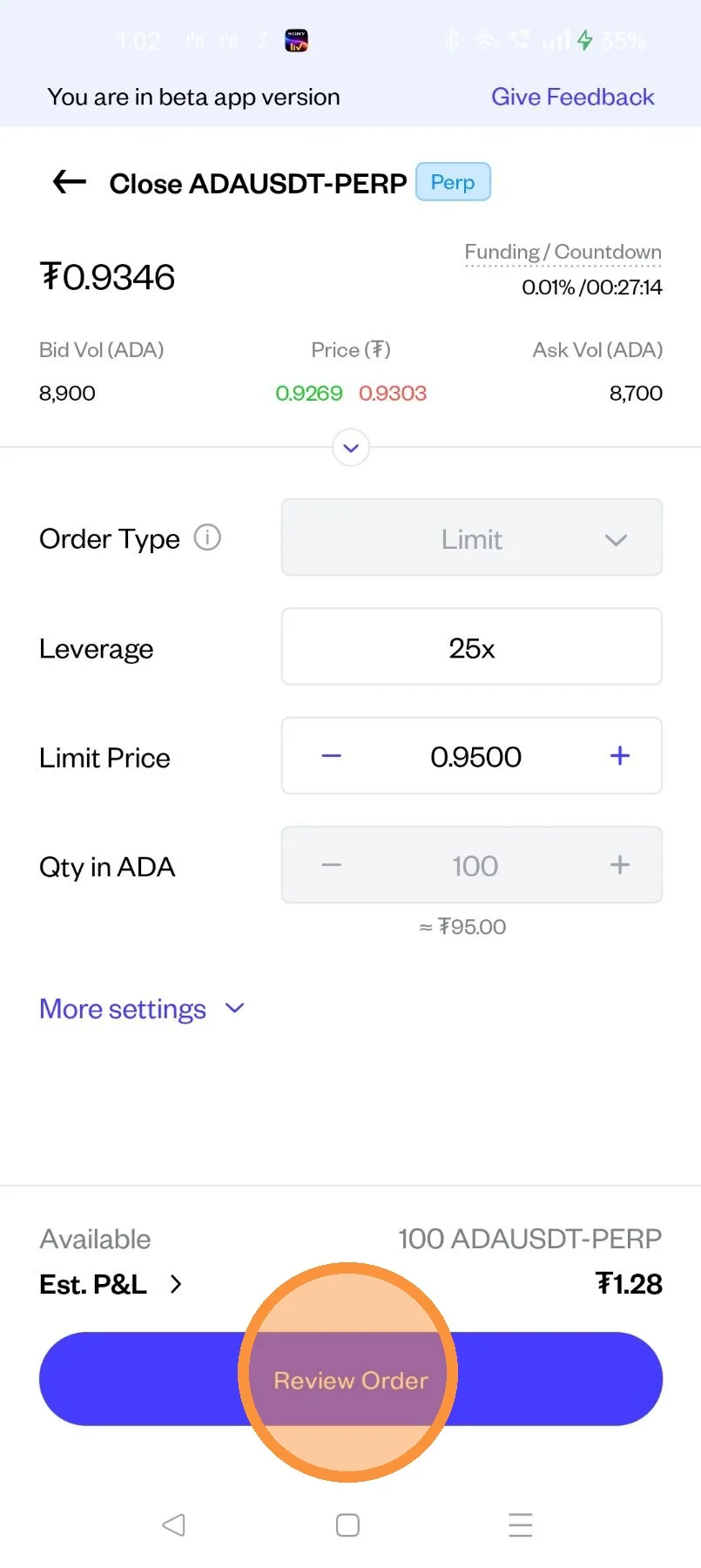
Tap on "Review Order"
After review, tap here to Place your order
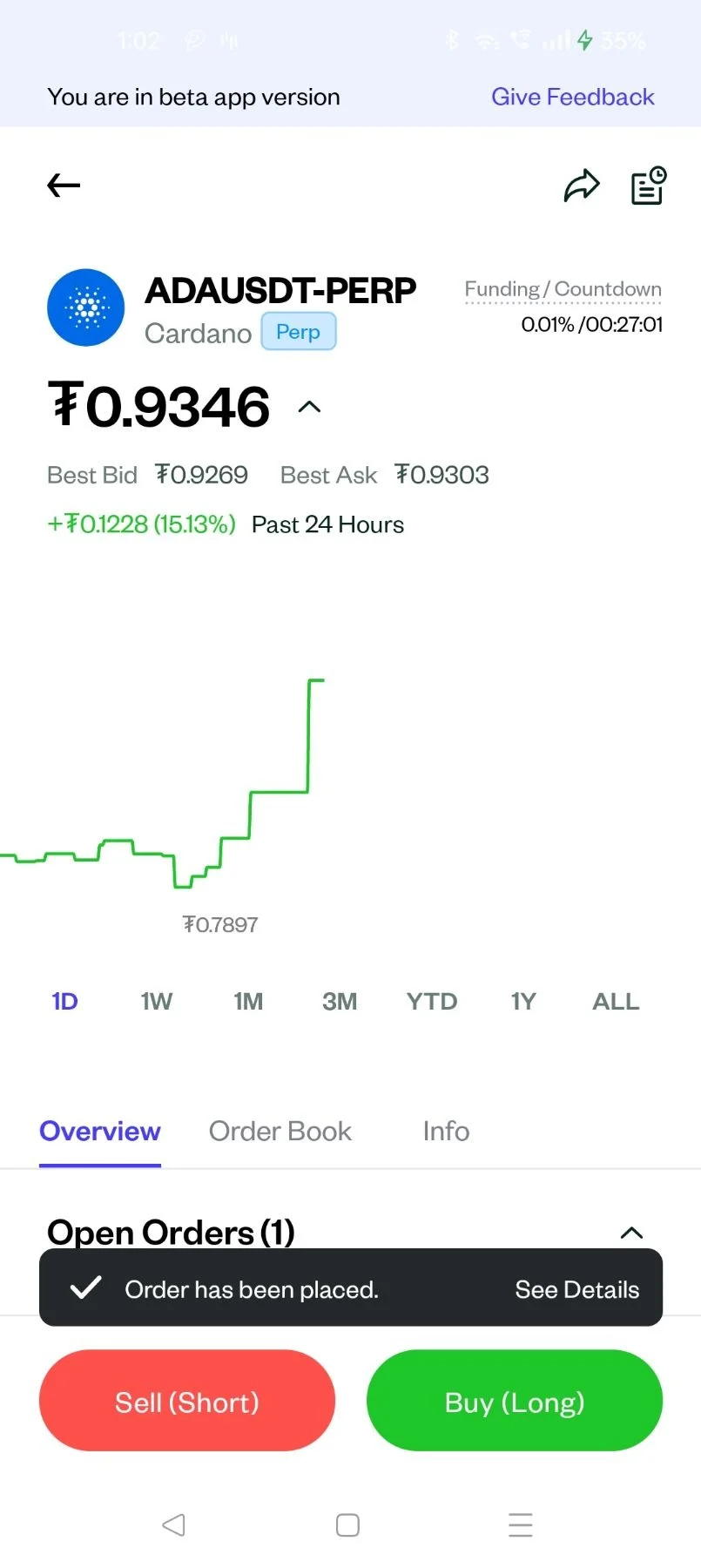
Your order to close your position has been placed
b. Market Close
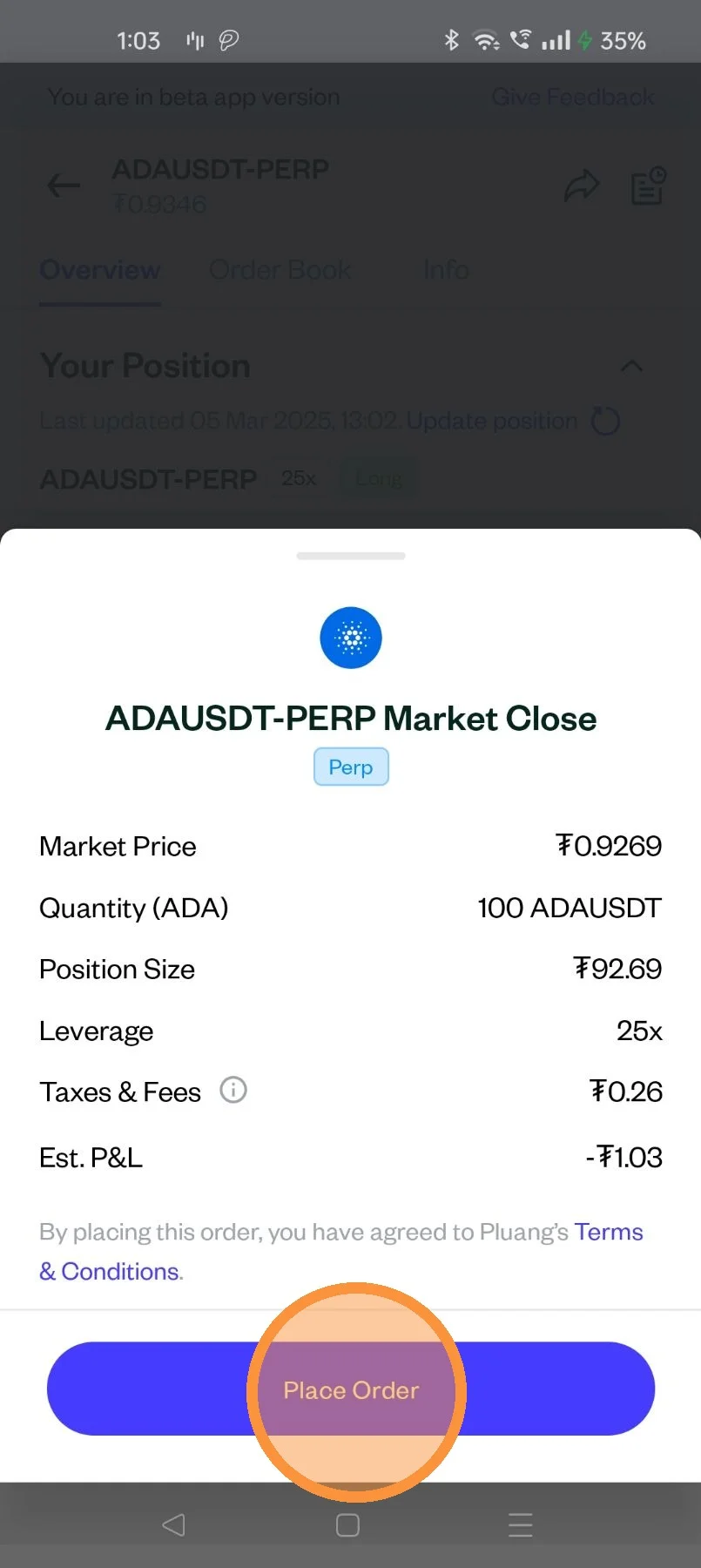
After review, tap here to Place your order
Your order to close your position has been placed