How To Amend Order in Crypto Futures
5 Steps
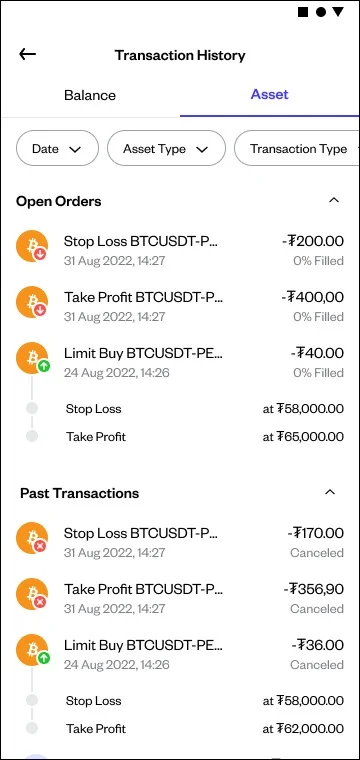
Open your open order transaction history through the "Transaction History" page. Then press the “Amend Order” button provided.
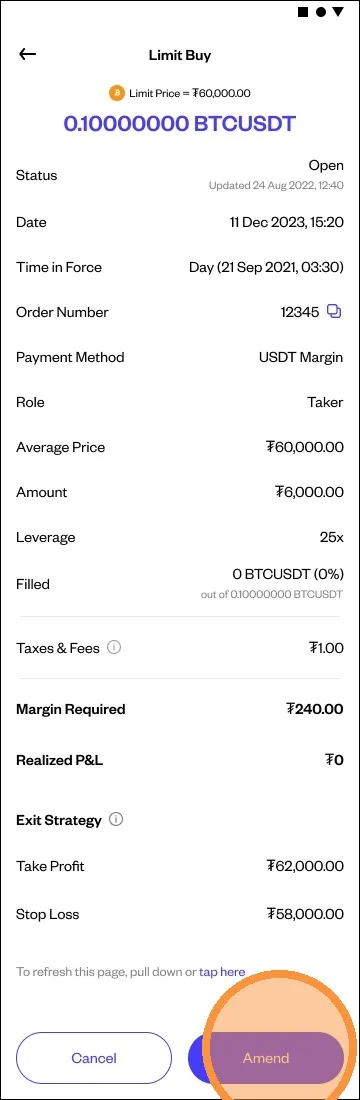
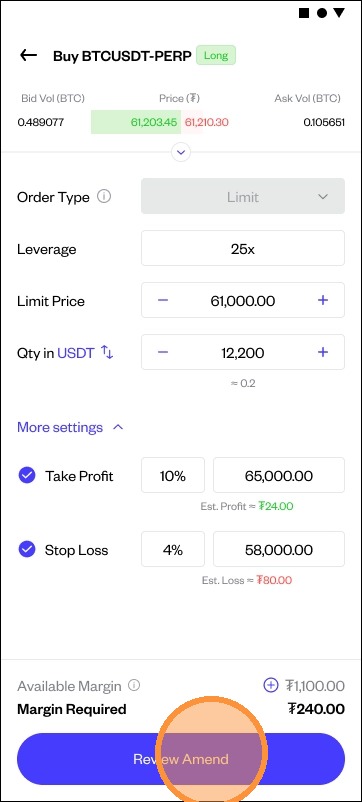
After pressing that button, you will be directed to the order reset screen, where you can:
- Change the quantity
- Change the price
Change or adjust Take Profit (TP) and Stop Loss (SL)
- When you modify an open order (limit order) in Crypto Futures, the system will automatically calculate the additional margin required based on the changes you have made. If the new settings require less margin than the previous order settings, the excess margin will be returned to your margin wallet when your order is executed. Once you are done, click “Review Changes.”
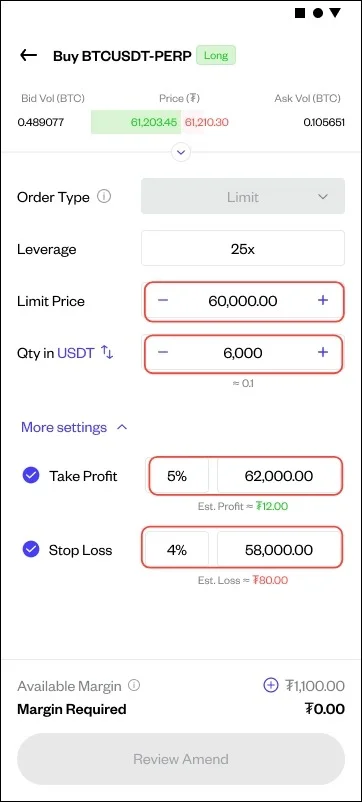
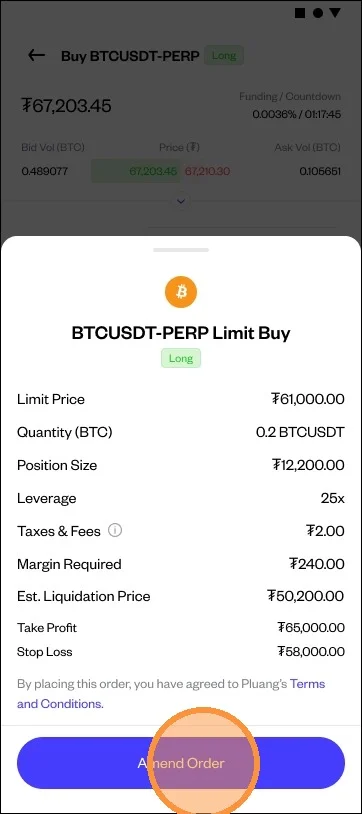
Double-check the order you changed. Then click “Change Order” to modify your open order.
You can check the changes of your modified order through "Transaction History".