How do I add TP/SL to a Crypto Futures position I already have open, with no TP/SL set?
You can add TP/SL directly from your open position — tap "TP/SL" on the position card, and the Advanced TP/SL sheet opens showing your Entry Price, Mark Price, Position Quantity, and Position Side so you can configure your exit levels without closing the position.
Before you start, make sure:
- You have an existing open Crypto Futures position with no TP/SL currently set
5 Steps
Open the Positions screen (or the Trade Page positions section) and locate the position you want to edit.
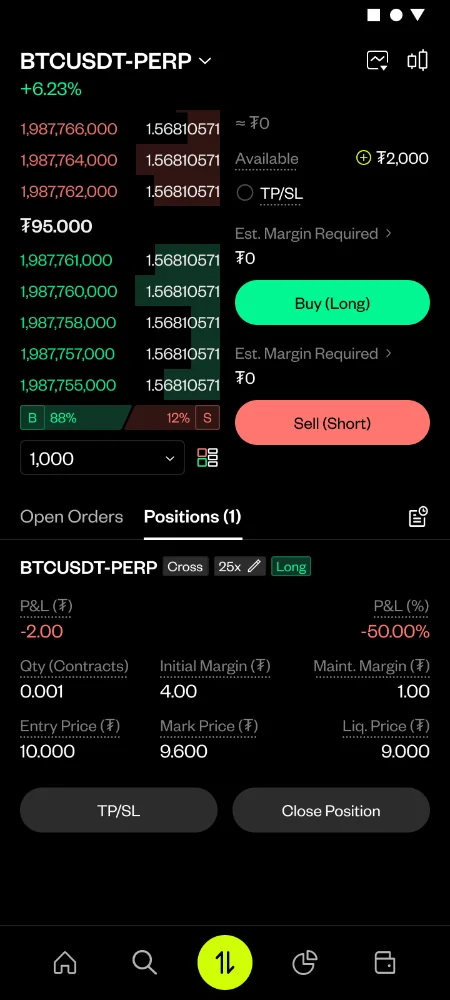
Tap "TP/SL" on the position card
Review the sheet header, which shows your Entry Price, Mark Price, Position Quantity, and Position Side
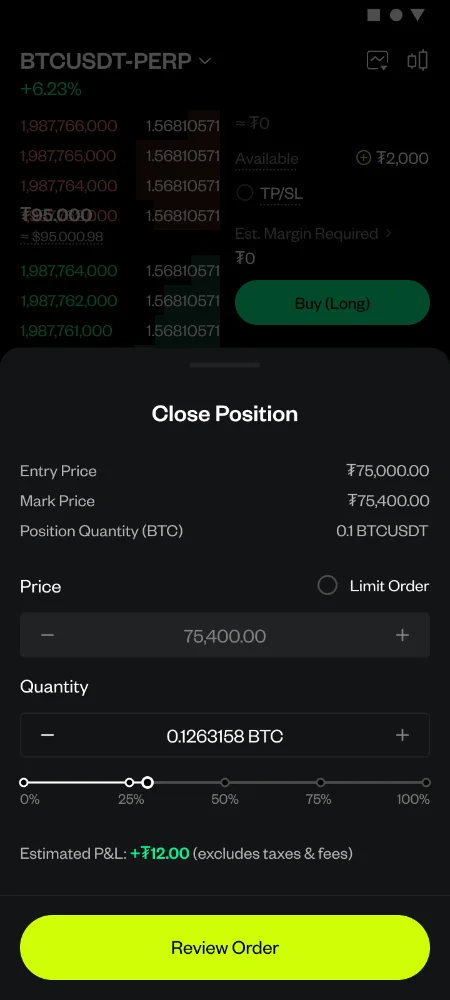
Confirm the Limit Order toggle if you want Limit instead of Market execution, then Enter the Limit Price
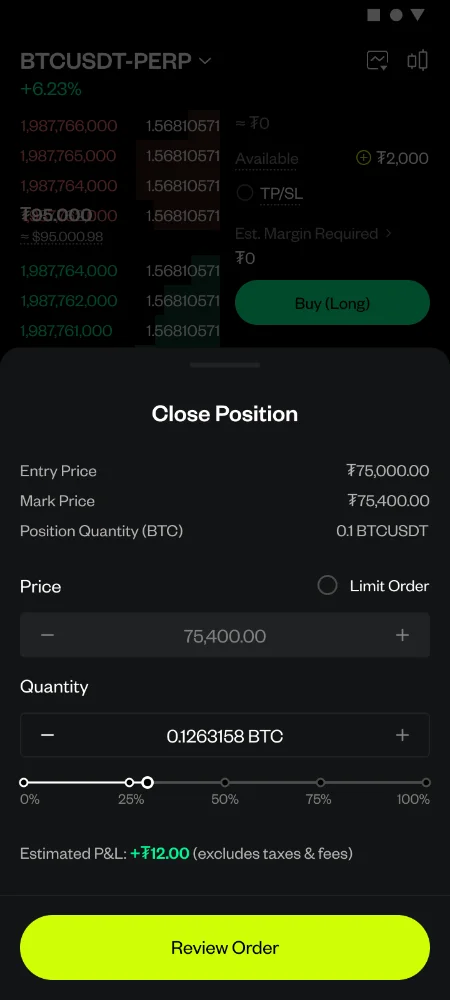
Tap "Place Order" to save