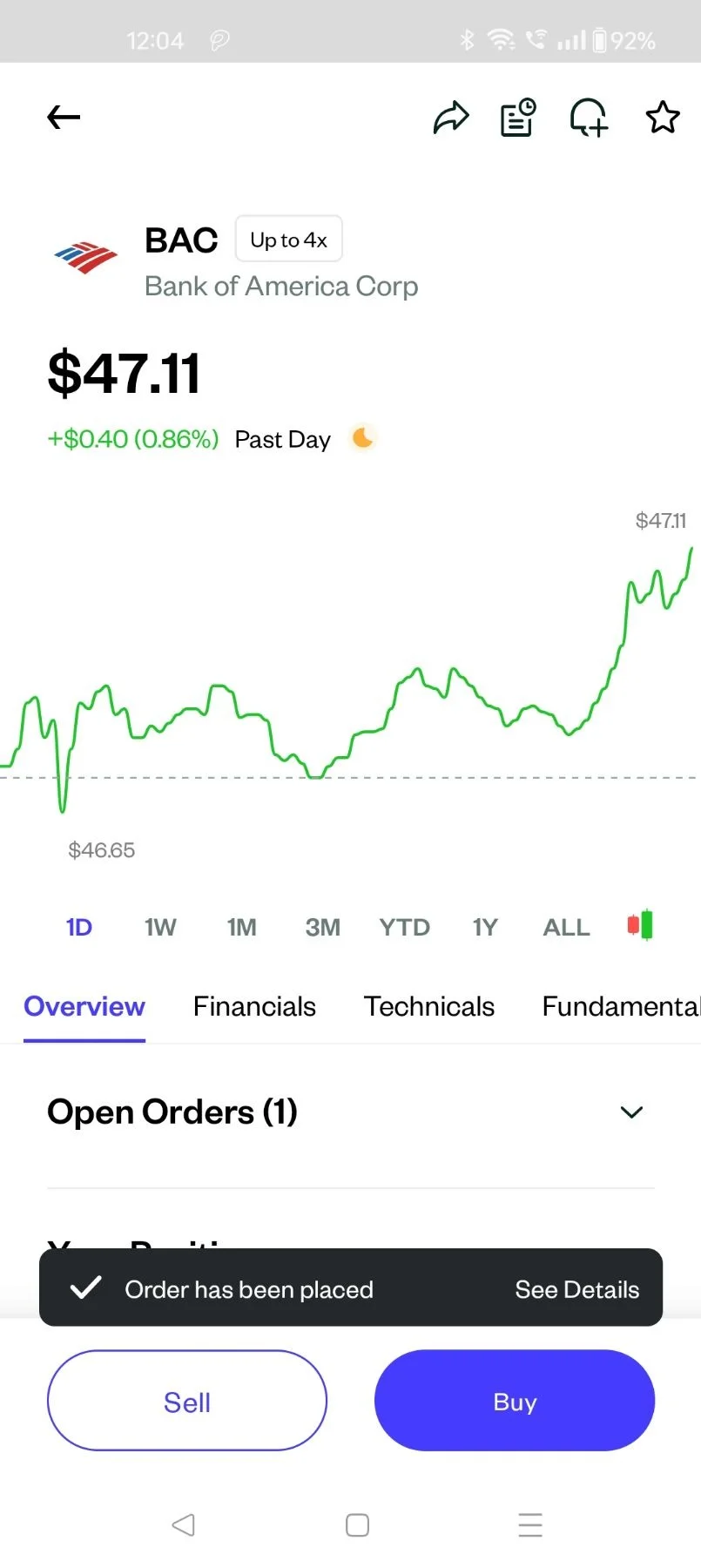
Pluang App: Sell US Stocks
11 Steps
Open Pluang App and login
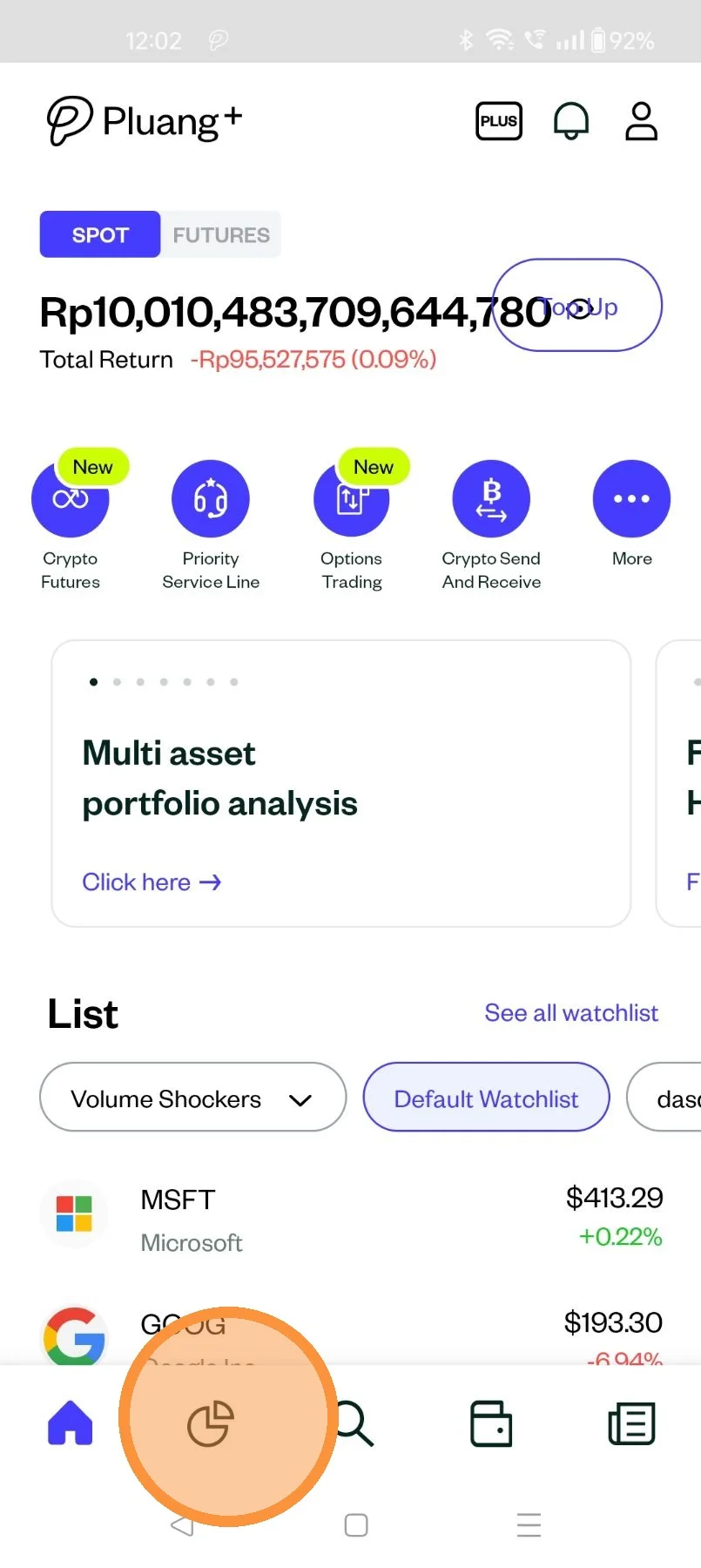
Click here to go to your "Portfolio" Page
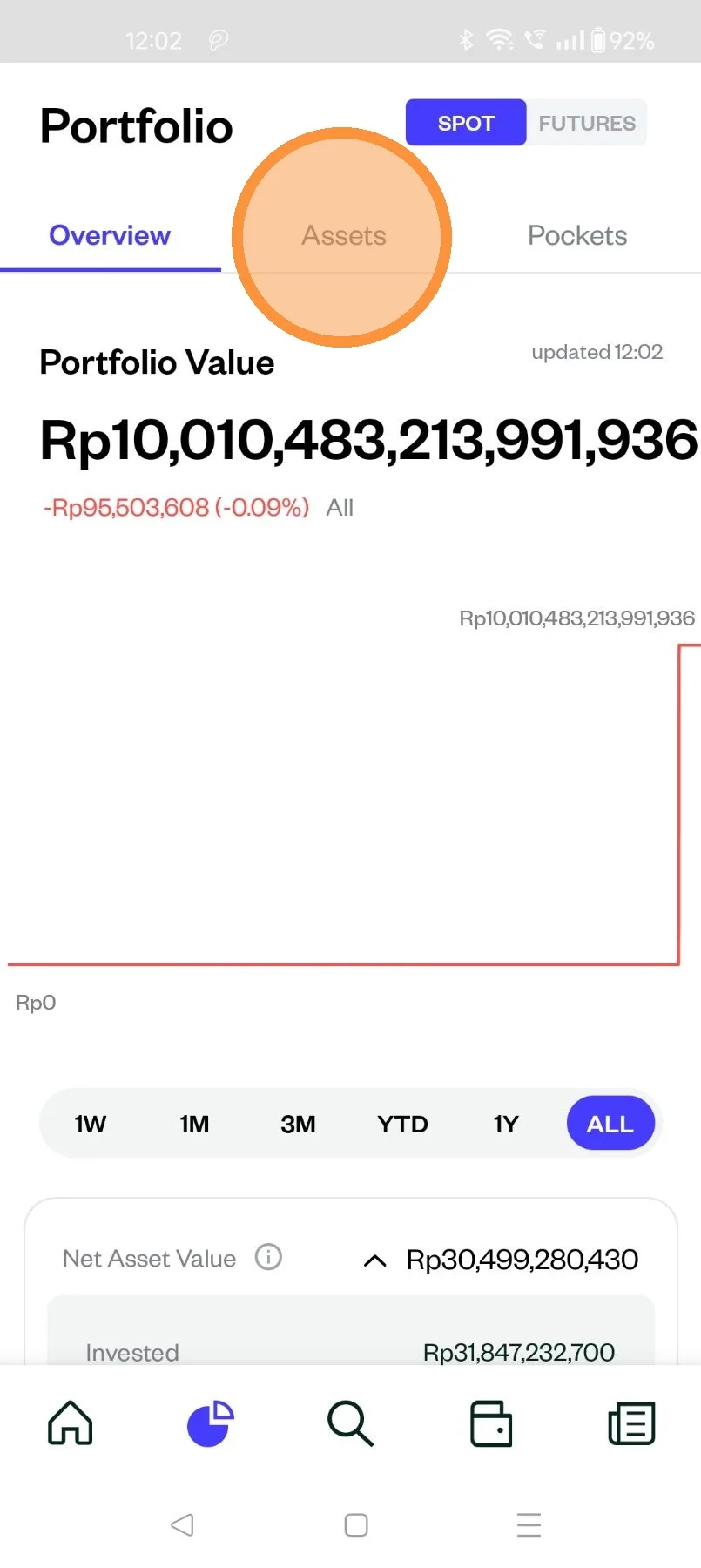
Select "Asset"
Select "US Stocks"
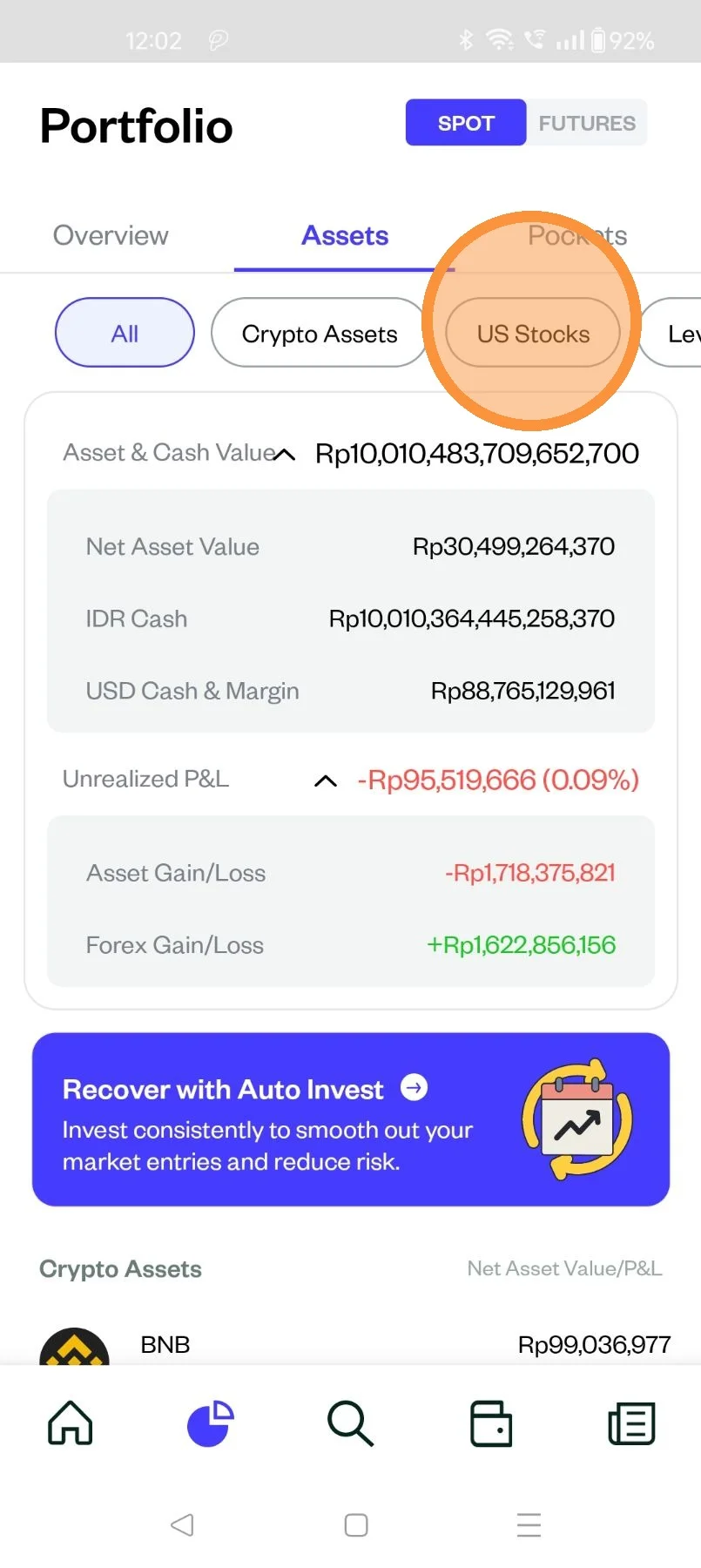
Select the stock you would like to sell
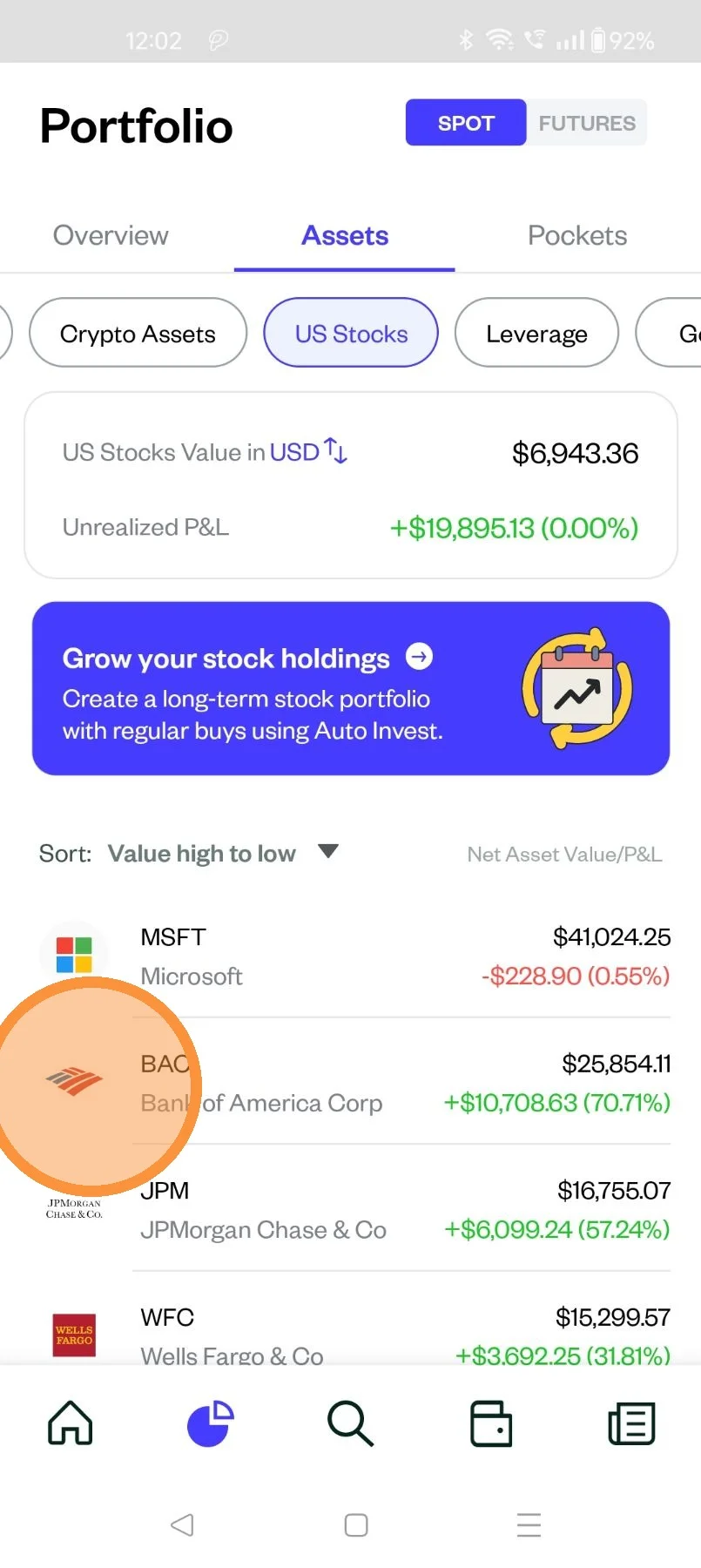
Click "Sell"
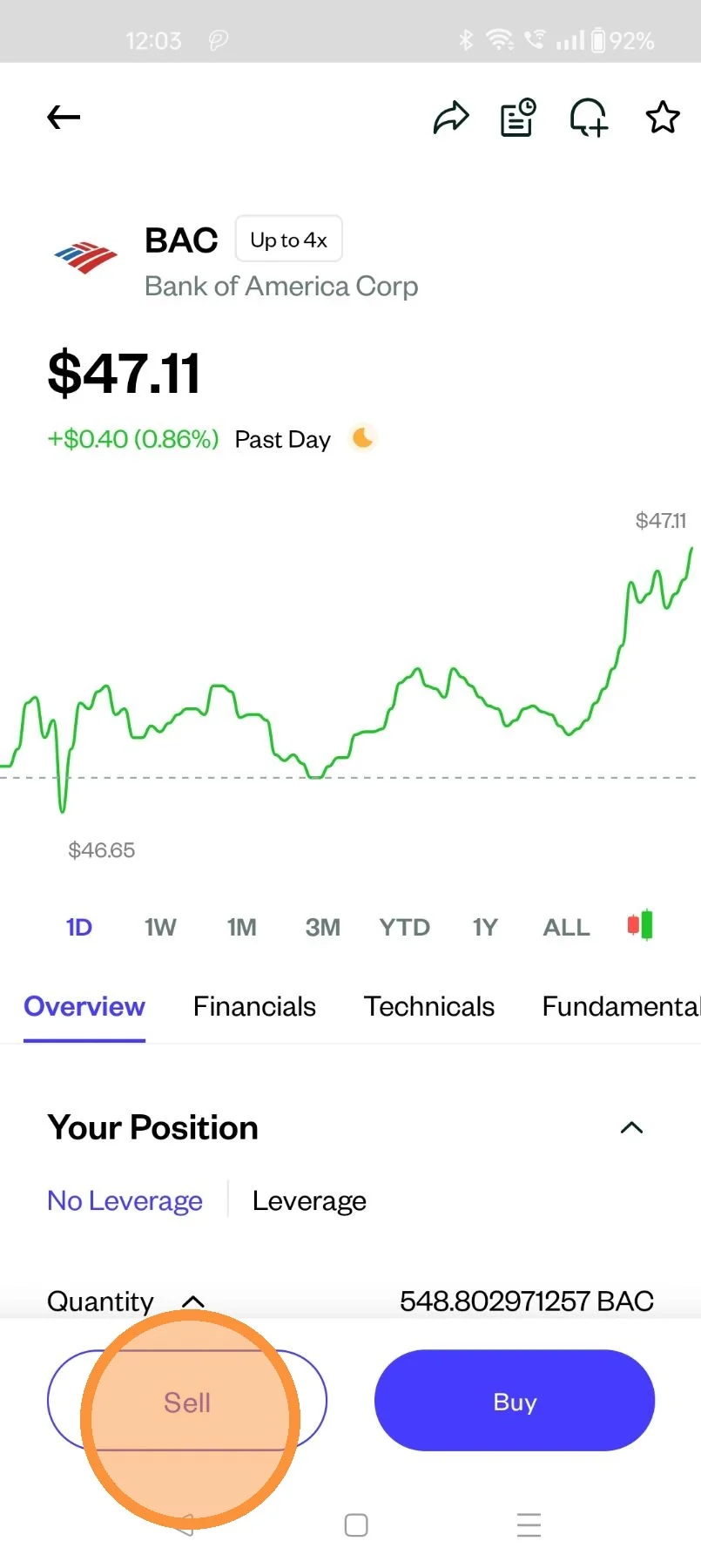
Select the "Order Type"
- Sell Market: Sell shares at the best available price
- Sell Limit: Trigger a sell order when the price raises to a specified price or higher
- Sell Stop Order: Trigger a market sell order when the price drops to a specified price or lower.
- Sell Stop-Limit Order: Trigger a limit sell order when the price drops to a specified price or lower
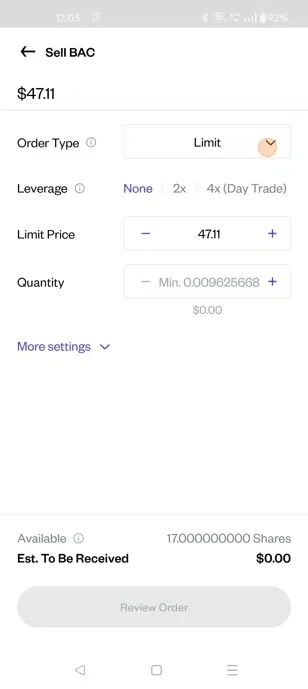
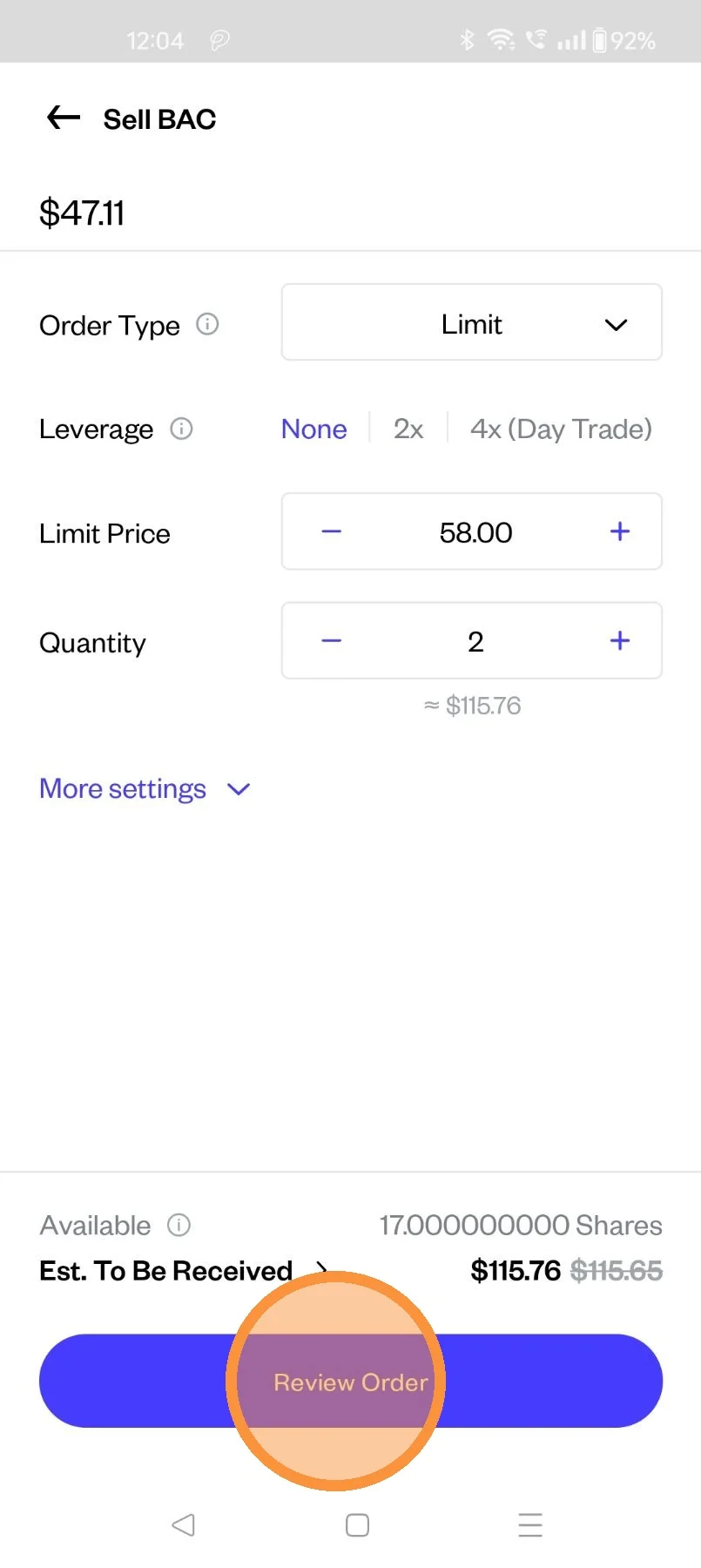
Populate the below details to sell
- Limit price
- Quantity
- Leverage (if applicable)
- Time In Force - Day/GTC
- Trading Hours - Only Regular/ 24 Hour Market
Click "Review Order"
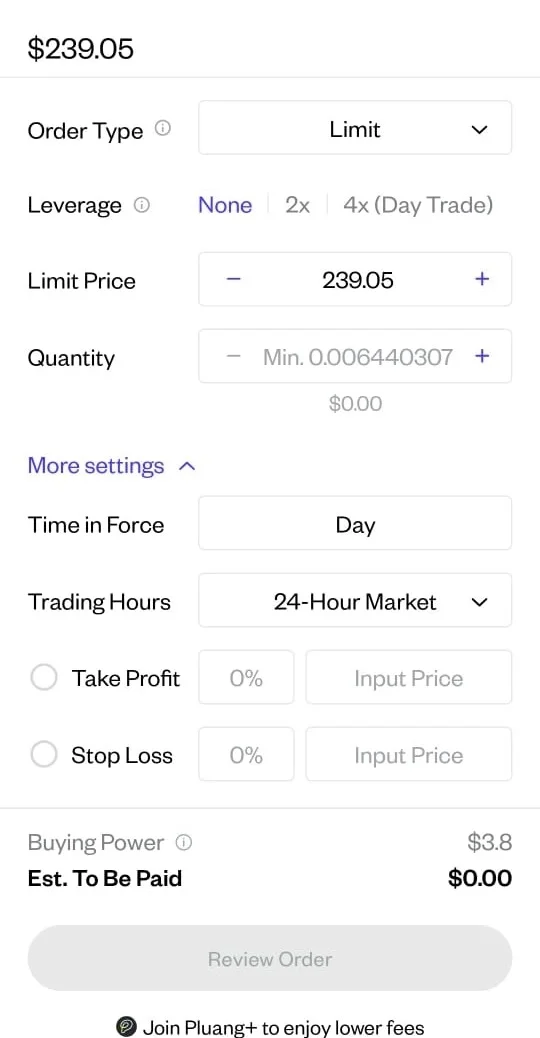
After that you can click "Review Order"
Click "Place Order"
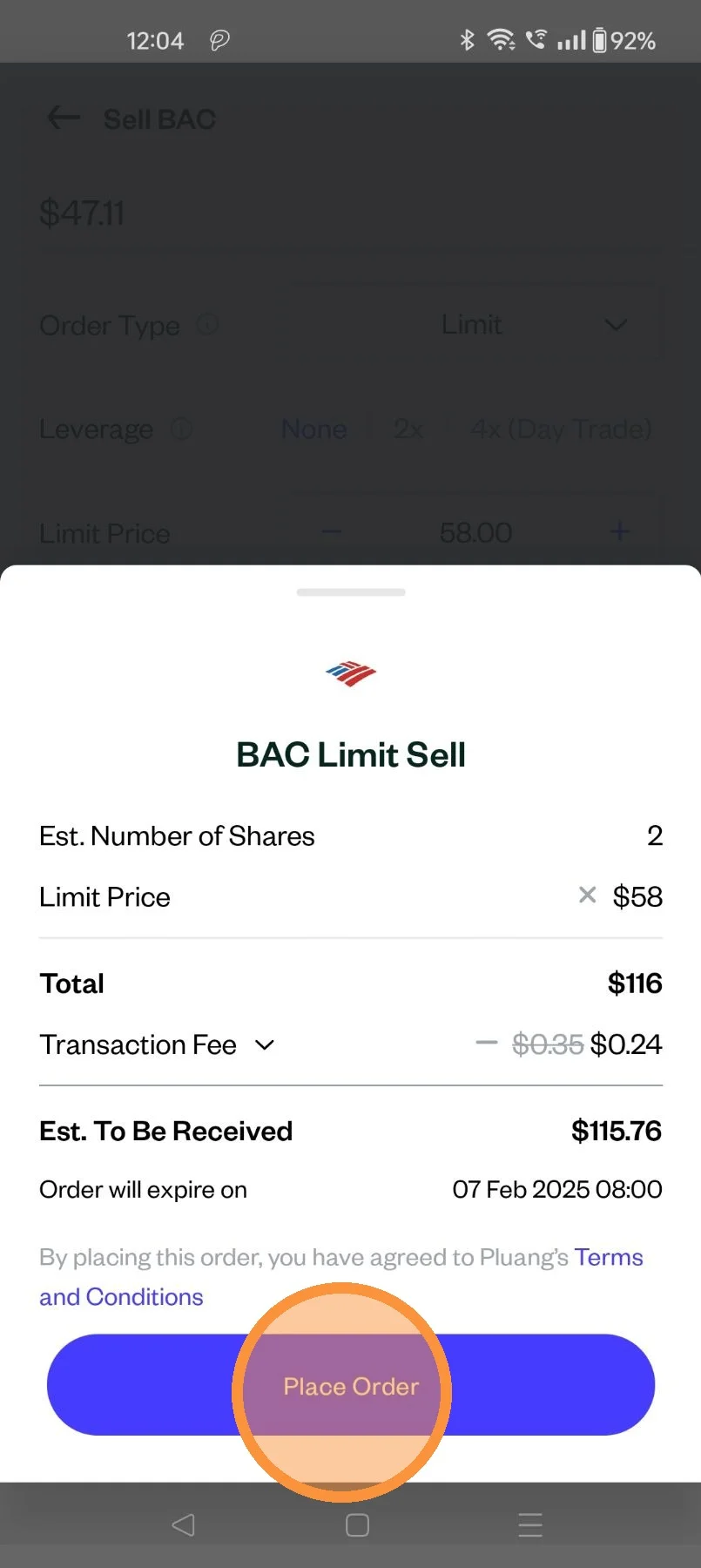
Congratulation ! your sell order have been placed !