How To Buy GSS On Pluang App
17 Steps
Open Pluang App and login
Click the Search icon
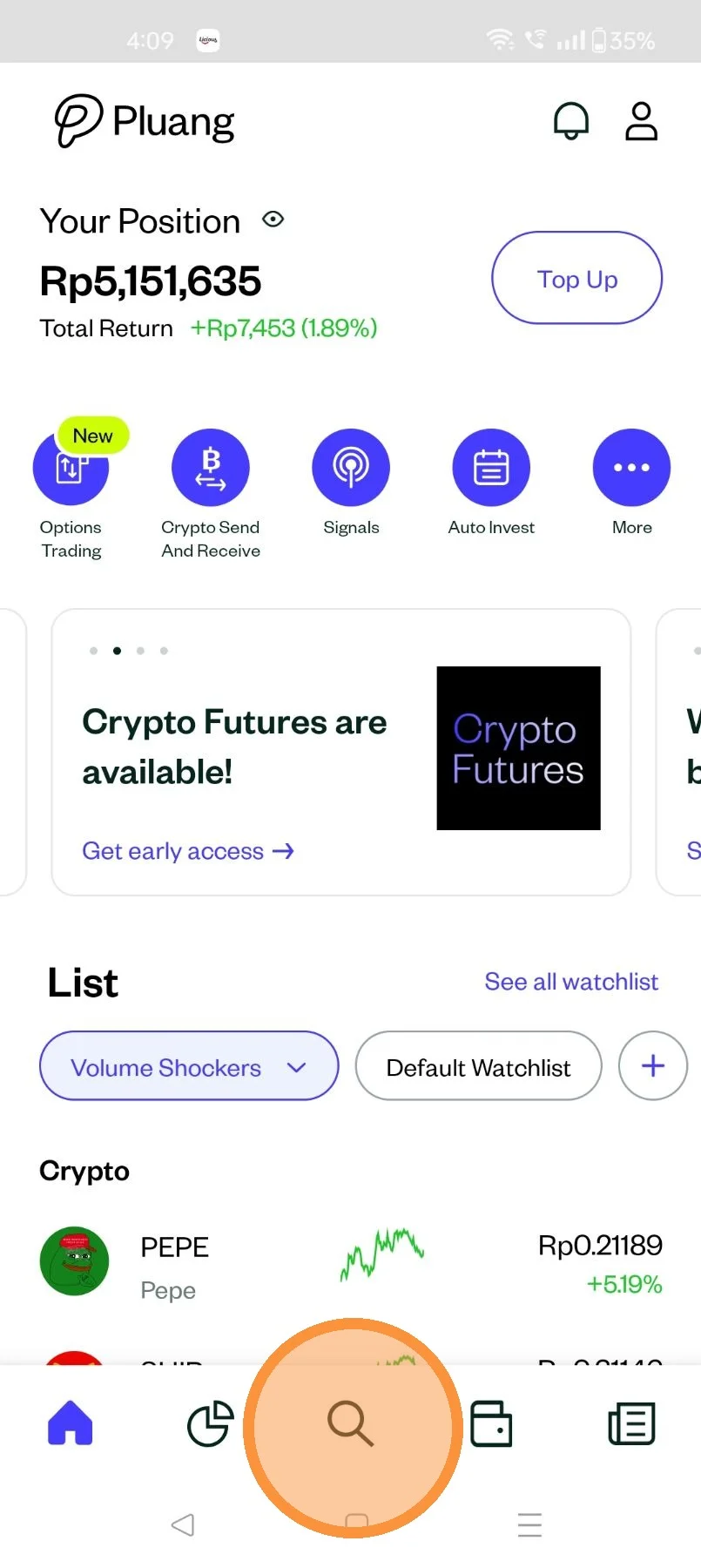
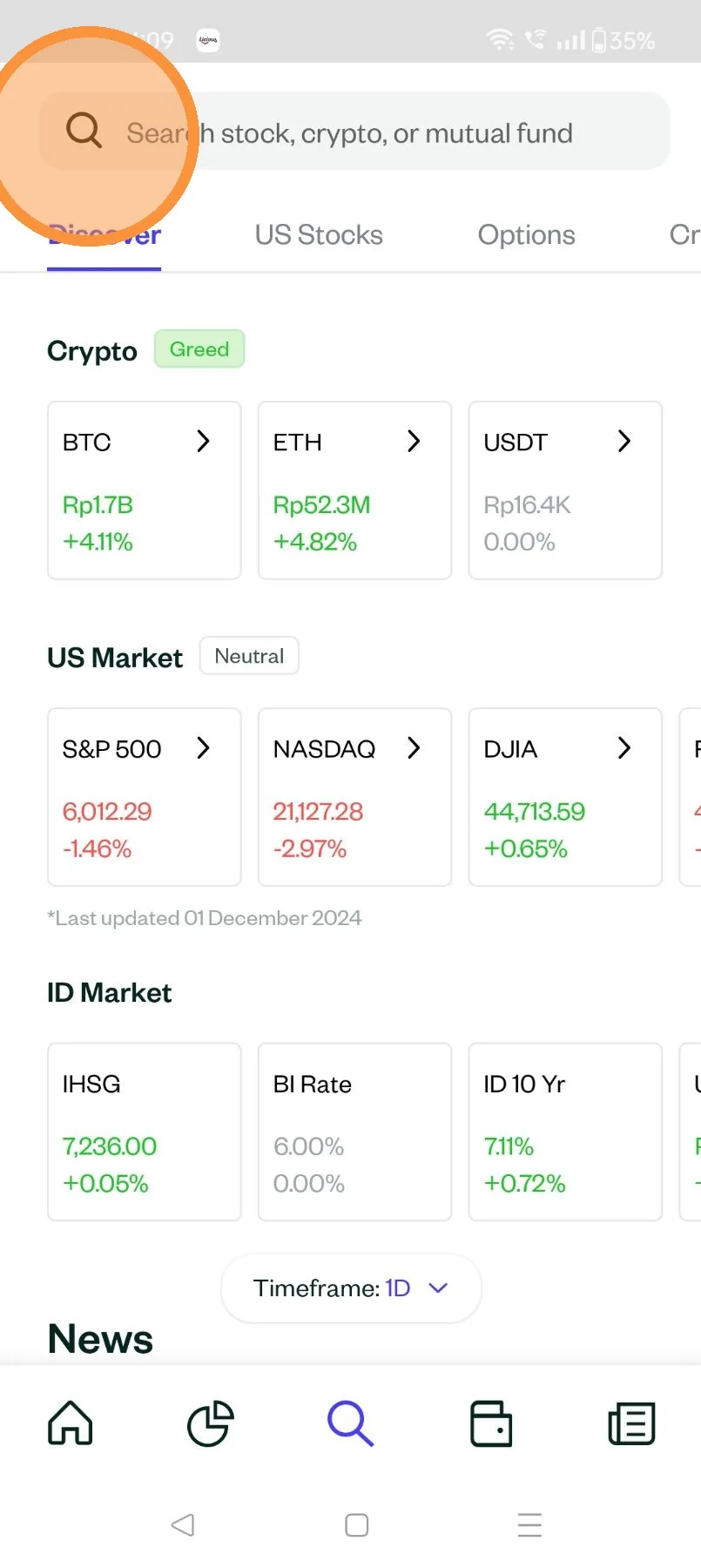
Click the "Search stock, crypto or Mutual fund " field and Type "Name of the stock"
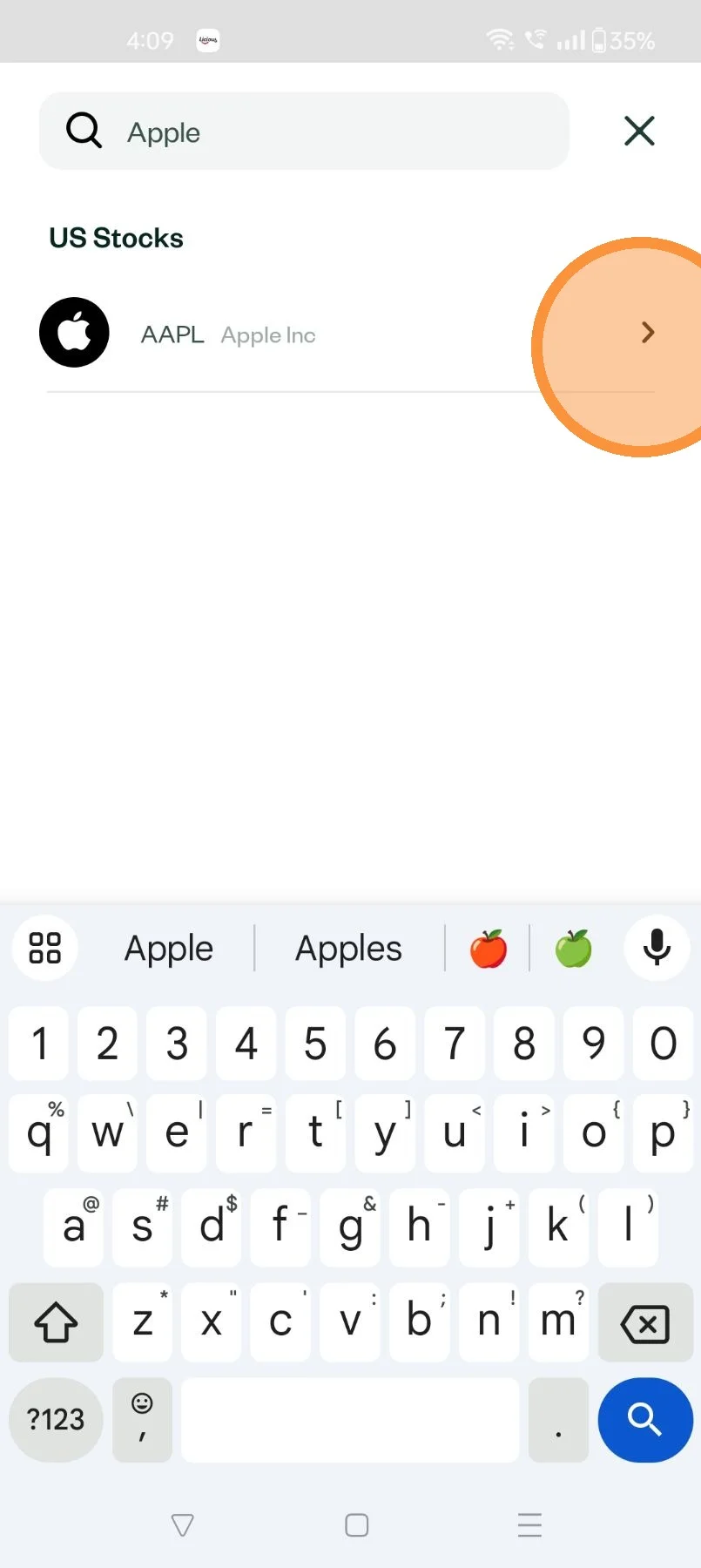
Select the stock your were searching for
Click "Buy" on the Asset Description Page (ADP) of the stock selected
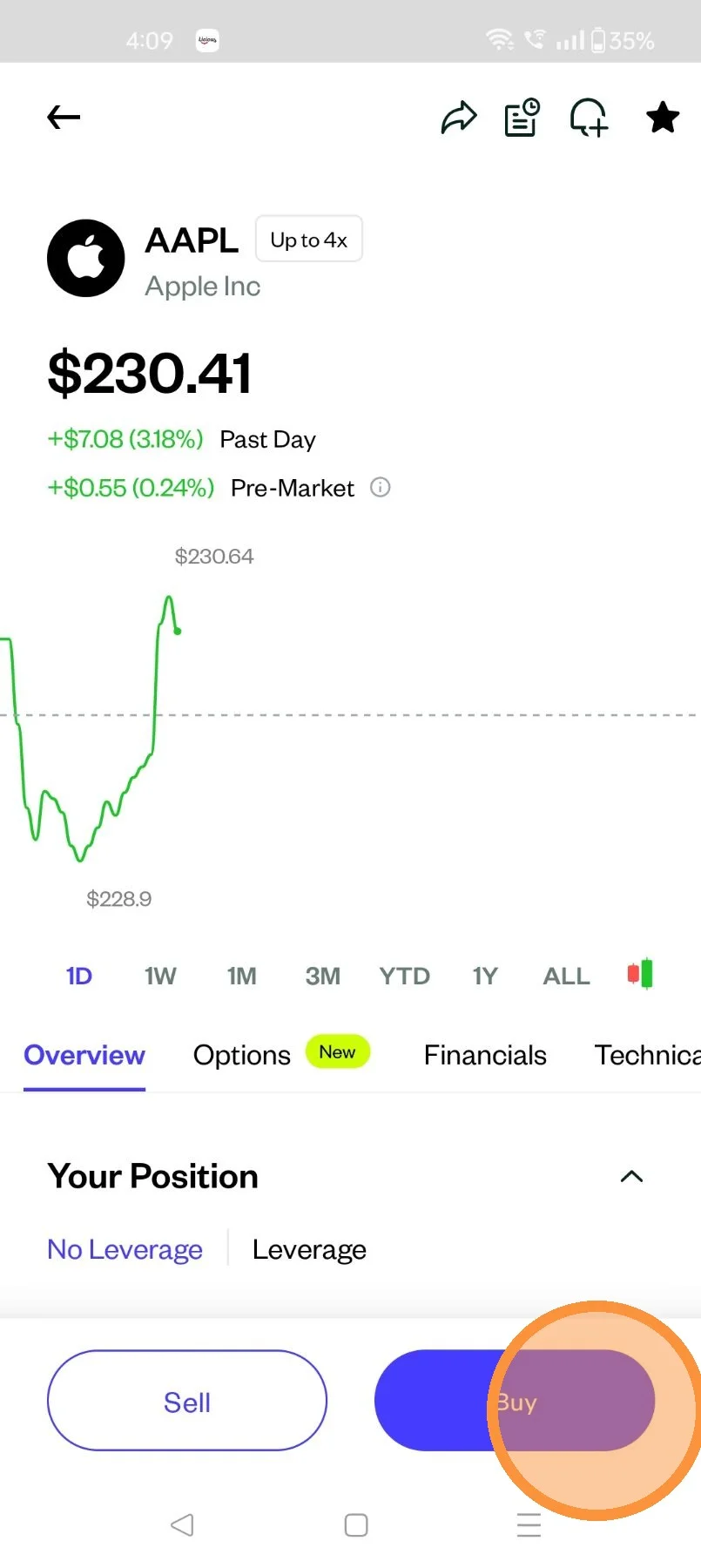
Click the Order type dropdown
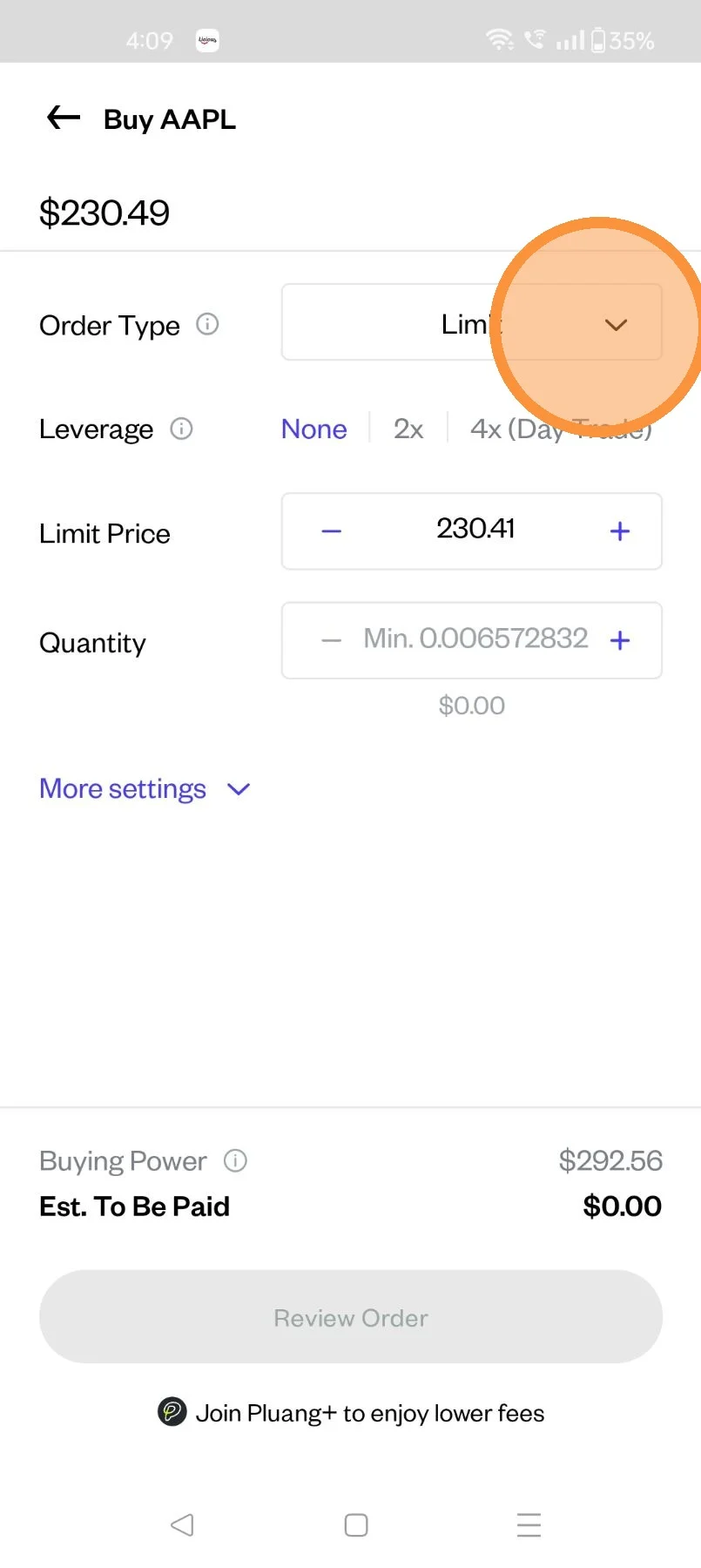
There are 4 types of Buy Orders:
- Buy Market - Buy shares at the best available price
- Buy Limit - Trigger a buy order when the price falls to a specified price or lower.
- Buy Stop Order - Trigger a market buy order when the price rises to a specified price or higher.
- Buy Stop-Limit Order - Trigger a limit buy order when the price rises to a specified price or higher.
Select the relevant order type.
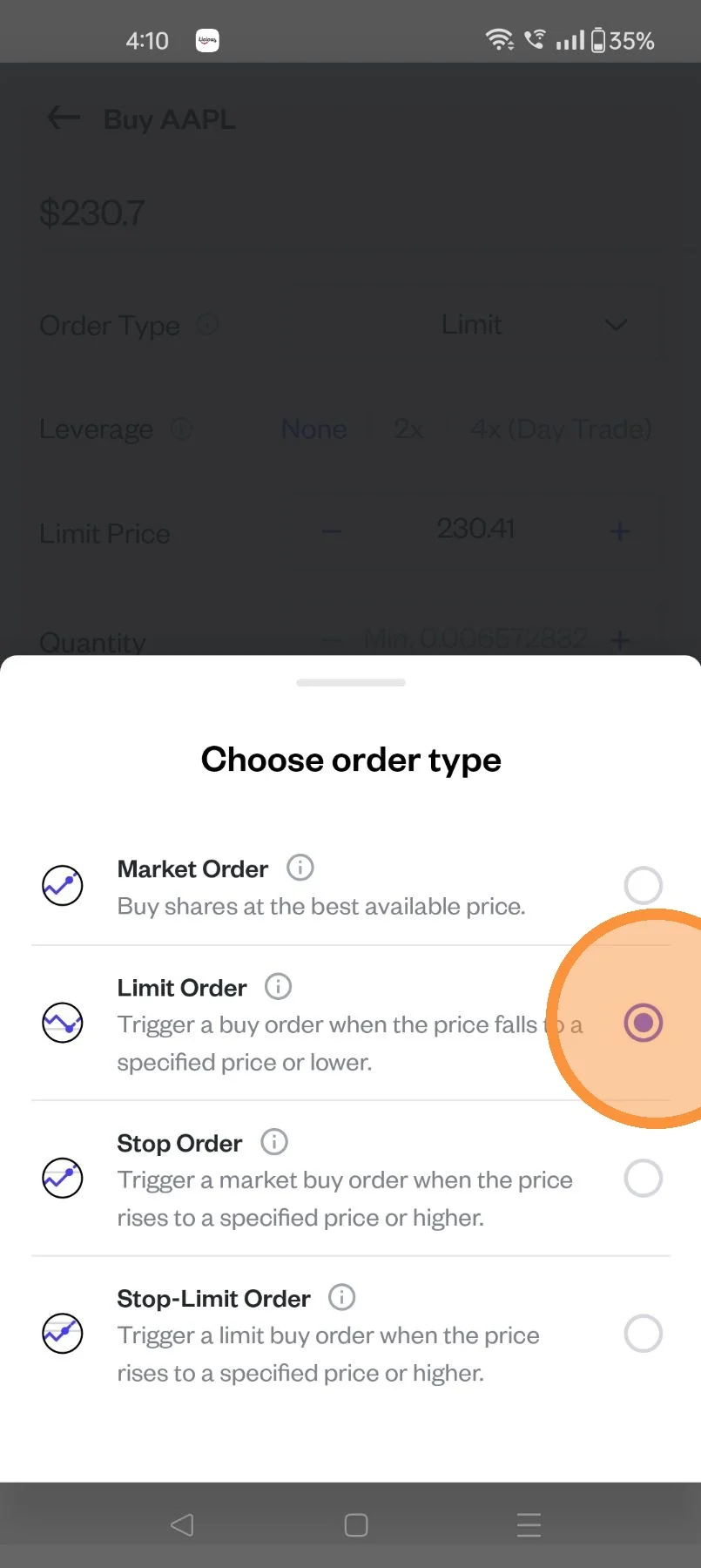
Utilize Leverage (2x/4x) (If needed)
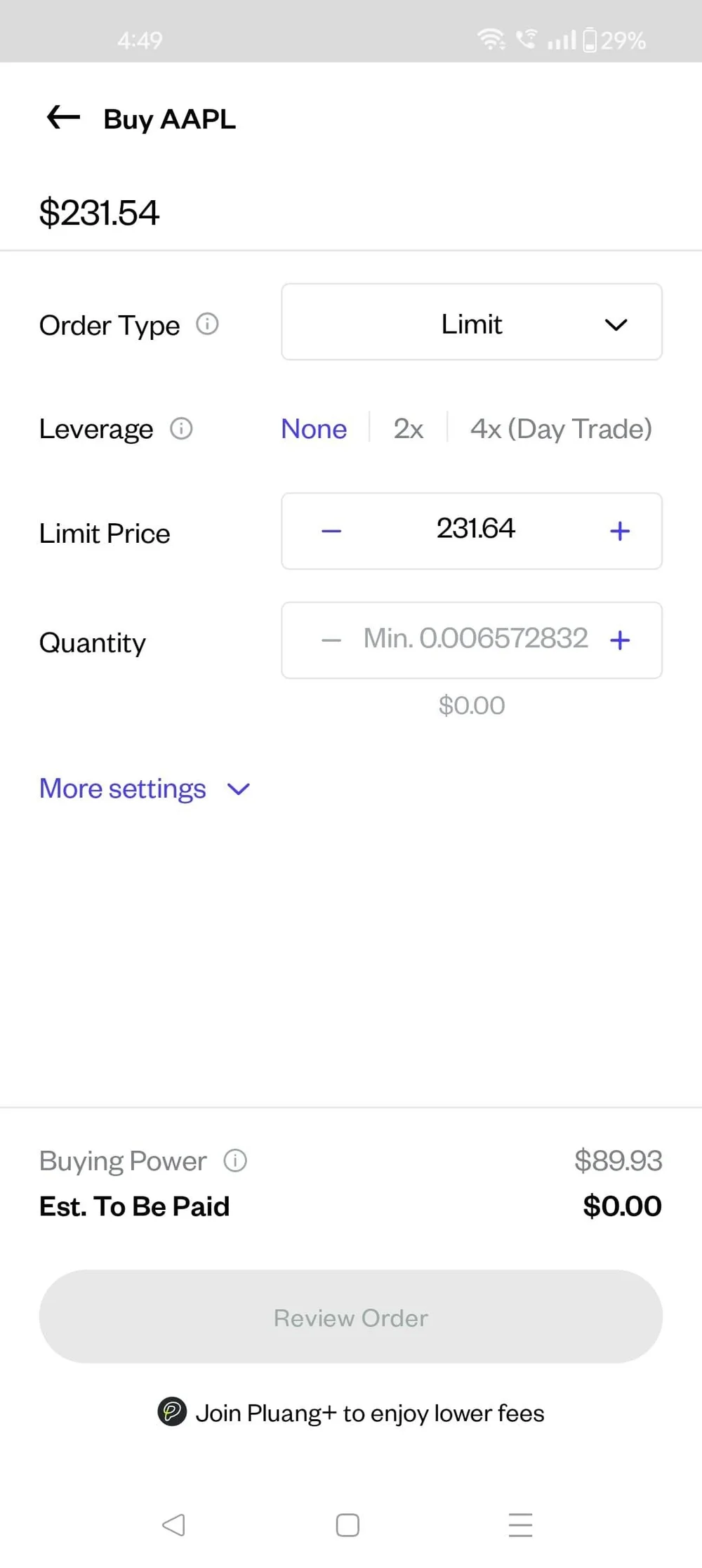
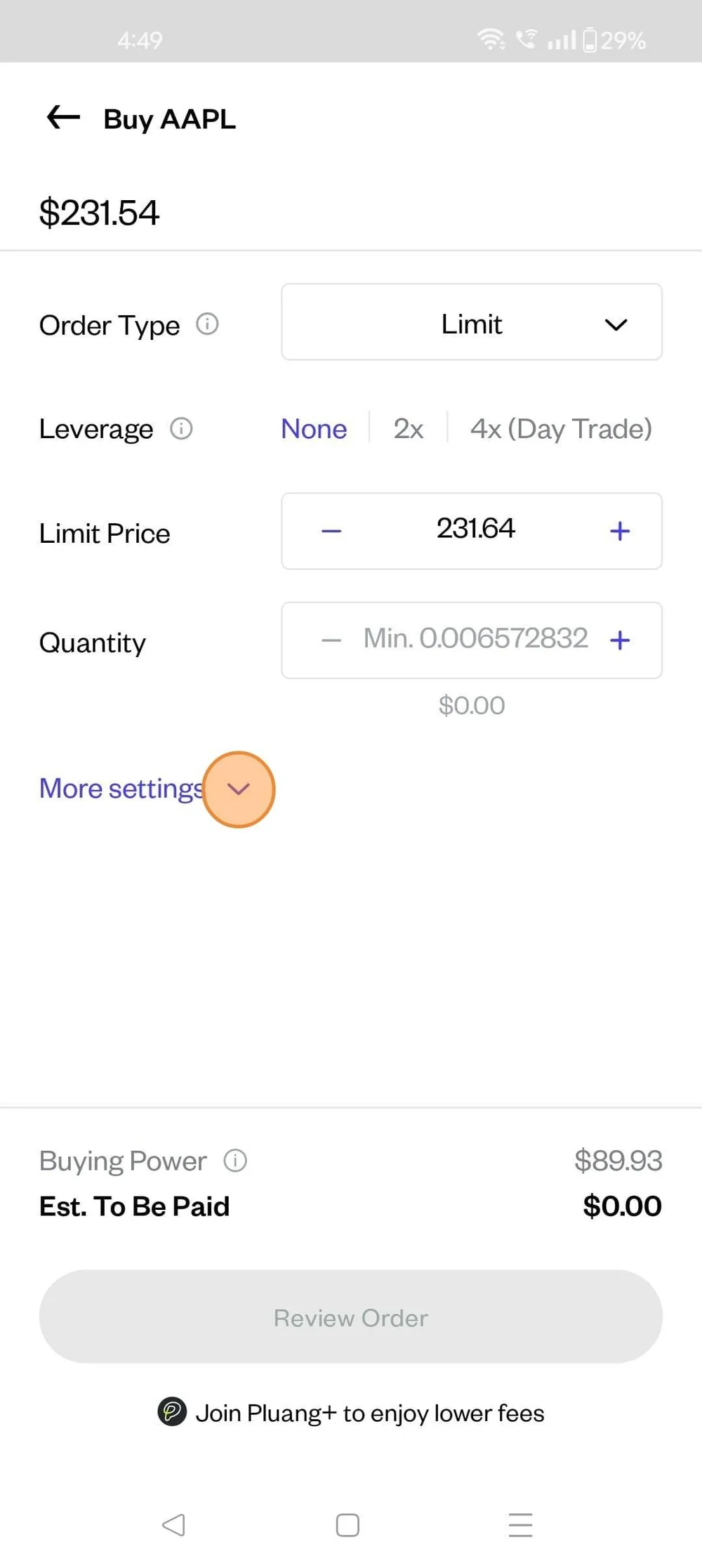
Click here to access:
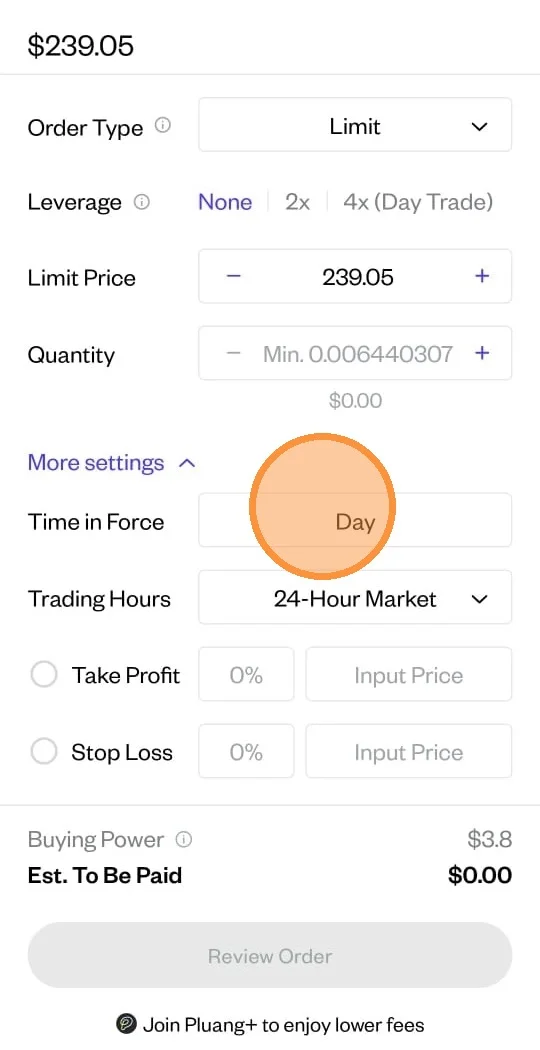
- Time in Force
- Trading Hours
- Take profit
- Stop Loss
Select the Time in Force
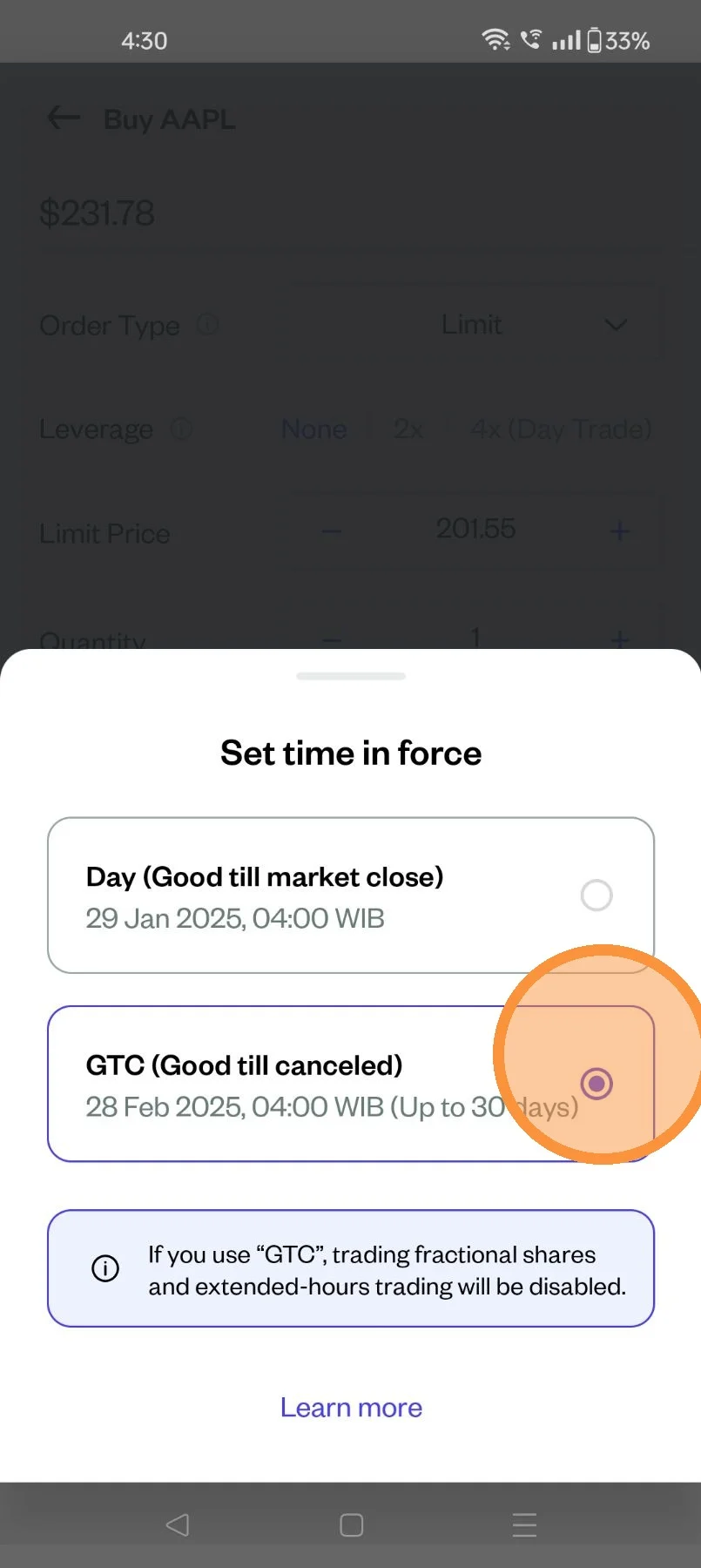
Select:
Day - Good till Market Close
GTC - Good till Cancelled
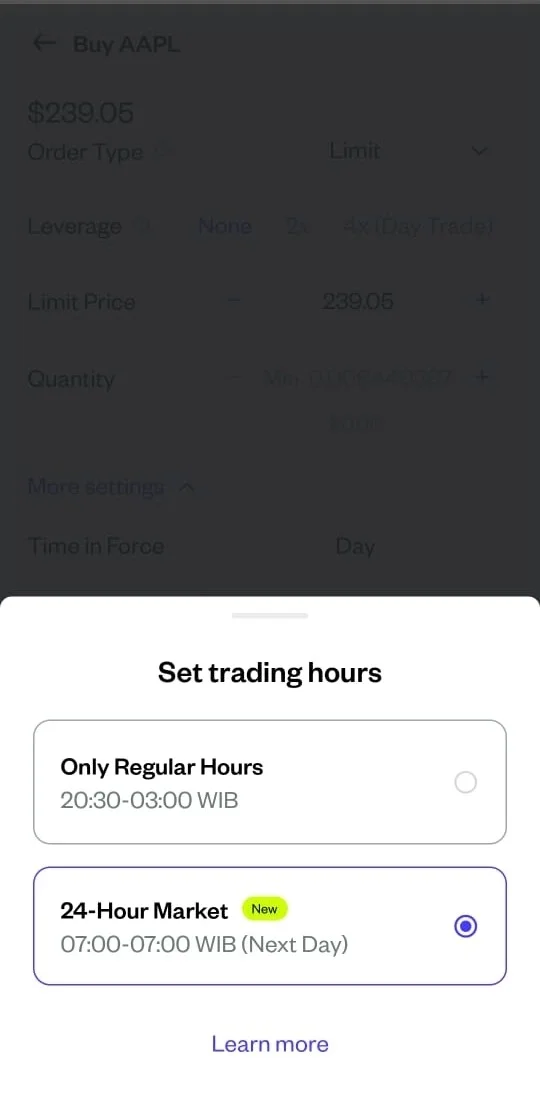
Select "Trading Hours":
- Only Regular Hours
- 24-Hour Market
Utilise Take Profit and/or Stop Loss
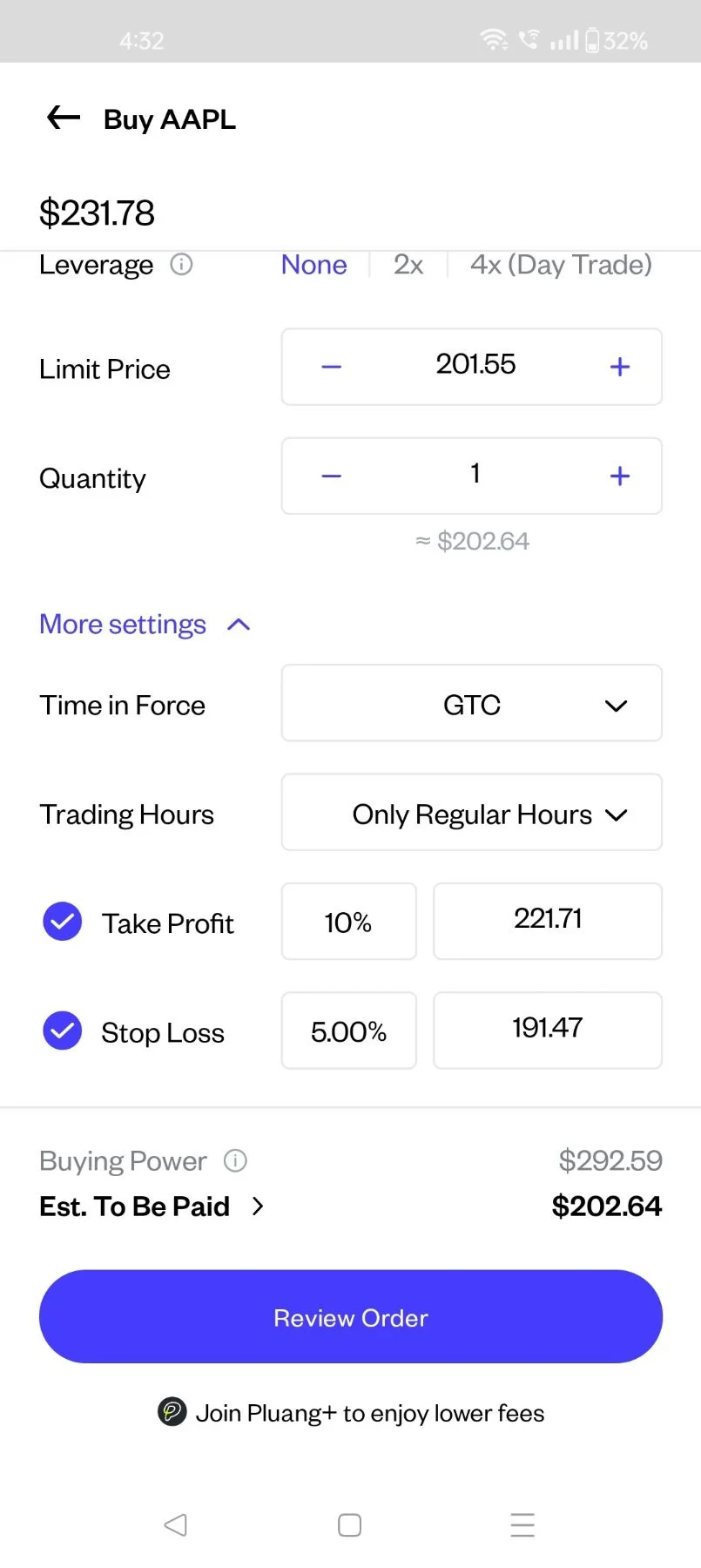
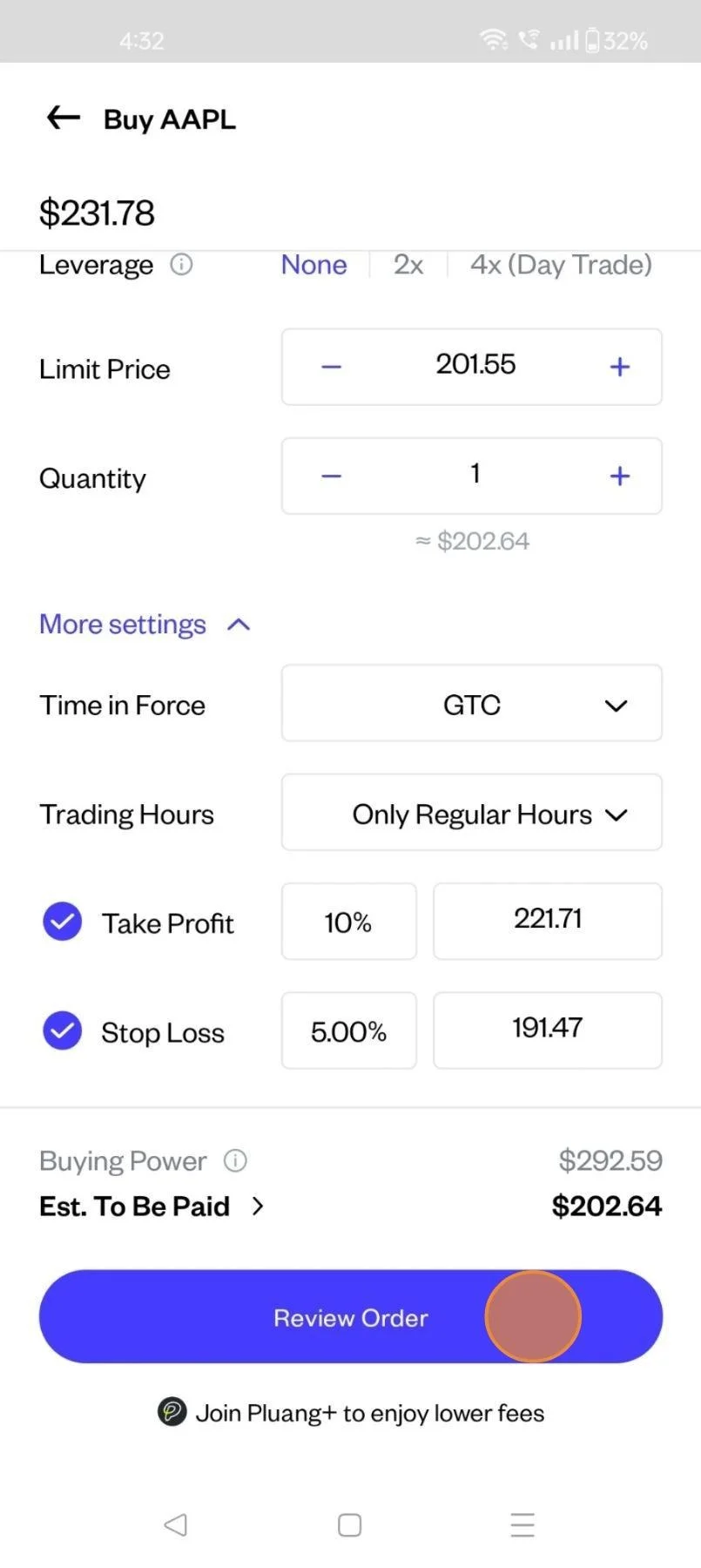
Click on "Review Order"
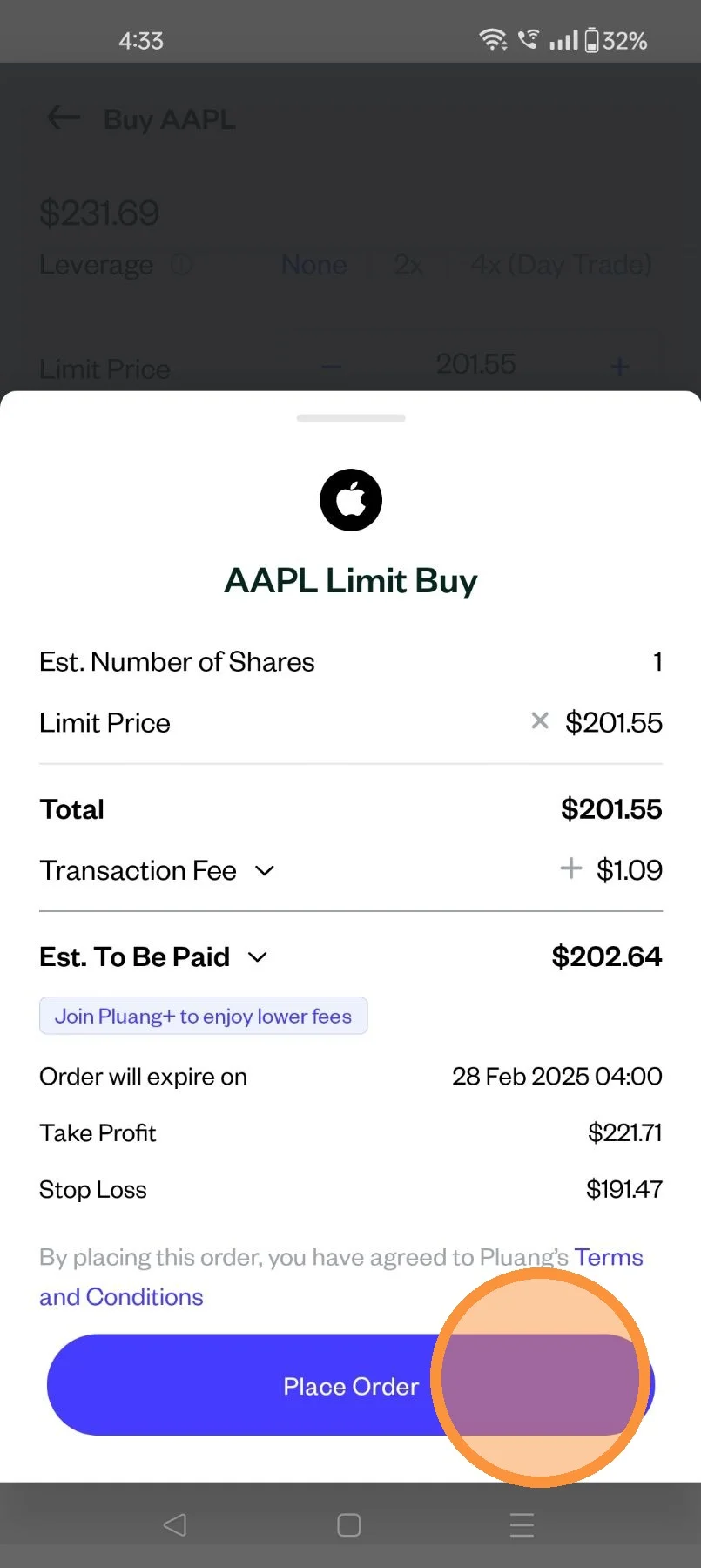
Review order and Click on Place Order
Your order is successfully placed
To view the current status click "See Details"
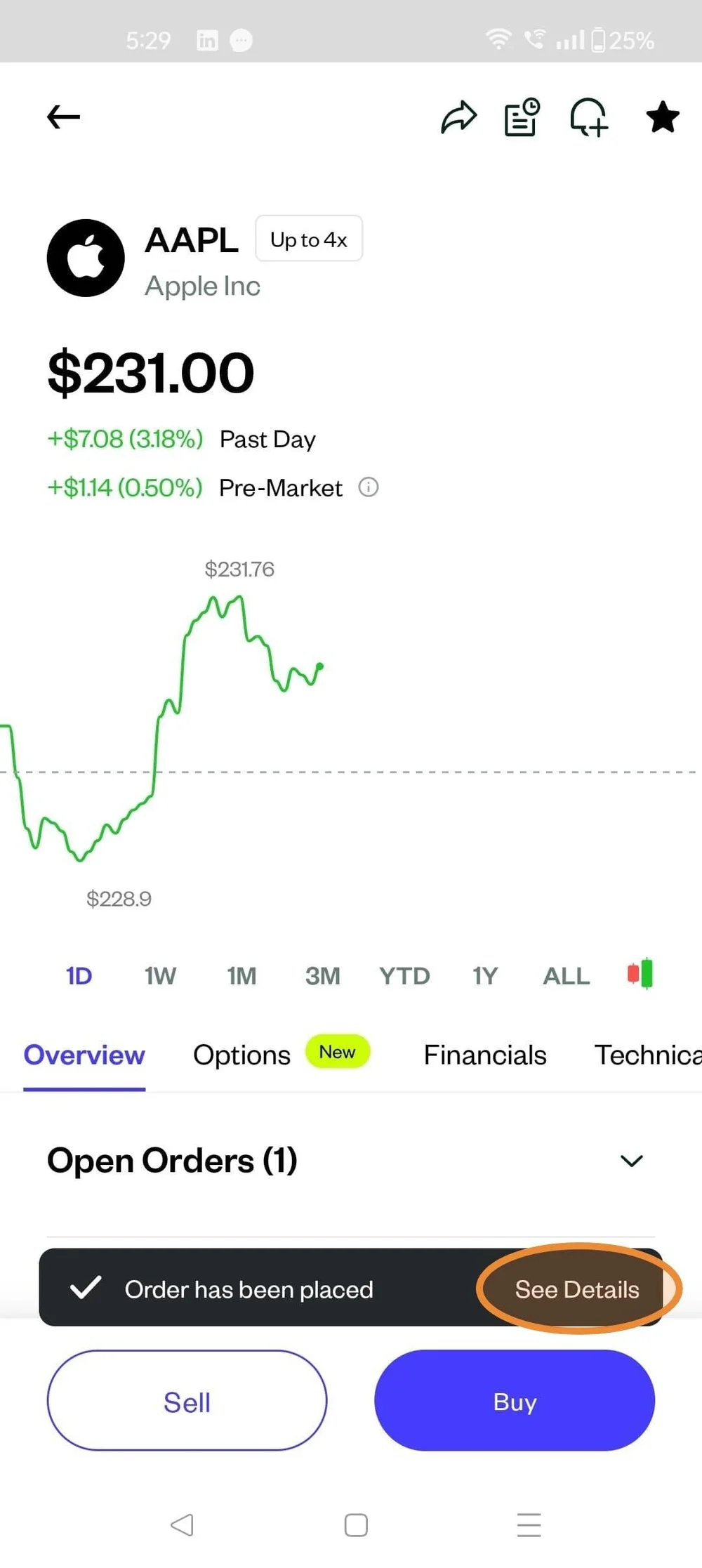
The app will take you to the transaction history page, for that specific stock.