Pluang App: Buy Mutual Fund
8 Steps
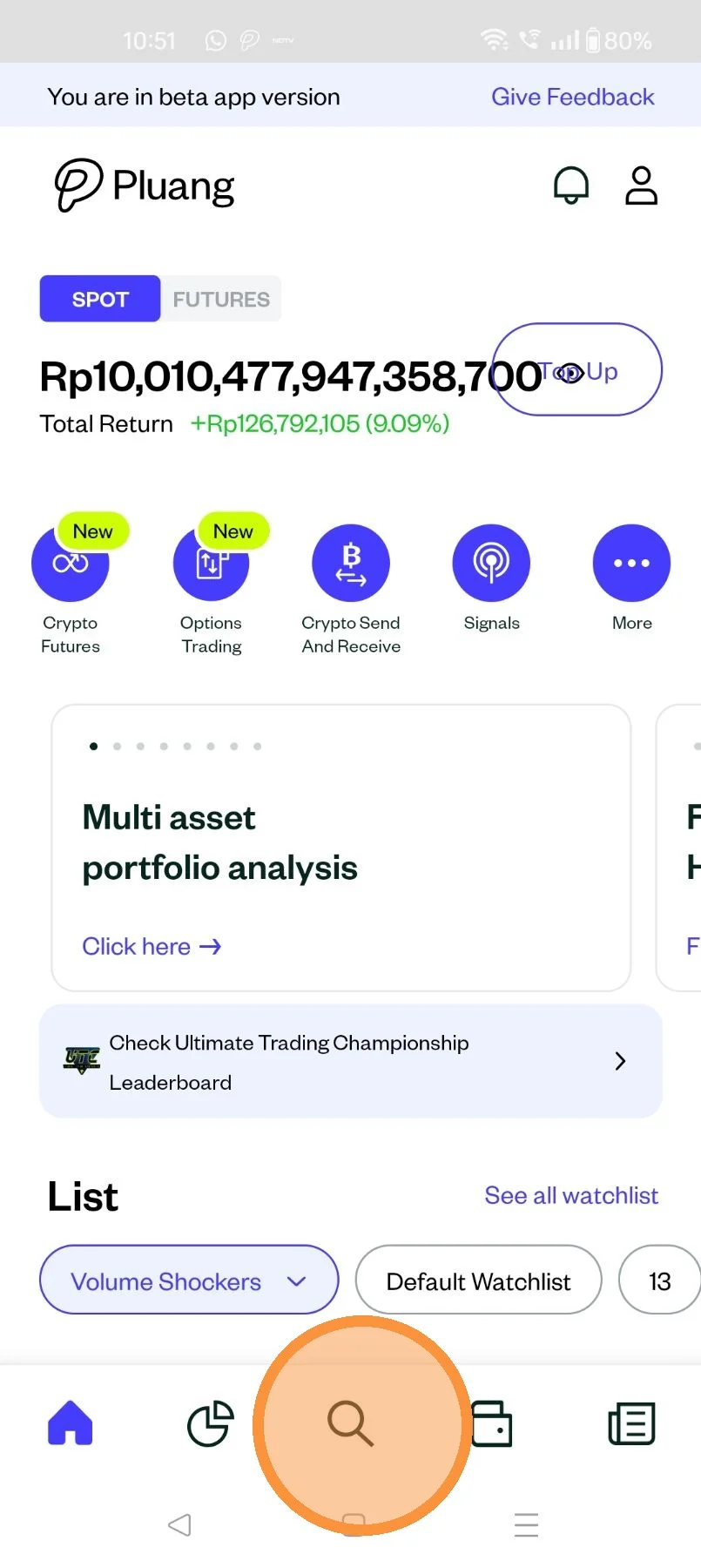
Open the Pluang App and login, navigate to the discover page by tapping here
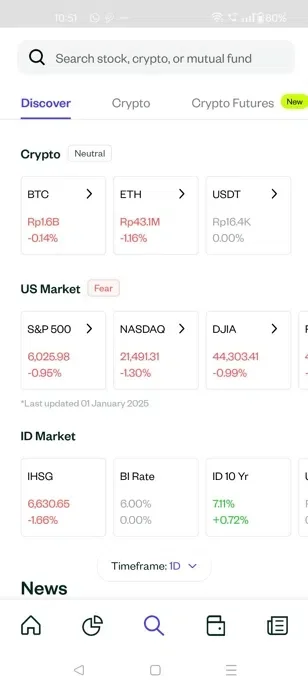
On the discover page, tap on "Mutual Fund"
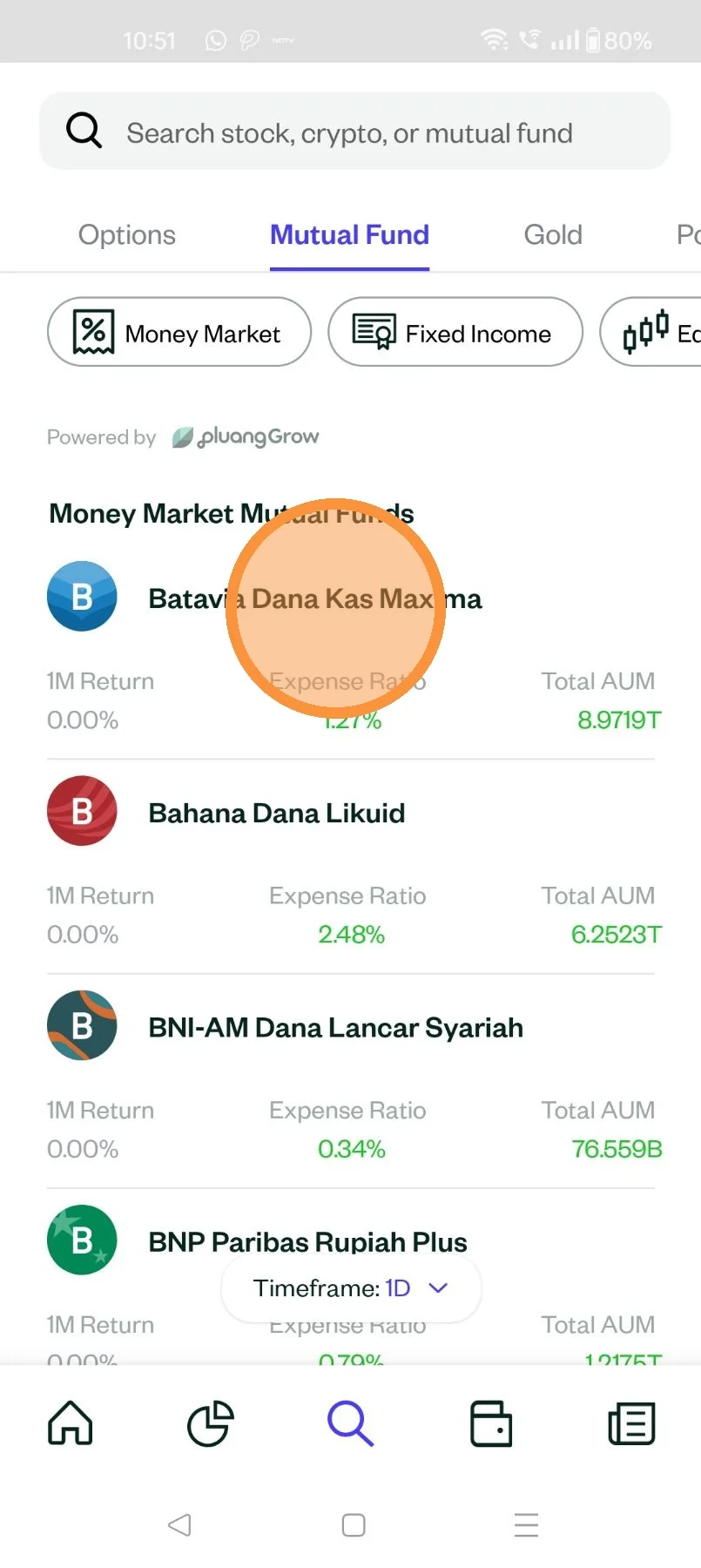
Select the mutual fund you would like to buy
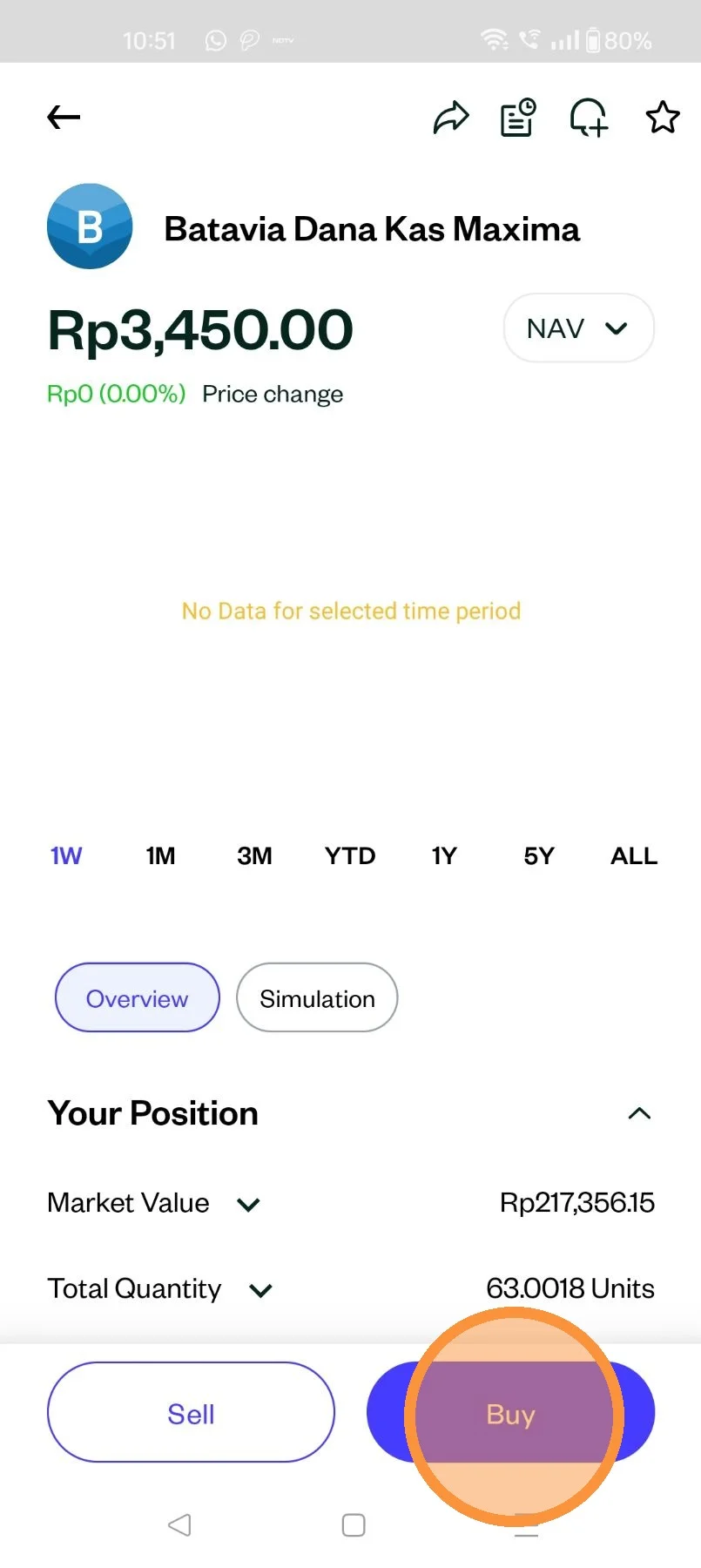
Tap "Buy"
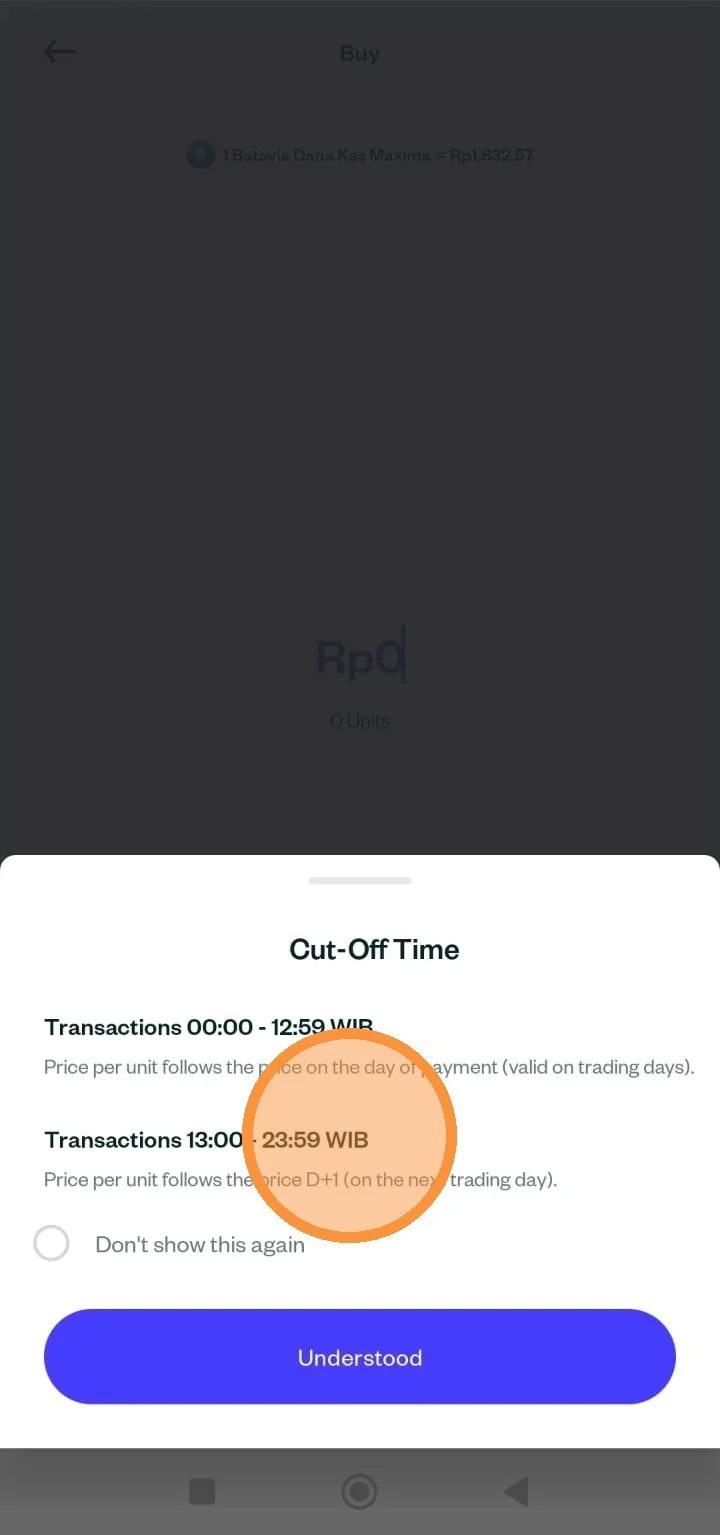
You will receive information regarding the cut-off time. Transactions made between 00:00 and 12:59 WIB will follow the price per unit on the same day after payment is made.
Transactions made between 13:00 and 23:59 WIB will follow the unit price on the next day (D+1).
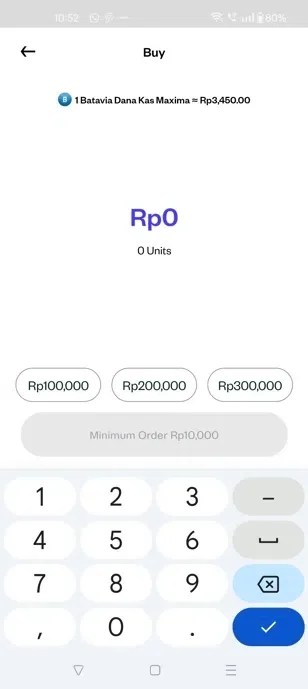
Populate the total Value in IDR you would like to buy and tap "Review Order"
Select your preferred payment method by tapping here
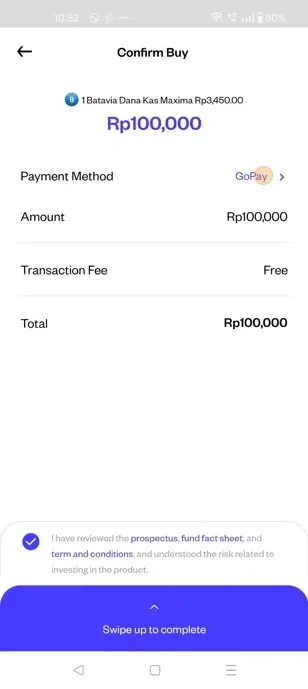
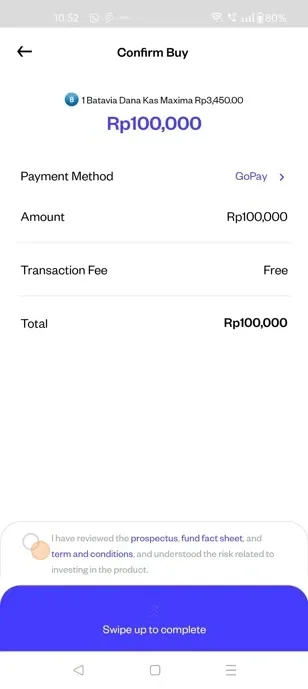
Accept the "T&C" and swipe up to place the order
Tap here.