Pluang App: Sell Mutual Fund
9 Steps
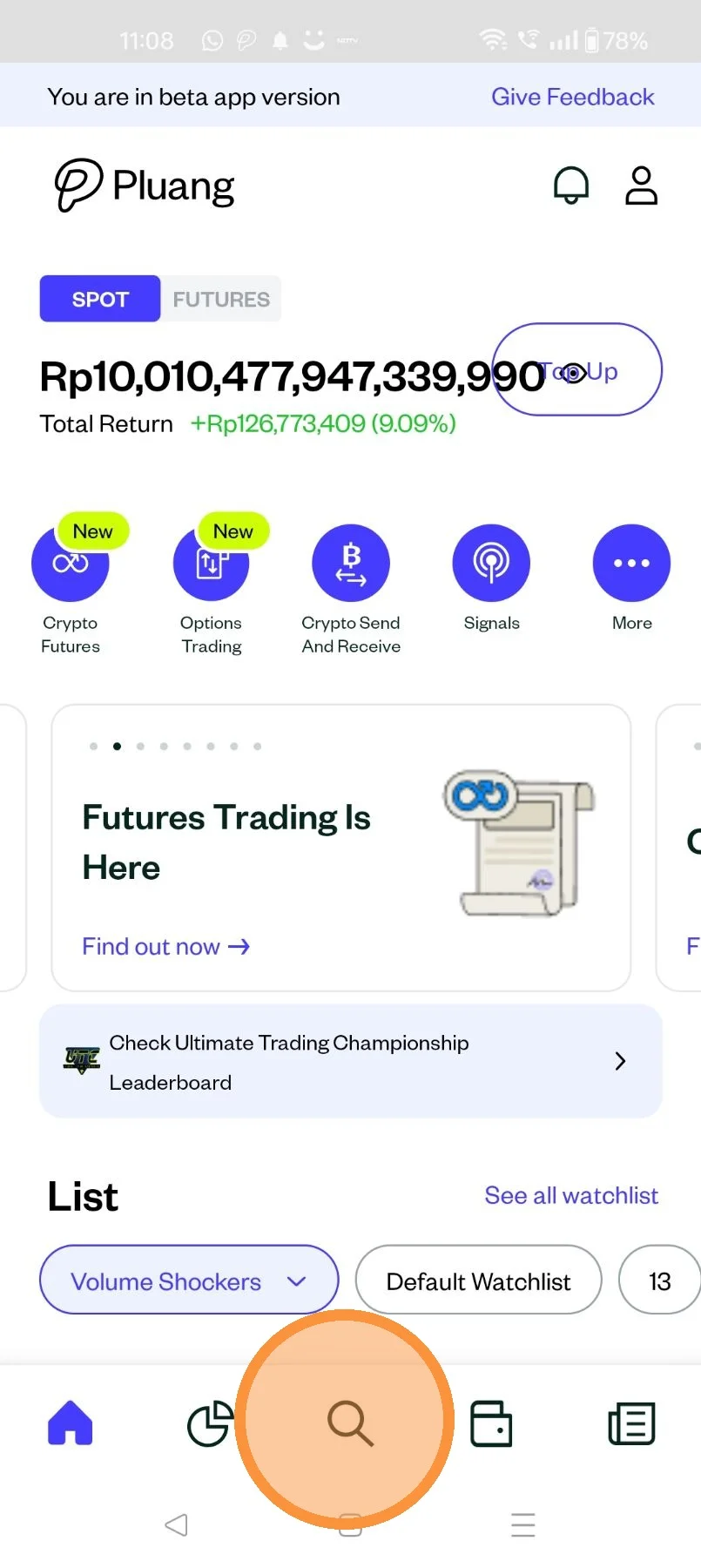
Open the Pluang App and login, navigate to the discover page by tapping here
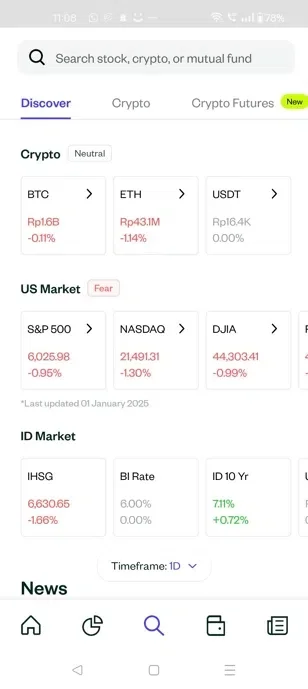
On the discover page, tap on "Mutual Fund"
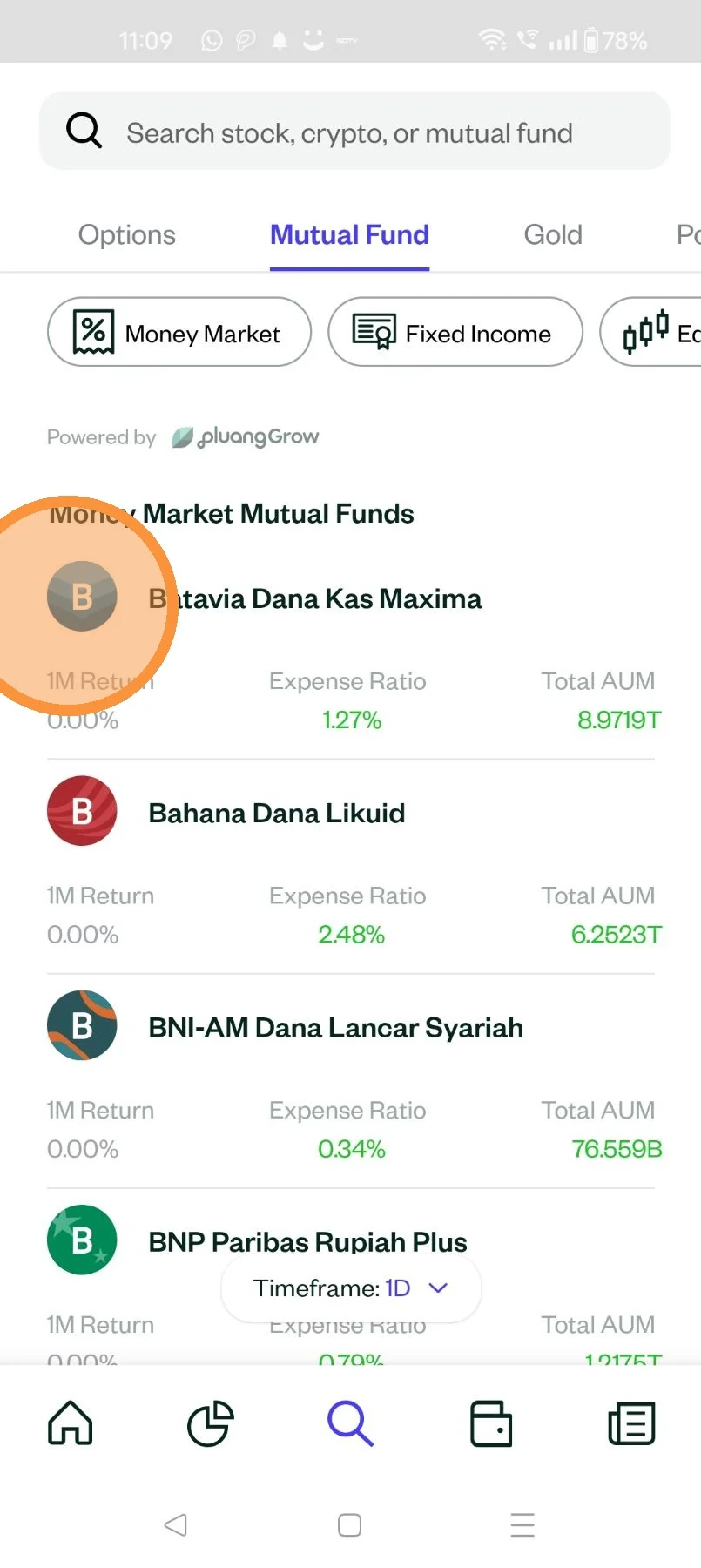
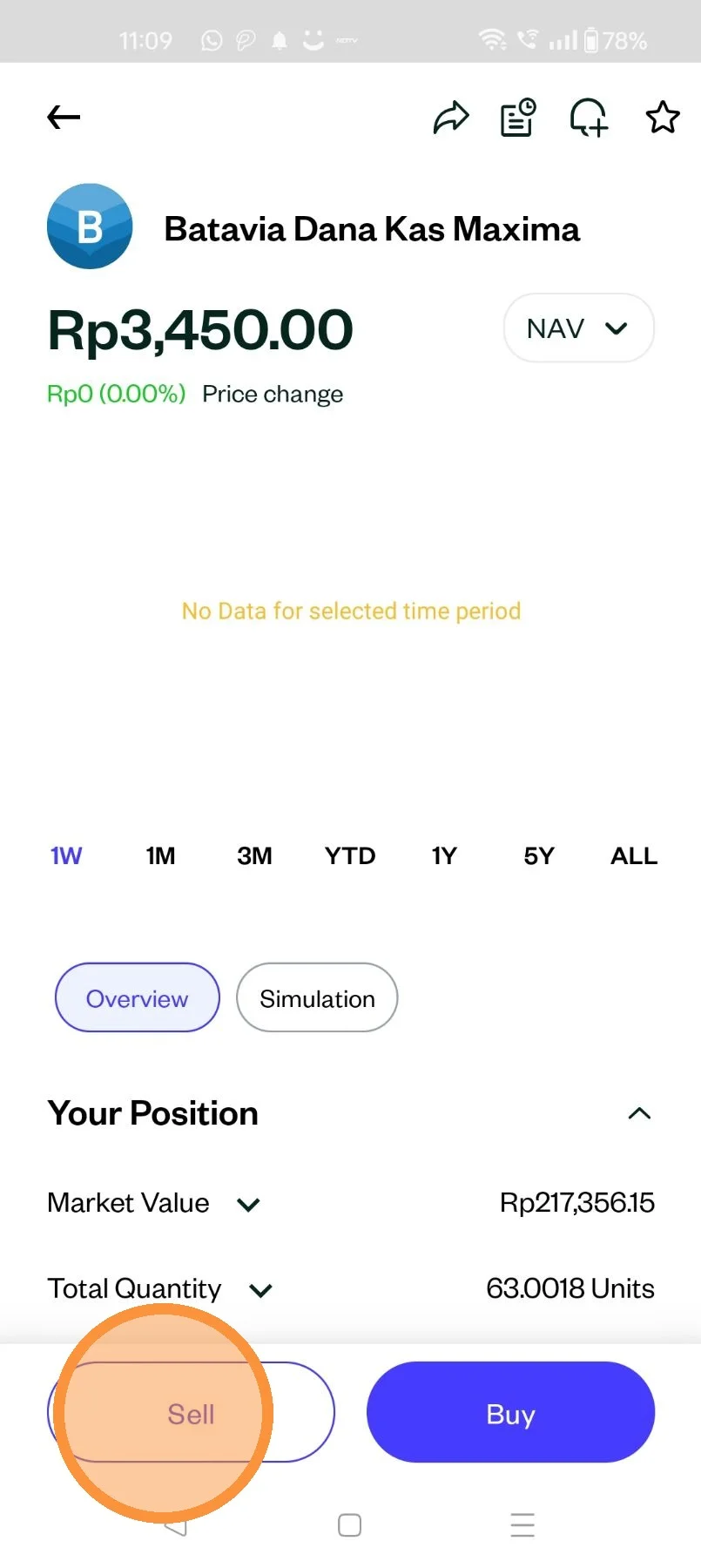
Select the mutual fund you would like to sell
Tap "Sell"
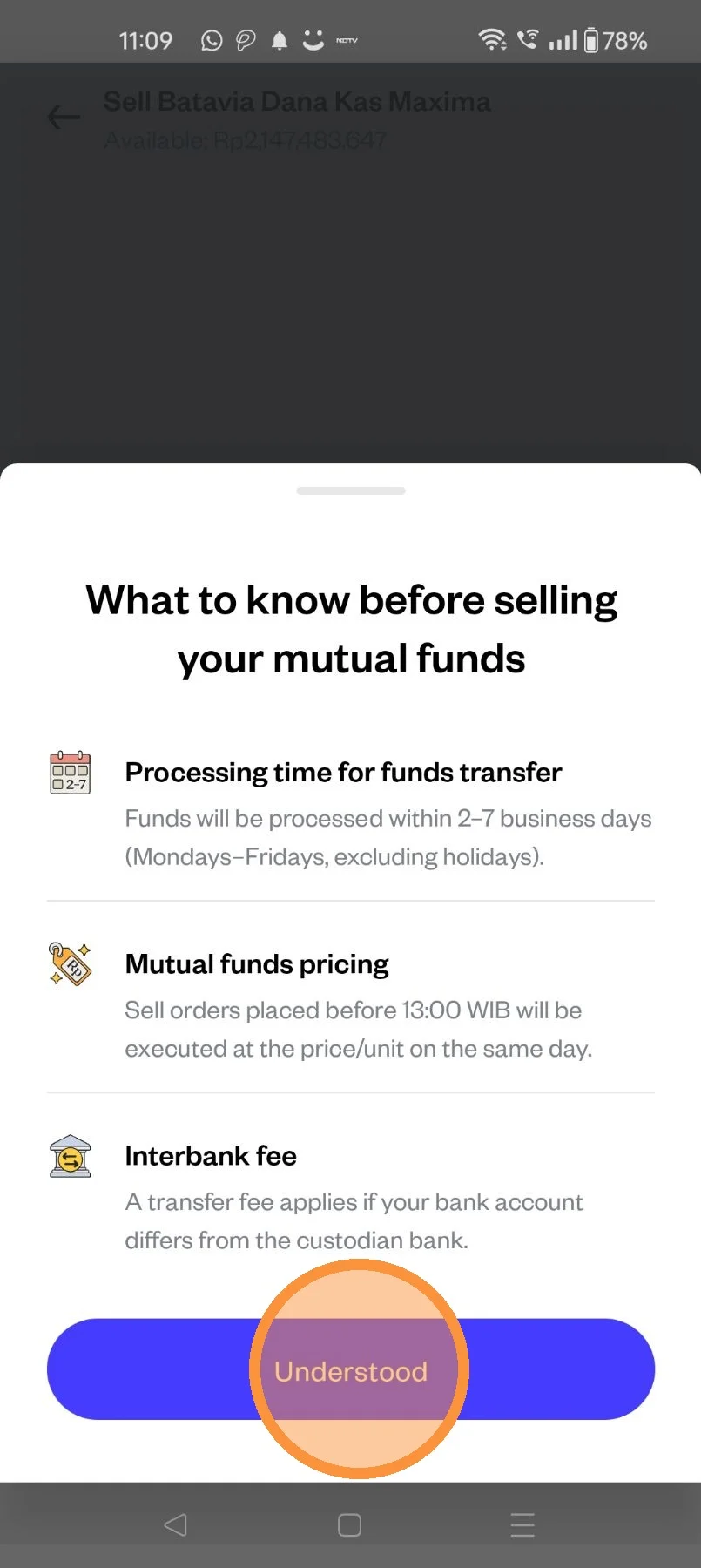
Tap "Understood
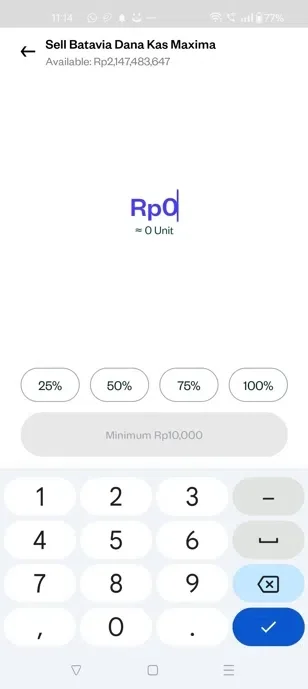
Populate the total Value in IDR you would like to sell
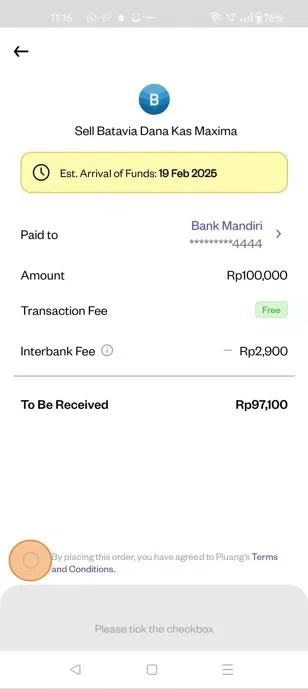
Select the bank you want the pay out to be received.
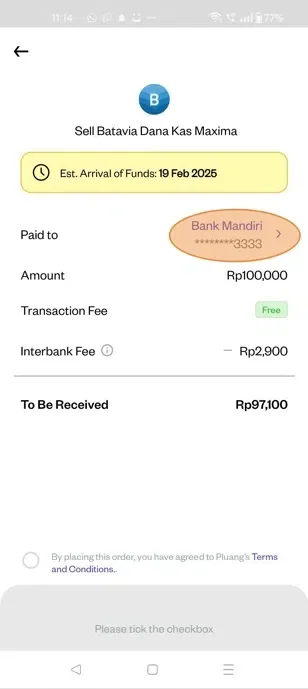
Accept the "T&C" then swip up to complete the order
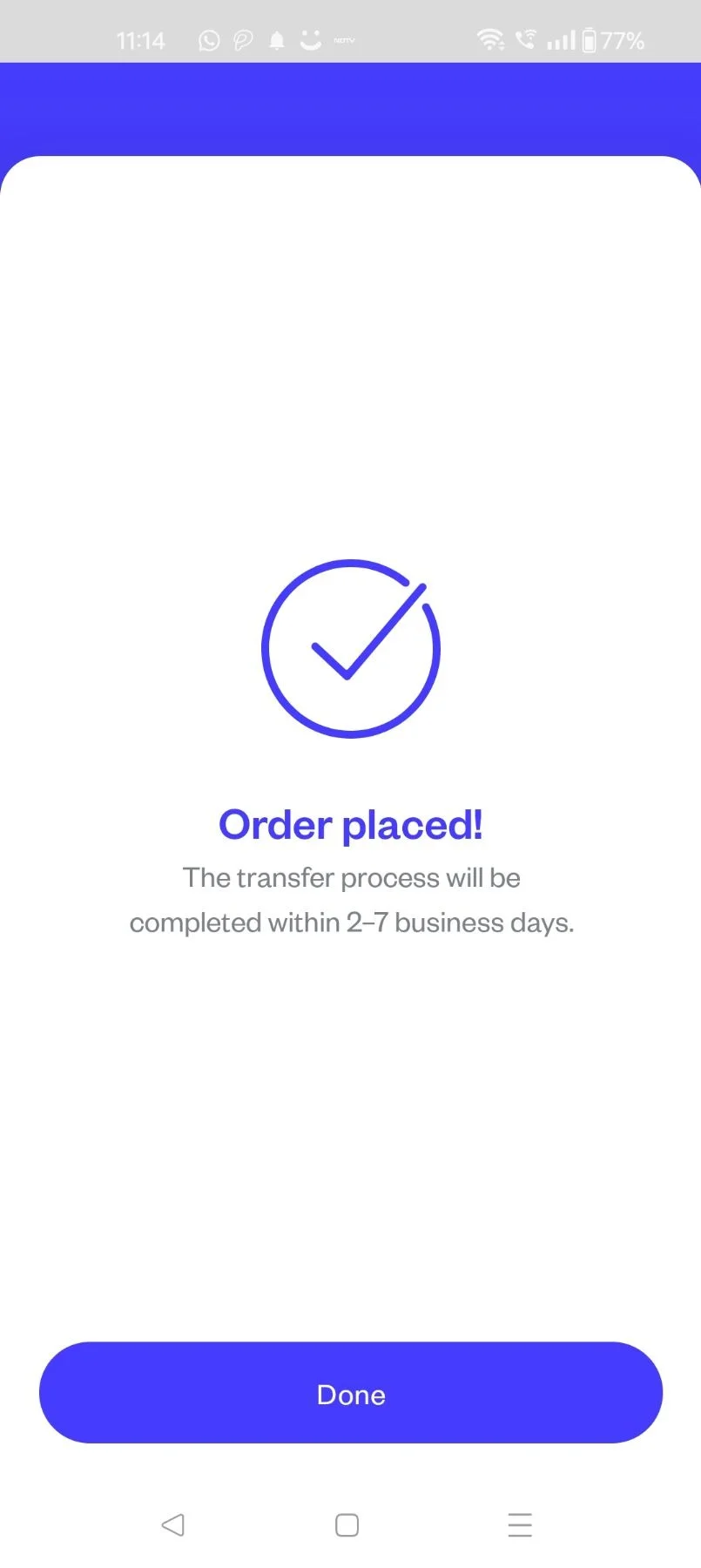
Your number order to sell the selected MF has been placed