How do I activate IDR Yield on Pluang?
You can activate IDR Yield in about a minute from the Wallet tab of the Pluang app: open IDR Cash, open IDR Yield and confirm activation. Yield starts accruing on your IDR Cash balance the same day, at 2.5% per year for Pluang Plus members or 1% per year for regular users.
Before you start
- You have completed Global & Yield Asset Verification (Account → Identity Verification → Global & Yield Asset Verification)
- Your Pluang app is updated to the latest version
- Your account is not suspended or restricted
5 Steps
Open the Wallet tab. In the Pluang app, go to Home → Wallet.
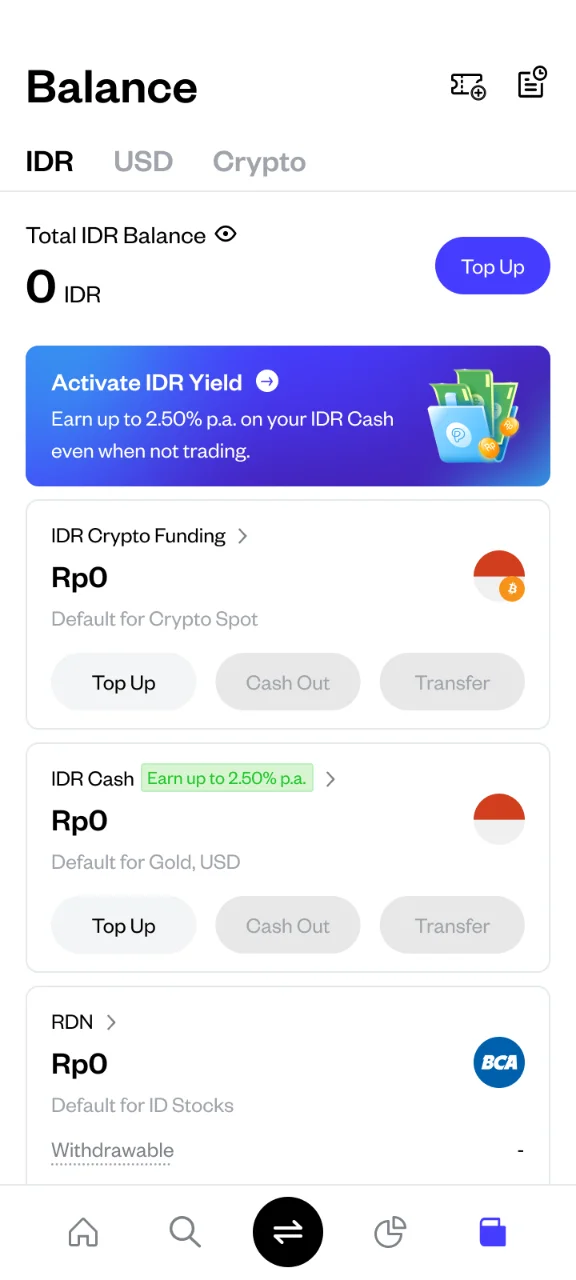
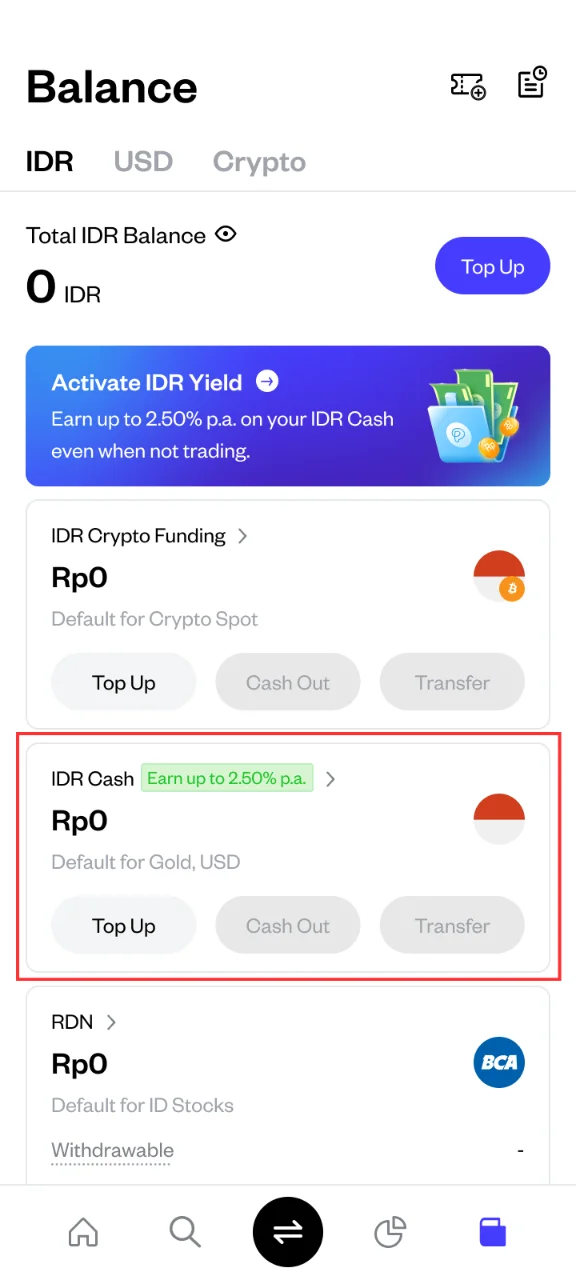
Select IDR Cash. Tap your IDR Cash balance to open its page. You can also start from the IDR Yield banner on the Wallet page.
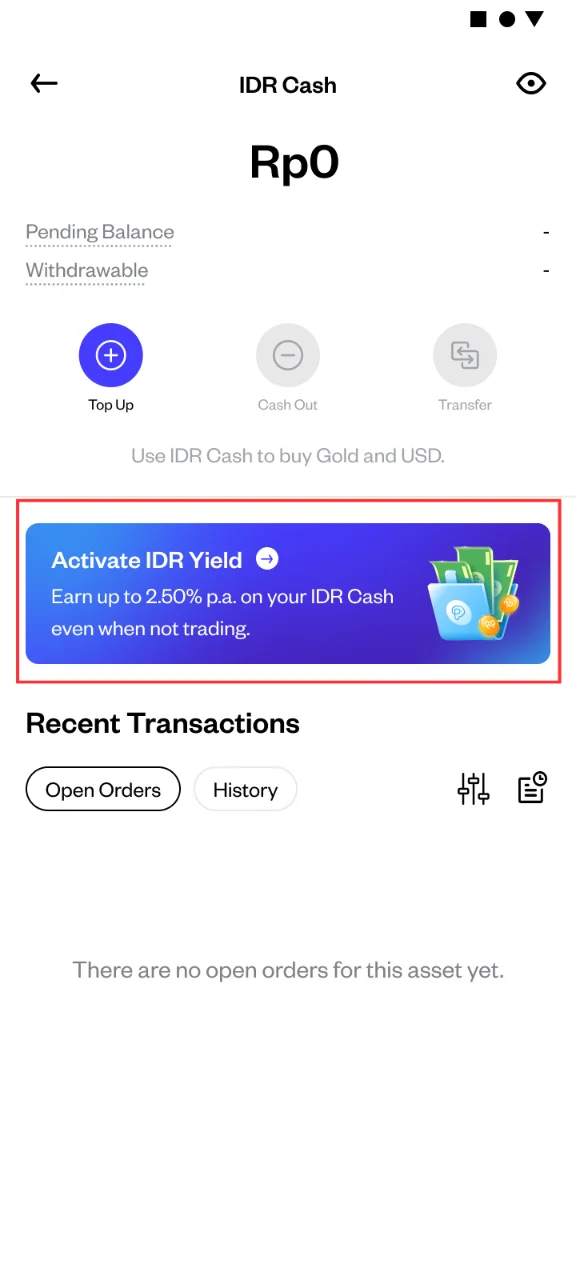
Open IDR Yield. On the IDR Cash page, tap the IDR Yield banner to open the IDR Yield page, which explains the rate and how yield is calculated and paid.
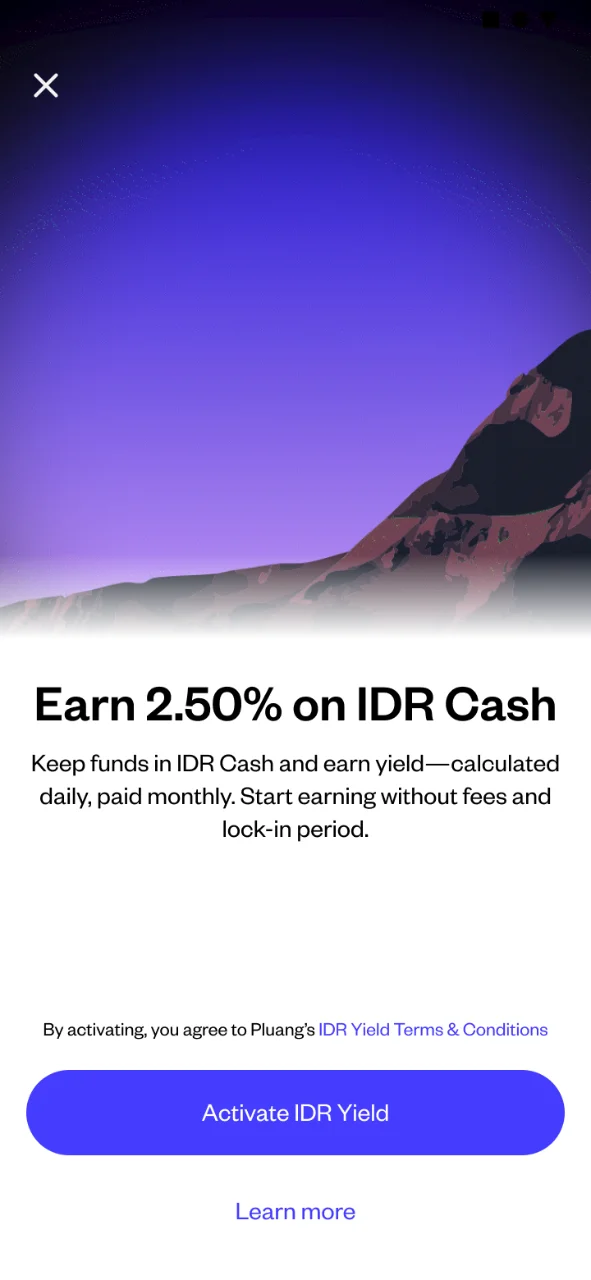
Review the details and activate. Read the information on the page, then tap the button to activate IDR Yield.
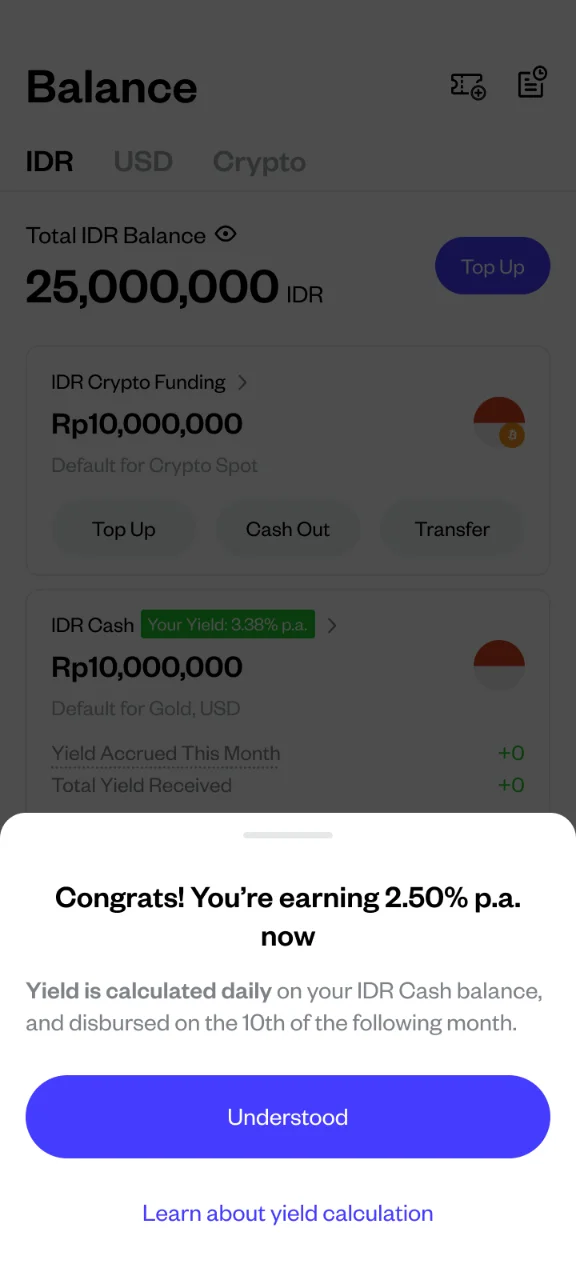
Close the confirmation message. A confirmation message appears once IDR Yield is active. Close it to go back, or open the yield calculation page to learn more.