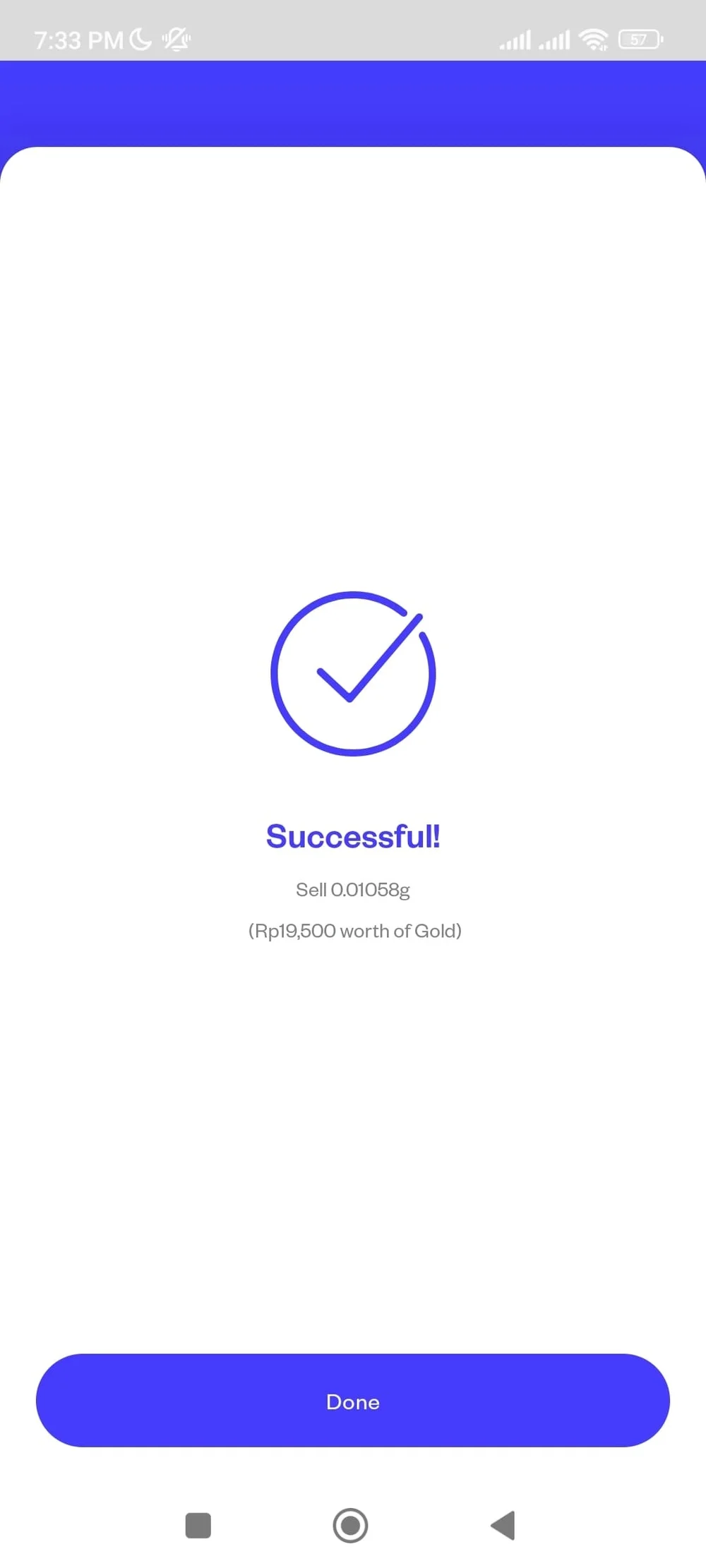
Pluang App: Sell Gold
7 Steps
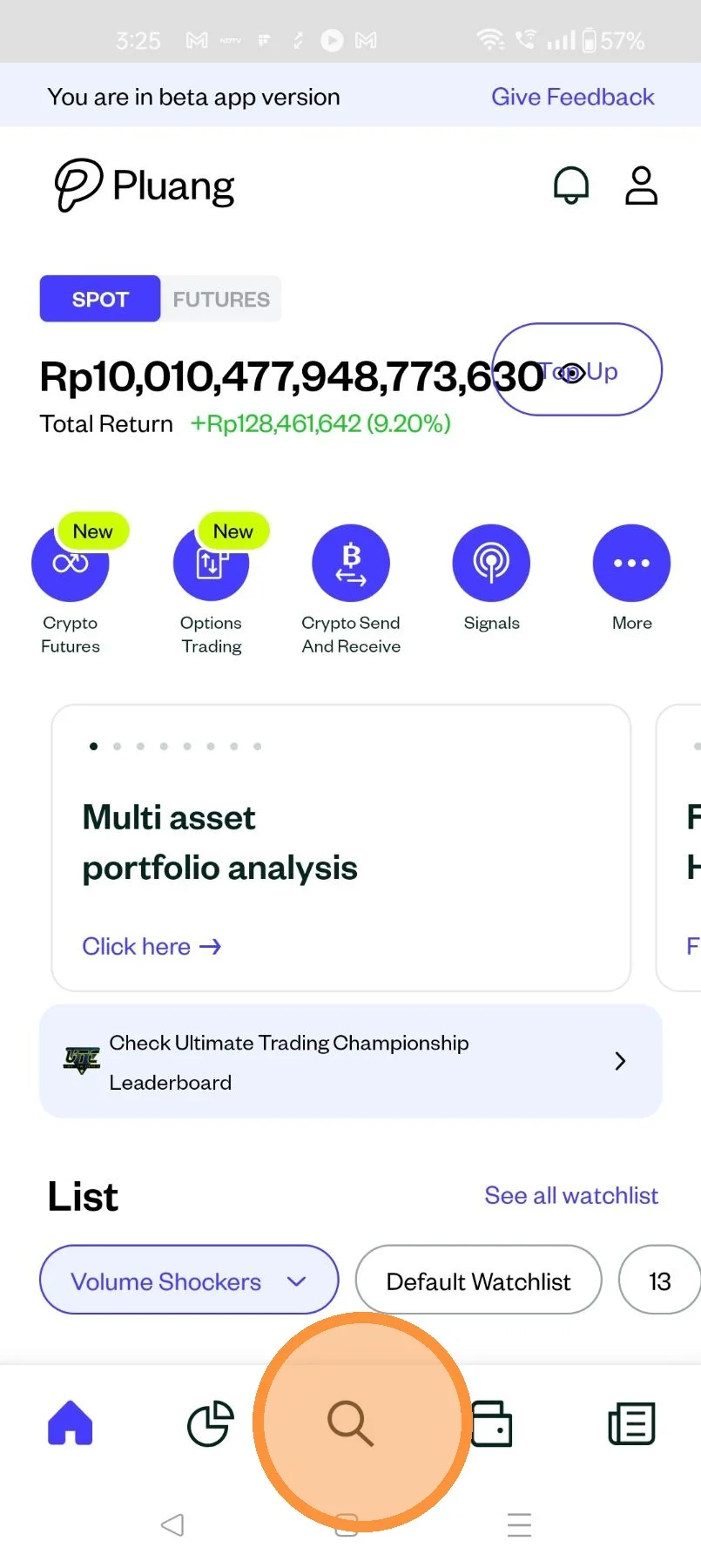
Open the Pluang App and login, navigate to the discover page by tapping here
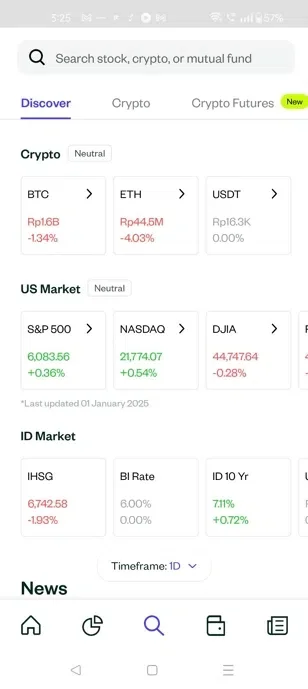
On the discover page, tap on "Gold"
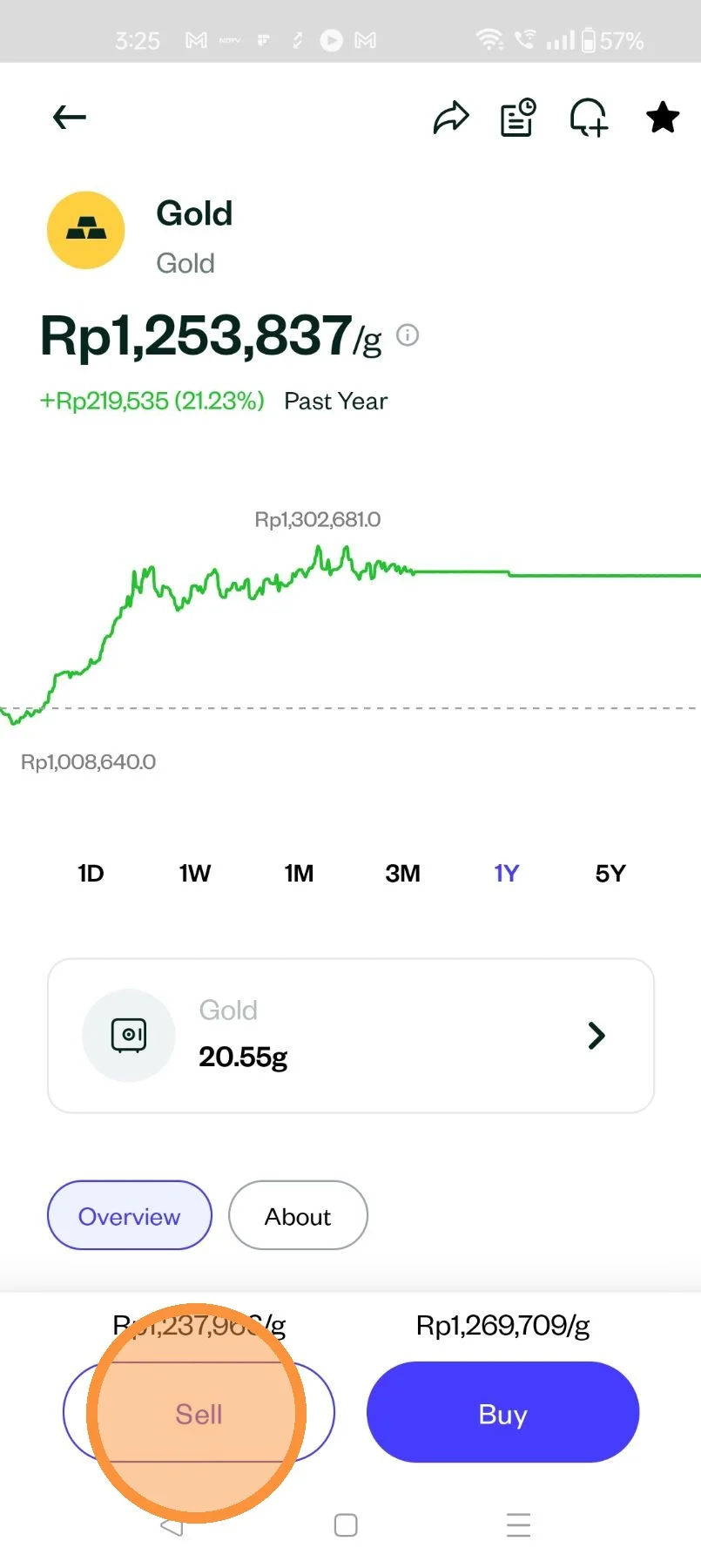
Once on the ADP for gold, tap on Sell
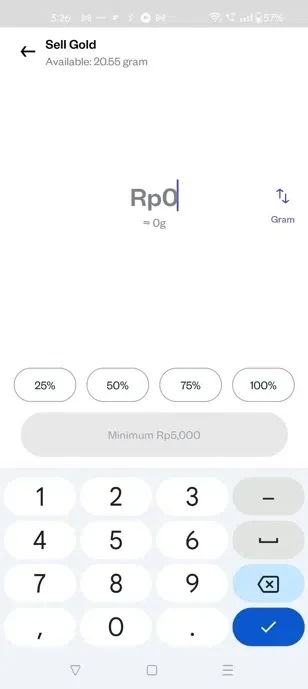
Update the quantity or the amount (in IDR) that you want to sell
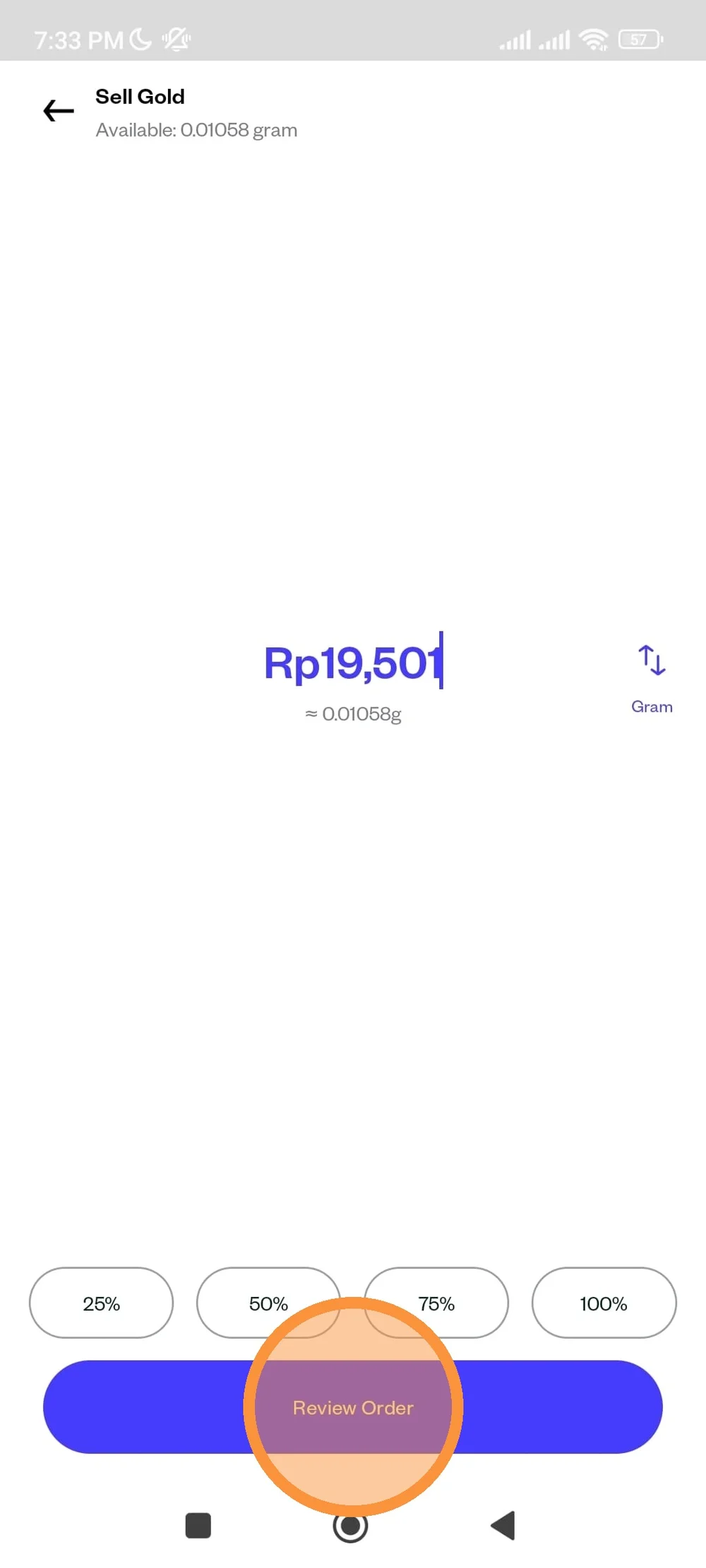
Tap on review order
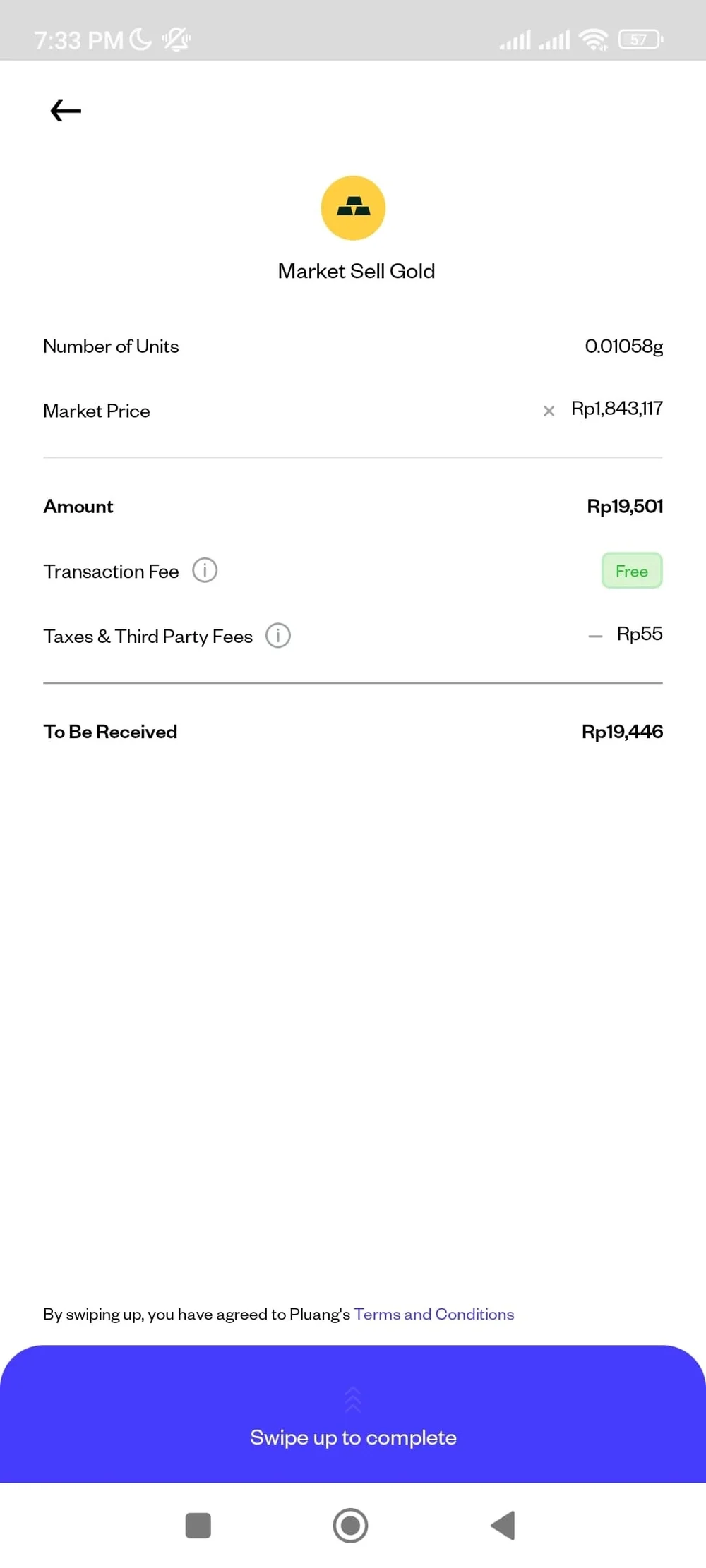
On the review order page, you can see the details of your transaction, including taxes and fees. After reviewing order "Swipe Up" to complete.
Your sell order has been placed, check the status in "Transaction History"