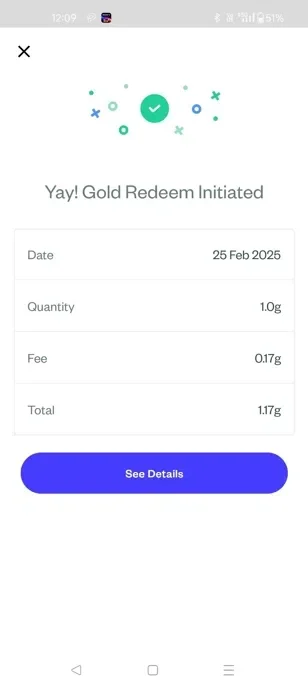
Gold Physical Withdrawal
10 Steps
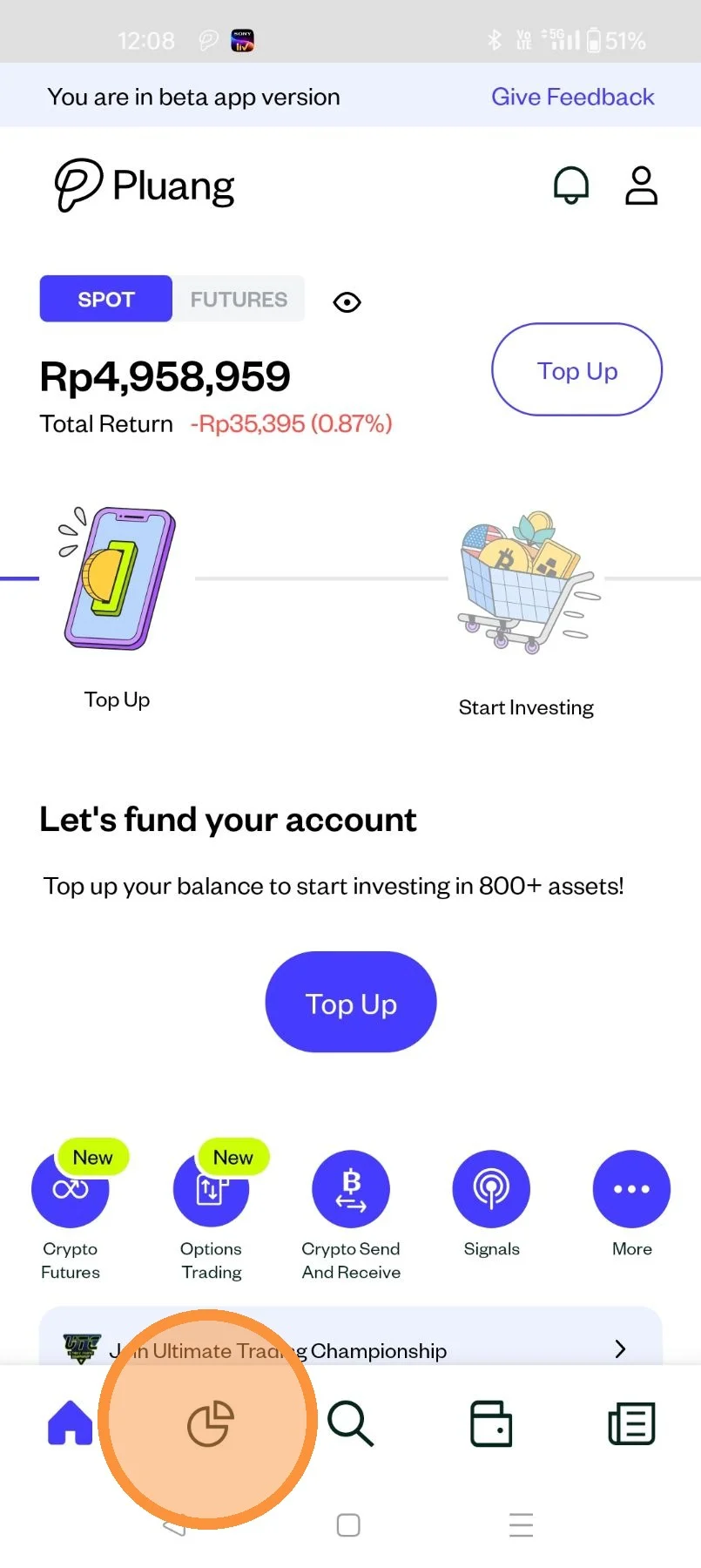
Open the Pluang App, click on your "Portfolio" page.
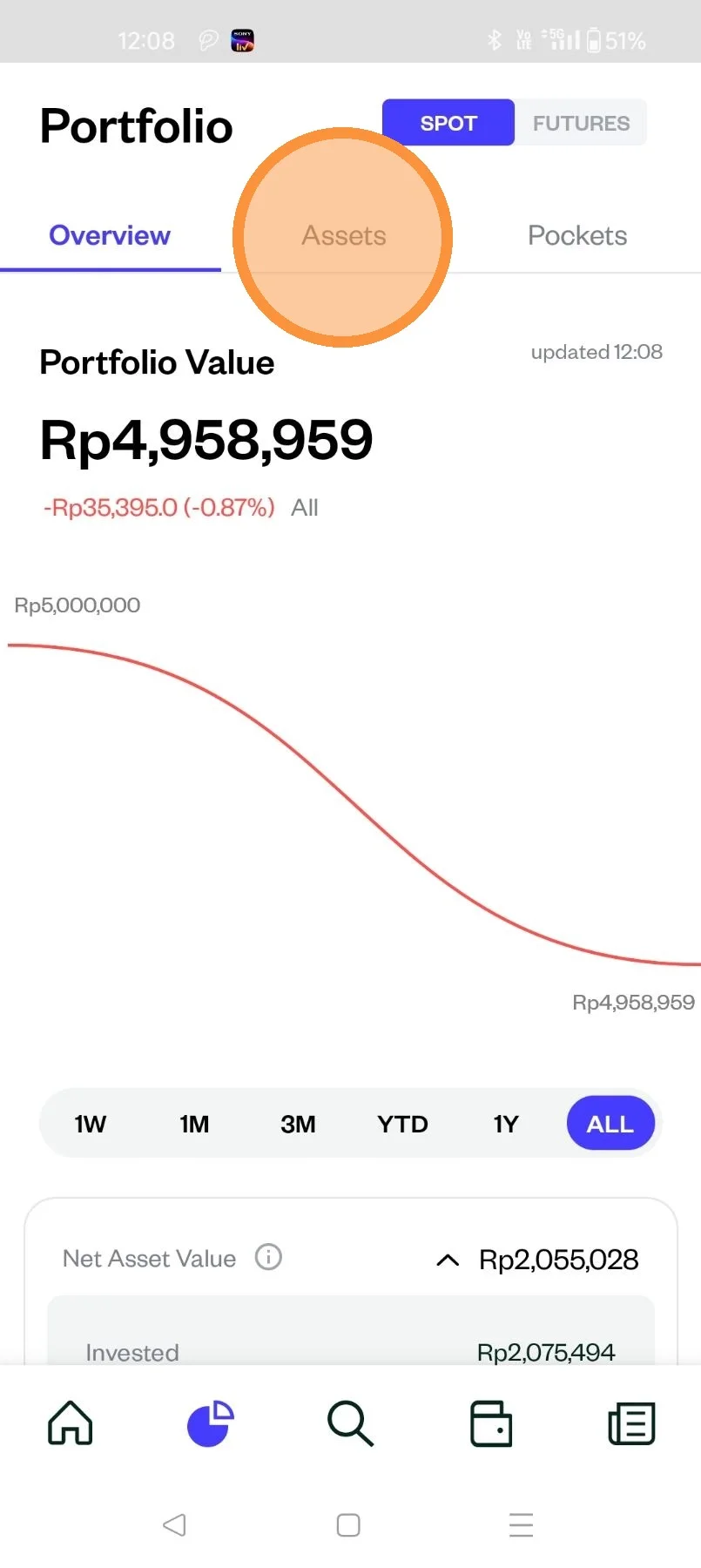
Click "Assets".
Scroll down to your Assets then select "Gold".
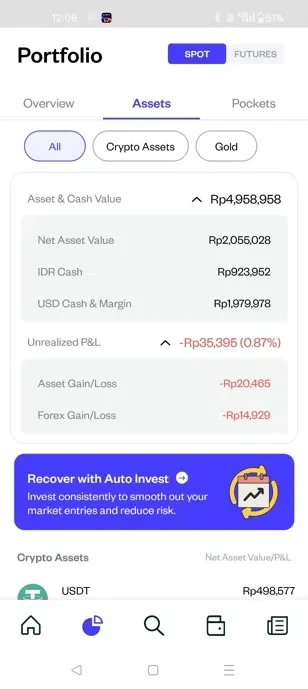
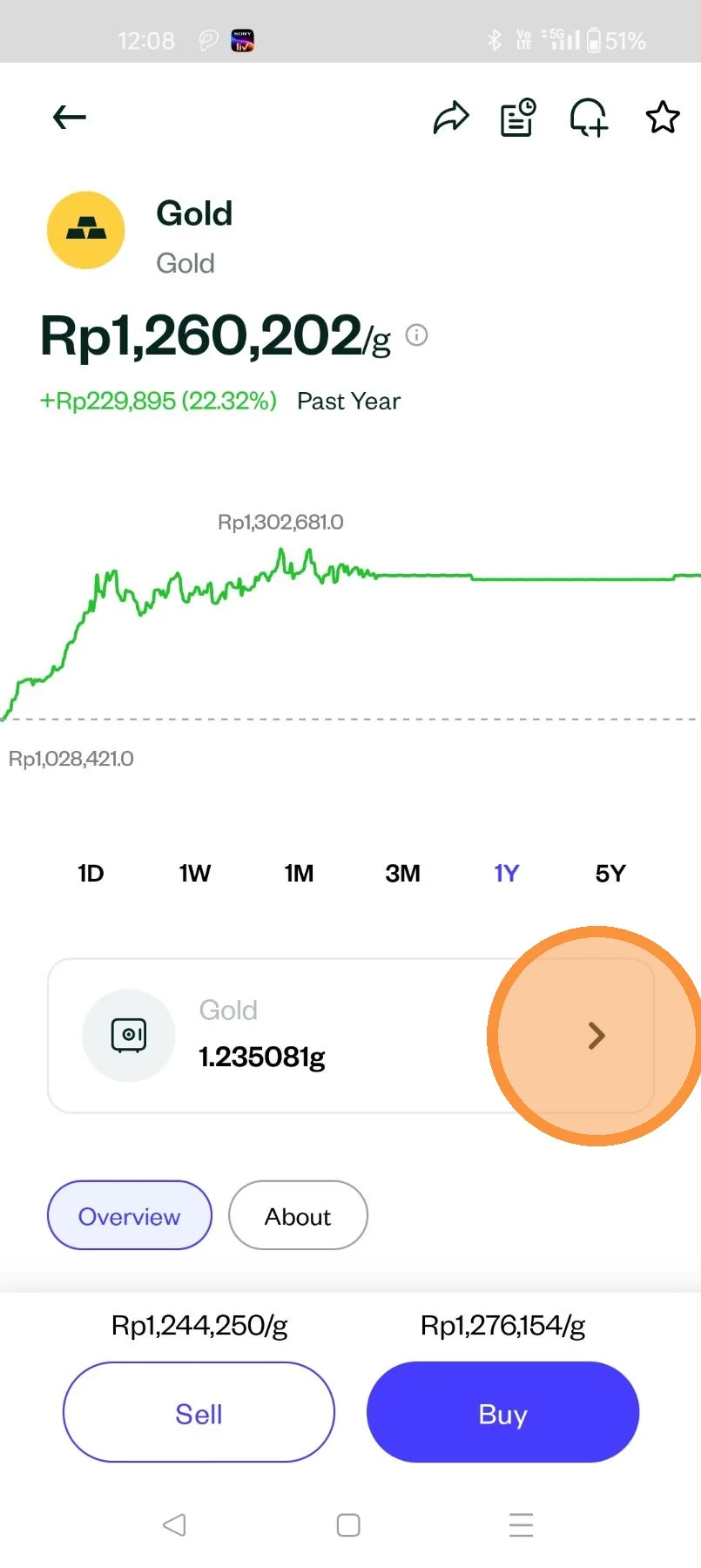
Click on the vault icon to access your Gold holdings.
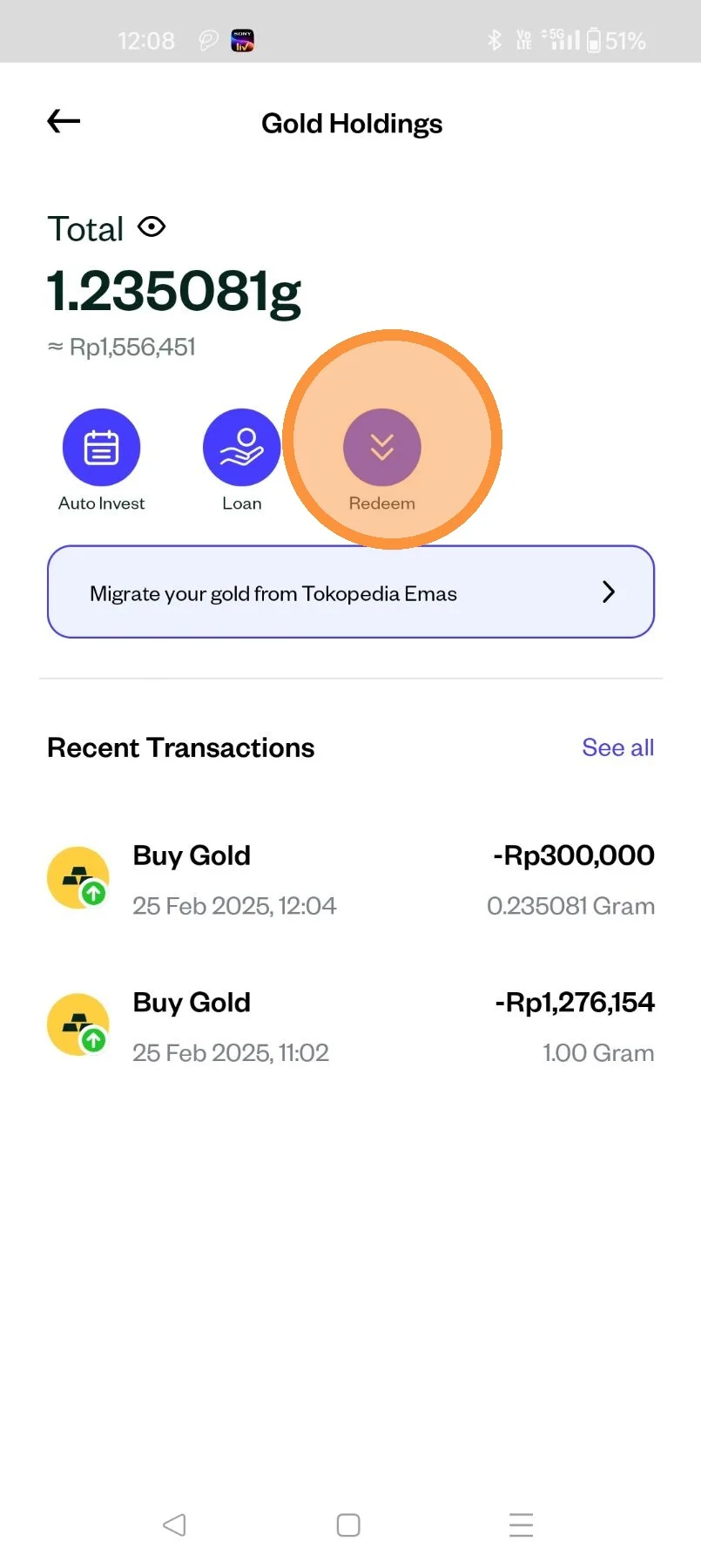
Click "Redeem"
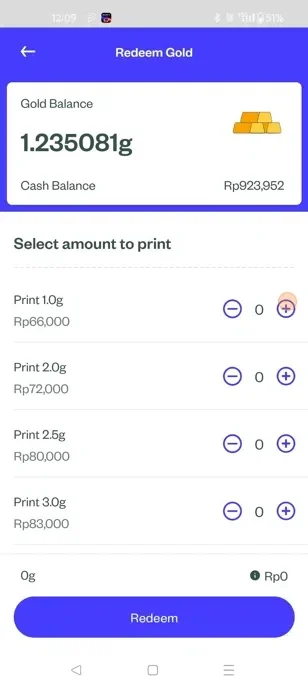
Enter the amount of gold you wish to withdraw physically and tap "Redeem".
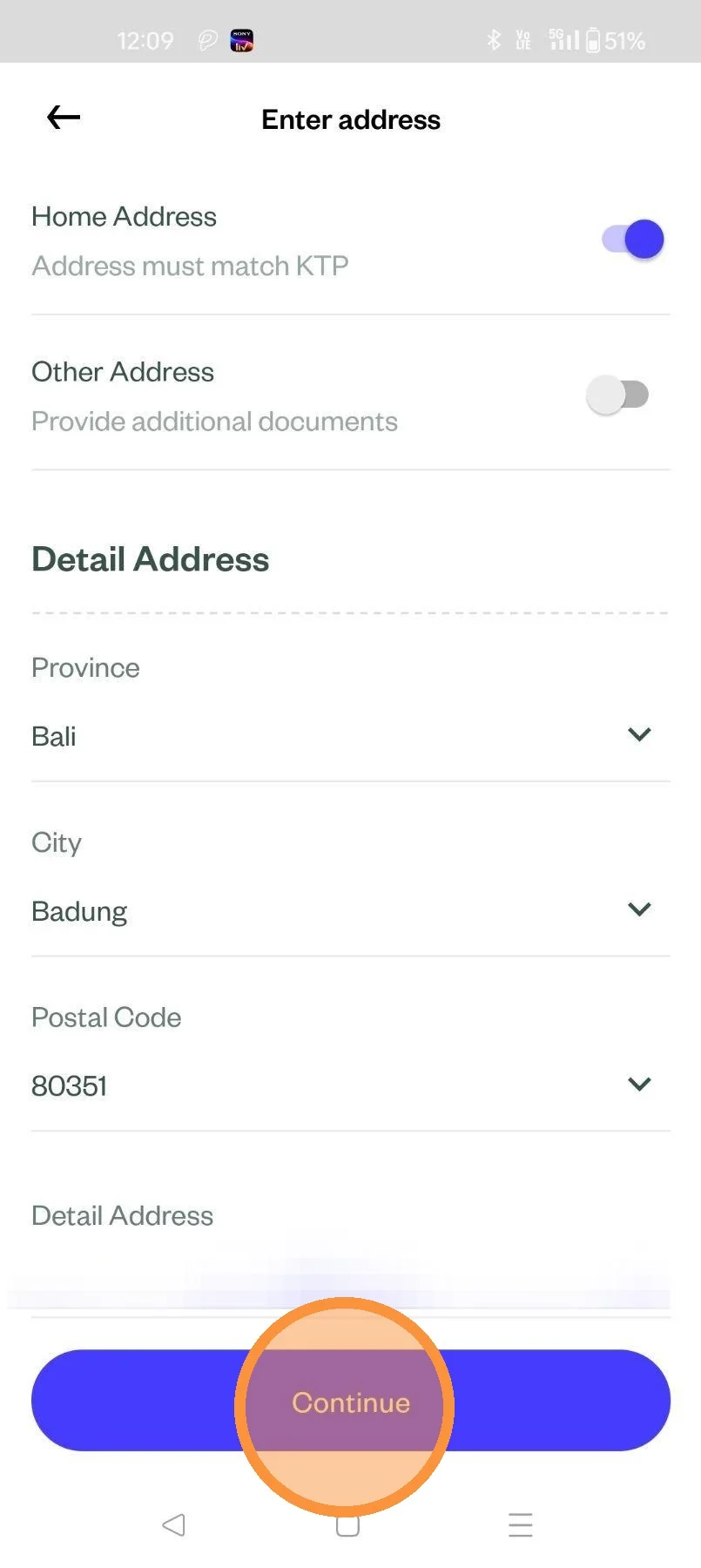
Enter in the relevant details and and click "Continue".
Select the method of shipping.
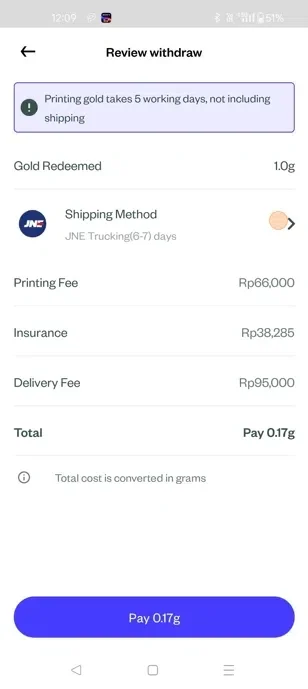
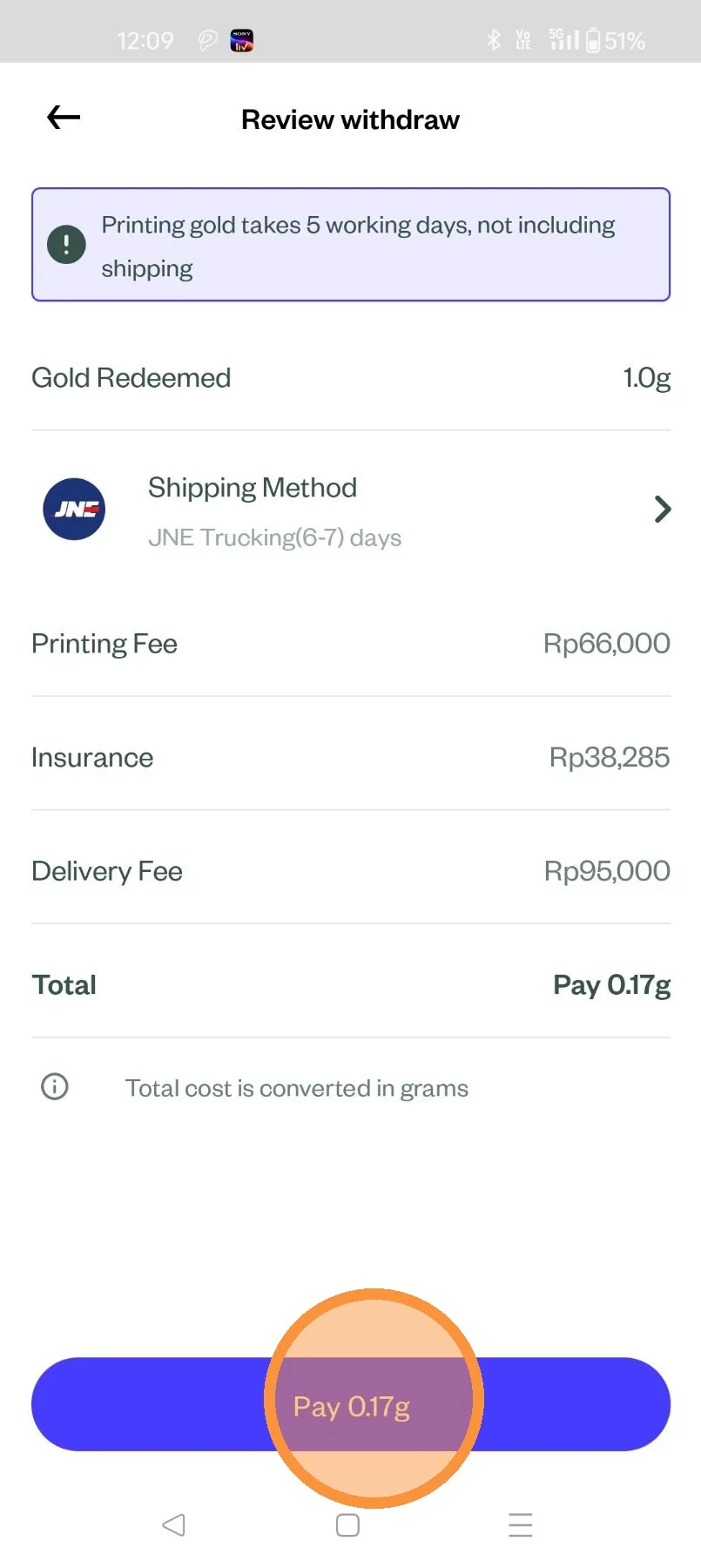
Review your order detail, then click "Pay"
Your physical gold delivery order has been placed. You will be sent an email by Pluang team to schedule the verification step. Please check your registered email gradually.