How to Sell Crypto in Pluang
15 Steps
Open the Pluang App and login.
There are 2 ways to sell crypto on Plaung
- Your portfolio page
The discover page
- Open your Pluang app, click on "Portfolio" page.
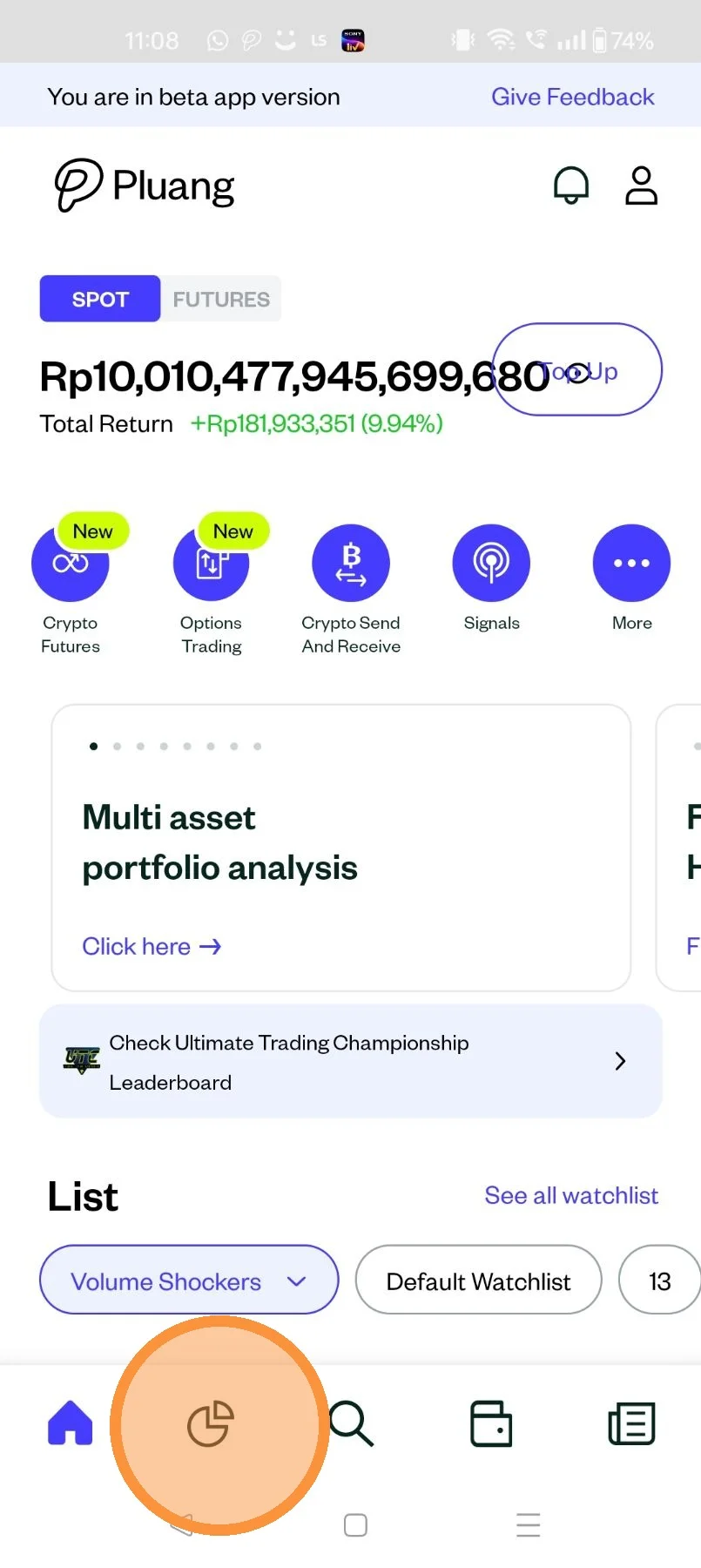
Click on the "Asset" page.
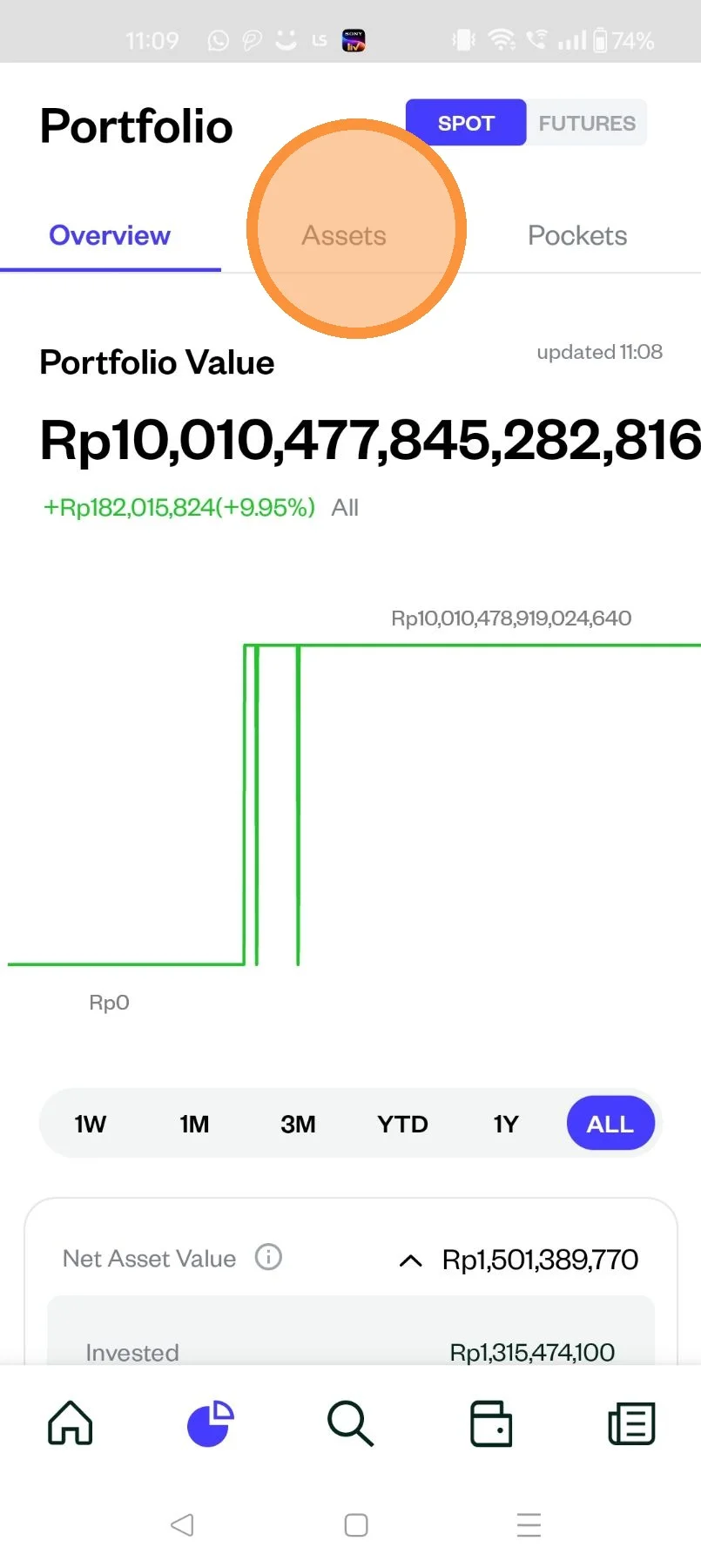
Scroll to locate the crypto asset you want to sell and tap on it
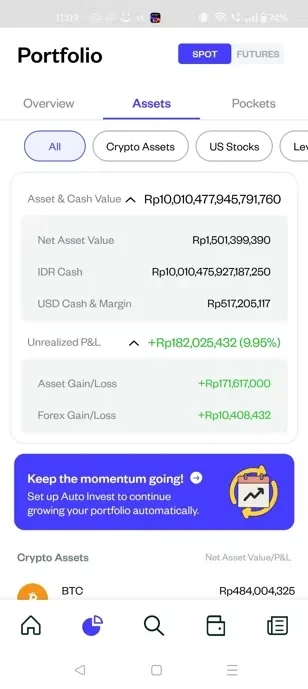
You can also search for the crypto you want to sell through the explore page
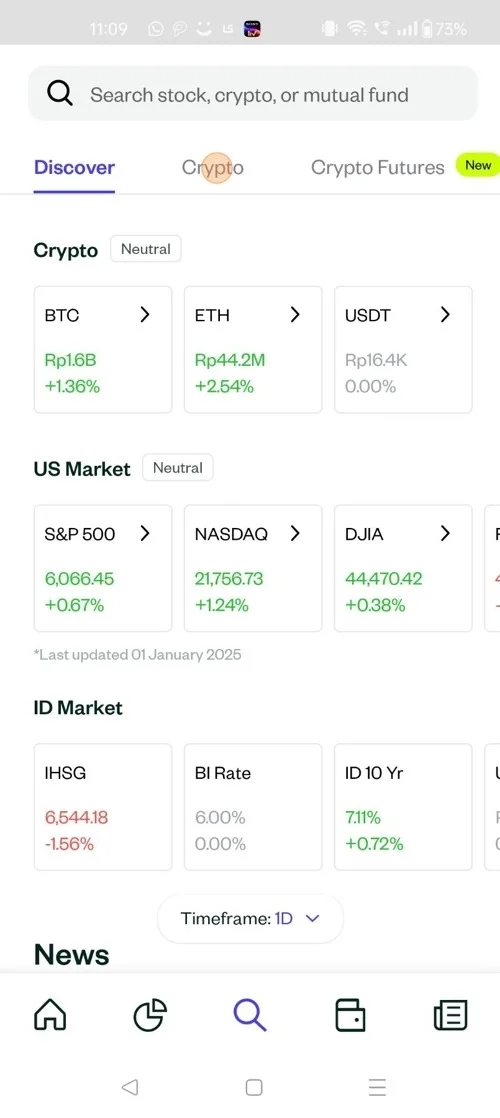
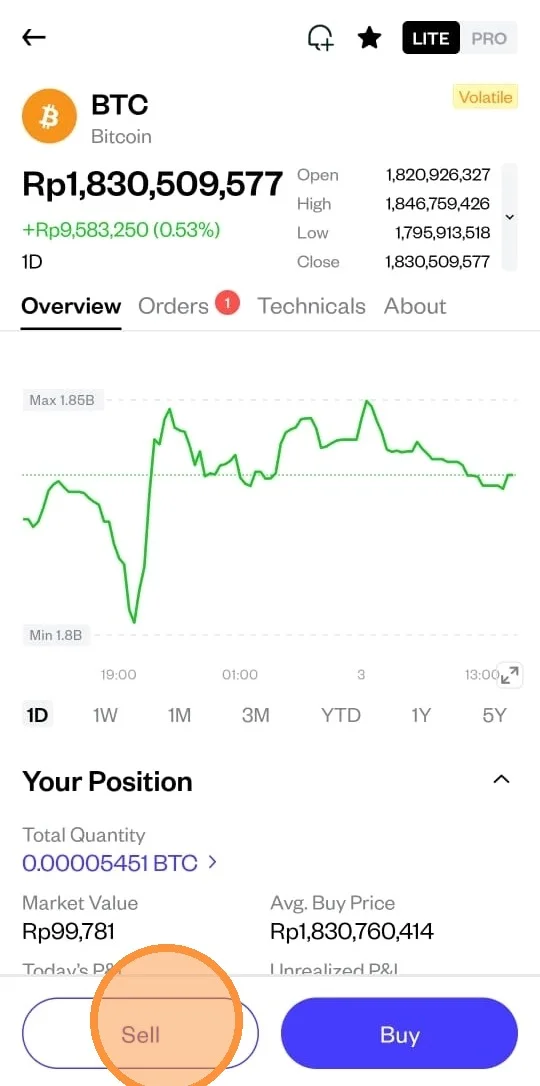
Tap on Sell
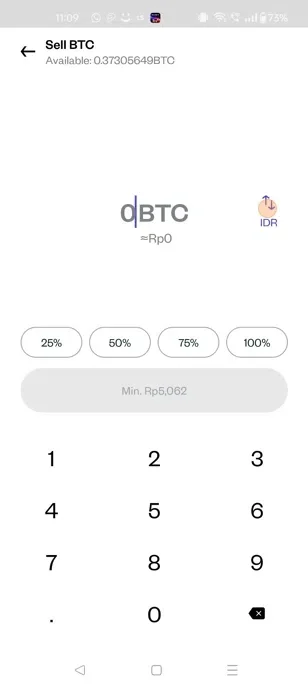
Update the quantity or the amount (in IDR) that you want to sell
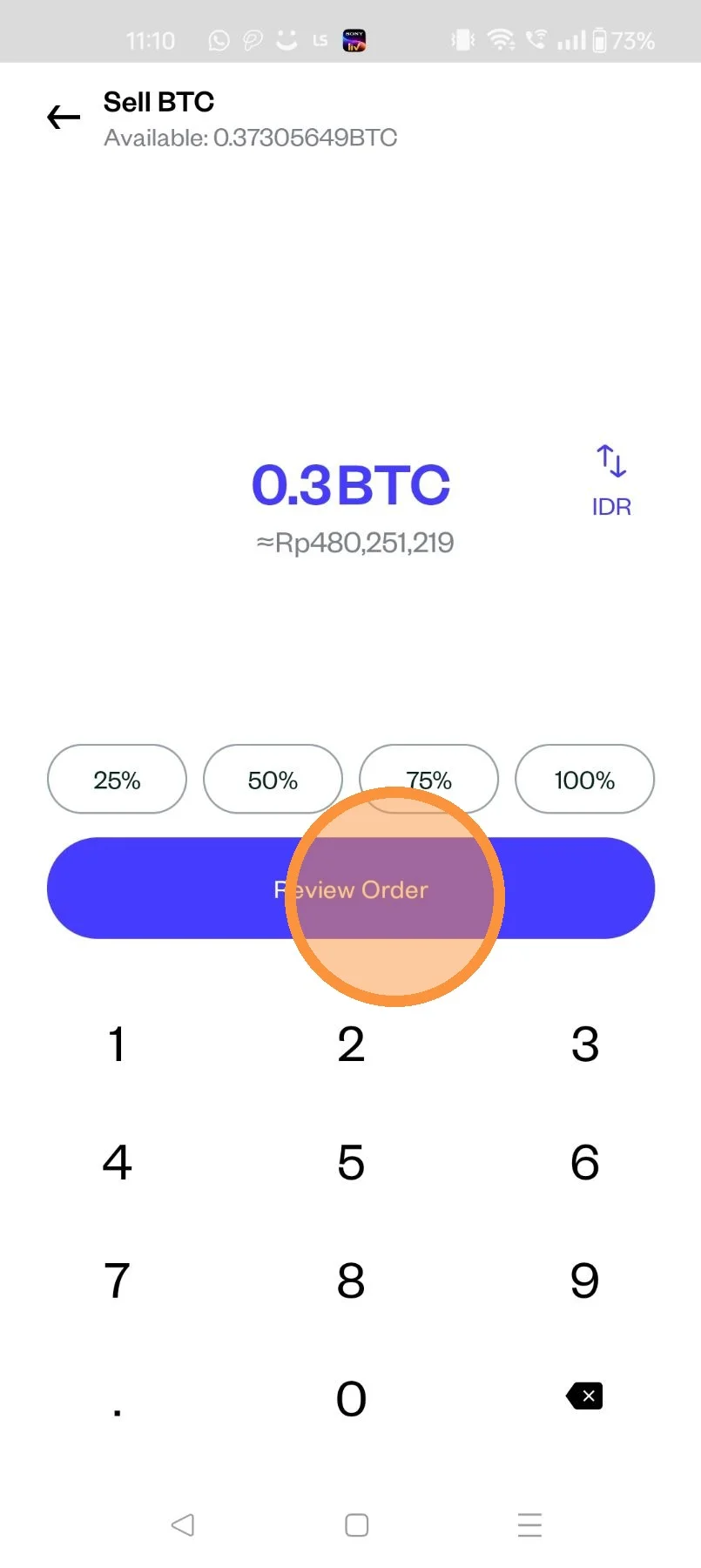
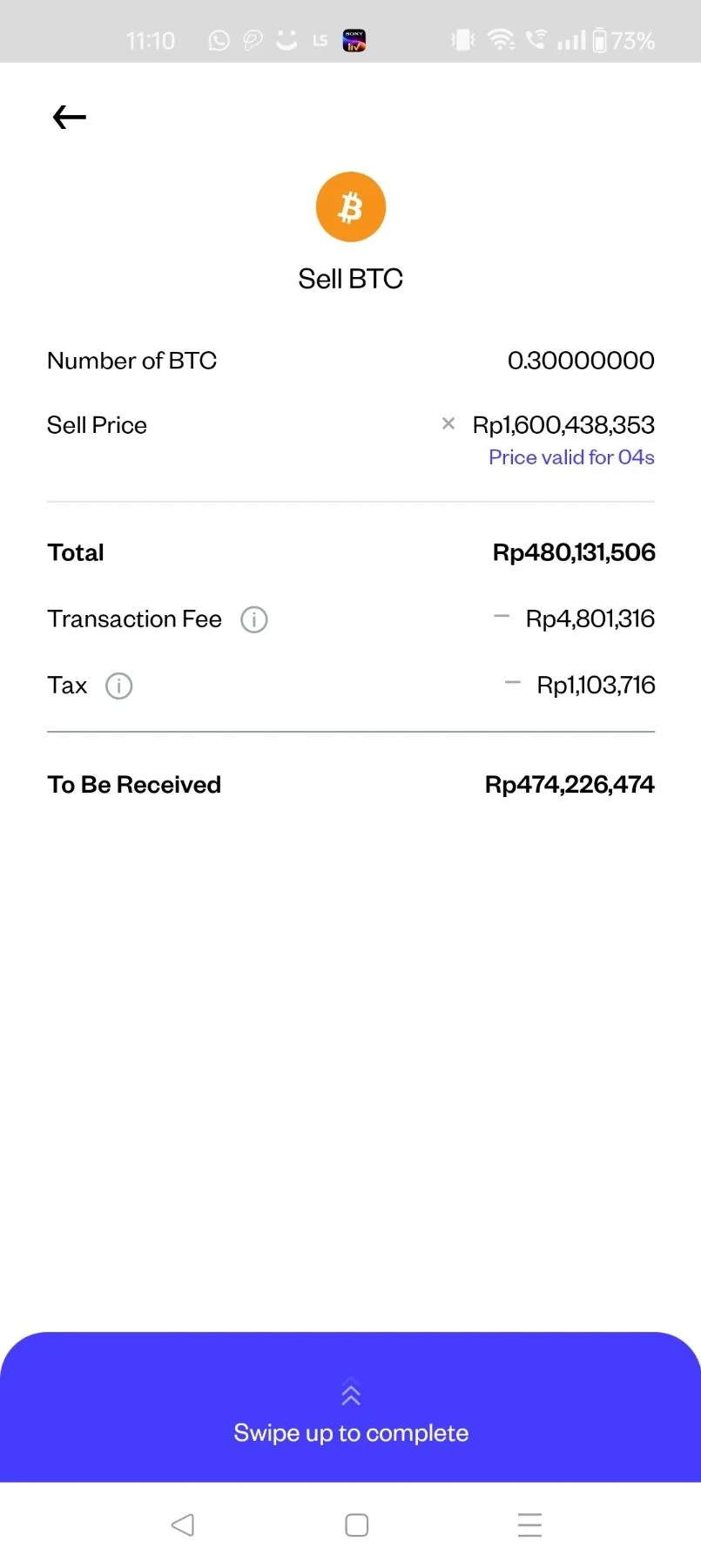
Tap on review order
After reviewing order "Swipe Up" to complete
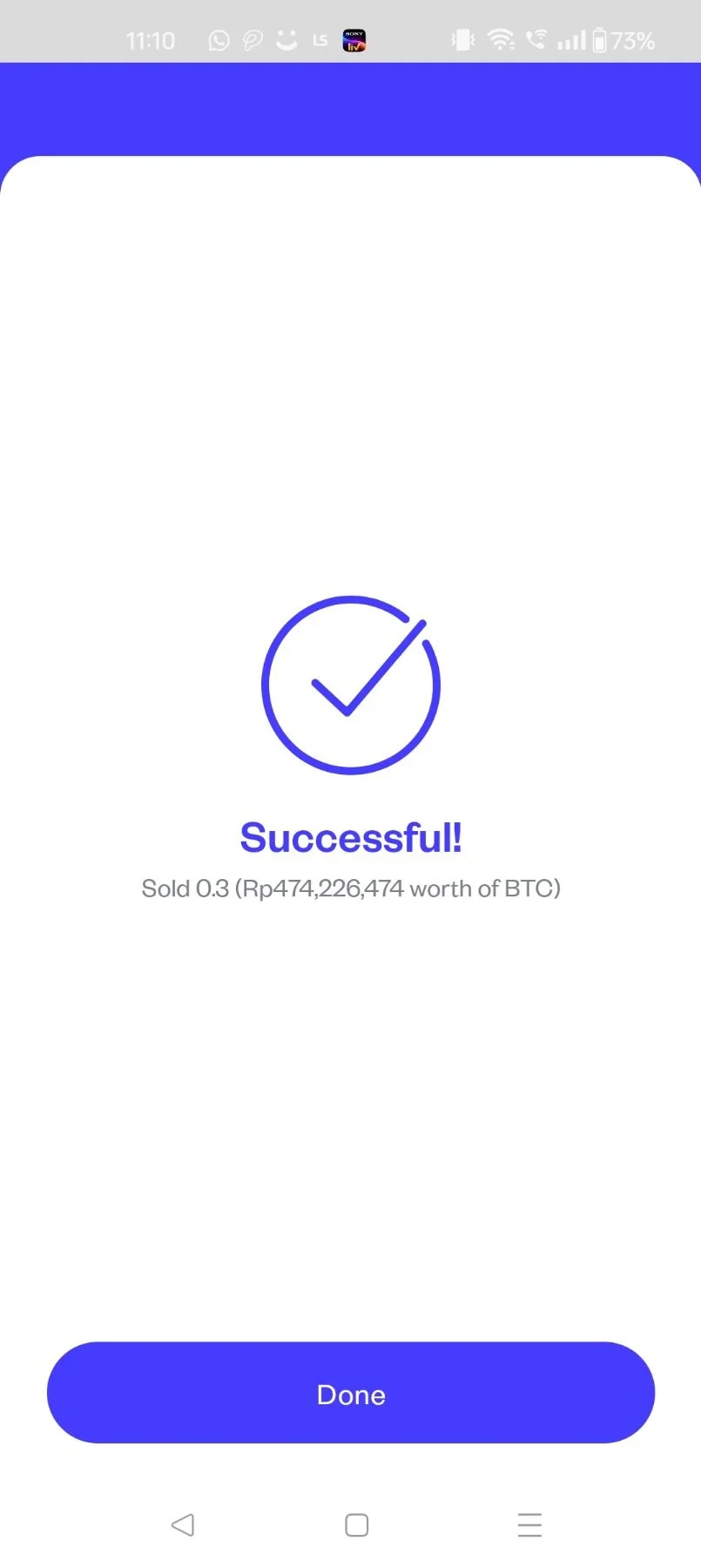
Your sell order has been placed, check the status in "Transaction History"
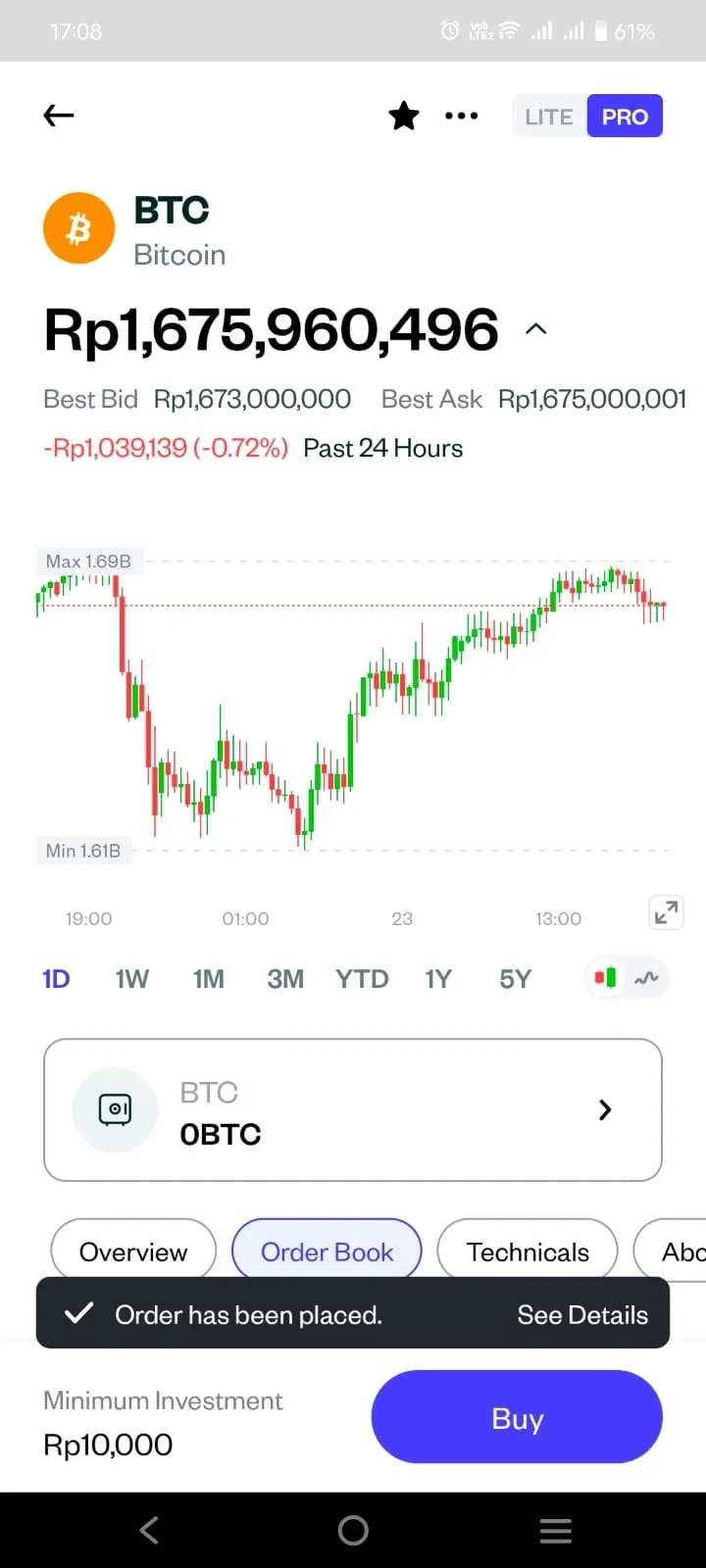
If you want to Sell the asset through PRO Mode, click on the toggle "PRO" and you will see the transition page
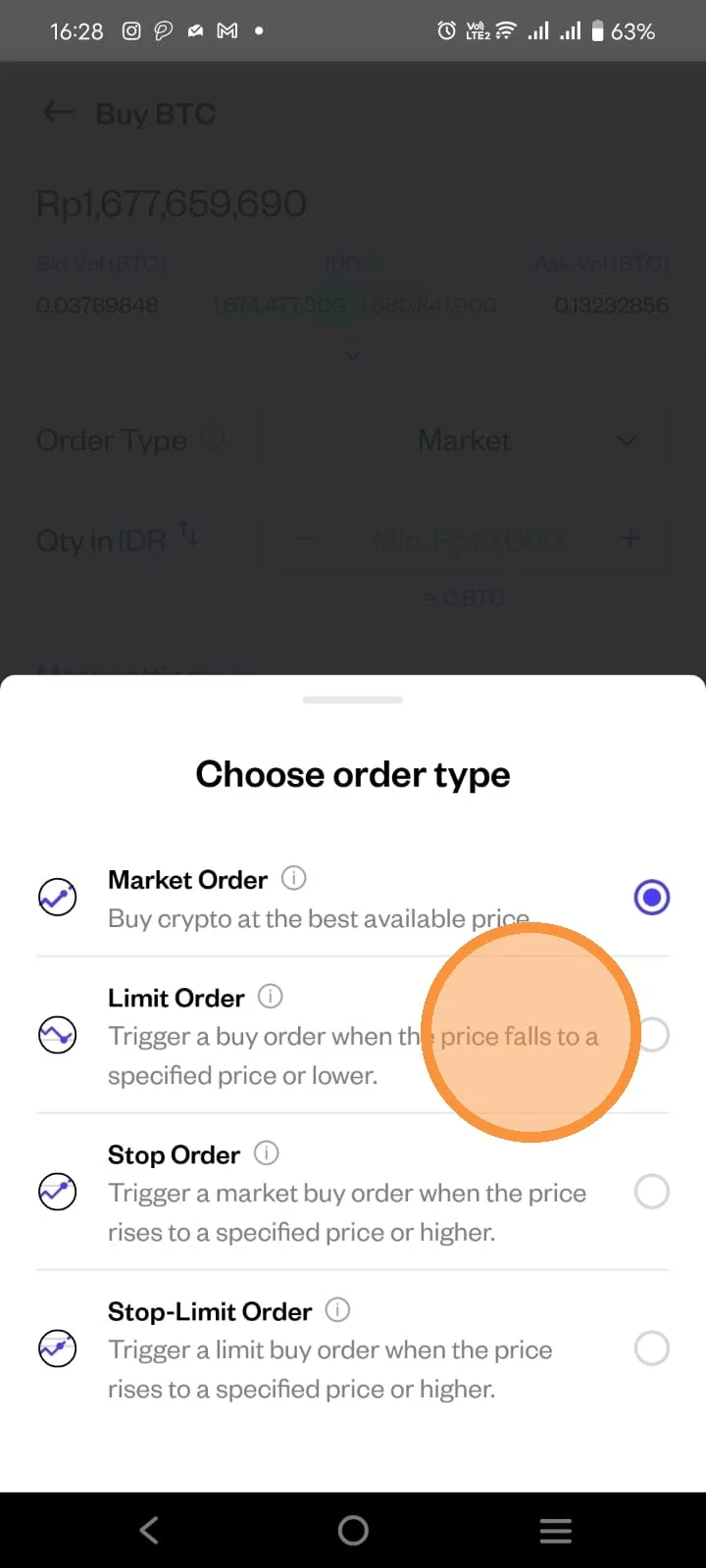
Click on the order type to select the type of order you want to use
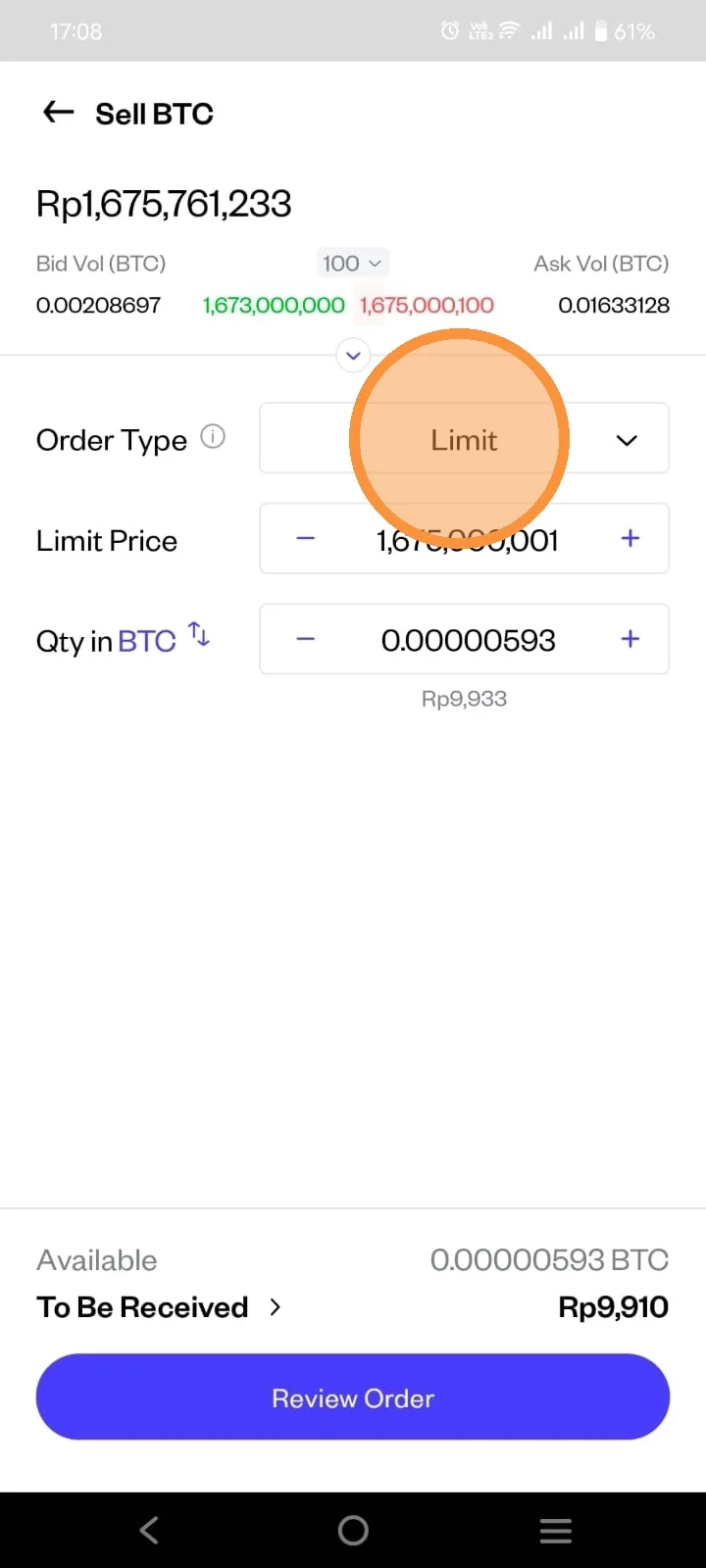
Click the order type you want to sell your asset.
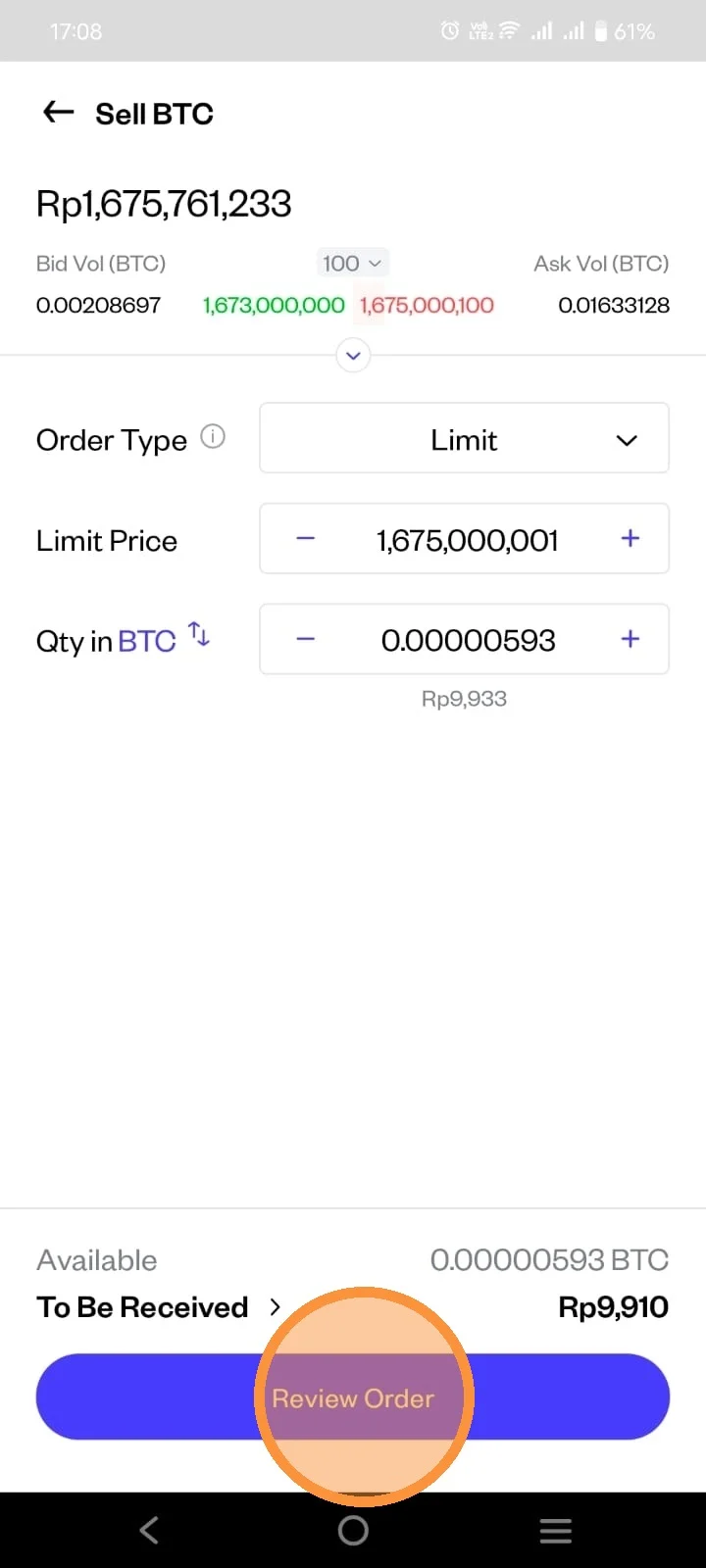
Fill in all the necessary detail and click "Review Order"
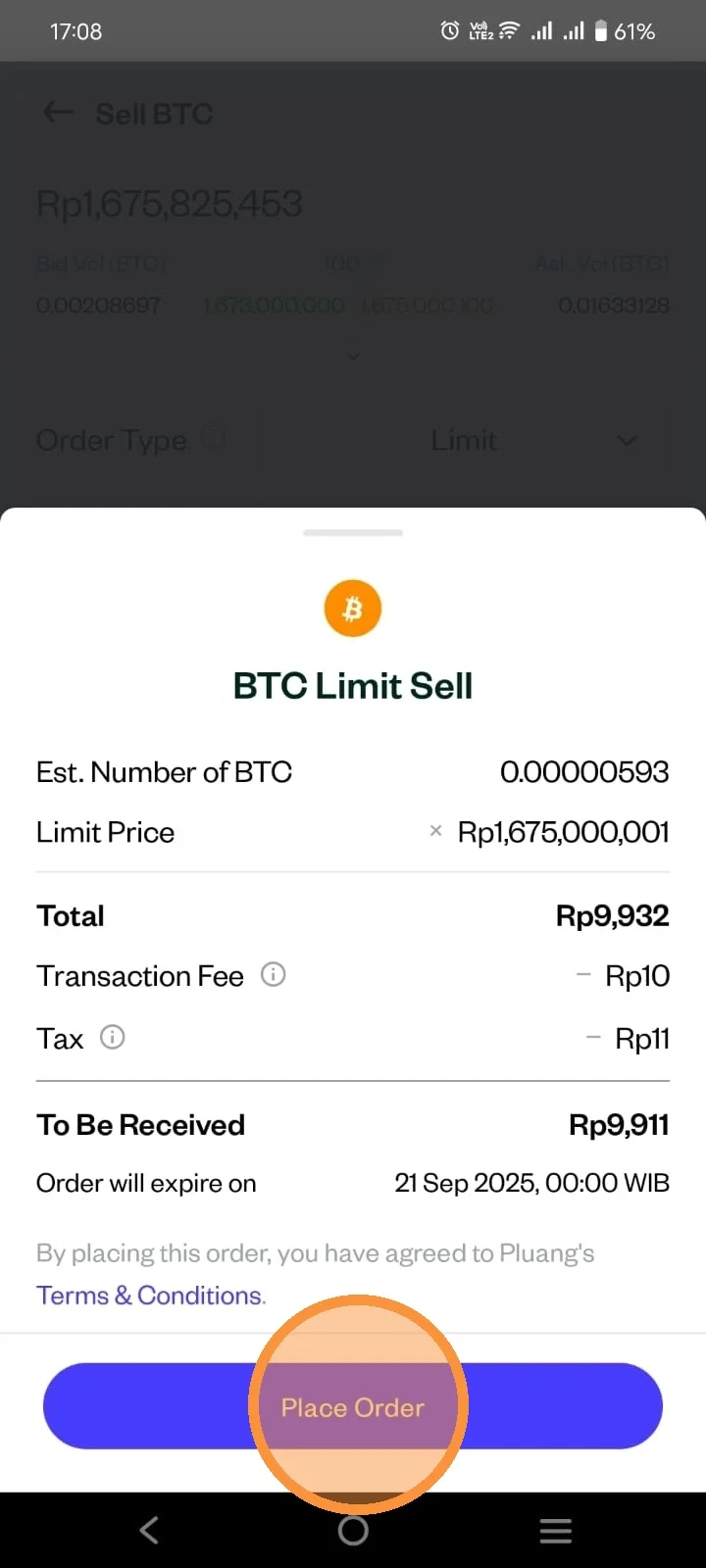
Review the detail of your order. Then click "Place Order"
Your order has been successfully placed. You can check the status on the Transaction History.