How do I unstake crypto on Pluang?
You can submit an unstaking request on Pluang in a few minutes from the coin's Staking page. Enter the amount to unstake, review the unbonding period, and confirm. Your coins will be returned to your spot balance after the unbonding period ends.
Before you start, make sure:
- You have active staked holdings for the coin you want to unstake
- Your bonding period has ended — you cannot unstake coins that are still in the bonding period
8 Steps
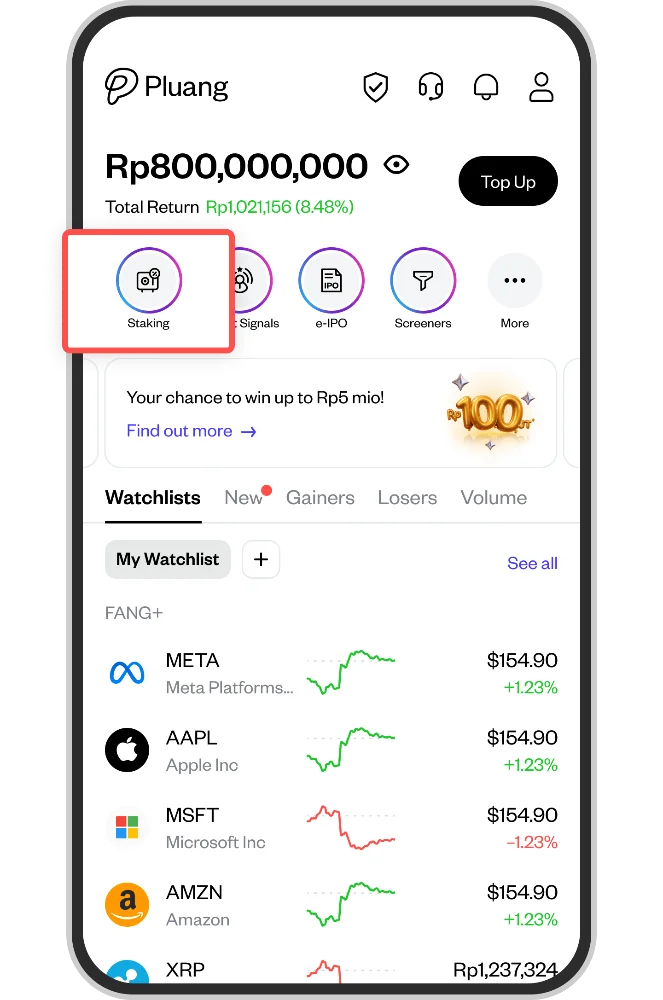
From the Pluang home screen, go to Staking to open the coin's Staking page.
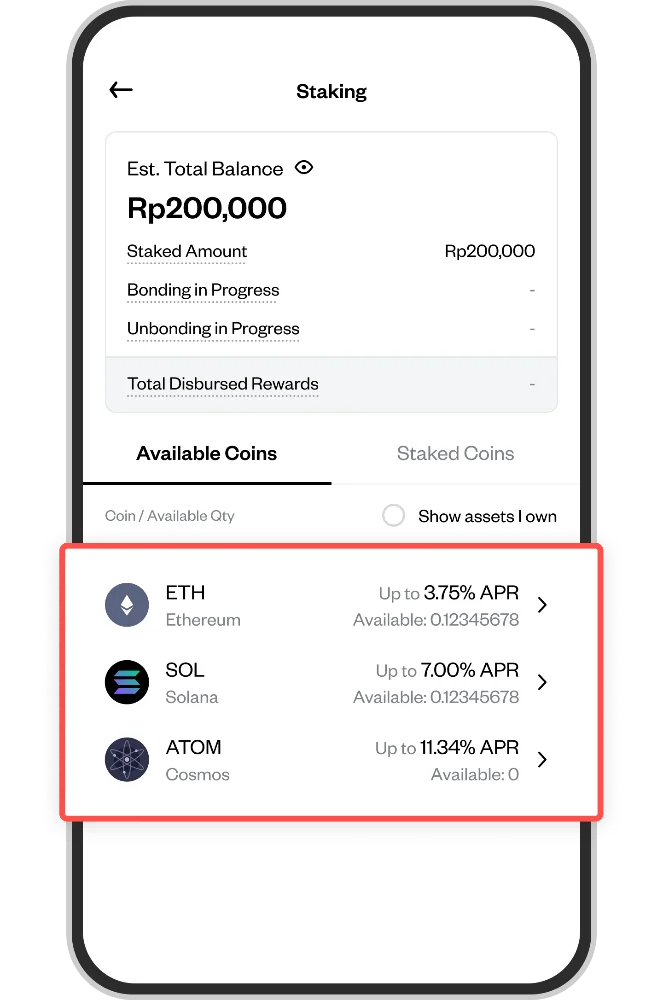
Select the coin you want to unstake
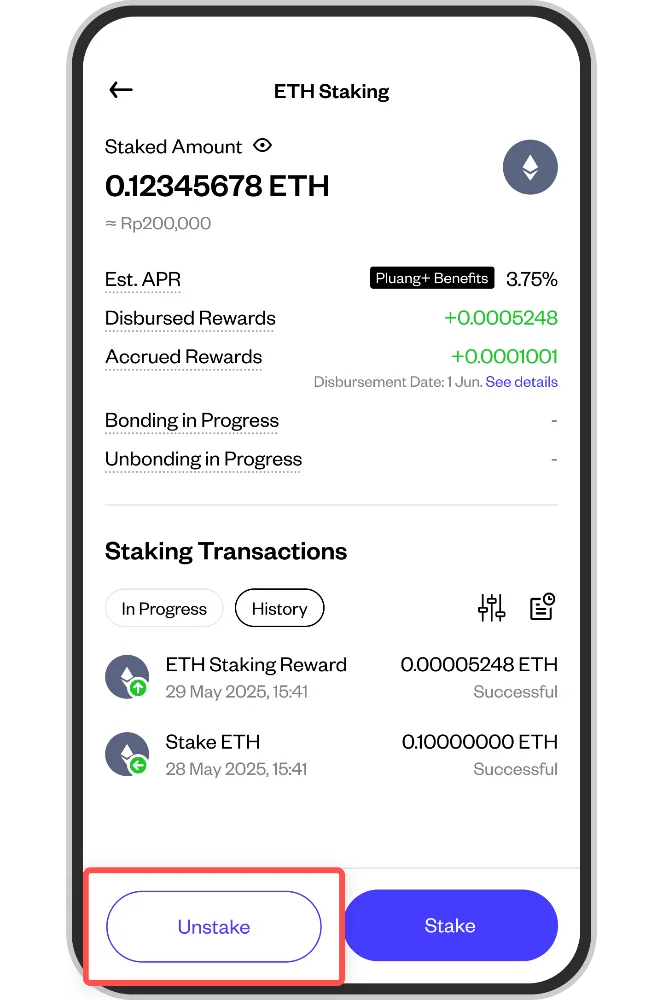
On the Staking page, tap the Unstake button (the outline button at the bottom of the screen).
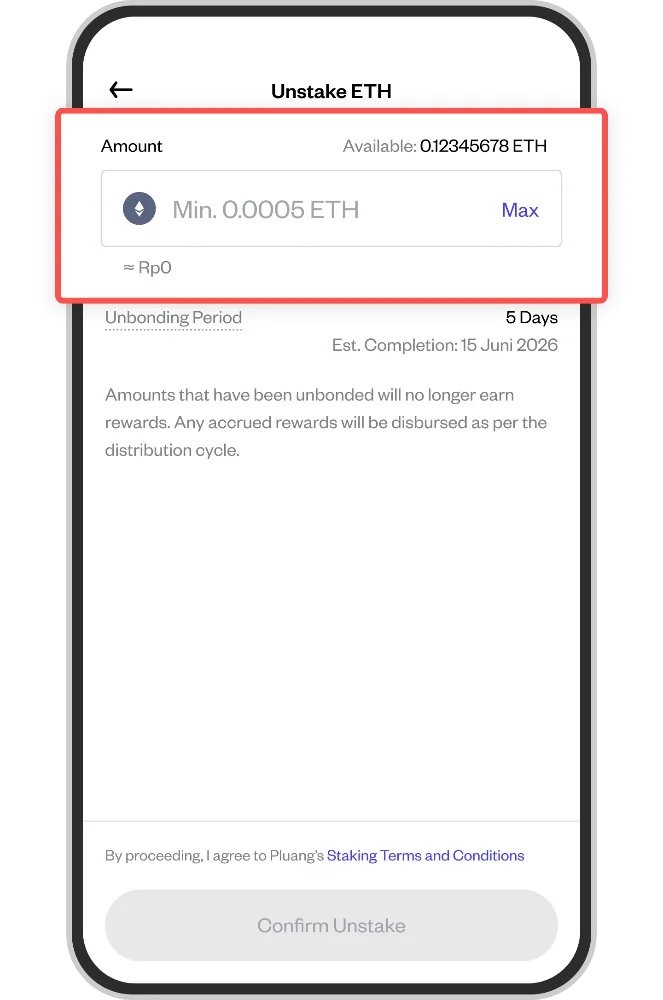
On the Unstake screen, enter the amount you want to unstake. You can also use the quick-select buttons (25%, 50%) to unstake a portion of your staked balance. Tap Max to unstake the full available amount. A minimum unstaking amount applies.
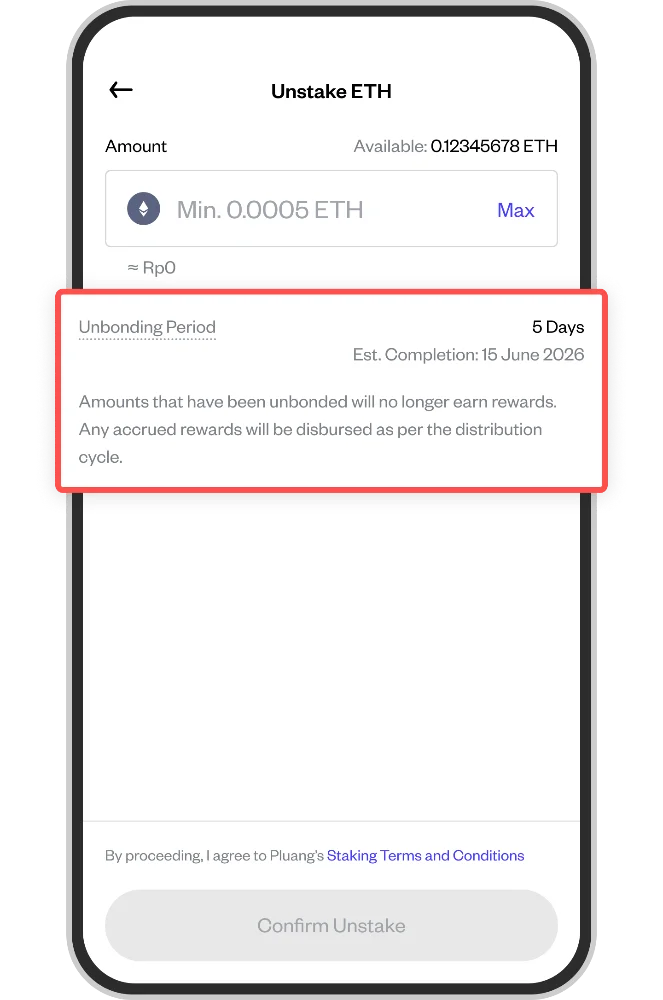
Below the amount field, review the Unbonding Period and the Est. Completion date. Note that coins being unbonded will no longer earn rewards, and any accrued rewards will be disbursed on the normal distribution cycle.
Tick the Staking Terms and Conditions checkbox at the bottom of the screen.
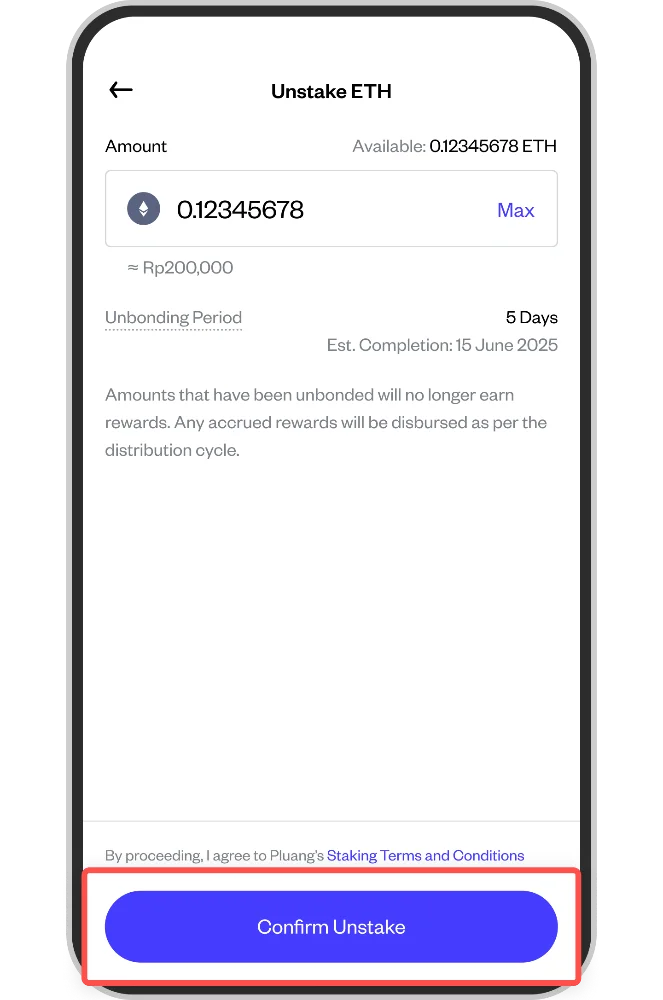
Tap the Confirm Unstake button to submit your request.
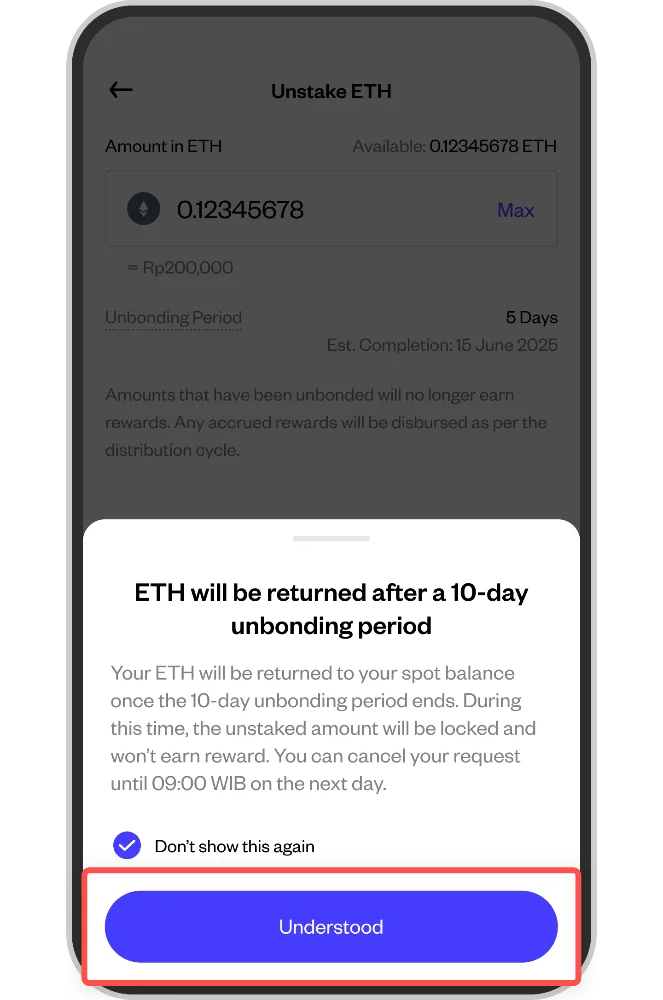
A modal will appear confirming that your coins will be returned to your spot balance after the unbonding period. During unbonding, your coins are locked. Tap Understood to confirm.