Moving USDT from Spot Wallet to Margin Wallet
6 Steps
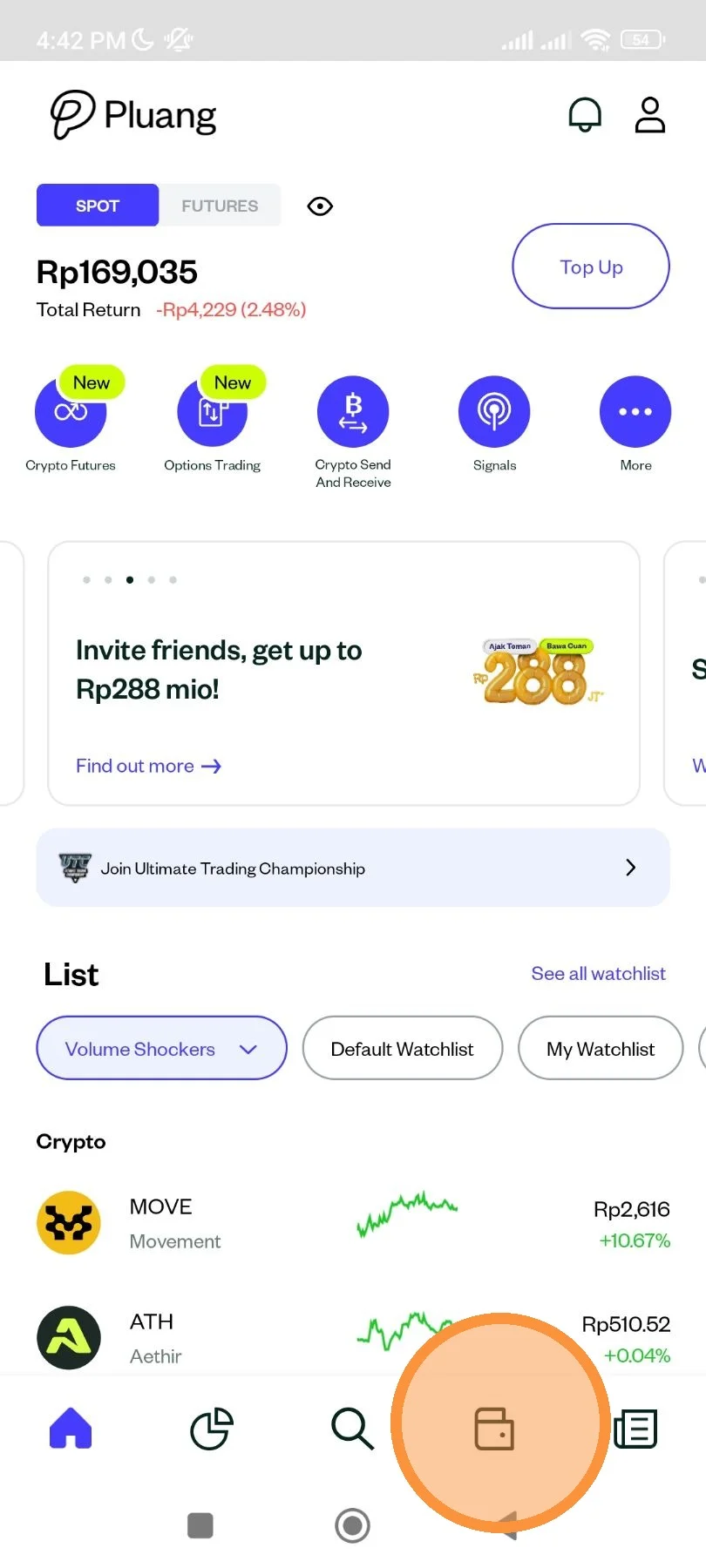
Open Pluang app and go to "Wallet" page.
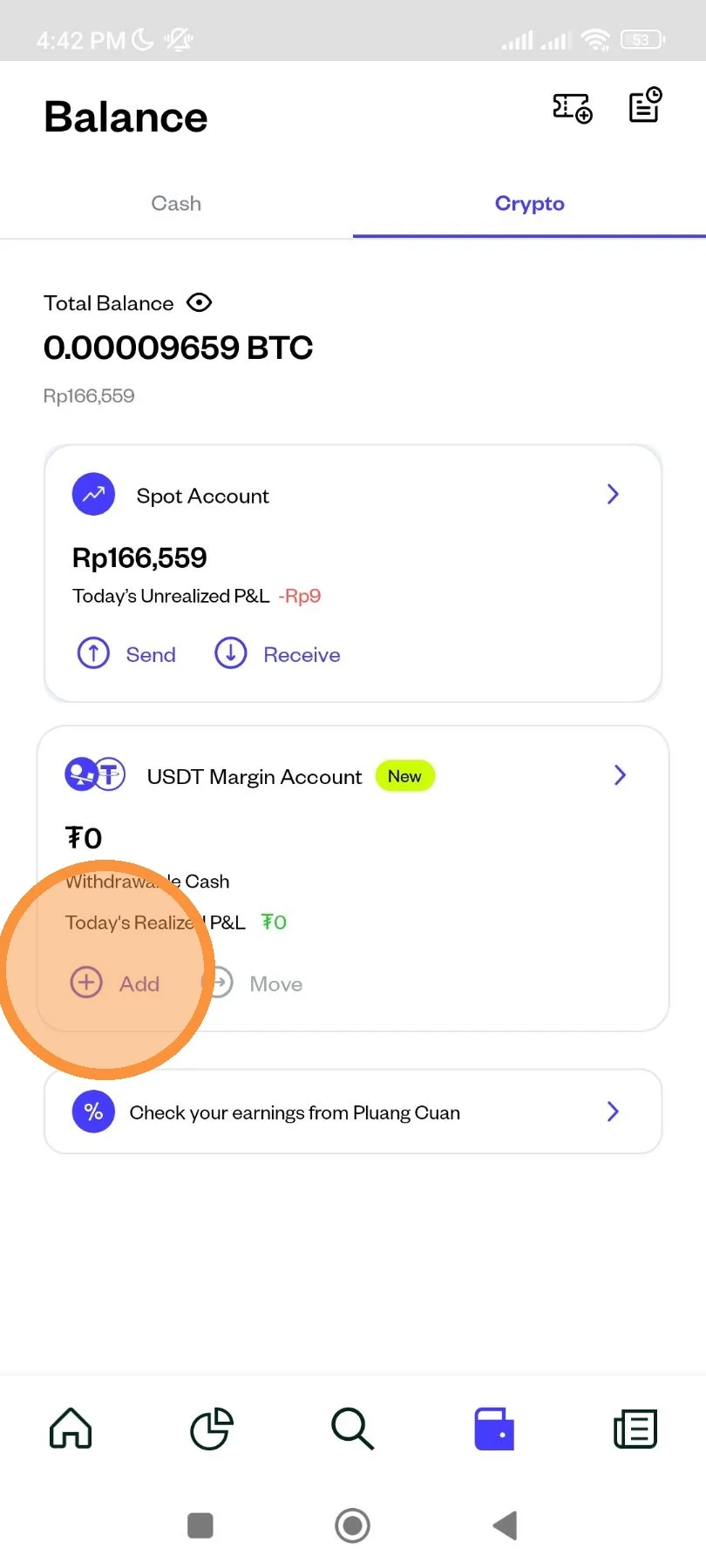
On your USDT Margin Account, click "Add".
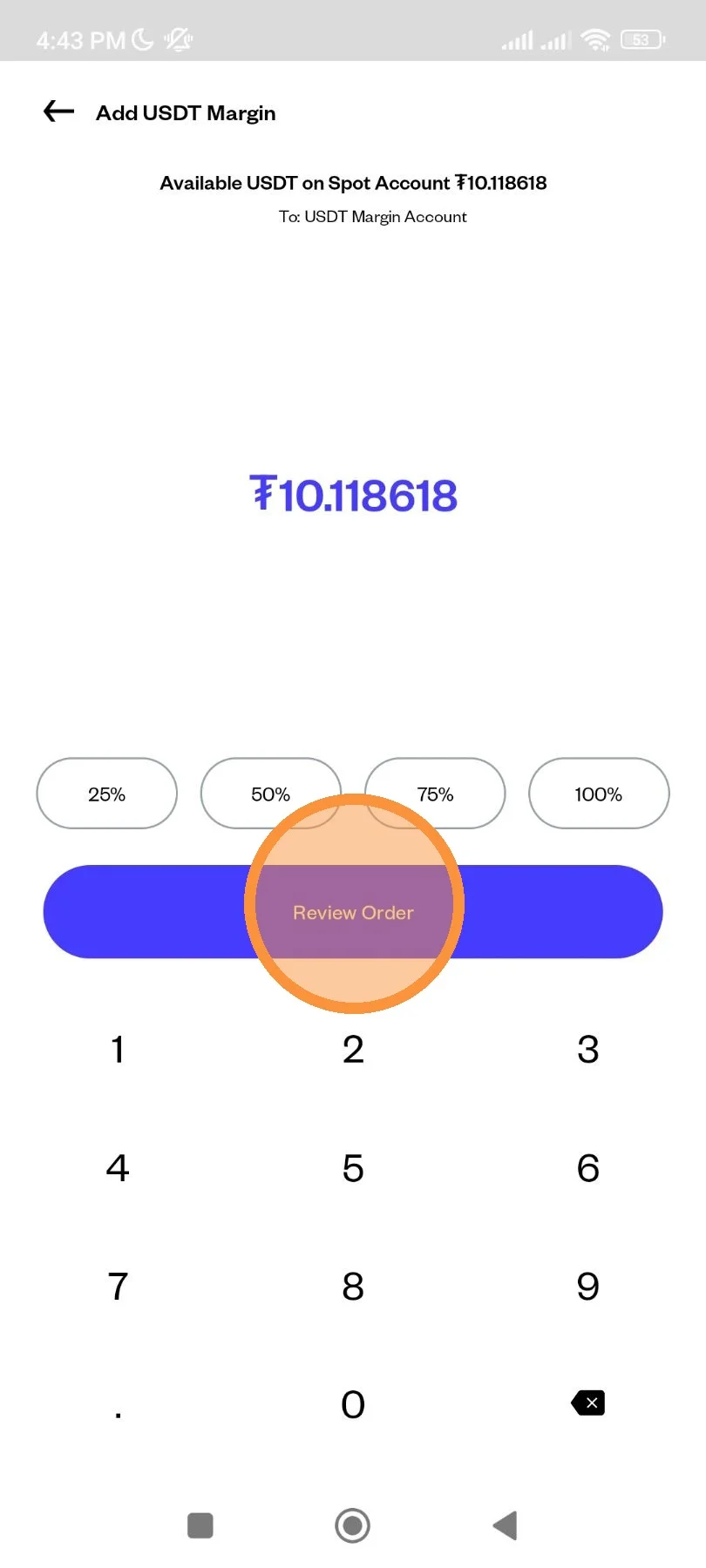
Enter the amount that you want to move, then click "Review Order".
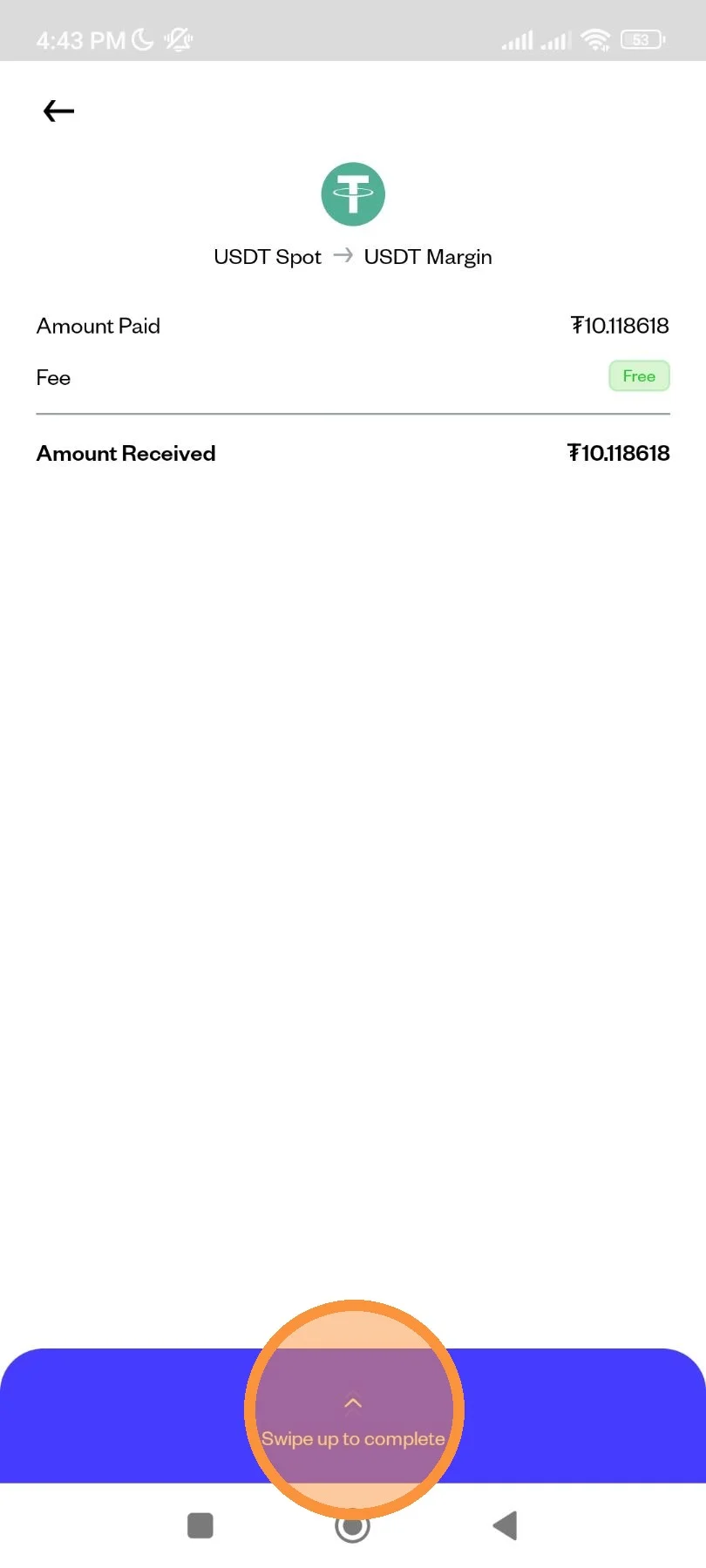
Review the detail of your order then swipe up to complete the transaction.
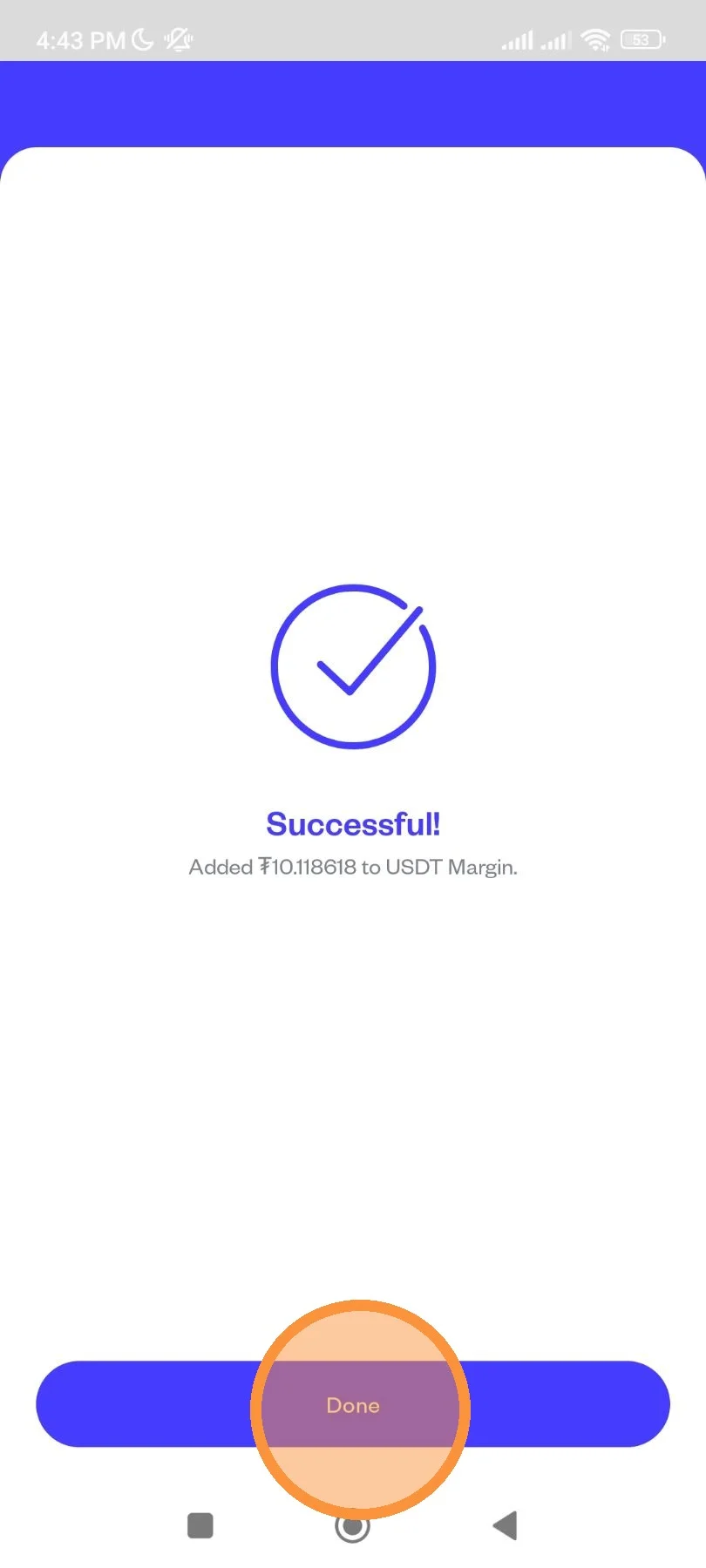
Your transaction has been placed. Click "Done" to finish.
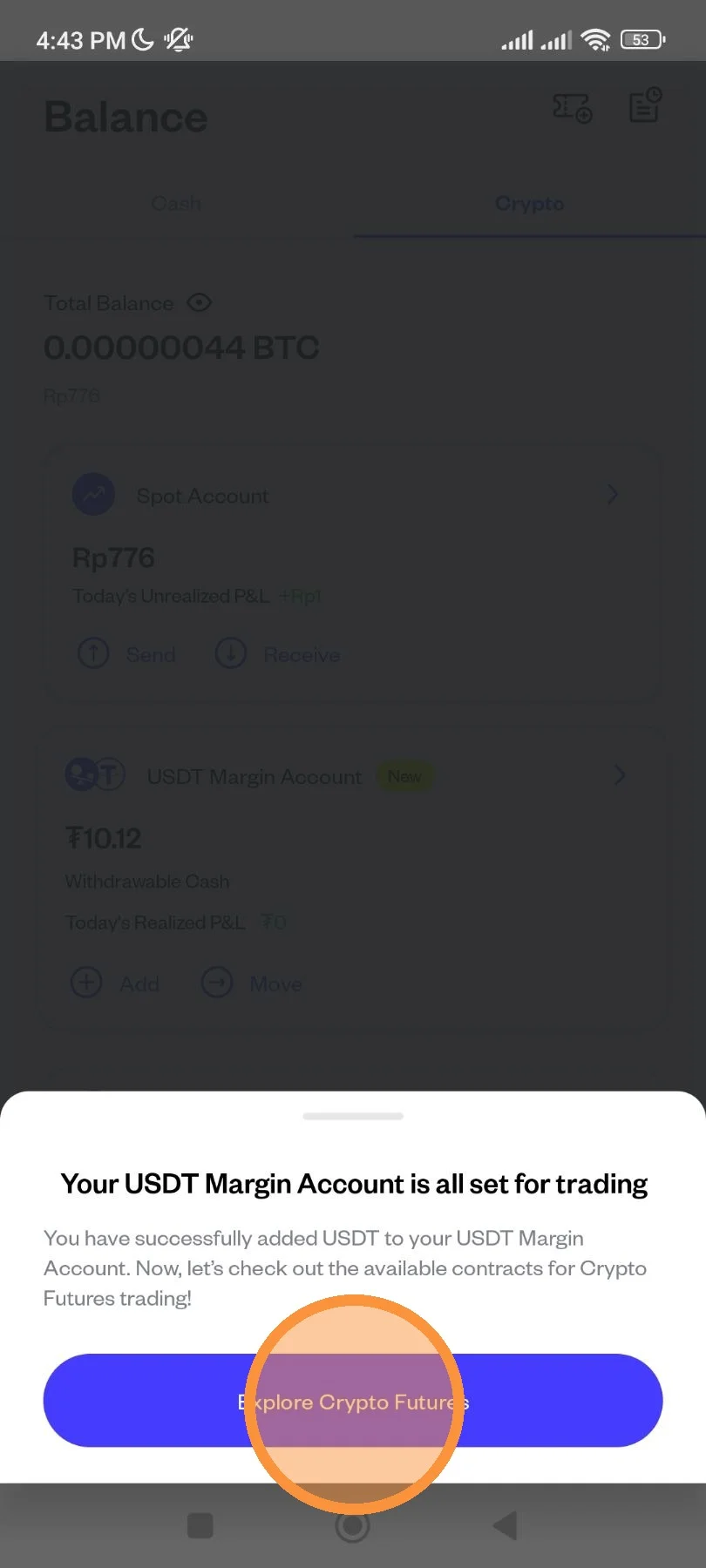
Once you've done, you are ready to transact on Crypto Futures in Pluang! Click "Explore Crypto Futures" to start your journey.