Download Tax Report
Step by step on how to download tax report from Pluang app.
8 Steps
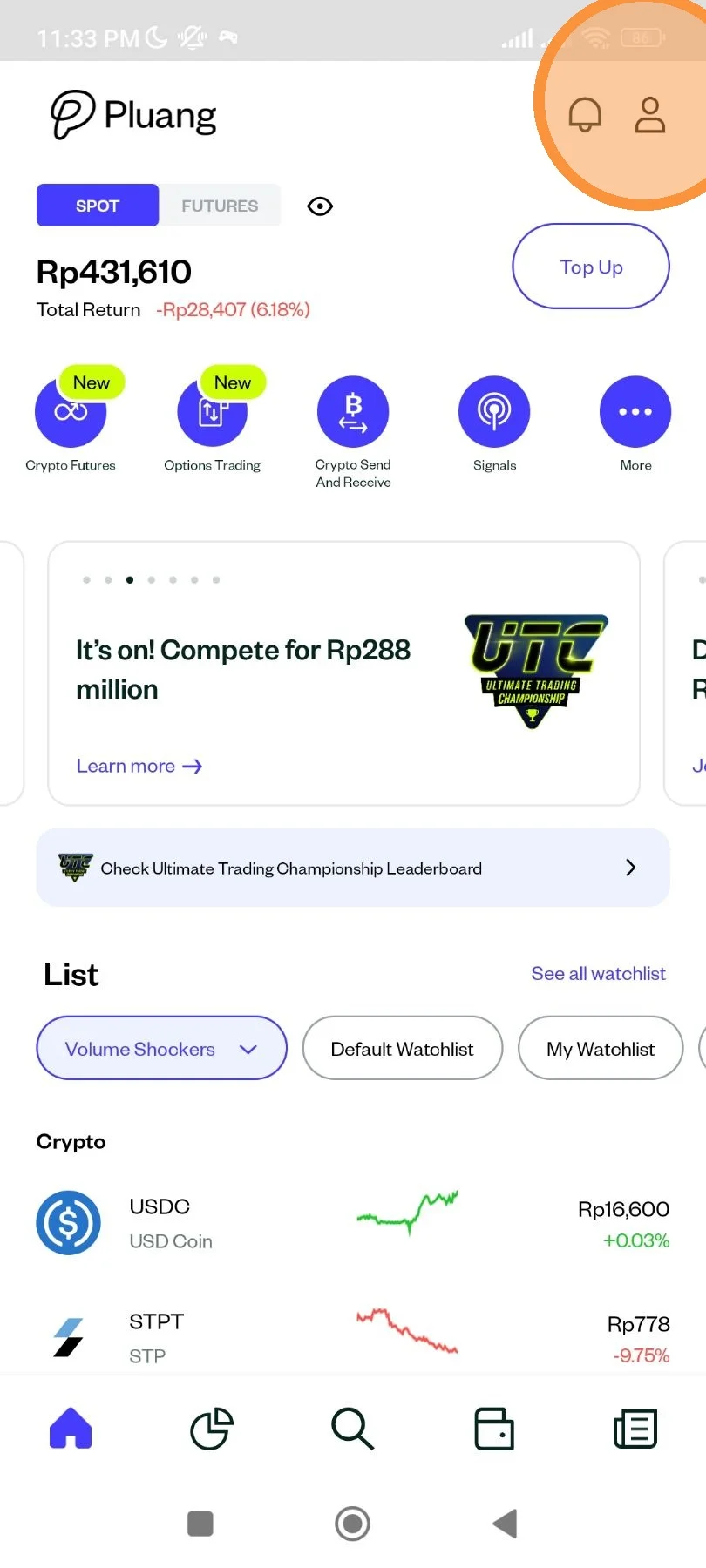
Open Pluang app. At homepage, tap "Account" icon.
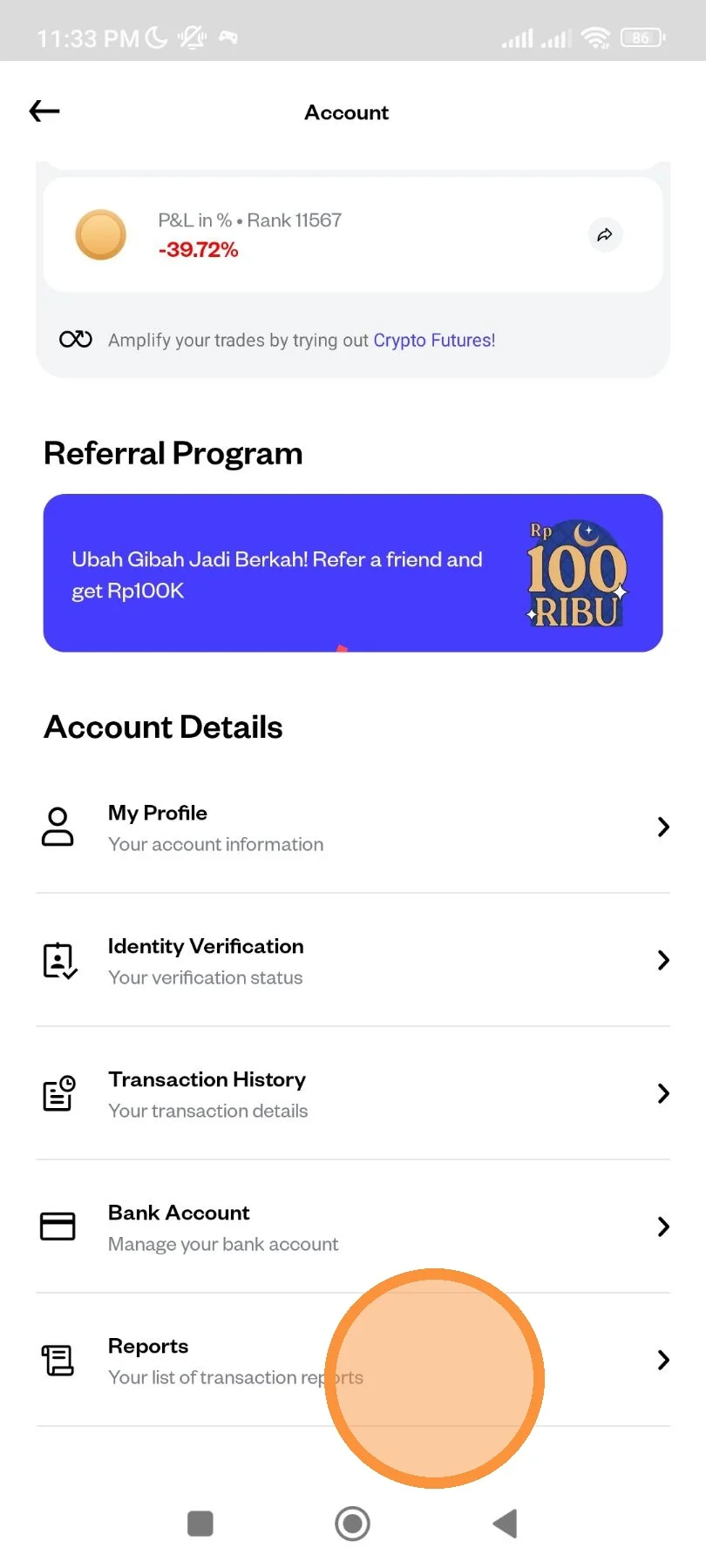
Scroll down until the menu, then tap "Reports" menu.
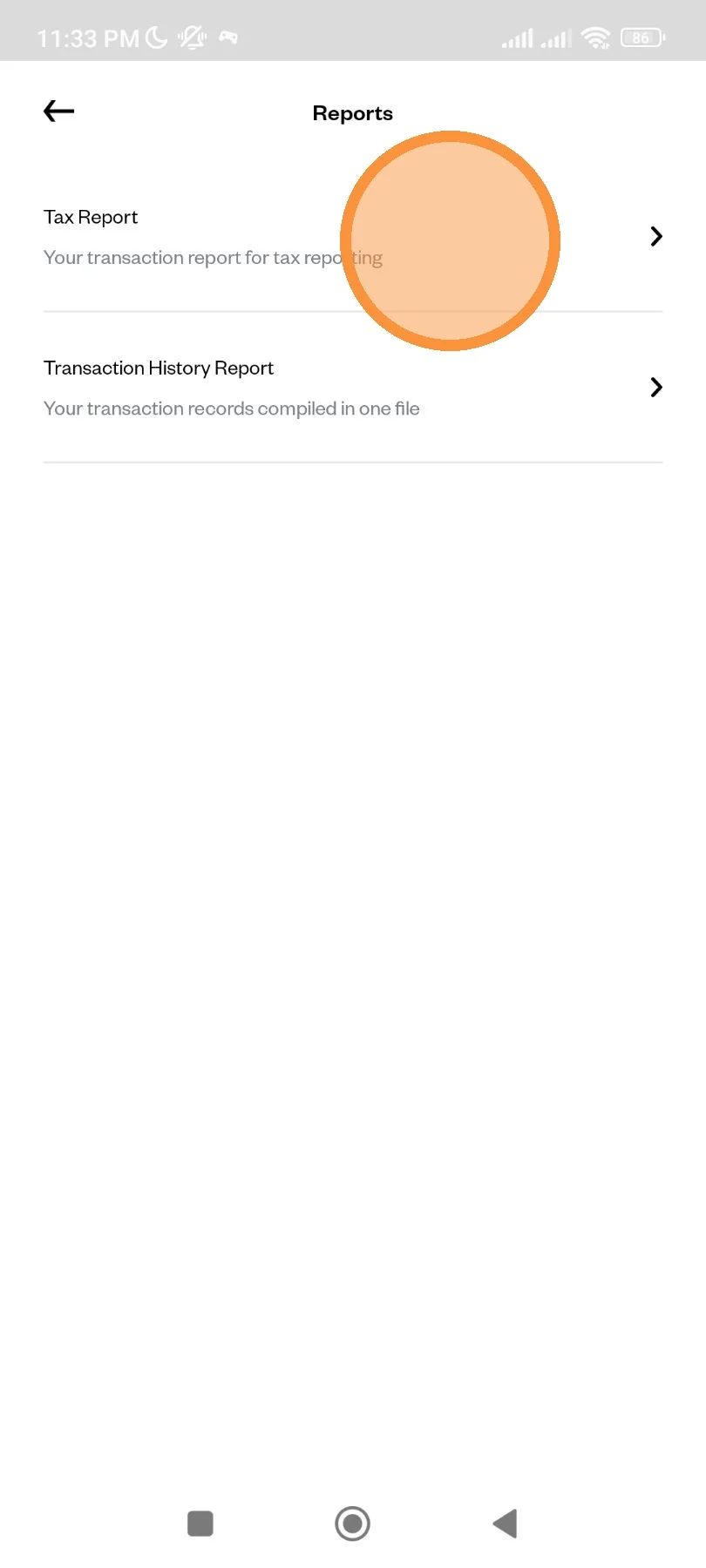
Tap "Tax Report".
Tap the year to pick the year of the report you want.
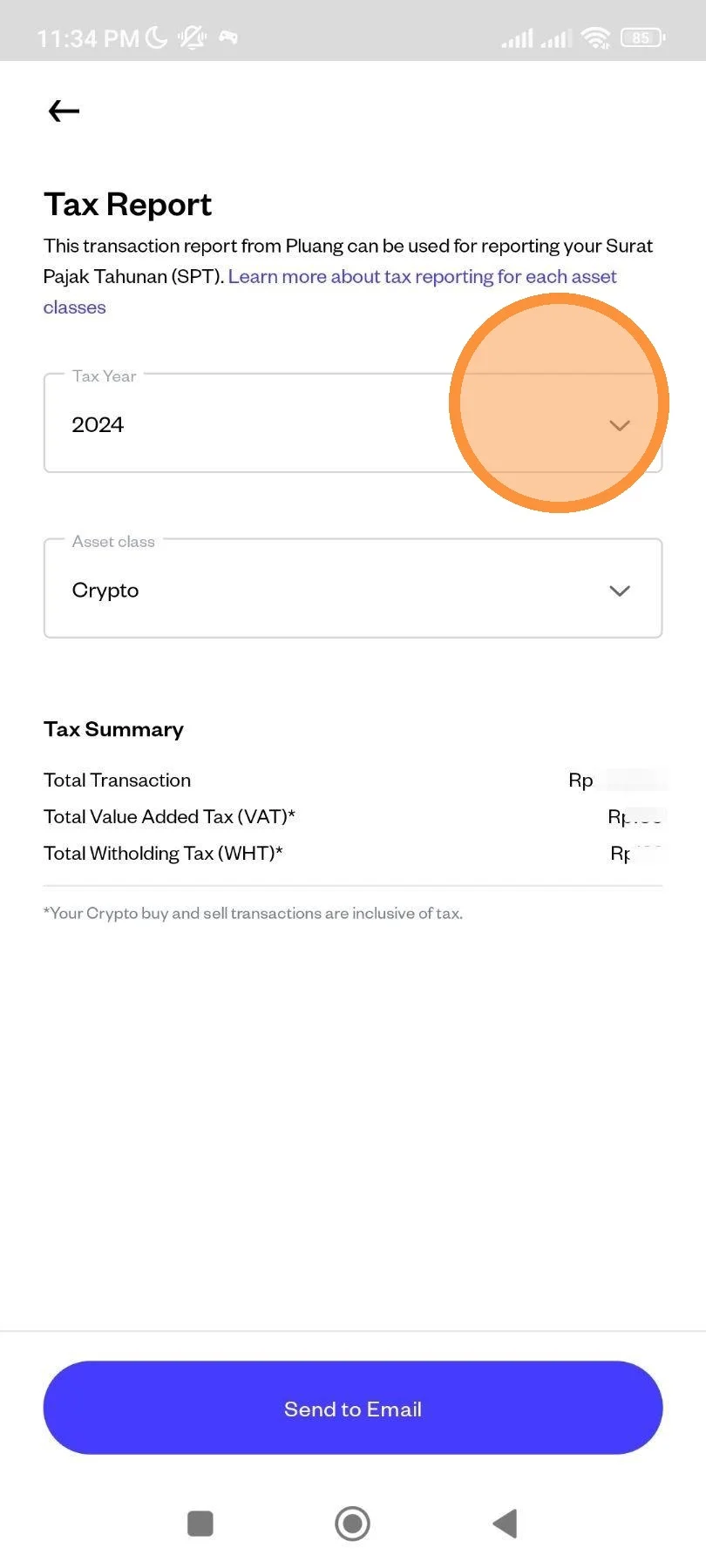
Select which year you want for your report.
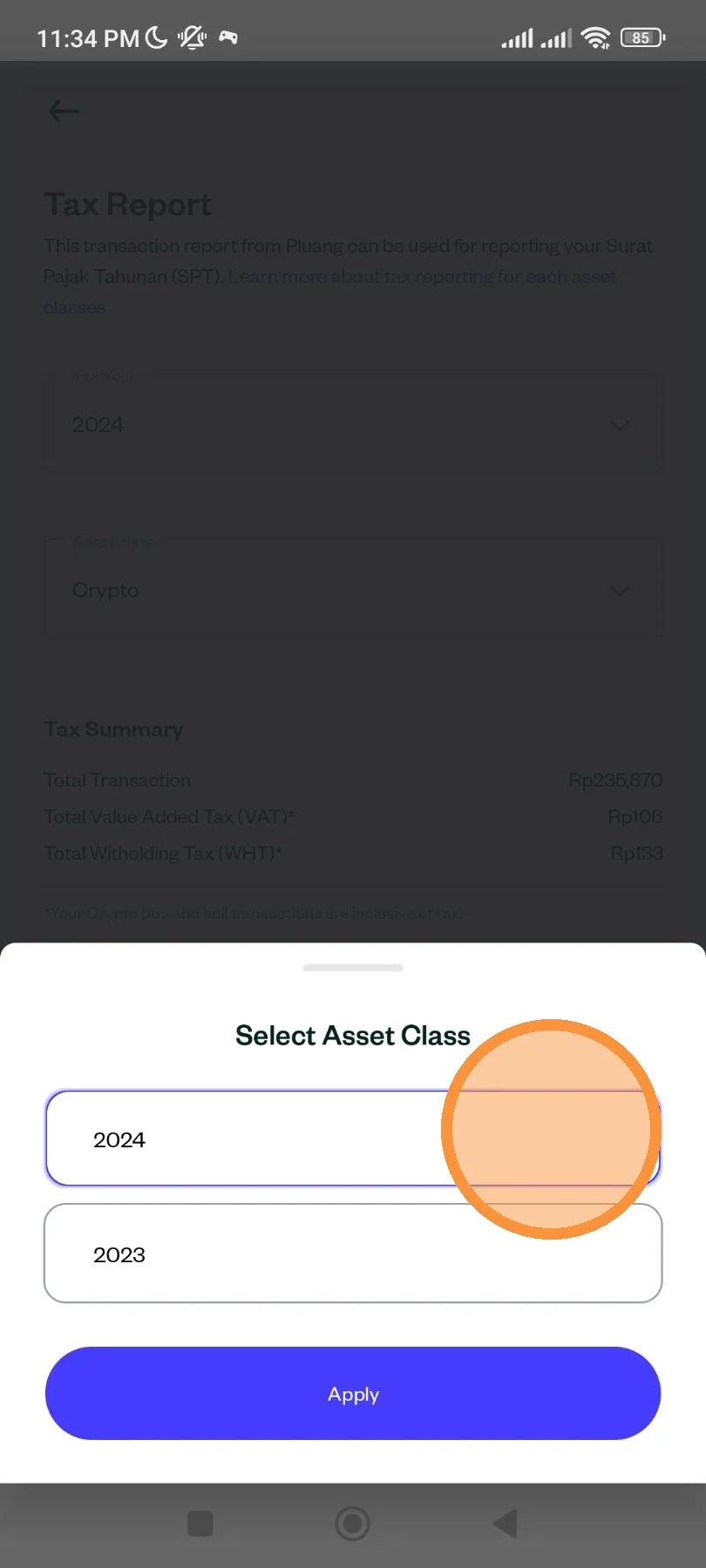
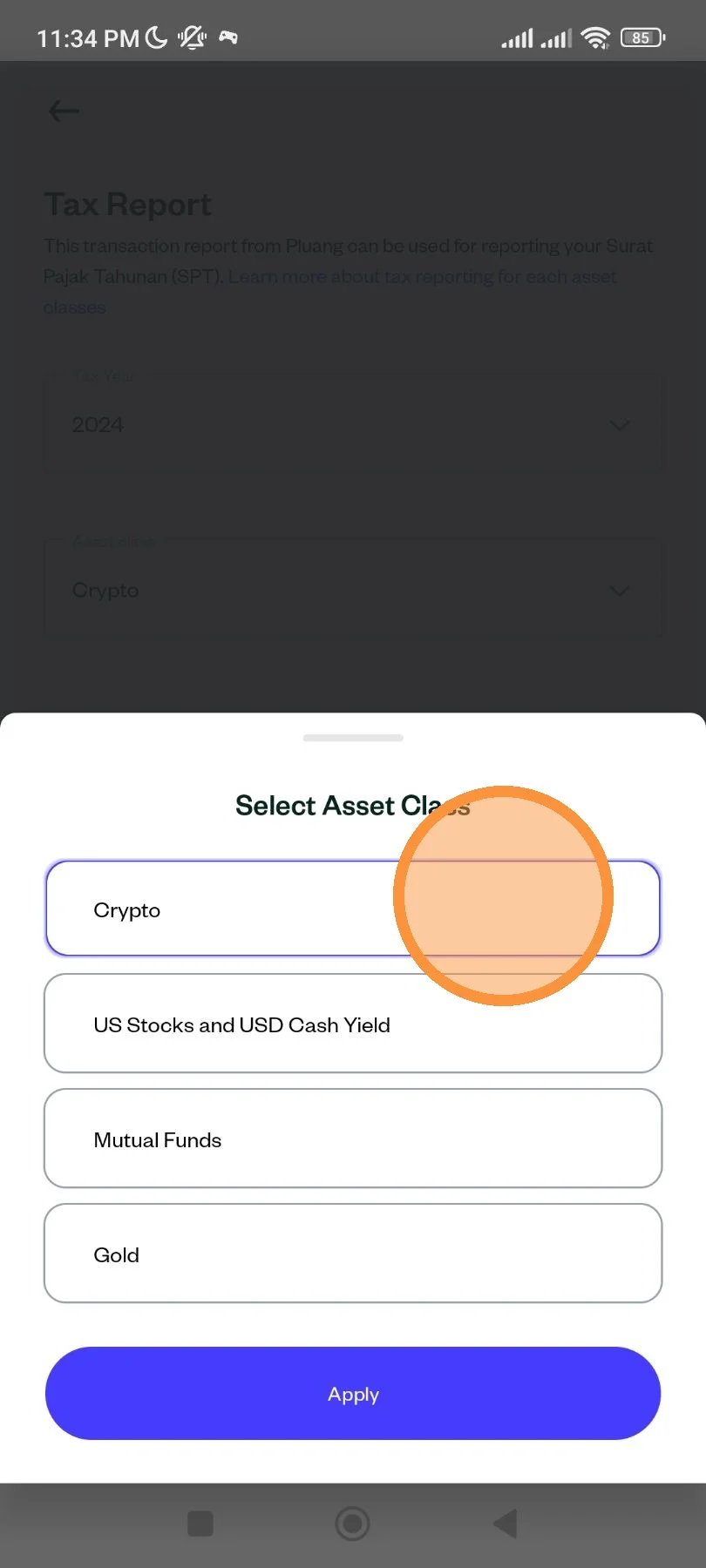
Select the asset you want.
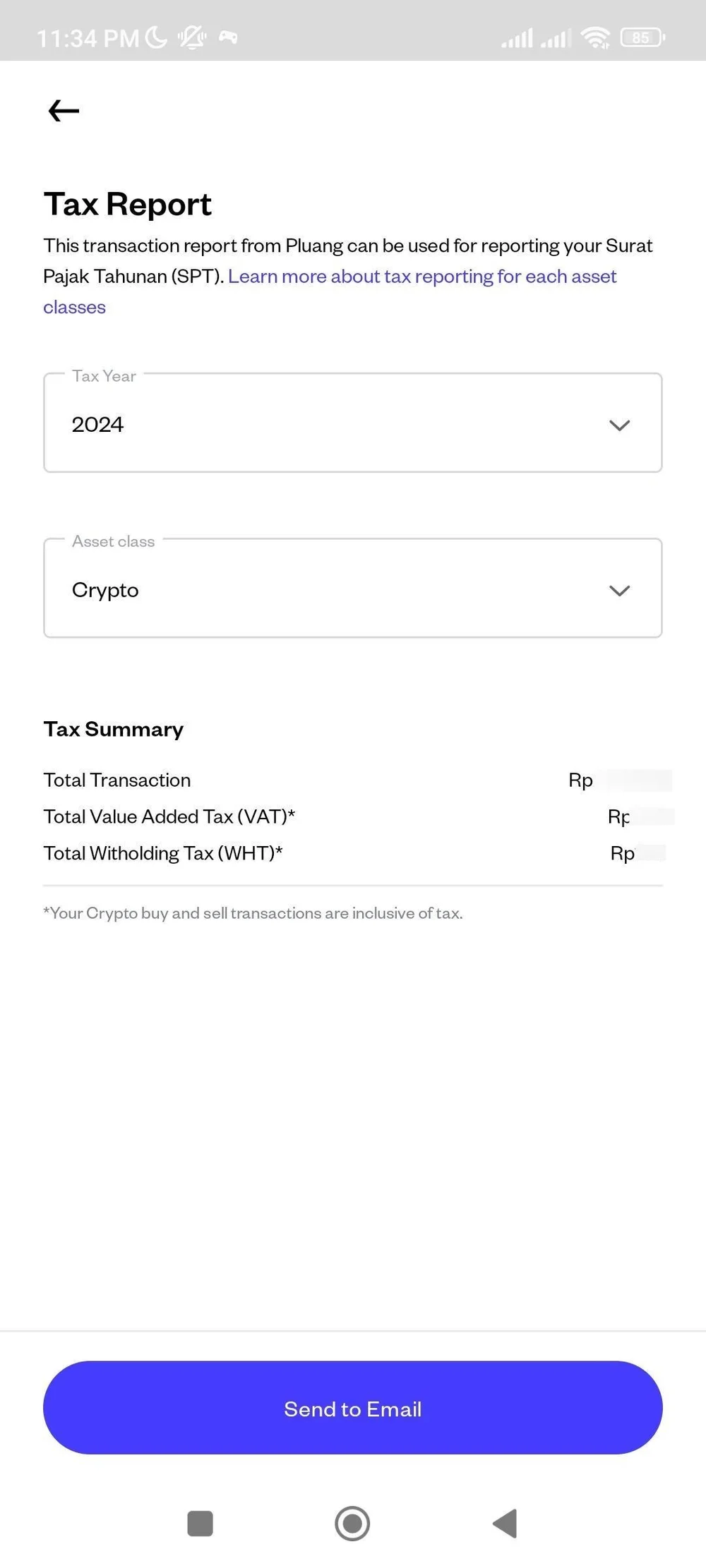
You will see the recap of the tax you've paid during the year you've selected (if you select asset Crypto), or profit/loss you gain for other assets. Tap "Send to Email" to send the document to your registered email address.
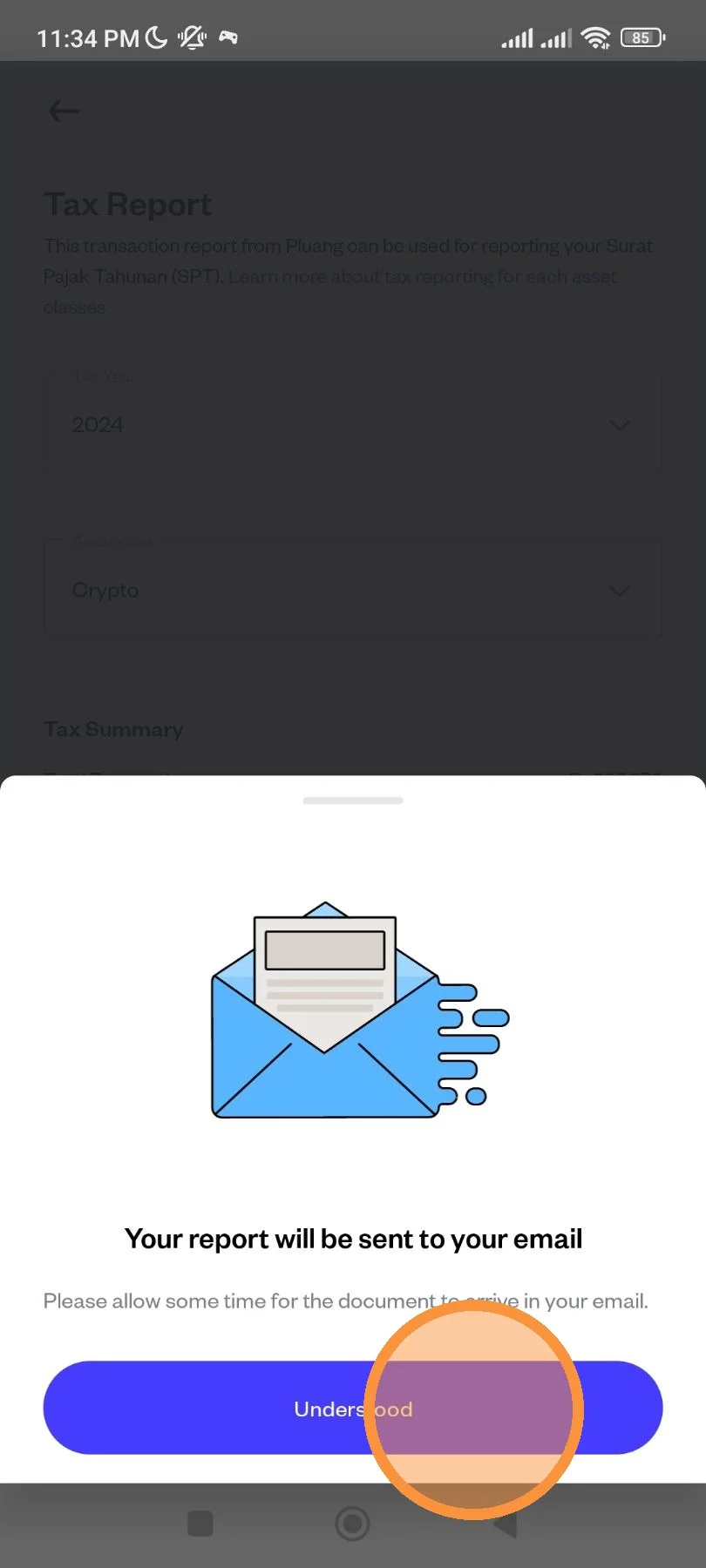
Your report is sent to your email. Sometimes you will need to wait for a moment until you receive the report. Tap "Understood" to complete the process.