How to Verify New Device
7 Steps
When you want to withdraw funds, send crypto assets, reset your PIN, or click “Forgot PIN” on your new device, you will be asked to verify your identity.
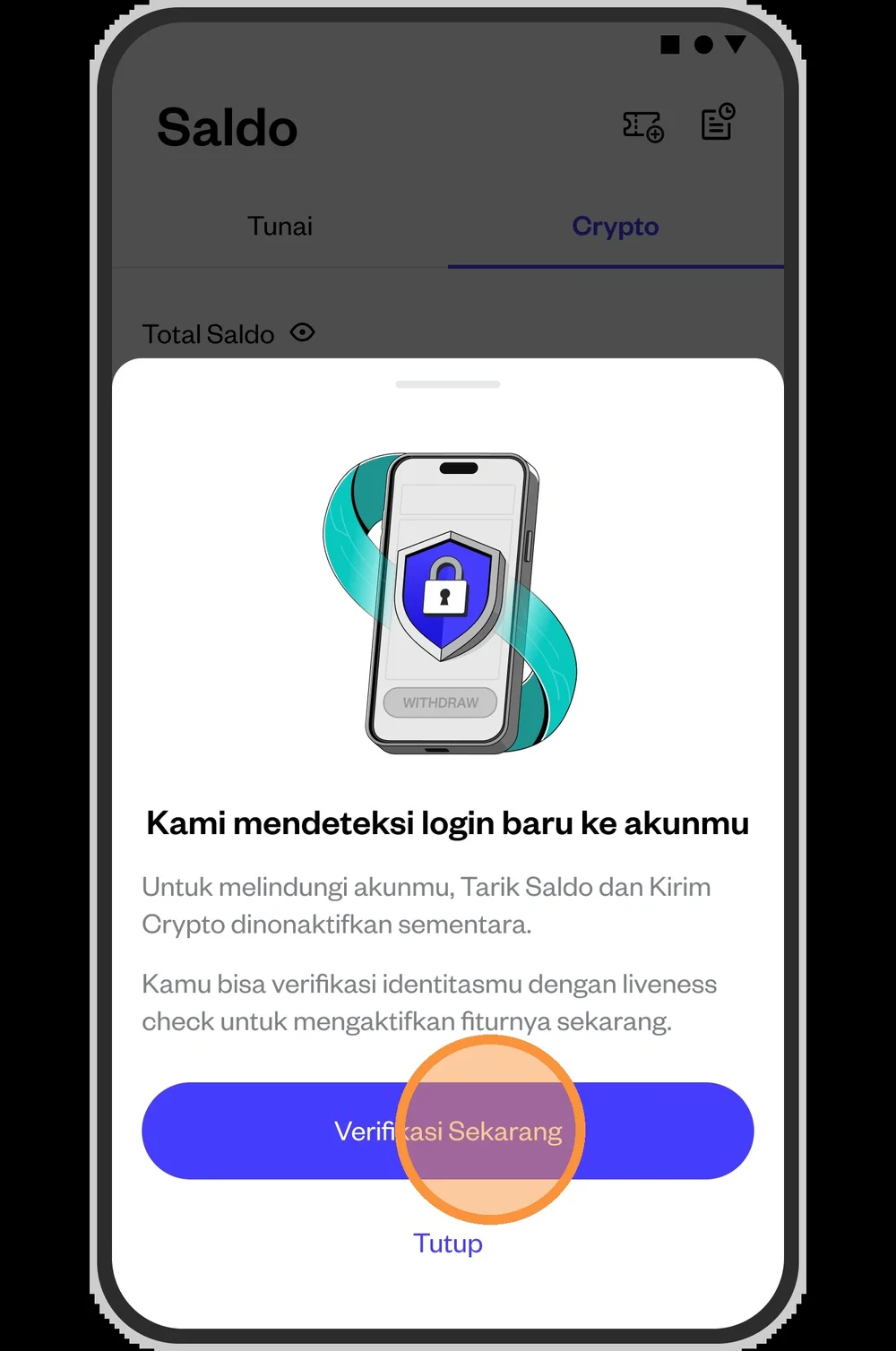
You will be directed to take a selfie.
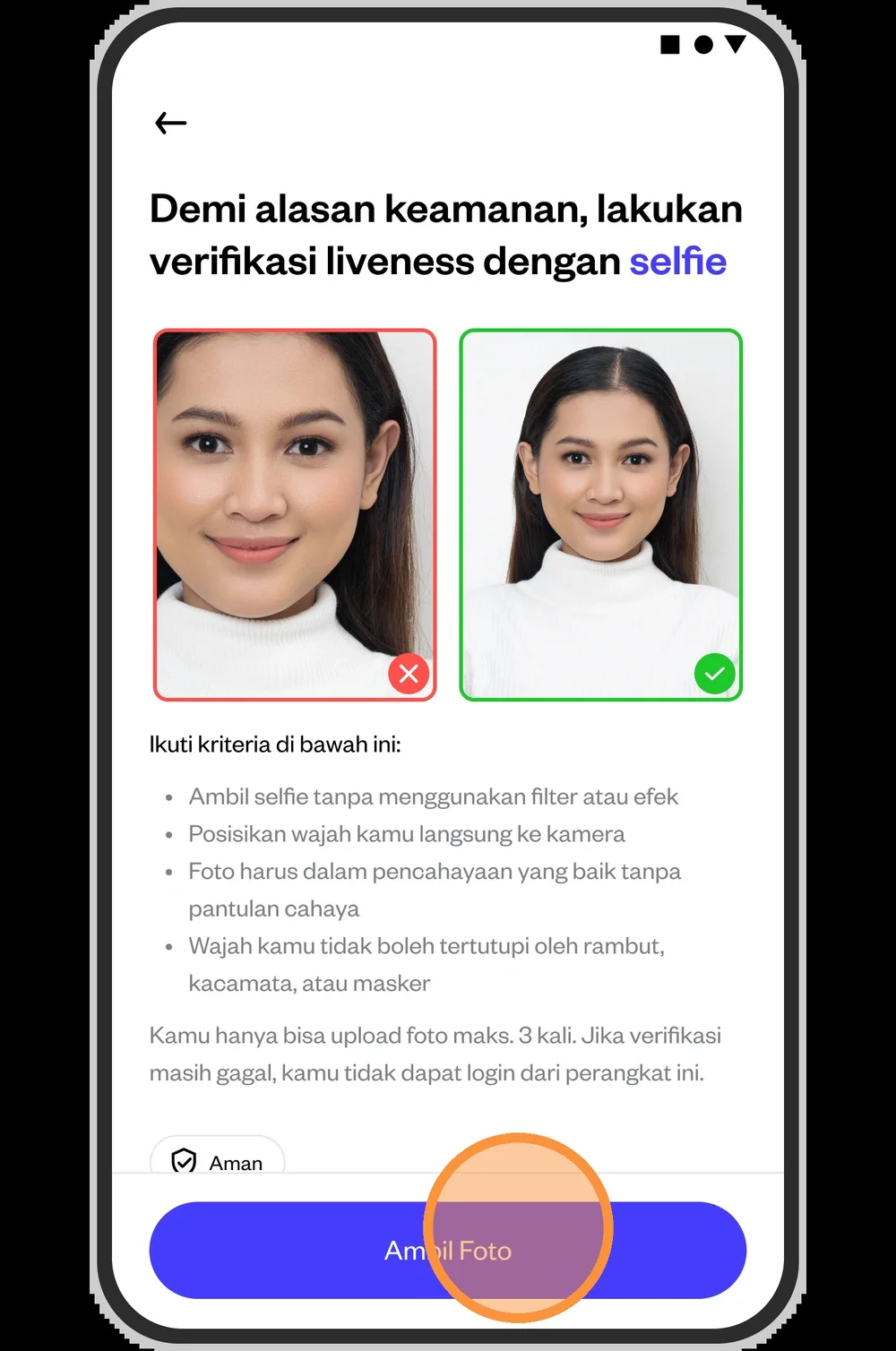
Point your device's camera toward your face, making sure to take the picture in a well-lit place.
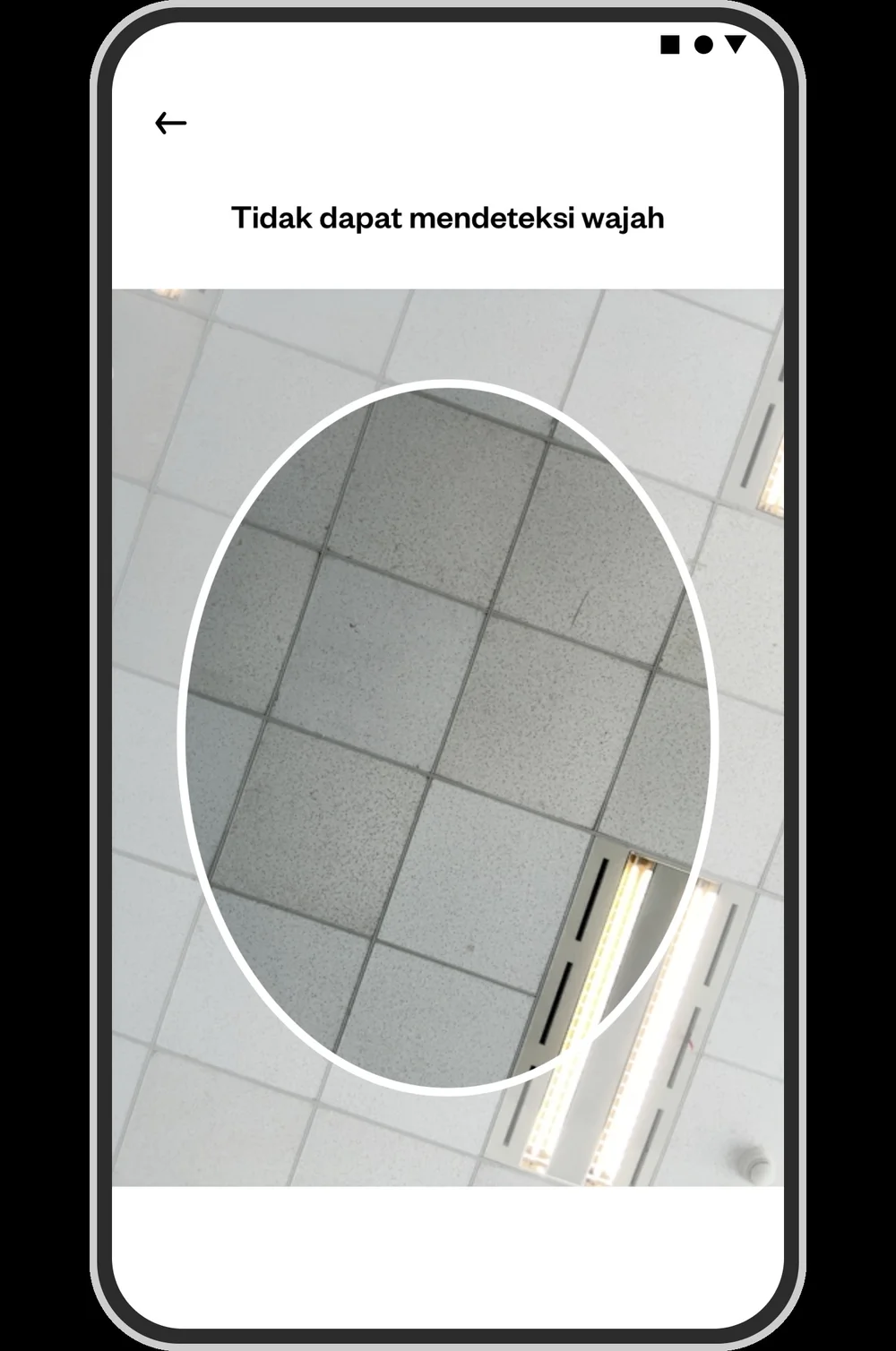
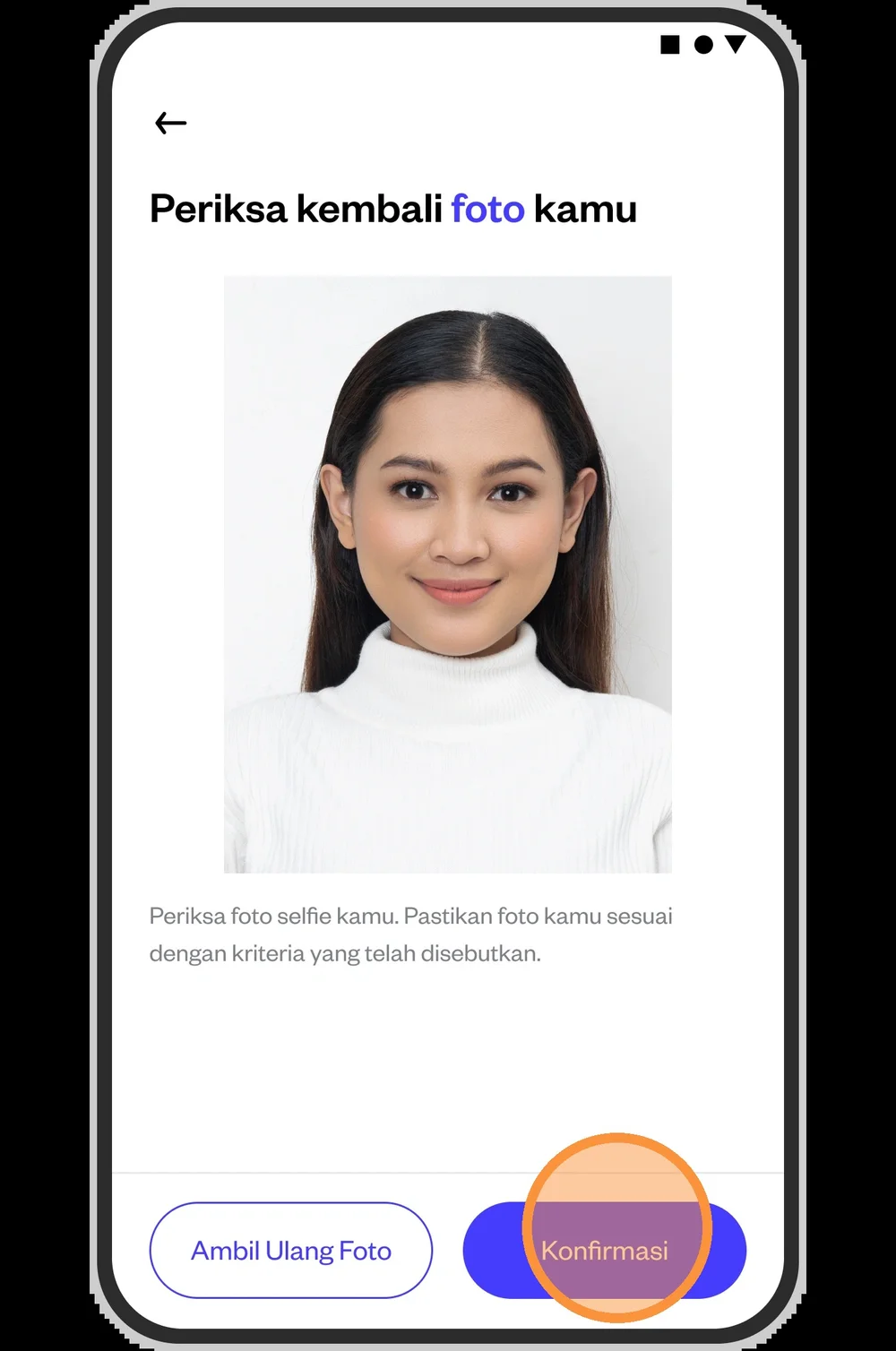
Double-check your selfie. You can also retake the selfie up to 3 times.
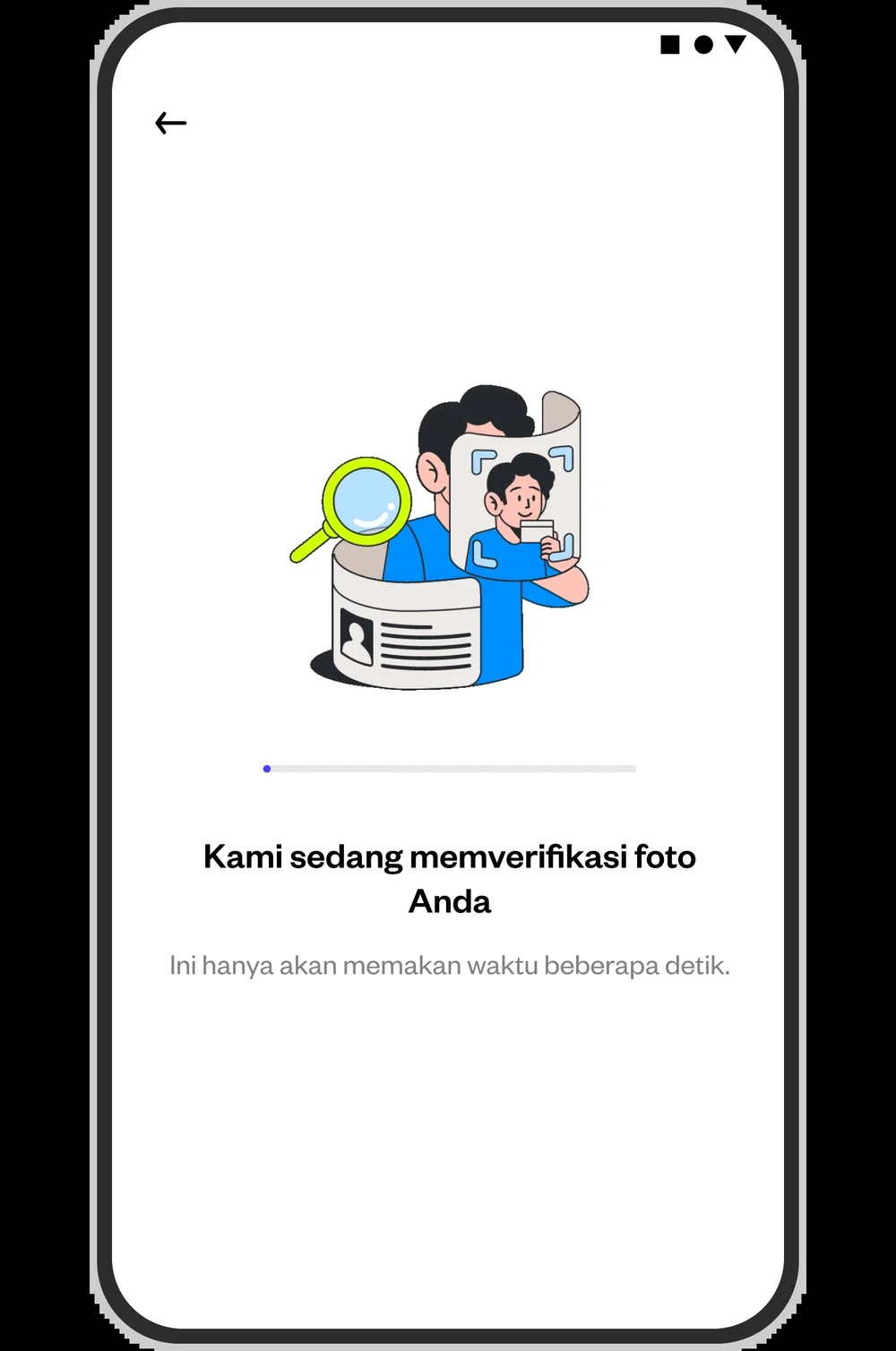
Please wait a moment until your photo is successfully verified.
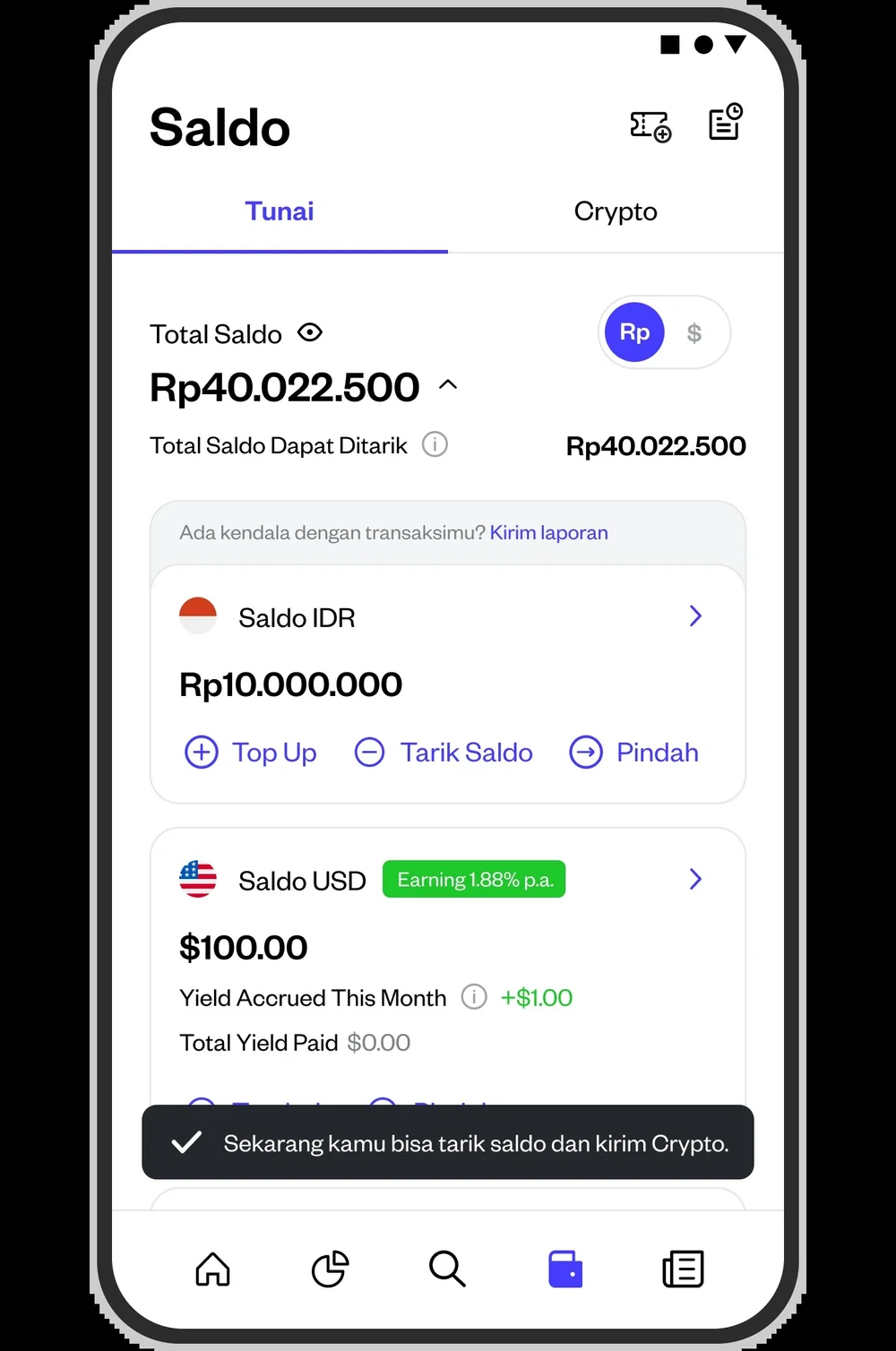
Once verified, you will immediately gain full access to your new device and be able to withdraw funds and send cryptocurrency.
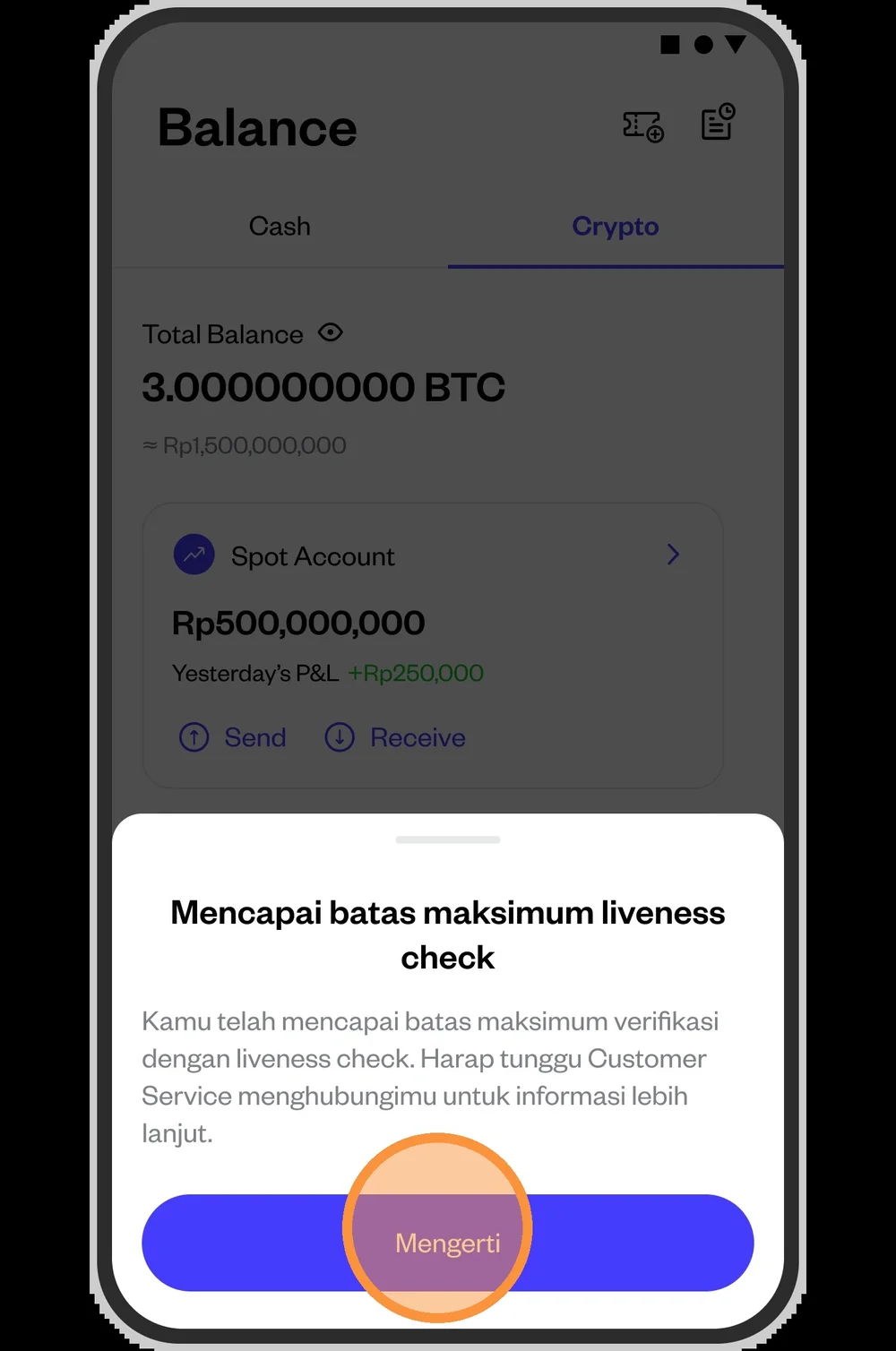
If you fail the selfie verification after 3 attempts and have reached the maximum number of liveness check, you will be directed to perform manual verification through Pluang Customer Service. Please check your registered email as our team will request some data from you.