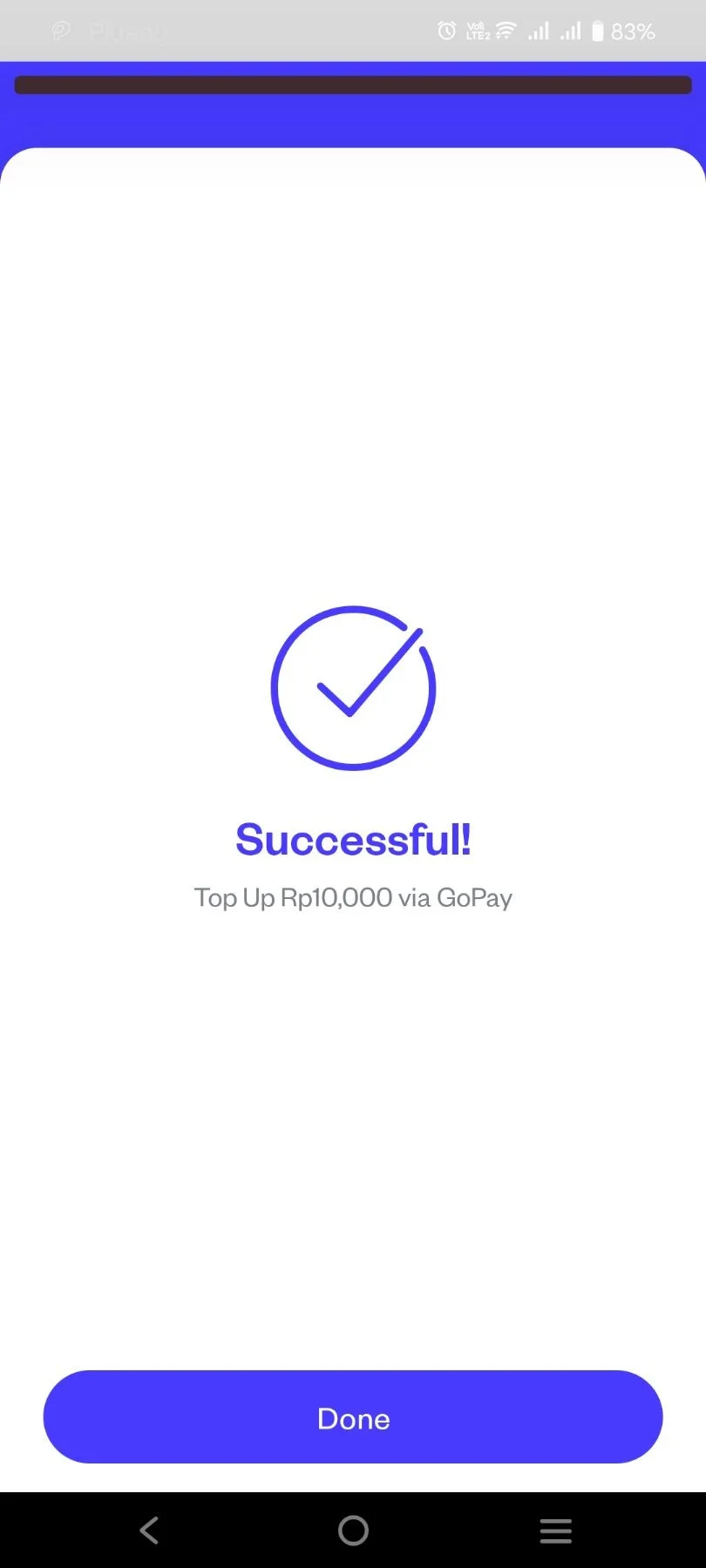
Top Up via E-Wallet Gopay
6 Steps
Open Pluang app and click on "Top Up"
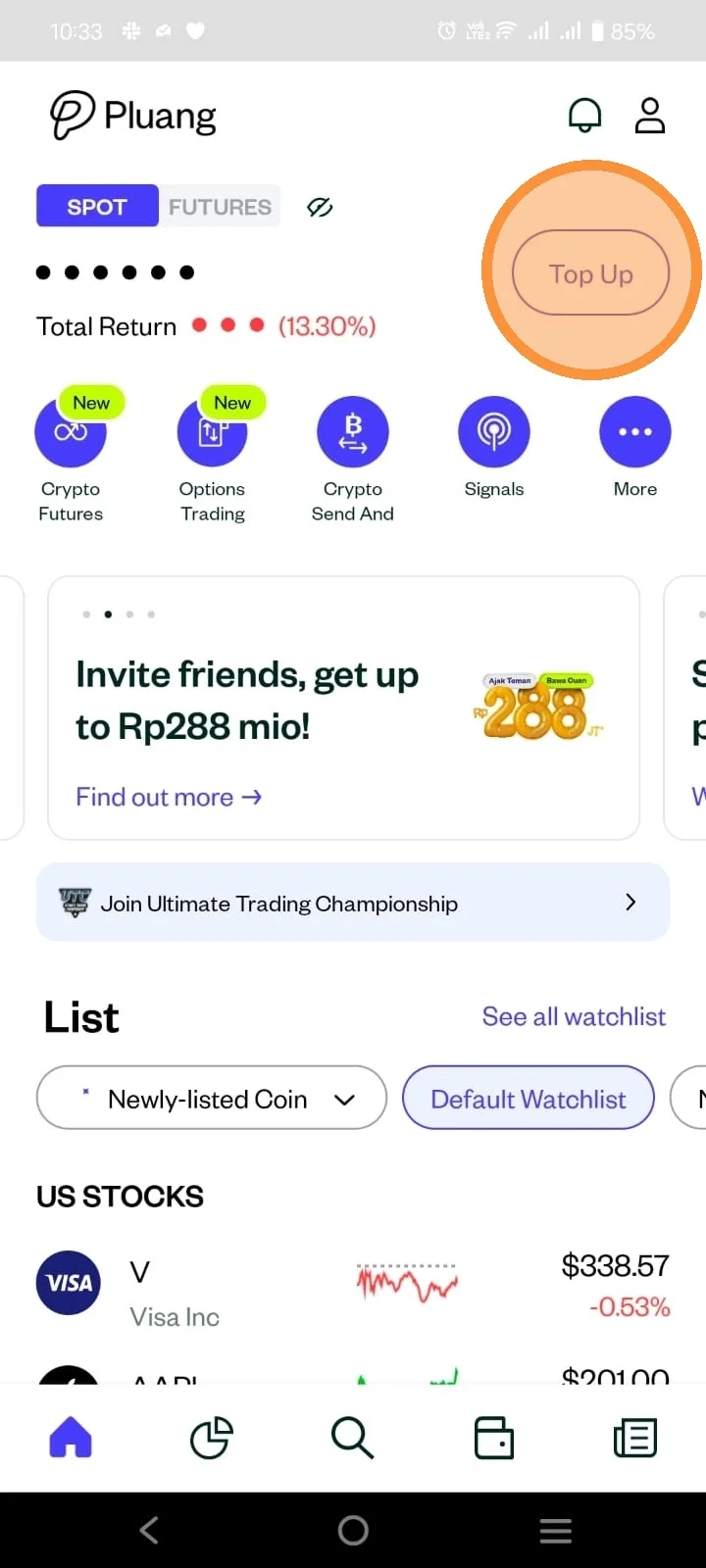
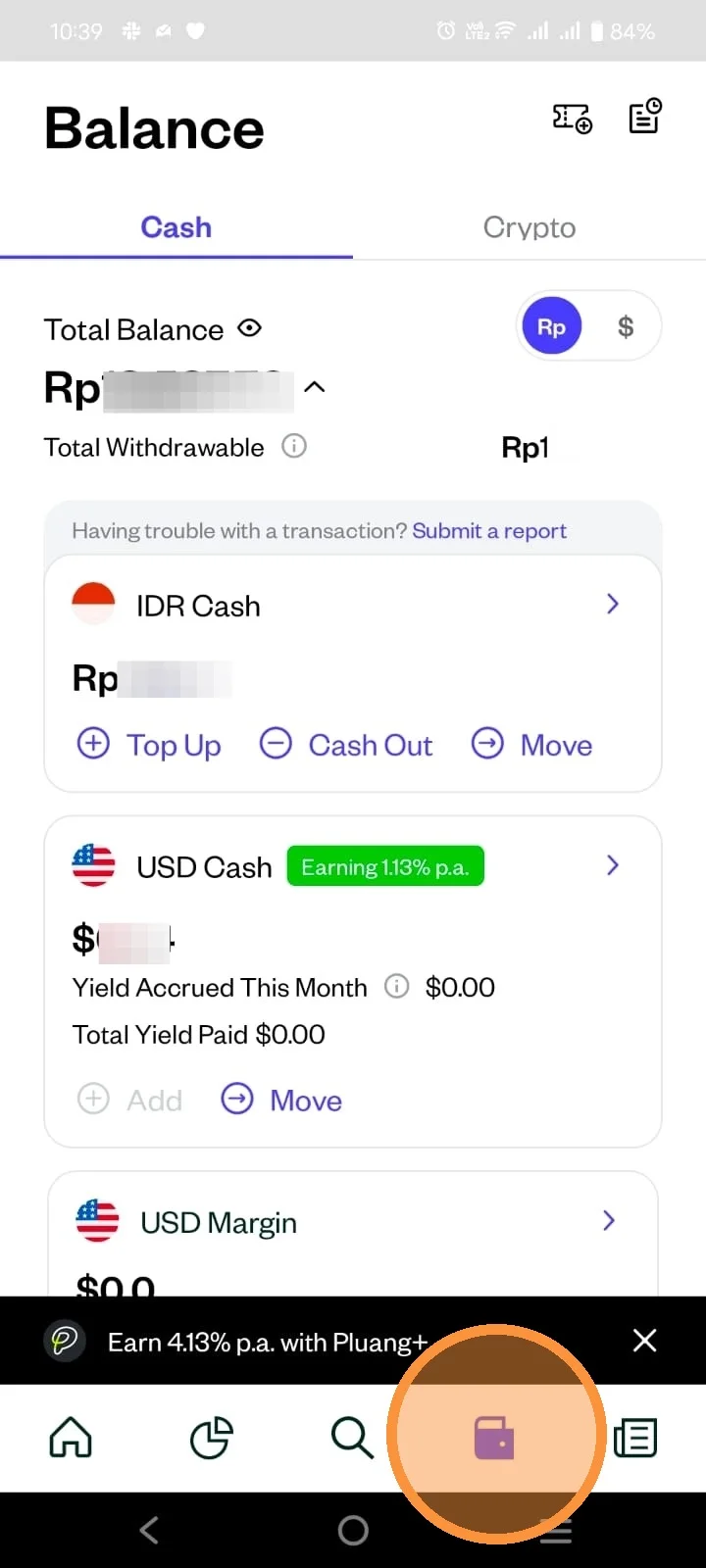
You can also access the top up page through your "Wallet" page.
Select "E-Wallet" then select "Gopay" to top up via E-Wallet Gopay.

Enter your desired top up amount. Minimum top up via E-wallet Gopay is Rp10.000.
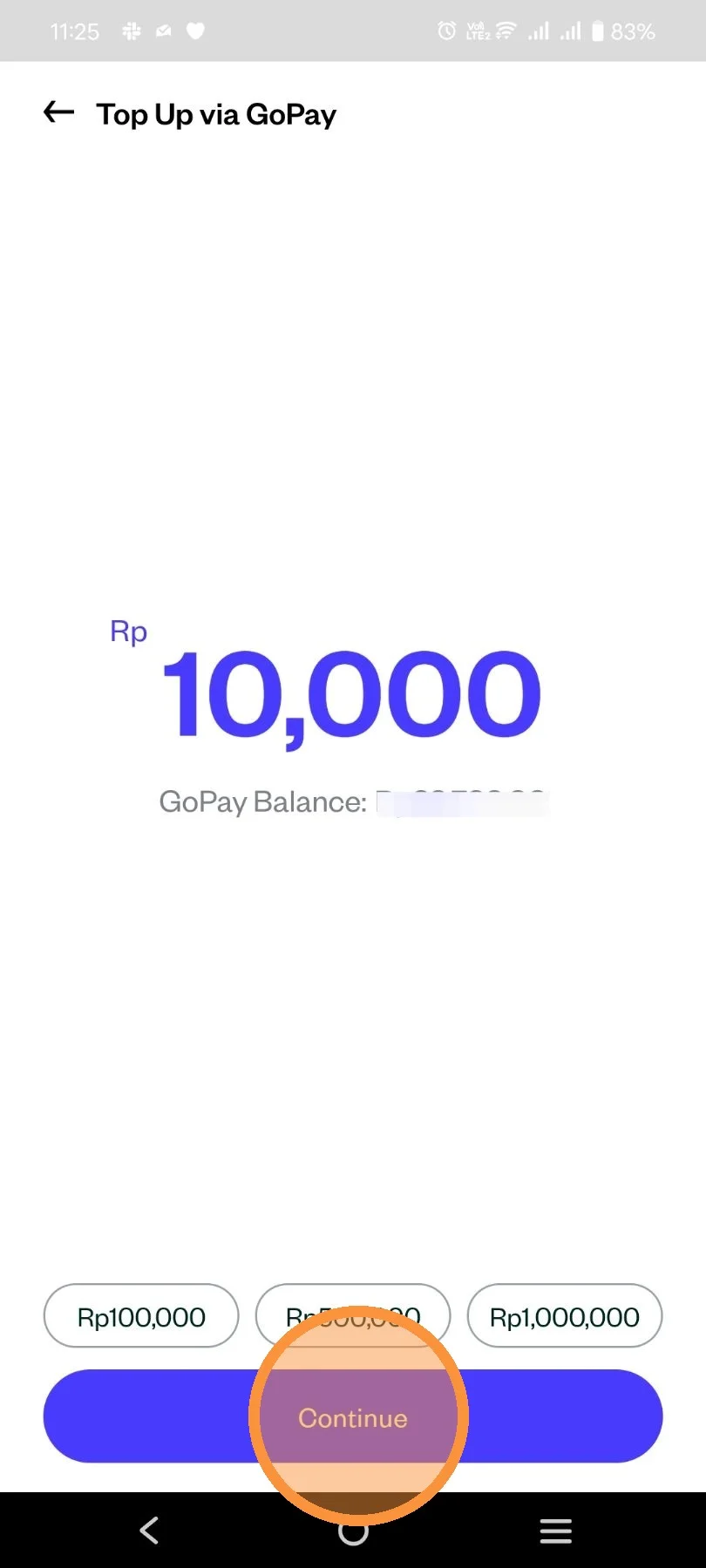
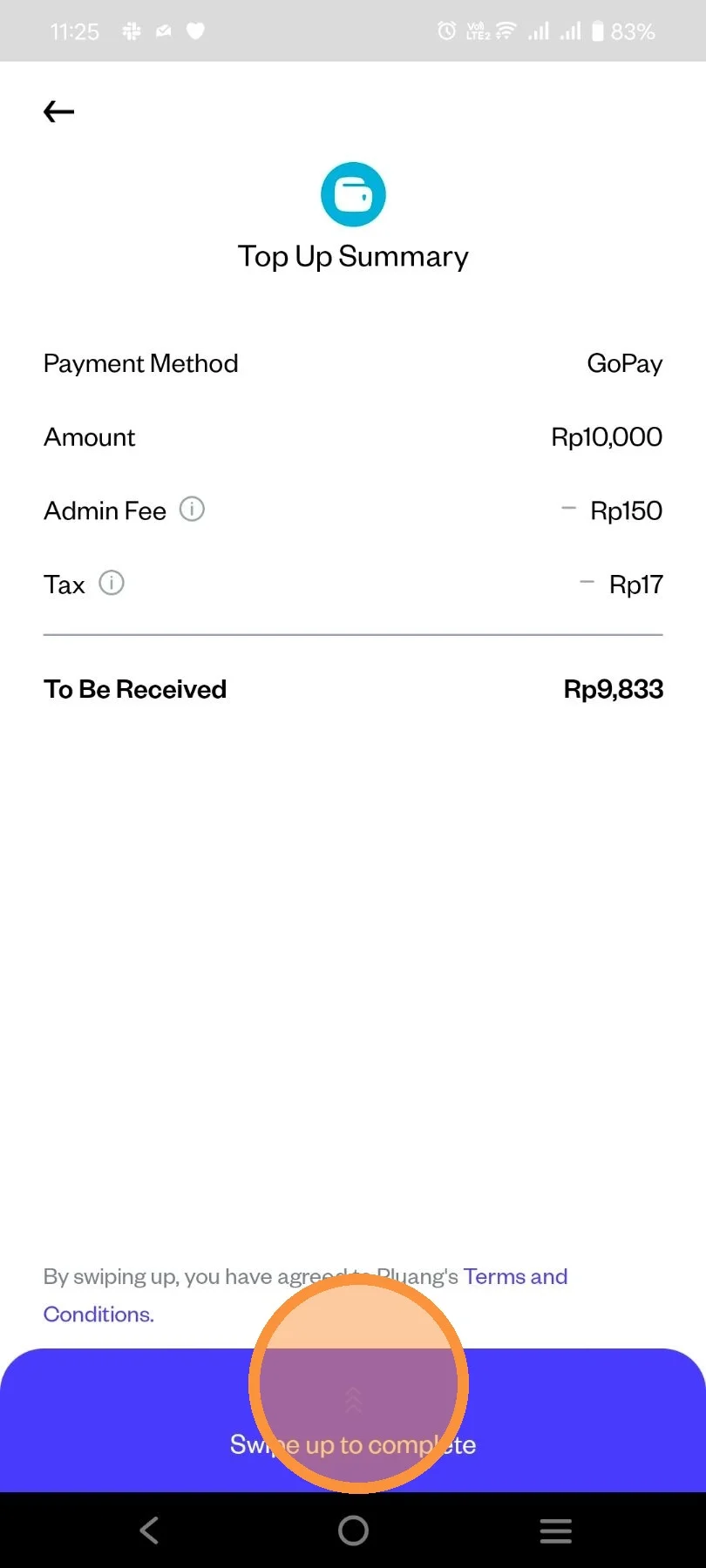
Review your top-up detail and swipe up to process your top up.
Wait a few seconds until system confirmed your top-up.

After a few seconds, your top-up has been successful. Click "Done" to go back to Homepage.