Pocket Portfolio Page in Pluang
4 Steps
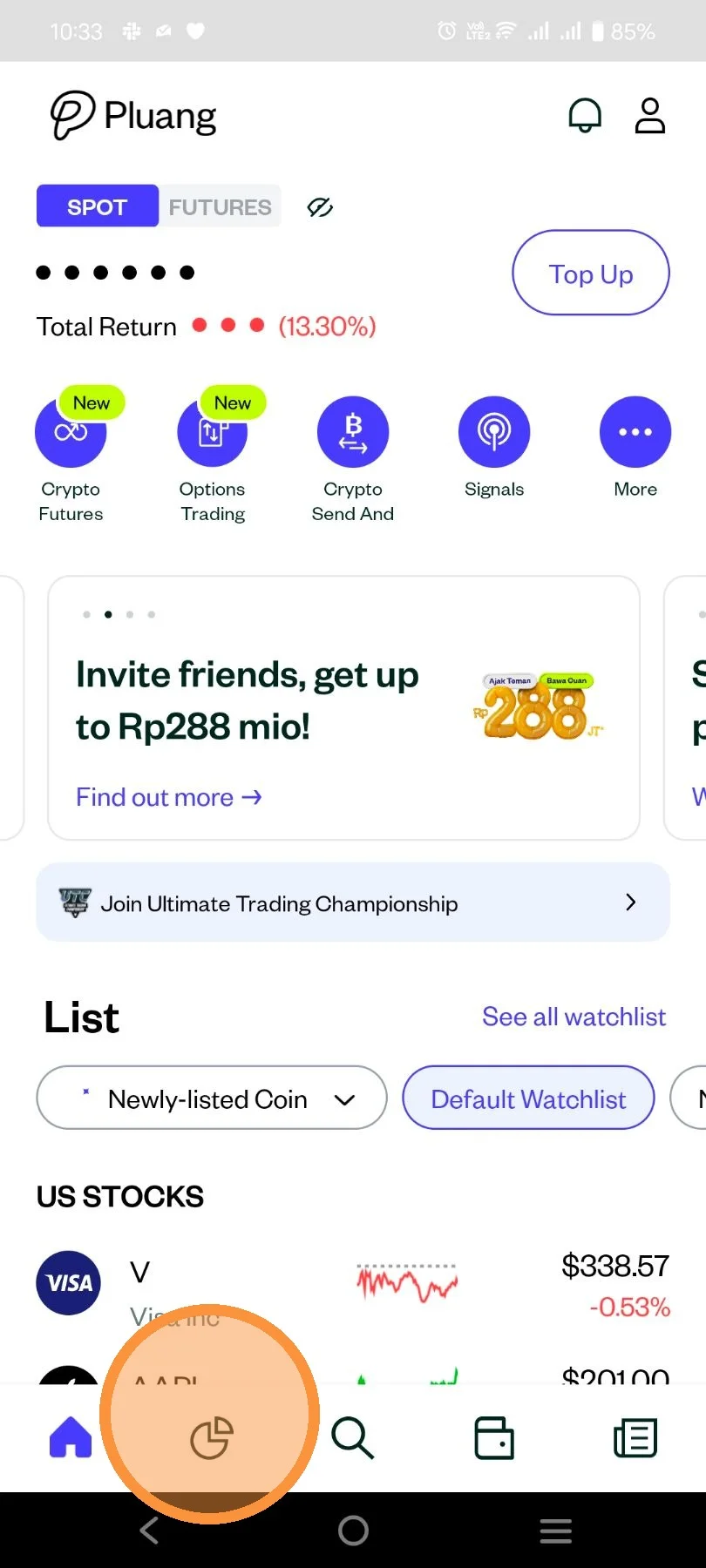
Open Pluang app and click the icon to see your Portfolio page.
After that, you will see the portfolio display on the “Spot” and “Futures” accounts of the Pluang application as follows:\
- Summary\
- Assets\
Pocket\
Crypto Futures
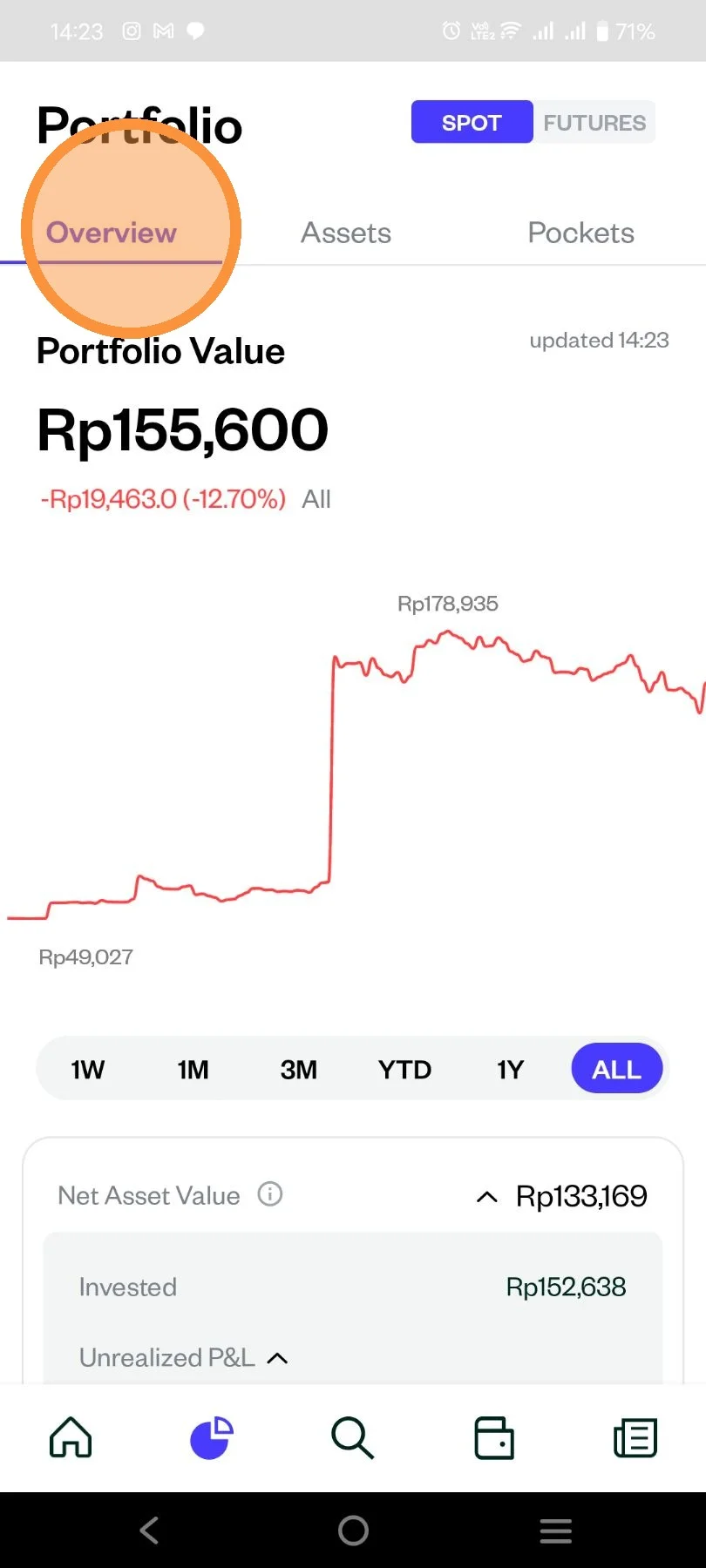
As an example below for the view on “Portfolio Summary”
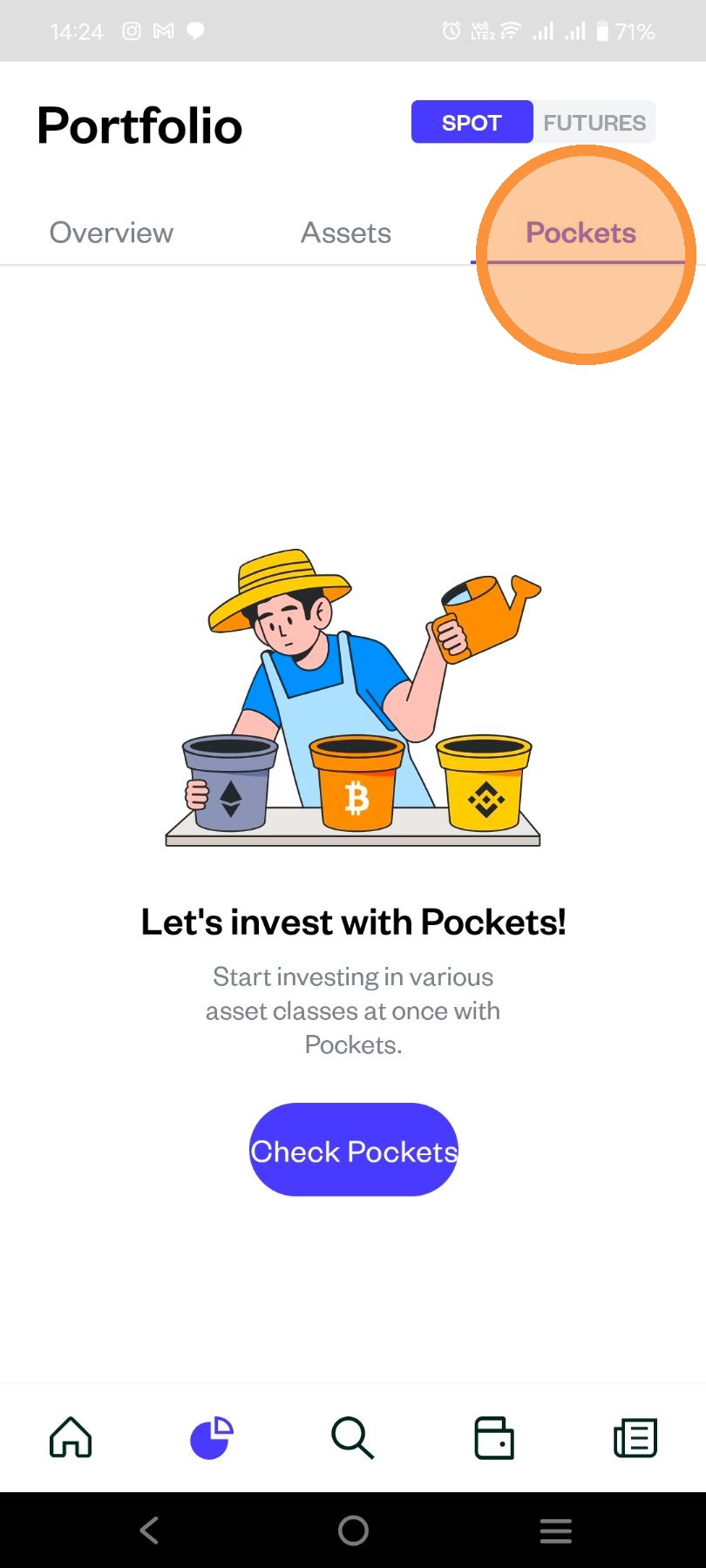
- Please click the “Pocket” menu to view the investment products that you have purchased through the Pocket feature.
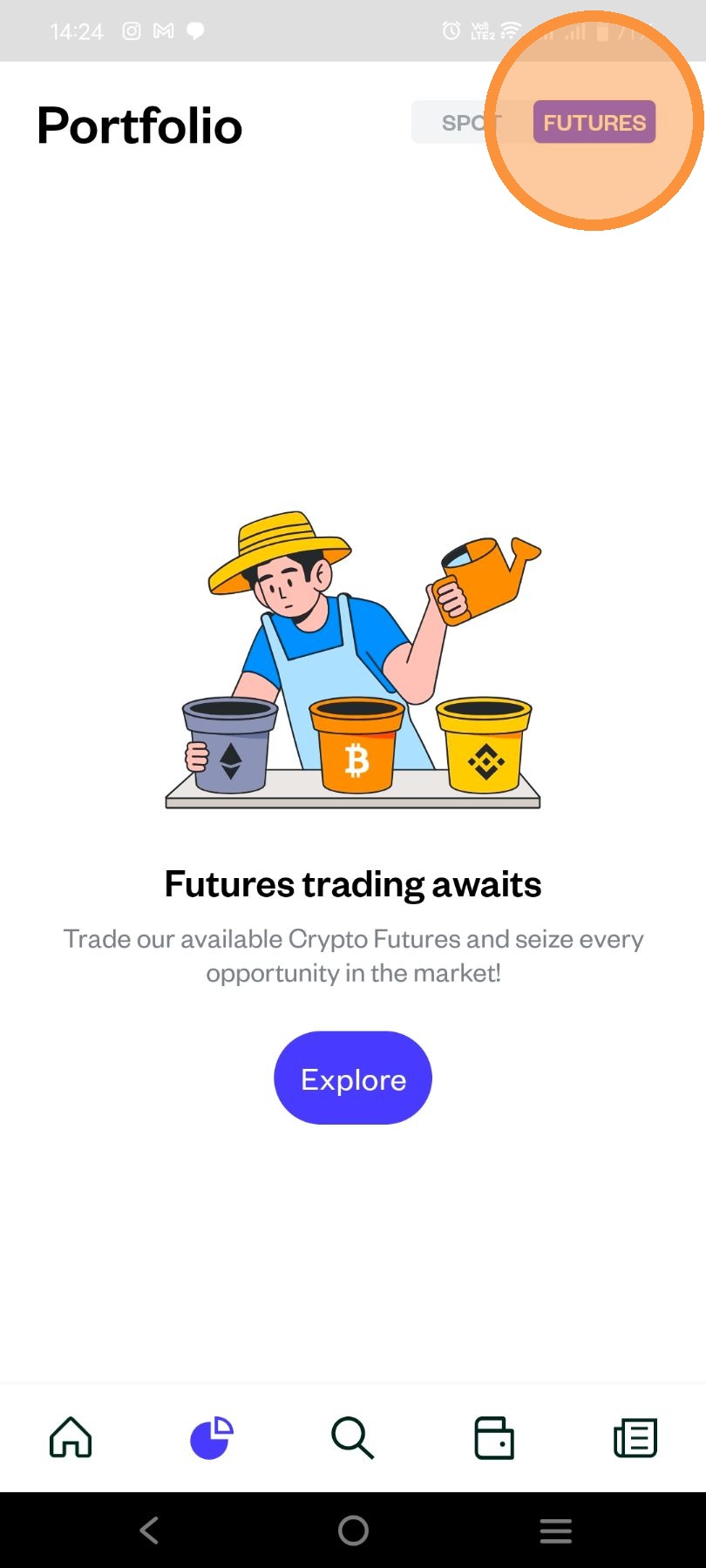
- On Portfolio page you will see a toggle on the right-top that shows "Futures". If you click it, it will show the Portfolio of your Crypto Futures transactions in Pluang.