Steps for Buy and Sell Pocket in Pluang
11 Steps
Select the Pocket you want to invest.
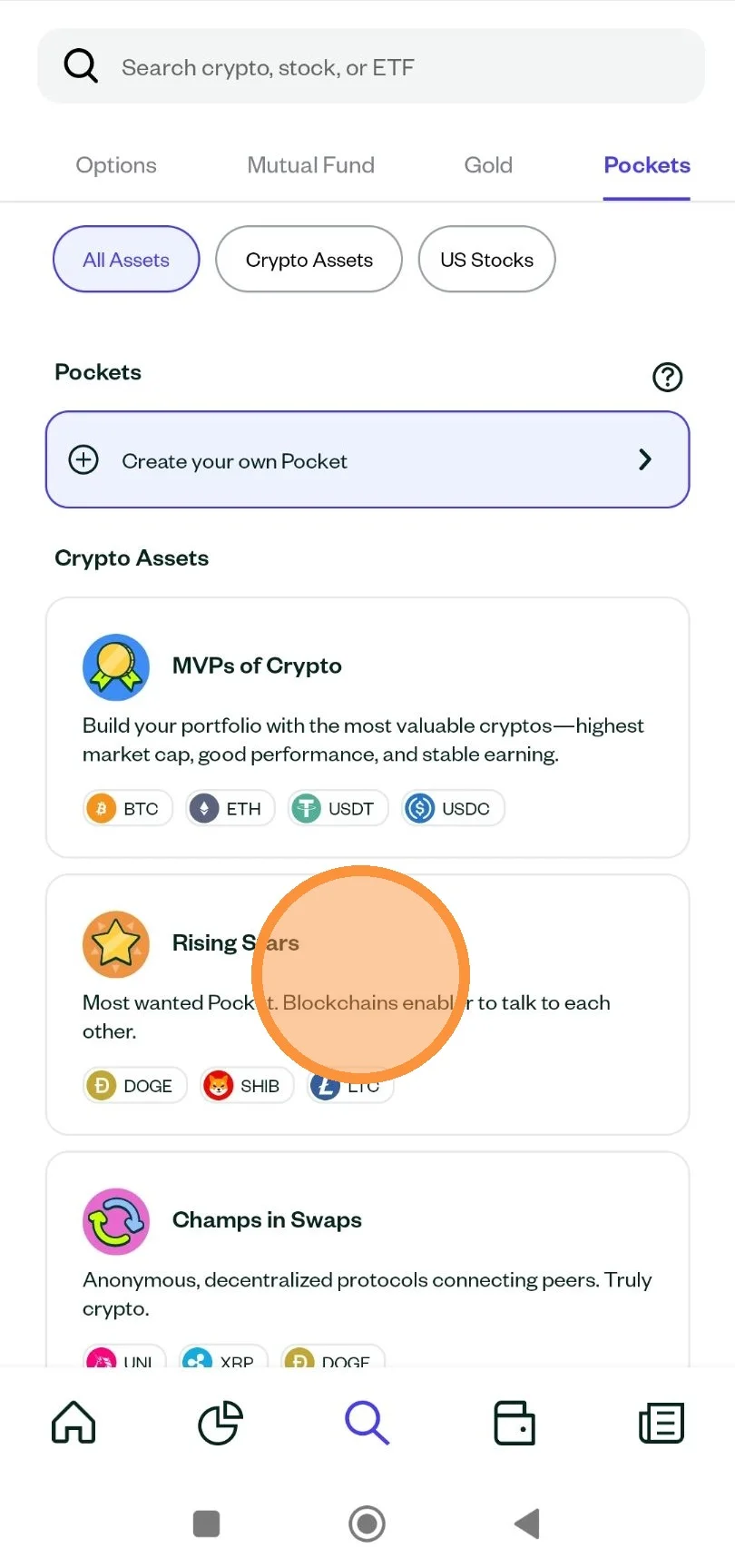
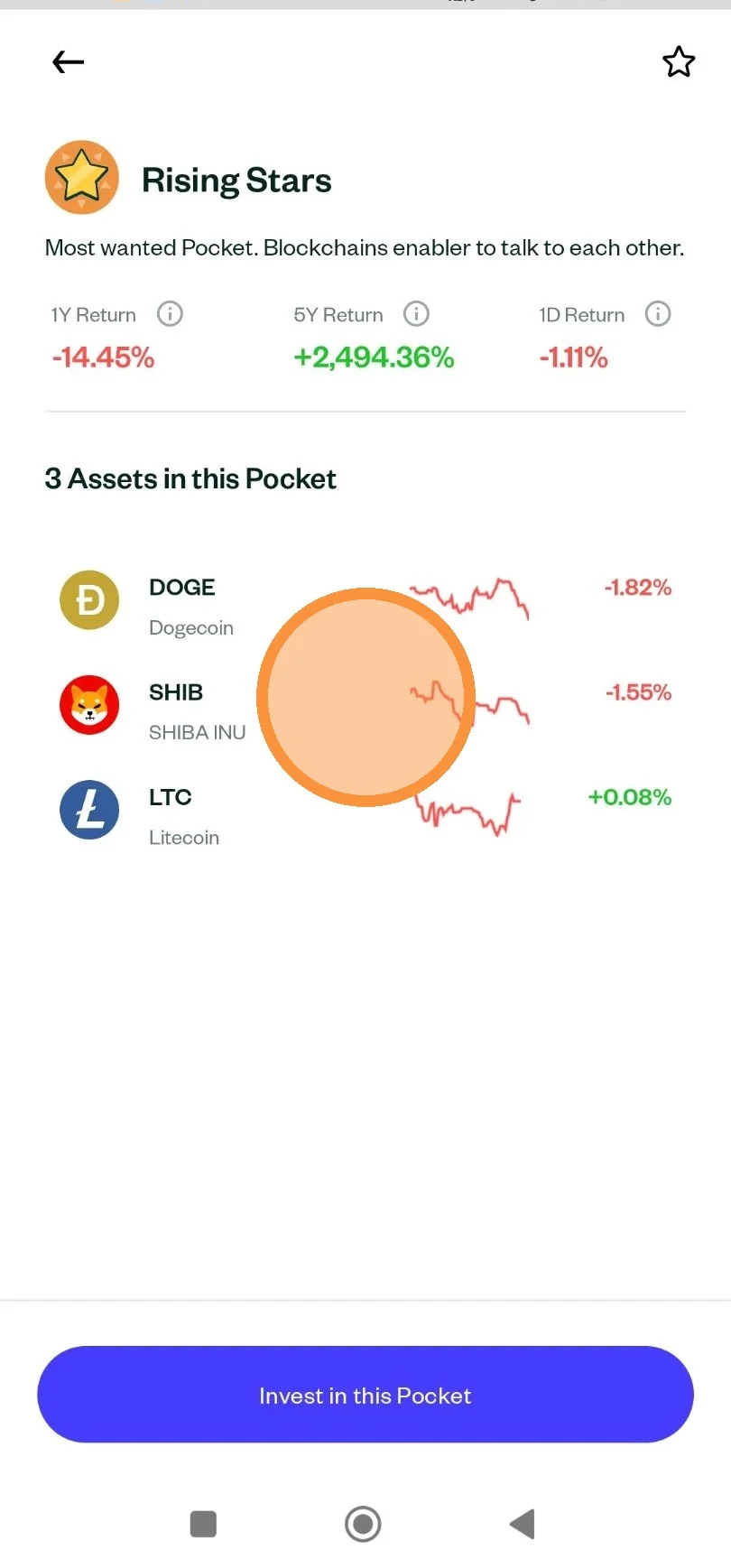
Once selected, you can see which US stocks and crypto assets are in the Pocket and their performance. Once you are sure you want to invest in the Pocket, click “Invest in this Pocket.”
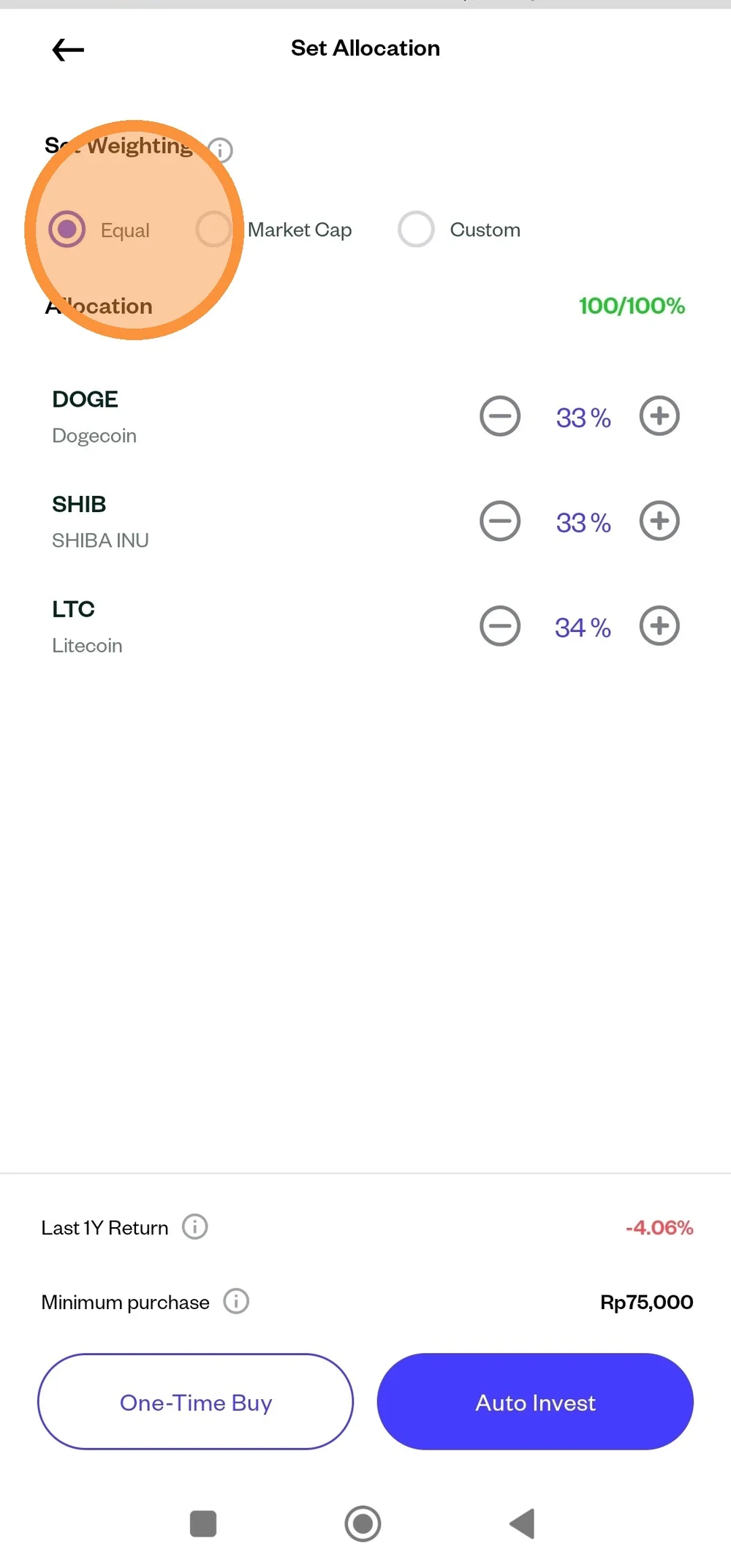
Set the weighting as you wish. You can set the weighting equally for all stocks and crypto assets, adjust it according to the market cap of each asset, or set the weighting yourself as you wish. Click “One Time Buy” to purchase the Pocket.
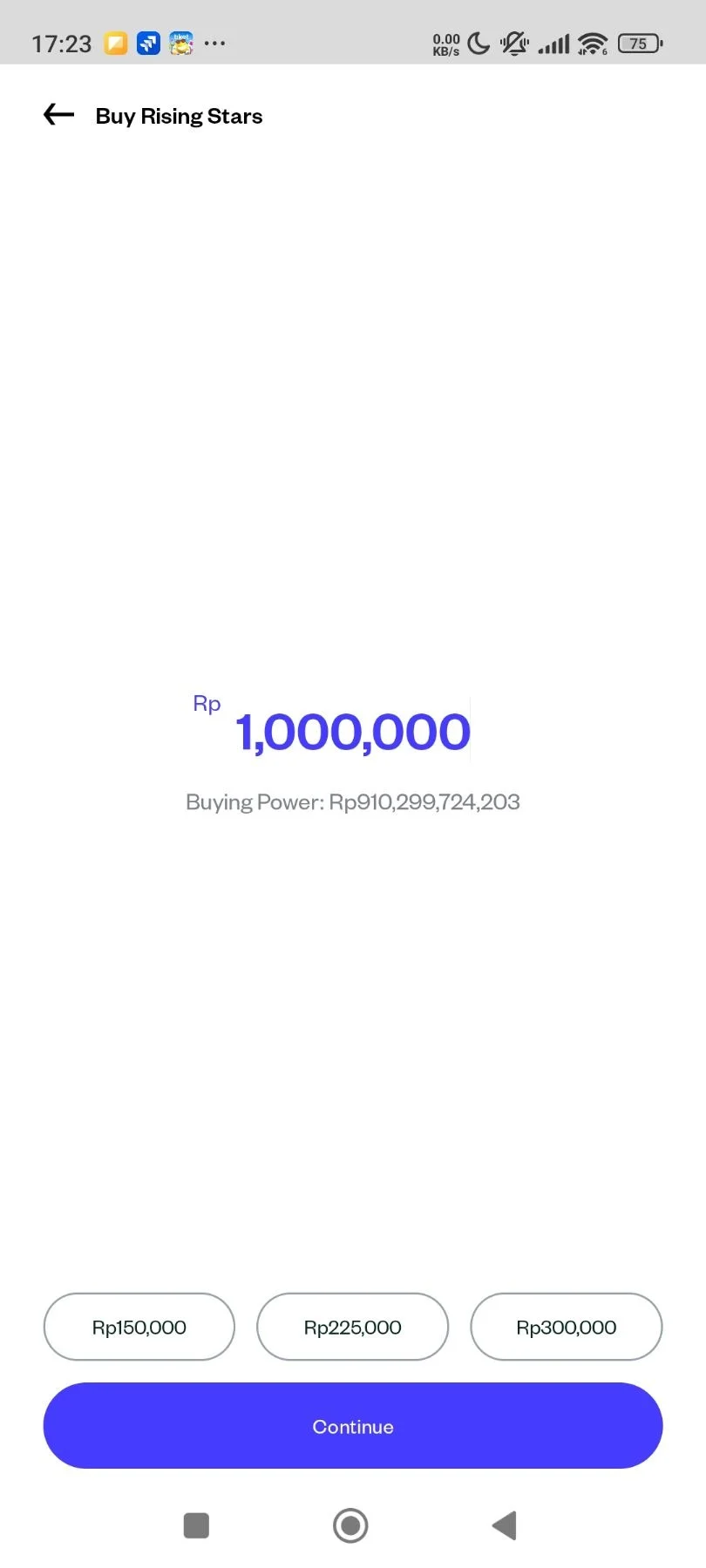
Enter the amount you want to invest in the Pocket. Each Pocket has a different minimum investment amount, depending on how many assets are in the Pocket and the minimum investment limit for each asset. Please also note the amount of your balance. After that, click “Continue.”
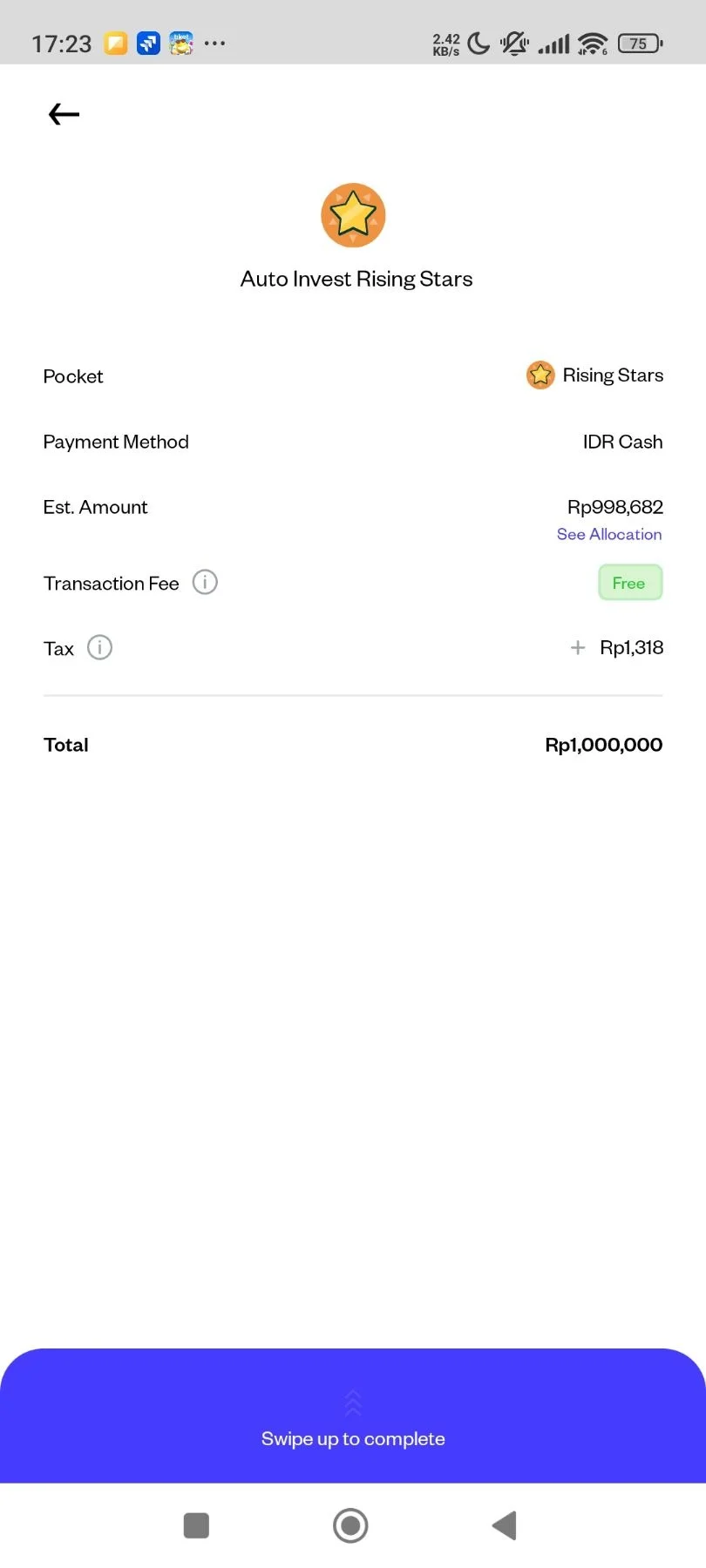
Double-check your order details. Please note that Pocket investments can only be made for Market Orders. Once you are sure, please "Swipe up to complete" the transaction.
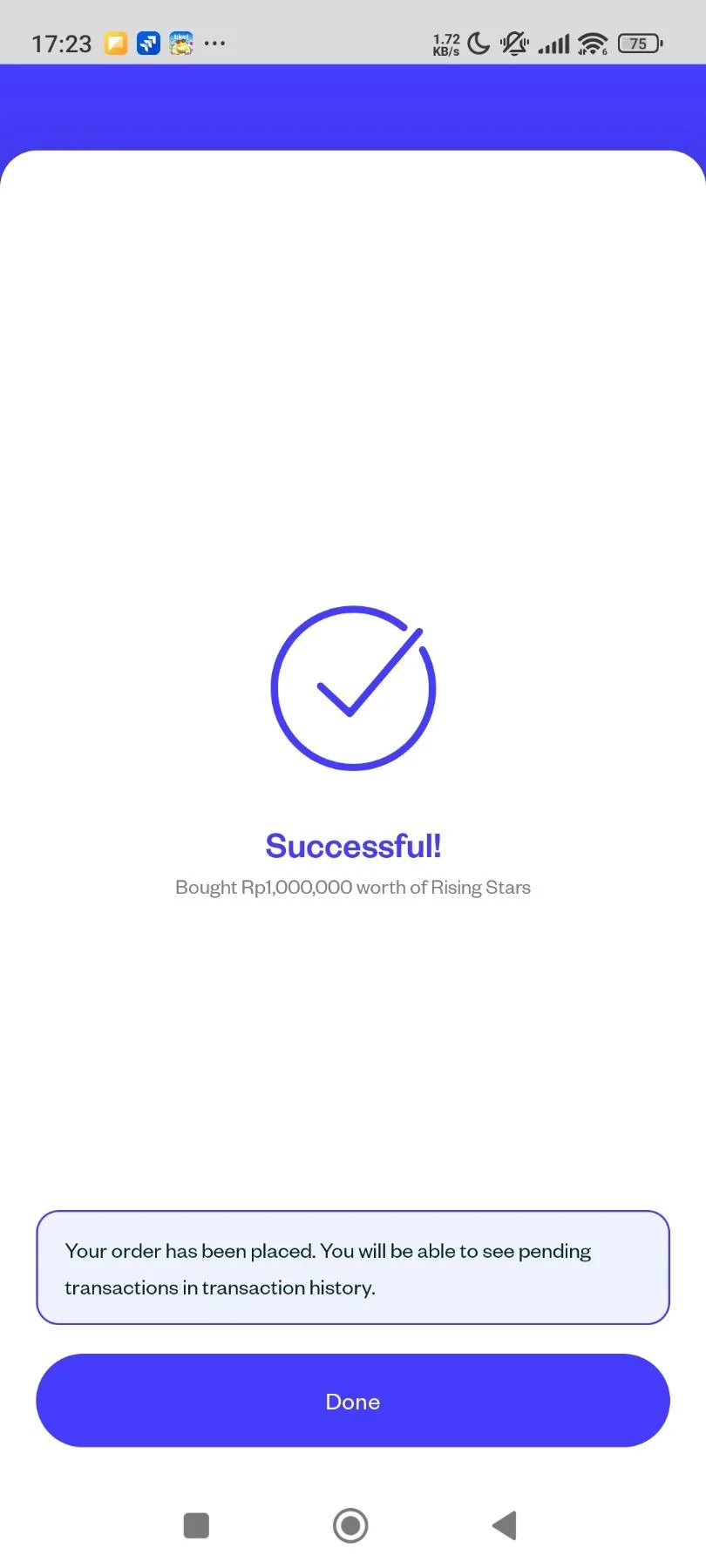
Your Pocket purchase was successful.
Steps Selling All Assets in Pocket.
Go to the Portfolio page and select the Pocket Page.
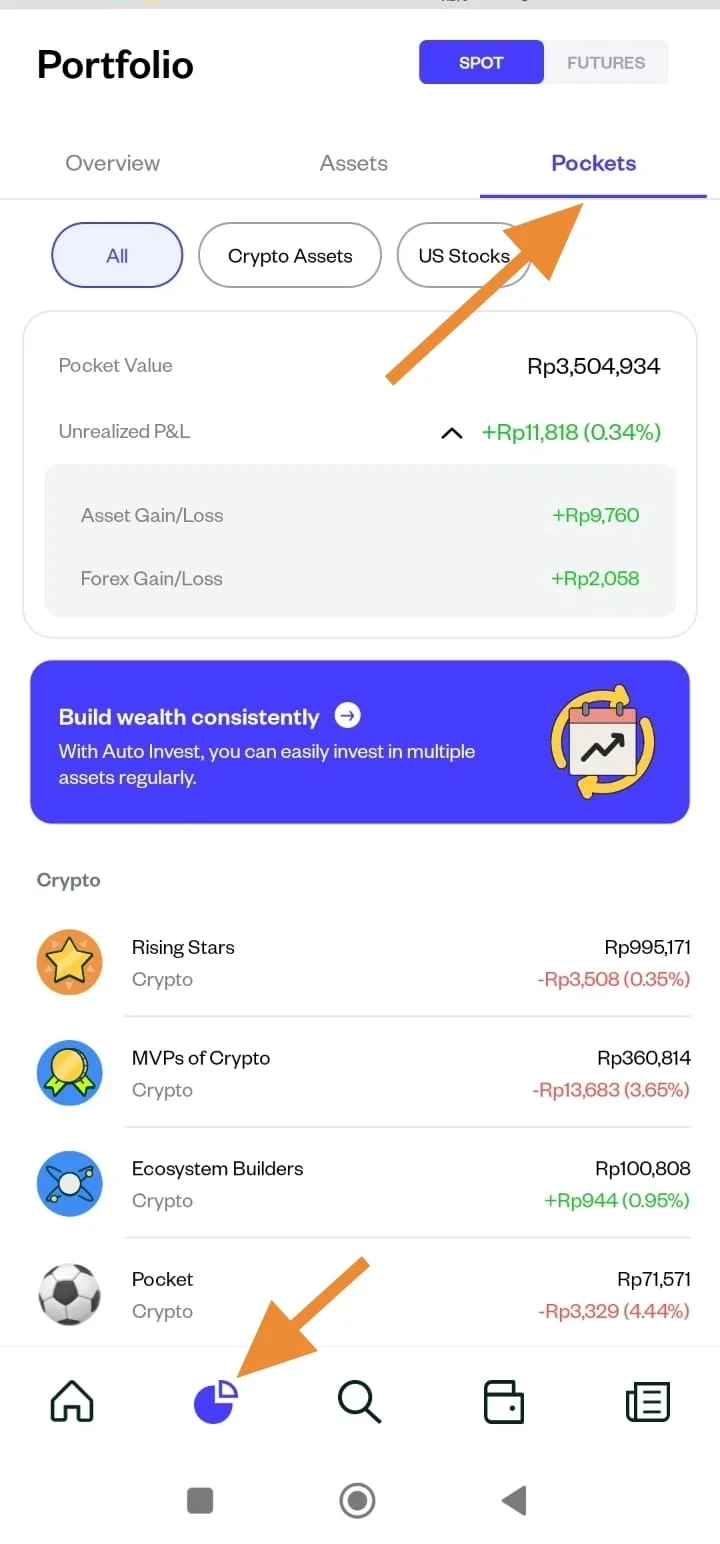
Click Sell
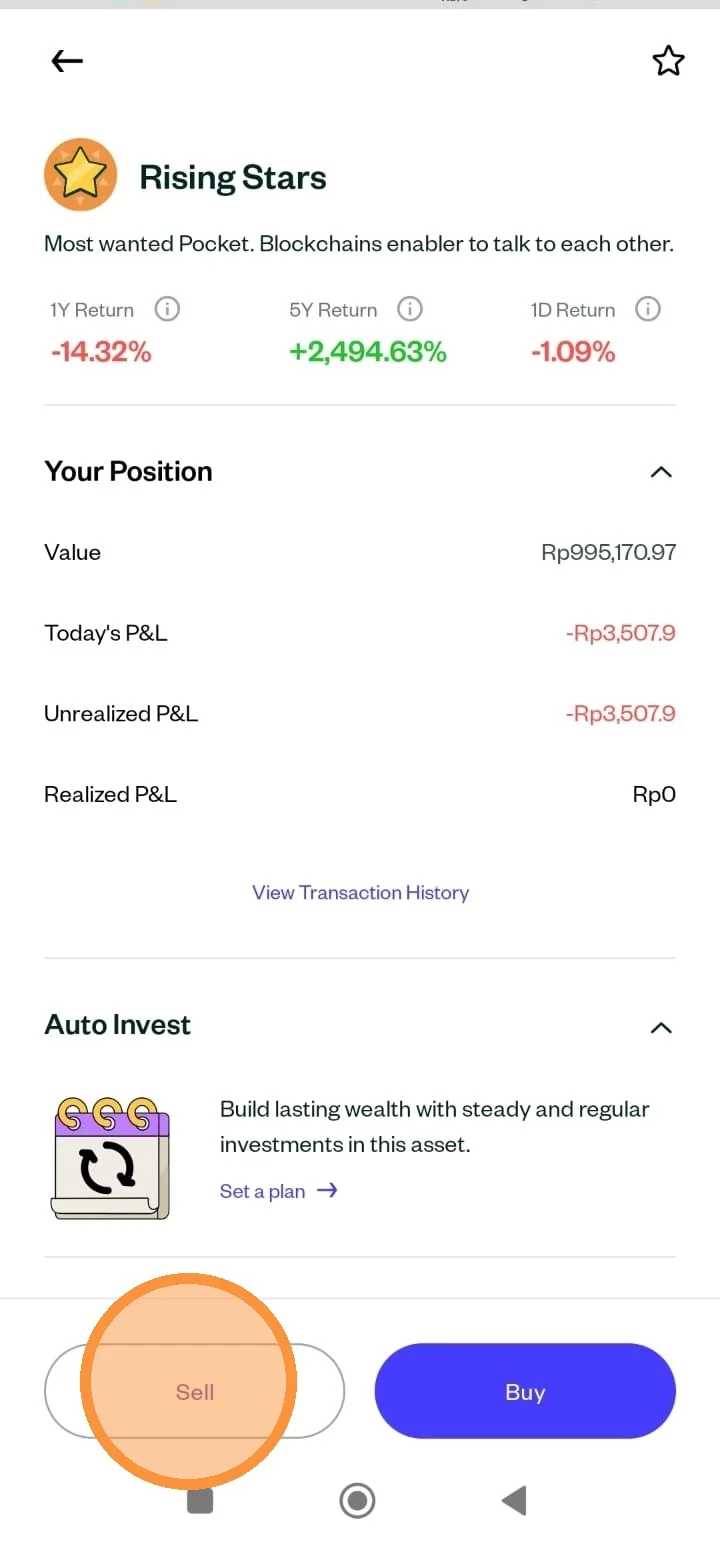
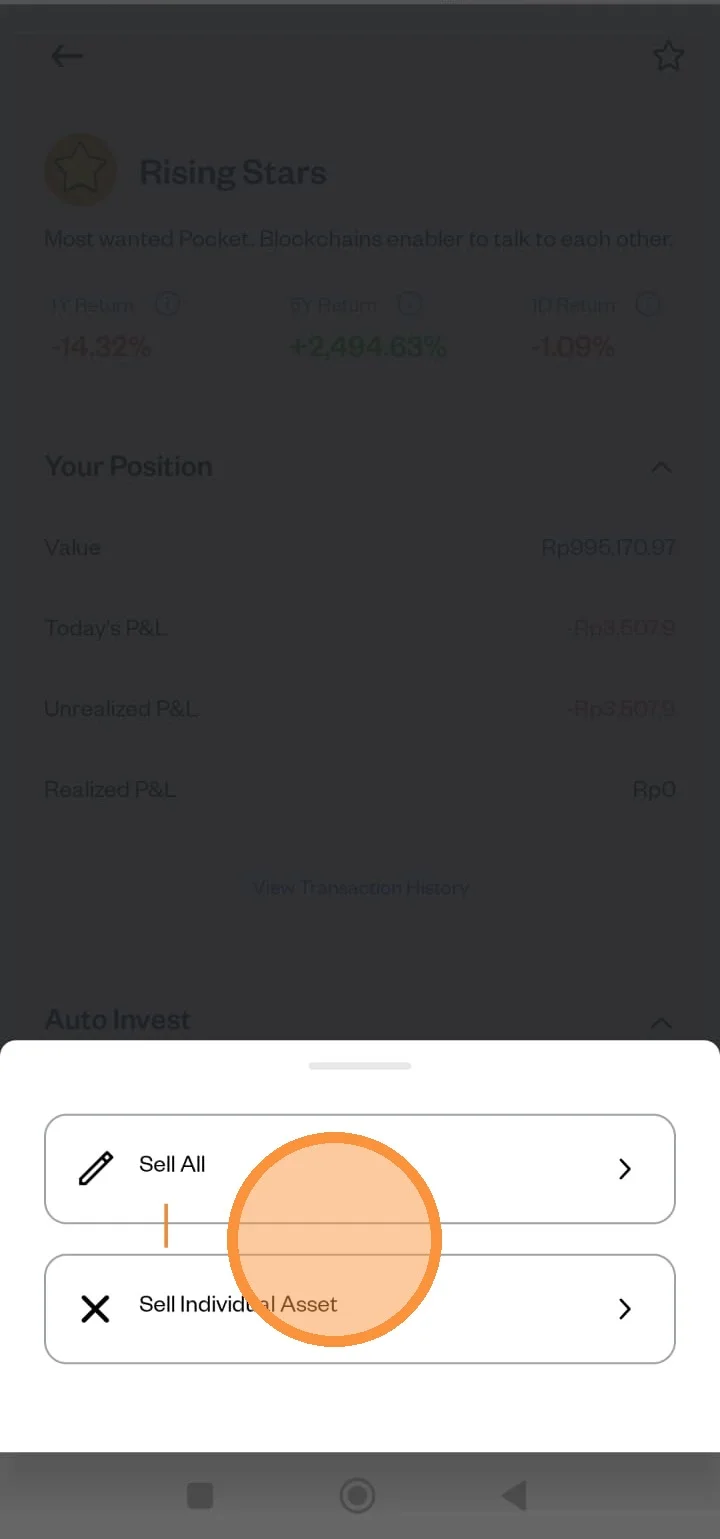
There are options when you want to sell Pocket. You can "Sell All" or "Sell Individual Asset" in Pocket.
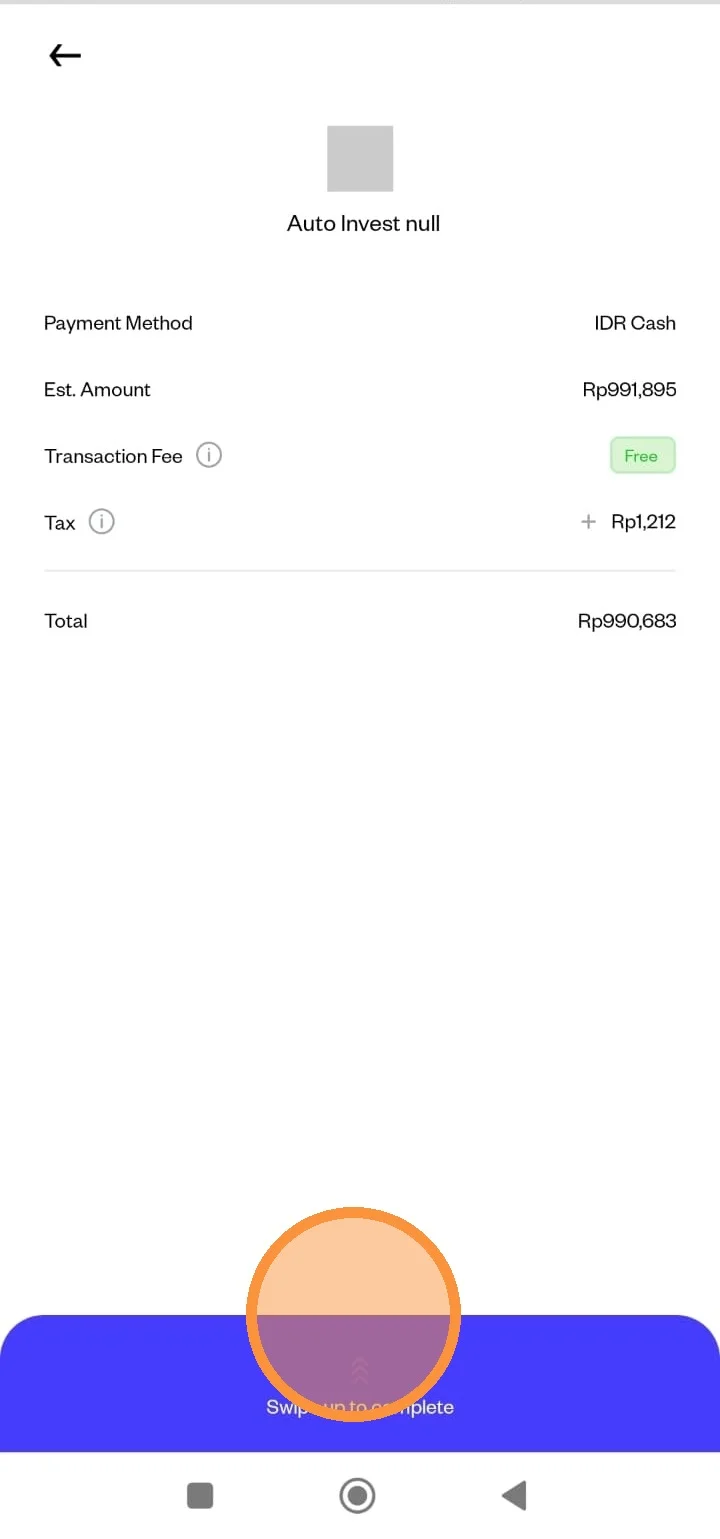
Double-check your order details. If everything is correct, please "Swipe up to complete" the transaction.
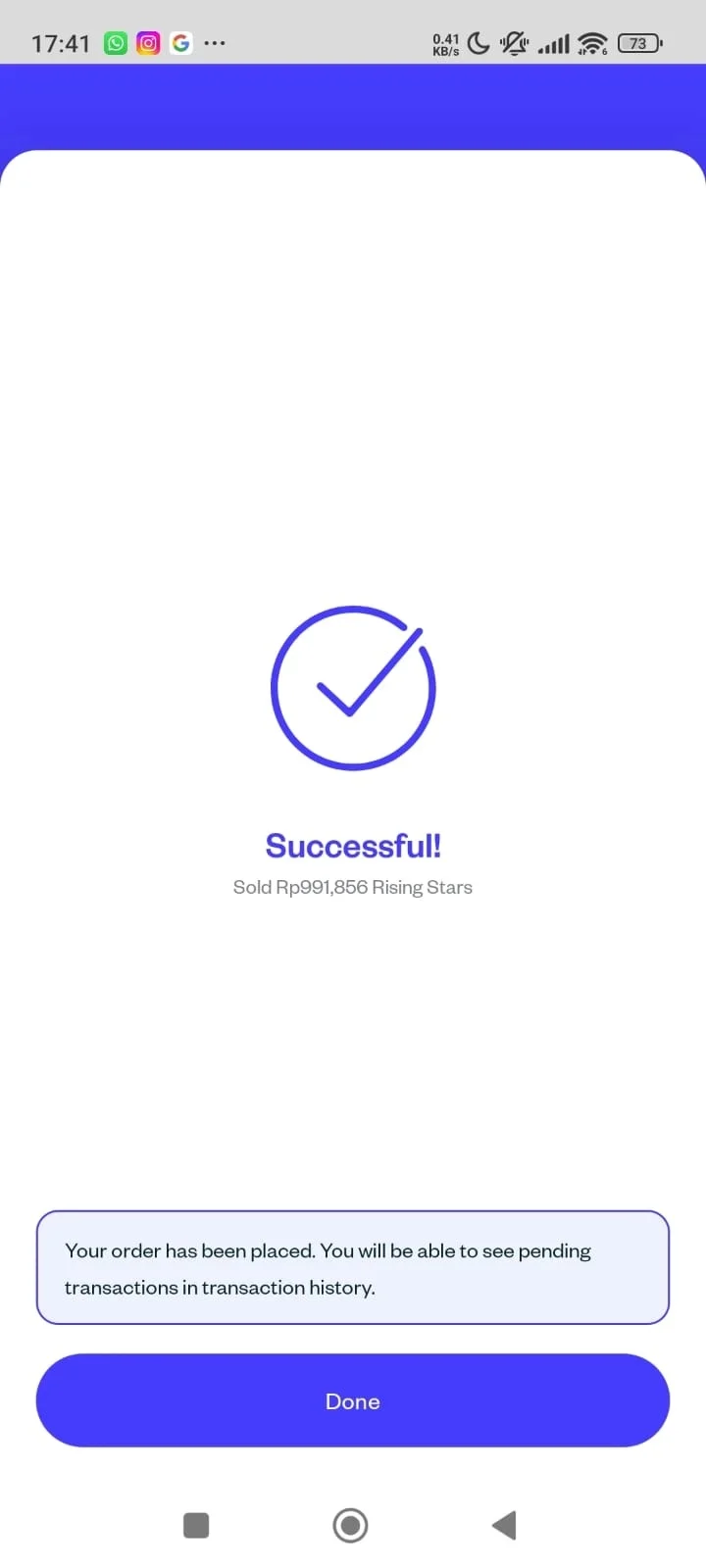
Your Pocket has been successfully sold.