Bank Account Registration Process For Mutual Fund Sales in Pluang App
17 Steps
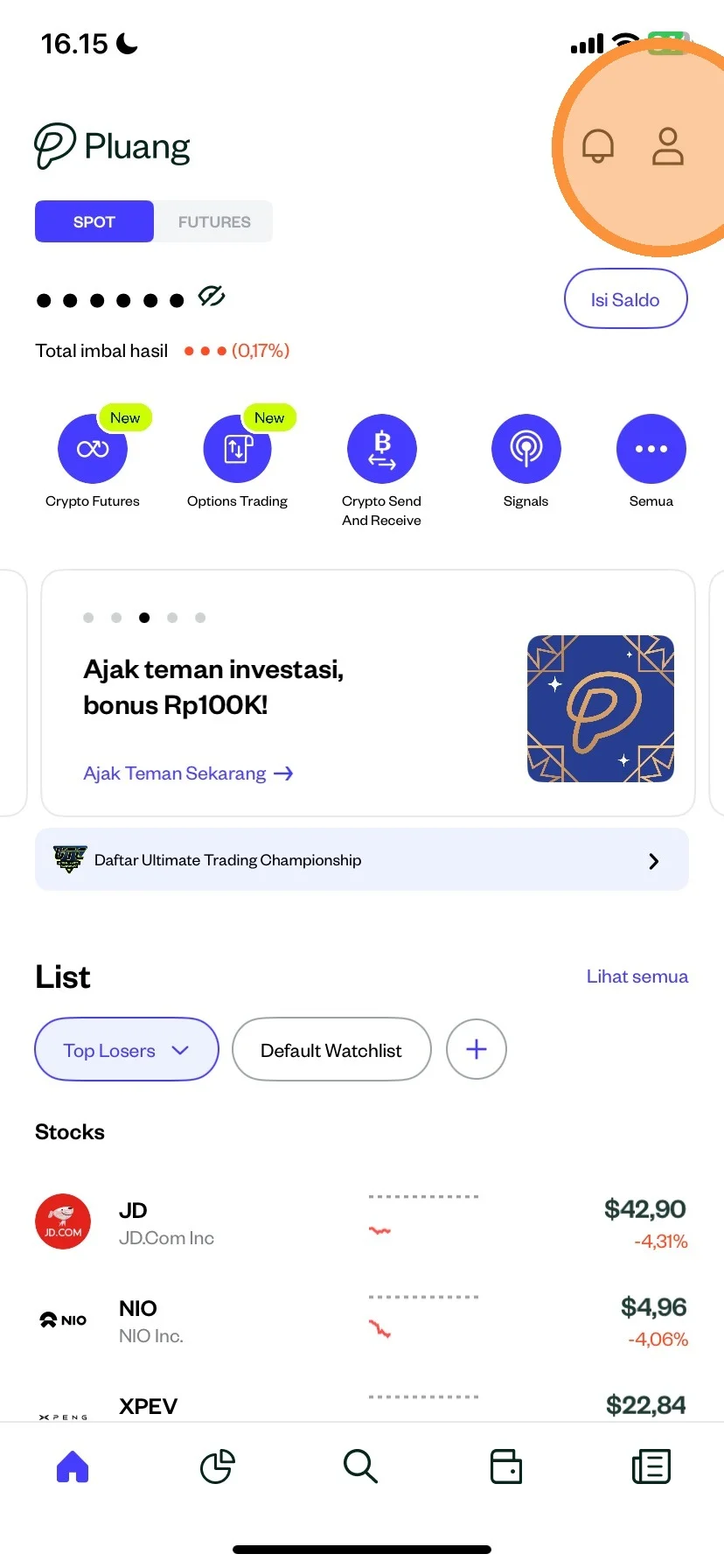
Please click the “Account” menu
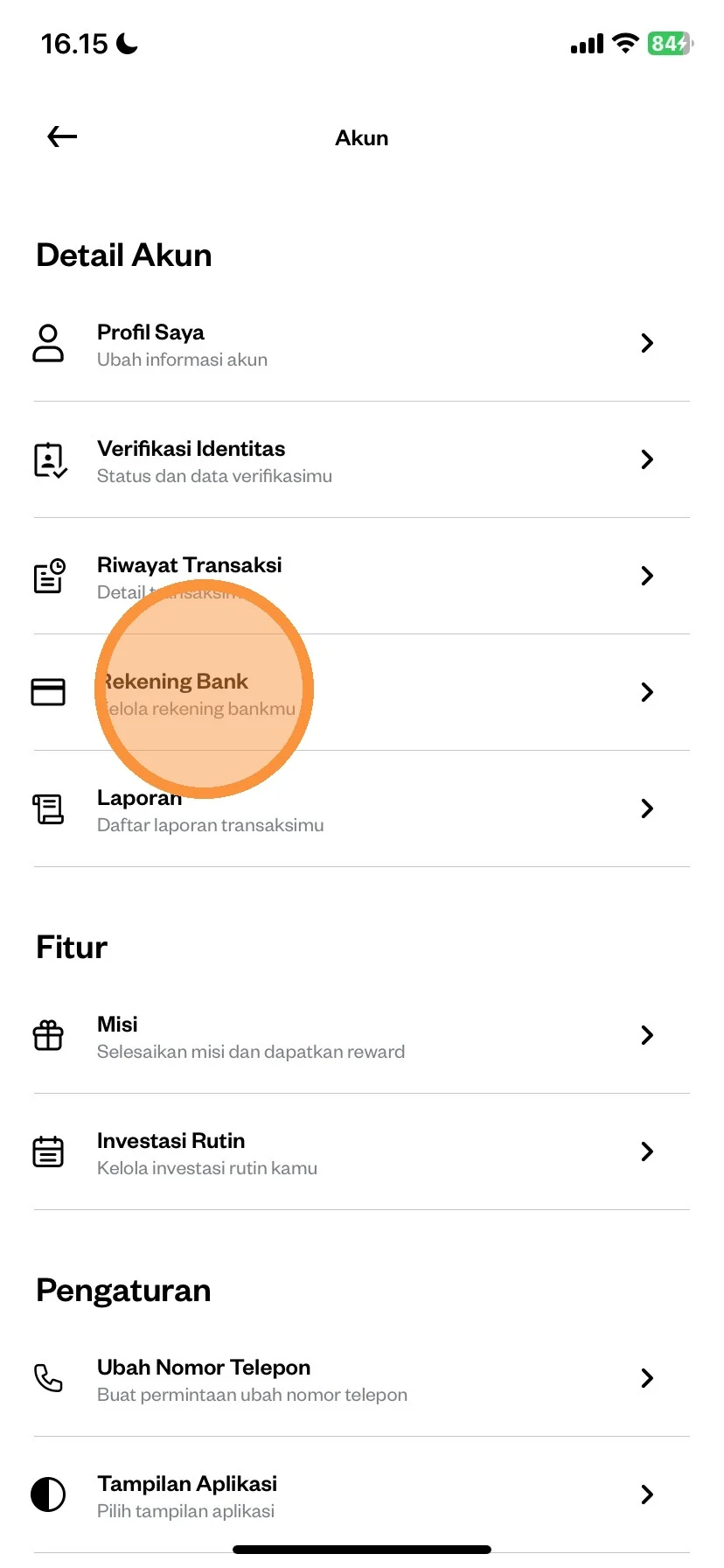
Then click “Bank Account”
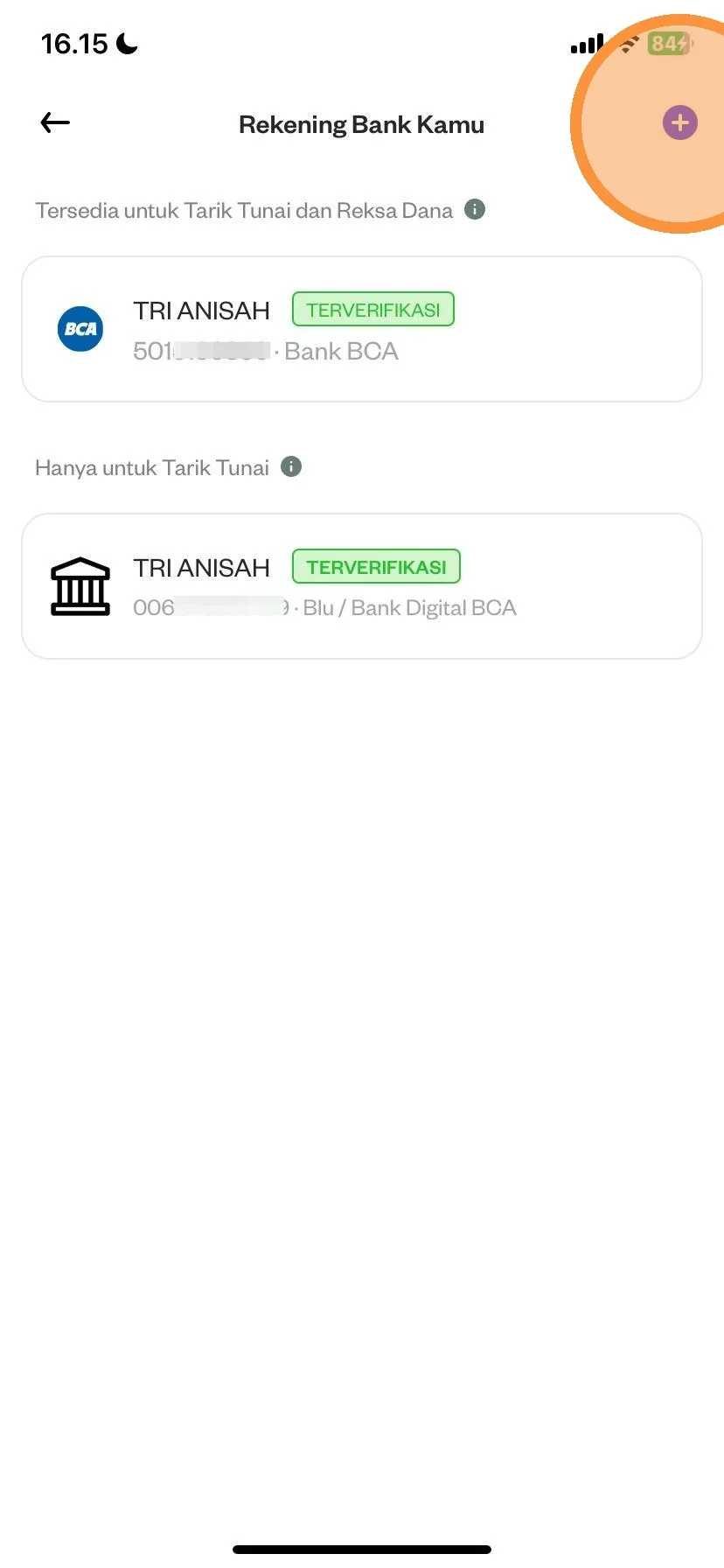
Please click the (+) to add a bank account
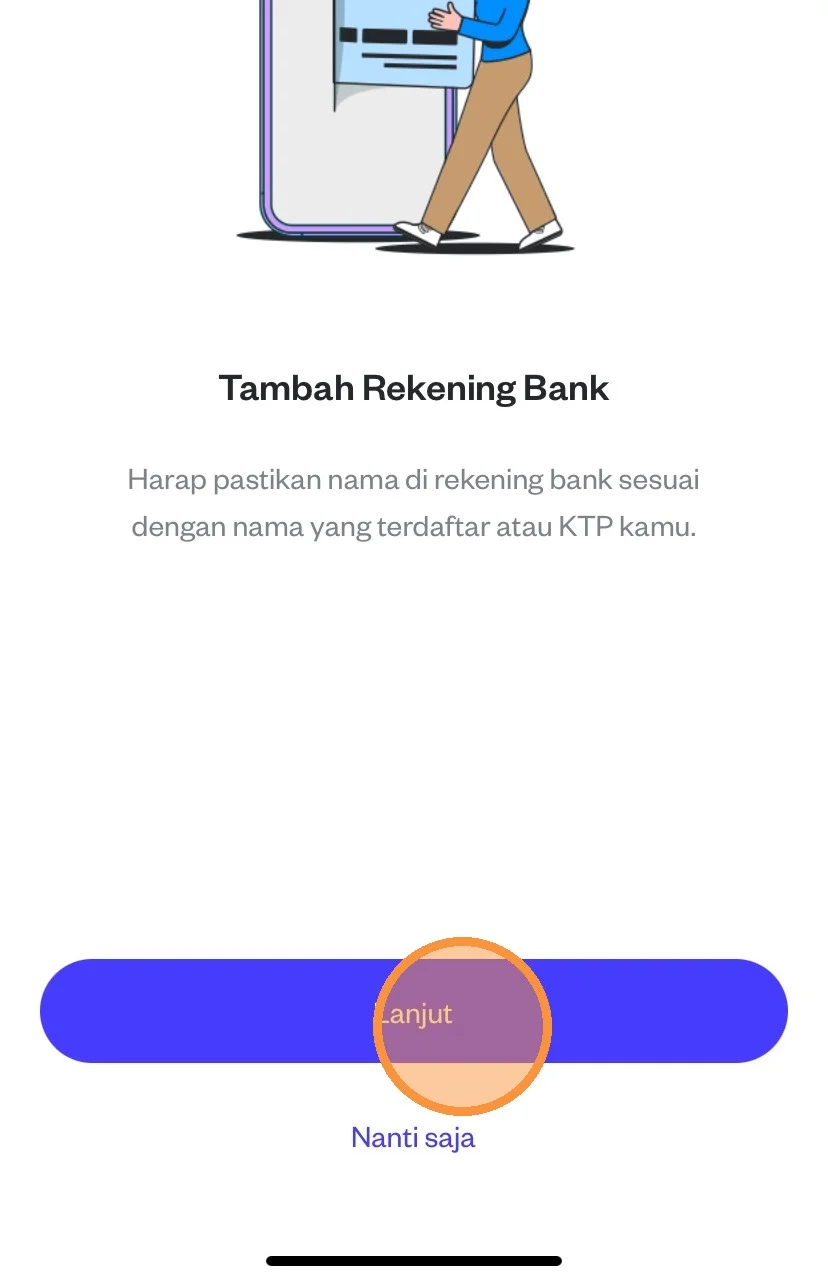
Please click the “Next” menu
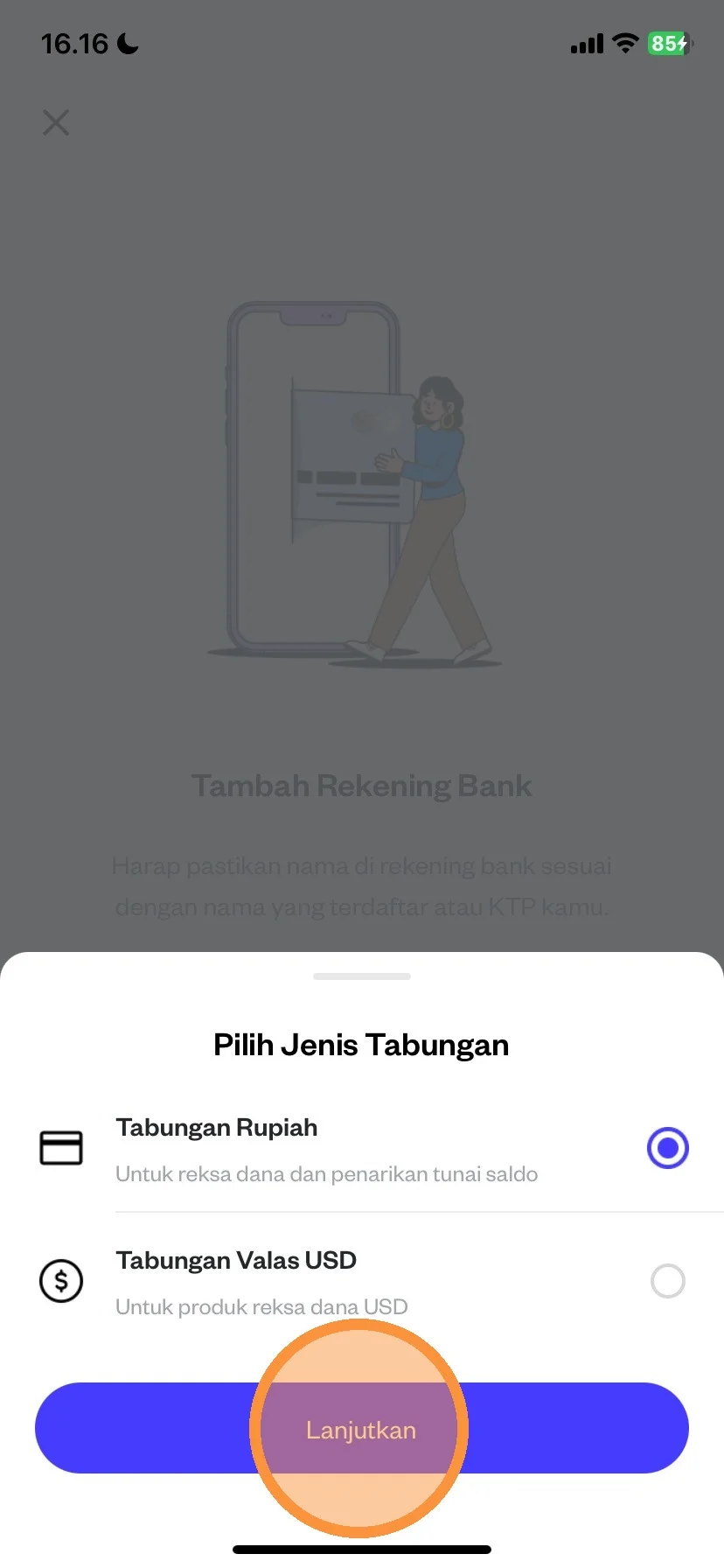
You can click “Rupiah Savings”, then click “Continue”
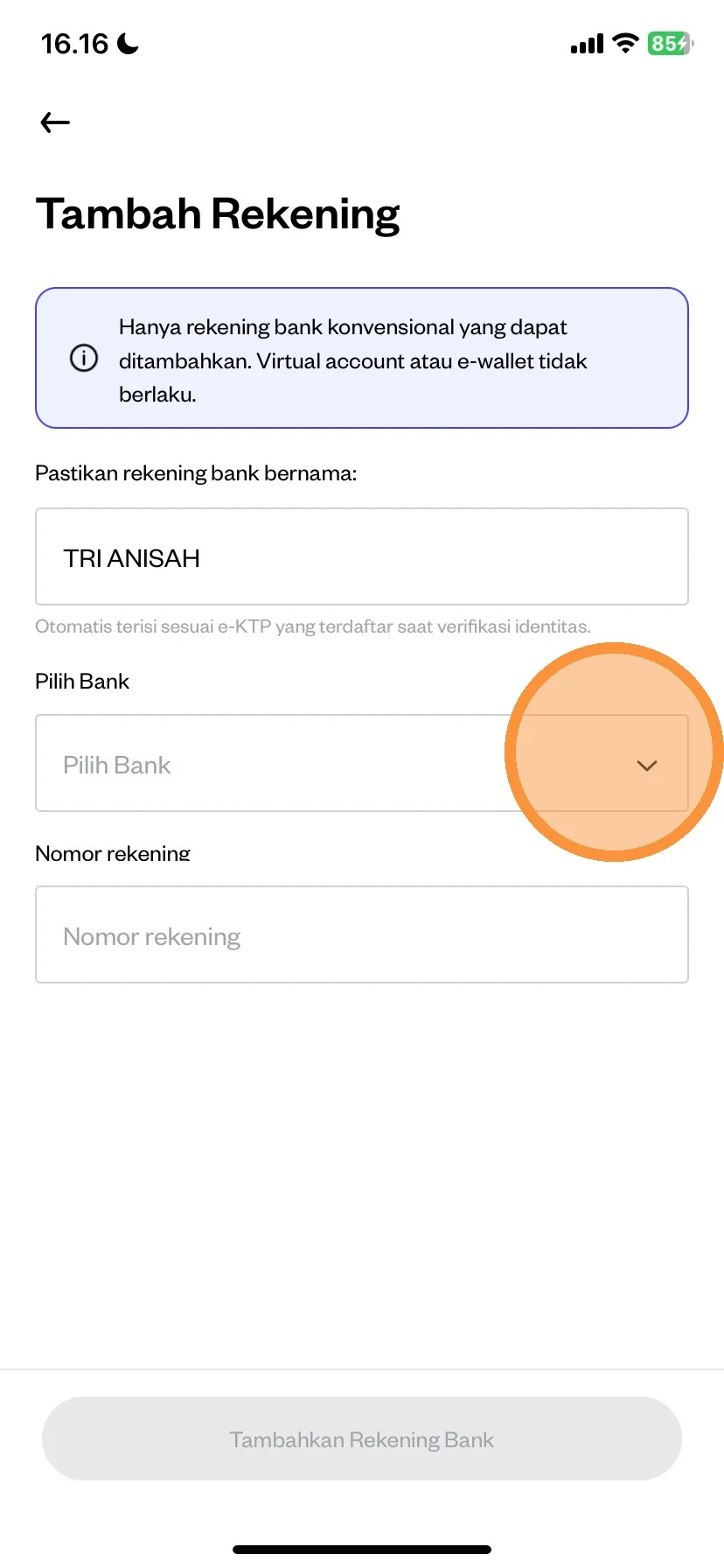
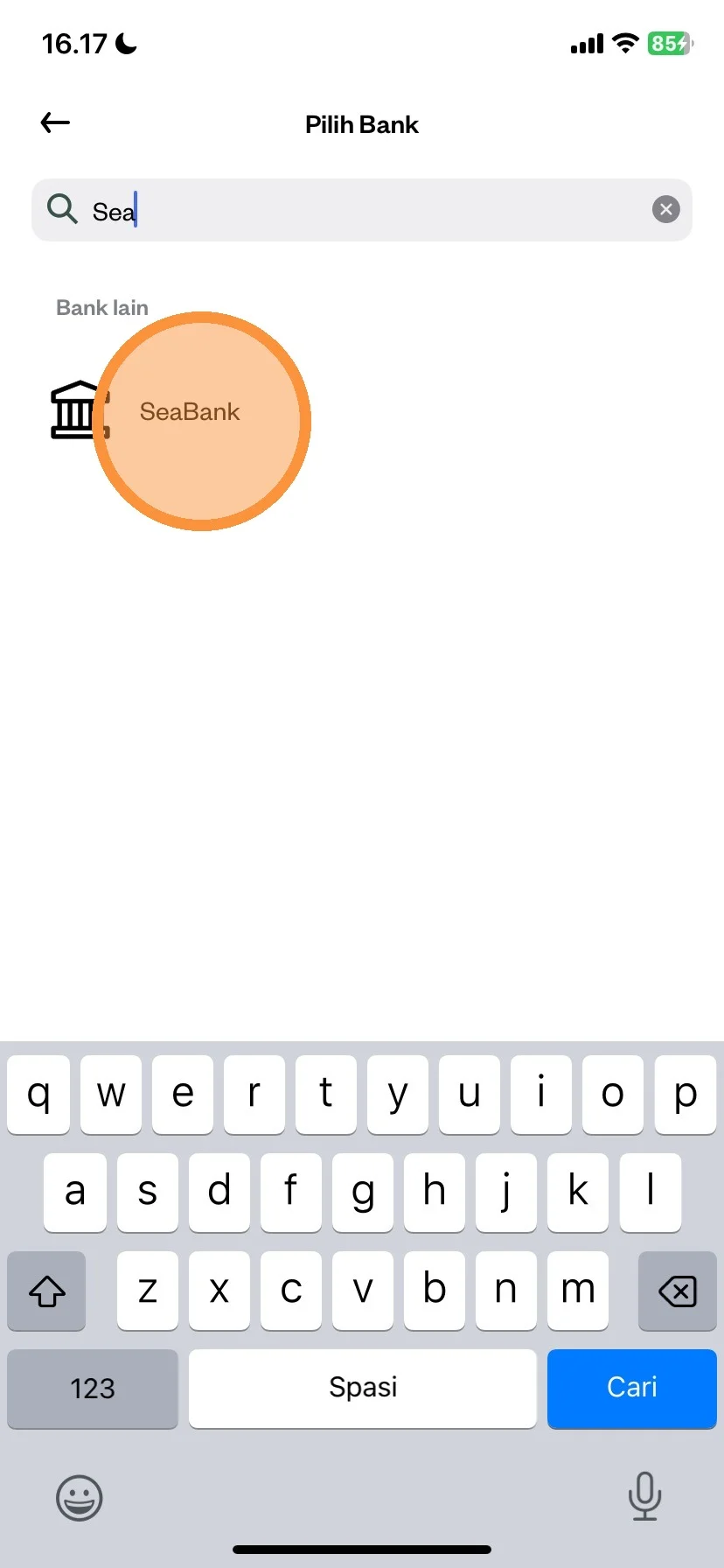
Please click select your destination bank
Enter the bank account you want to register
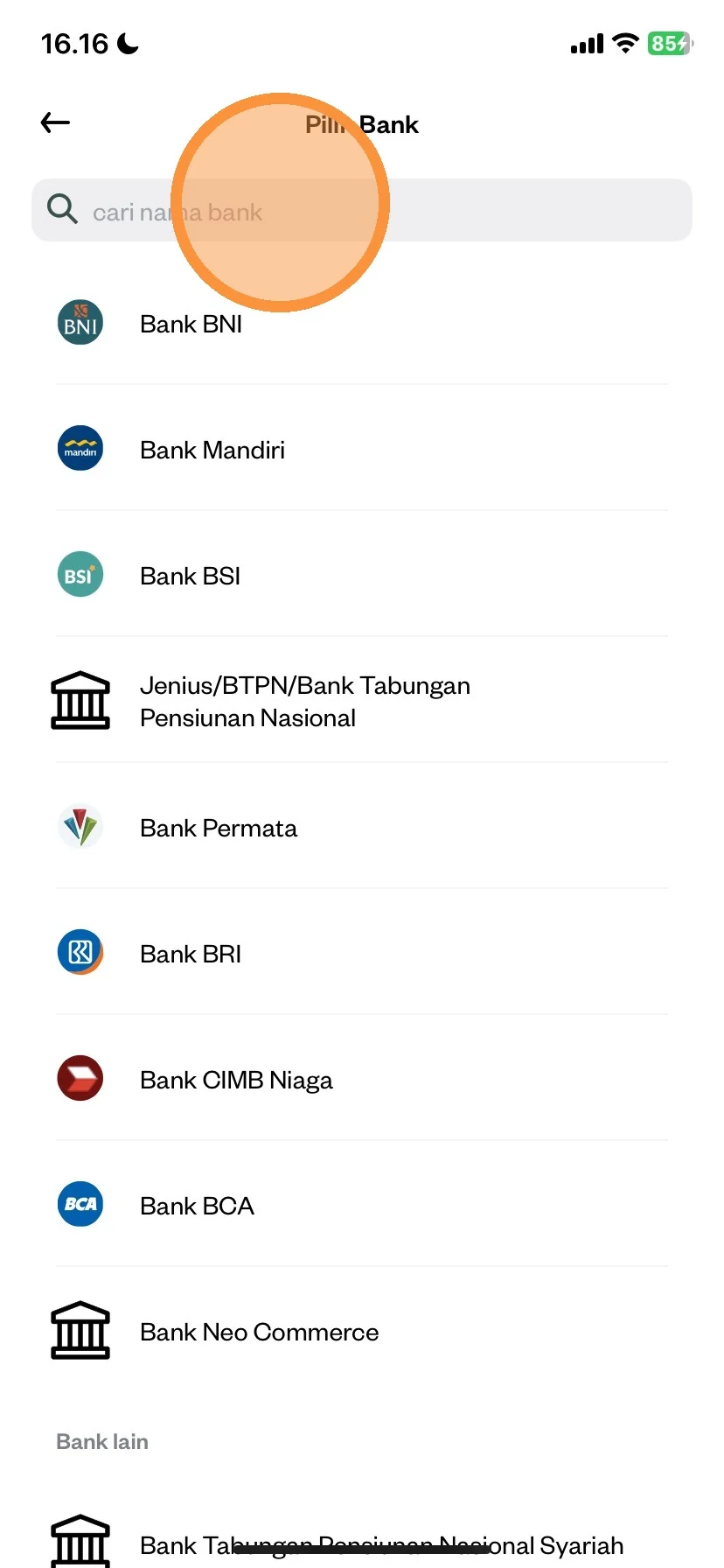
After selecting, please click on the bank account you want to use
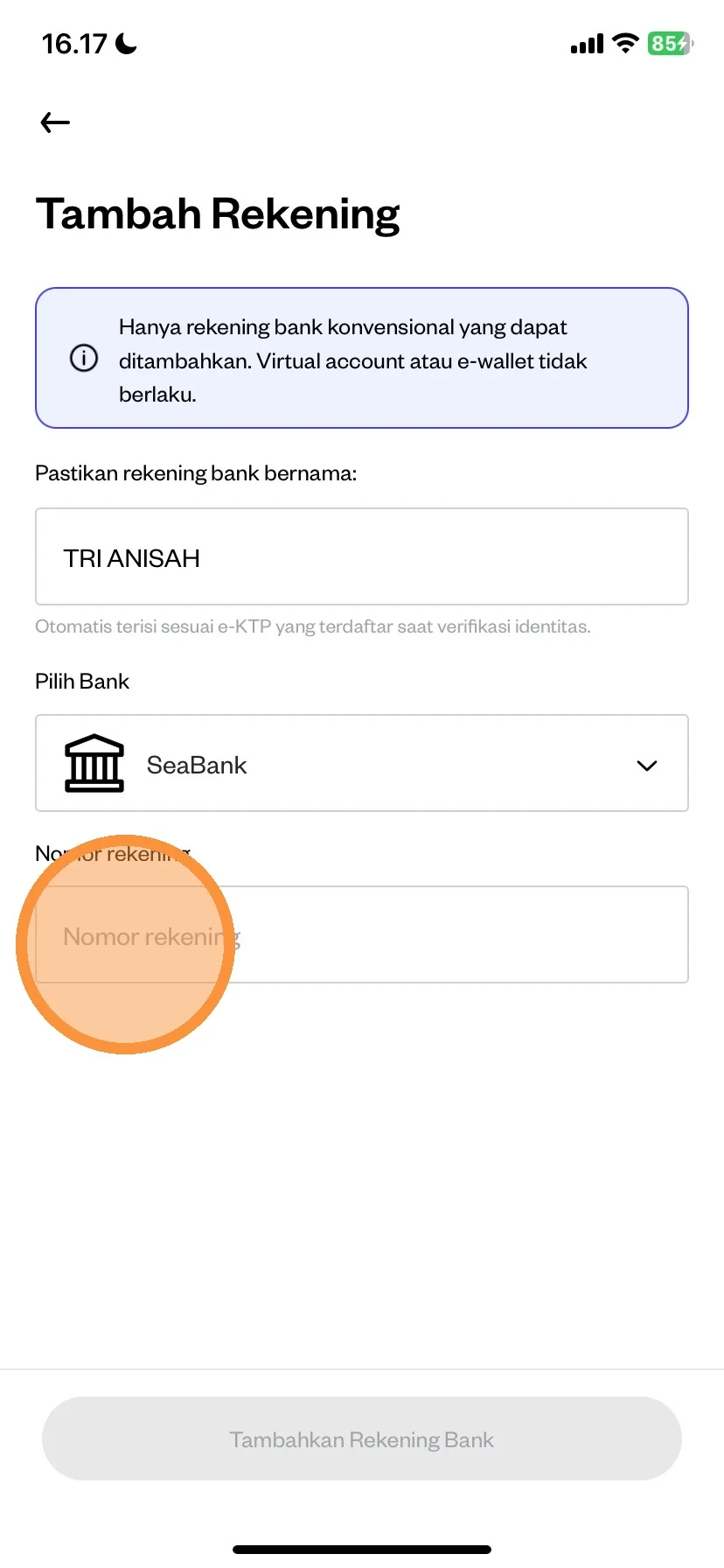
Next, you can enter your account number
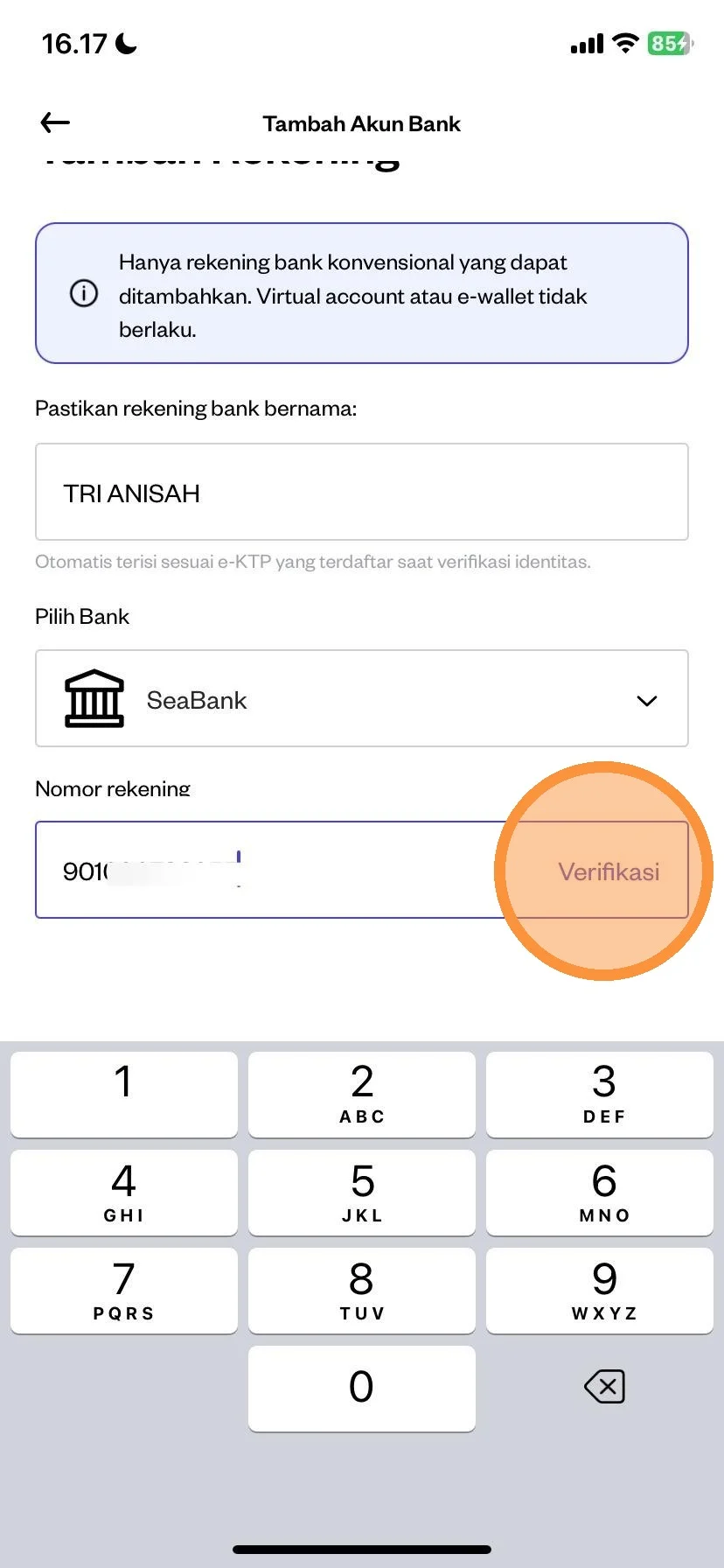
Please click the “Verify” menu to verify your bank account is correct or not.
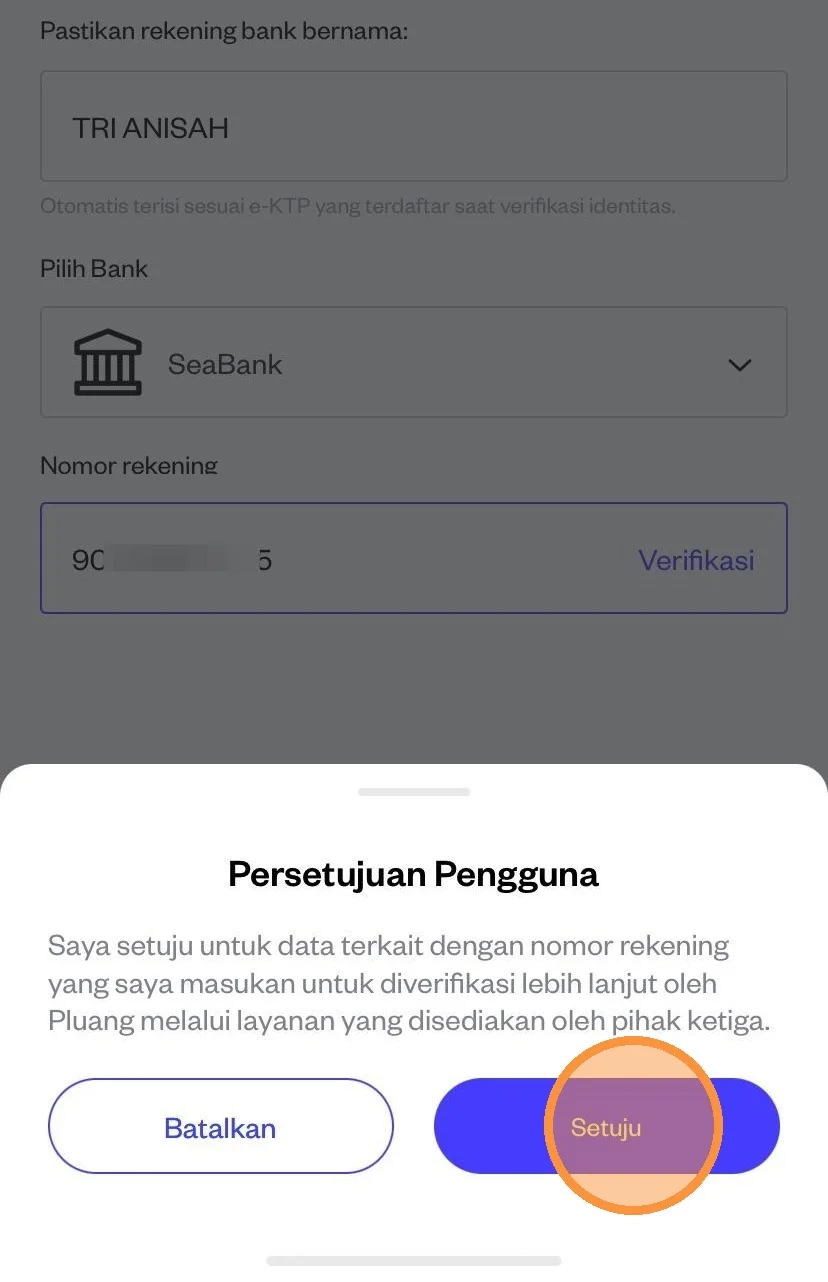
After you read the agreement, then you can click the “Agree” menu
If your name and account number are correct, please click the “Add Bank Account” menu.
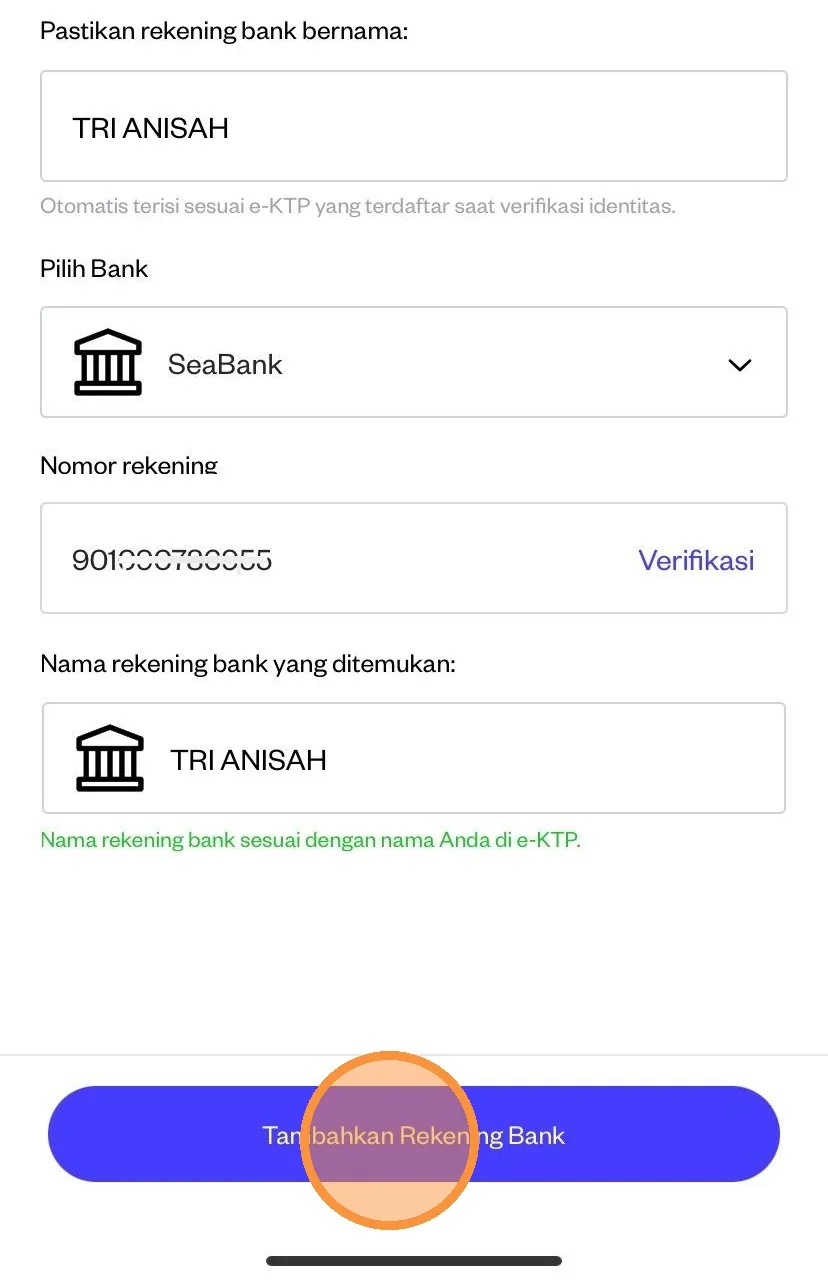
After clicking add bank account, please click “Finish”
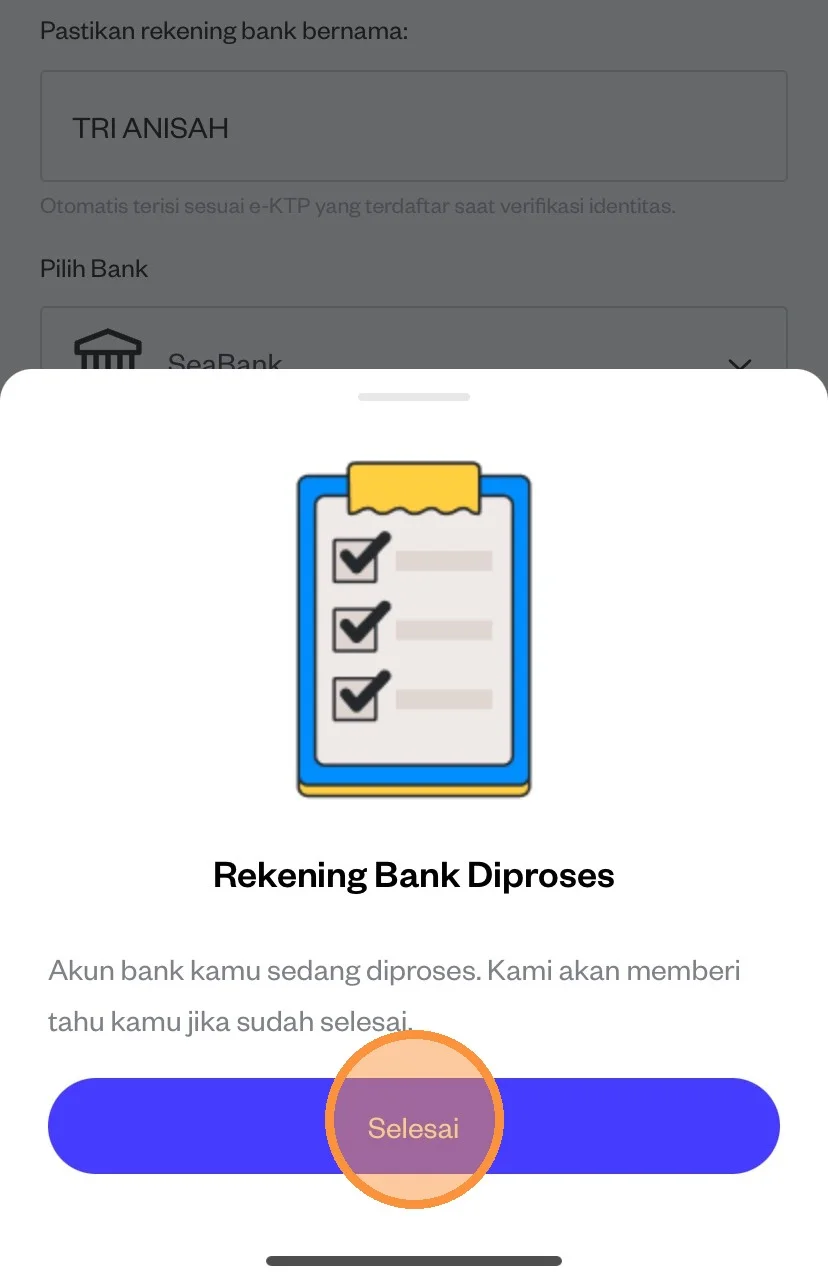
After the bank account you registered has been successful, please click again on the destination account for mutual fund sales

Please click on the “Register for Mutual Funds” menu.
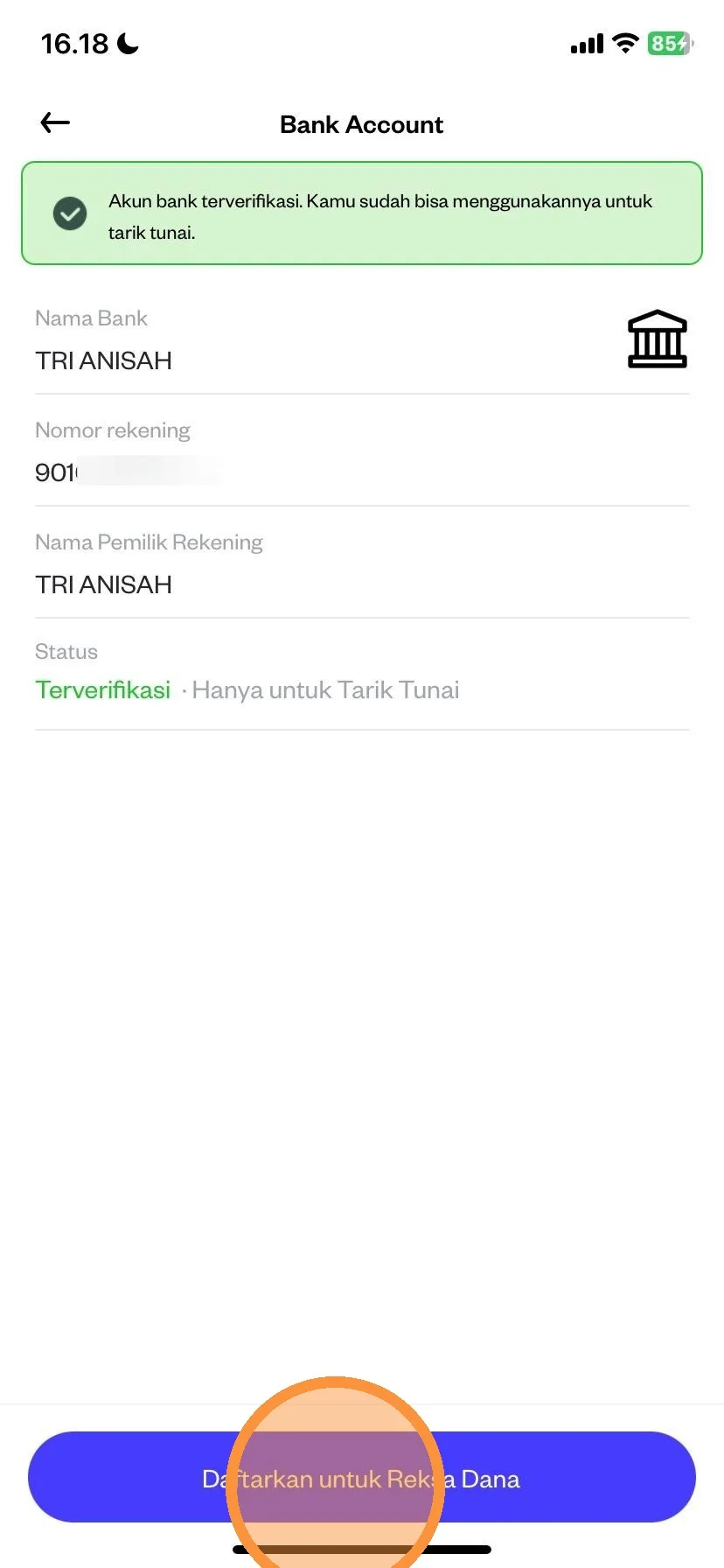
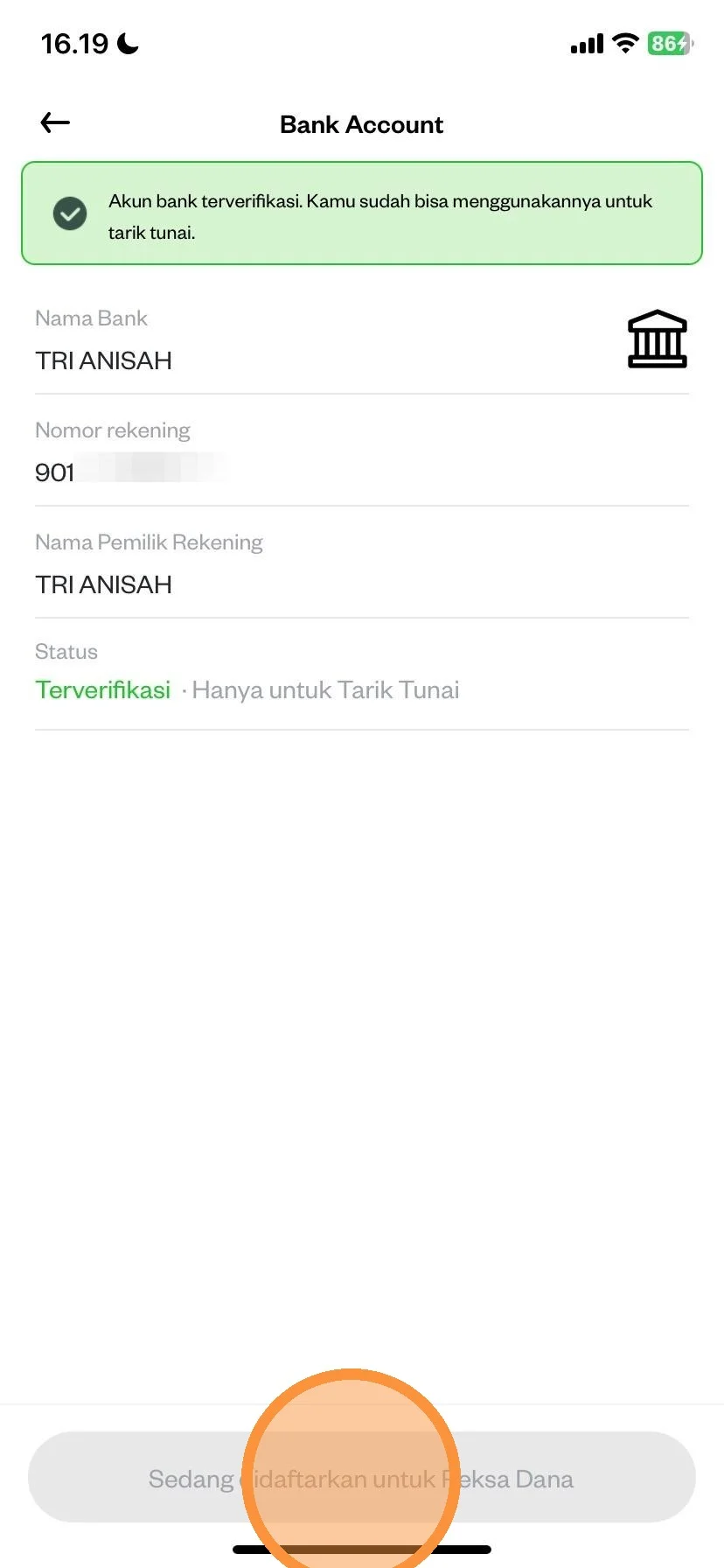
After successfully registering, please check again

Later in the section there will be a statement “Being Registered for Mutual Funds” which means that the bank you proposed to choose as a mutual fund sales transaction account is in the verification process. The bank account verification process takes no later than 1 (one) working day.