Global Asset and Yield Verification
Step by step on how to do US Stock verification.
9 Steps
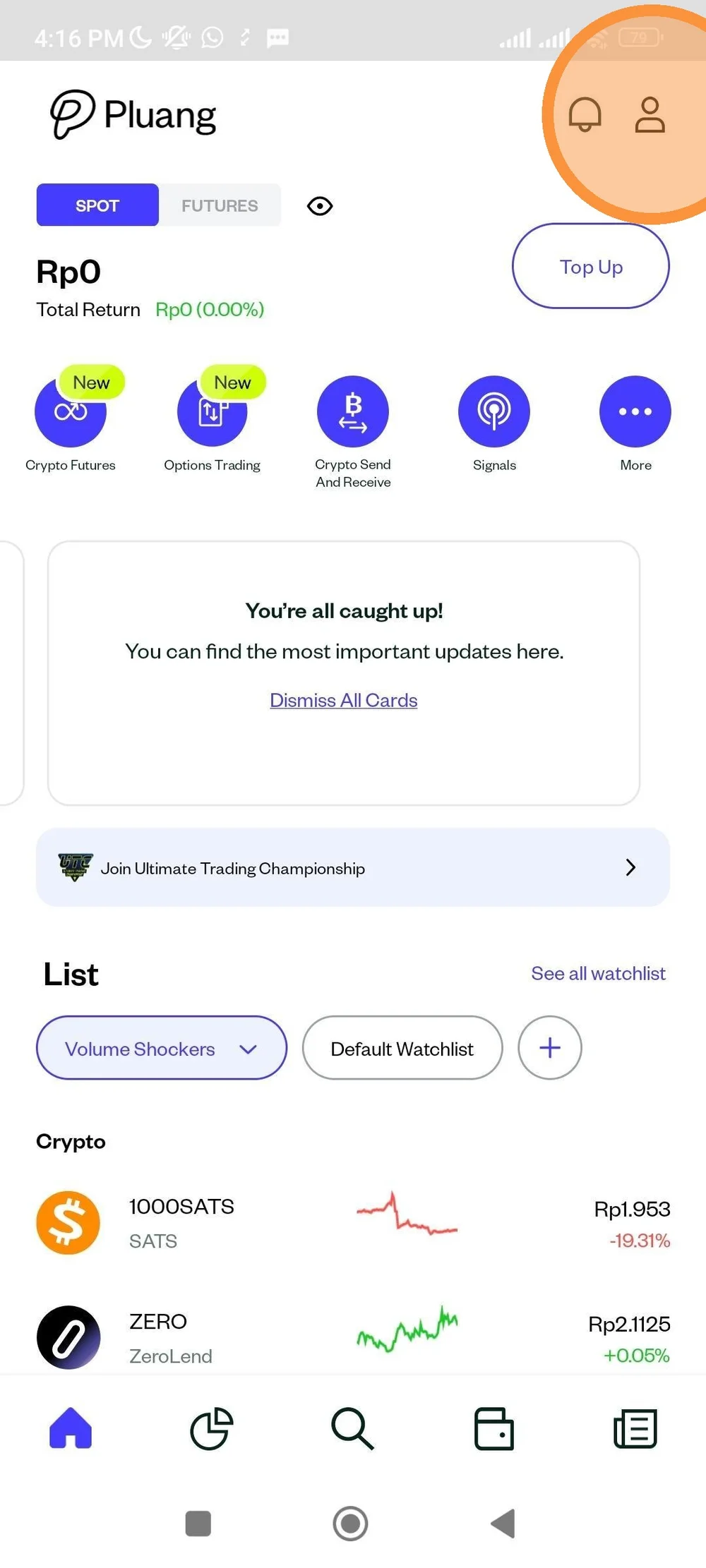
Open Pluang app. At home page, tap "Account" icon.
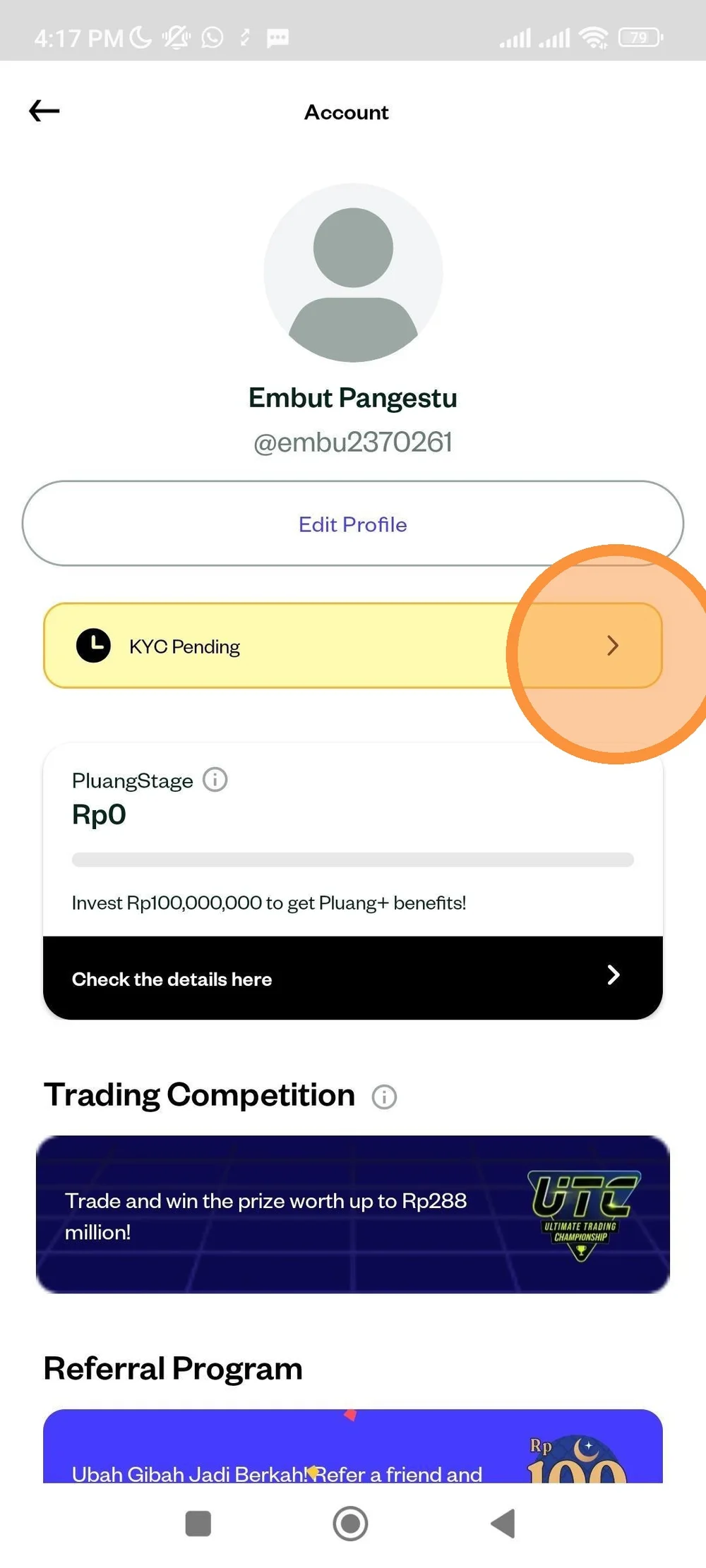
Tap "KYC Pending" banner.
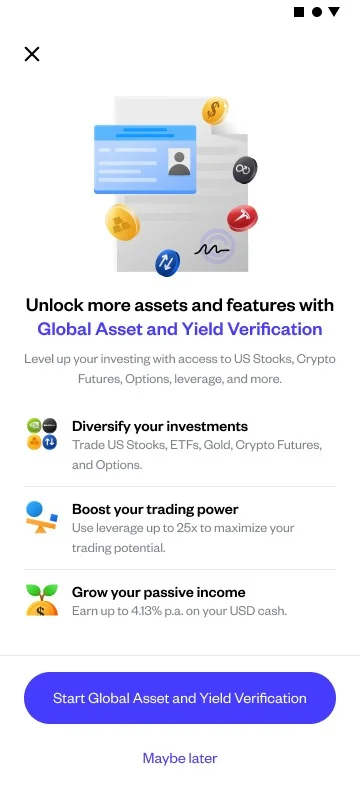
Choose Global Asset and Yield Verification menu to do US stock verification.
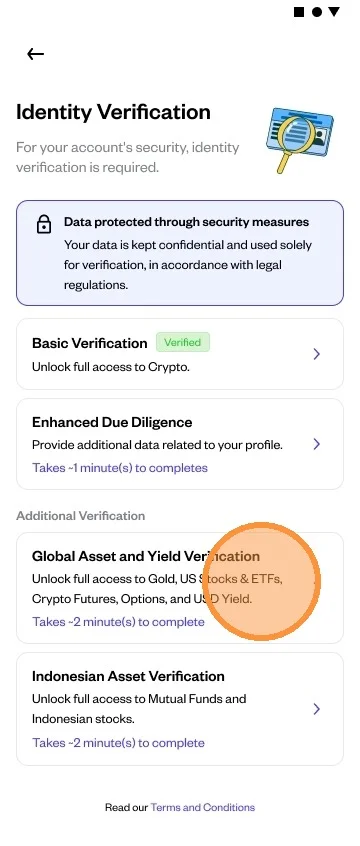
Tap "Global Asset and Yield Verification" to proceed.
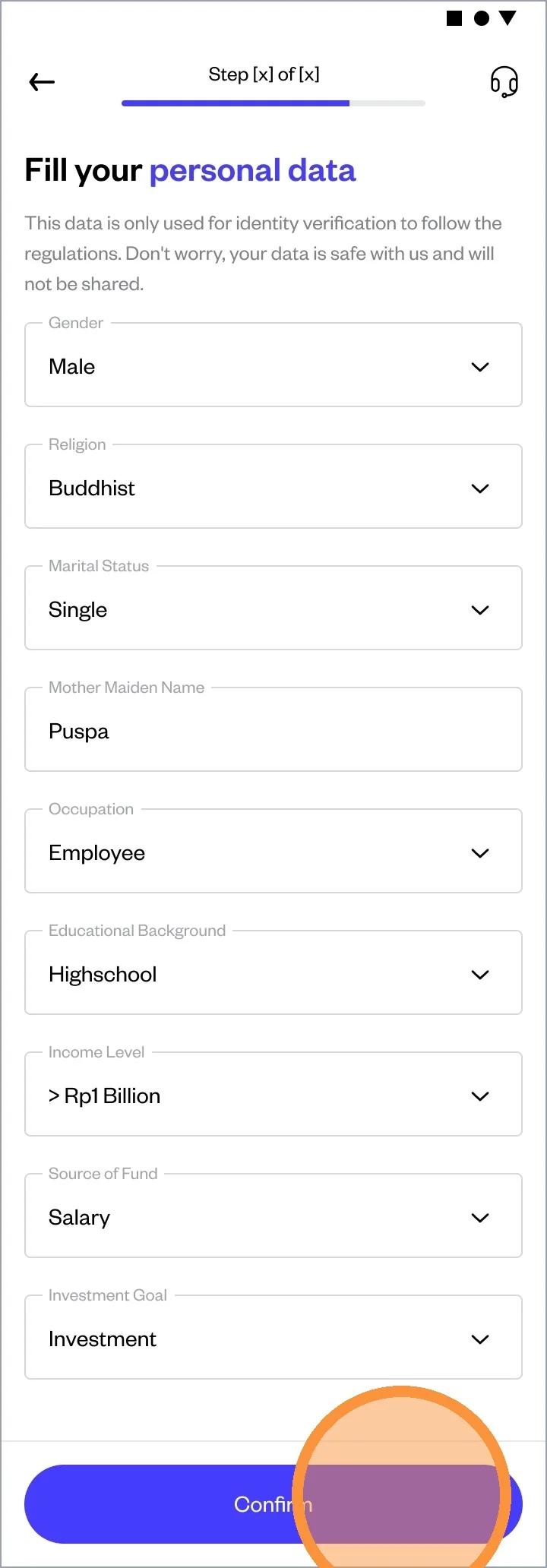
Fill in your Personal Data.
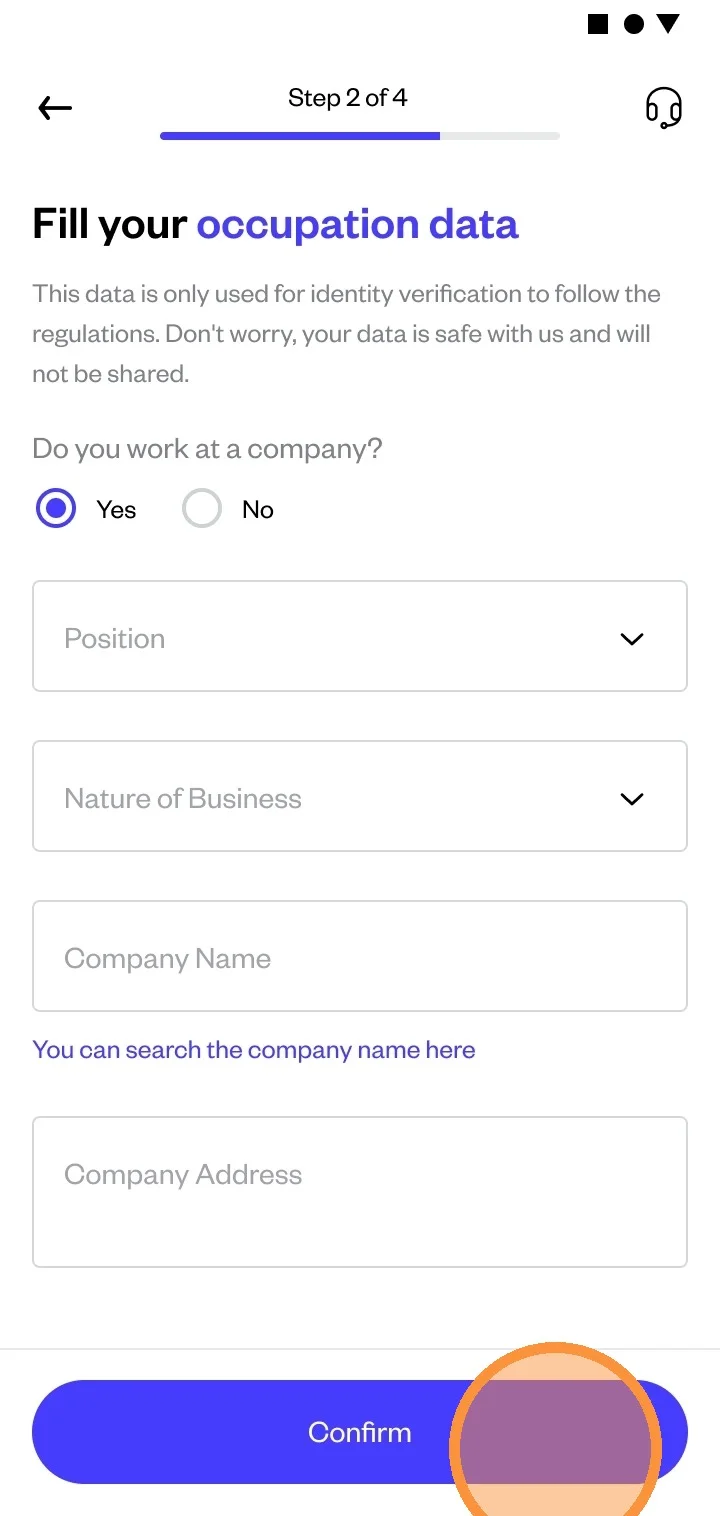
If you select “Employee” as your occupation, you will be asked to enter your employment details. Fill in the details correctly.
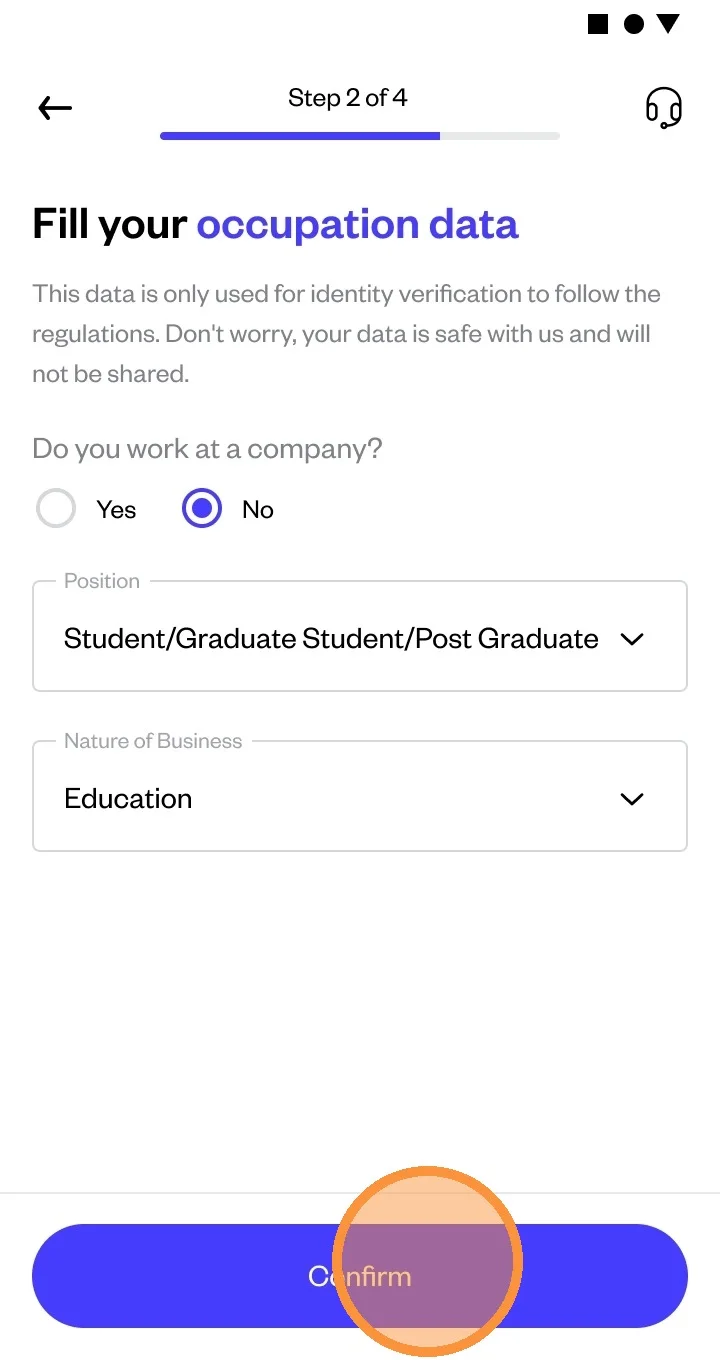
If you choose “Housewife/Student” as your occupation, you will be asked to enter the details.
Read all of the T&C and trading rules, then click on every bullet to tick to indicate that you agree to all the T&C.
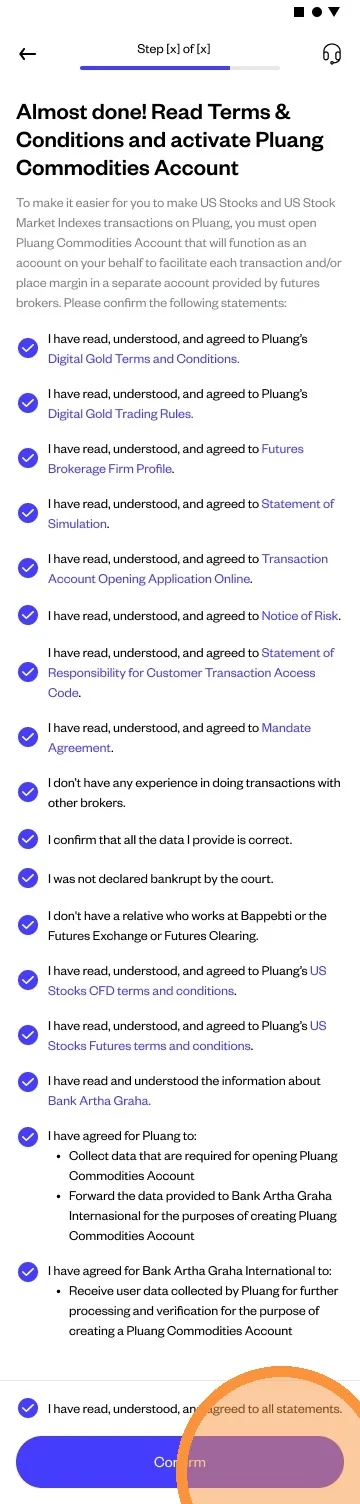
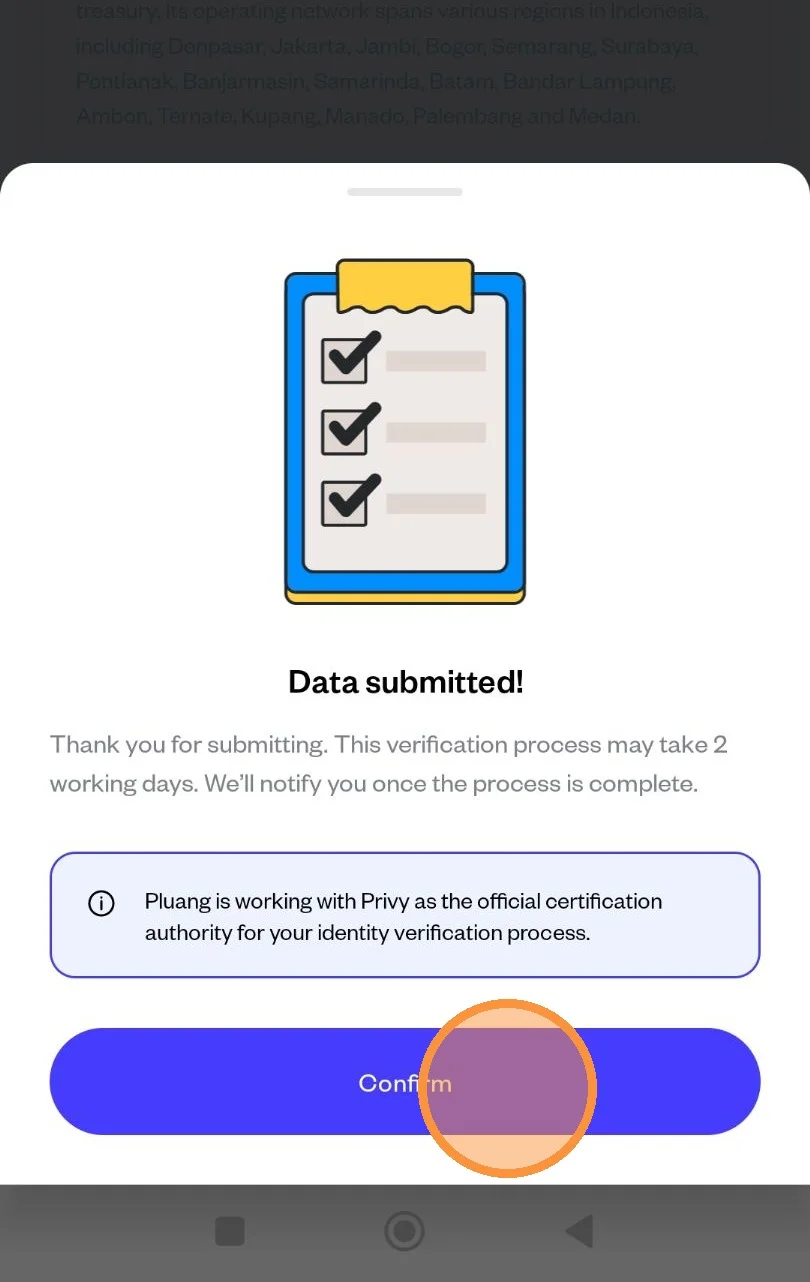
Congratulations! You're done submitting the US Stock Verification data. Tap "Confirm" to complete the process.