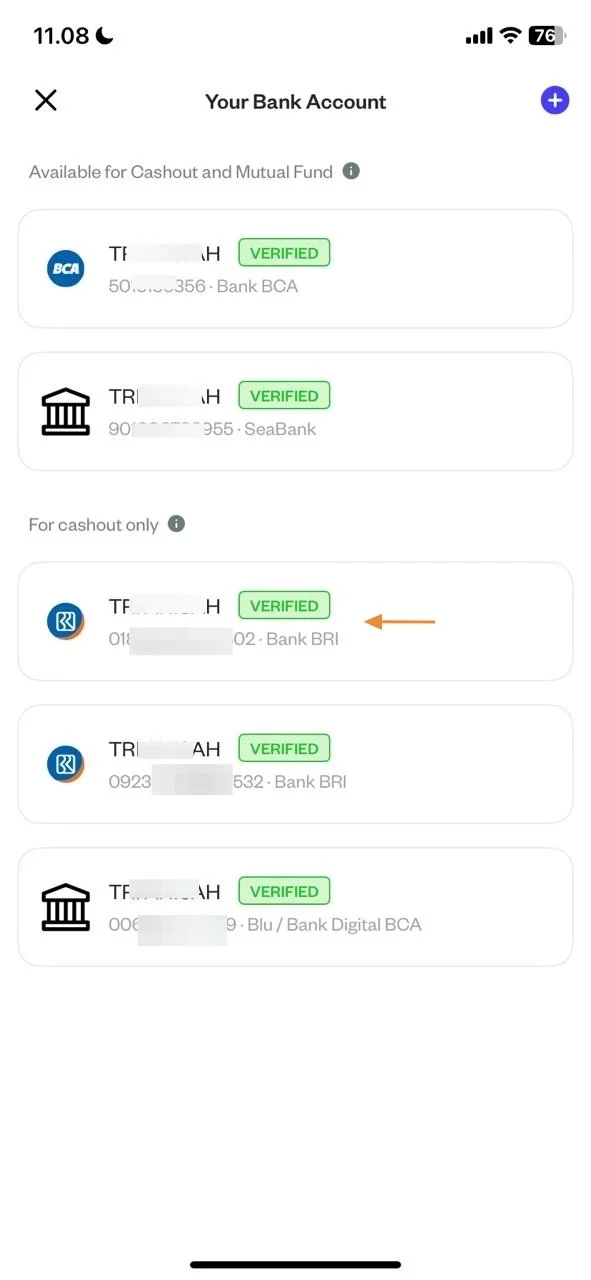
Steps To Add Bank Account
10 Steps
Open the App and Go to 'Profile' Menu.

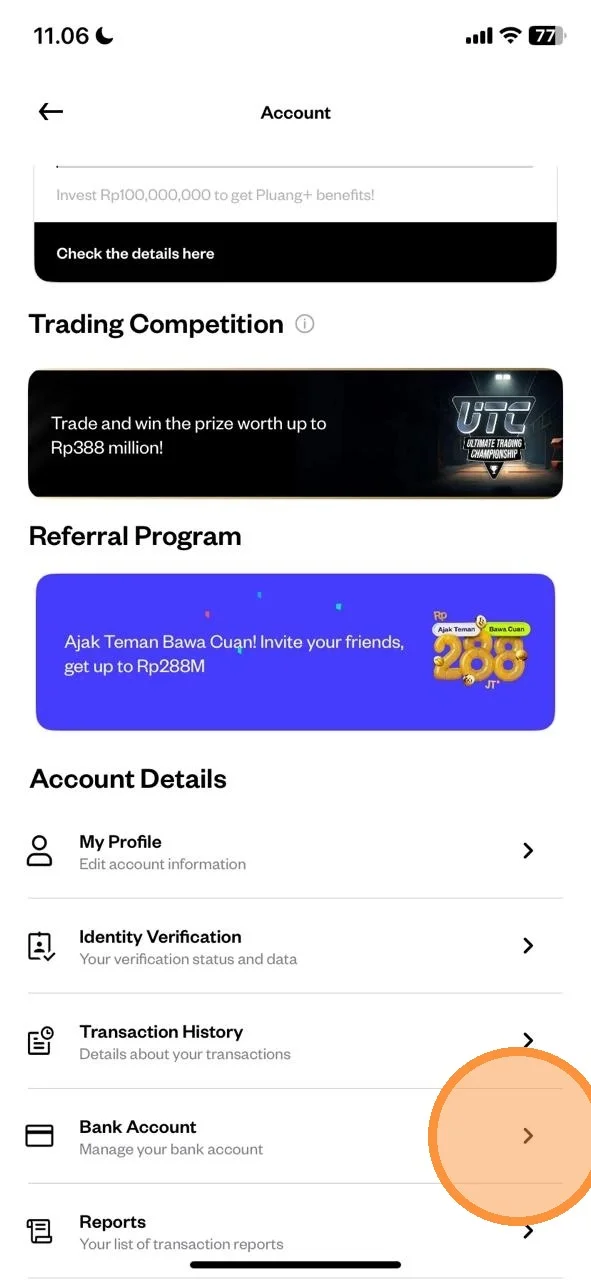
Select “Bank Account".
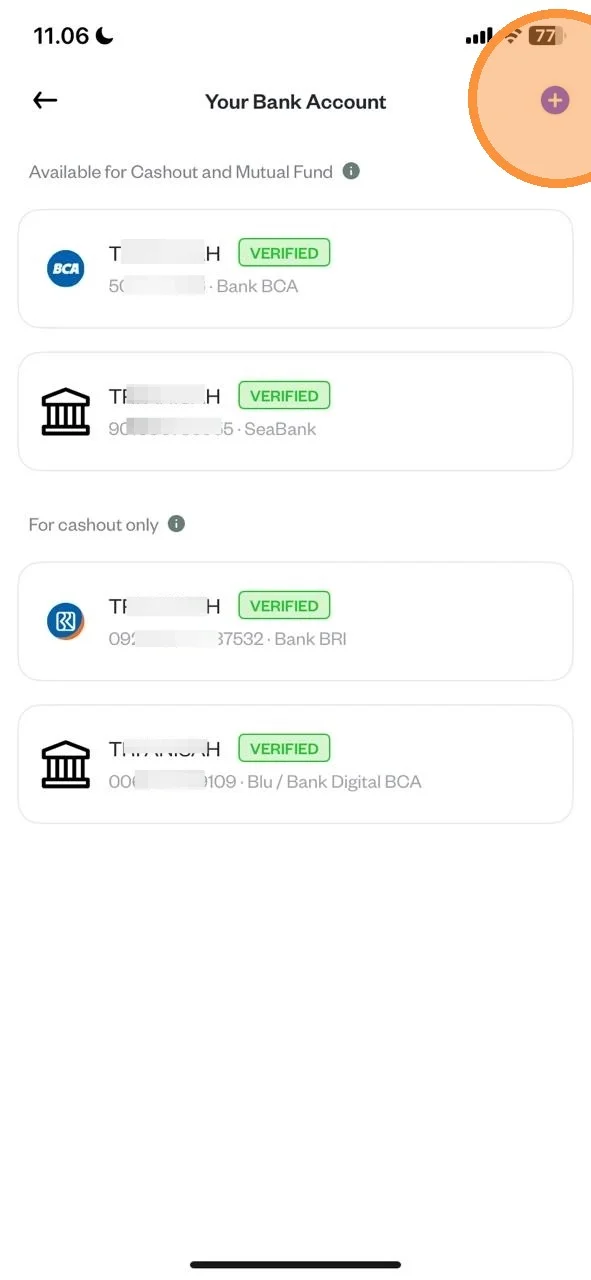
Tap “Add Bank Account”.
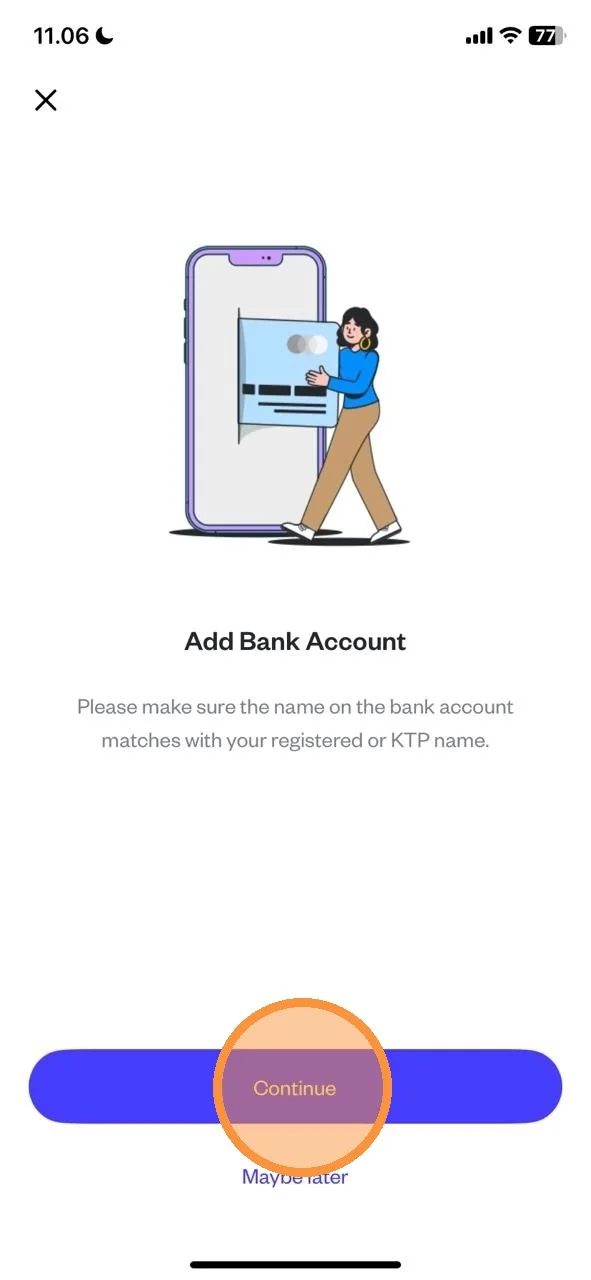
Read the Instruction and Tap “Continue”.
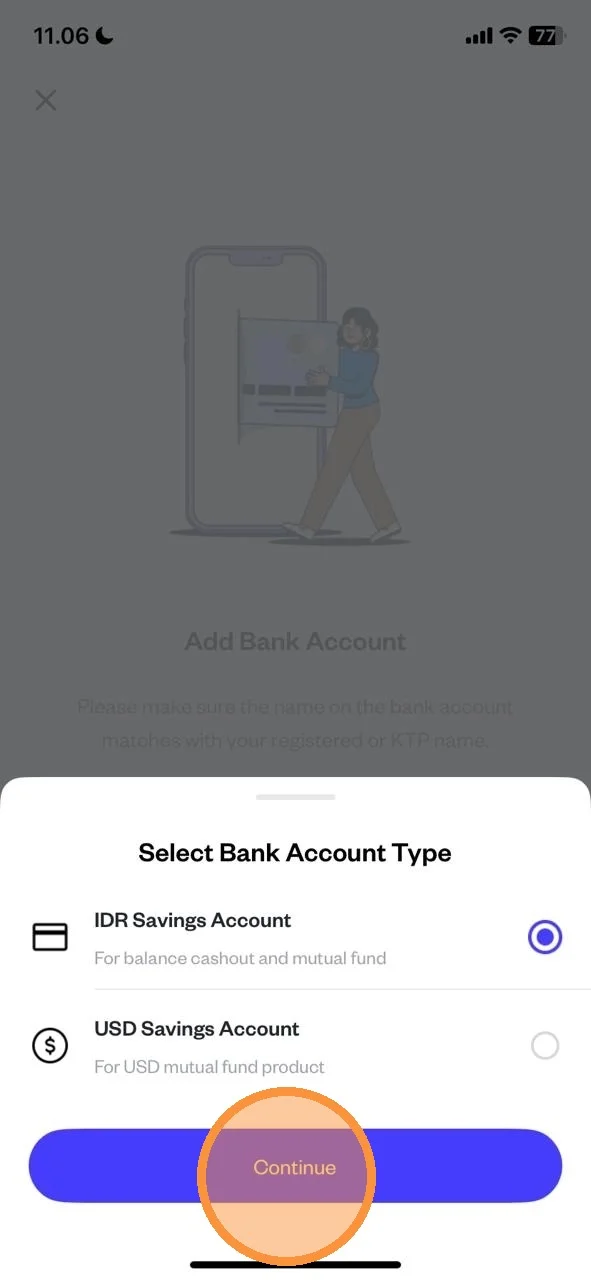
Select your Bank Account Type and tap “Continue”
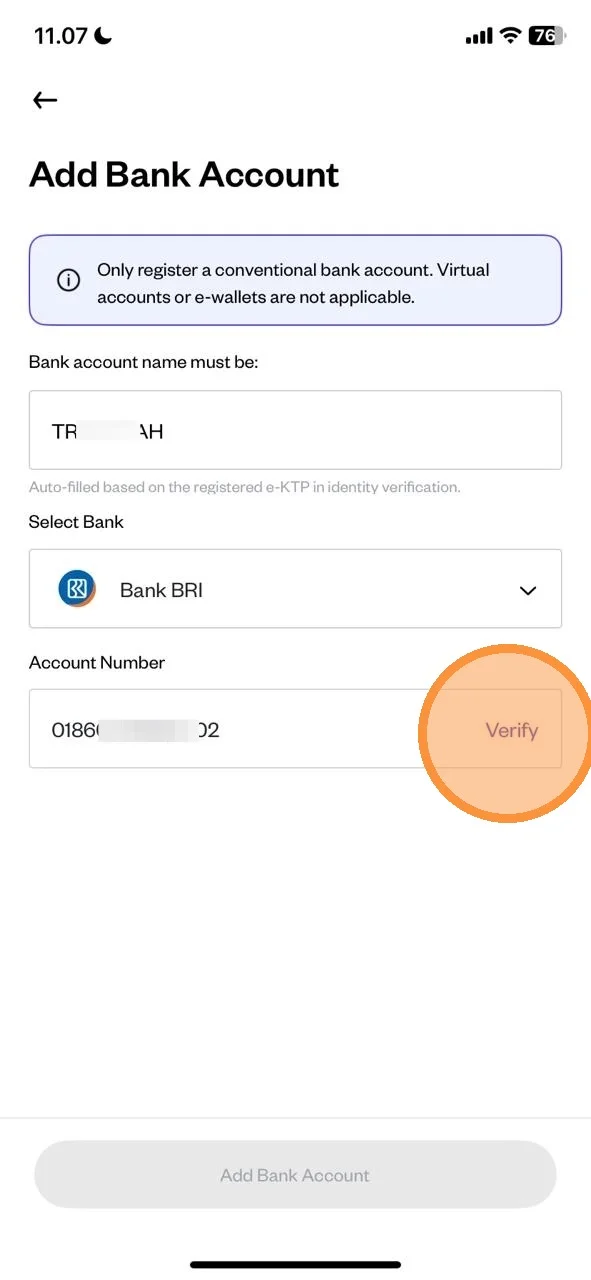
Enter your bank details and tap “Verify”.
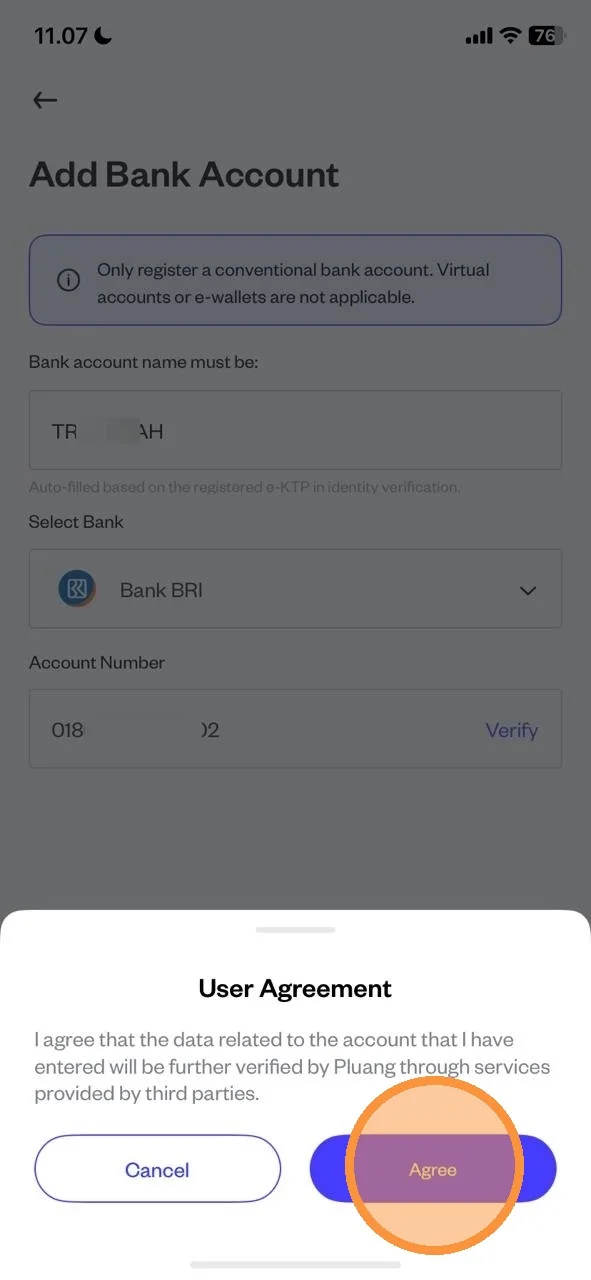
Review the User Agreement and tap “Agree”.
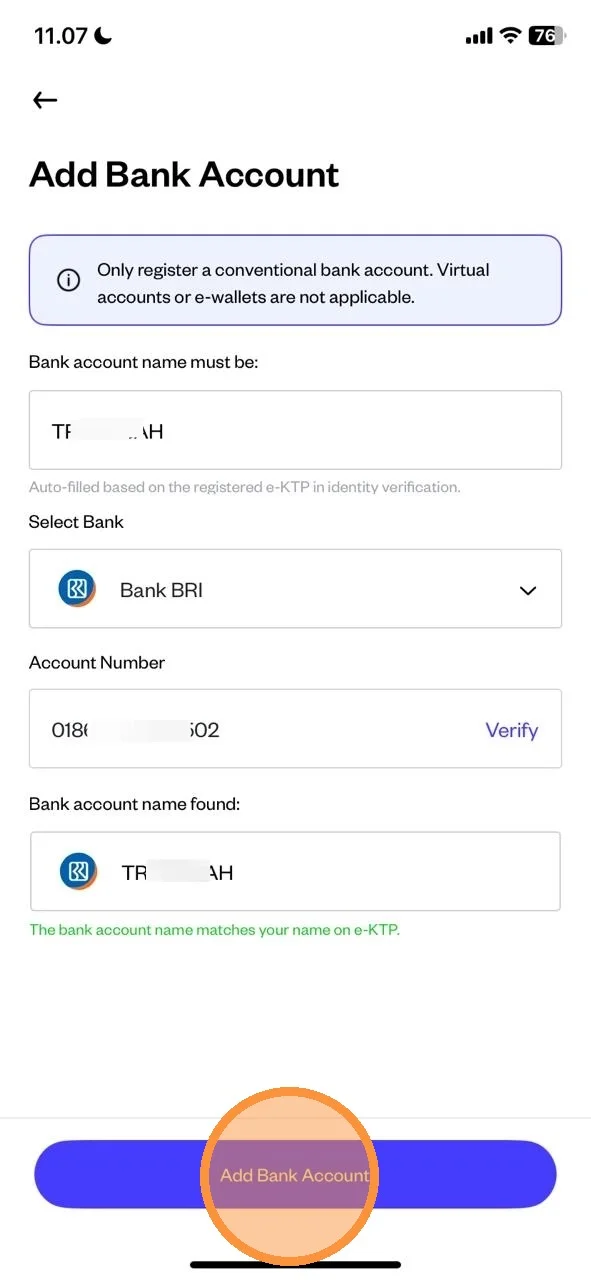
Tap “Add Bank Account” to Save Your Bank Details.
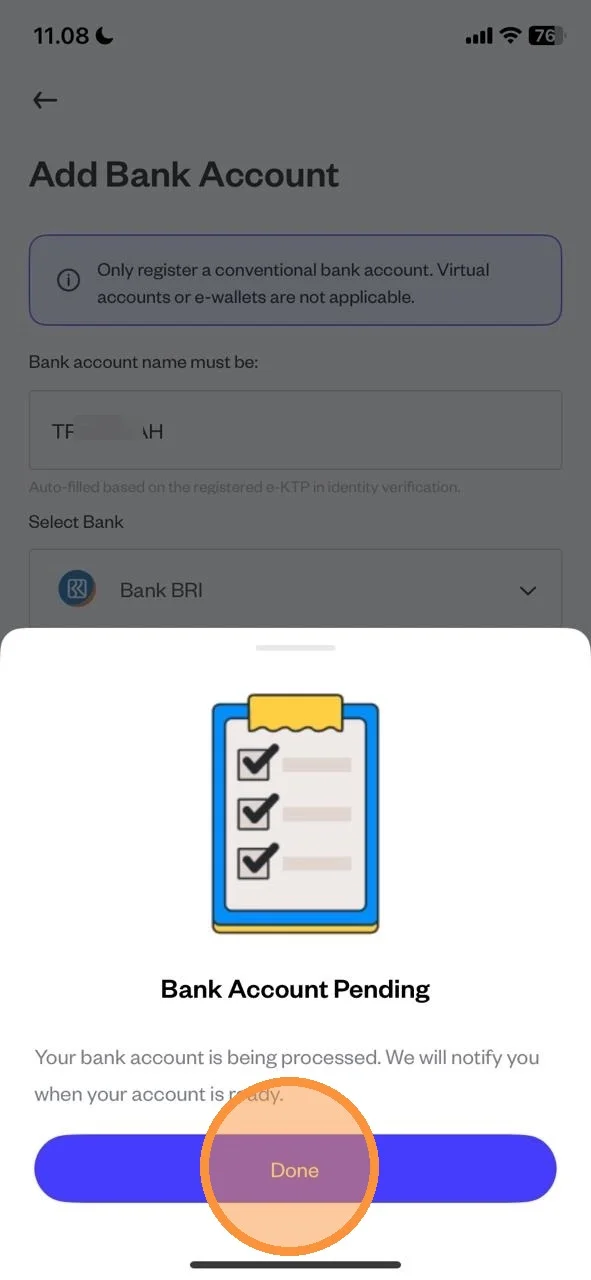
Your bank account is being processed. Tap “Done” and wait for the confirmation notification.
Bank Account Added Successfully.