Creating Gold Auto Invest
12 Steps
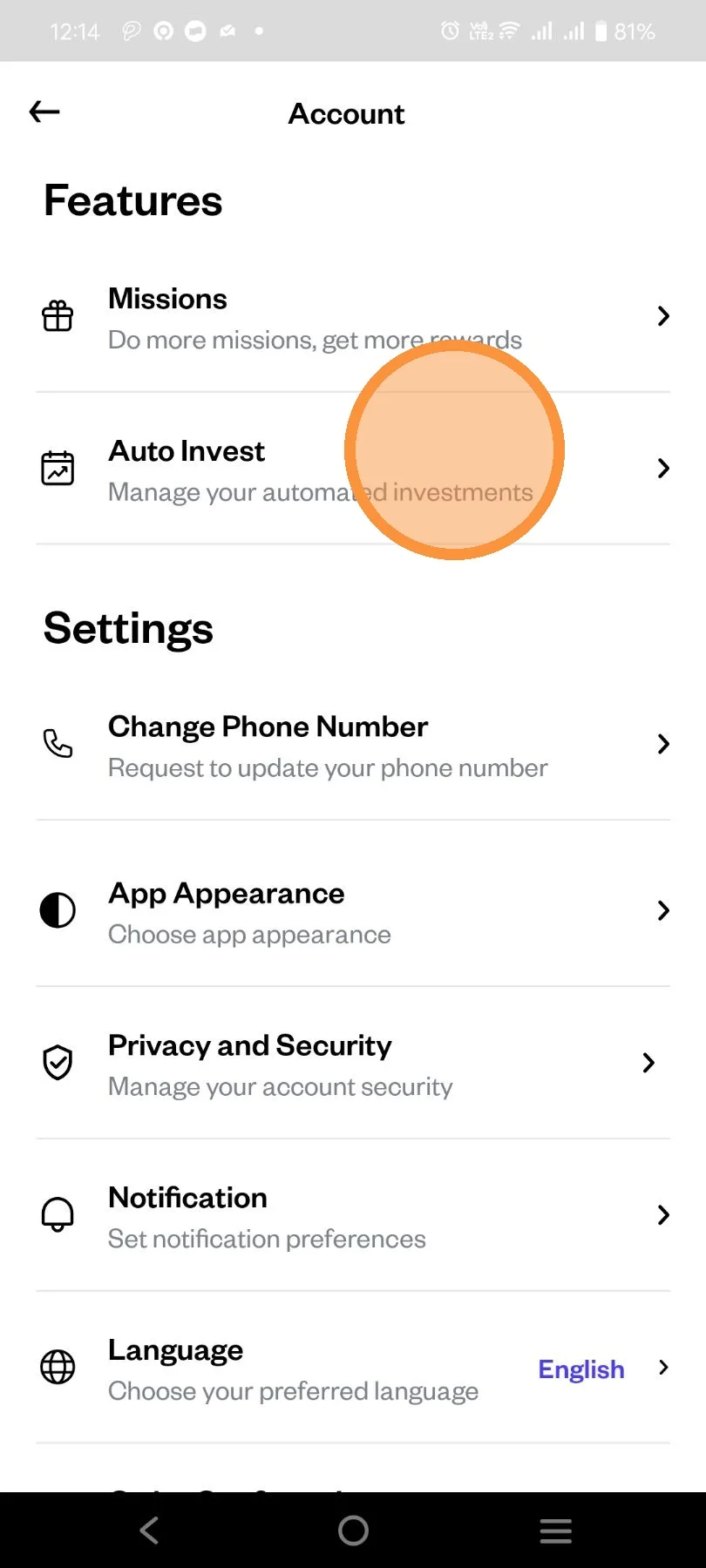
Open Pluang app, click "Account"
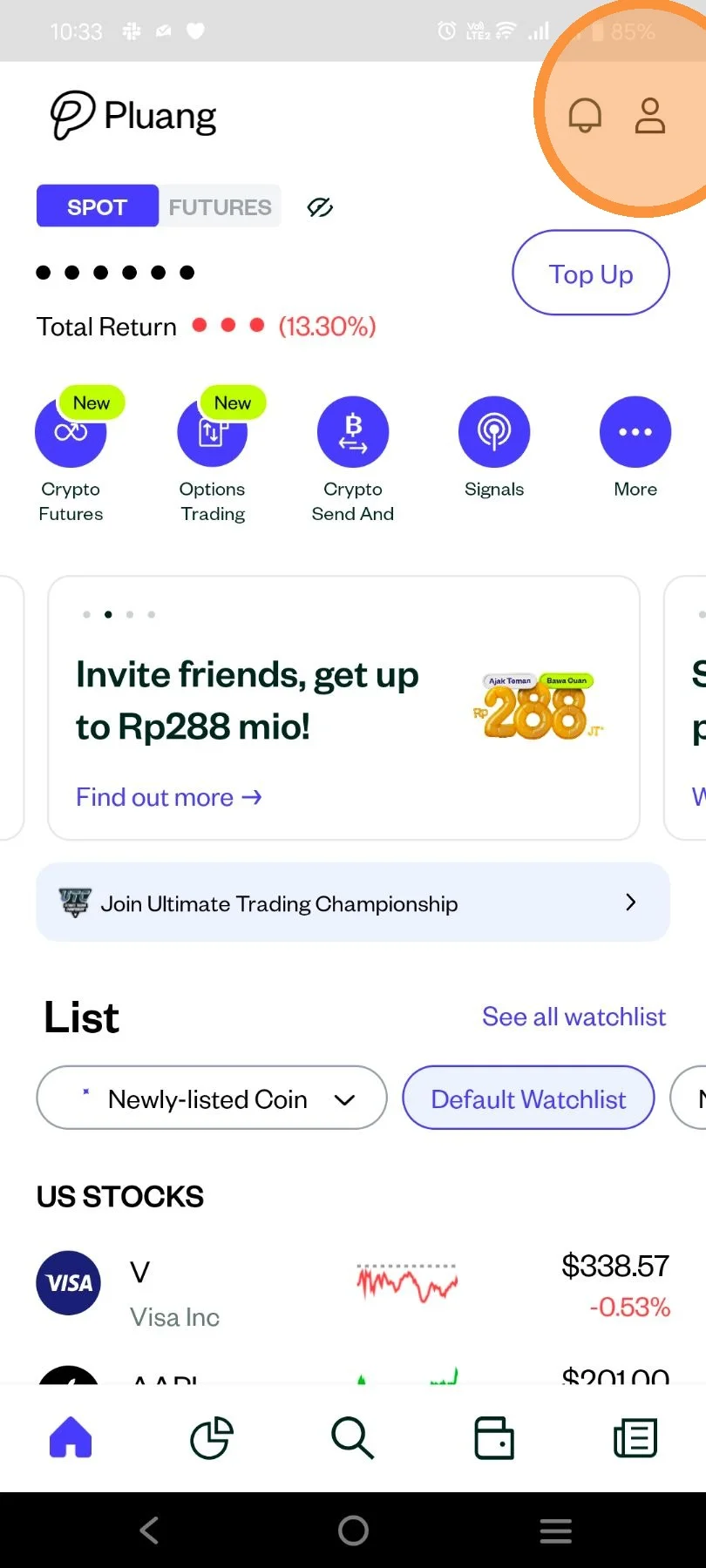
You can also access the Gold Auto Invest in Gold Display Page.
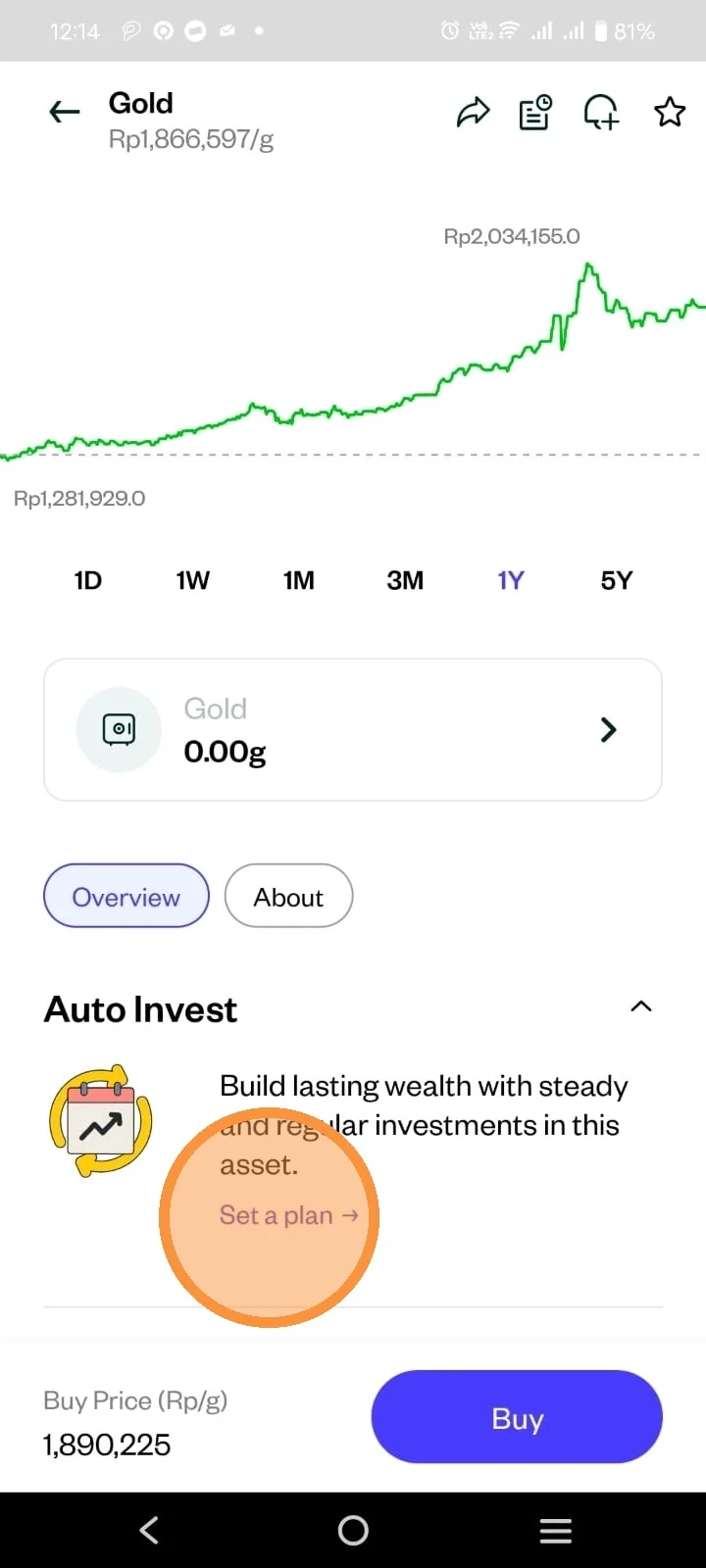
Scroll down to "Auto Invest" Feature.
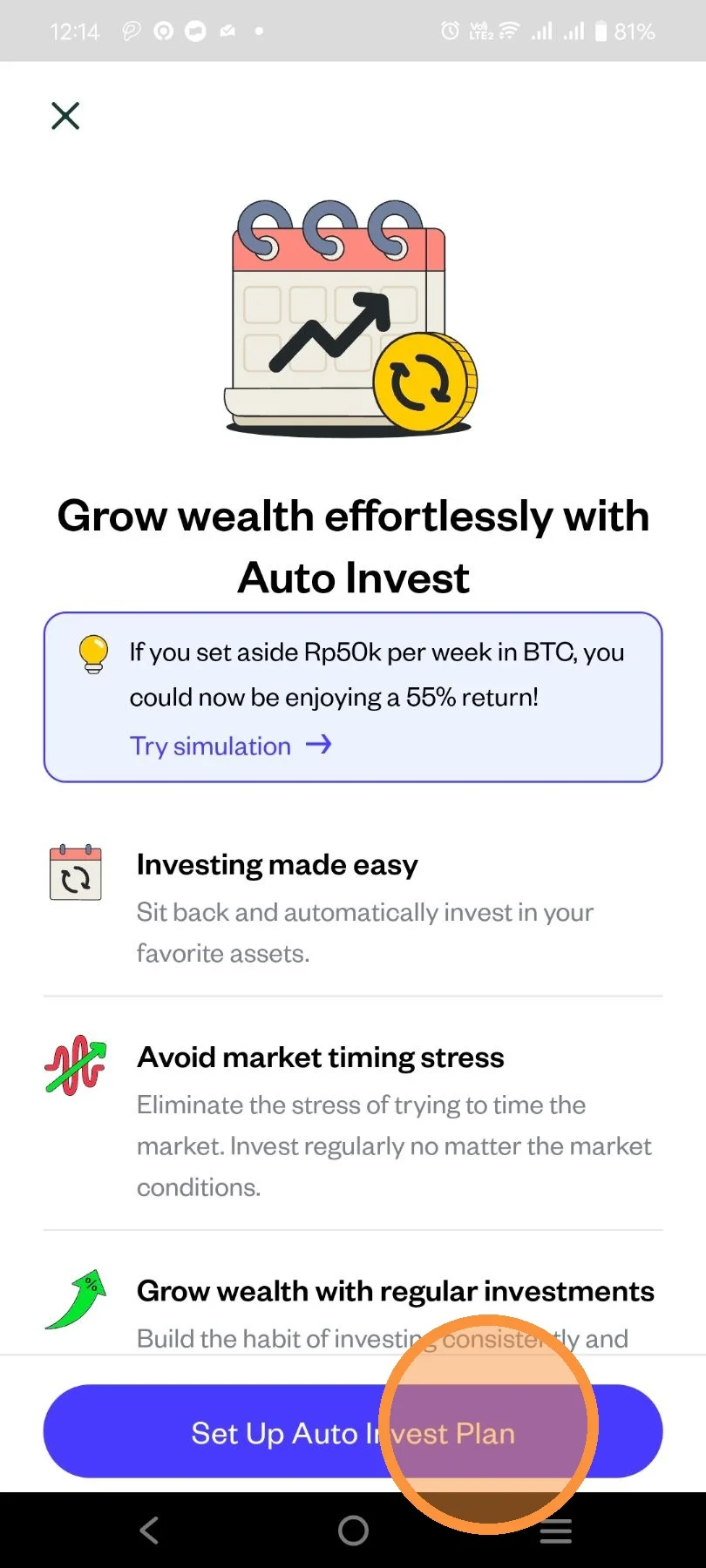
Read the education page and once you understood, click "Set Up Auto Invest Plan".
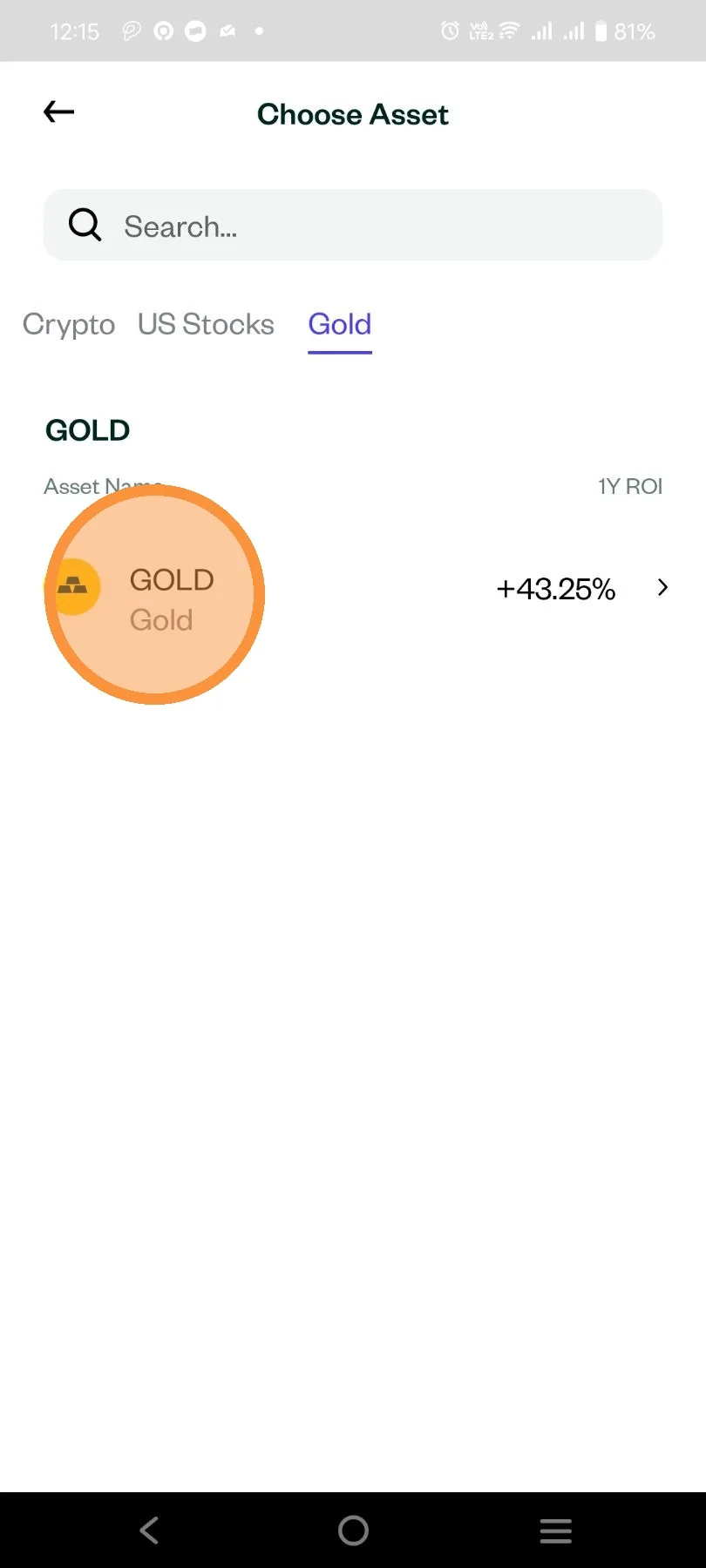
Select Gold asset, and click your Gold holdings.
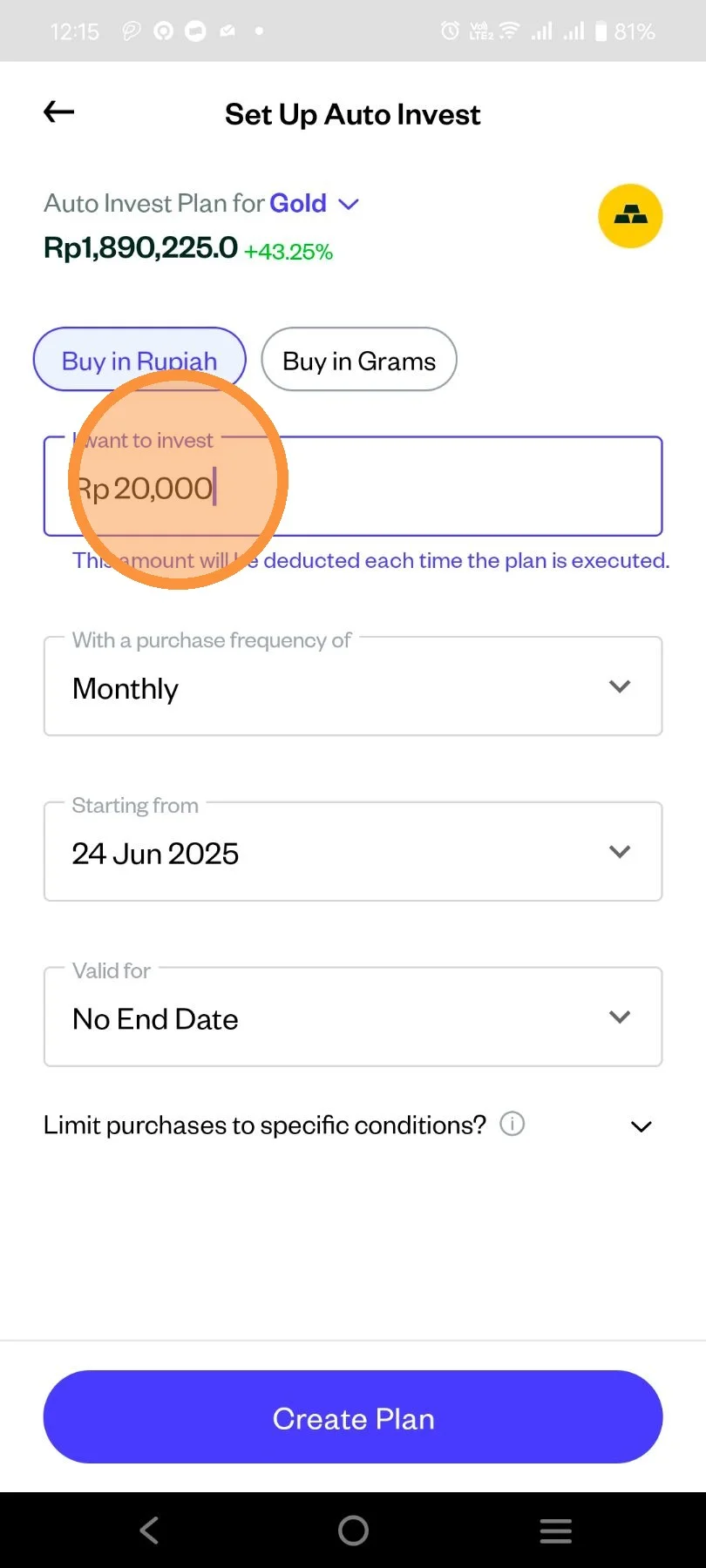
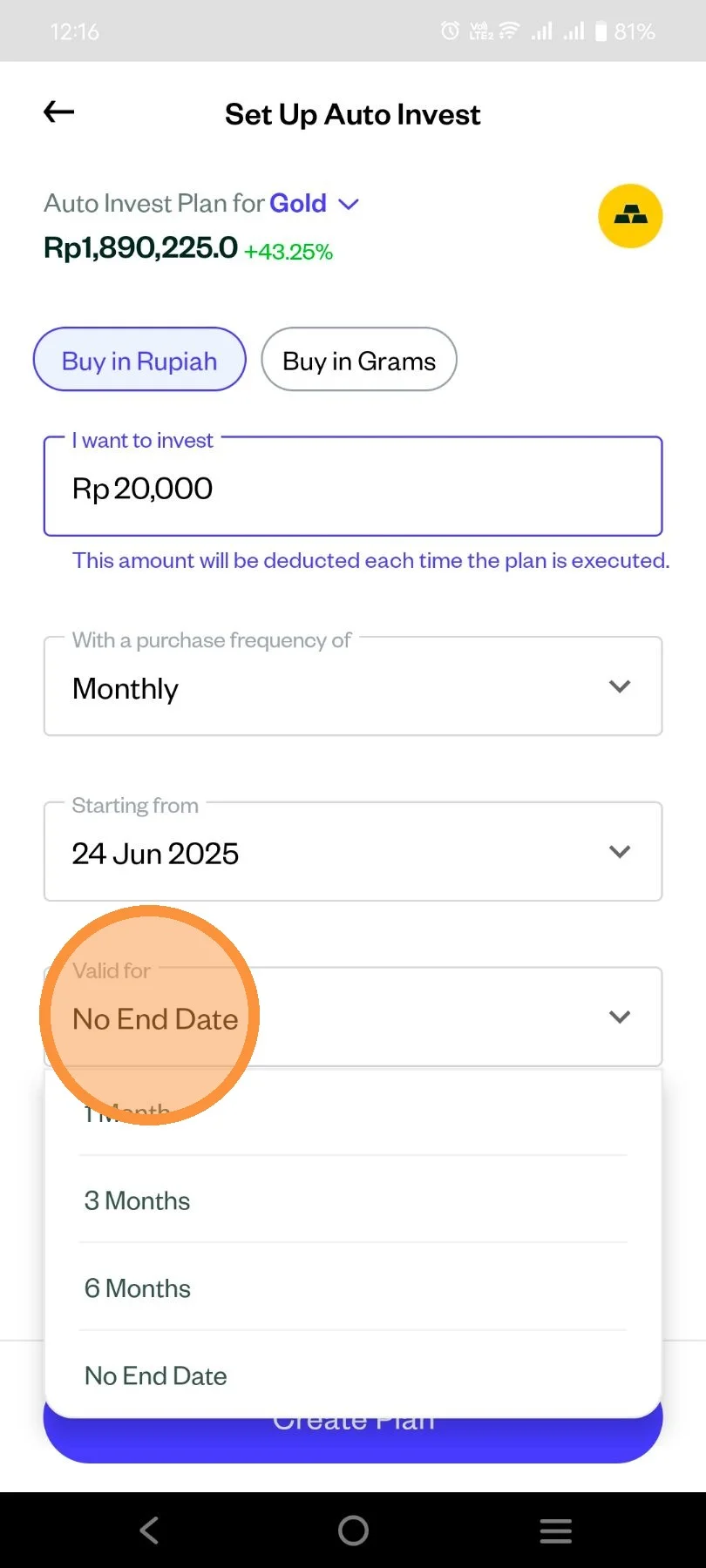
Set up the nominal that you want in IDR. Minimum Auto Invest for Gold asset is Rp20.000. You can also choose "Buy in Grams".
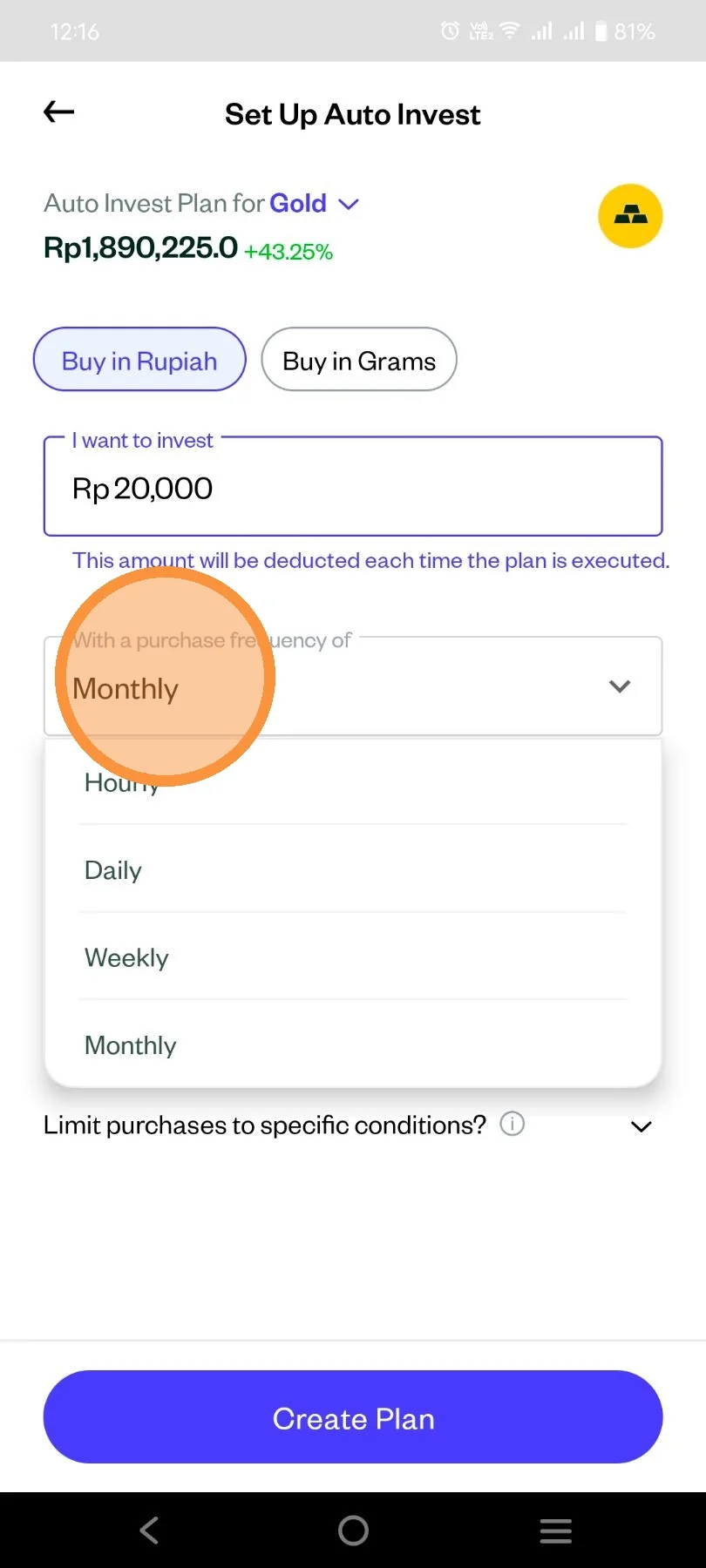
Choose your desired frequency to for Auto Invest.
Enter your Validation for Auto Invest.
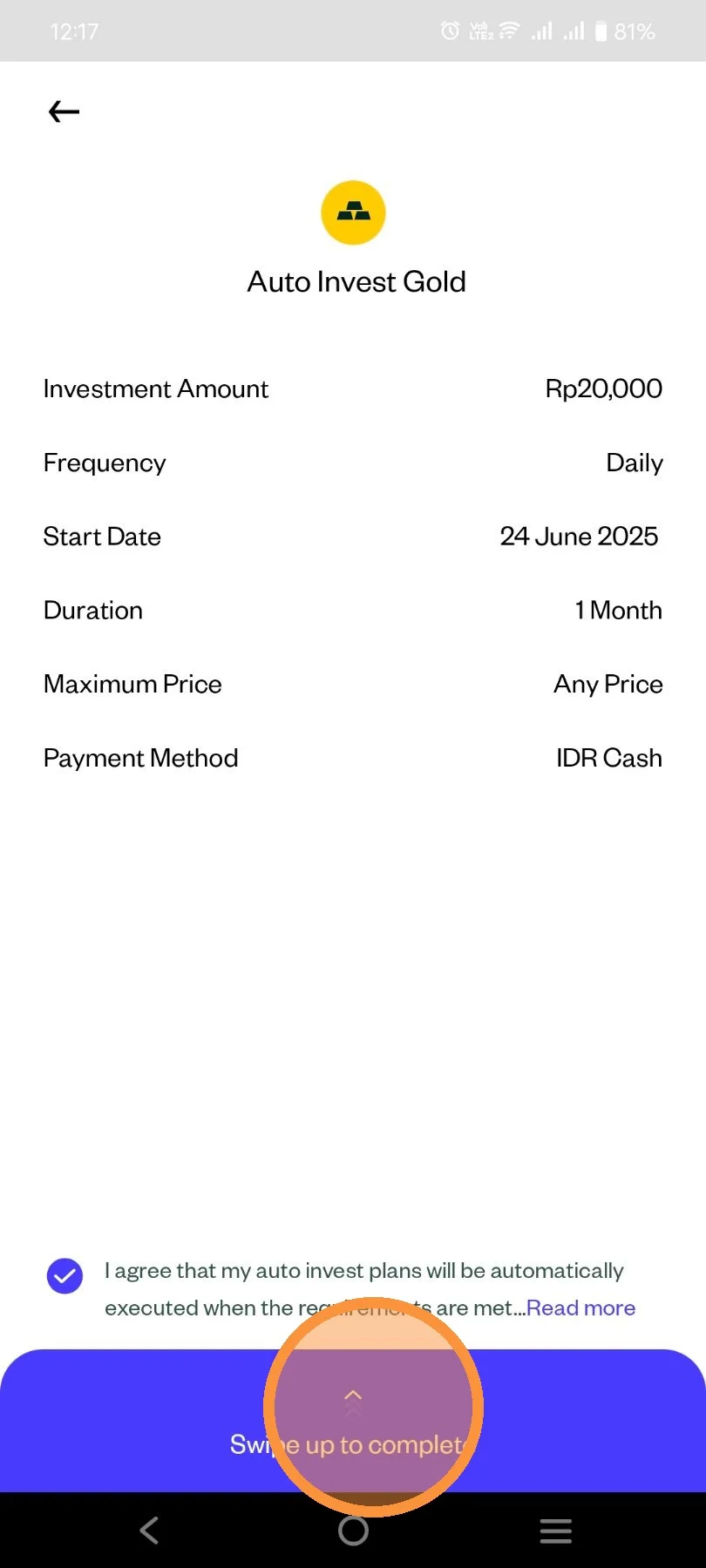
Review your order detail and swipe up to complete.
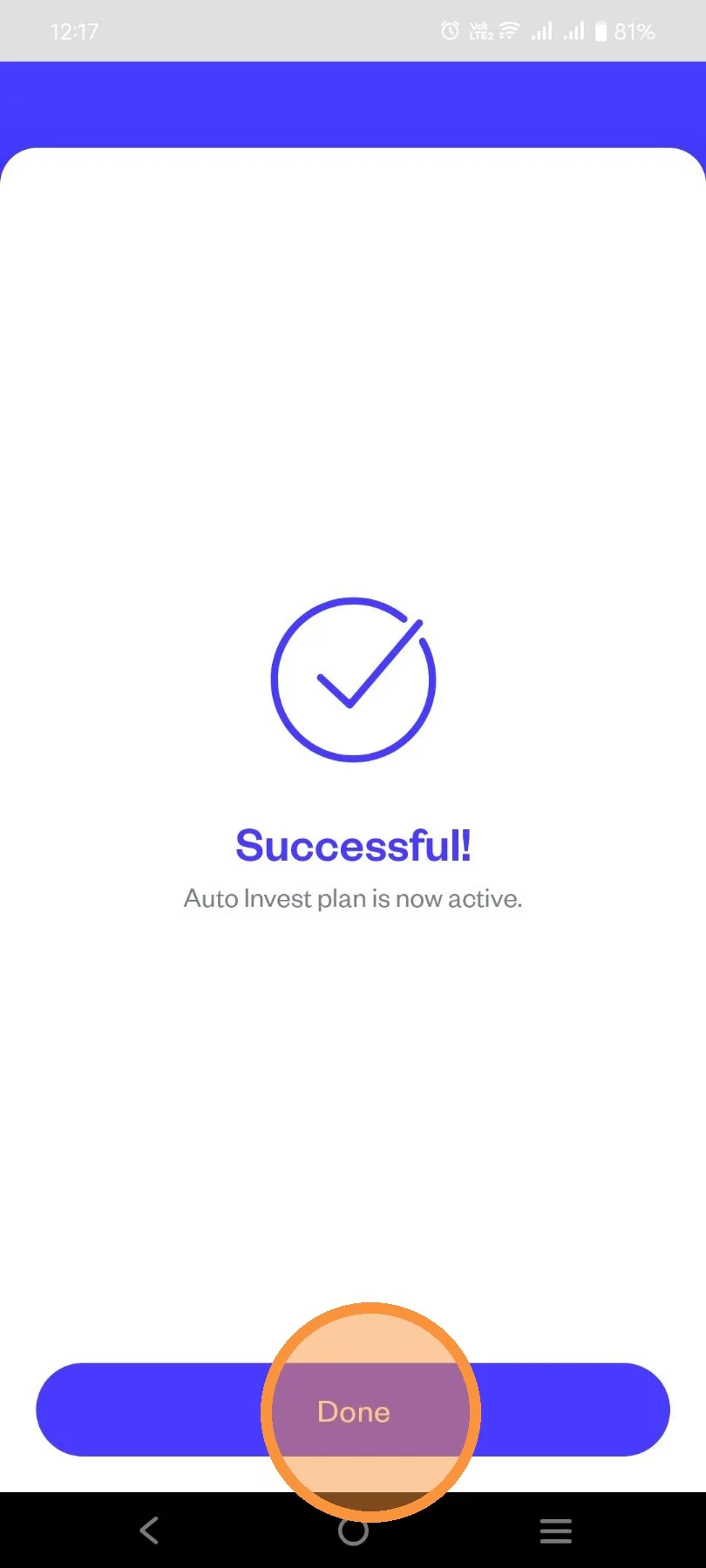
Click "Done".
Make sure your Auto Invest order is Active in detail order page.
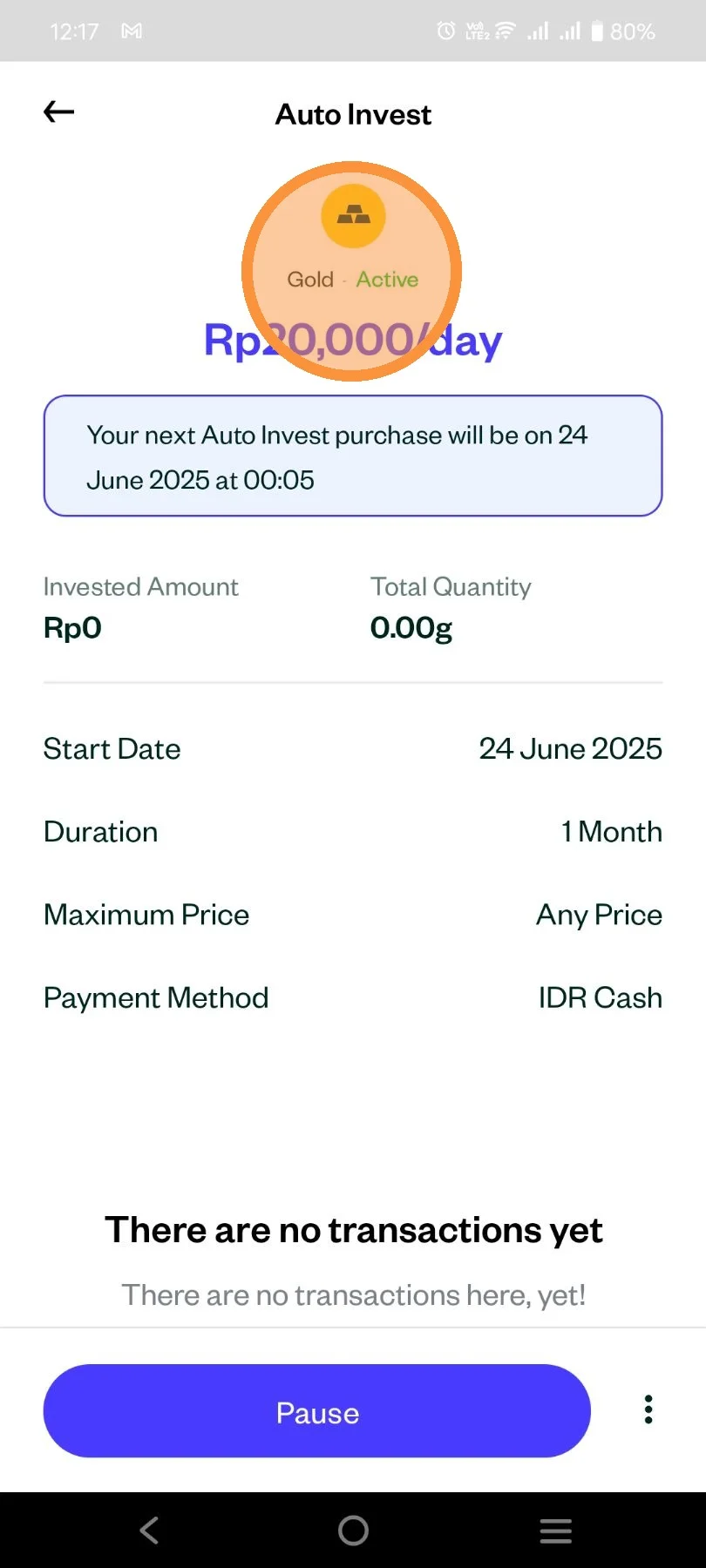
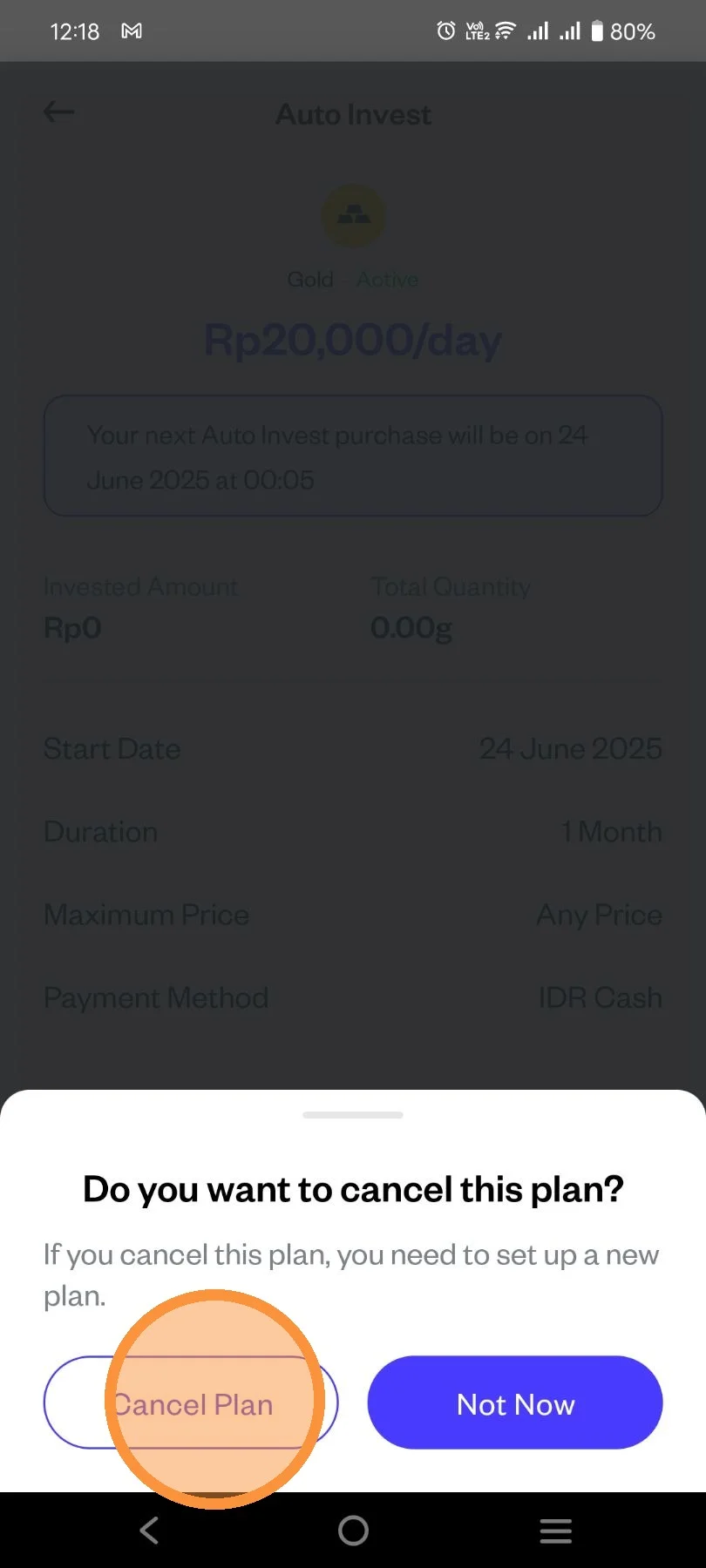
You can also Cancel your Auto Invest Plan
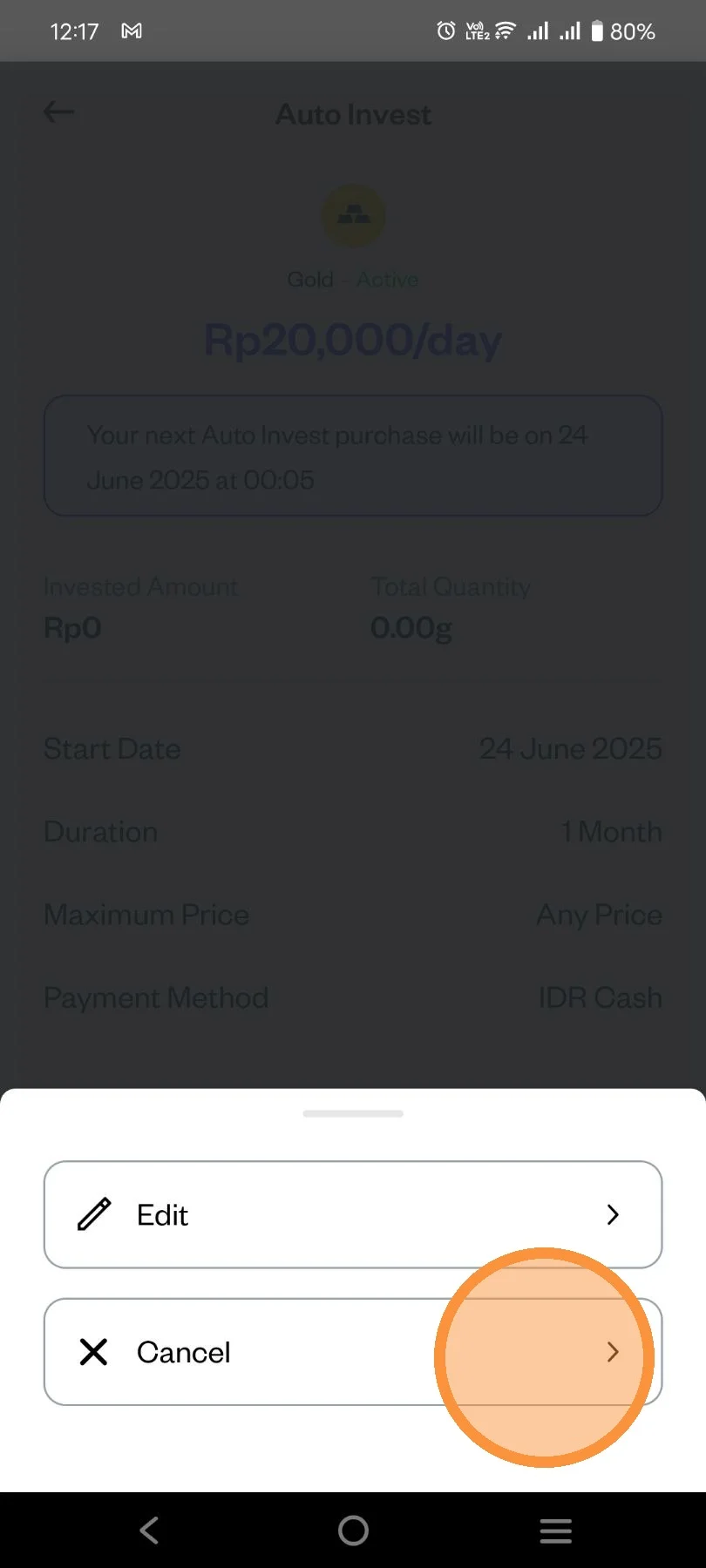
Click "Cancel Plan" and you're done.