Creating Gold Installment
10 Steps
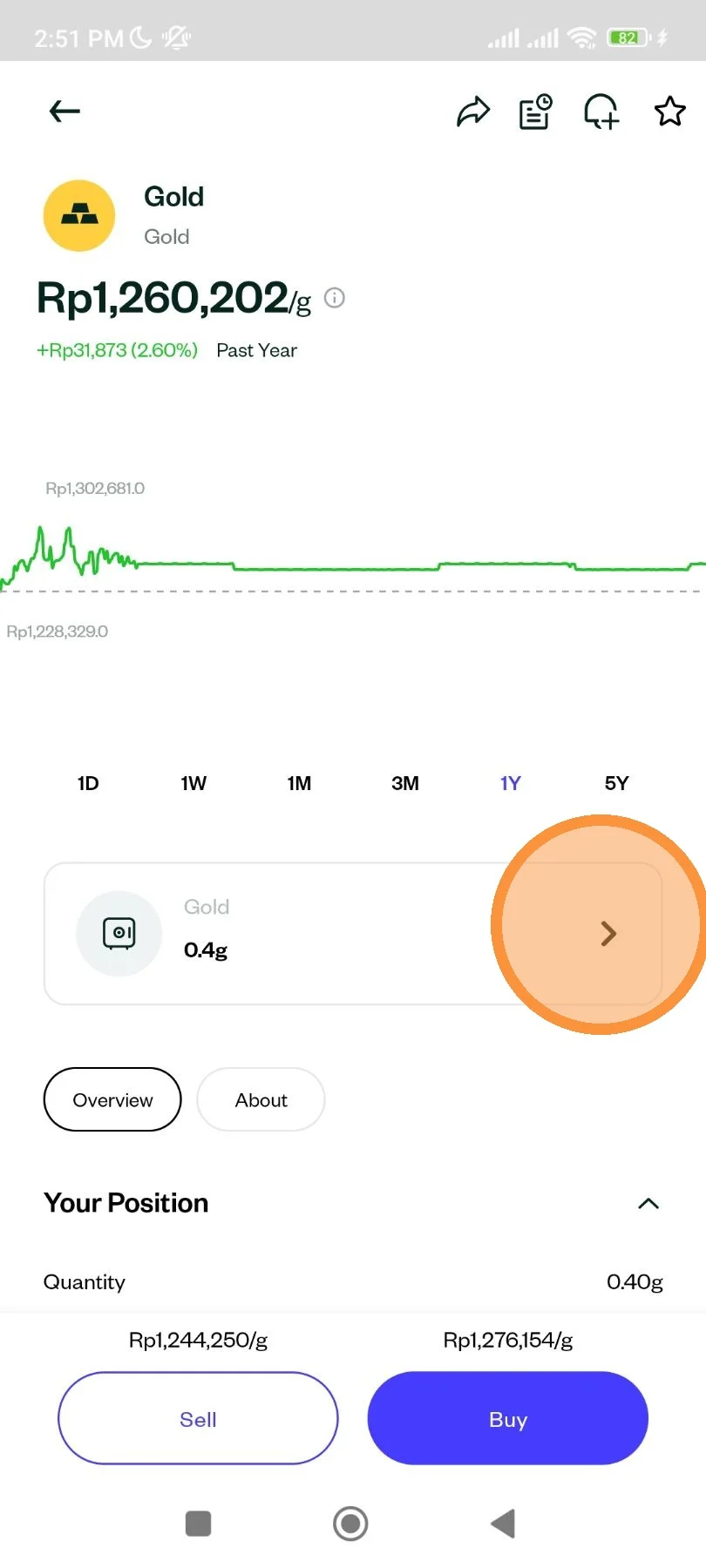
Open Pluang app and go through Gold Display Page. Then click on your Gold balance vault.
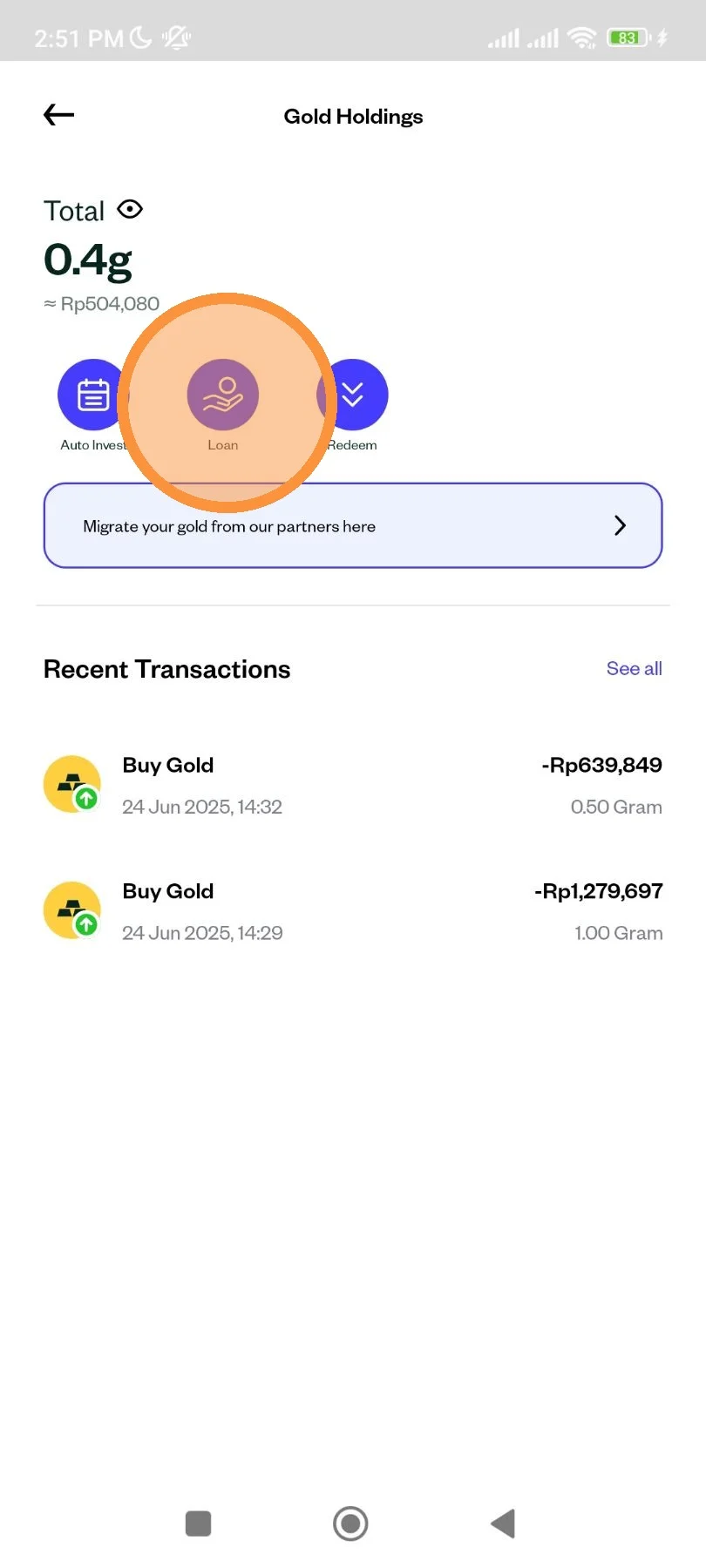
Click "Loan".
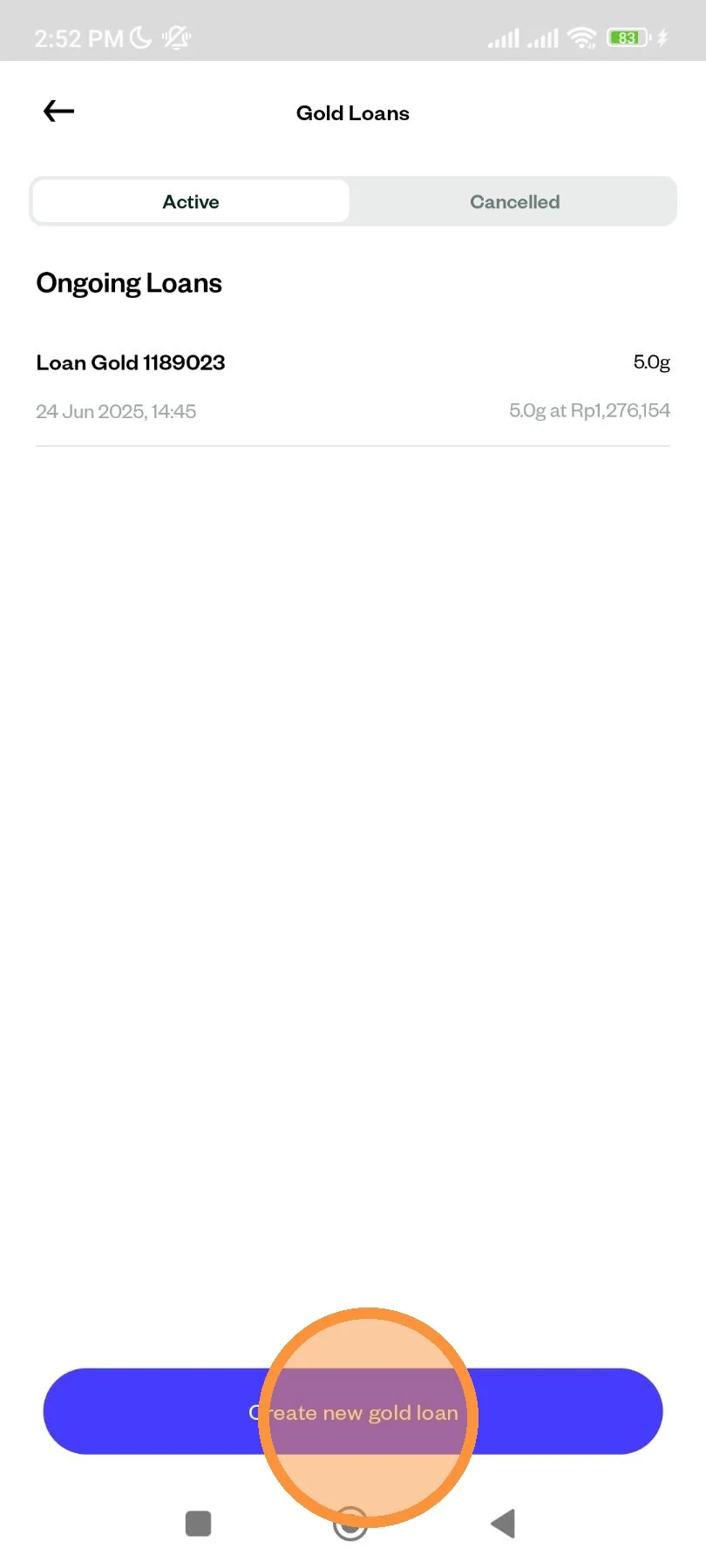
Click on "Create new gold loan".
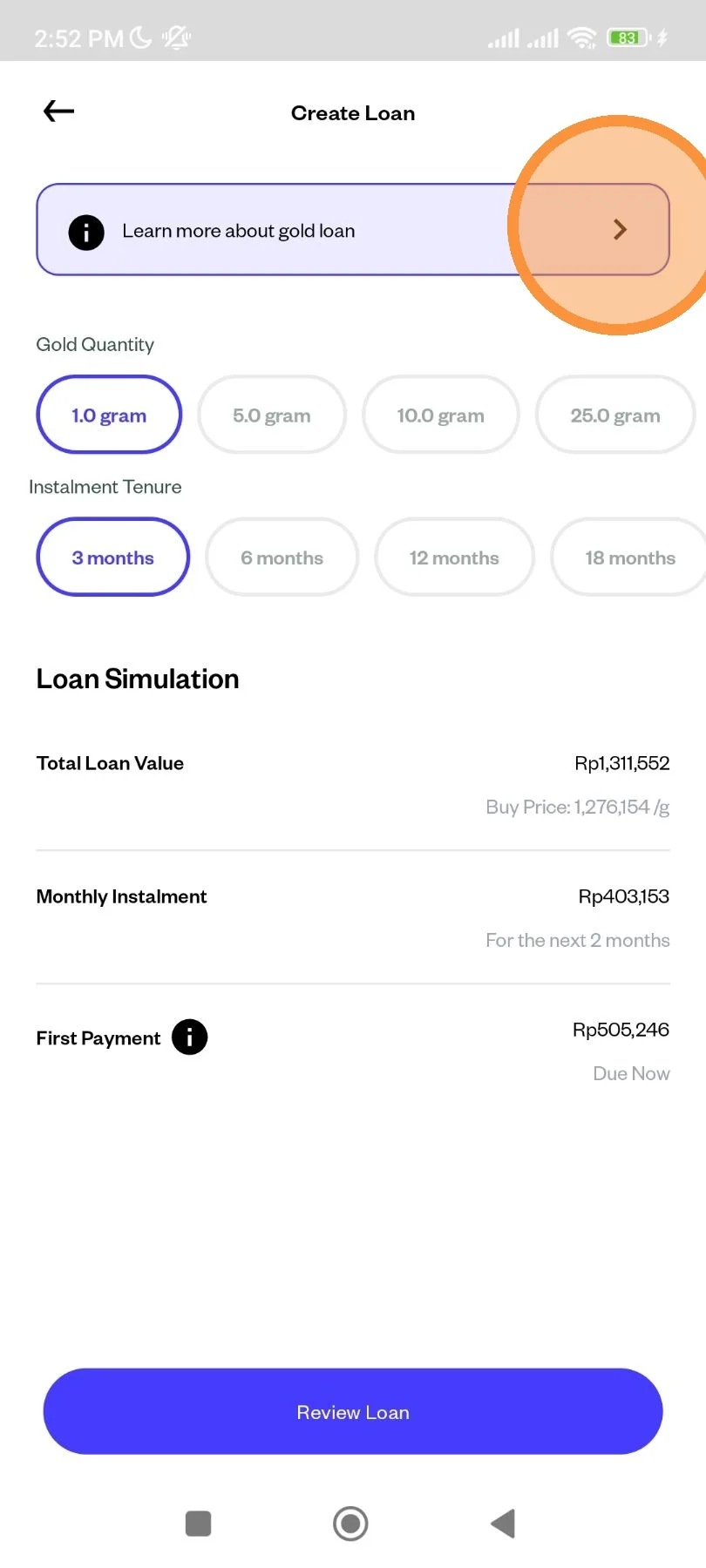
You can read more information about gold loan installment by clicking on the top banner as pictured.
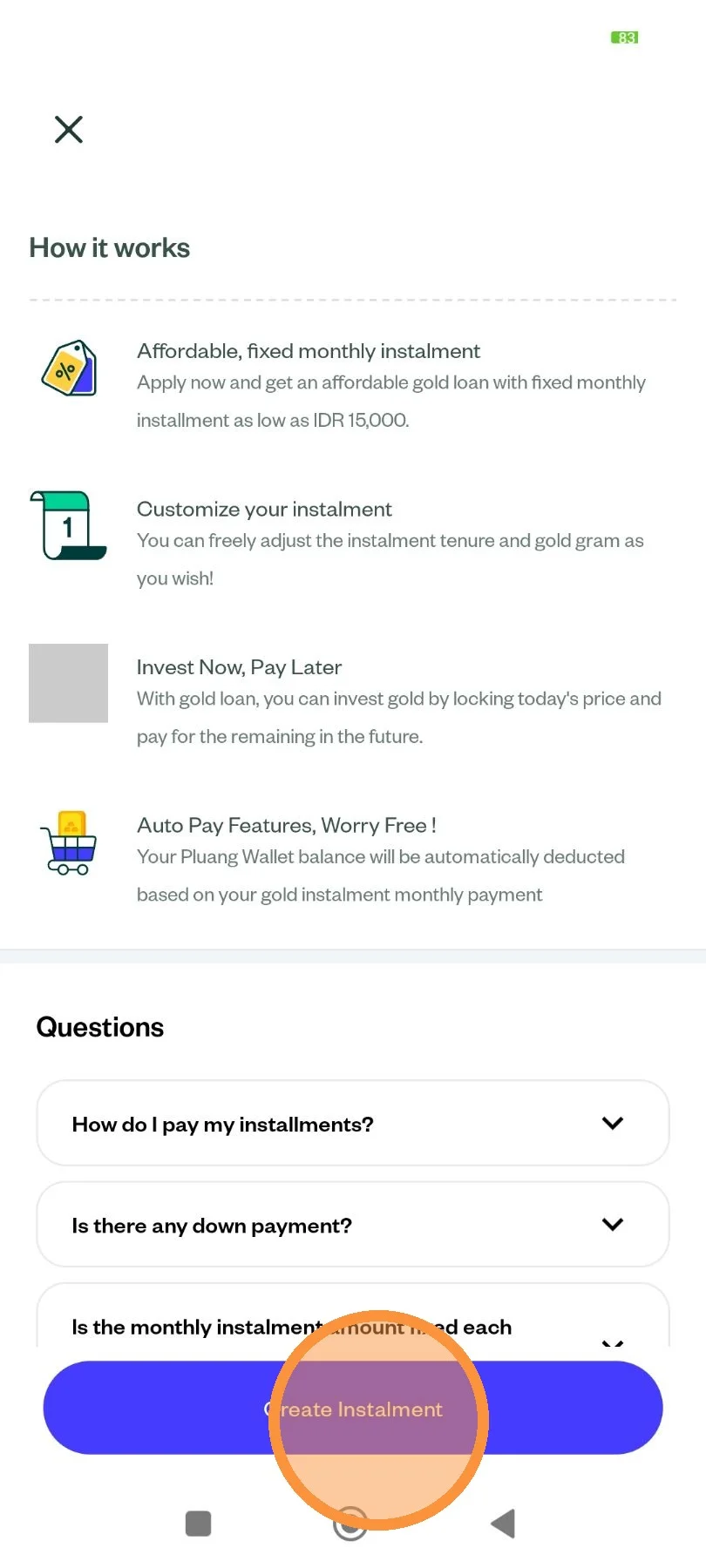
After reading you can click on the "Create Installment".
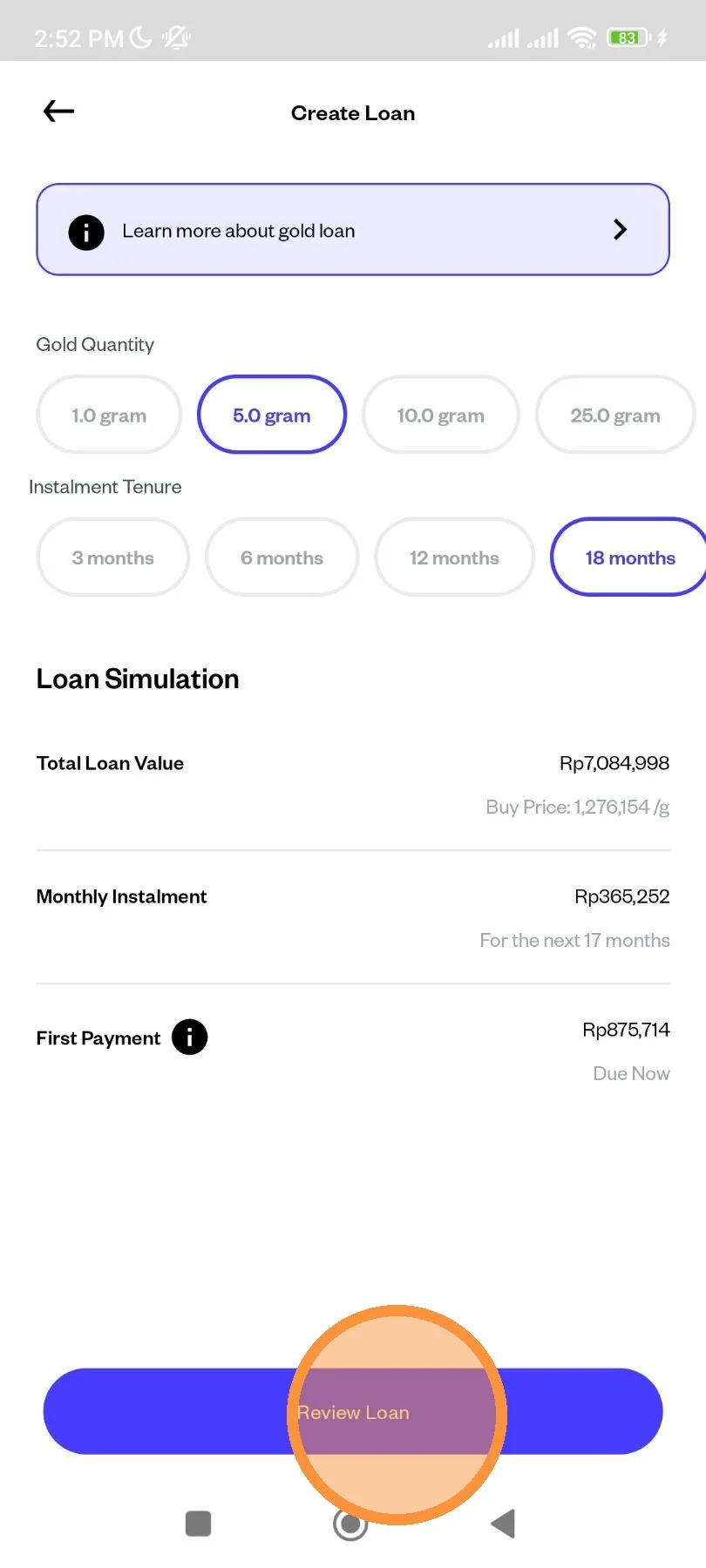
Select all the necessary details on your installment
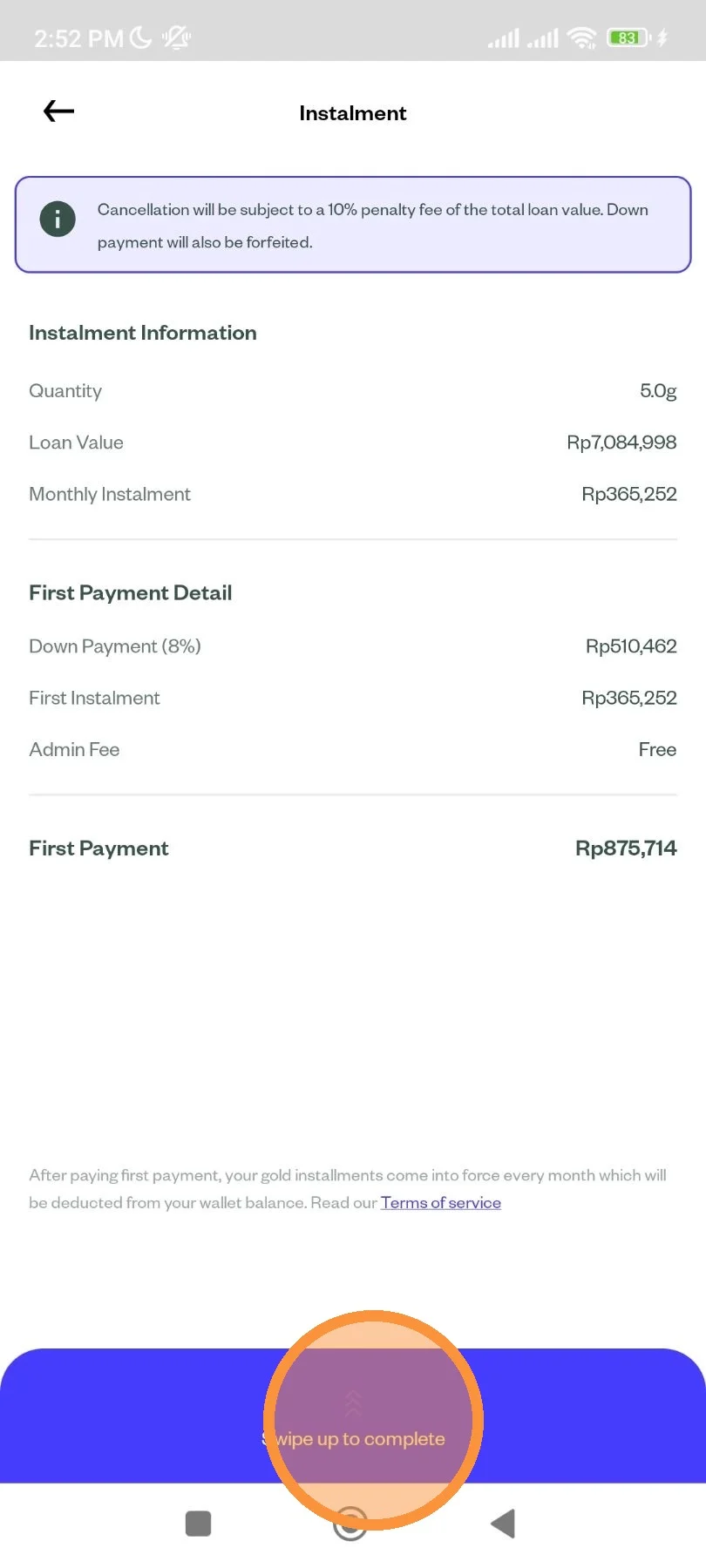
Review the detail of your order. Then swipe up to complete your order.
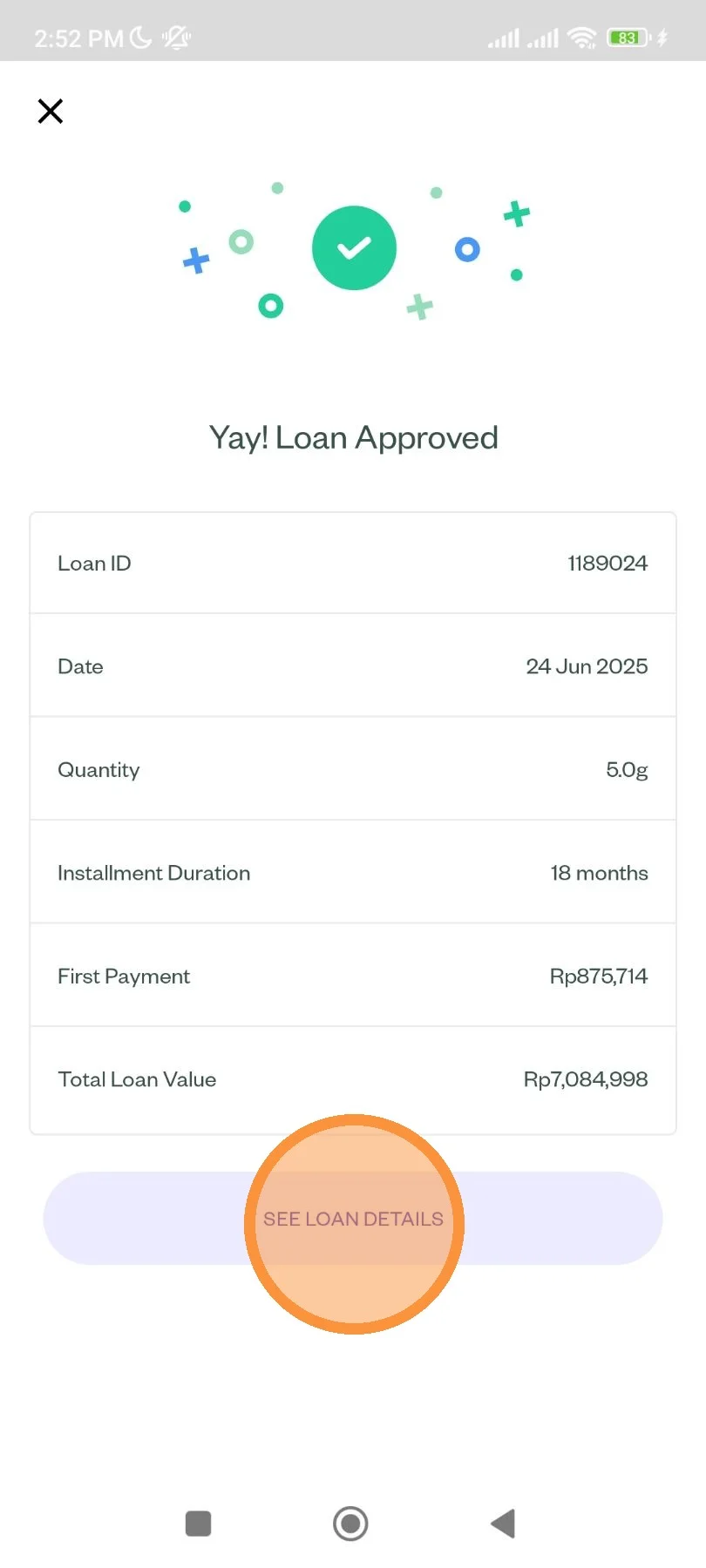
Your order has been successfully placed. You can check the detail on clicking "See Loan Details"
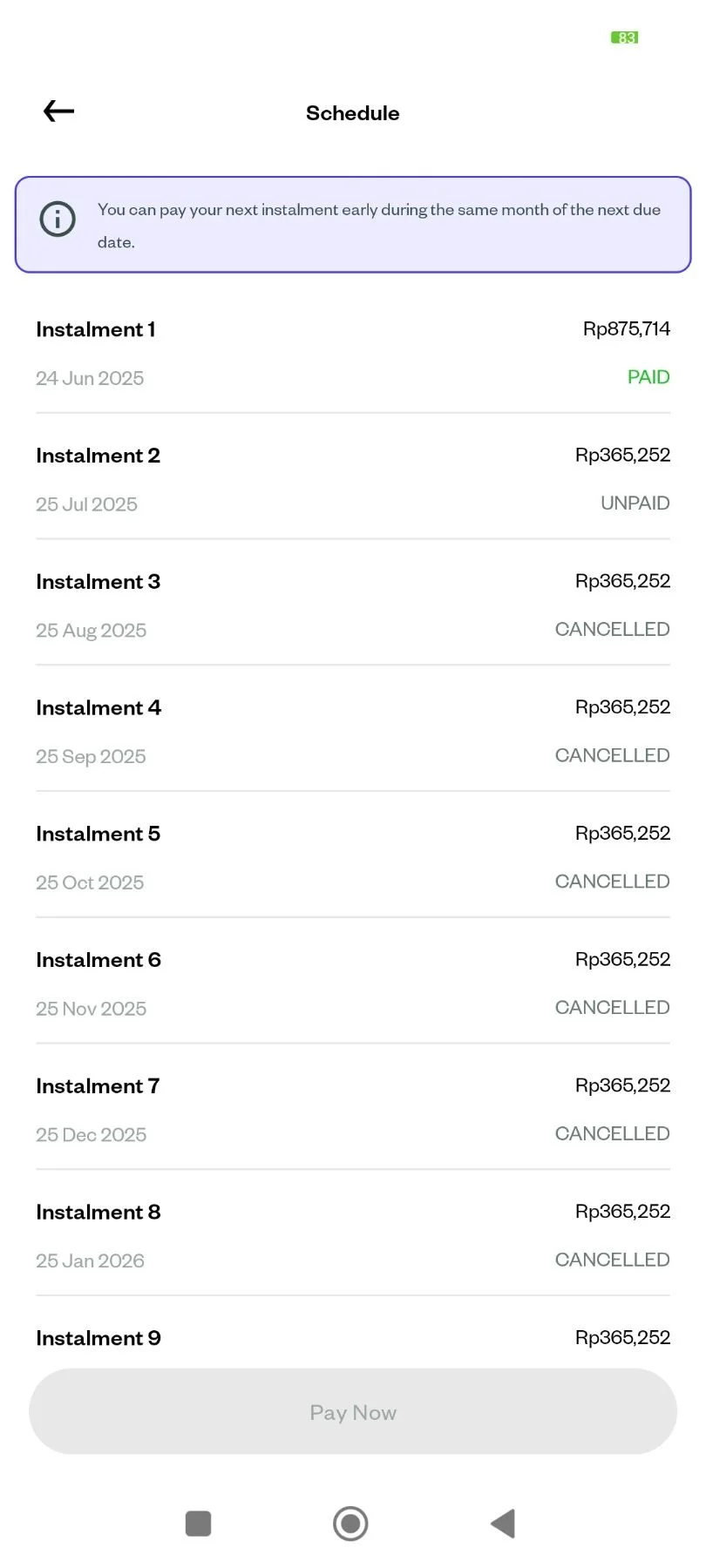
You can also check on your ongoing installment by clicking your plan schedule as pictured.
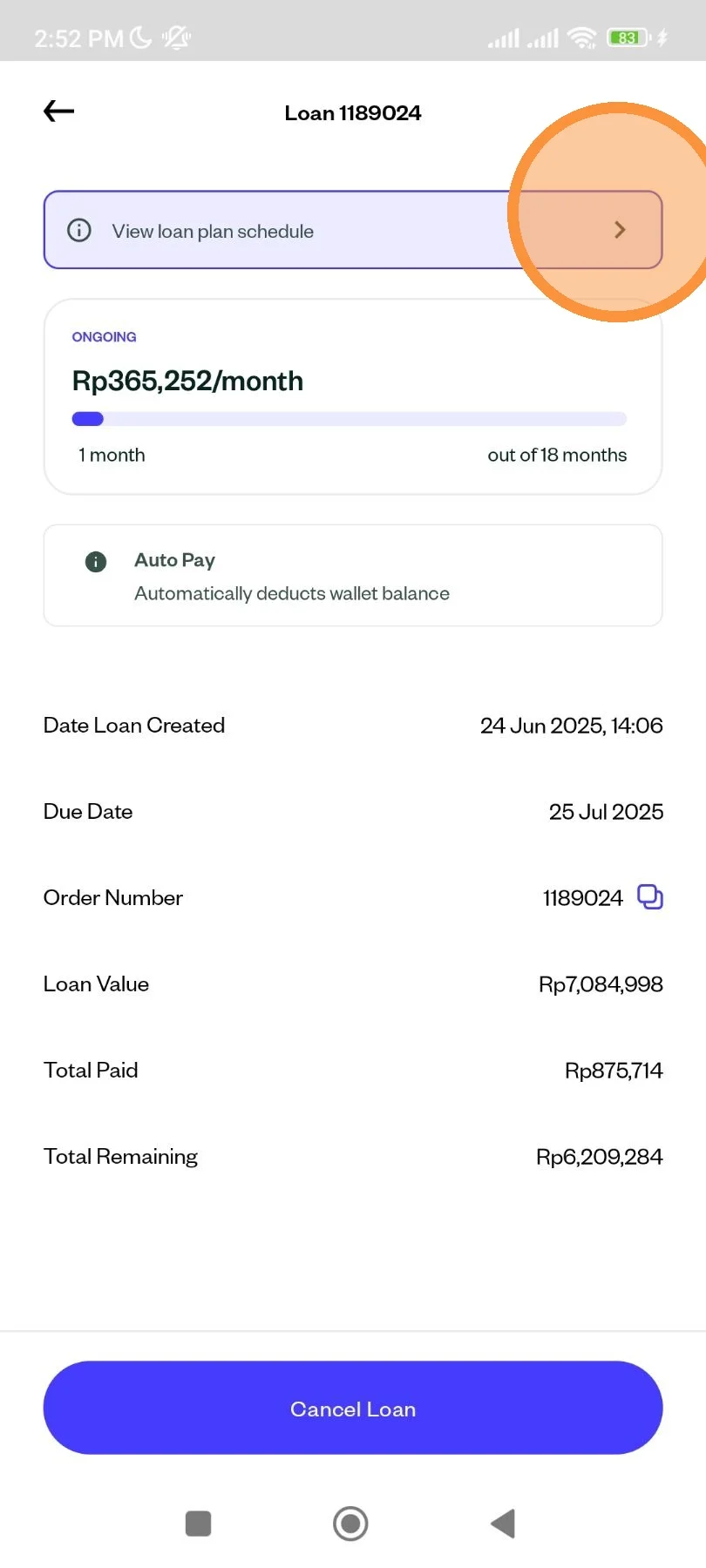
Your schedule will be shown.