App: Crypto Send
15 Steps
Crypto Send and Receive can be accessed the below ways
- Via the "Portfolio" Screen
Via the "Crypto Send and Receive"
- Via the "Portfolio" Screen
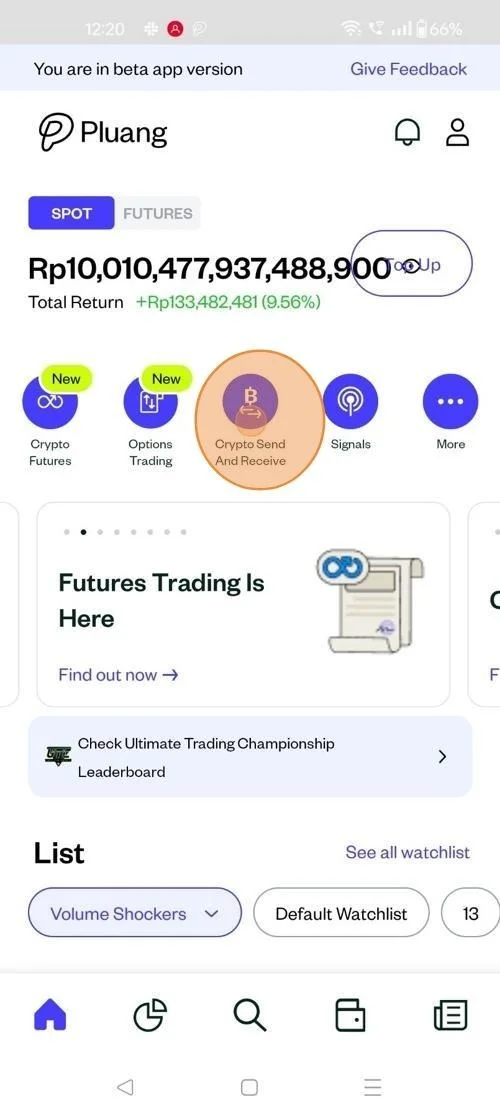
Launch the Pluang app on your mobile device, click on "Crypto Send and Receive"
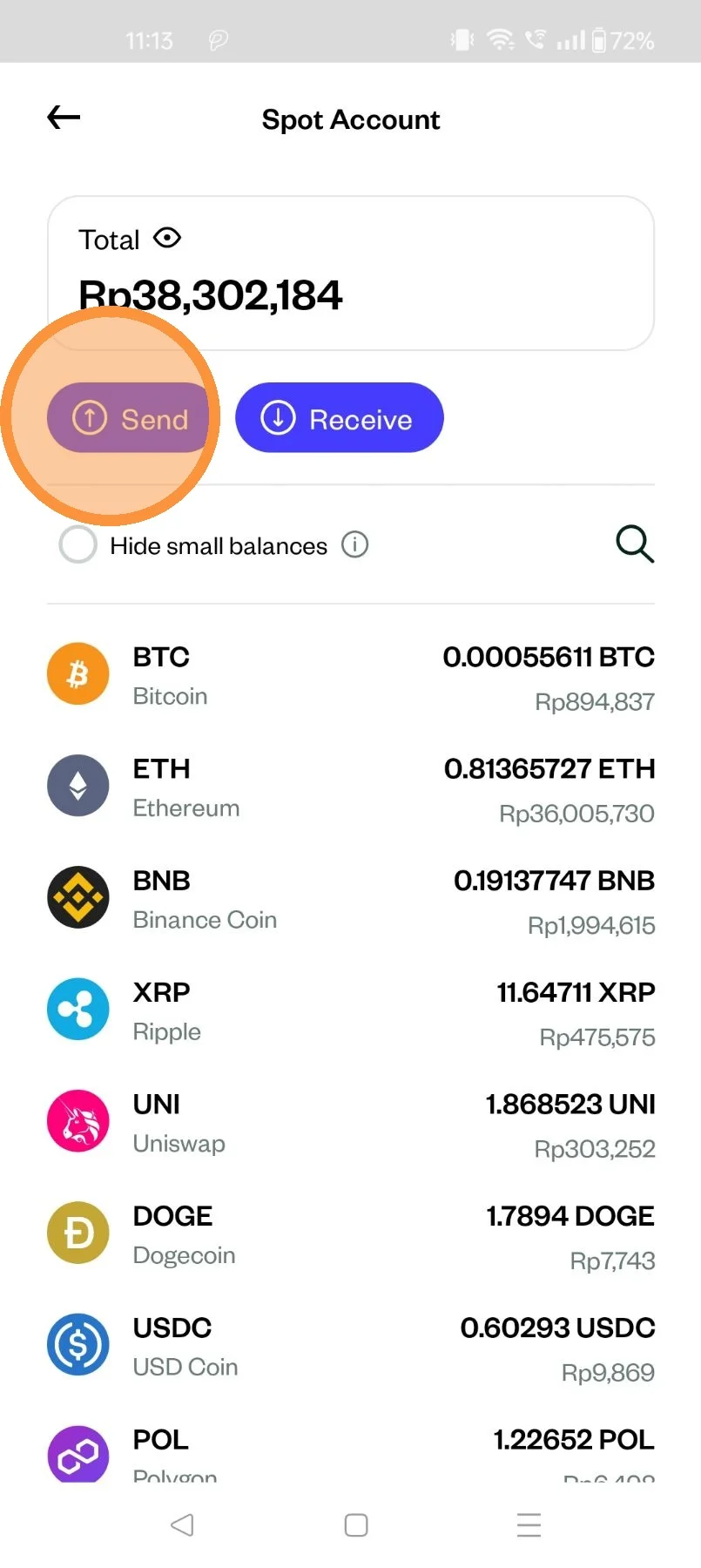
Click on send
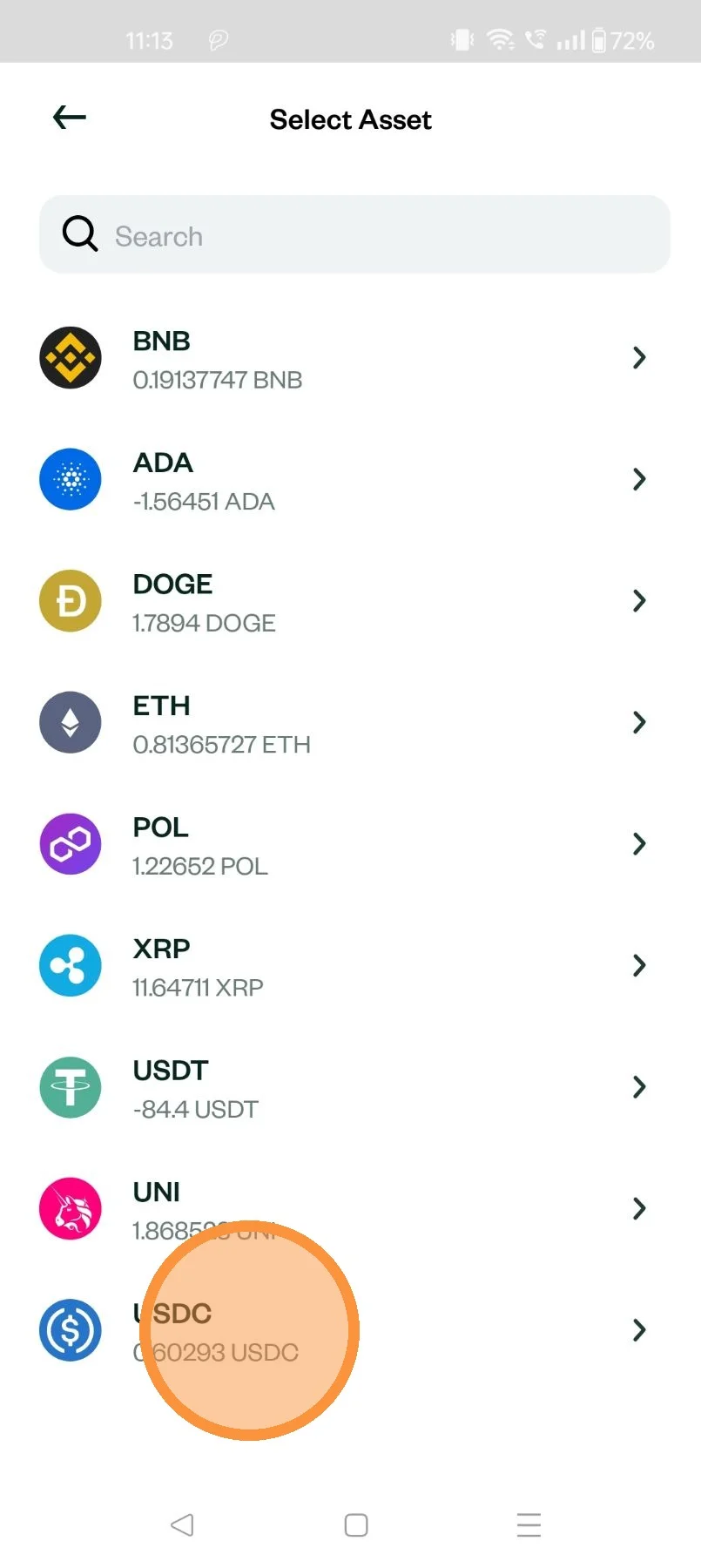
Select the Crypto asset, which needs to be sent
- Via the "Portfolio" Screen
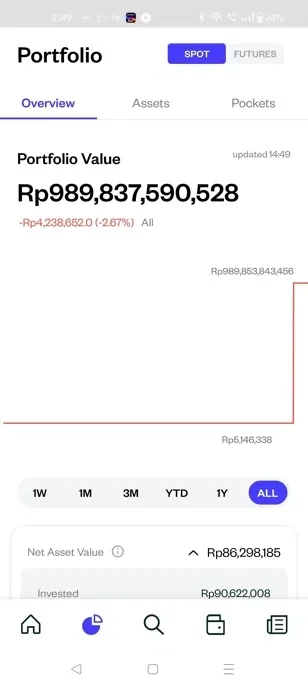
Navigate to the Portfolio screen, by clicking here
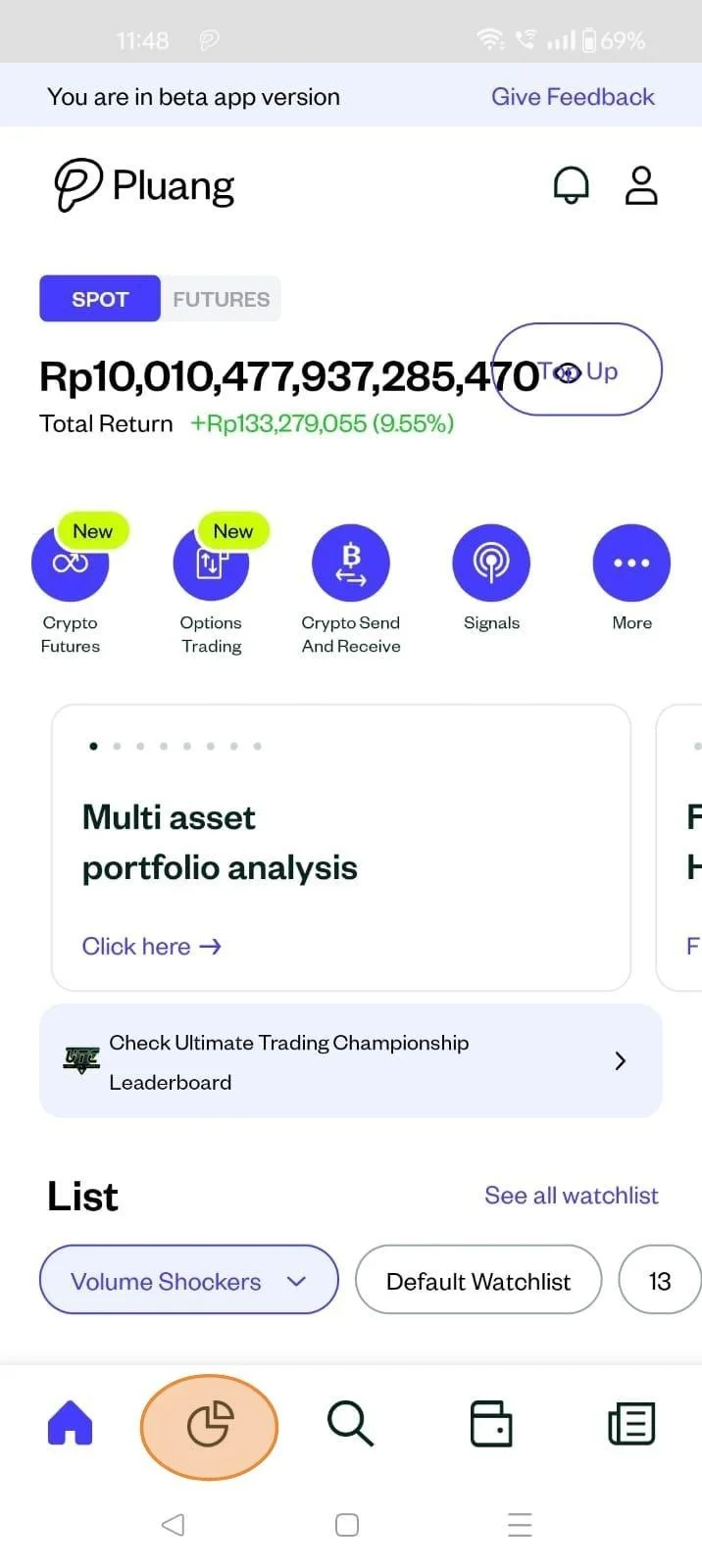
Click "Assets", Navigate to "Crypto"
Select the Crypto asset, which needs to be sent
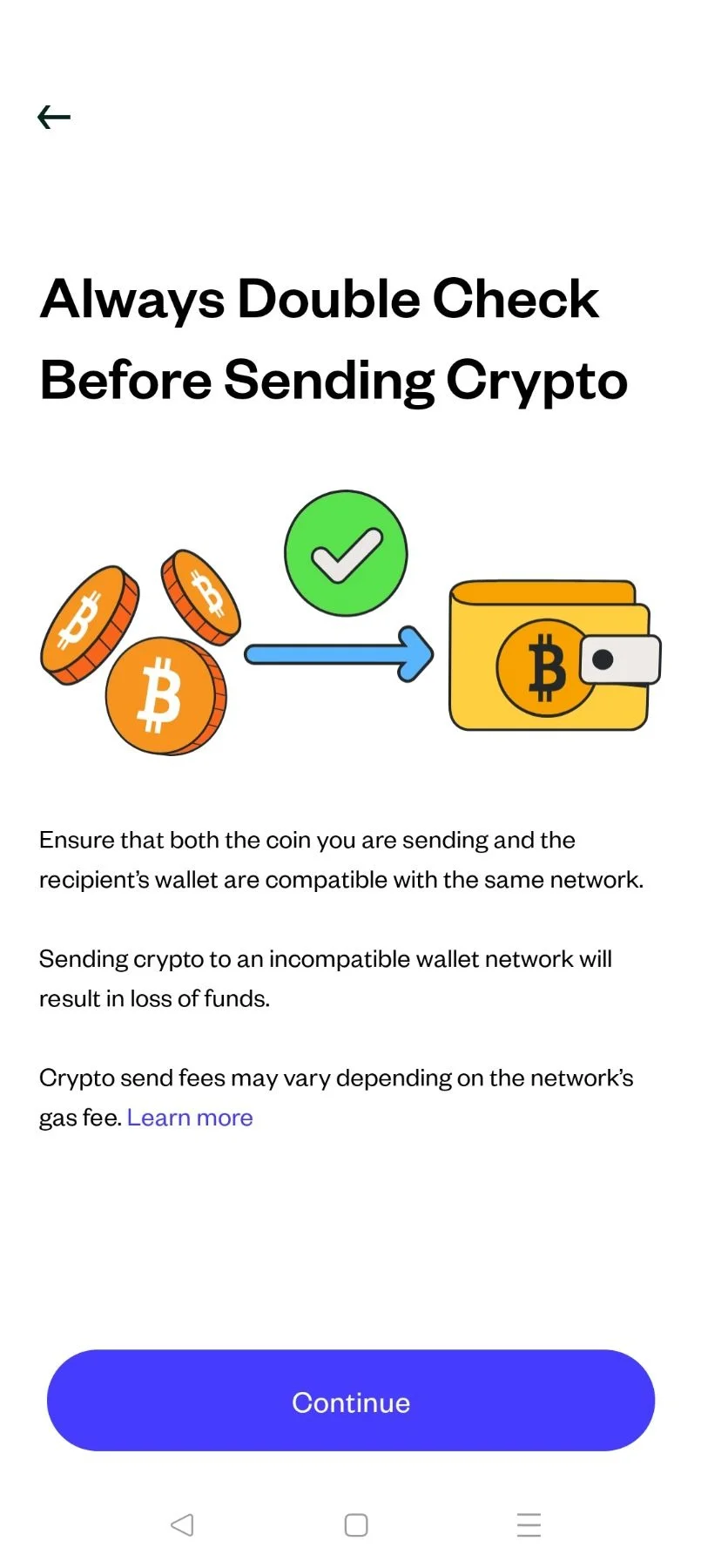
Tap "Continue"
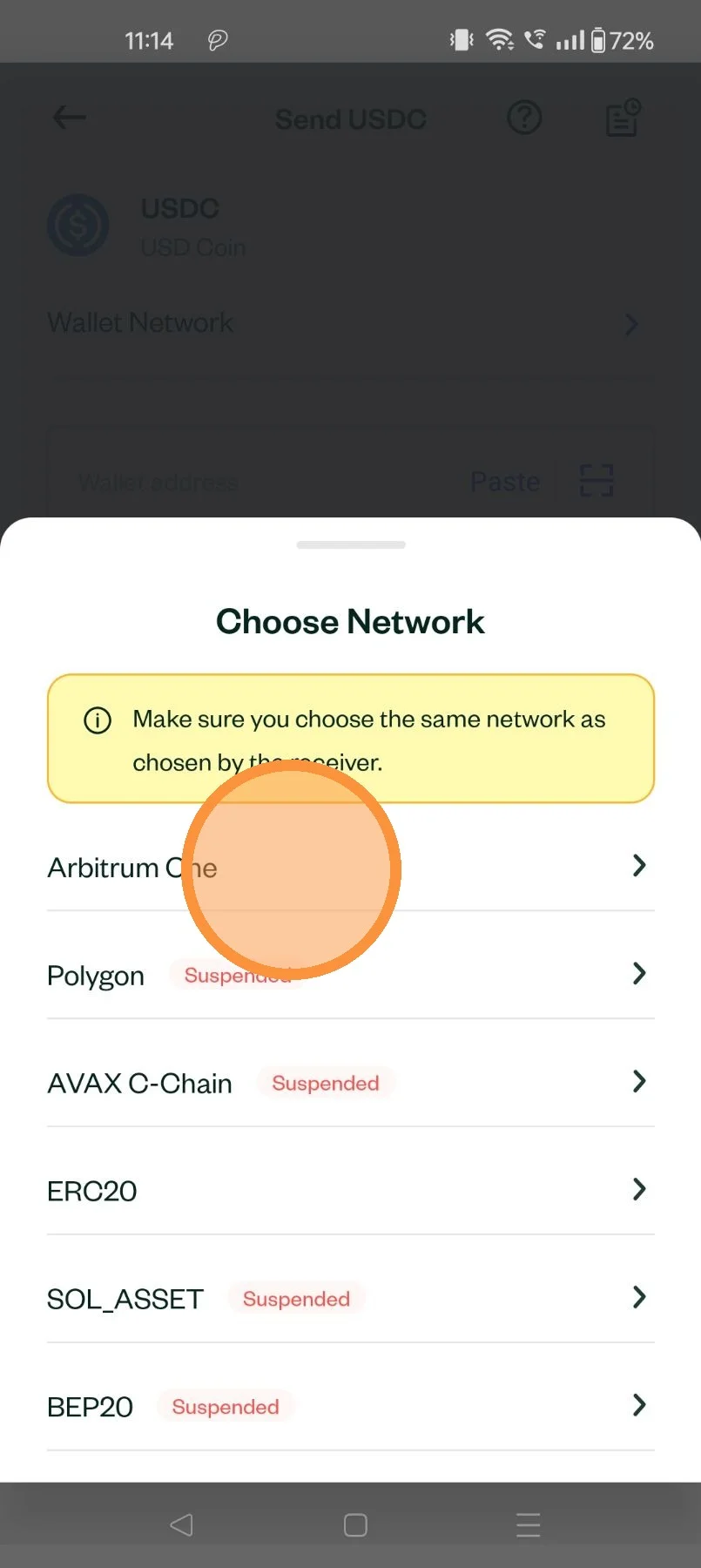
Select the Crypto transfer network
Ensure that the network is the same as chosen by the sender
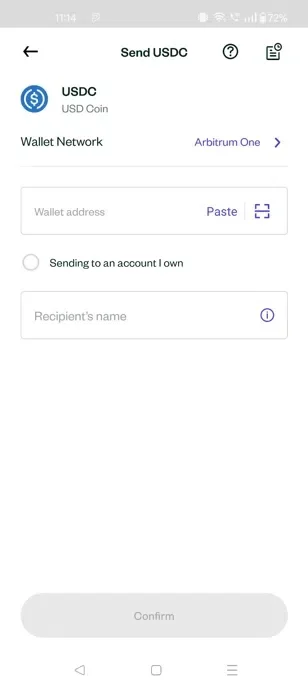
Enter the relevant "Wallet address" and "Recipients name"
Enter the quantity of the crypto asset to be sent or the equivalent value in IDR
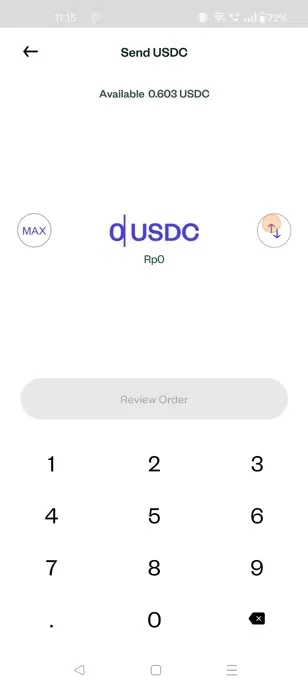
Tap "Review Order"
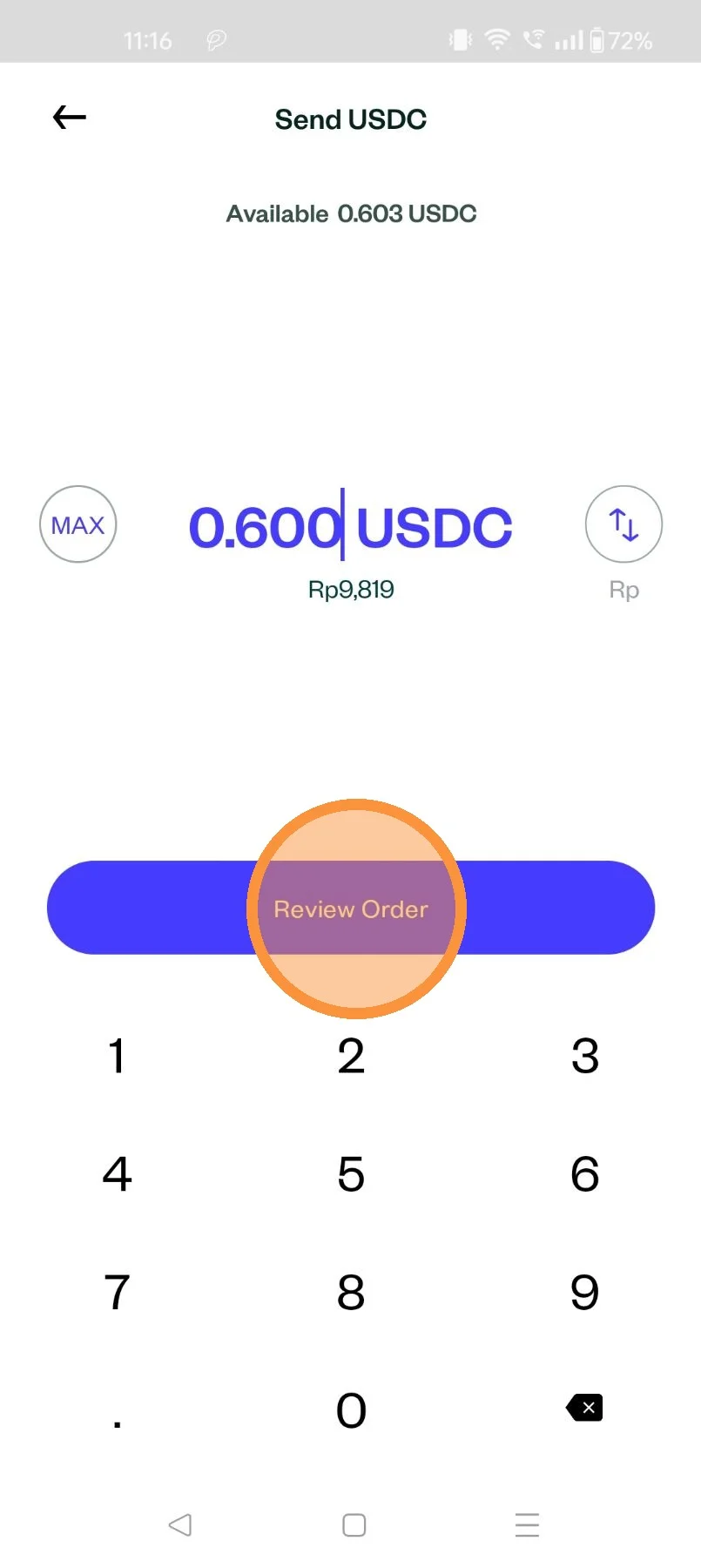
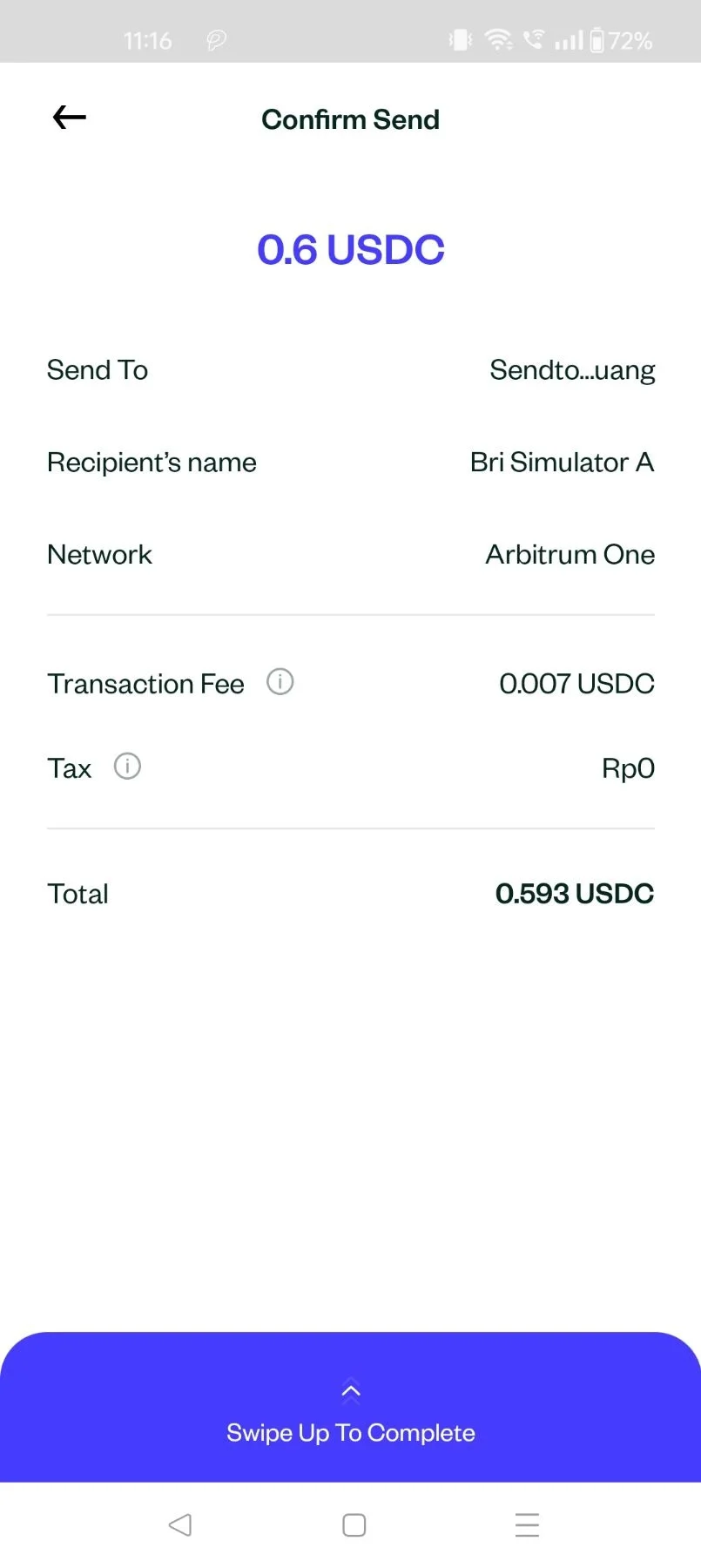
Swipe up !
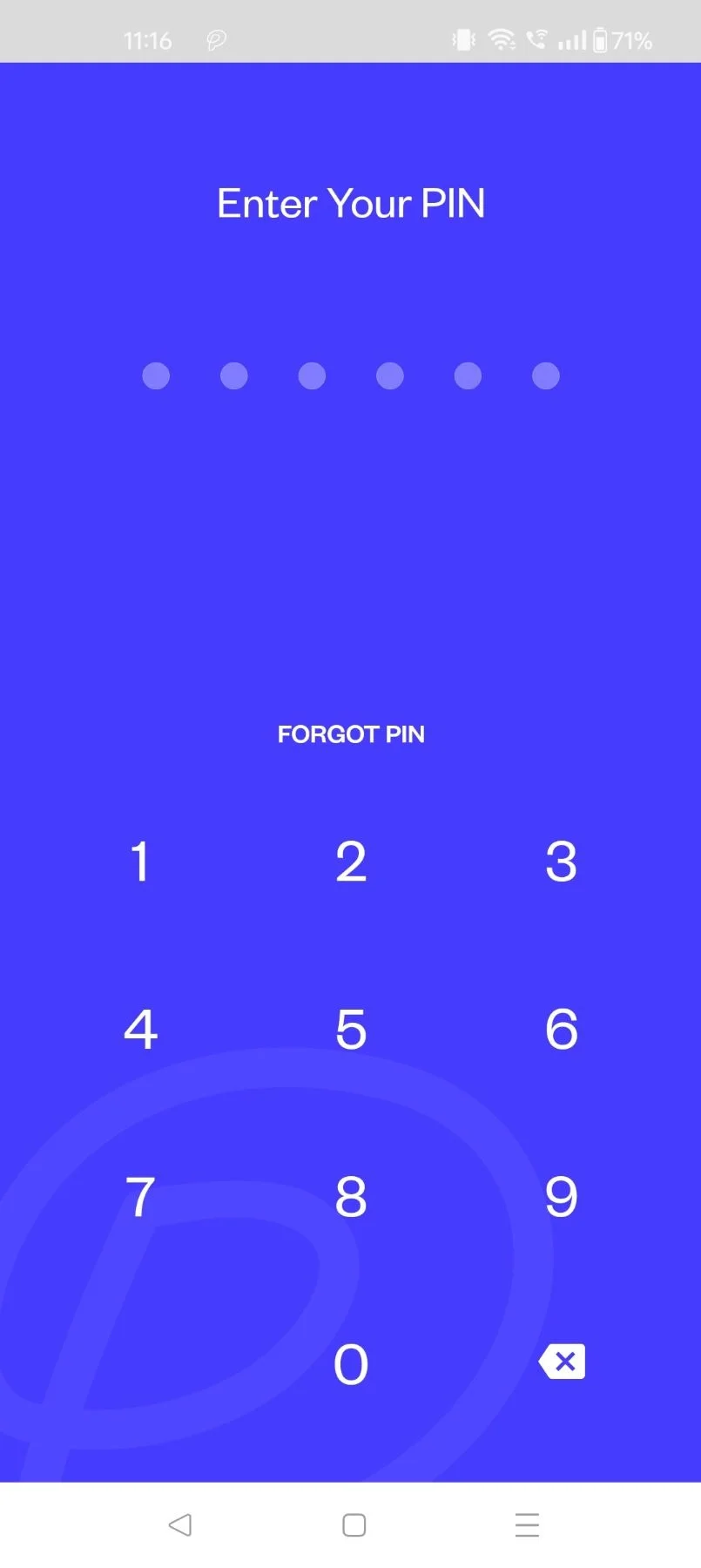
Enter your PIN
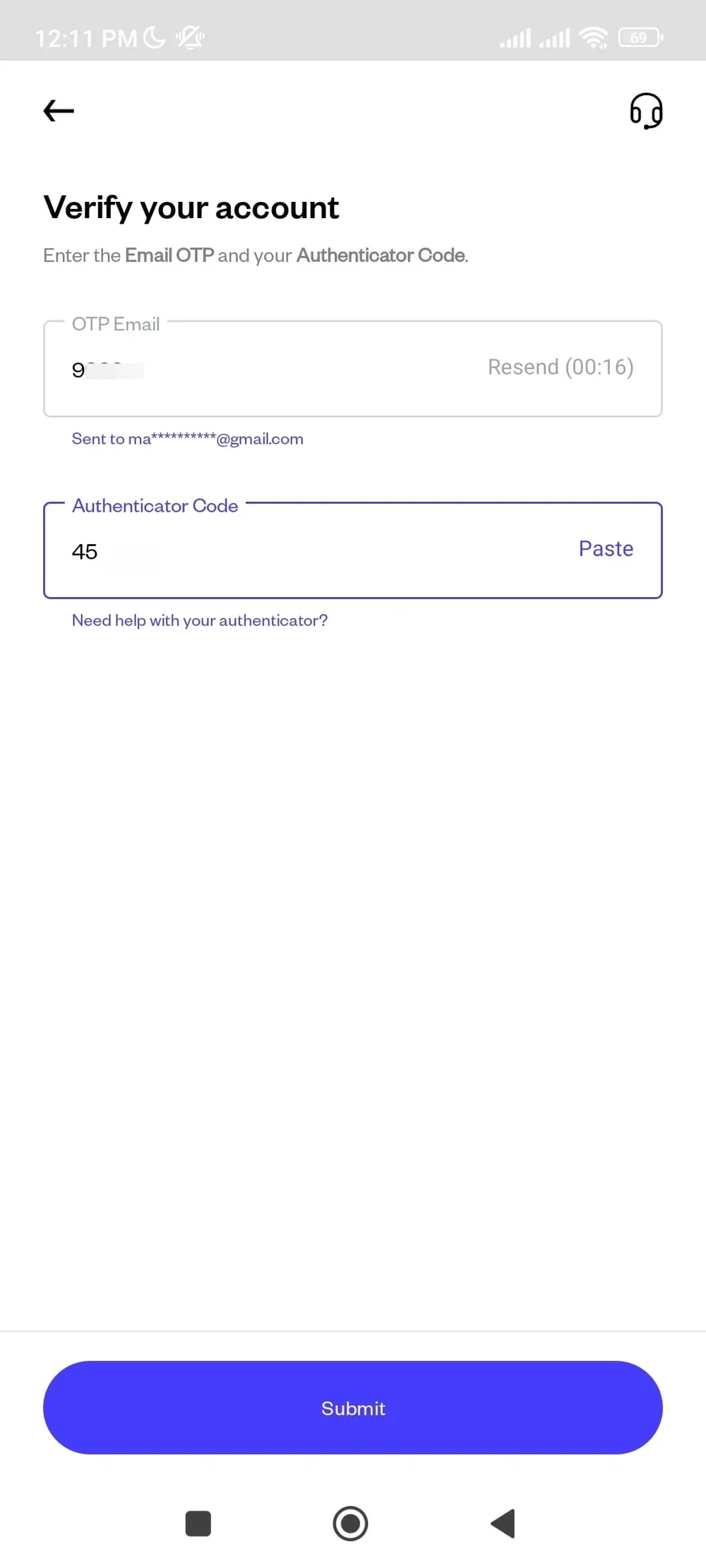
Enter the OTP sent to your email. Then, enter the Authenticator Code from your Authenticator app.
Your order have been submitted to be sent