Cashout in Pluang App
12 Steps
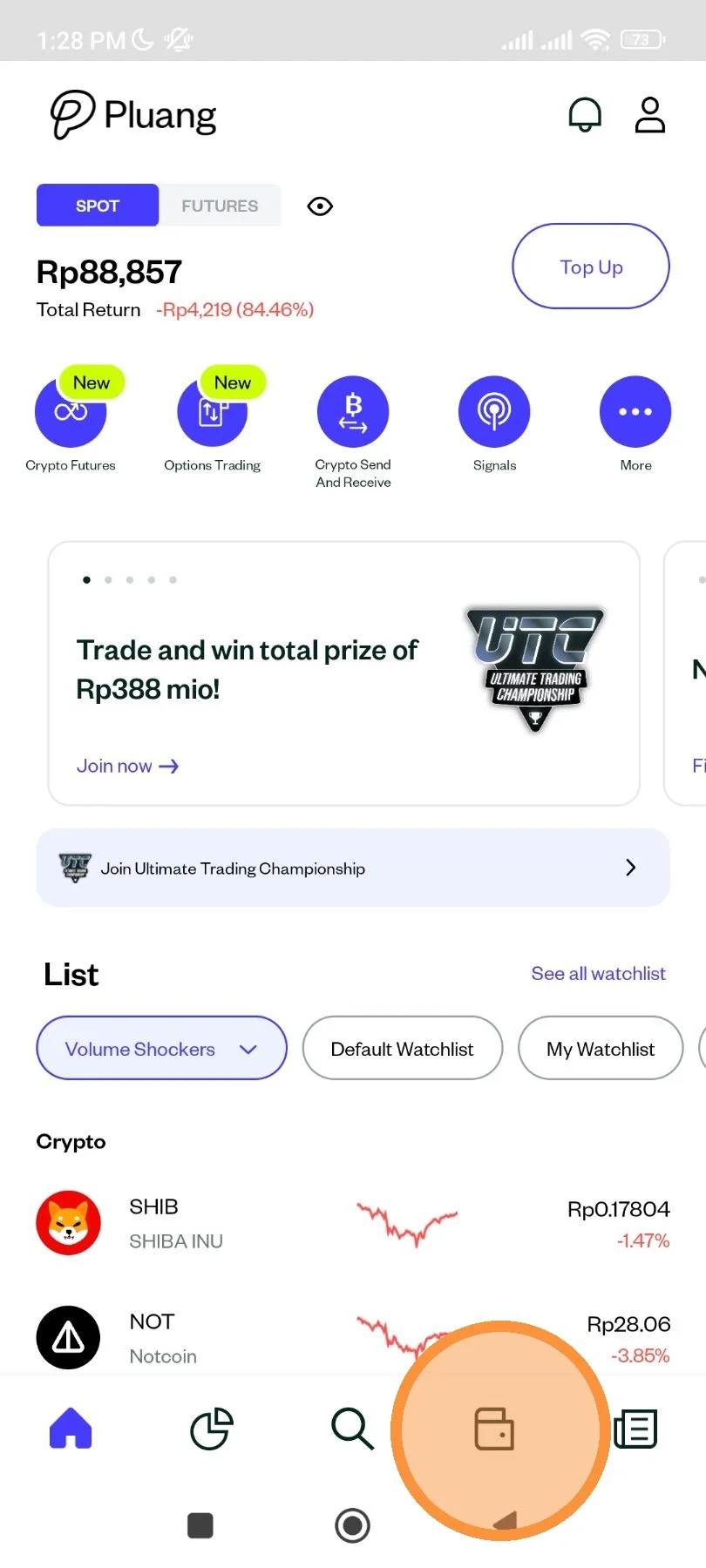
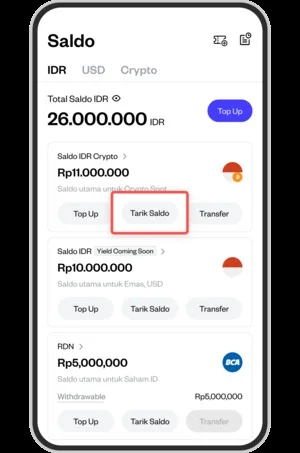
From the front page, tap the wallet icon to access your balance menu.
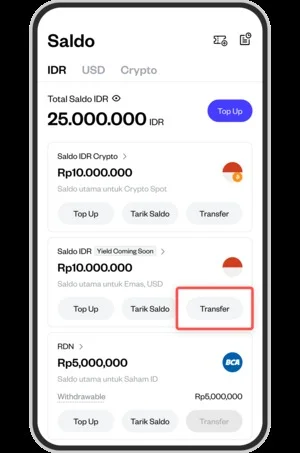
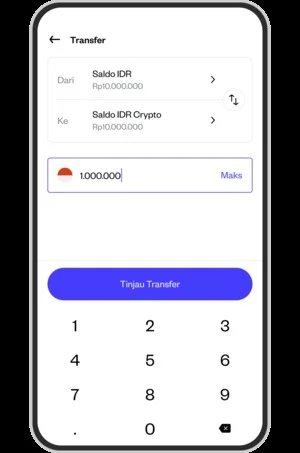
Withdrawals on Pluang can only be made through the IDR Crypto Balance. If you have a balance in another wallet, click "transfer" to move that balance to the IDR Crypto Funding Balance.
You’ll then be prompted to transfer the balance to the IDR Crypto Balance.
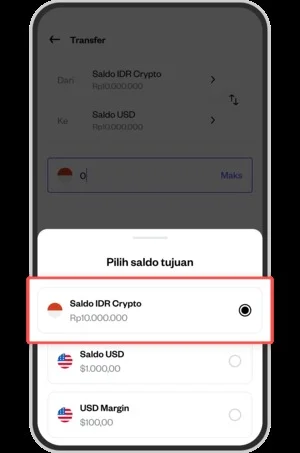
Enter the amount you want to transfer.
Swipe right to complete the transfer.
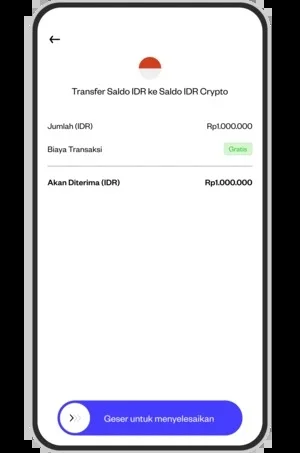
Your transfer to IDR Crypto Funding has been successful.
Select “Cash Out/Withdraw Balance” in the IDR Crypto Balance.
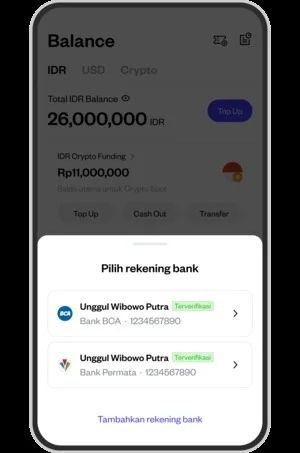
Select the bank where you want to withdraw funds.
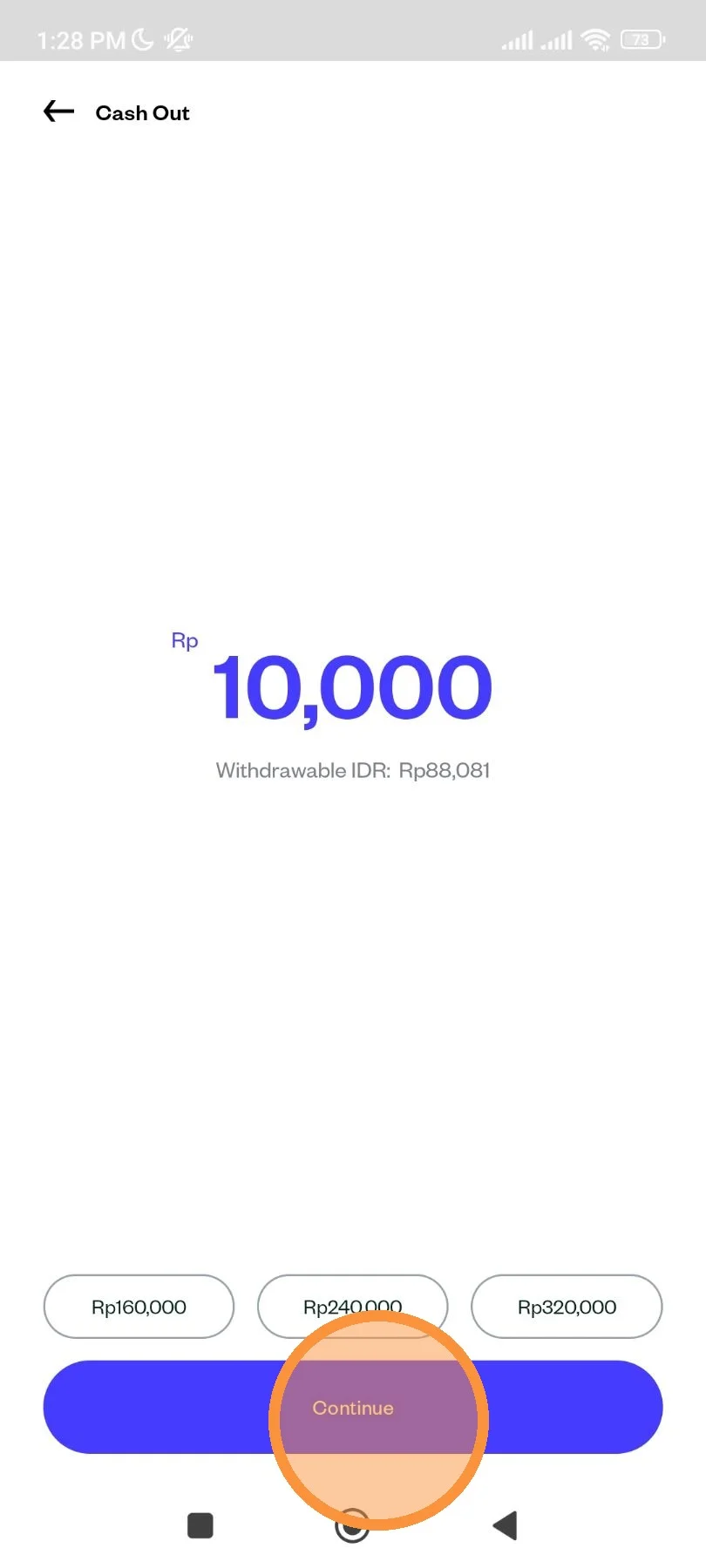
Enter the amount you wish to withdraw. Minimum withdrawal amount is Rp 10,000 excluding taxes and fees. Make sure you have enough balance to cover the tax and fee.
If you're done, tap the "Continue" button.
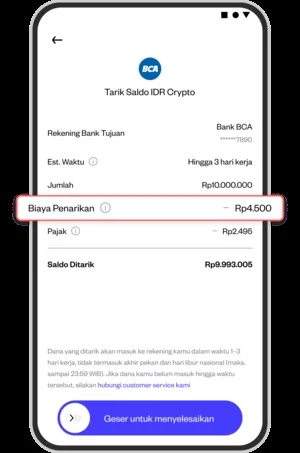
Check your withdrawal details, taxes and fees. Swipe right to complete transaction.
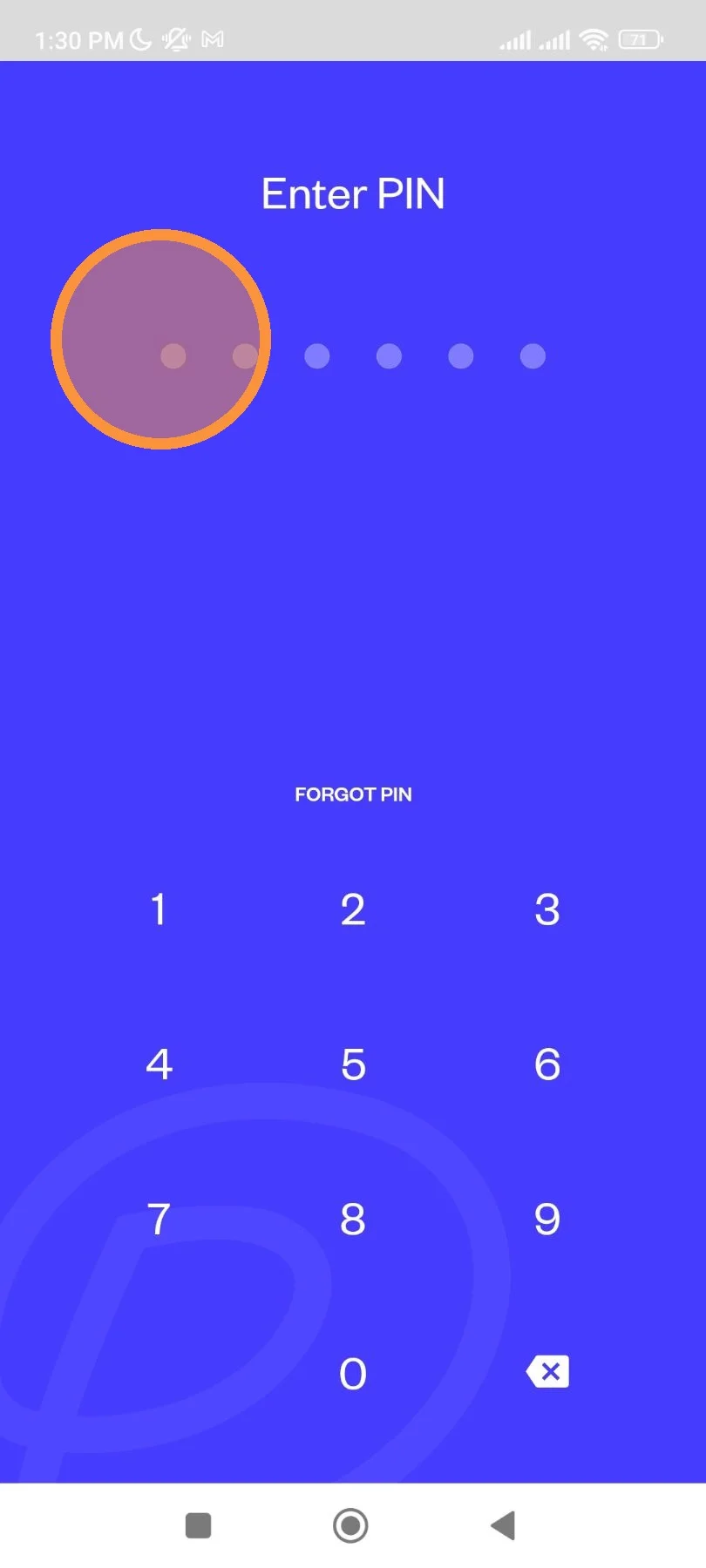
Enter your Pluang account PIN.
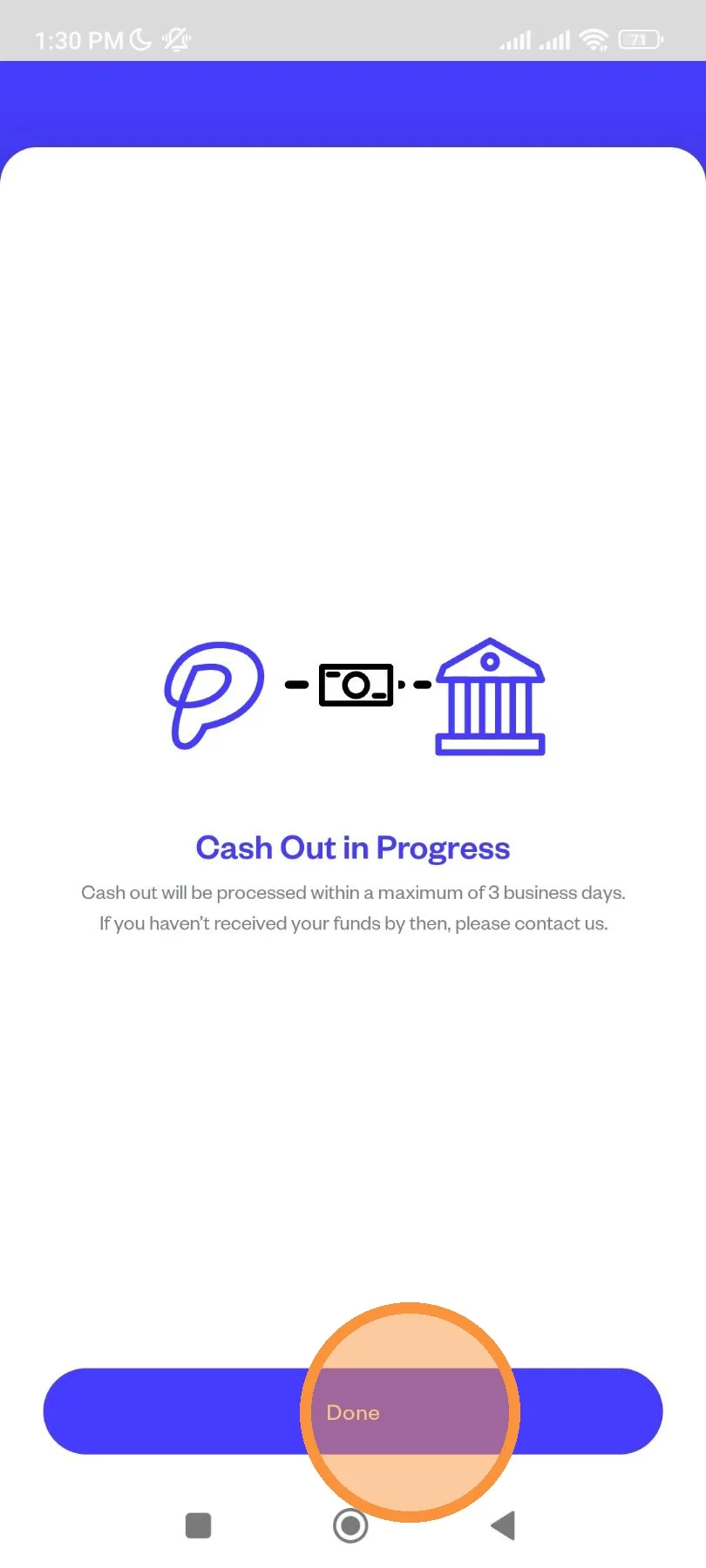
Your withdrawal is currently being process. Please wait until the fund is being transferred to your bank account.
You can tap "Done" to close the screen.