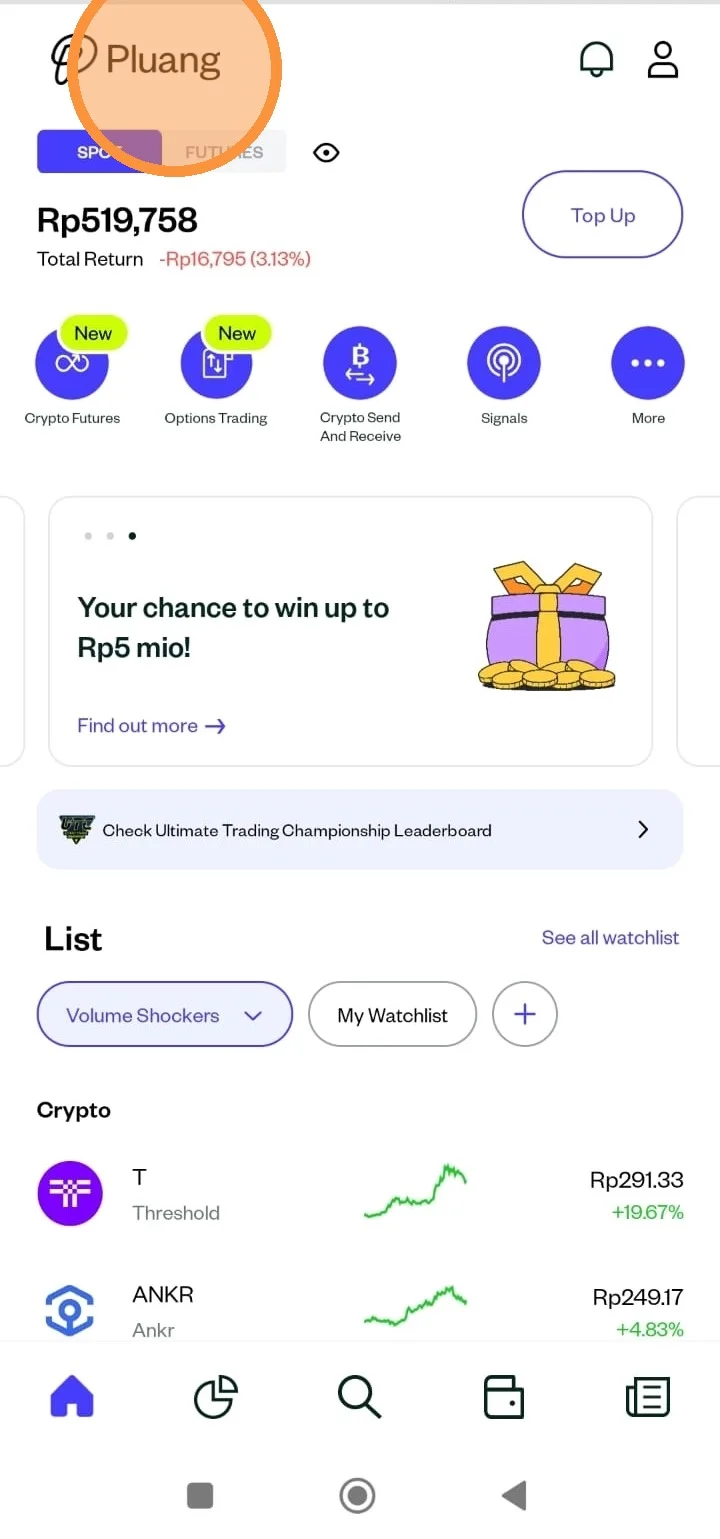
Steps To Login In The Pluang App
6 Steps
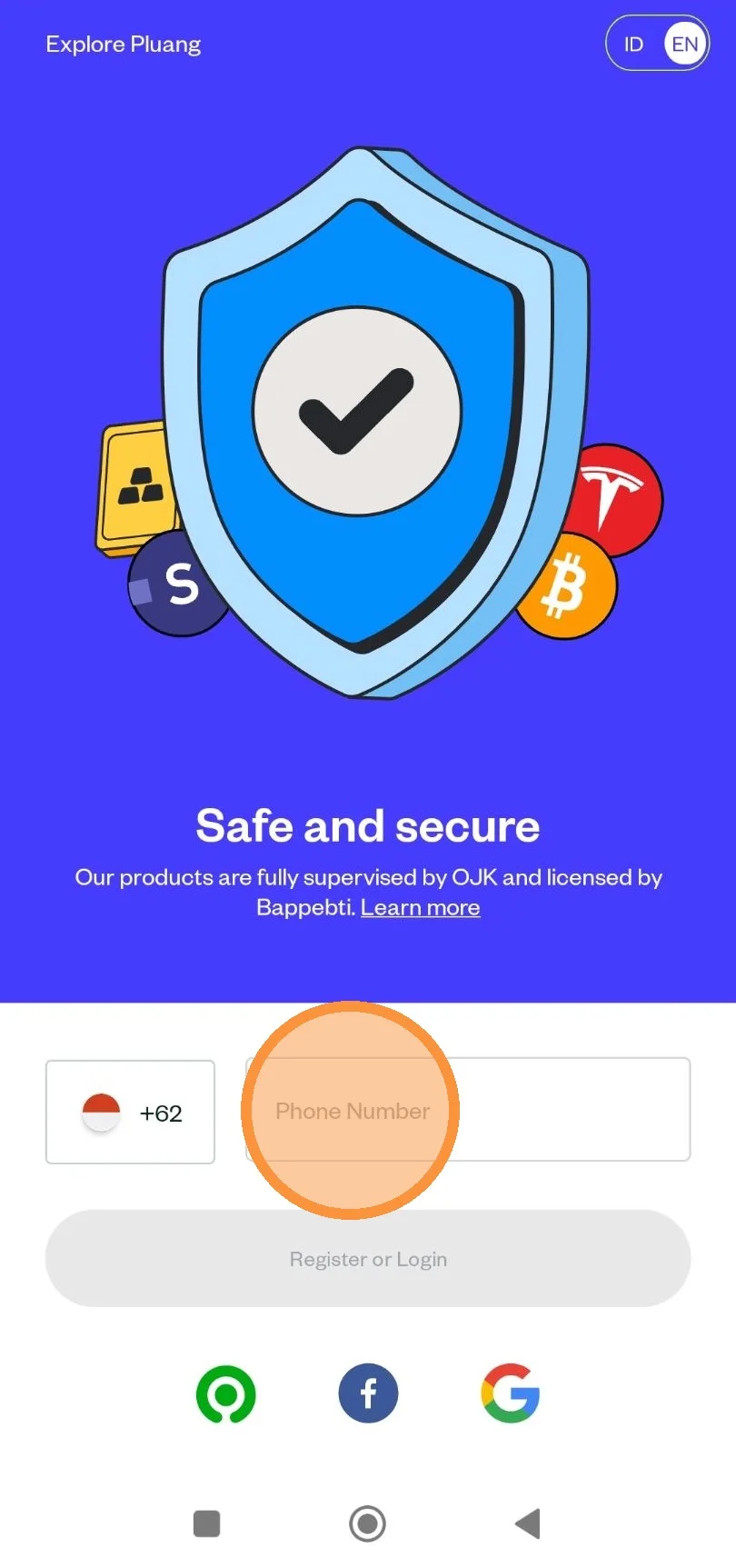
Open Pluang app. You can choose whether you want to login via phone number, Gojek app, Facebook, or Google account.
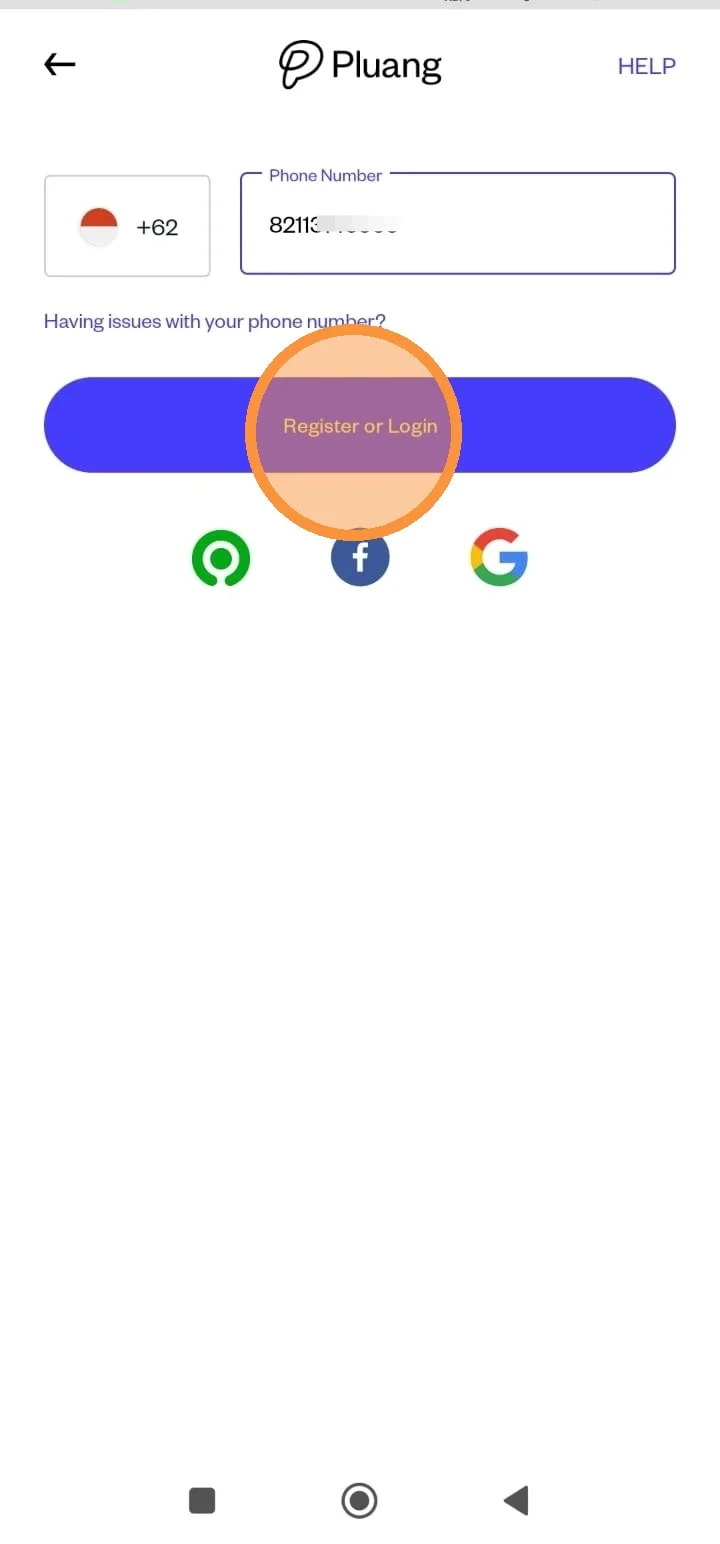
After entering the registered mobile number, please click the “Register or Login” menu.
You can choose to verify using “WhatsApp or SMS” according to your needs.
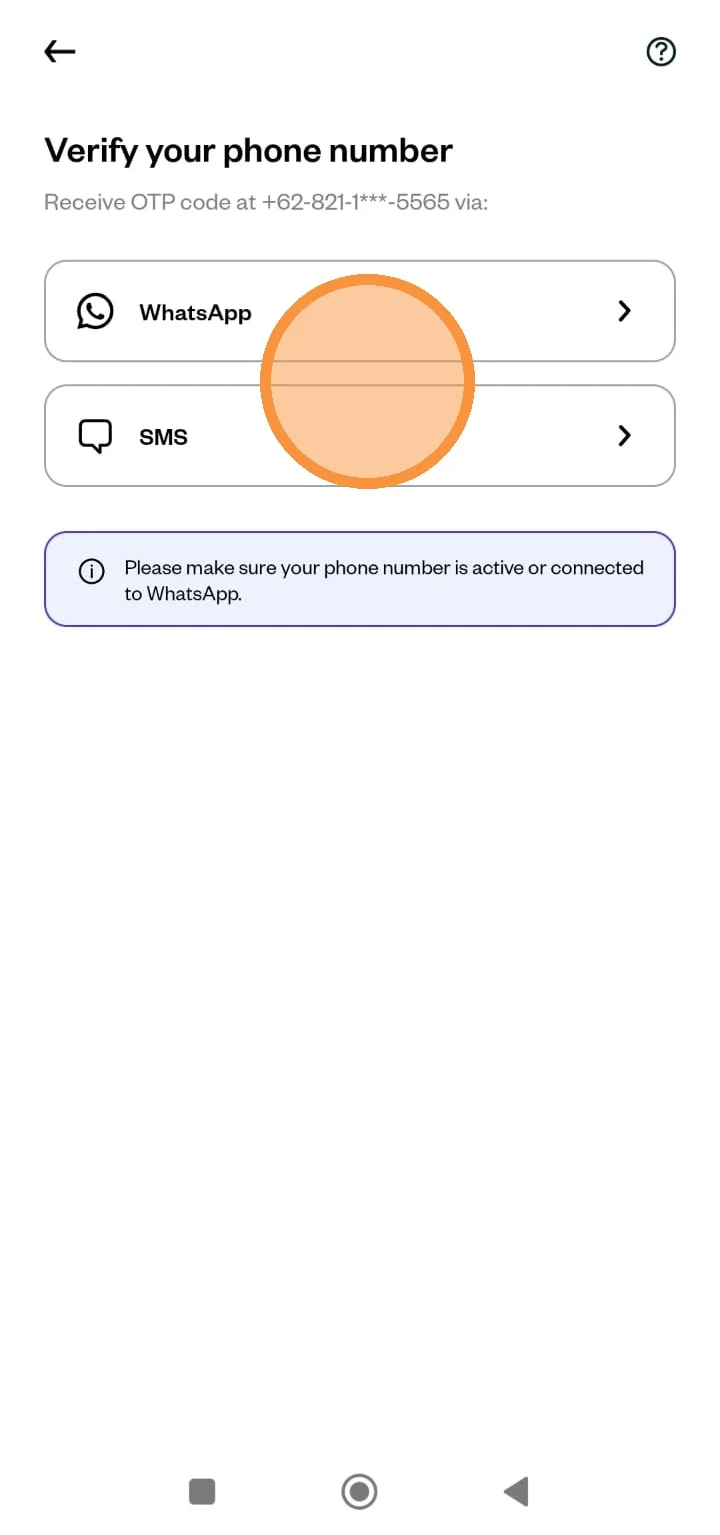
If you choose via WhatsApp, please enter the OTP code that has been given.
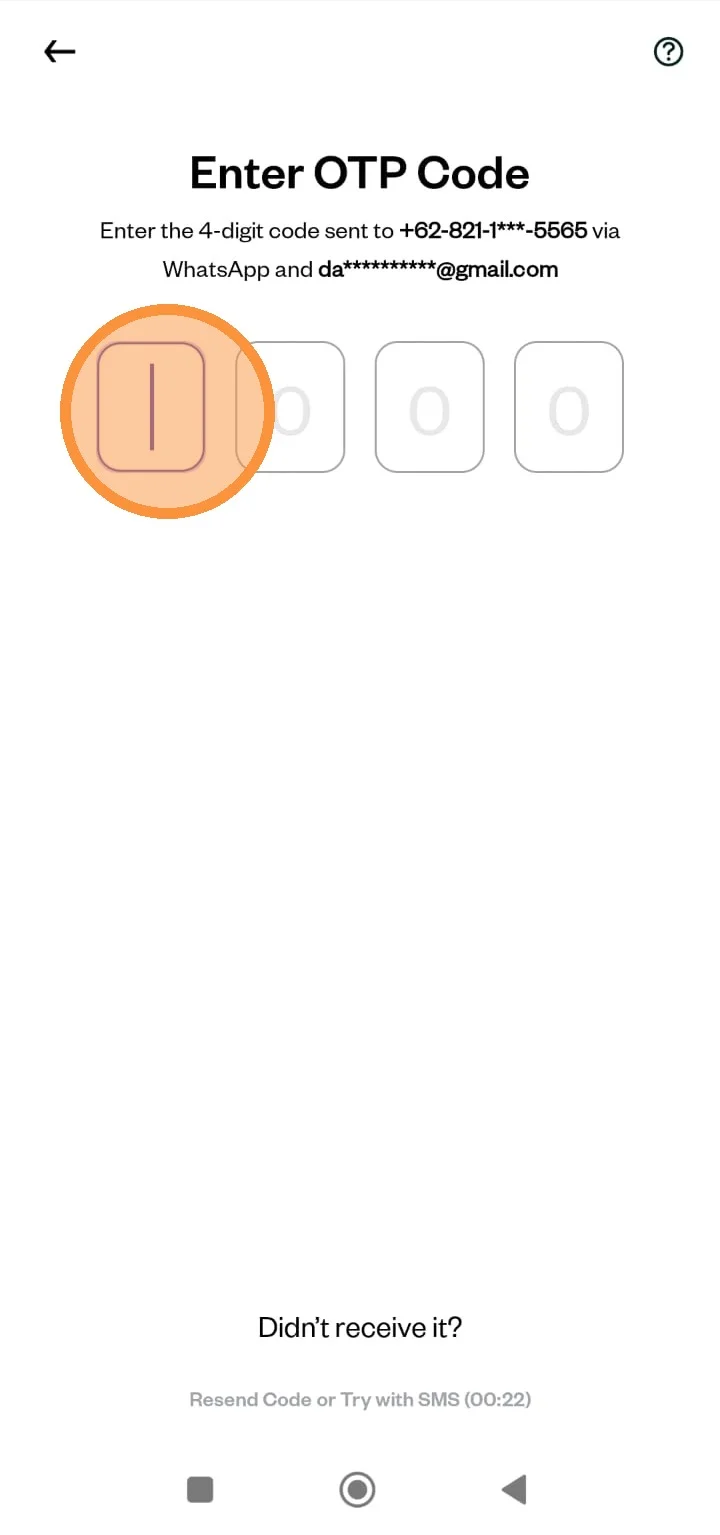
After successfully entering the OTP code, please you can enter the PIN registered in Pluang
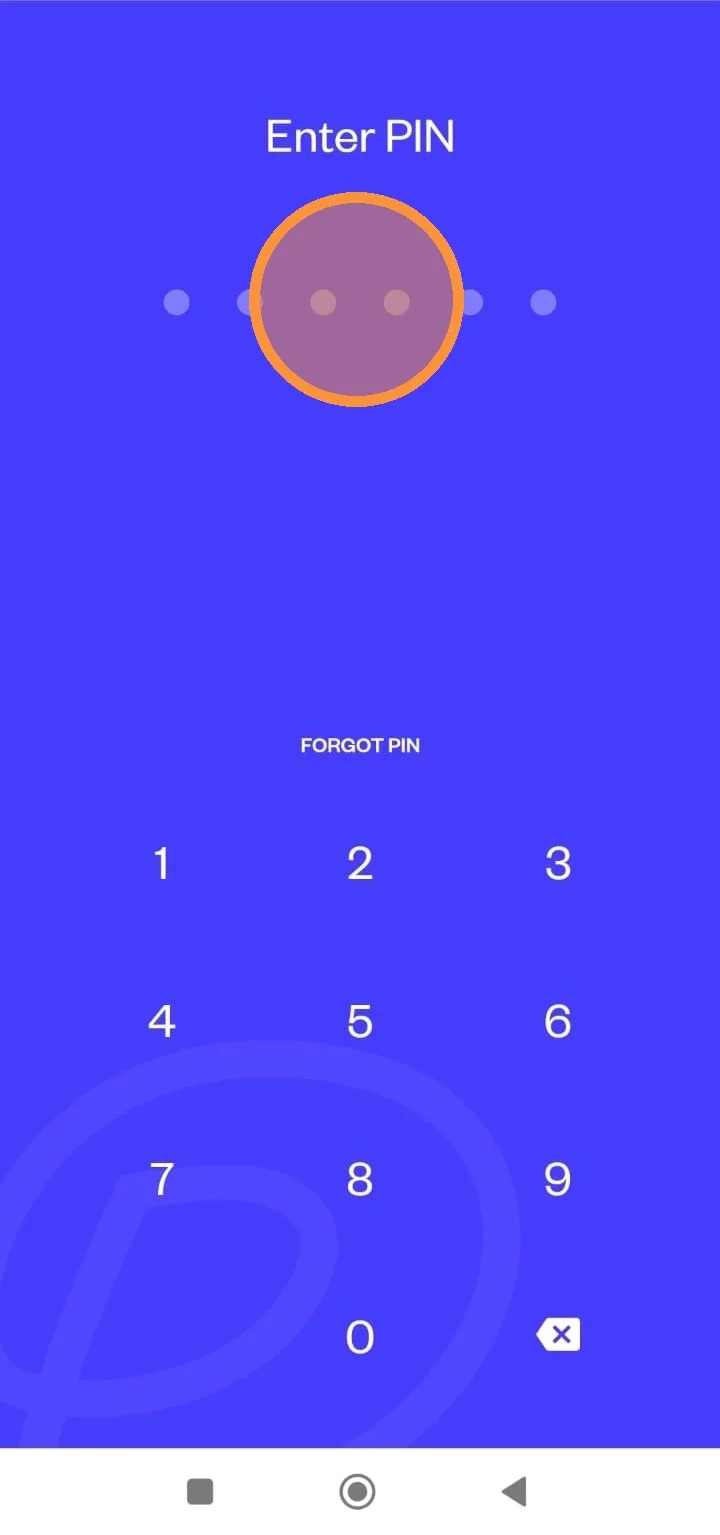
Login to your Pluang application has been successful!