Activating Authenticator
9 Steps
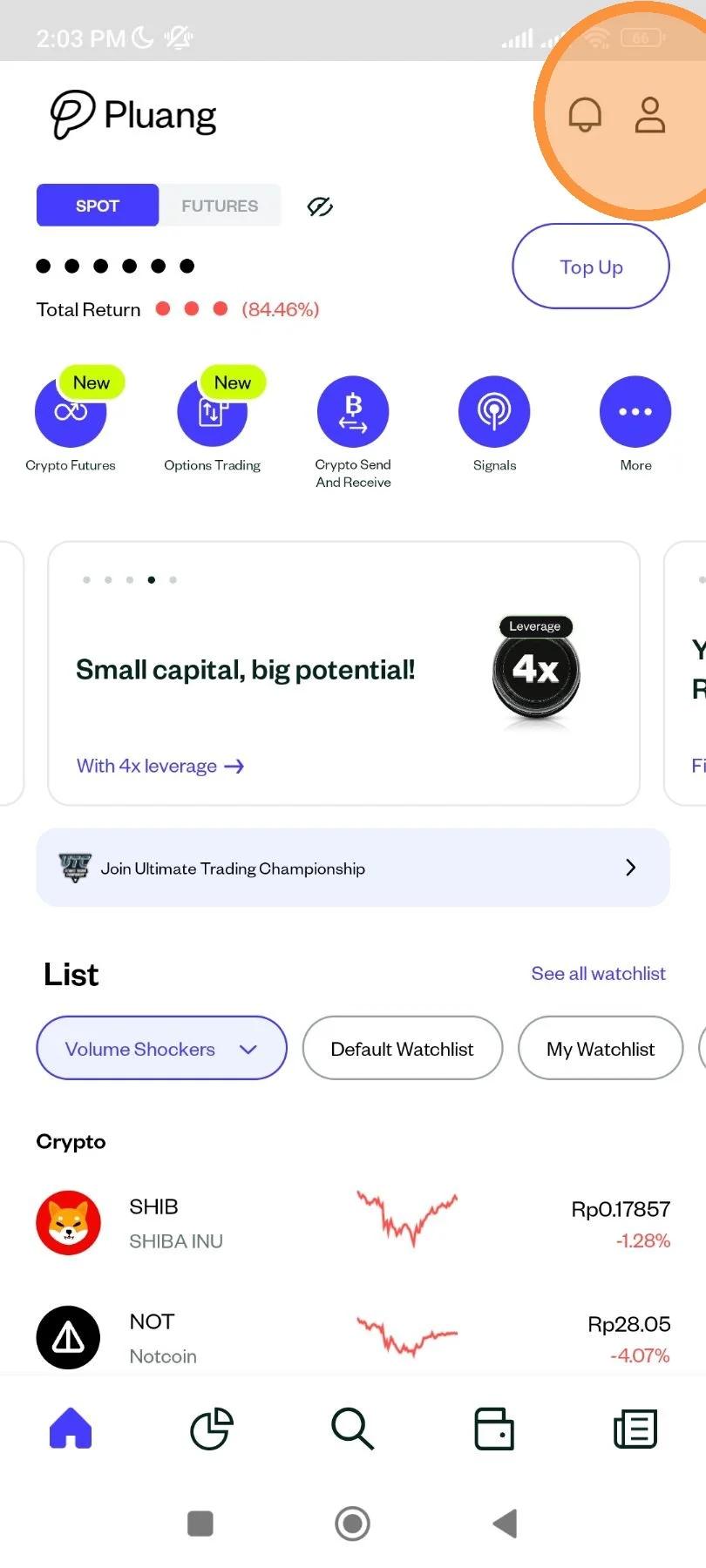
Tap on the account icon.
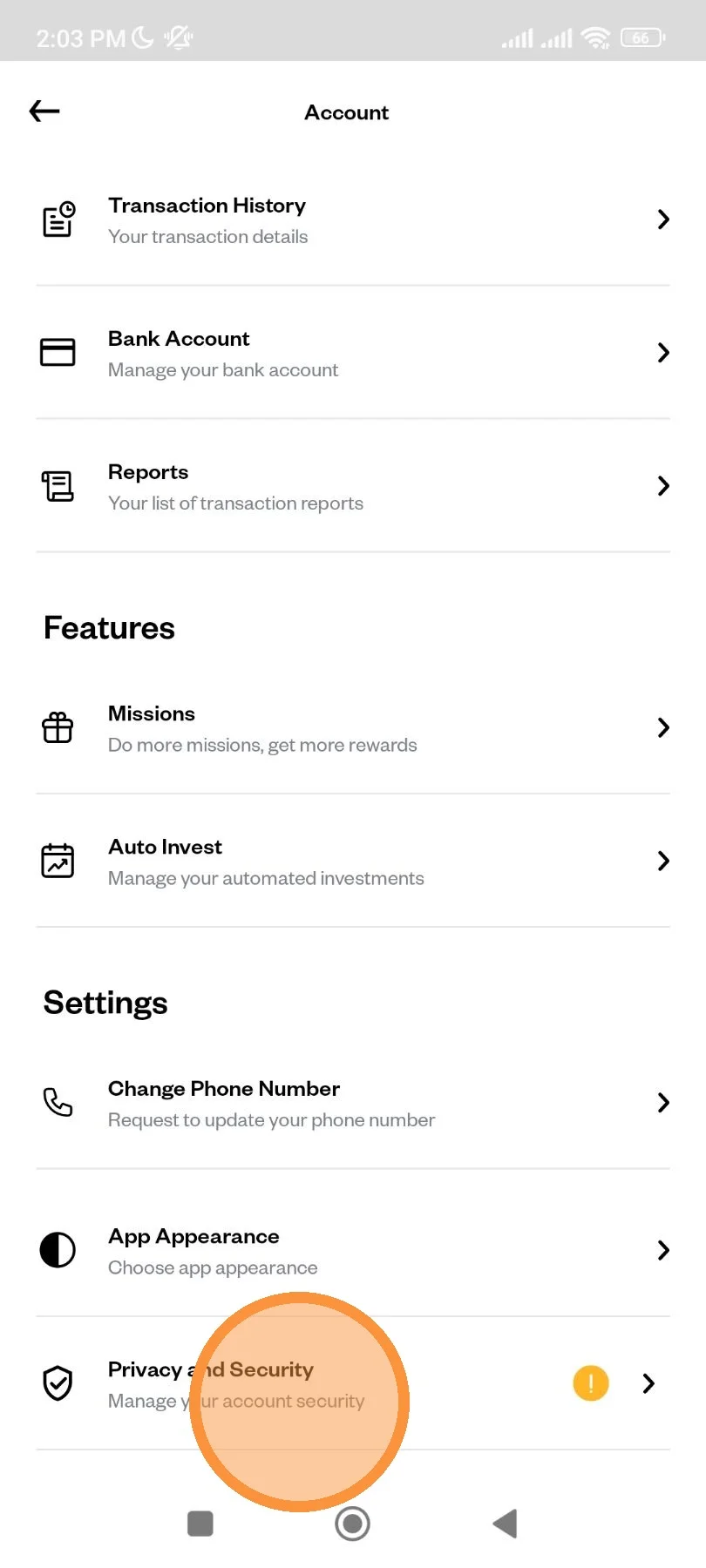
Scroll down until "Privacy and Security" menu. Tap to open.
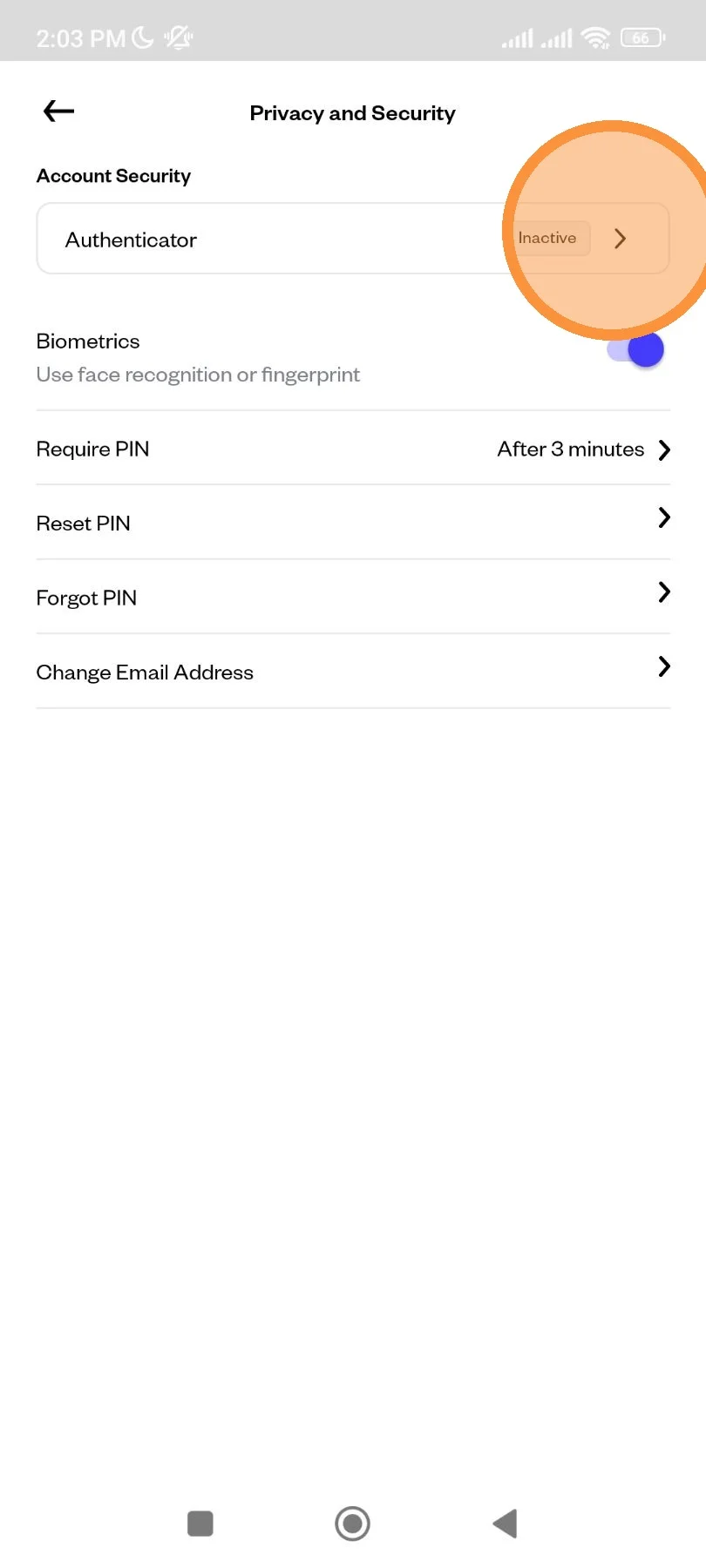
Tap "Authenticator" menu.
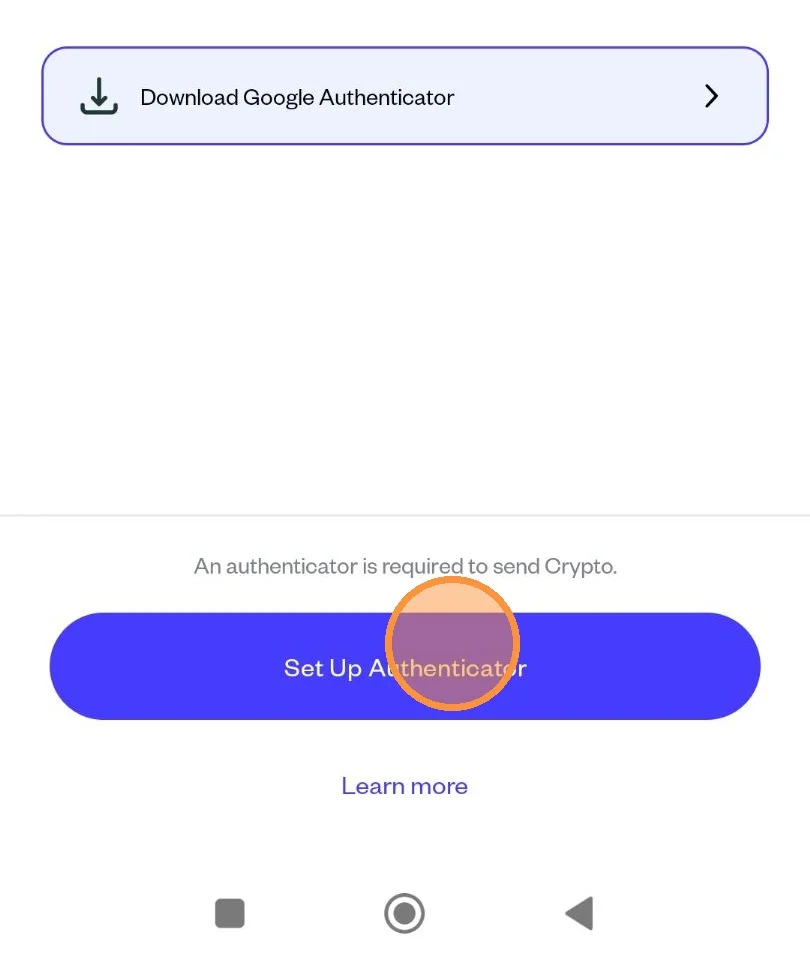
You can use Google Authenticator or any other Authenticator apps. If you don't have Google Authenticator in your phone yet, you can tap "Download Google Authenticator" and you will be redirected to Google Playstore. If you have the app installed, you can tap "Set Up Authenticator".
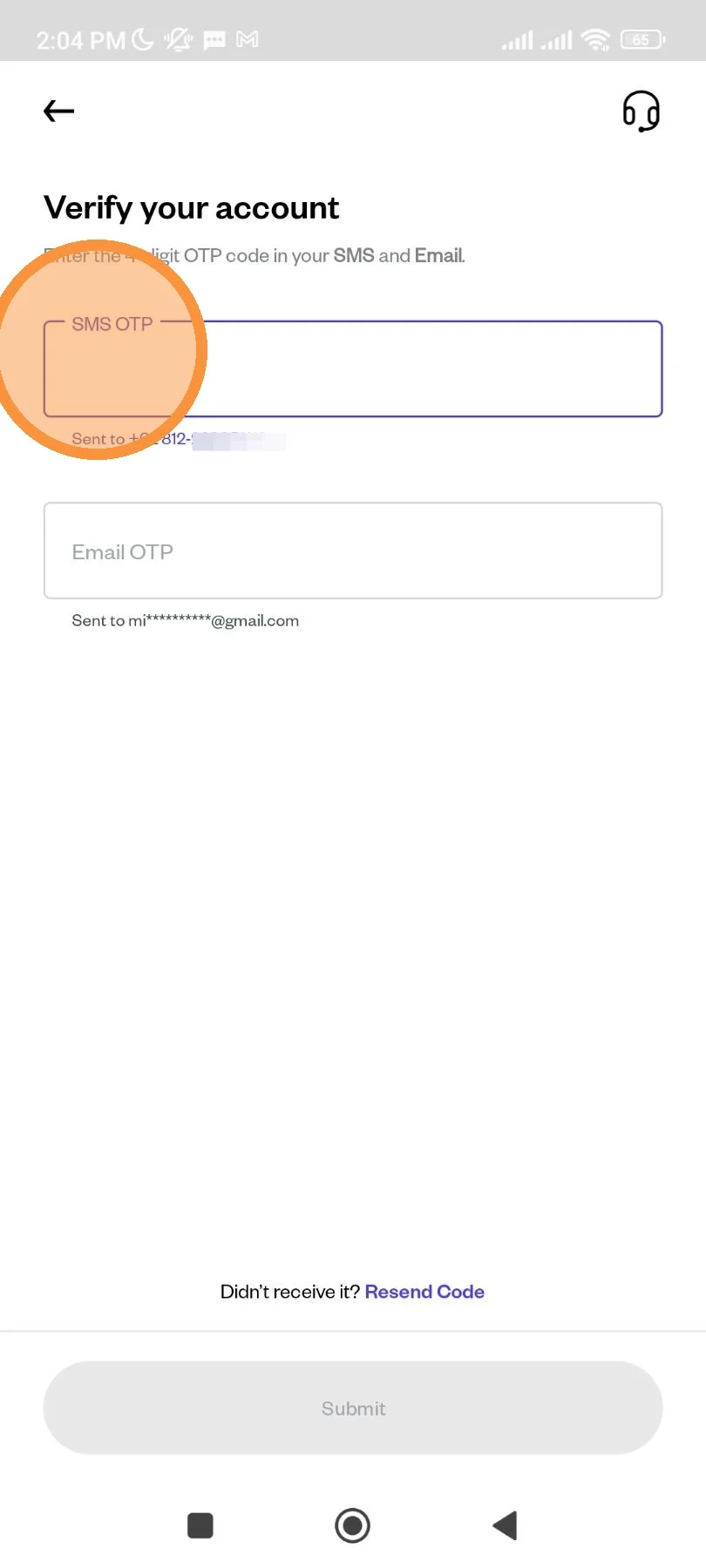
Wait until OTP is sent to your SMS and email. You can click Resend if you don't get it.
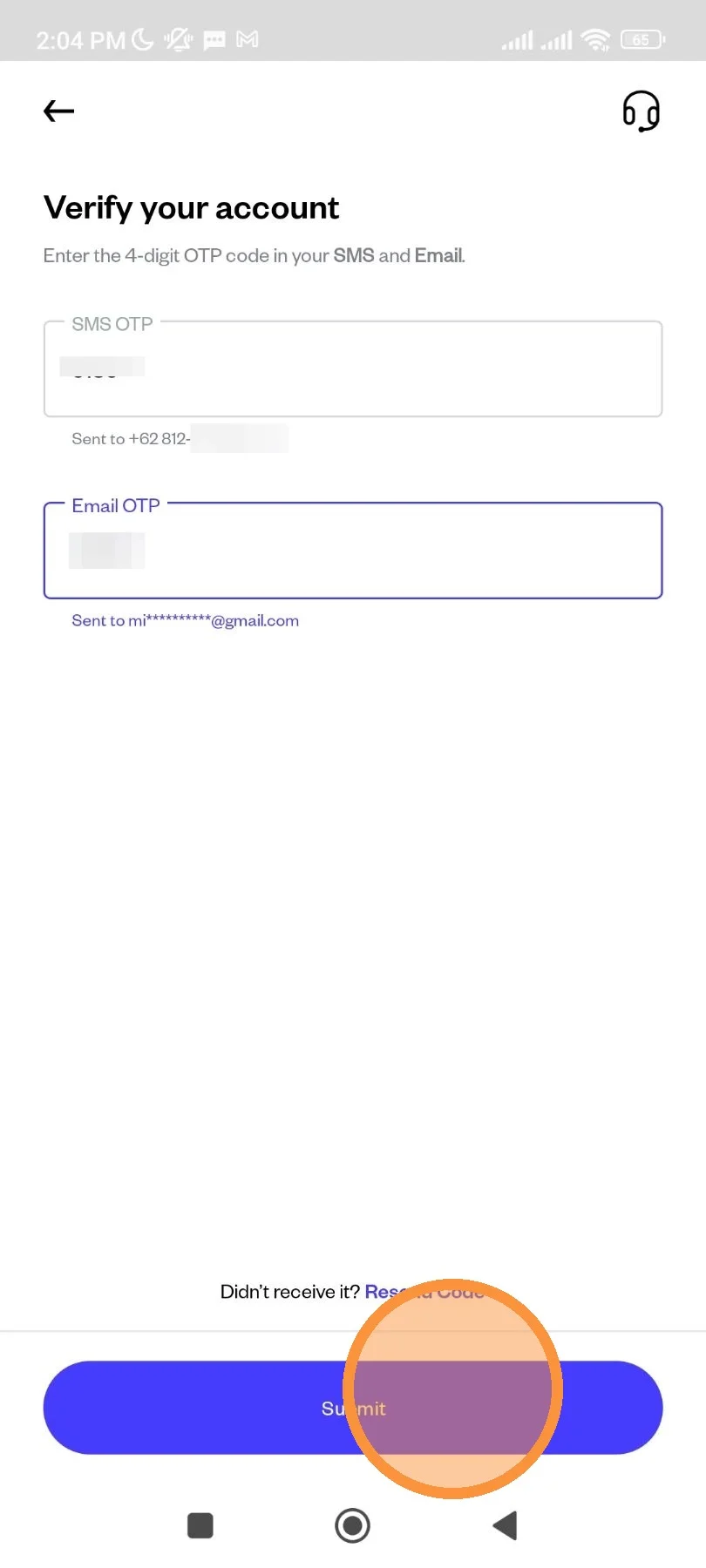
Tap "Submit" to submit the OTP.
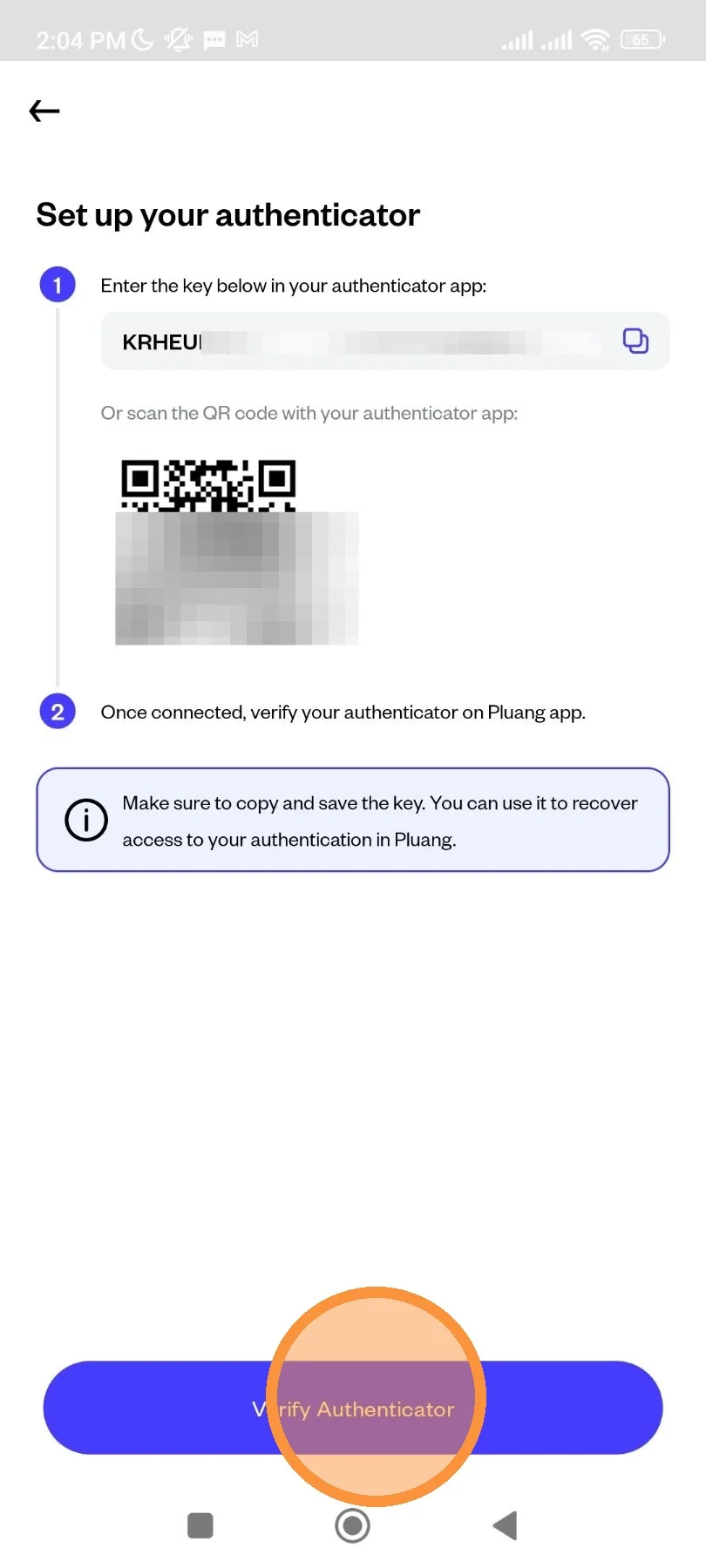
You would then get the authenticator key. Copy the code.
Open your authenticator app, then create new entry and paste the code or scan the QR code.
On your authenticator app, you will get Authenticator Code. Enter the code to your Pluang app, then tap "Submit".
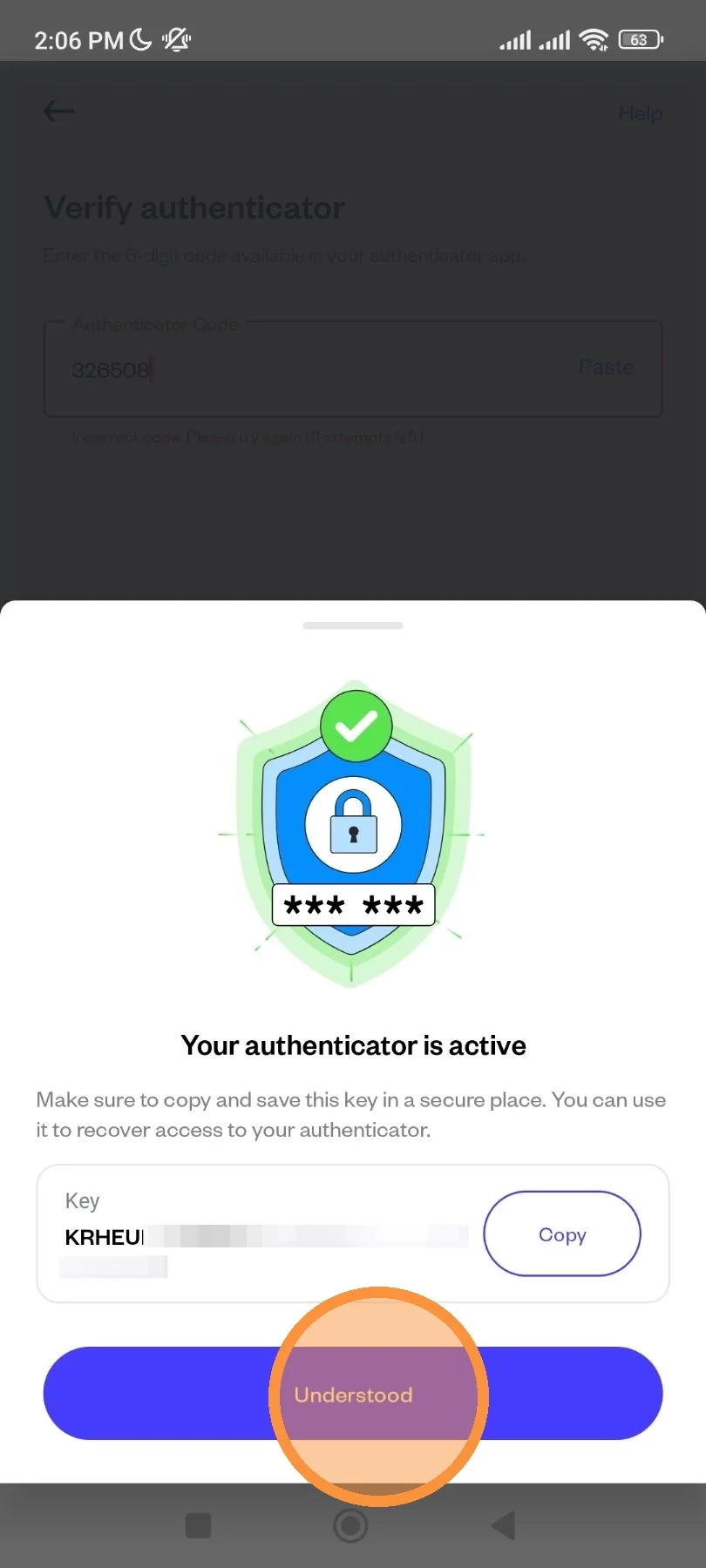
Congratulations! Your authenticator is now active. Save your Authenticator Key to access your Authenticator app later.
Tap "Understood" to close the screen.