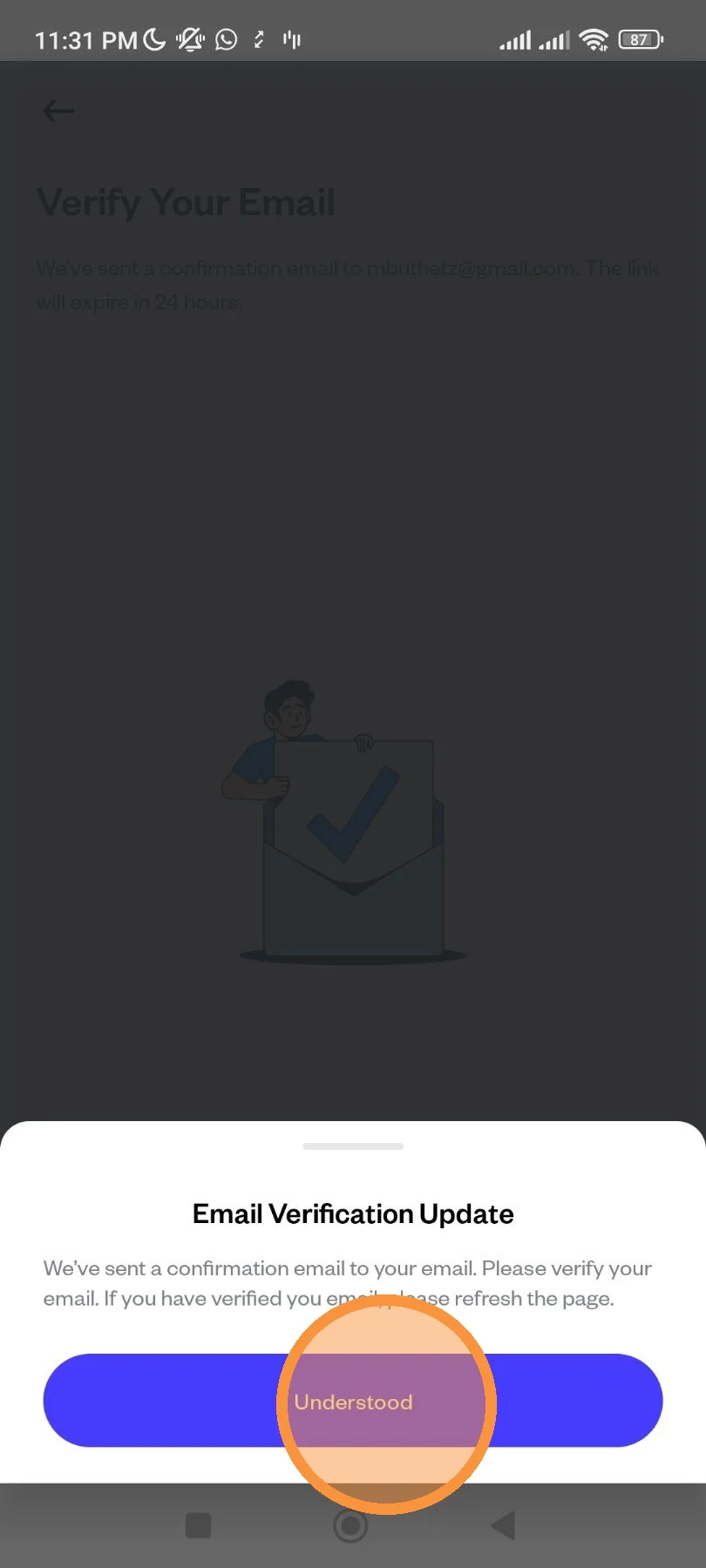
Change Email Address
Step by step on how to change Pluang's email address from the app.
9 Steps
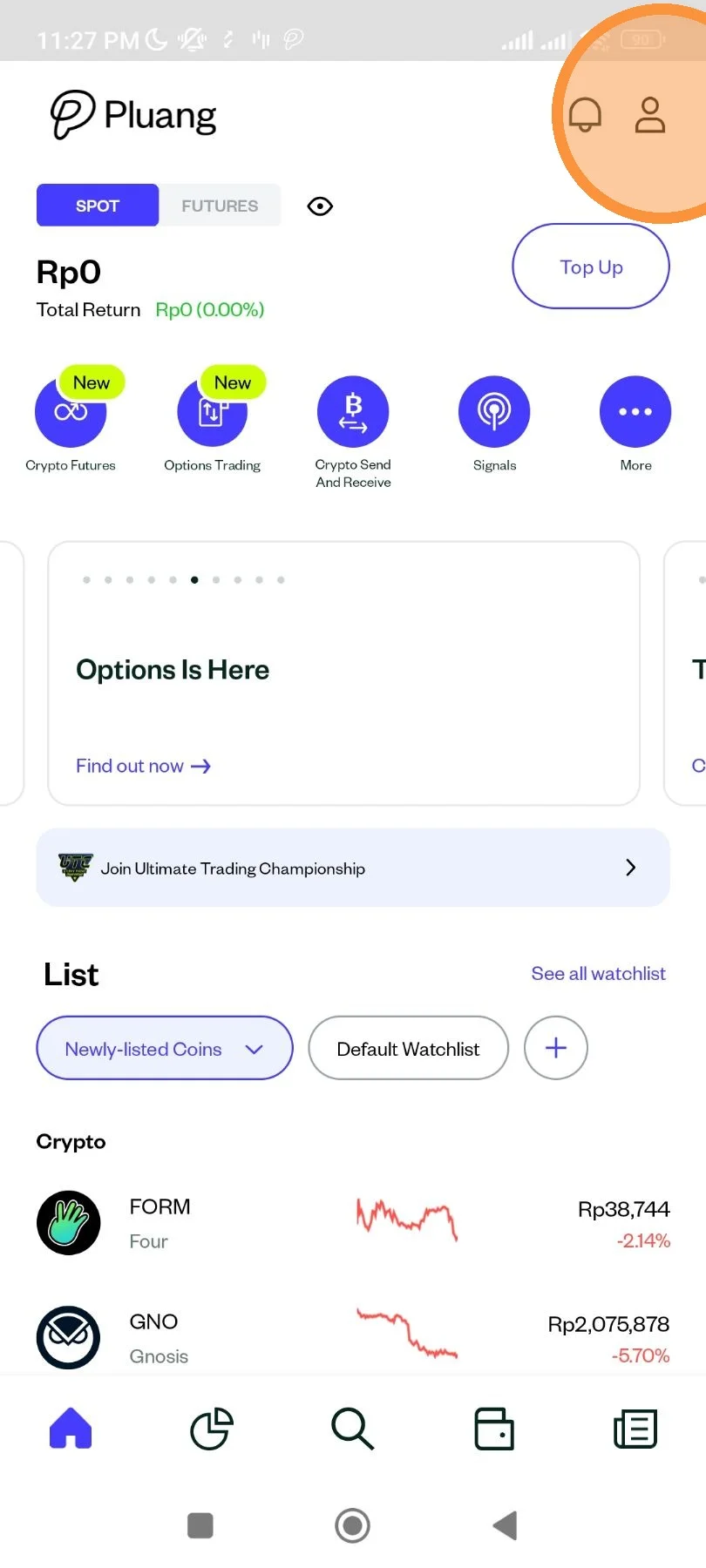
Open Pluang app. At homepage, tap "Account" icon.
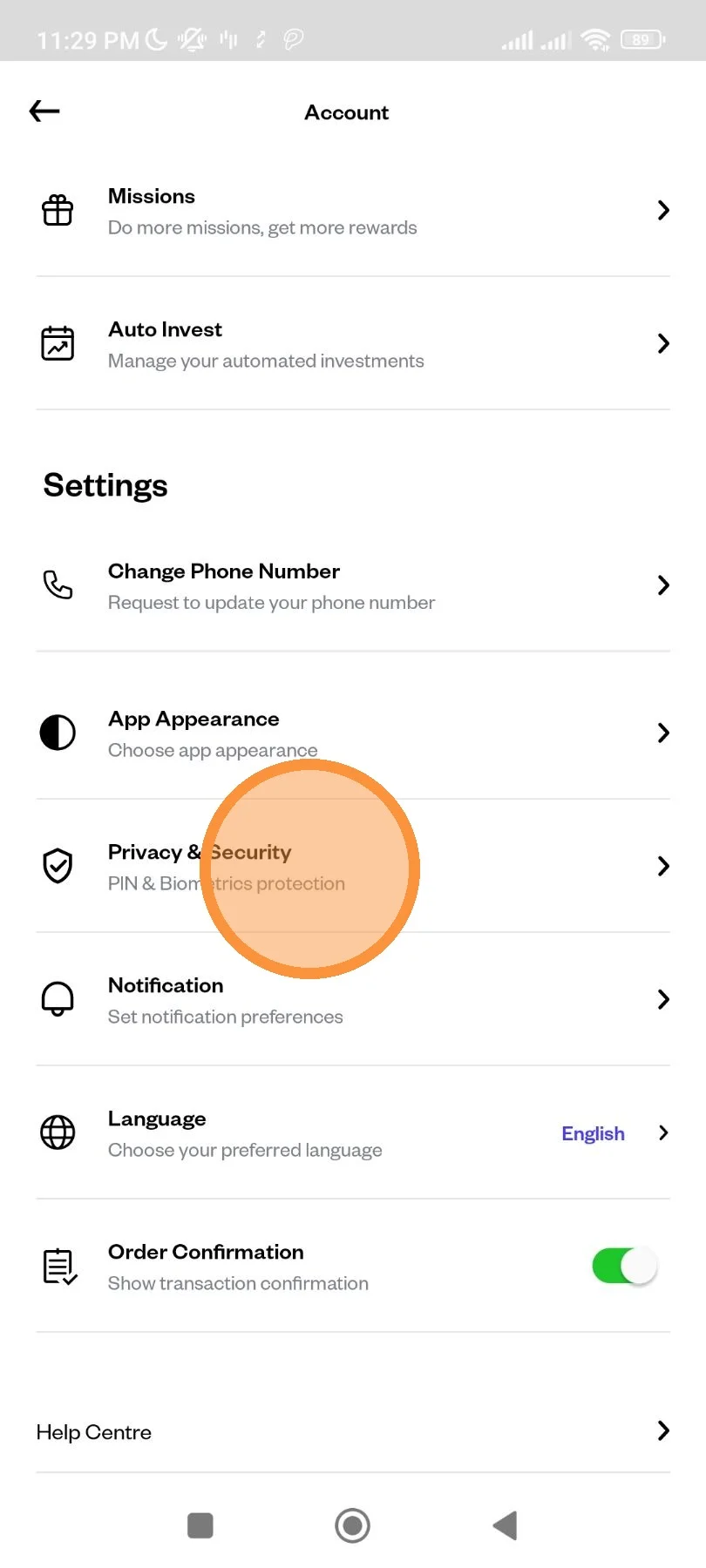
Scroll down until the menu, then tap "Privacy & Security" menu.
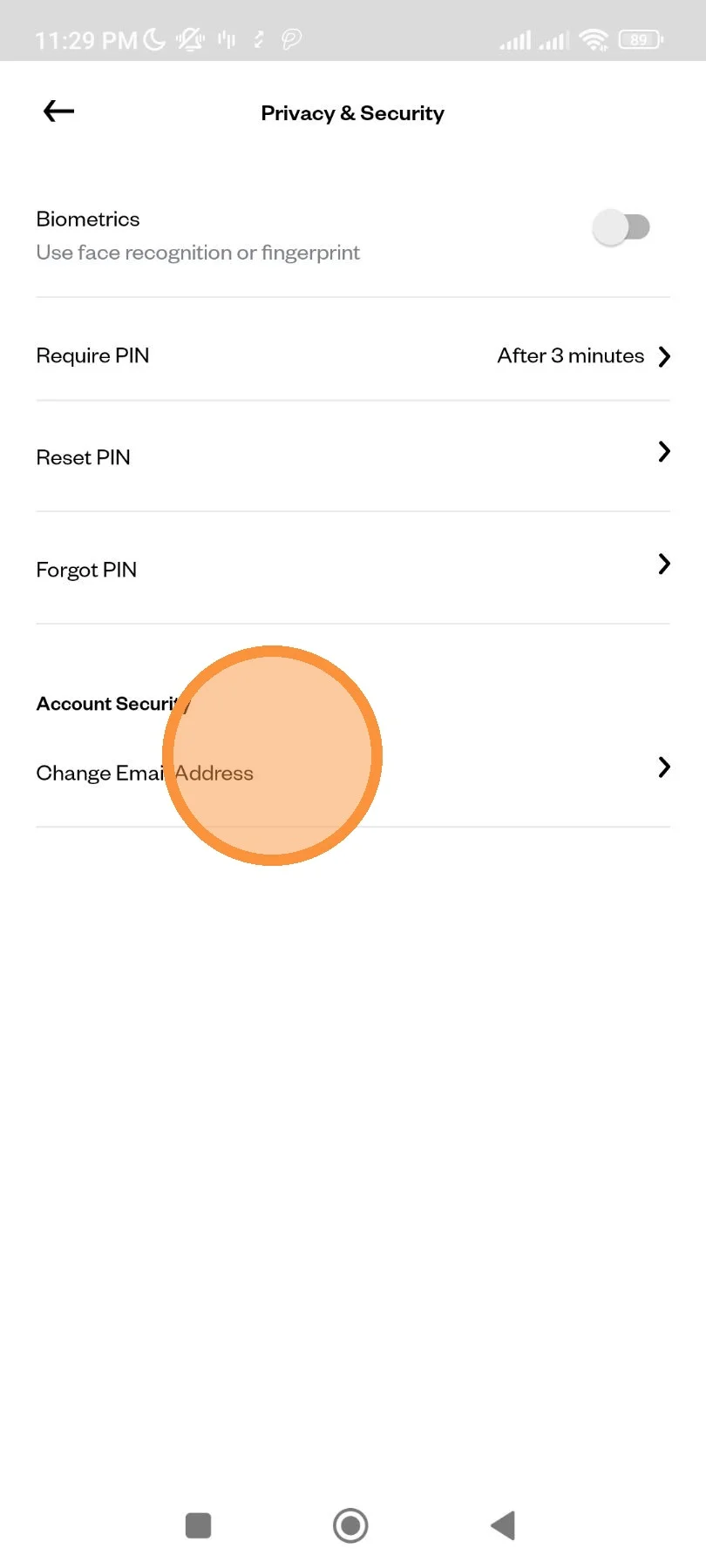
Tap "Change Email Address".
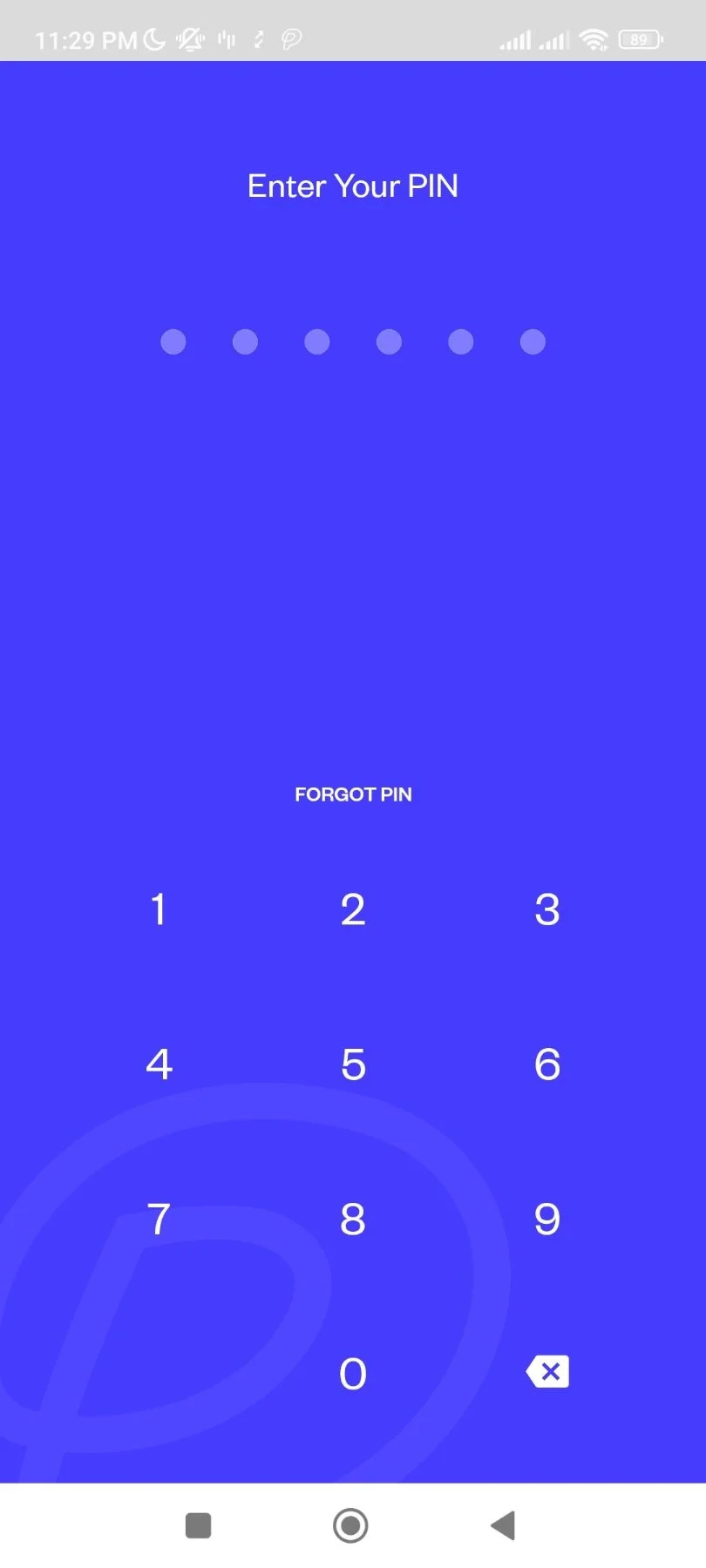
You will be redirected to PIN page. Enter your PIN to continue.
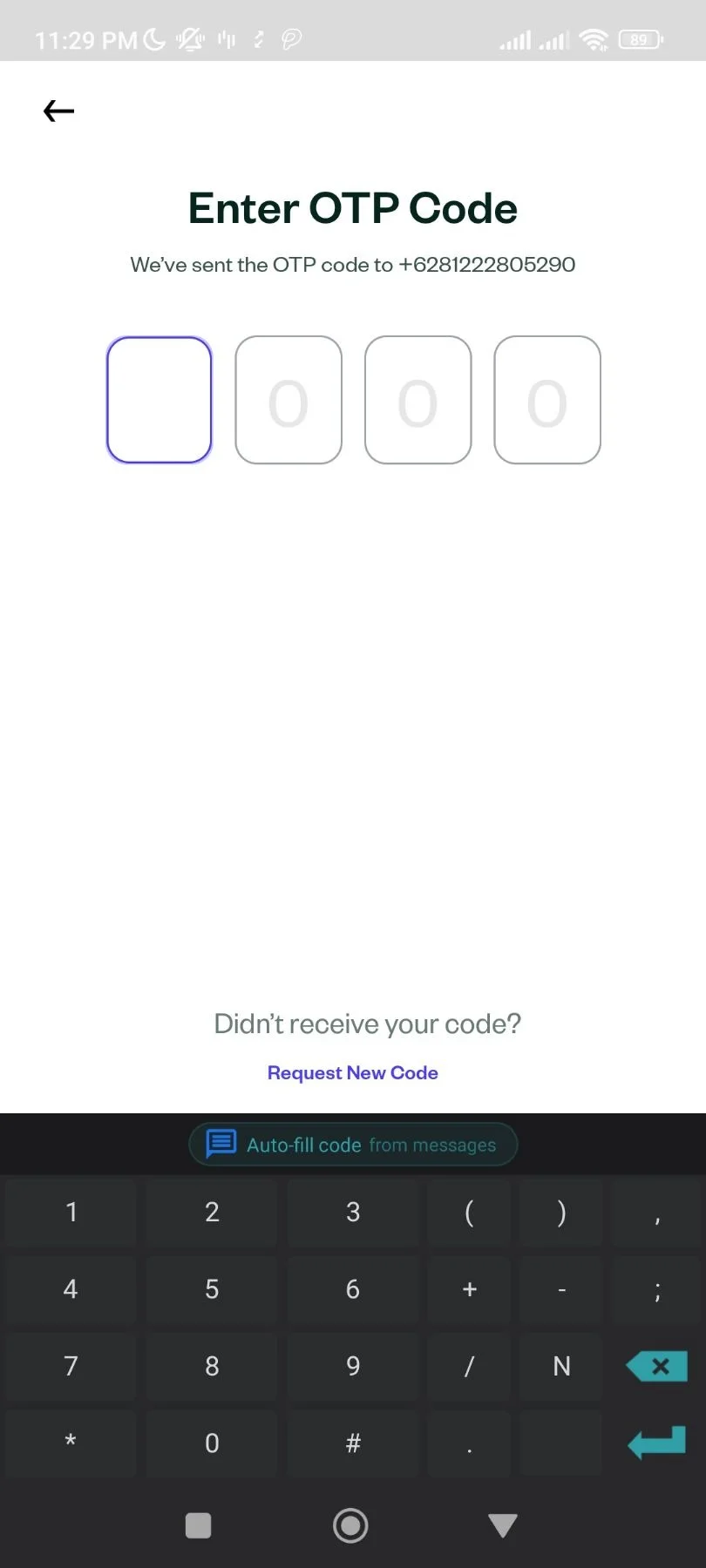
An OTP will be sent to you registered mobile number. Enter the OTP to continue.
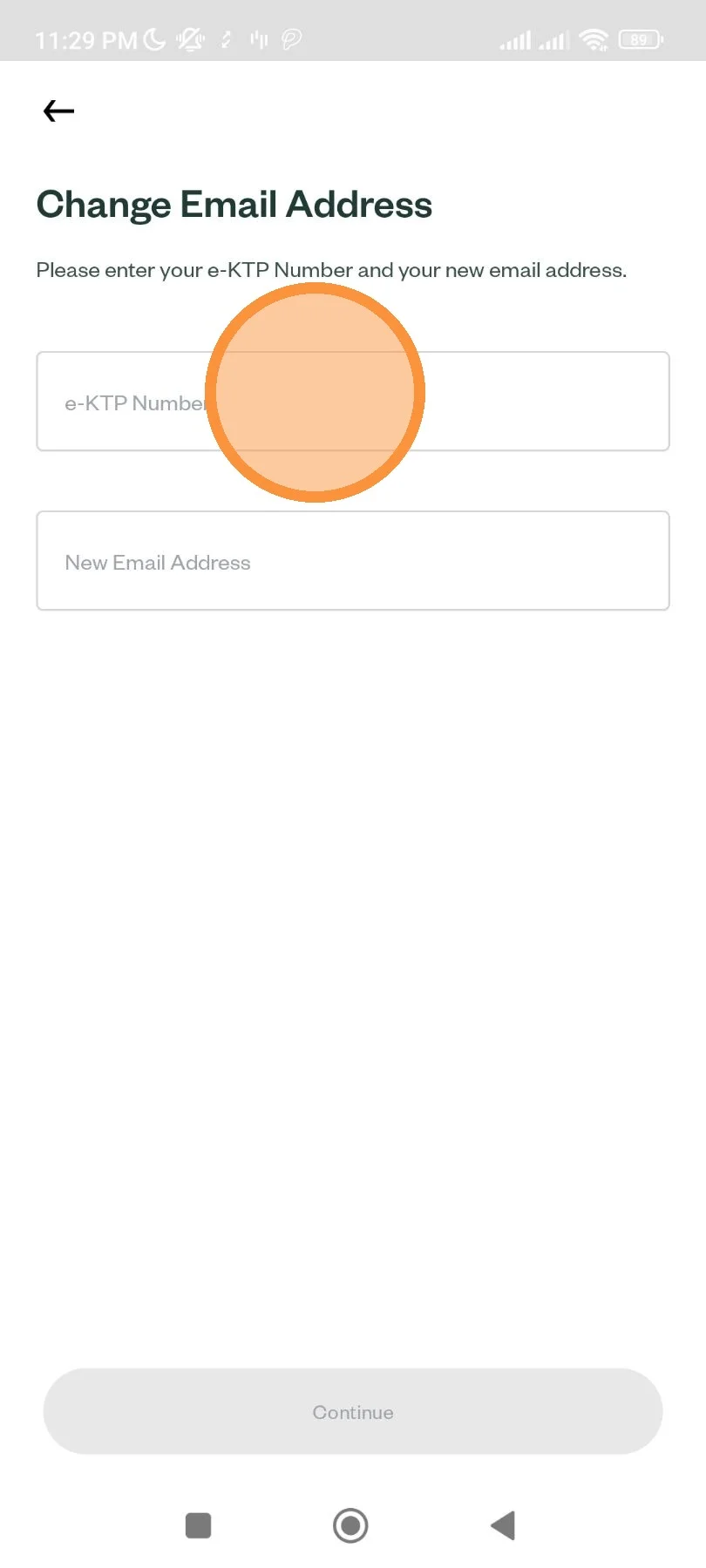
Enter your NIK to verify your identity and your new email address.
If you've entered the same email address you are currently using, you will get warning and will not be able to proceed. Please enter a new email address that never been used before on your Pluang account.
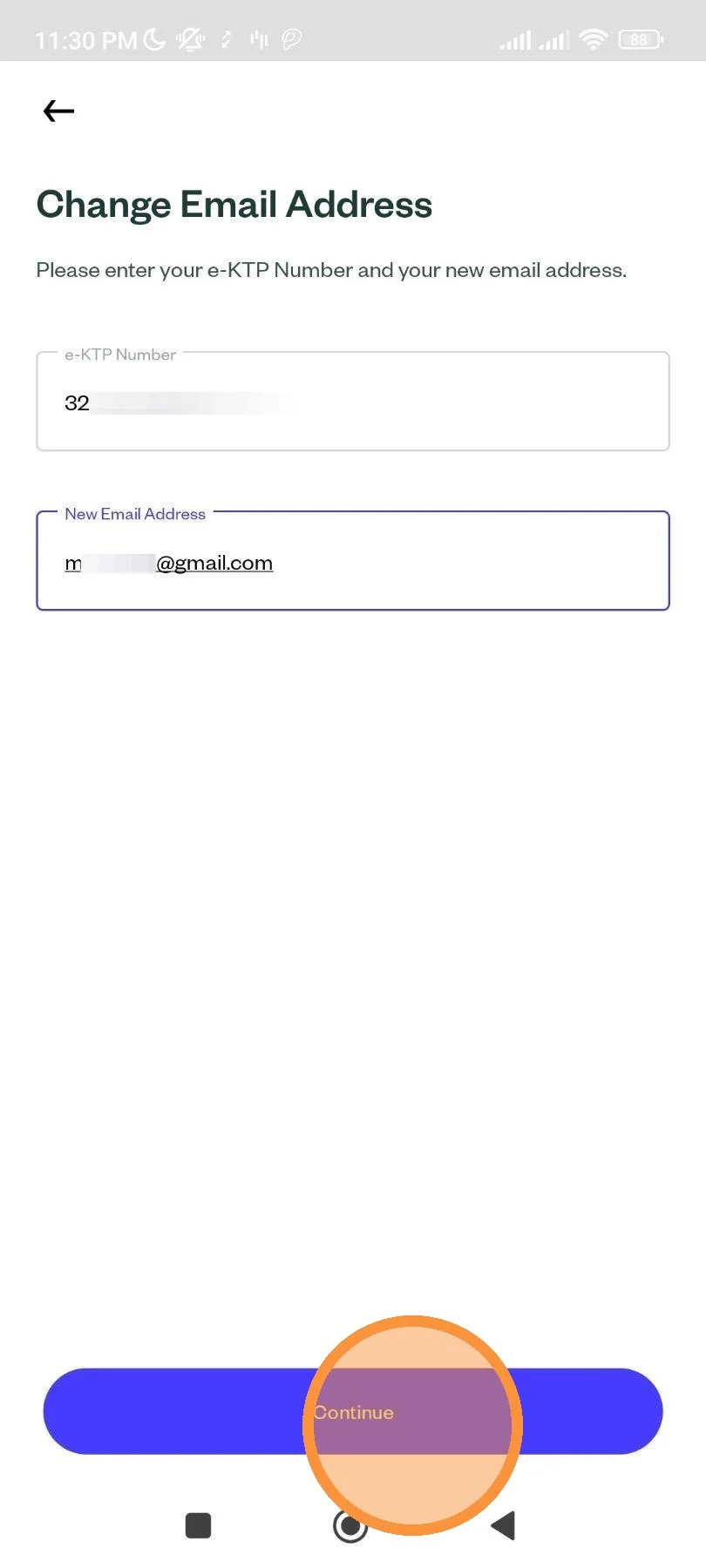
When you're done, tap "Continue".
You will need to verify on your new email address before the change is confirmed. Tap to open your mail app.
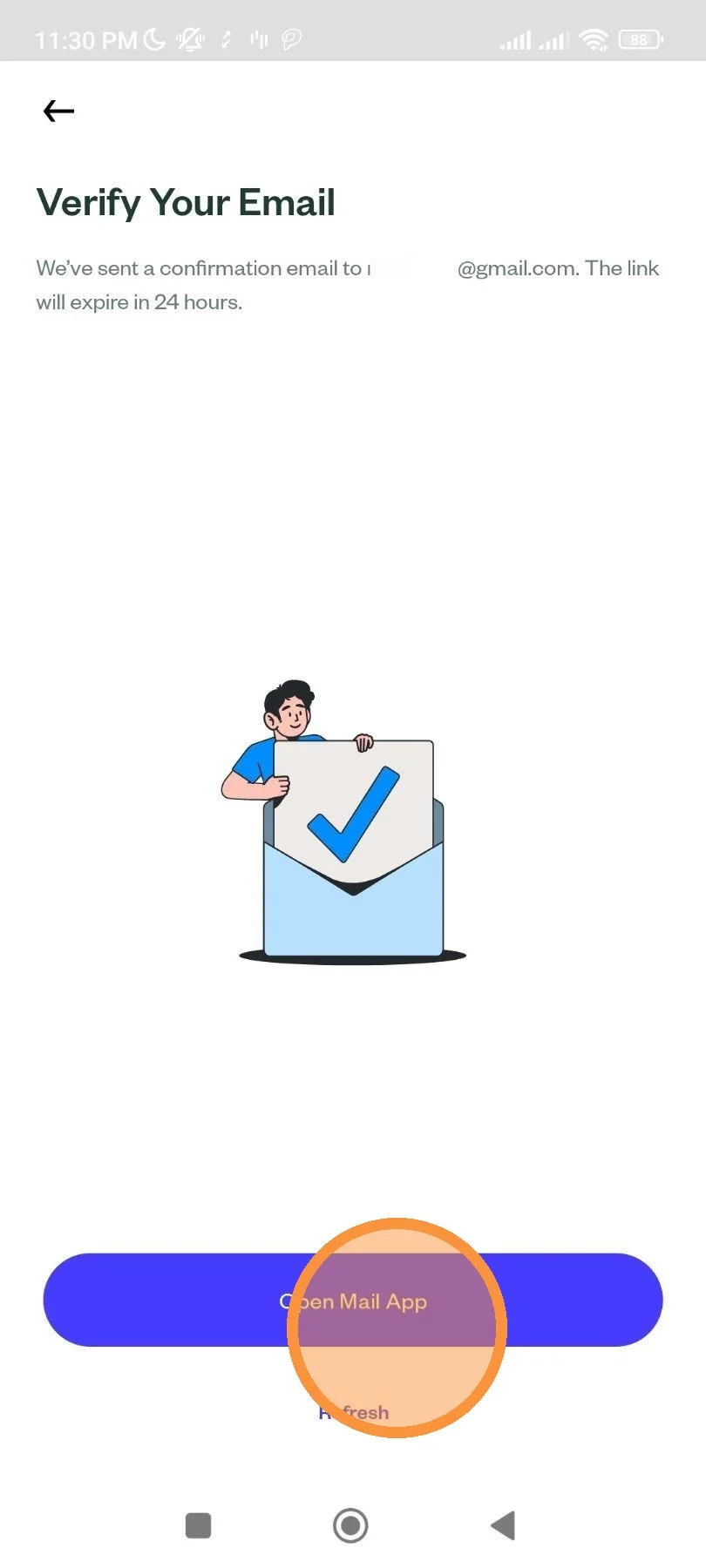
When you're done confirming, you could tap "Refresh".