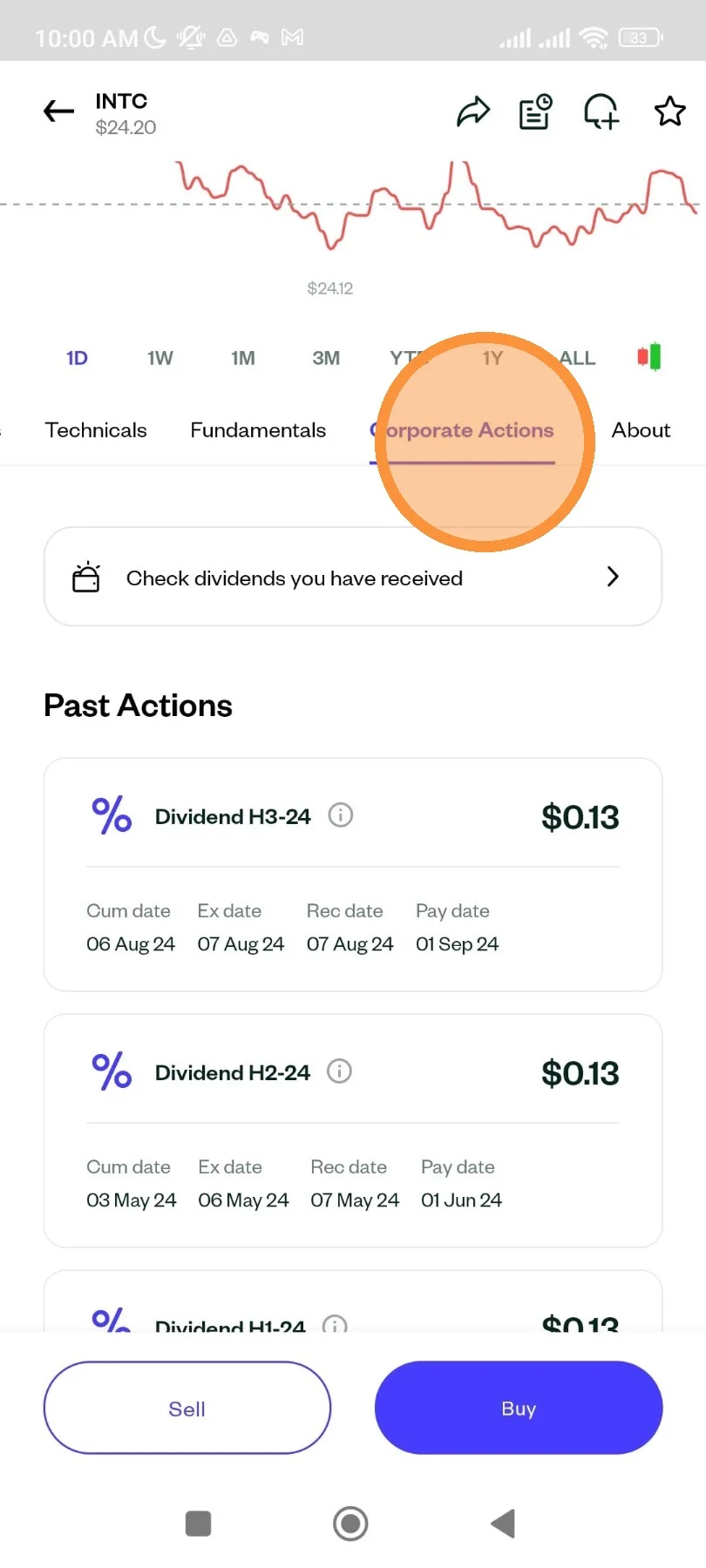
How to view US Stock Dividends
4 Steps
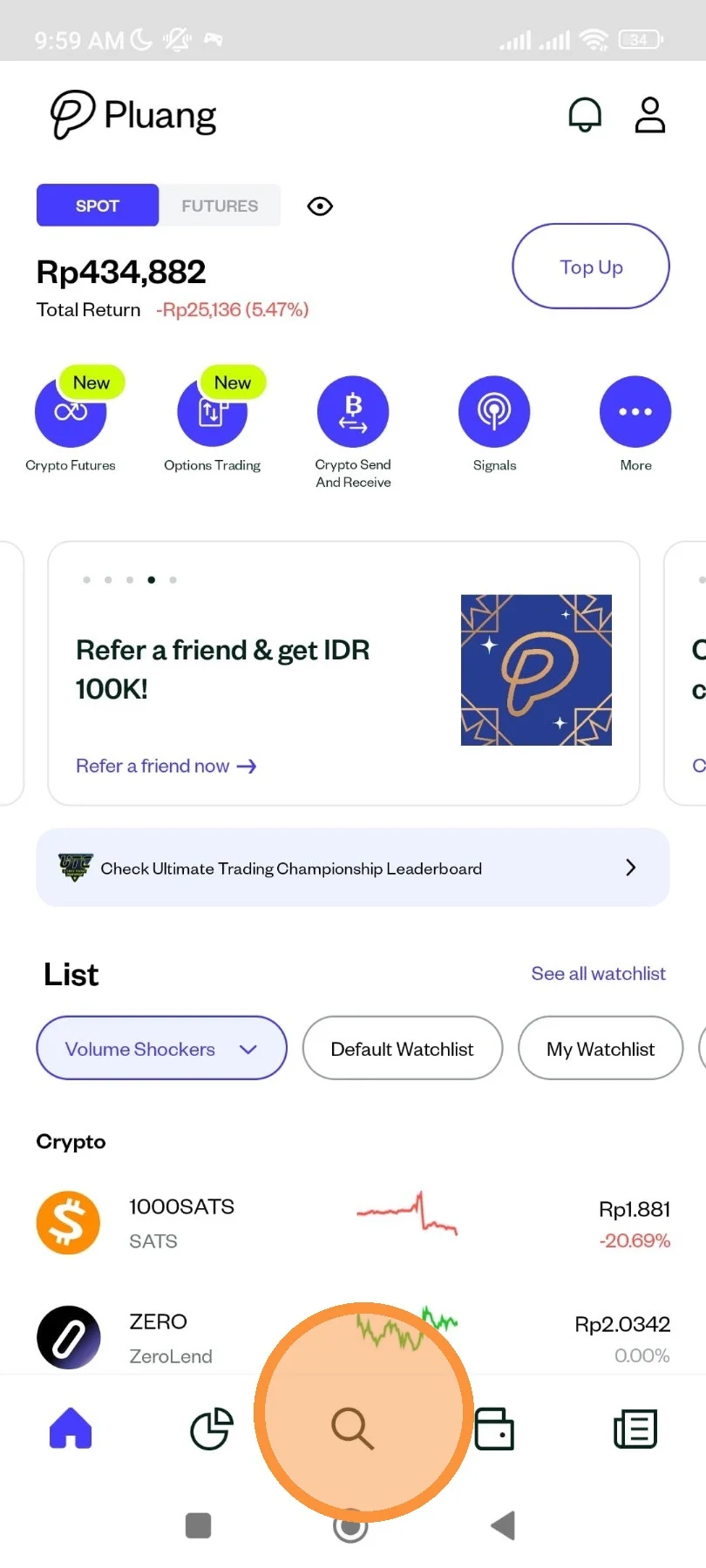
You can open the “magnifying glass” menu from the Pluang app.
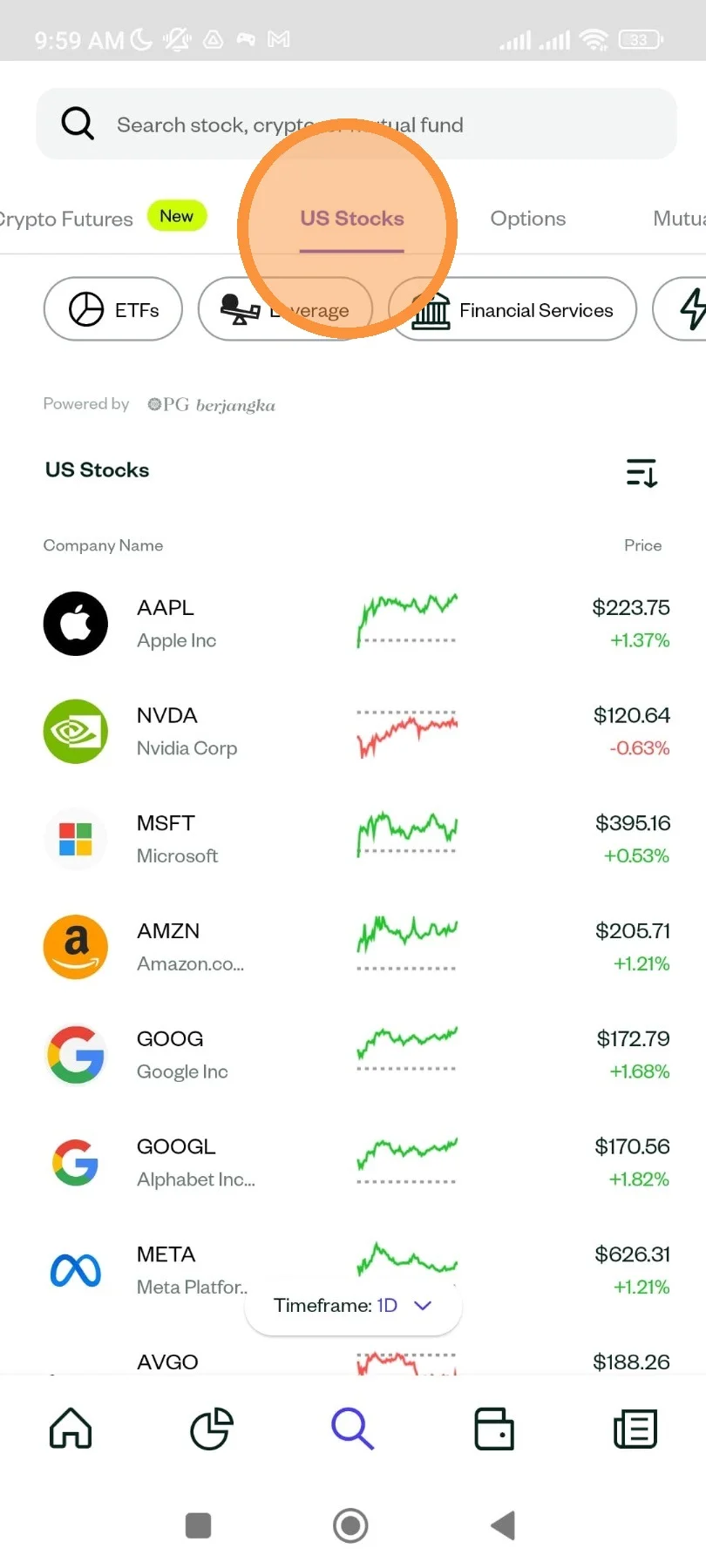
Please select the “US Stocks” menu from your Pluang account.
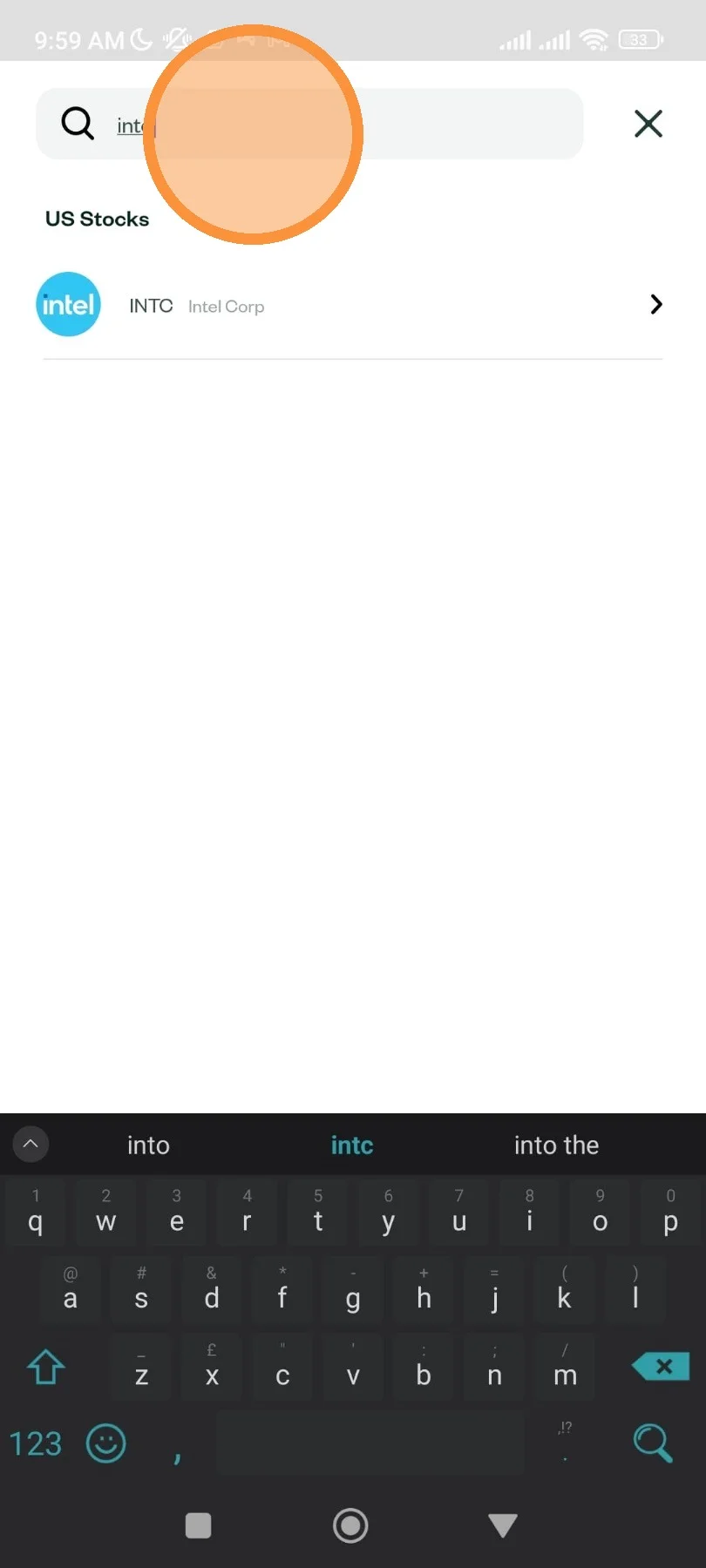
Please input the US Stock that you want to check the dividend it receives
Please check the “Corporate Actions” menu to see the date of the dividend received.