Add TP/SL to Crypto Futures Open Position
5 Steps
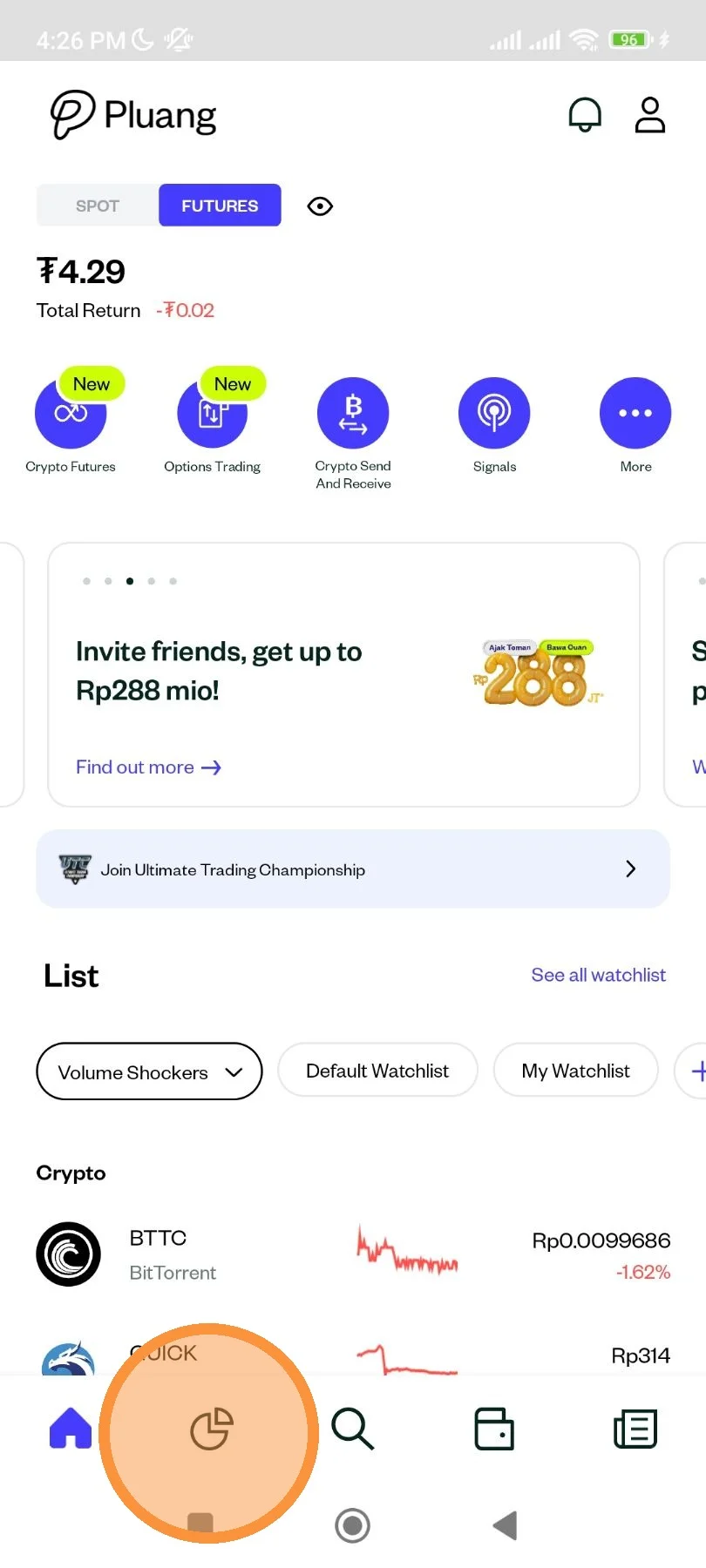
Log in and open the Pluang app, then select the Portfolio page as instructed.
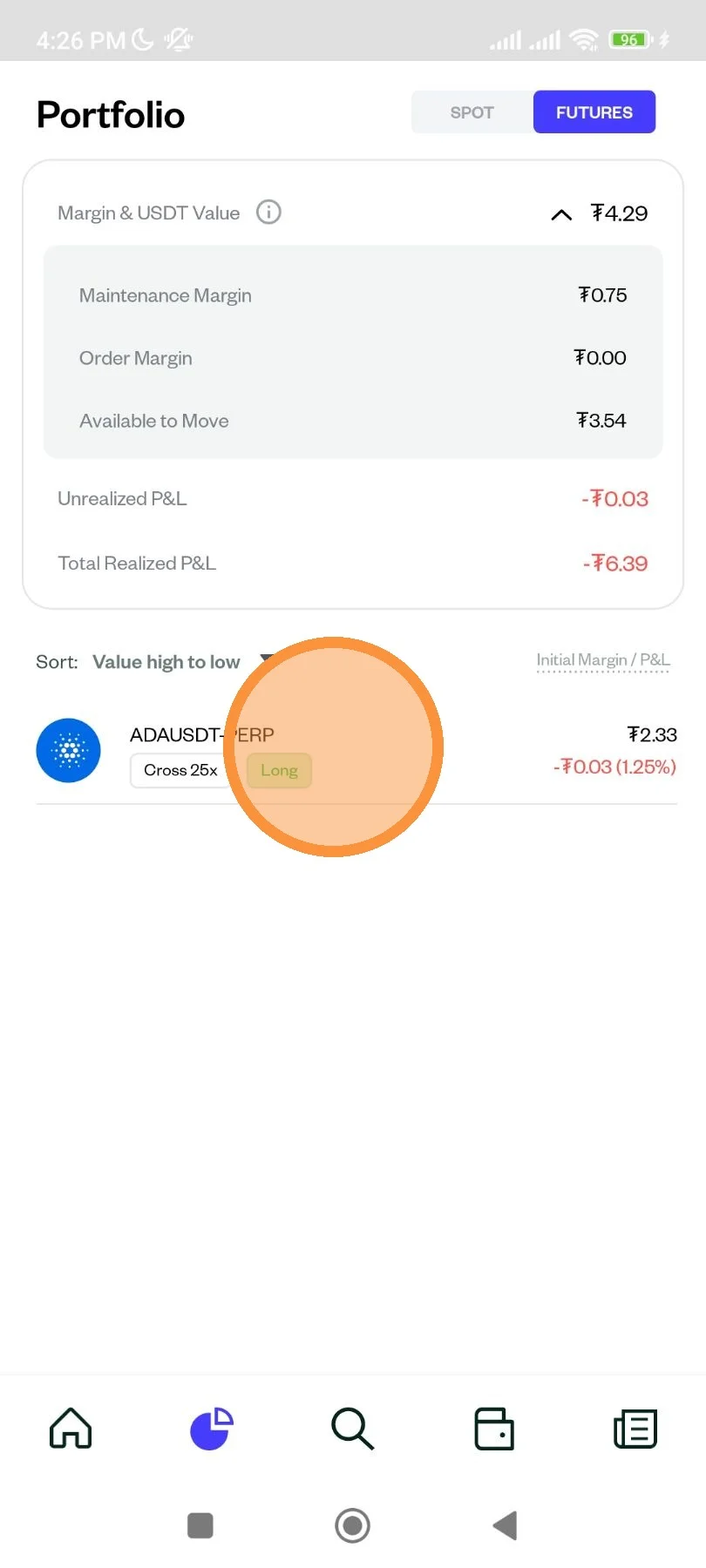
You can choose the assets you want.
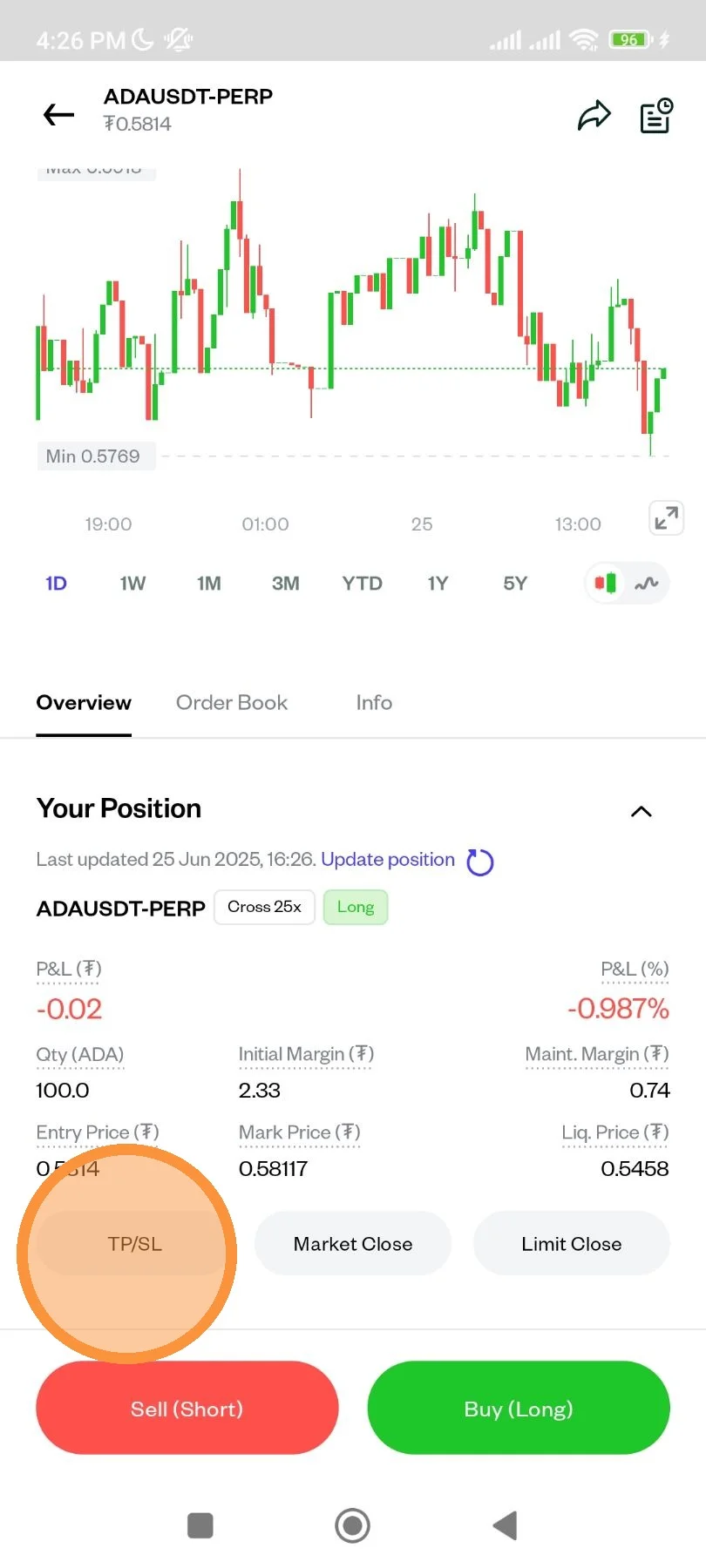
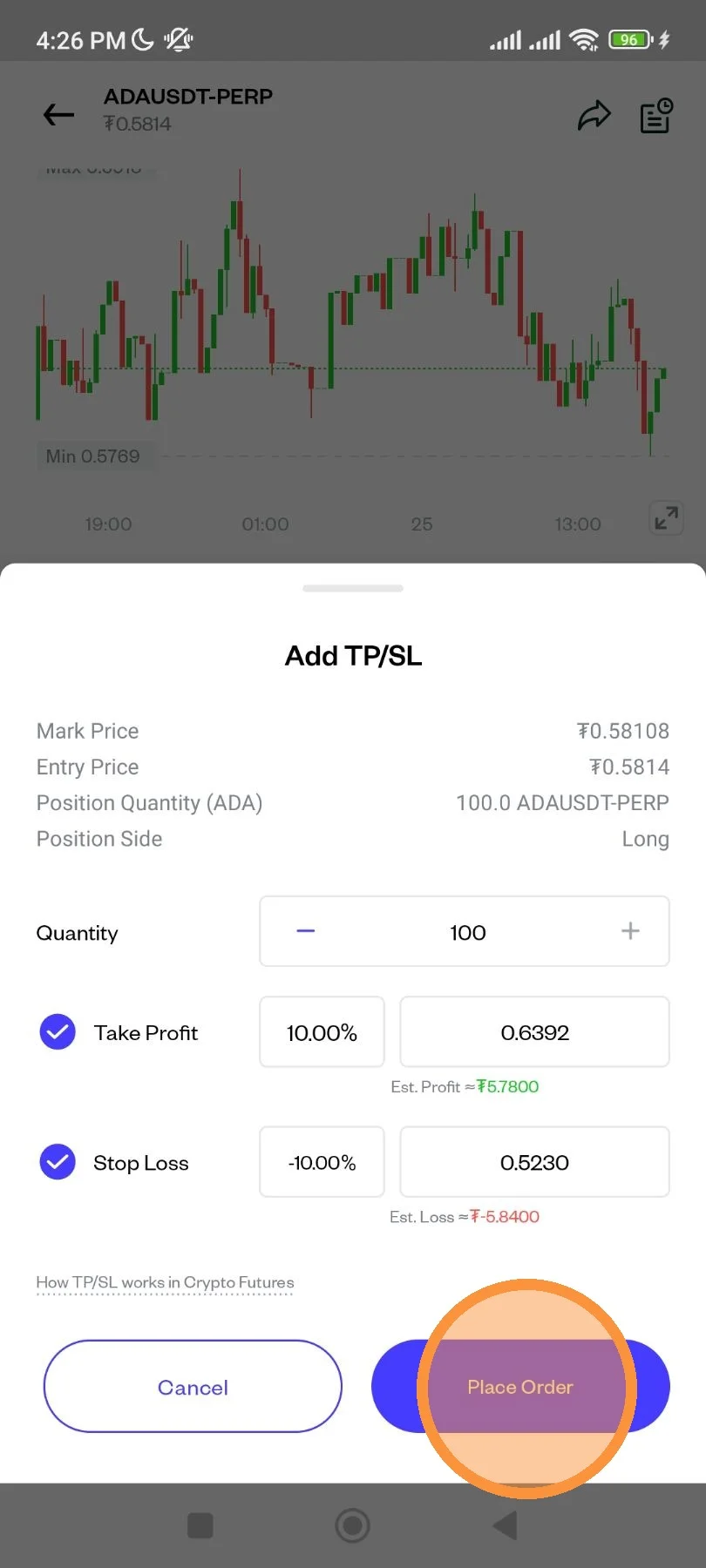
Click "TP/SL".
Set the Take Profit and Stop Loss limits you want to set. Once you are sure, click “Place Order.”
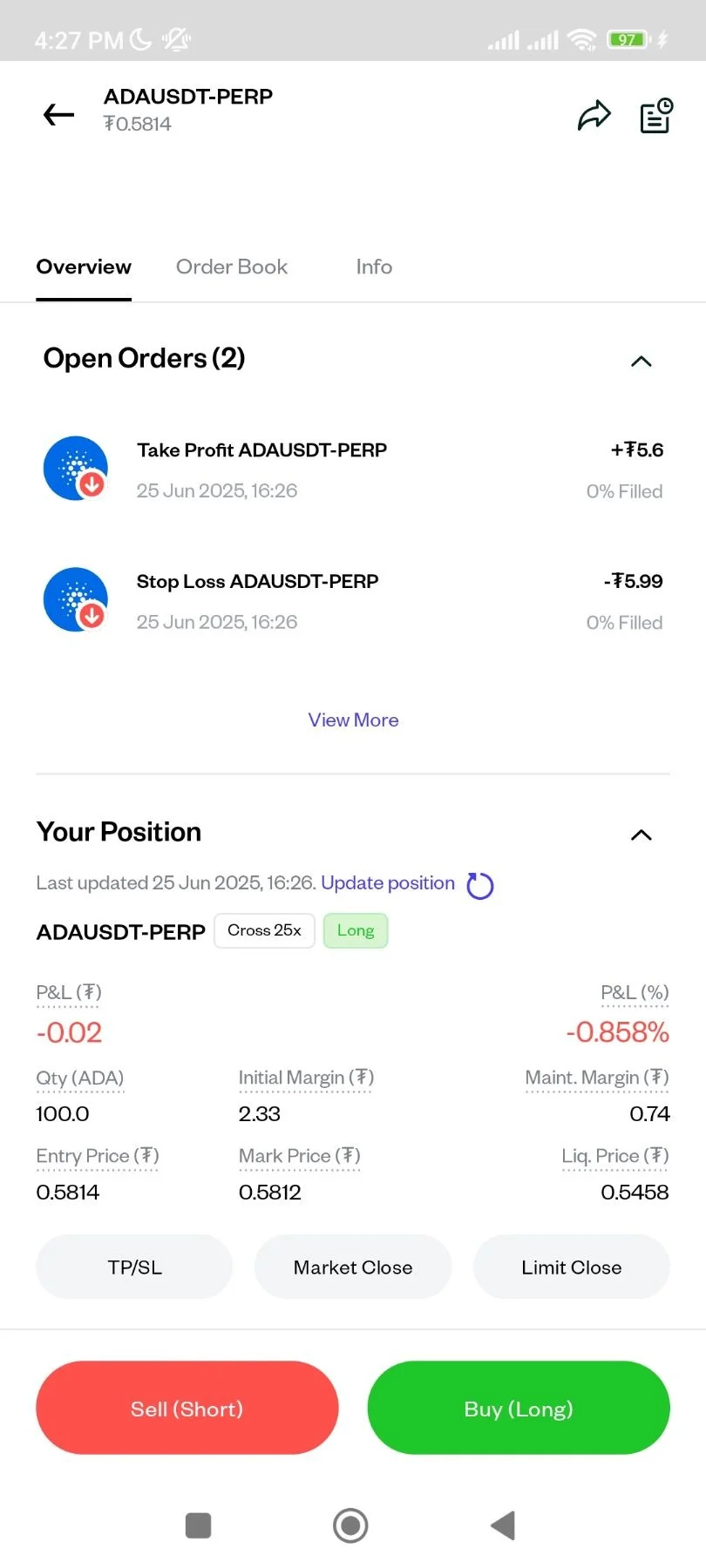
You have successfully set Take Profit and Stop Loss, and you can see it on the asset page.