Portfolio Overview Page in Pluang
3 Steps
Open Pluang app and click the icon to see your Portfolio page.
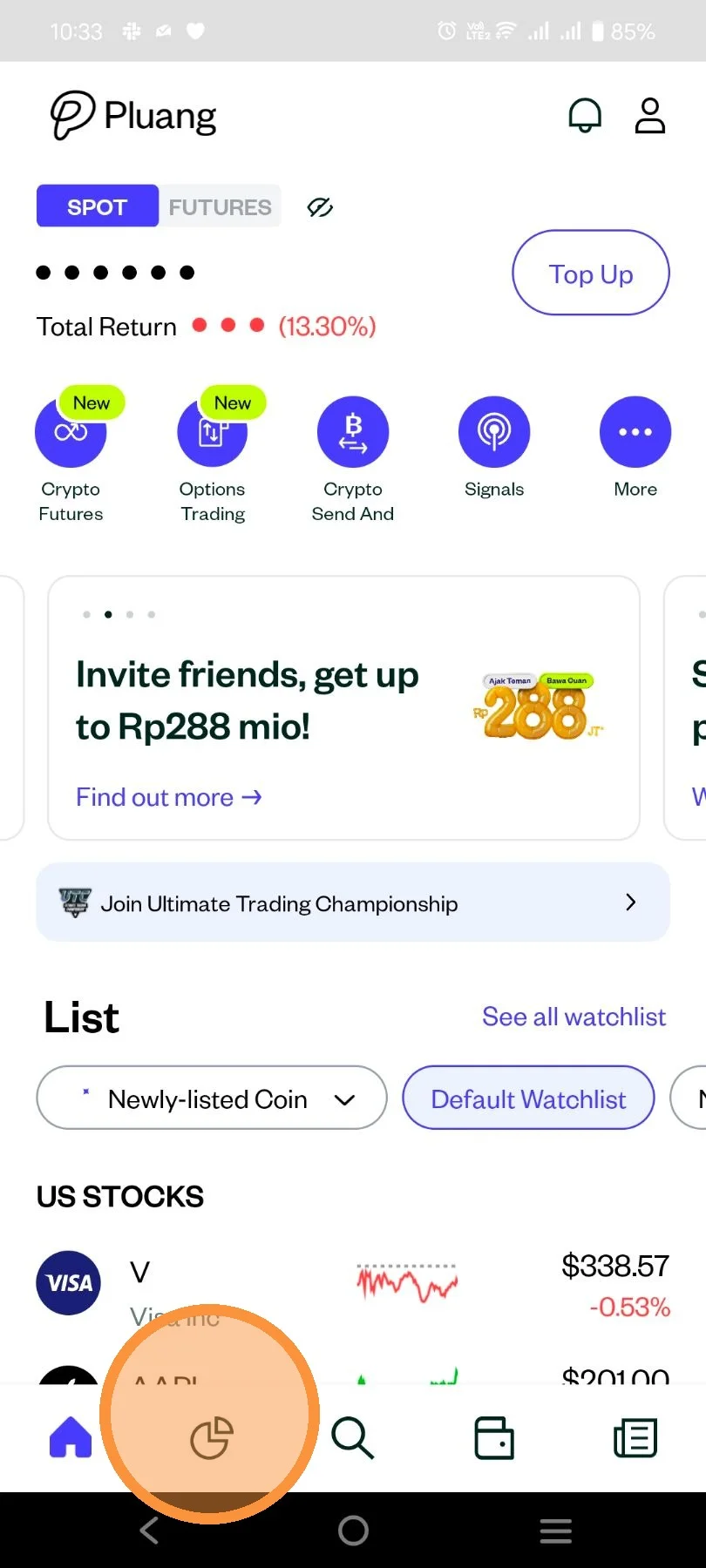
After that, you will see the portfolio display on the “Spot” and “Futures” accounts of the Pluang application as follows:
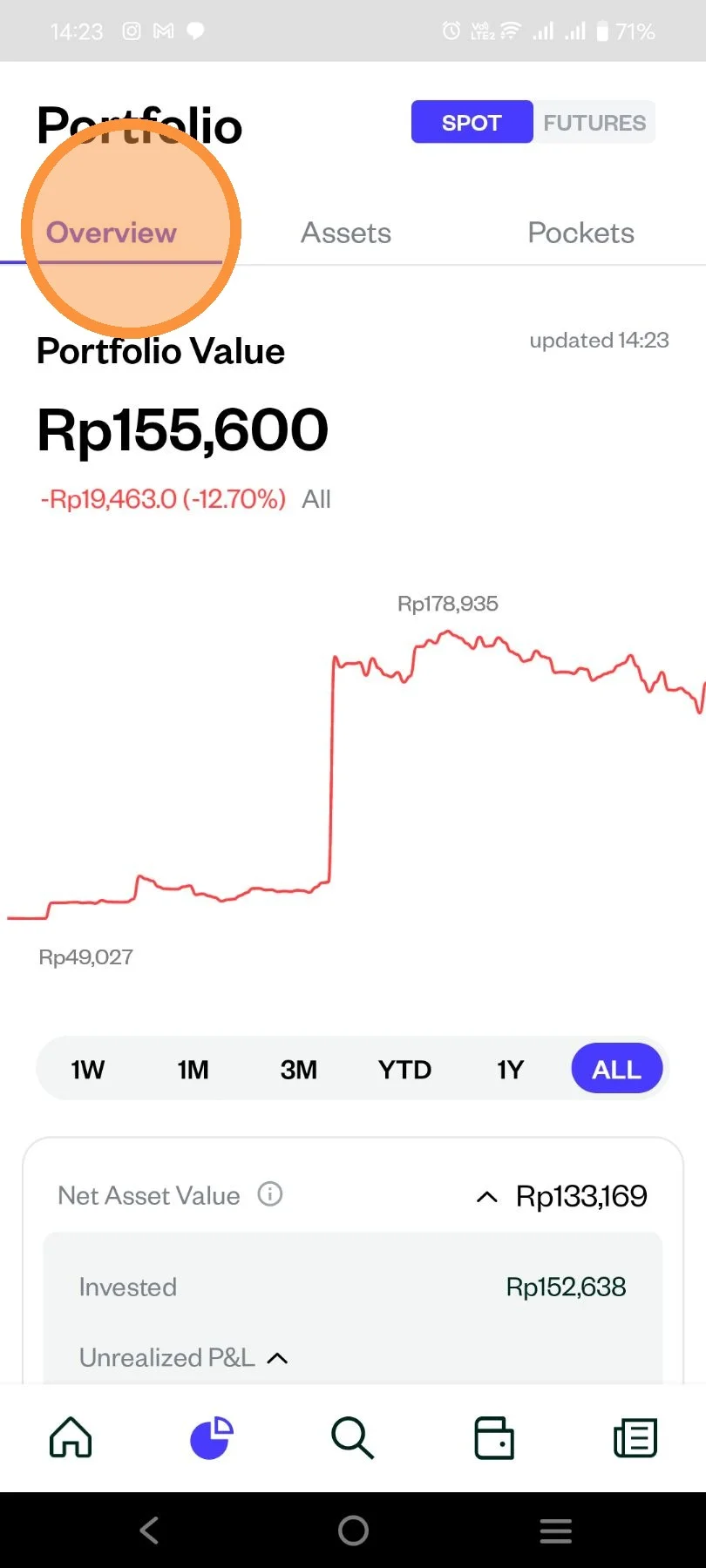
- Summary
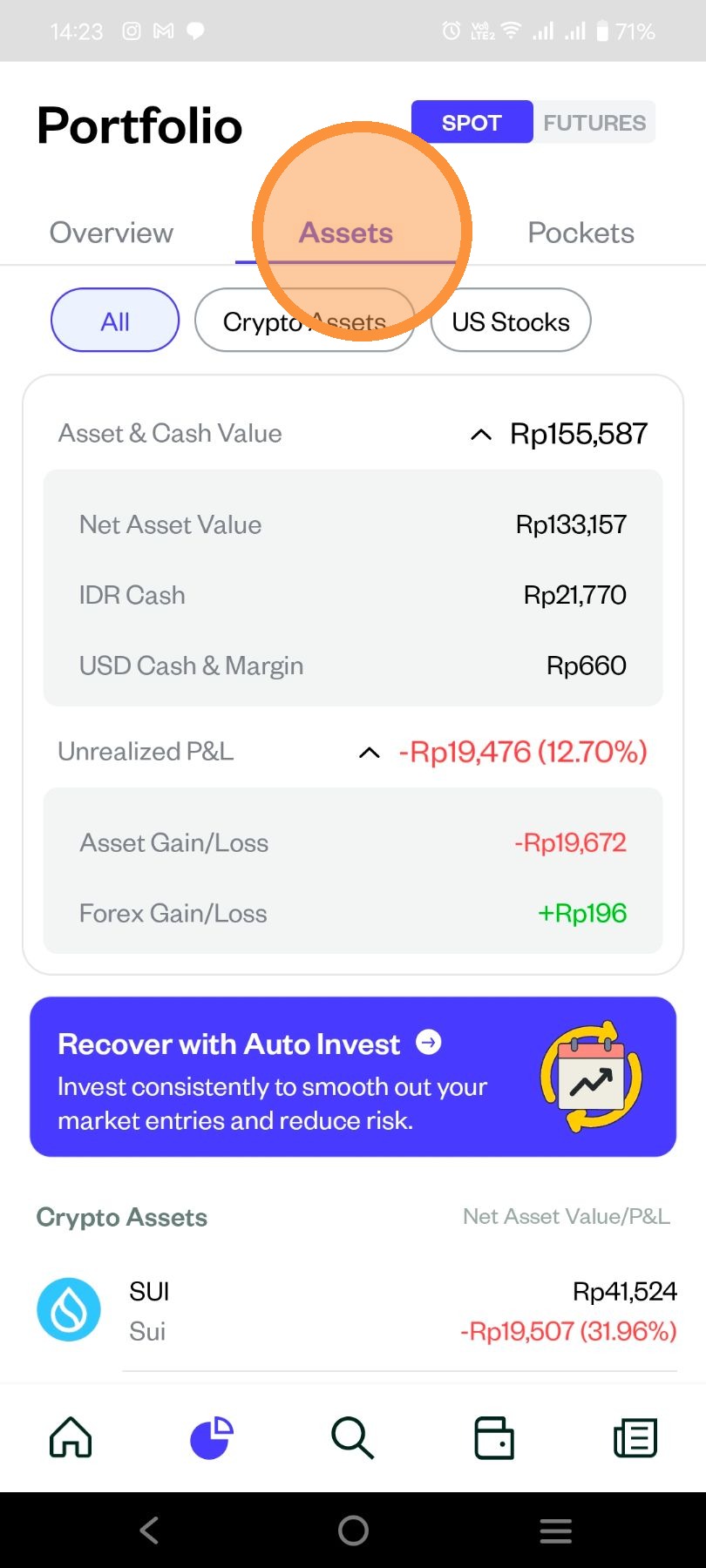
- Assets
Crypto Futures
As an example below for the view on “Portfolio Summary”
- After that, you will see the display of “Asset Portfolio” which consists of “Crypto Assets, US Stocks, Leverage, Mutual Funds and Gold”.