How to Deactivate Pluang Account through iOS
8 Steps
On your Pluang app, enter your "Account" page, and click "Delete Account"
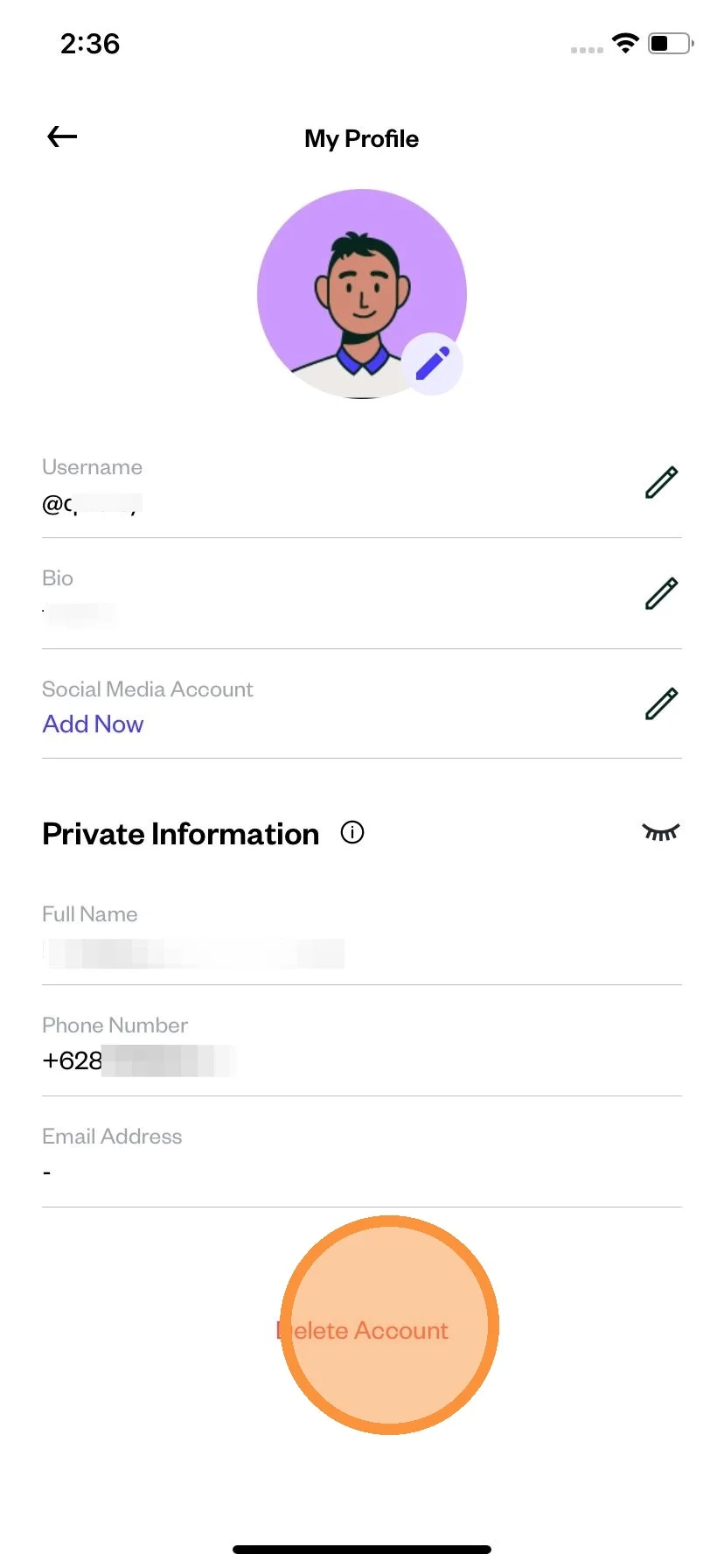
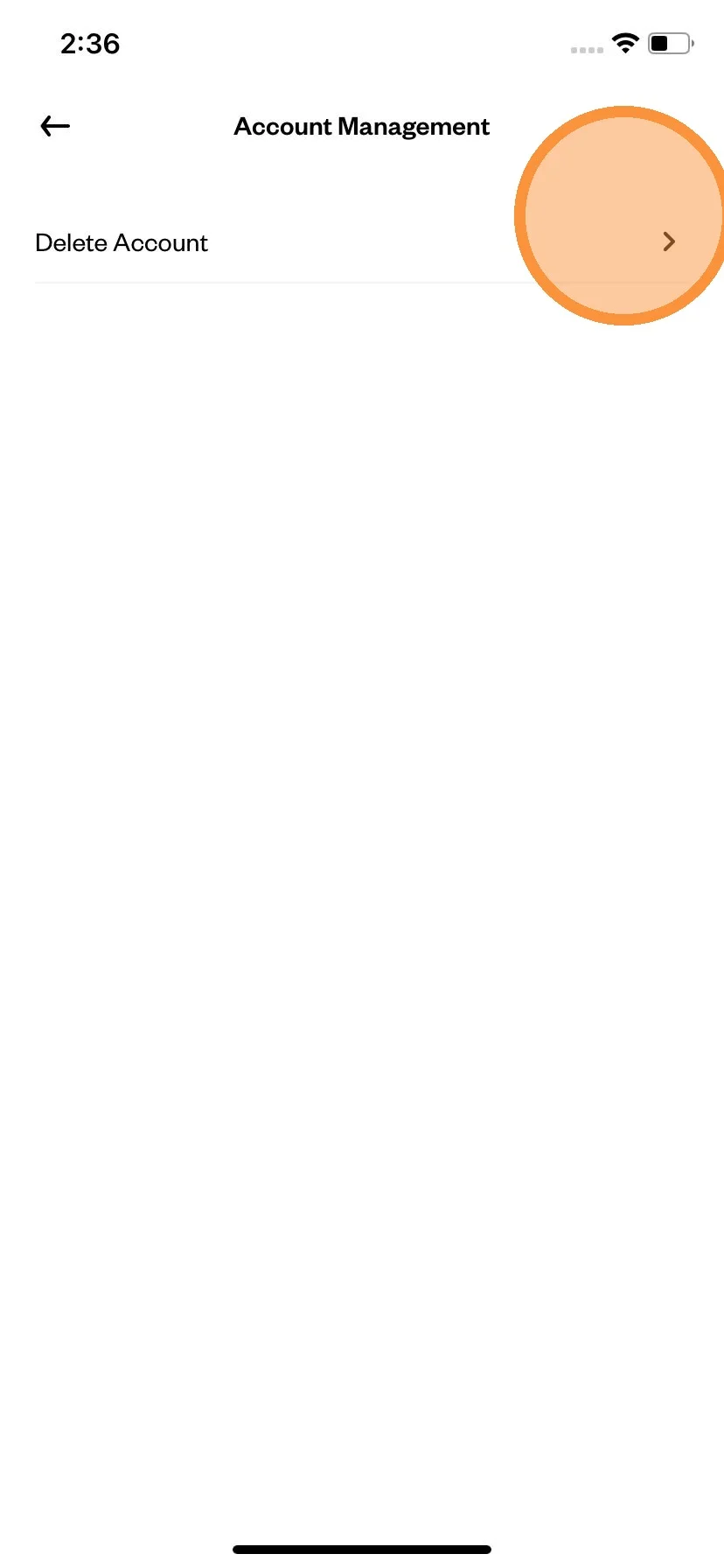
Click on "Delete Account".
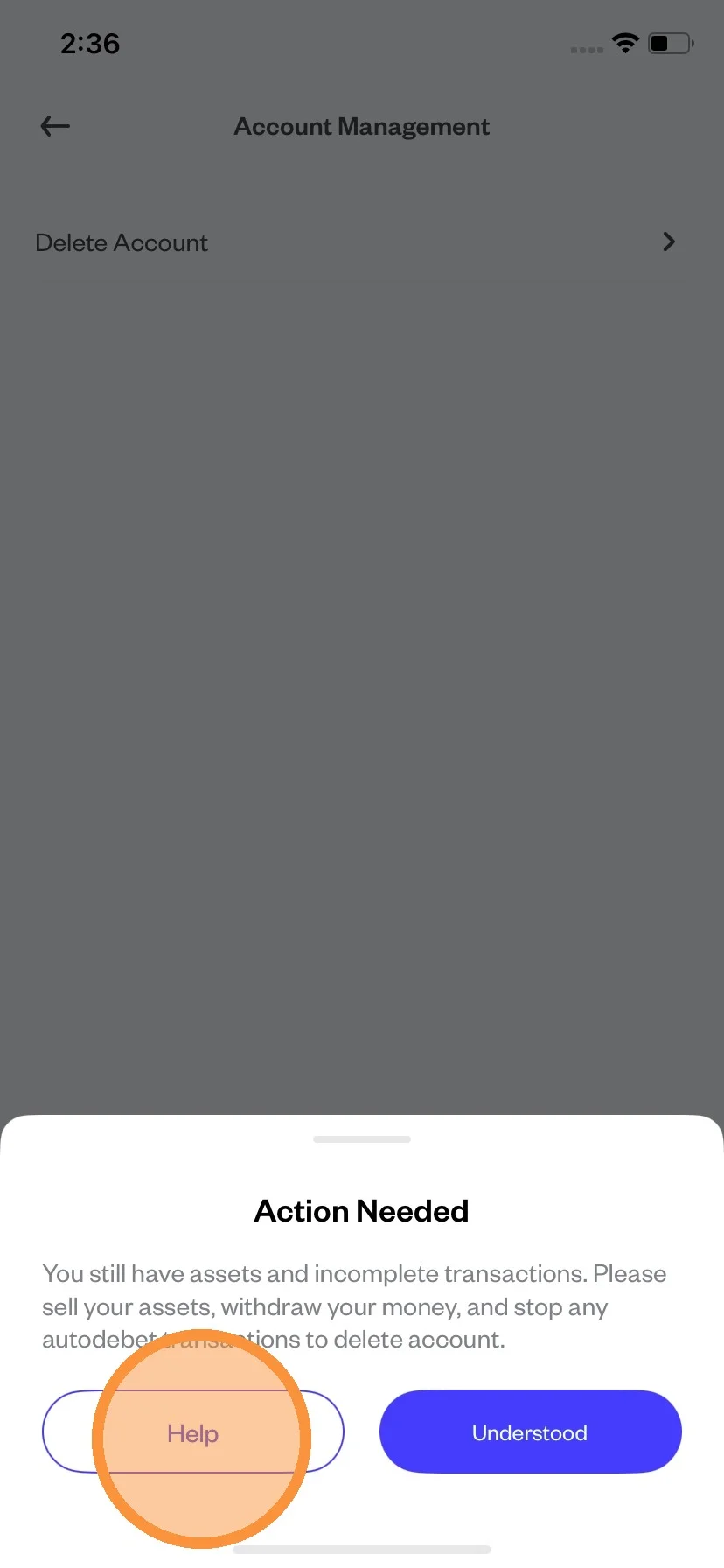
If you still have assets and incomplete transactions, you have to sell your asset, withdraw your balance and stop any ongoing Auto-Invest.
Scroll and read the Terms and Conditions.
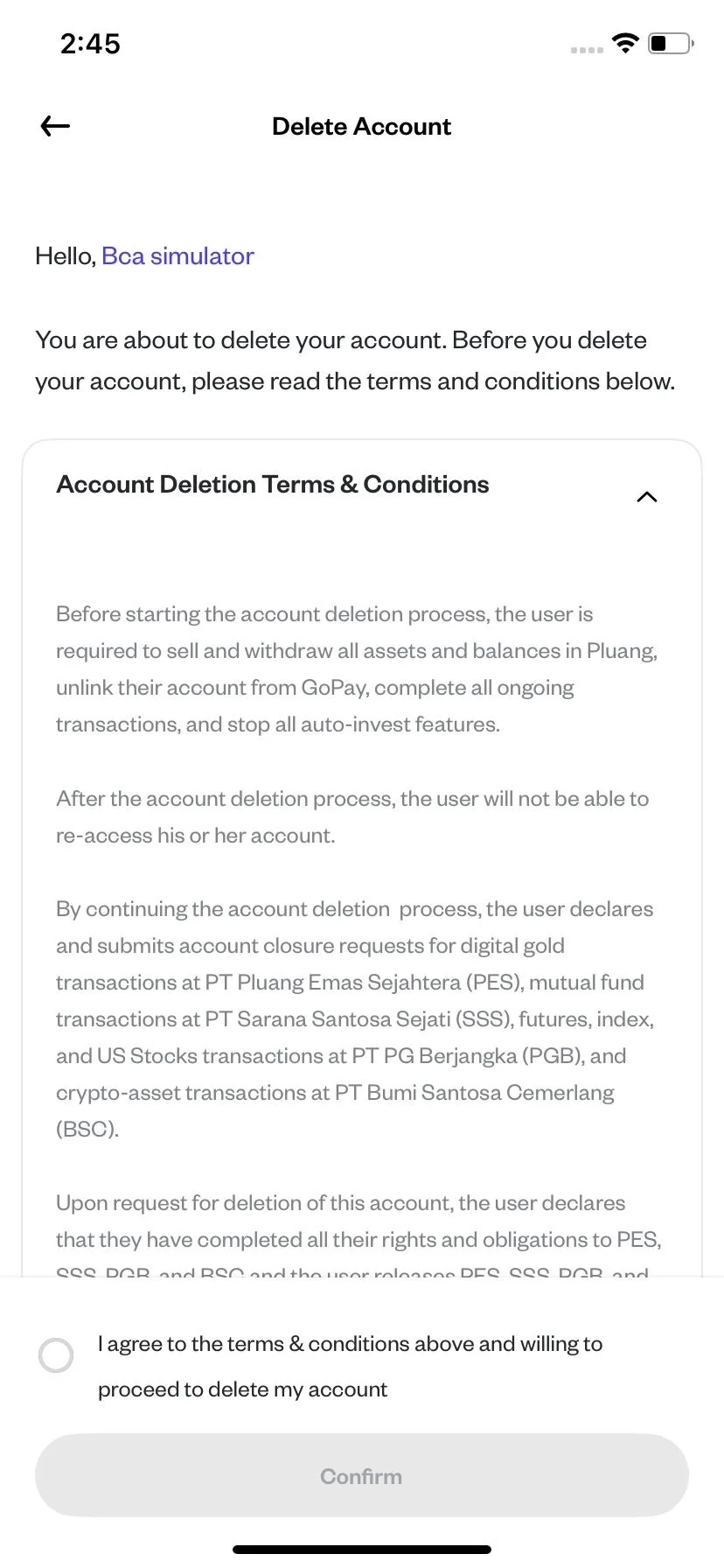
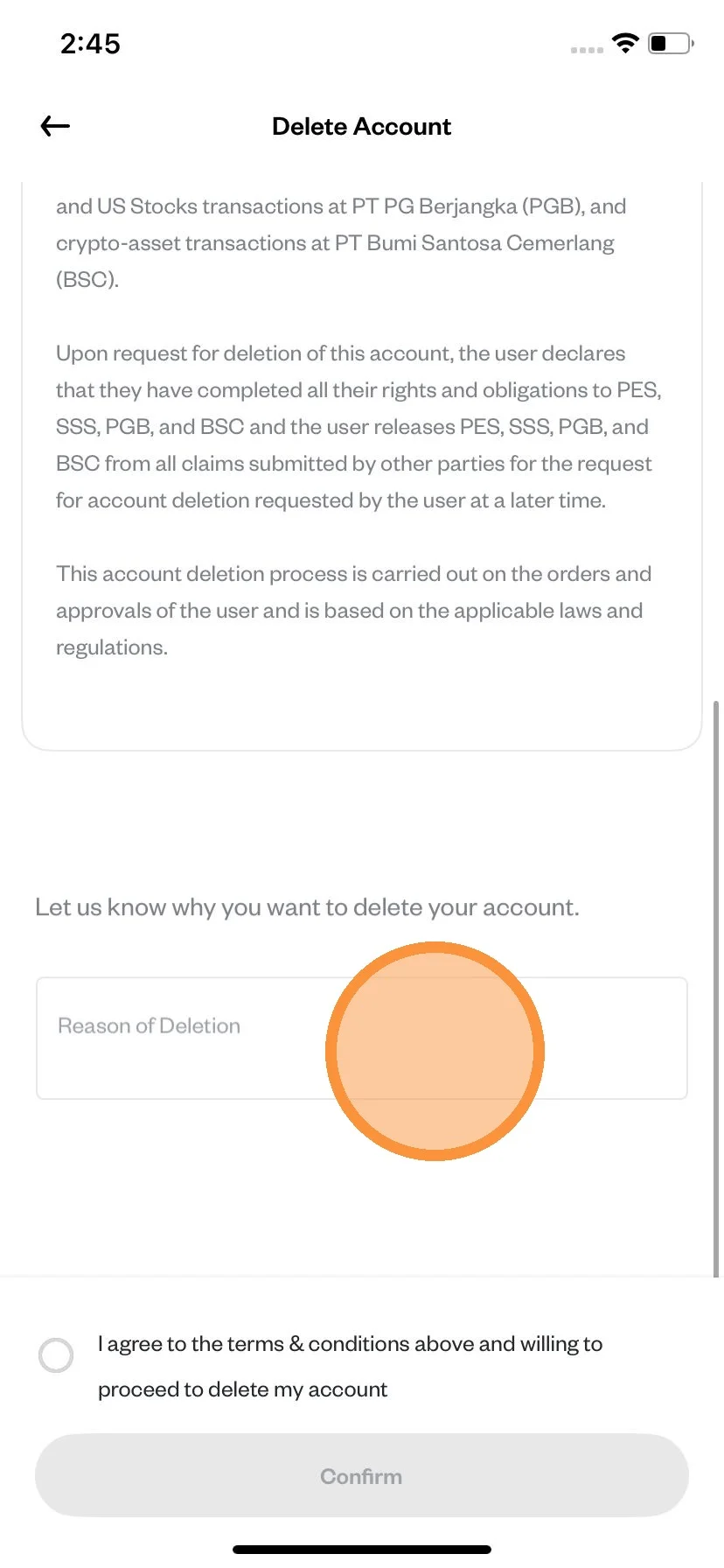
Write the reason you want to deactivate your account.
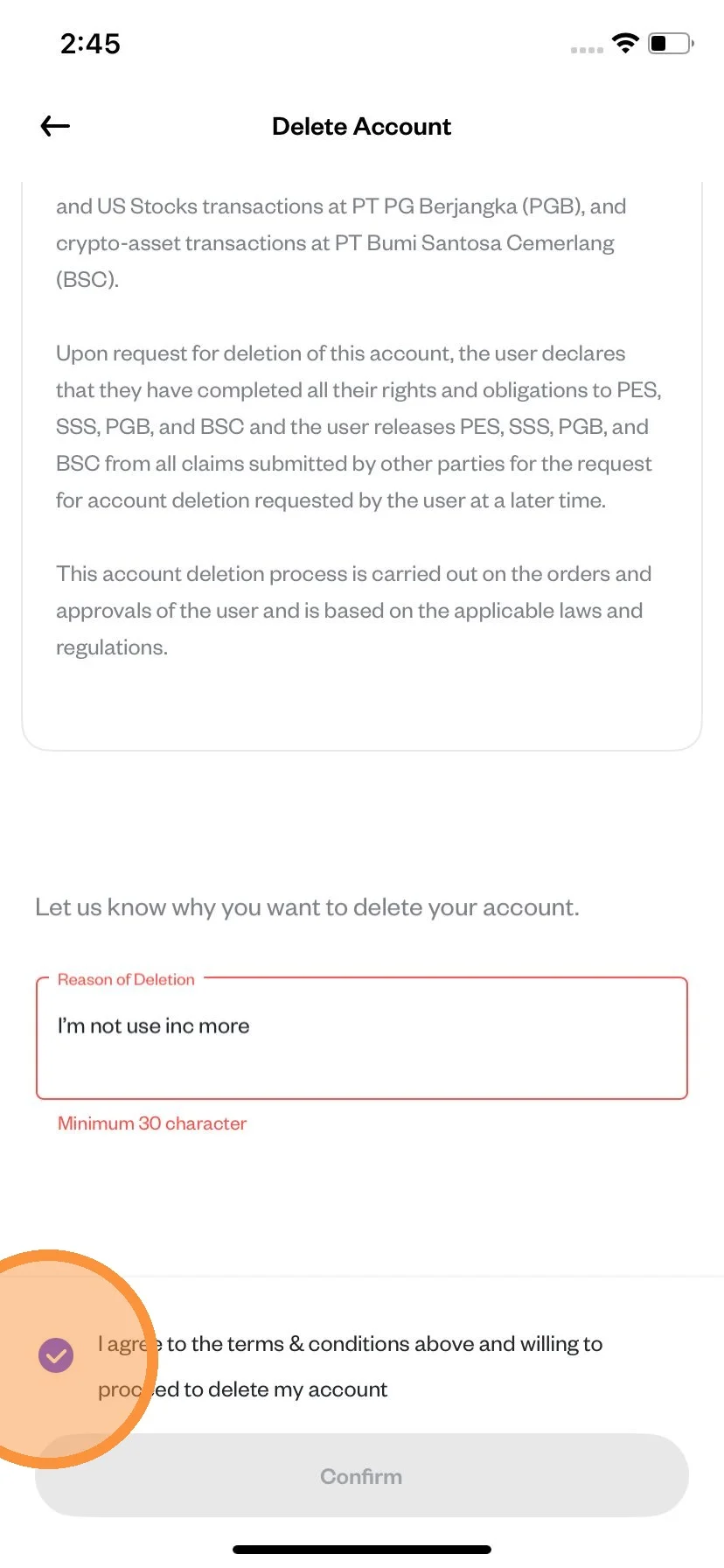
After you've done reading, give check mark to the agreement.
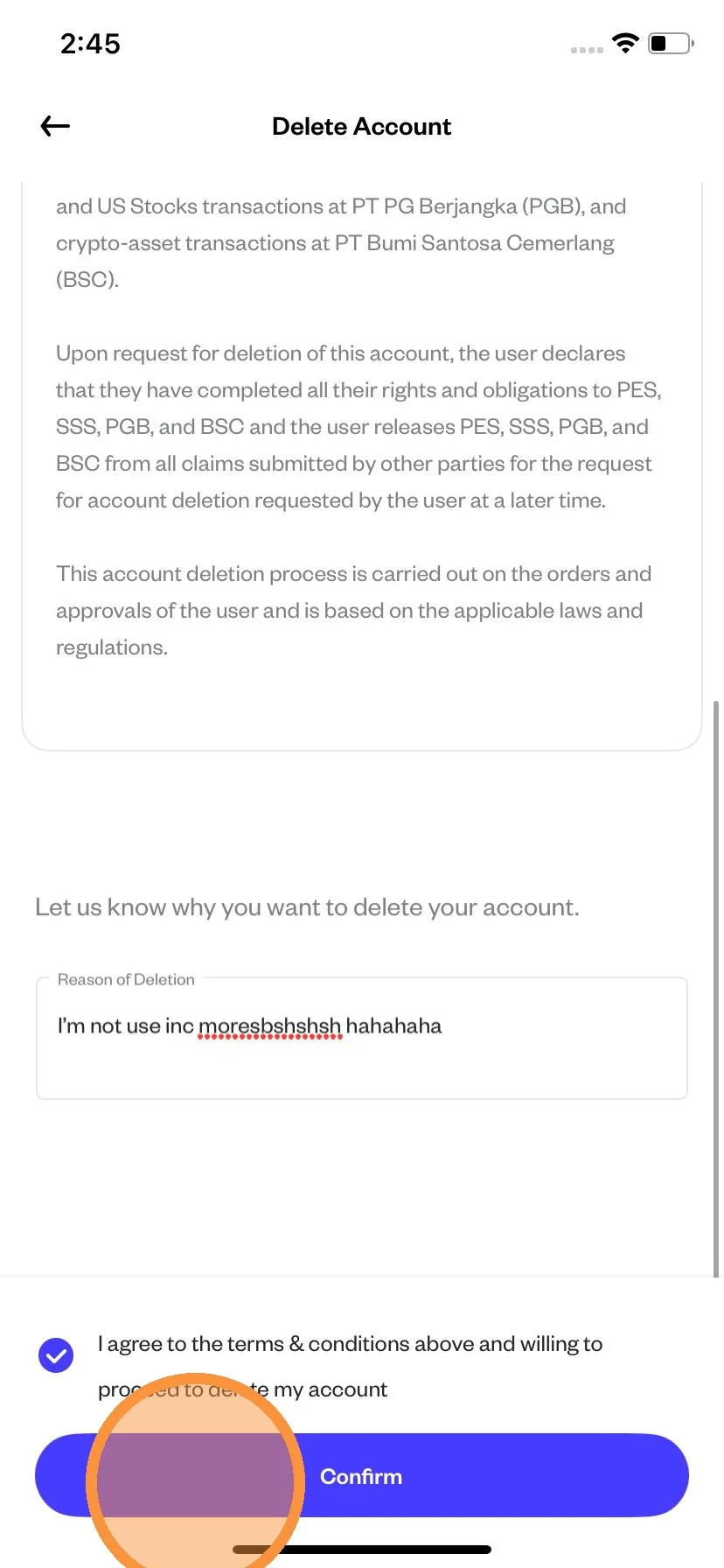
After that click "Confirm".
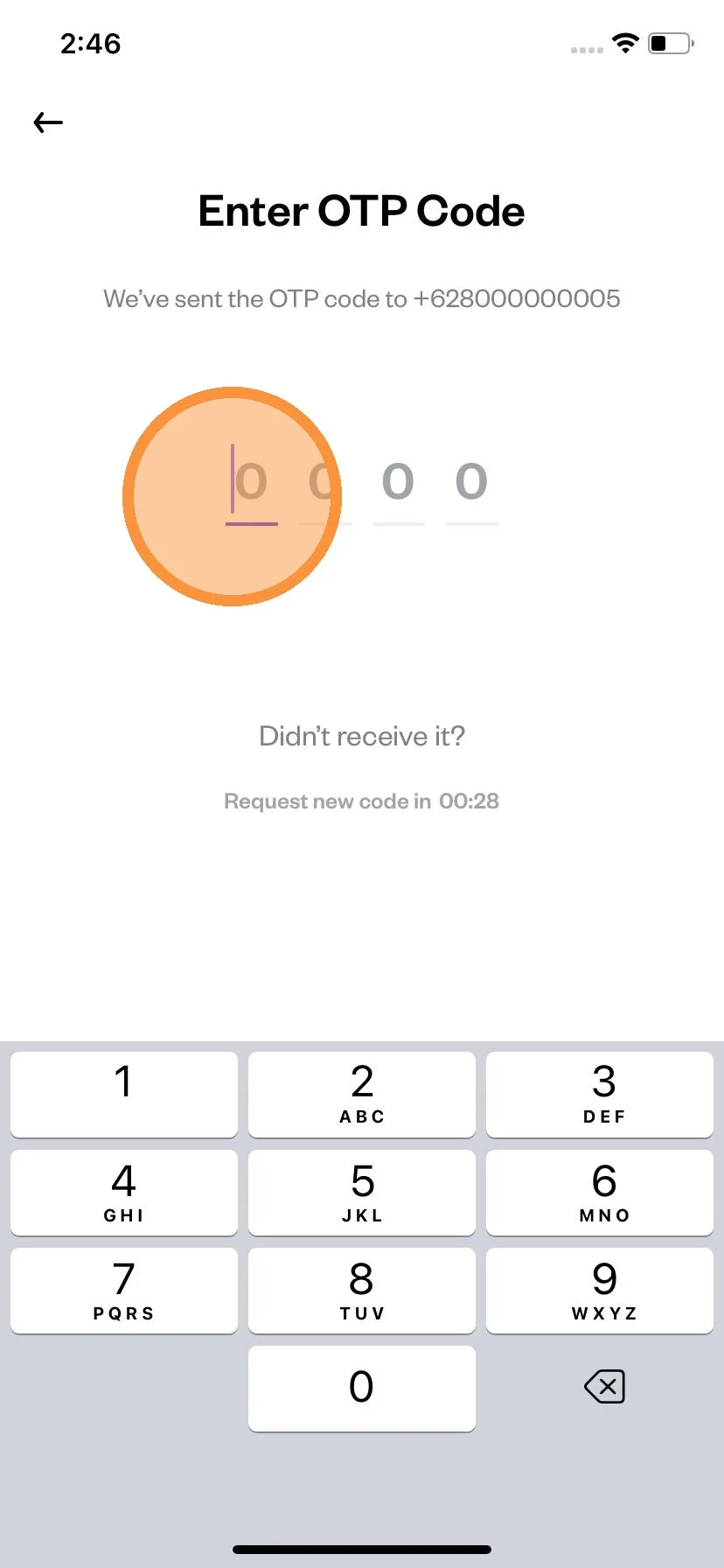
Enter the OTP number that sent to your registered number.
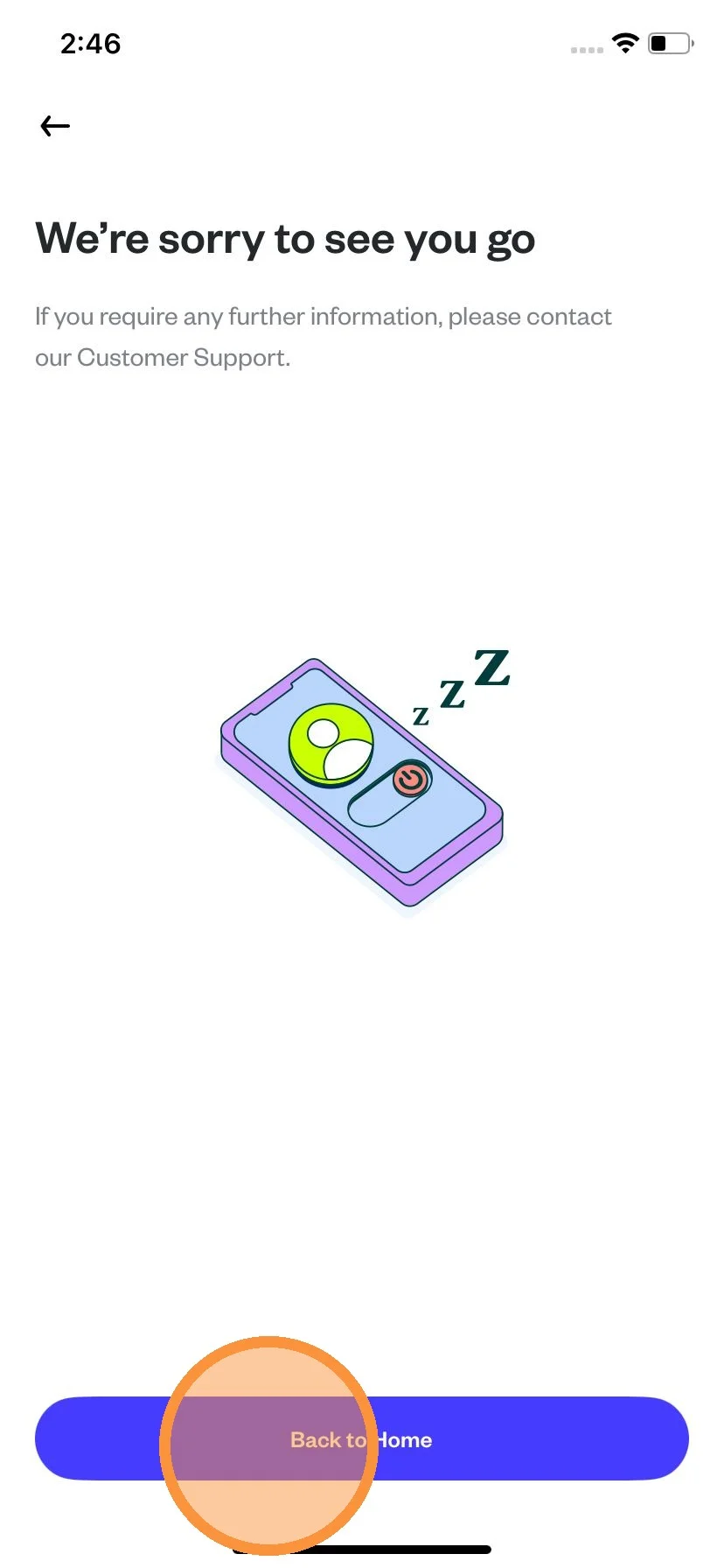
Click on "Back to Home" and then you done.