



Does Pluang have a stock watchlist or price monitoring feature?
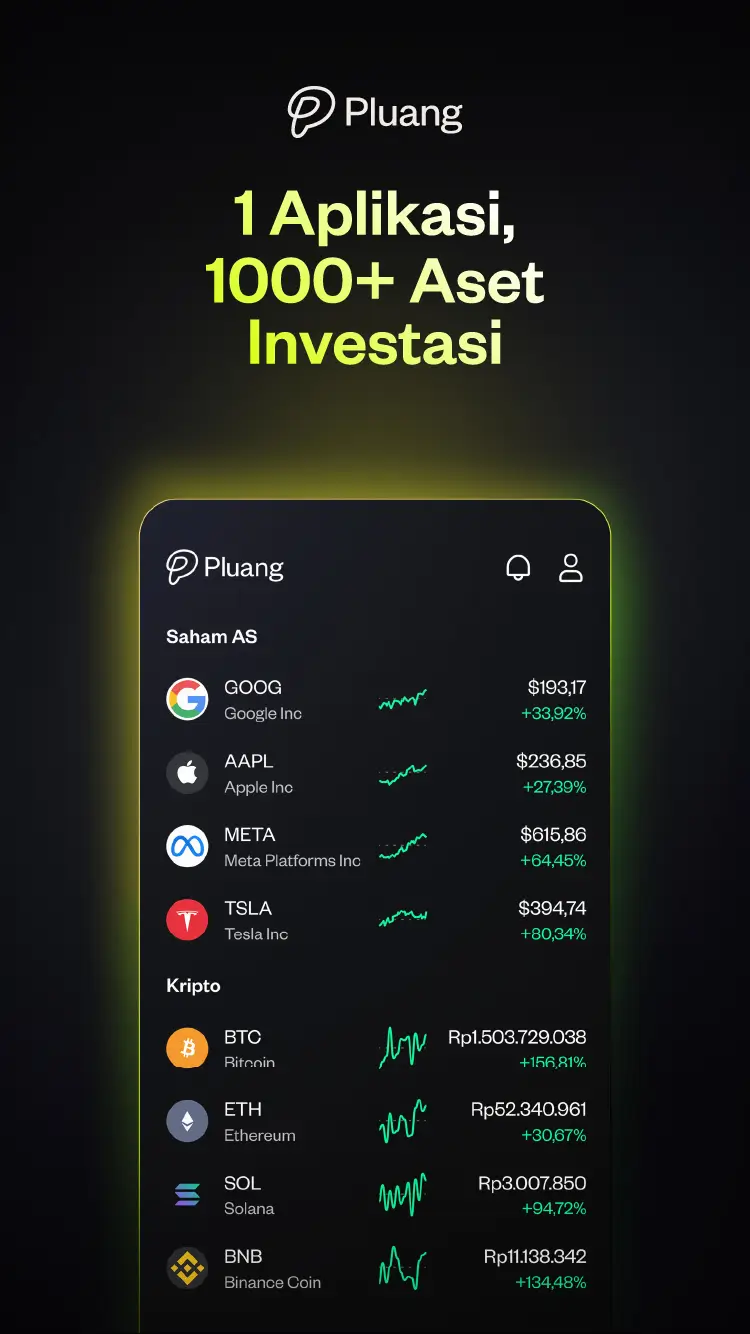
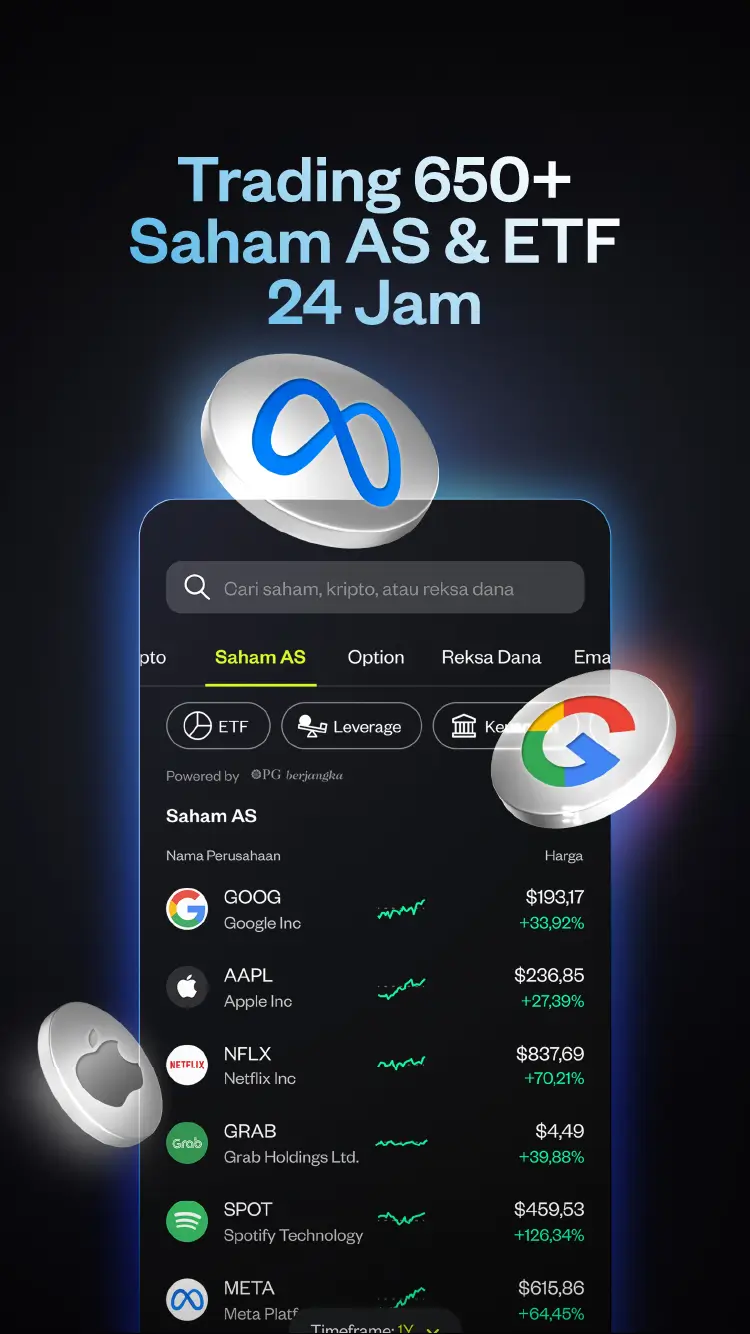
Yes. Pluang includes a watchlist feature that lets you save and track stocks with live price updates. You can add both Indonesian (IDX) and US stocks to the same watchlist, making it simple to monitor your interests and investment opportunities from a single view.
How to use the Pluang watchlist
- Open the detail page of any stock you want to track
- Tap the star/bookmark icon to add it to your watchlist
- Access your watchlist from the home screen or Watch menu
- The watchlist shows real-time prices and daily percentage changes for each stock
Related questions:
Q: How many stocks can I add to my Pluang watchlist?
You can create your own customised watchlist and add multiple stocks to it. The watchlist is fully flexible — add and remove stocks at any time based on your interests.
Q: Can I track both IDX and US stocks in the same watchlist?
Yes. The Pluang watchlist supports stocks from both the IDX (ID) and US exchanges in one unified view.
Q: Does Pluang support price alerts from the watchlist?
Yes. Pluang supports price alerts — you can set a target price for a stock and receive a push notification when that price is reached.
Q: Is my watchlist saved if I switch devices?
Yes. Your watchlist is synced to your Pluang account and will be available on any device you log into.